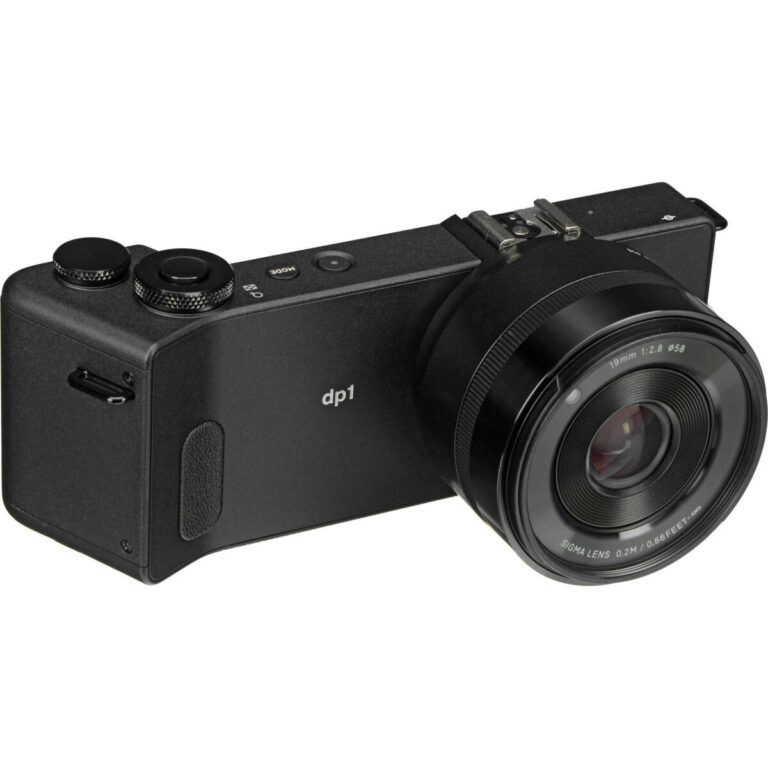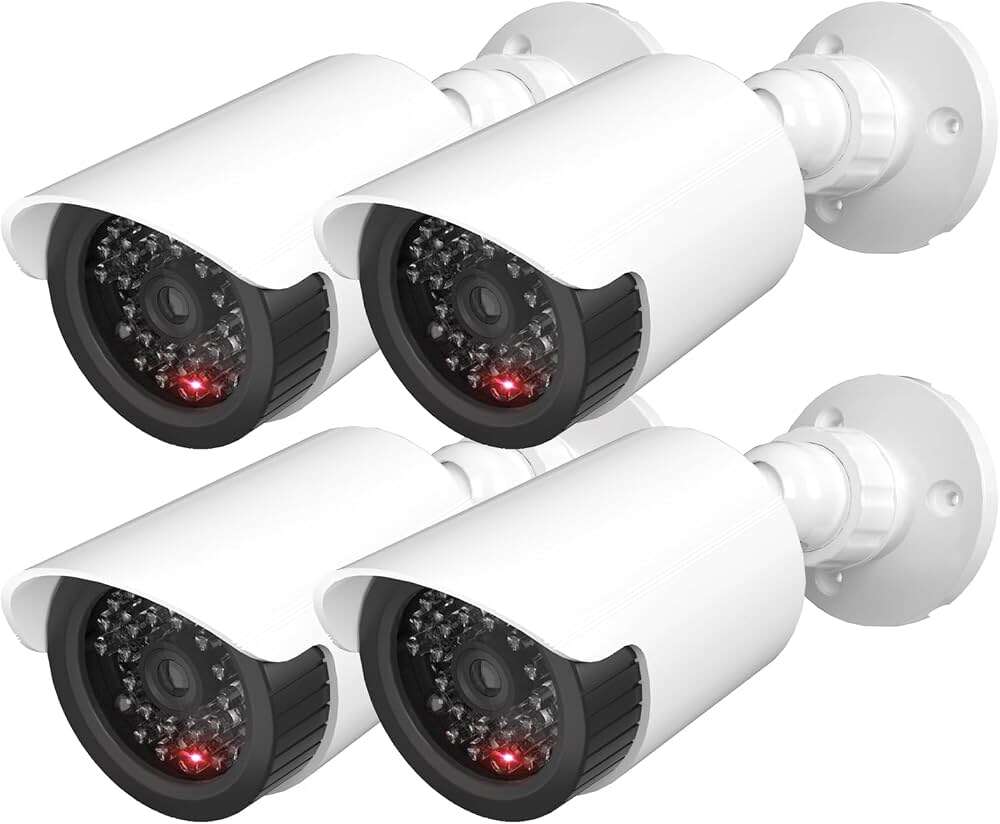
Cameras look zoomed out because wide lenses capture more of the scene than your eyes expect.
If you are wondering why do cameras look zoomed out, the answer usually involves lens focal length, sensor size, screen previews, and the difference between human vision and a camera’s field of view. This guide explains the real causes, shows how to fix the problem, and shares practical tips for phones, webcams, mirrorless cameras, DSLRs, and security cameras.
Why Do Cameras Look Zoomed Out?
The main reason cameras look zoomed out is that the lens captures a wider field of view than you expected. A wider view includes more space around your subject, so the person or object appears smaller in the frame.
Your eyes also affect your judgment. Human vision does not work like a single camera lens. Your brain combines information from both eyes and focuses attention on one area. A camera records a fixed rectangle all at once. This can make the image feel more distant.
A camera may look zoomed out for several reasons:
• The lens has a short focal length.
• The camera sensor is smaller than expected.
• The app uses a wide angle lens by default.
• The preview shows more of the frame than the saved image.
• The camera is farther away than it seems.
• Digital stabilization crops the image differently.
• The display uses a different aspect ratio.
In simple terms, the camera is often not zooming out by itself. It is showing a wider view than the one you had in mind.

How Focal Length Changes the View
Focal length is one of the most important answers to why do cameras look zoomed out. It is measured in millimeters, such as 16mm, 24mm, 35mm, 50mm, or 85mm.
A short focal length gives you a wide view. A long focal length gives you a narrow view that looks closer.
Here is a simple guide:
• 12mm to 20mm: Ultra wide view, often used for landscapes and action cameras.
• 24mm to 28mm: Wide view, common on smartphones.
• 35mm: Moderately wide view for travel and street photos.
• 50mm: Natural looking view on a full frame camera.
• 85mm and higher: Narrow view that makes subjects look closer.
The numbers can be confusing because the same lens can look different on different sensors. A 24mm lens on a full frame camera is wide. On a crop sensor camera, it gives a narrower equivalent view.
When why do cameras look zoomed out is linked to focal length, switching to a longer lens or selecting a telephoto camera can solve the issue quickly.

The Difference Between Wide Angle and Telephoto Cameras
Most modern smartphones have several cameras. The main camera may use a wide lens, while another camera offers optical telephoto zoom.
The wide camera captures more of the room. This helps with group photos and small spaces, but it can make faces and objects seem farther away.
The telephoto camera captures less of the scene. It makes your subject fill more of the frame without moving the camera closer. This is optical zoom, which usually keeps more detail than digital zoom.
Many phones label their camera choices like this:
• 0.5x: Ultra wide camera.
• 1x: Main camera.
• 2x, 3x, or 5x: Telephoto or cropped view.
If why do cameras look zoomed out on your phone, check whether the camera is set to 0.5x. Tap 1x or a higher zoom level and compare the result.
However, not every zoom button uses a separate lens. Some phones crop the main sensor image. This can reduce detail, especially in low light.
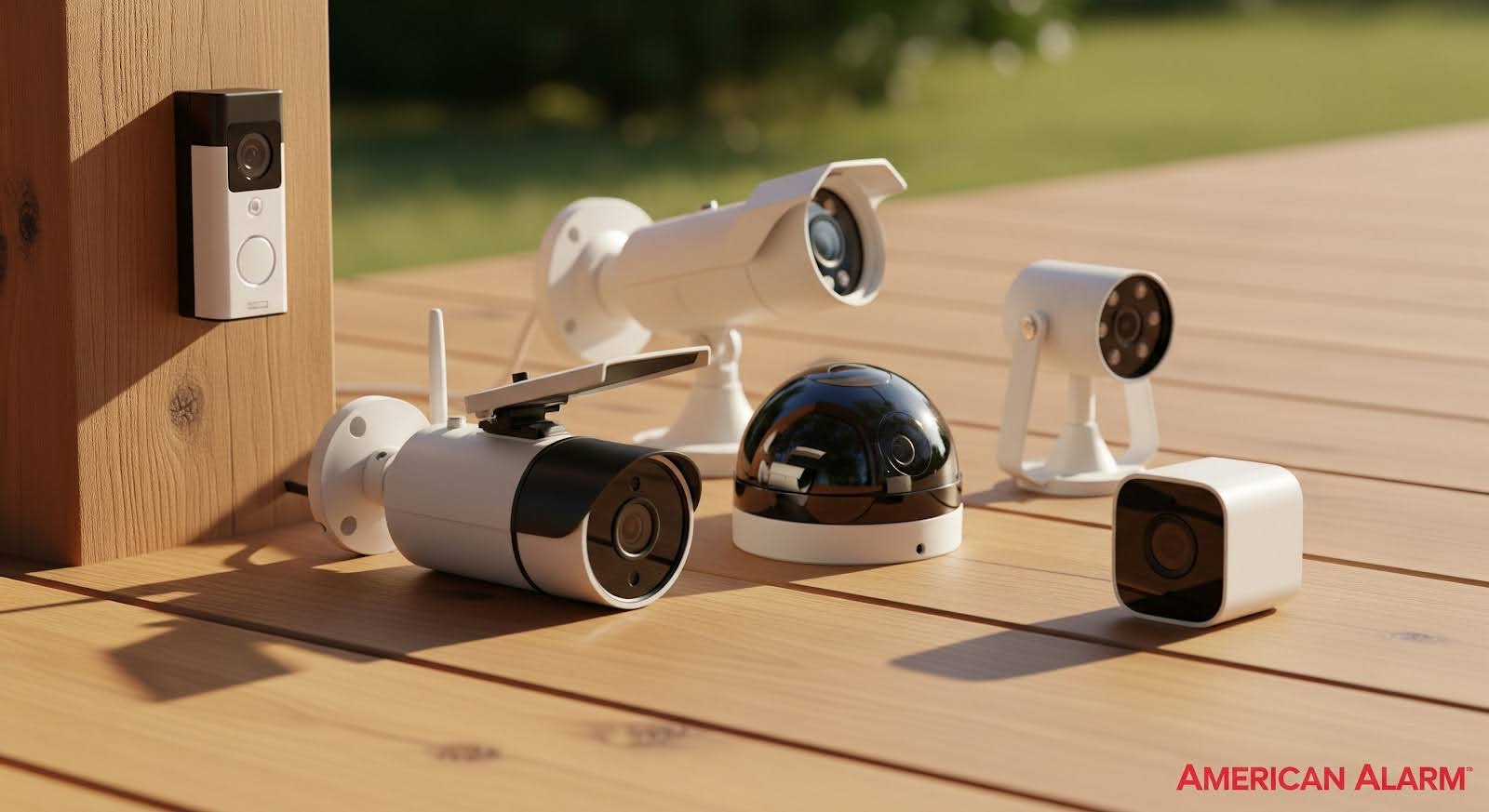
Why Phone Cameras Often Look More Zoomed Out
Phone cameras are designed to be useful in many settings. Manufacturers often choose wide lenses because people can take photos in tight rooms, on trips, or with large groups.
The tradeoff is that a wide phone camera can make the subject look small. This effect is especially clear when you hold the phone at arm’s length for a selfie.
Phone camera processing can also change the result. The camera app may combine several images, correct lens distortion, or crop the edges. The view in the preview may not match the final photo exactly.
To reduce the zoomed out look on a phone:
-
Use the 1x camera instead of 0.5x.
-
Move closer while keeping the phone at eye level.
-
Try 2x optical zoom if your phone offers it.
-
Avoid extreme wide angle settings for portraits.
-
Check the camera’s aspect ratio and crop settings.
-
Clean the lens so soft edges do not make the image feel distant.
One practical lesson from testing phone cameras is that moving closer is not always the best fix. Moving too close with a wide lens can stretch facial features. A small amount of optical zoom often produces a more natural portrait.

Why Selfies Look Zoomed Out
Selfies can look zoomed out because the front camera often uses a wide lens. The phone needs to fit your face and part of your upper body into the frame while you hold it at a short distance.
The arm’s length gap is another factor. When the phone is close to you, a wide lens may show much more of the background. Your face then occupies less of the image.
Selfie cameras may also use automatic lens switching. Some phones change the view when you select a group selfie or use a wider framing option.
Try these steps:
• Turn off the wide selfie setting.
• Use a selfie stick to place the phone farther away.
• Select a standard or narrower field of view.
• Use the rear camera with a timer for better quality.
• Keep your face near the center of the frame.
A farther camera position with a slightly longer focal length usually creates a more balanced face shape. This is why professional portraits rarely use an ultra wide lens close to the subject.

Why Webcams Look Zoomed Out
Webcams often look zoomed out because they use wide angle lenses. A wide view helps the camera show your head, shoulders, desk, and background during video calls.
This design is useful when the webcam sits close to your face. It can still feel too wide when the camera is placed on a laptop screen or monitor.
Video call software may add another layer. Some apps automatically fit the full camera image into a window. Others crop the image to match a 16:9 or square layout.
To make a webcam look closer:
• Move the webcam nearer to eye level.
• Place it slightly farther from your face, then use a digital crop.
• Select a narrower field of view in the webcam software.
• Use a camera with a longer lens.
• Disable wide angle or group framing modes.
• Reduce the visible background through software settings.
Be careful with digital zoom. It enlarges pixels rather than adding real optical detail. A modest crop often looks fine, but heavy digital zoom can make the video soft and noisy.
Why Cameras Look Zoomed Out on Video Calls
If why do cameras look zoomed out during a video call, the app may be showing the full sensor area. It may also be using a wide lens to prevent your head from being cut off.
Some platforms use automatic framing. The software may zoom in when one person is present and zoom out when more people enter the frame. Virtual backgrounds and face tracking can also change the crop.
Internet bandwidth may affect the display as well. A video call can reduce resolution or change framing to keep the connection stable. The local preview and the image received by another person may not be identical.
Check these settings:
• Camera selection.
• Field of view.
• Automatic framing.
• Original ratio or widescreen ratio.
• Digital zoom.
• Background and portrait effects.
A useful test is to open the camera in a basic app outside the video platform. If the image looks normal there, the video call software is probably changing the crop.

How Sensor Size Affects Camera Zoom
Sensor size is another key part of why do cameras look zoomed out. A sensor is the light sensitive surface inside the camera. Its size affects the field of view and the equivalent focal length.
A full frame sensor is larger than an APS C sensor. A Micro Four Thirds sensor is smaller still. The same lens produces a different angle of view on each format.
For example, a 50mm lens gives a traditional view on a full frame camera. On a smaller sensor, it shows a narrower portion of the scene. This is often described as a crop factor.
Common approximate crop factors include:
• Full frame: 1x.
• APS C: About 1.5x to 1.6x.
• Micro Four Thirds: About 2x.
A smaller sensor does not always make a camera look zoomed out. In fact, with the same lens, it usually shows a tighter view. Confusion happens when people compare cameras using lens numbers alone instead of equivalent focal lengths.

Why the Camera Preview and Final Photo Look Different
Sometimes the camera preview looks zoomed out, but the saved image appears closer. This can happen because the phone or camera uses a different aspect ratio for the final file.
For example, the sensor may record a 4:3 image, while the display shows a 16:9 preview. The wider preview can reveal more of the scene than the final crop.
Image stabilization can create another difference. Electronic stabilization crops the edges of video to reduce shaking. The result may look more zoomed in than the original preview.
Other causes include:
• Automatic portrait cropping.
• High resolution mode changes.
• HDR image merging.
• Lens correction.
• Video stabilization.
• Social media app cropping.
Always test the saved file, not just the preview. If the final image matters, take a sample photo and open it in your gallery before changing your setup.
Why Wide Lenses Can Distort People and Objects
A wide lens does not simply make everything smaller. It changes how space is shown. Objects close to the lens appear much larger than objects farther away.
This can stretch a face near the edge of the frame. A person may look wider, while the background seems to spread away from the center.
The effect is strongest when:
• The camera is very close to the subject.
• The subject is near the frame edge.
• The lens is ultra wide.
• The camera points up or down.
• The image is corrected poorly by software.
For natural looking people photos, keep faces near the center and step back slightly. Then use a small amount of optical zoom. This method often looks better than placing an ultra wide lens close to someone.
In my own camera testing, the most common mistake is not the lens itself. It is placing a wide camera too close and then trying to fix the result with heavy cropping.
How to Fix a Camera That Looks Zoomed Out
The best fix depends on whether the problem comes from the lens, distance, settings, or software.
Try this basic process:
-
Check the zoom number. Avoid 0.5x or ultra wide mode.
-
Select the main camera at 1x.
-
Try optical zoom, such as 2x or 3x.
-
Move closer without placing the subject at the edge.
-
Change the camera position to eye level.
-
Check the aspect ratio.
-
Turn off automatic wide framing.
-
Test the saved photo or video.
-
Compare the image in another app.
-
Reset camera settings if the behavior seems unusual.
Do not assume that moving closer always improves the image. With a wide lens, it can make perspective distortion worse. A better solution may be to move back and use a longer focal length.
Camera Settings That Control How Close the Image Looks
Several settings can affect the apparent zoom level. The names differ by brand, but the basic controls are similar.
Look for these options:
• Lens selection: Choose wide, standard, or telephoto.
• Field of view: Select a narrow view when available.
• Aspect ratio: Compare 4:3, 16:9, and full screen modes.
• Stabilization: Strong stabilization may crop the image.
• Digital zoom: Use it sparingly.
• Auto framing: Turn it off when you want a fixed view.
• Portrait mode: Check whether it applies a crop.
• Resolution: Some high resolution modes use a different lens.
Camera apps may remember the last lens or zoom setting. This can make the camera appear to change behavior from one session to the next.
If why do cameras look zoomed out happens only in one app, the app settings are more likely responsible than the camera hardware.
Optical Zoom Versus Digital Zoom
Optical zoom changes the view through the lens. It can bring a subject closer while preserving more detail.
Digital zoom enlarges a section of the image. It does not truly bring the subject closer. It can still be useful in good light, but too much digital zoom may produce a blurry or blocky result.
Here is the basic difference:
• Optical zoom uses lens movement or a different camera.
• Digital zoom crops and enlarges pixels.
• Hybrid zoom combines optical and digital methods.
• Crop factor changes the field of view through sensor size.
Use optical zoom when possible. If your camera has no telephoto lens, move closer or crop later from a high resolution file.
A small digital crop is usually harmless. The problem starts when the crop removes most of the original image.
Why Some Security Cameras Look Too Far Away
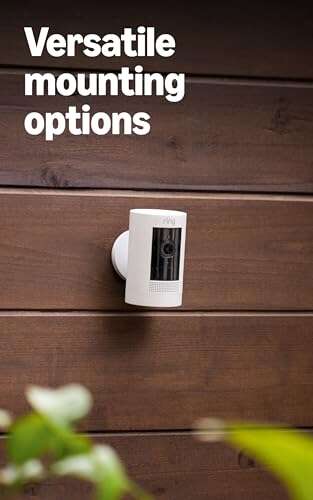
Security cameras often use wide lenses so they can cover a large area. This reduces blind spots but makes people and objects look smaller.
A camera mounted high on a wall may also point across a large space. Even a person standing several feet away can appear distant when the lens covers a broad area.
For security use, the goal is not always a close looking image. Coverage and identification are different goals. A wide camera may show that someone entered a room, but a narrower camera may be better for recognizing a face.
To improve identification:
• Choose a camera with a narrower field of view.
• Mount it closer to the entry point.
• Use a higher resolution sensor.
• Aim the camera at face height where practical.
• Add a dedicated zoom camera for long distances.
• Keep lighting strong and even.
Avoid relying on digital zoom after recording. If the original image has too few pixels on the subject, software cannot recreate missing detail.
How Distance Changes the Feeling of Zoom
Distance can make a camera seem zoomed out even when the lens is normal. If you move the camera away from the subject, the subject occupies fewer pixels in the frame.
This sounds obvious, but it is easy to miss during setup. A camera mounted above a monitor may sit much farther away than a phone held in your hand.
Try marking the camera position on the floor. Take one photo from the normal position, then move the camera a foot closer and compare the subject size. This simple test often explains the issue faster than changing many settings.
Perspective also changes with distance. Moving the camera changes the relationship between the foreground and background. Zooming with a longer lens from farther away keeps the perspective more compressed.
Common Mistakes That Make Cameras Look Zoomed Out
Many apparent camera problems come from setup mistakes rather than broken equipment.
Avoid these errors:
• Leaving the camera in 0.5x mode.
• Comparing a phone photo with a mirror view.
• Using a wide lens for a close portrait.
• Standing too far from the subject.
• Ignoring the crop factor.
• Judging only the preview window.
• Using a large digital crop.
• Placing the subject at the edge of the frame.
• Forgetting that video stabilization crops the image.
• Assuming all 1x settings use the same lens.
A quick reset can help. Return to the main lens, use a standard aspect ratio, turn off extra effects, and take a test image in good light.
When a Zoomed Out Camera Is Actually Useful
A wide view is not always a problem. It can be the right tool for many situations.
Wide lenses work well for:
• Group photos.
• Small rooms.
• Real estate images.
• Travel scenes.
• Landscapes.
• Vlogging.
• Sports action.
• Vehicle and helmet cameras.
• Video calls with several people.
The wider frame gives context. It tells the viewer where the subject is and what surrounds it. A narrow view may look closer, but it can remove important details.
The best camera view depends on your goal. Use a wide lens to show space. Use a telephoto lens to emphasize a person, object, or distant detail.
Frequently Asked Questions About Why Do Cameras Look Zoomed Out
Why does my phone camera look zoomed out at 0.5x?
The 0.5x setting uses the phone’s ultra wide lens. It captures much more of the scene, so your subject appears smaller and farther away.
Why does my camera look zoomed out compared with a mirror?
A mirror shows a close, familiar view from a specific distance, while a camera may use a wider lens and a different position. The image also freezes perspective in a way your brain does not experience in real time.
How do I make my camera look less zoomed out?
Choose the 1x or telephoto setting, move closer carefully, or use a narrower field of view. For portraits, stepping back and using optical zoom often gives the most natural result.
Why does my webcam look so wide?
Most webcams use wide lenses so they can show your head and upper body from a short distance. Use a narrower field of view, move the camera farther away, or apply a modest software crop.
Is digital zoom the same as optical zoom?
No. Optical zoom changes the lens view, while digital zoom enlarges part of the image. Optical zoom usually preserves more detail and produces a cleaner result.
Why does the saved photo look different from the camera preview?
The camera may crop the image to fit a different aspect ratio or apply stabilization and lens correction. Compare the original saved file with the preview to see which part of the frame changed.
Does a bigger camera sensor make the image look closer?
Not by itself. The lens focal length and sensor size work together to determine the field of view. A larger sensor can look wider with the same lens, while a smaller sensor can create a tighter equivalent view.
Conclusion
Cameras look zoomed out mainly because wide lenses capture more of the scene, especially on phones, webcams, and security cameras. Focal length, sensor size, camera distance, aspect ratio, stabilization, and software cropping can all change how close the image feels.
Start by checking the lens setting. Switch from ultra wide to the main camera, test optical zoom, and compare the saved image rather than relying only on the preview. With a few simple changes, you can create a tighter view without losing natural perspective or image quality.
Try these steps with your camera today, then explore your device’s field of view settings to find the look that best fits your photos and videos.

Everett Ashford is a tech reviewer at mytechgrid.com specializing in SSDs, cameras, TVs, earbuds, headphones, and other consumer electronics. He provides honest, data-driven reviews based on hands-on testing and real-world performance analysis. Everett simplifies complex tech details to help readers make smart, confident buying decisions.