Digital cameras capture light with an electronic sensor, giving you more control, speed, and image quality than most phones.
Knowing what to know about digital cameras helps you choose the right model, use it with confidence, and avoid paying for features you do not need. The key areas are sensor size, lens choice, exposure settings, autofocus, image quality, battery life, and how the camera fits your real life. This guide explains each one in clear terms, with practical advice for beginners and experienced shooters.
What Is a Digital Camera?
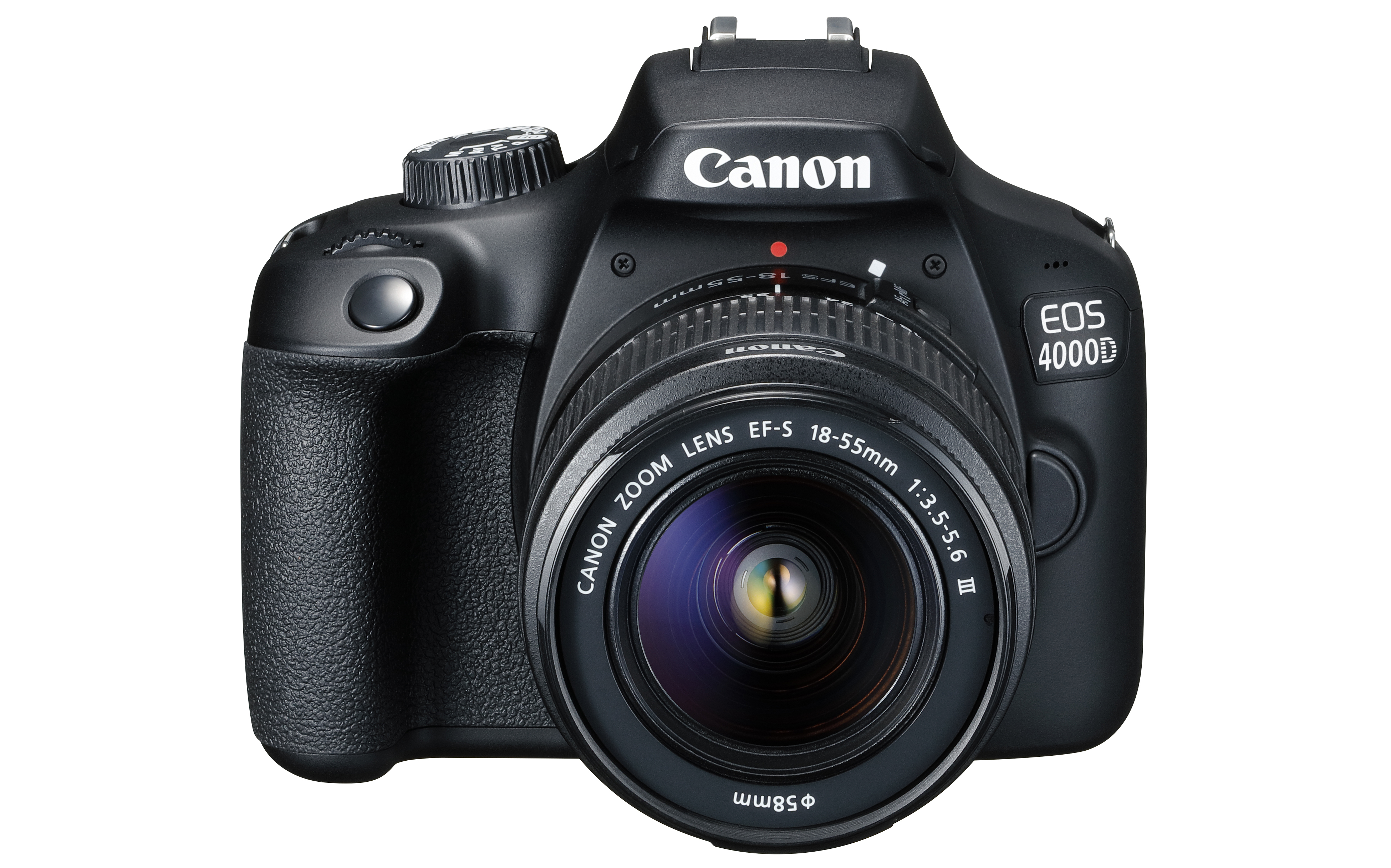
A digital camera records photos as electronic data instead of using film. Light enters through the lens and reaches an image sensor, which turns that light into a digital image. The camera then saves the file to a memory card.
This basic process sounds simple, but many parts affect the result. The lens controls how much of the scene you see. The sensor affects detail, noise, and low-light performance. The camera processor turns raw sensor data into a finished JPEG or other image file.
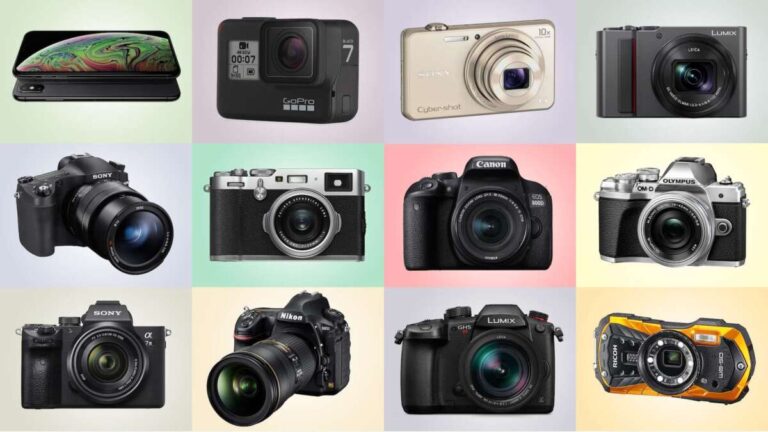
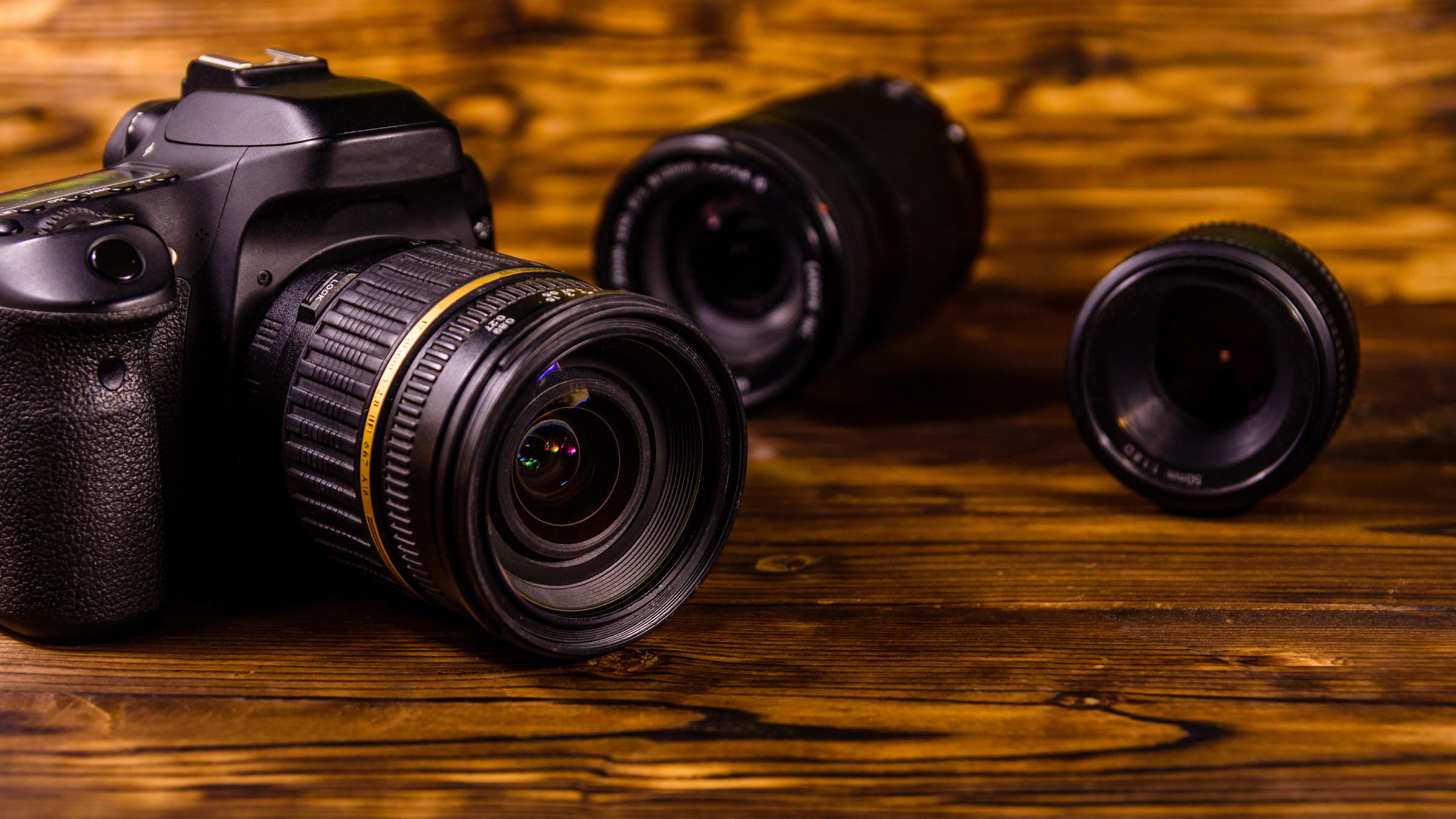
Understanding what to know about digital cameras starts with knowing the main camera types:
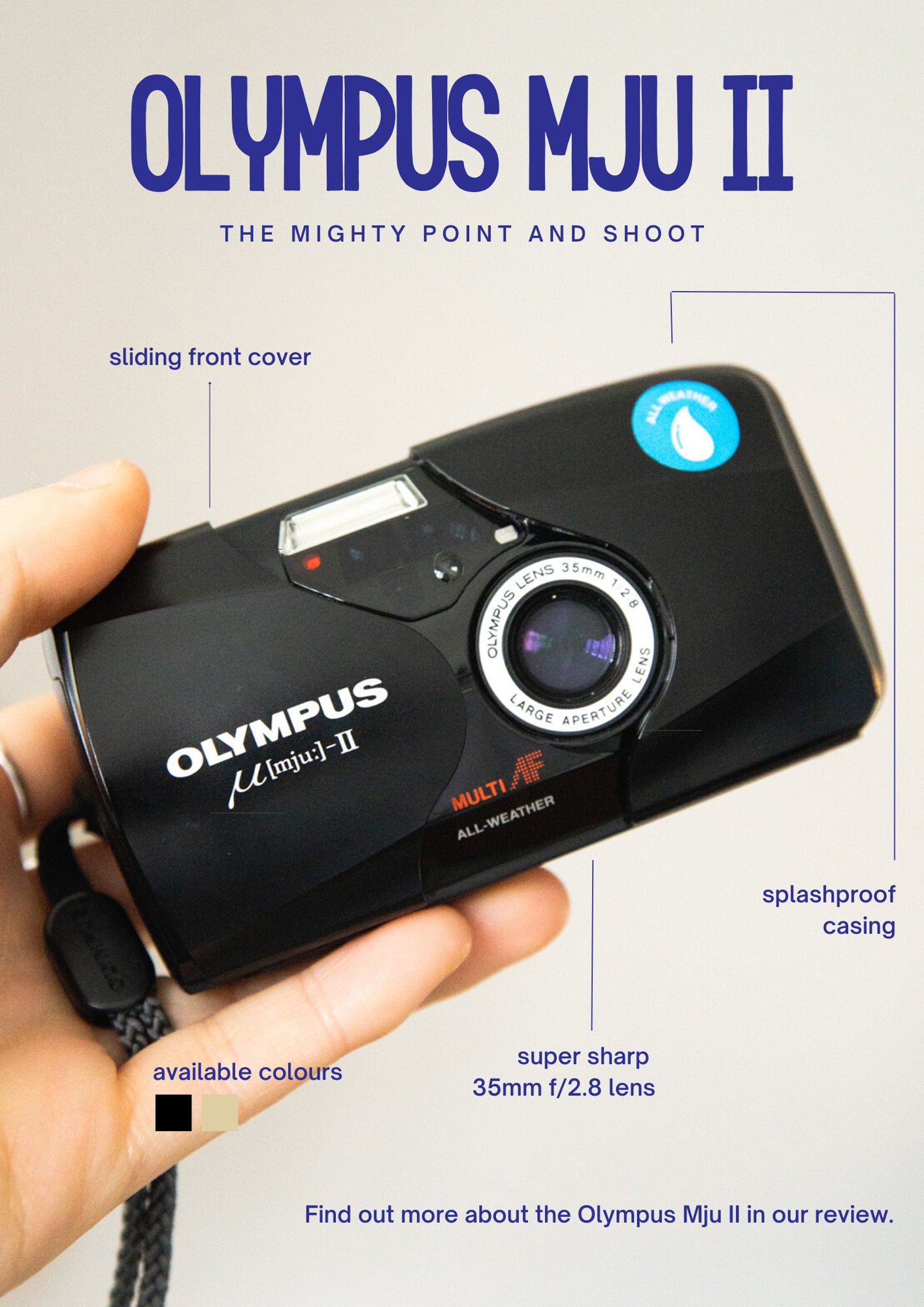
• Compact cameras have fixed lenses and small bodies. They are easy to carry but often offer less control.
• Bridge cameras look like small digital single-lens reflex cameras, or DSLRs. They usually have a large zoom range and a fixed lens.
• Mirrorless cameras use interchangeable lenses but have no optical mirror system. They are often lighter and include strong video features.
• DSLR cameras use a mirror and optical viewfinder. They remain capable, although mirrorless models now lead much of the new camera market.
• Medium-format cameras use larger sensors than full-frame models. They can produce outstanding detail but cost more and are less portable.
A digital camera is not automatically better than a smartphone. A phone may produce excellent images through software, multiple lenses, and computational photography. A dedicated camera becomes more useful when you need a larger sensor, a real zoom lens, fast controls, stronger background blur, or better performance in difficult light.

How a Digital Camera Creates an Image
The image-making process begins when light passes through the lens. The aperture controls the size of the opening inside the lens. The shutter controls how long the sensor receives light. The ISO setting controls how strongly the camera amplifies the signal.
These three controls form the exposure triangle:
• Aperture affects brightness and depth of field.
• Shutter speed affects brightness and motion blur.
• ISO affects brightness and can increase visible noise.
Think of exposure like filling a cup with water. Aperture is the size of the tap, shutter speed is how long you leave it open, and ISO is like making the cup appear fuller without adding more water. Each choice solves one problem but may create another.
For example, a wide aperture such as f/1.8 lets in more light and can blur the background. A fast shutter speed such as 1/1000 second can freeze a runner. A high ISO can help in a dark room, but it may add grain or color noise.
Modern cameras often use automatic modes to balance these settings. Auto mode is useful, but learning aperture priority, shutter priority, and manual mode gives you more creative control.

Camera Sensor Size and Image Quality
Sensor size is one of the most important things to know about digital cameras. The sensor is the light-sensitive surface that records the image. A larger sensor usually gathers more light and gives you more control over background blur.
Common sensor sizes include:
• 1/2.3-inch sensors, often found in basic compact cameras.
• 1-inch sensors, used in advanced compact cameras and some bridge models.
• Micro Four Thirds sensors, used by several mirrorless systems.
• APS-C sensors, common in enthusiast mirrorless and DSLR cameras.
• Full-frame sensors, similar in size to a frame of 35mm film.
• Medium-format sensors, which are larger than full frame.
Sensor size affects more than megapixels. A large sensor can often produce cleaner images at high ISO settings. It can also create a shallower depth of field, which helps separate a person from the background.
Still, a larger sensor is not always the best choice. A full-frame camera may be heavier and more expensive. An APS-C or Micro Four Thirds camera may be easier to carry on a trip. The best camera is the one you will actually use.
A smaller sensor can also offer more depth of field. This can help with travel, wildlife, and street photography because more of the scene may remain sharp.

Megapixels: How Much Resolution Do You Need?
Megapixels describe the number of pixels in an image. A 24-megapixel camera creates a file with about 24 million pixels. More pixels can provide more detail and give you room to crop.
However, megapixels do not tell the whole story. Lens quality, sensor design, focus accuracy, lighting, and camera technique also affect sharpness. A well-exposed 20-megapixel image can look better than a blurry 45-megapixel image.
More resolution is helpful when you:
• Print large photos.
• Crop wildlife or sports images.
• Photograph products with fine detail.
• Need flexibility for commercial work.
Moderate resolution may be better when you:
• Store many photos on a laptop or cloud service.
• Want smaller files.
• Shoot long events and need to save space.
• Share most images online.
What to know about digital cameras here is simple: do not buy megapixels alone. Choose a balanced system with a good lens, reliable autofocus, and a sensor that suits your work.
Lens Choice Matters More Than Many Beginners Expect
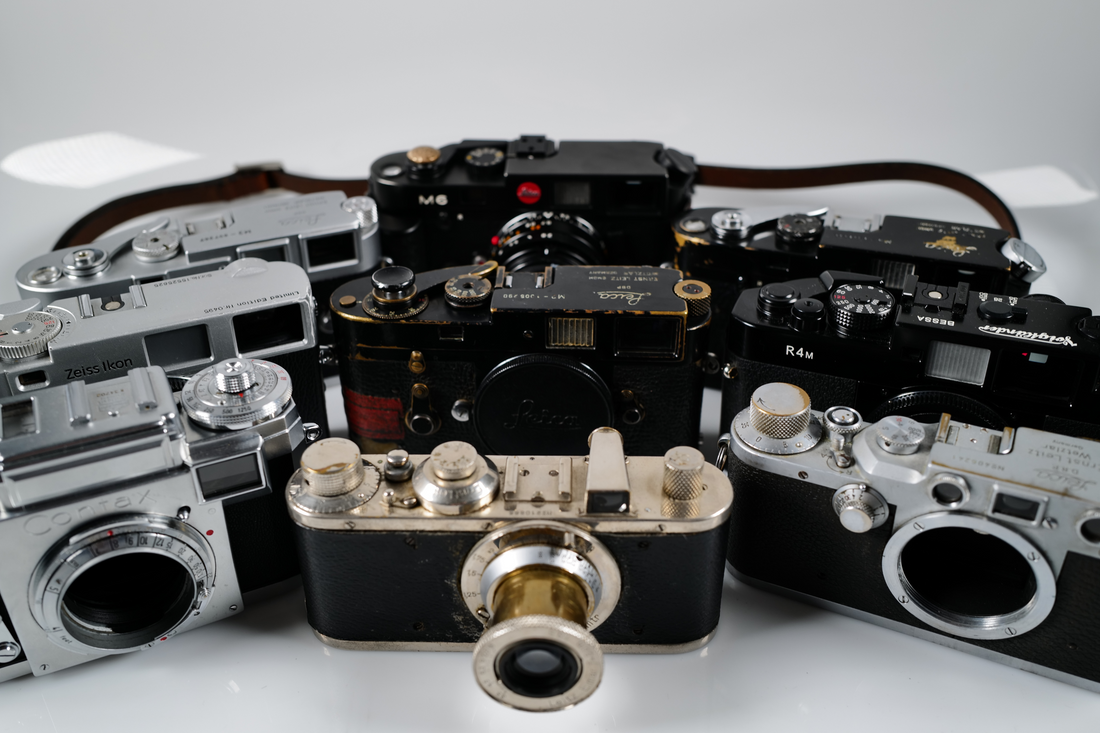
The lens determines the camera’s angle of view, brightness, depth of field, and much of its character. A camera body is only one part of the system. The lens is the eye of the camera.
A 24mm lens shows a wide view. It works well for landscapes, architecture, and small indoor spaces. A 50mm lens offers a natural-looking view and is popular for portraits and everyday photography. An 85mm lens is a classic portrait choice because it can flatter facial features and create background separation.
Zoom lenses offer flexibility. A 24–70mm lens can cover wide scenes and short portraits. A 70–200mm lens is useful for sports, events, and wildlife. Prime lenses have one fixed focal length, but they are often smaller, sharper, and brighter for the price.
Pay attention to maximum aperture:
• f/1.4 and f/1.8 lenses work well in low light and create strong background blur.
• f/2.8 zoom lenses offer a useful mix of brightness and flexibility.
• f/4 and slower lenses may be lighter and less expensive.
One of the most practical lessons in what to know about digital cameras is to budget for lenses. A modest camera with a good lens can outperform an expensive camera with a weak or unsuitable lens.
Autofocus and Manual Focus
Autofocus systems detect subjects and adjust the lens to make them sharp. Modern digital cameras may include contrast detection, phase detection, subject tracking, and artificial intelligence-based recognition.
Useful autofocus features include:
• Single autofocus for still subjects.
• Continuous autofocus for moving subjects.
• Face and eye detection for people.
• Animal detection for pets and wildlife.
• Vehicle detection for motorsports.
• Subject tracking for sports and action.
For a still landscape, single autofocus is usually enough. For a child running across a yard, continuous autofocus with subject tracking may work better.
Autofocus is not perfect. It can choose the wrong subject, struggle in low light, or lose track of fast movement. A practical habit is to check the focus area before pressing the shutter. Many missed photos happen because the camera focused on a nearby branch, fence, or background instead of the subject.
Manual focus still has value. It is useful for macro work, astrophotography, video, and scenes where autofocus keeps hunting. Focus peaking, magnified live view, and distance scales can make manual focus easier.
Exposure Modes and Camera Settings
Most cameras include several exposure modes. Each mode gives you a different level of control.
• Program mode chooses aperture and shutter speed for you but allows some adjustments.
• Aperture priority lets you choose the aperture while the camera selects the shutter speed.
• Shutter priority lets you choose the shutter speed while the camera selects the aperture.
• Manual mode lets you set aperture, shutter speed, and ISO yourself.
• Auto mode handles nearly every decision.
Aperture priority is a strong starting point. Choose a wide aperture for a soft background or a narrow aperture for more scene detail. Then watch the shutter speed to make sure it is not too slow for handheld photography.
Shutter priority is useful for motion. Use a fast speed to freeze action. Use a slower speed to show movement as a blur. A waterfall may look smooth at 1/10 second, while a bird in flight may need 1/2000 second or faster.
ISO should remain as low as practical, but a sharp image with some noise is better than a clean image ruined by motion blur. This is one of the most useful things to know about digital cameras: exposure choices should serve the subject, not follow rigid rules.
JPEG, RAW, and Image Files
Digital cameras commonly save images as JPEG, RAW, or both.
JPEG files are processed inside the camera. They are smaller, easy to share, and ready to use. The camera applies settings such as sharpening, color, contrast, and noise reduction.
RAW files preserve much more original sensor information. They give you greater control over exposure, white balance, highlights, shadows, and color during editing. RAW files are larger and need software for processing.
Use JPEG when:
• You need quick sharing.
• You do not plan to edit heavily.
• Storage space is limited.
Use RAW when:
• You want maximum editing control.
• You shoot high-contrast scenes.
• You photograph important events or paid work.
• You want to preserve a digital negative.
Many photographers use RAW plus JPEG. This offers a ready-to-share file and an editable file, but it uses more storage.
RAW does not rescue every mistake. It cannot fully repair missed focus, severe motion blur, or completely empty shadow detail. Good technique still matters.

Image Stabilization and Low-Light Photography
Image stabilization reduces the effect of camera movement. It may be built into the lens, the camera body, or both. Some systems use sensor-shift stabilization, which moves the sensor to counter small movements.
Stabilization helps with still subjects at slow shutter speeds. It does not freeze a moving person. If your subject moves, you still need a faster shutter speed.
For low-light photography:
-
Use a wide-aperture lens when possible.
-
Hold the camera firmly and use good posture.
-
Increase ISO when a slow shutter would cause blur.
-
Use a tripod for still scenes.
-
Turn off stabilization when the camera is firmly mounted if the manual recommends it.
A tripod can transform night photography. It lets you use a low ISO and slow shutter speed for clean, detailed images. But it is not always practical, especially at events or while traveling.
Video Features to Consider
Many people buy a digital camera for both photos and video. Important video features include resolution, frame rate, autofocus, stabilization, microphone input, headphone monitoring, and recording limits.
Common recording options include:
• 4K video for detailed footage.
• Full HD for smaller files and easier editing.
• 24 frames per second for a film-like look.
• 30 frames per second for general video.
• 60 frames per second for smoother motion or slow-motion editing.
Video creates large files and generates heat. Some cameras may stop recording after a set time or reduce performance when they become warm. Check independent reviews for real-world heat tests instead of relying only on a specification sheet.
Sound matters as much as image quality. A camera with a microphone input gives you the option to use an external microphone. Clean audio can make a simple video feel far more professional.
Battery Life, Storage, and Camera Care
Battery life depends on the camera, temperature, screen use, autofocus, stabilization, and video recording. Mirrorless cameras often use more power because the electronic viewfinder and screen remain active.
Carry at least one spare battery if you plan to shoot for several hours. Keep batteries warm in cold weather, and use the correct charger designed for your camera.
Memory cards also need care. Choose a card with enough capacity and a suitable speed rating. Fast cards are especially important for high-resolution video and long bursts of photos.
Follow these basic care habits:
• Format cards in the camera after backing up your files.
• Avoid removing a card while the camera is writing.
• Keep the camera away from moisture, dust, and extreme heat.
• Use a protective filter or lens hood when appropriate.
• Clean the lens with a blower and proper cloth.
• Back up important photos in at least two places.
A camera bag protects the equipment, but it can also make you leave the camera at home. A small, practical setup often leads to more photos than a heavy kit filled with unused accessories.
Mirrorless Cameras vs. DSLR Cameras
The difference between mirrorless and DSLR cameras is mainly the viewing and mirror system.
A DSLR uses a mirror to reflect light into an optical viewfinder. When you take a picture, the mirror moves out of the way so light can reach the sensor. A mirrorless camera sends the image directly to the sensor and displays it on an electronic viewfinder or screen.
Mirrorless advantages include:
• Smaller and lighter bodies in many systems.
• Real-time previews of exposure and white balance.
• Strong video features.
• Fast electronic shutters and quiet shooting options.
• Advanced subject recognition in many models.
DSLR advantages include:
• Long battery life in some models.
• Large used-camera selection.
• Optical viewing with no electronic display delay.
• Many affordable lenses on the secondhand market.
Neither system guarantees better photos. A skilled photographer can create excellent work with either. What to know about digital cameras is that the system, lens range, comfort, and long-term cost matter more than the label on the front.
How Much Should You Spend?
Digital camera prices range from a few hundred dollars for basic used models to several thousand dollars for professional bodies. More money can provide better autofocus, weather sealing, faster shooting, larger sensors, and improved video.
Before buying, divide your budget among the full system:
• Camera body.
• One or two lenses.
• Extra battery.
• Memory card.
• Camera bag.
• Tripod, if needed.
• Editing software or storage.
A beginner may do well with an entry-level APS-C or Micro Four Thirds camera and a kit zoom lens. Someone who photographs weddings may need reliable autofocus, dual card slots, strong low-light performance, and weather protection. A wildlife photographer may prioritize a long telephoto lens over a high-resolution body.
Used equipment can offer excellent value. Check the shutter count when possible, inspect the sensor and lens glass, test every control, and buy from a seller with a clear return policy. Avoid deals that seem too good to be true.
Common Mistakes to Avoid
Understanding what to know about digital cameras also means knowing what can go wrong. Many problems come from buying based on specifications instead of actual needs.
Avoid these mistakes:
• Buying the most expensive body before choosing useful lenses.
• Treating megapixels as the only measure of image quality.
• Using a slow shutter speed for moving subjects.
• Leaving the camera in Auto mode without learning exposure basics.
• Ignoring battery and storage needs.
• Shooting only from eye level.
• Failing to back up important photos.
• Carrying too much equipment.
• Expecting editing software to fix every technical error.
Composition matters as much as equipment. Move closer, change your height, check the edges of the frame, and look for distracting backgrounds. A basic camera used with care can create a stronger image than an advanced camera used without attention.
A useful practice is to review your photos and ask one question: what would I change next time? This builds skill faster than simply buying new gear.
A Simple Buying Process
If you are unsure which digital camera to buy, use this process.
-
Decide what you photograph most. Consider travel, family events, portraits, sports, wildlife, landscapes, or video.
-
Set a complete budget. Include lenses, batteries, cards, and protection.
-
Choose a sensor size based on portability, low-light needs, and budget.
-
Compare the lens system. Look for affordable lenses that match your goals.
-
Test the camera in your hands if possible. Check the grip, controls, viewfinder, and menu system.
-
Read independent reviews that discuss autofocus, battery life, heat, and real image quality.
-
Buy only the accessories you need at first.
-
Learn one setting at a time and practice often.
Comfort is not a minor detail. If the controls feel confusing or the camera is too heavy, you may avoid using it. A camera should support your creativity rather than become another item that sits in a drawer.
Practical Photography Tips for Better Results
Good technique can improve your photos right away. Start with light. Soft light near a window or during the hour after sunrise often creates flattering results. Harsh overhead sun can create deep shadows, but you can use shade or reflect light to make it softer.
Keep an eye on the background. A beautiful subject can lose impact when a pole appears to grow from someone’s head. Move a few steps, change your angle, or ask the subject to move.
Use the following habits:
• Check focus before shooting.
• Keep important subjects away from the extreme edges.
• Watch bright areas for lost detail.
• Use the histogram when the screen is hard to judge.
• Shoot several frames when timing is critical.
• Clean your lens before important events.
• Review images at full size, not only as tiny thumbnails.
One lesson many photographers learn through practice is that timing often beats technical perfection. A genuine smile, perfect gesture, or brief ray of light may matter more than a small amount of image noise.
Frequently Asked Questions About What to Know About Digital Cameras
Are digital cameras better than smartphones?
Digital cameras can offer larger sensors, better lenses, stronger zoom, and more direct control. Smartphones are often more convenient and use advanced software, so the better choice depends on your subject, priorities, and willingness to carry extra equipment.
What is the best digital camera for a beginner?
The best beginner camera is one that feels comfortable, has reliable autofocus, offers manual controls, and supports affordable lenses. An entry-level mirrorless or DSLR camera with a kit zoom is often a practical starting point.
How many megapixels do I need?
Most people can create high-quality prints and online images with 20 to 30 megapixels. You may want more resolution for large prints, heavy cropping, commercial work, or detailed landscape photography.
Is a mirrorless camera better than a DSLR?
Mirrorless cameras often provide newer autofocus and video features, while DSLRs may offer long battery life and lower used prices. Neither is automatically better; compare the complete system and choose the one that fits your work.
Should I shoot in RAW or JPEG?
JPEG is convenient and ready to share, while RAW gives you more control during editing. Many photographers use both when they want quick previews and maximum flexibility.
Does image stabilization freeze moving subjects?
No. Image stabilization mainly reduces blur caused by your own hand movement. You still need a fast shutter speed to freeze people, animals, vehicles, or sports.
What lens should I buy first?
A standard kit zoom is often the most flexible first lens. If you enjoy portraits or low-light photography, an affordable 50mm or 35mm prime lens can be a useful next step.
Conclusion
What to know about digital cameras comes down to matching the camera system to your goals. Sensor size, lens choice, autofocus, exposure settings, file type, stabilization, battery life, and comfort all shape the experience. More megapixels and a higher price do not guarantee better photos.
Start with the camera you can carry and use often. Learn exposure, watch the light, practice composition, and review your results with curiosity. Explore trusted reviews and local camera stores before buying, then share your questions or photography lessons in the comments.

Everett Ashford is a tech reviewer at mytechgrid.com specializing in SSDs, cameras, TVs, earbuds, headphones, and other consumer electronics. He provides honest, data-driven reviews based on hands-on testing and real-world performance analysis. Everett simplifies complex tech details to help readers make smart, confident buying decisions.