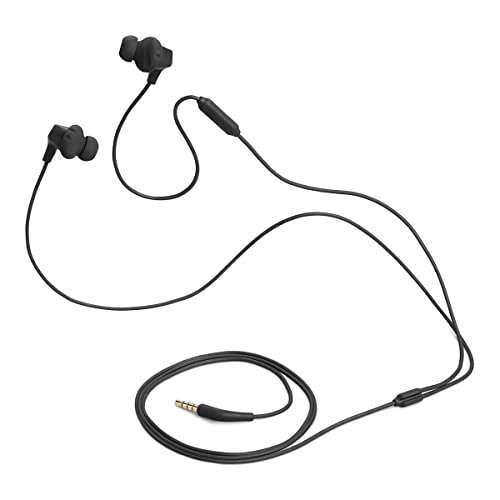
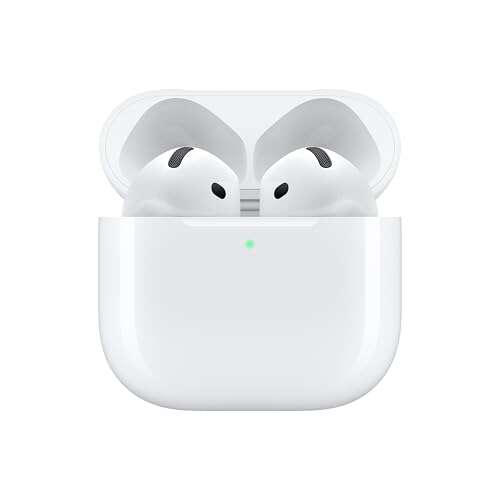
A blue light on earbuds usually shows bluetooth pairing, connection, or an active power state.
Knowing what does the blue light mean on earbuds can save you time and prevent needless resets. In most cases, the light signals that the earbuds are ready to pair or are connected to a device, but the exact meaning changes by brand and model. This guide explains the most common light patterns, what they mean, and what to do when the light does not behave as expected.

What Does the Blue Light Mean on Earbuds?
What does the blue light mean on earbuds? Most often, it means the earbuds are using Bluetooth and are either ready to connect or already connected. Think of the light as a small status message from the earbuds.
The meaning depends on three details:
• Whether the light is solid or flashing
• How fast the light flashes
• Whether the earbuds are inside the charging case
Common meanings include:
• Solid blue: The earbuds may be powered on or connected.
• Slow flashing blue: The earbuds may be searching for a device.
• Fast flashing blue: The earbuds may be in pairing mode.
• Blue and red or blue and white: The earbuds may be ready to pair or may have lost a connection.
• Blue light inside the case: The case may be charging the earbuds or showing its own battery status.
There is no universal LED code for every earbud. One company may use blue for pairing, while another may use blue for a successful connection. Always check the manual for your exact model before treating the light as a definite warning.
Blue Light During Bluetooth Pairing
What does the blue light mean on earbuds when it flashes? In many models, a flashing blue light means the earbuds are searching for a nearby phone, tablet, computer, or other Bluetooth device.
You may see this light when:
• You remove new earbuds from their case for the first time.
• You hold the power or touch button for several seconds.
• You select “Forget This Device” on your phone.
• The earbuds lose their old Bluetooth connection.
• You reset the earbuds to factory settings.
To pair them, open your device’s Bluetooth menu and look for the earbud name. Keep the earbuds close to the device. Bluetooth works best at short range, especially during the first setup.
If the blue light keeps flashing but the earbuds do not appear, turn Bluetooth off and on again. You can also place the earbuds back in the case, close the lid, and try again. This simple step often clears a temporary pairing error.
Blue Light When Earbuds Are Connected
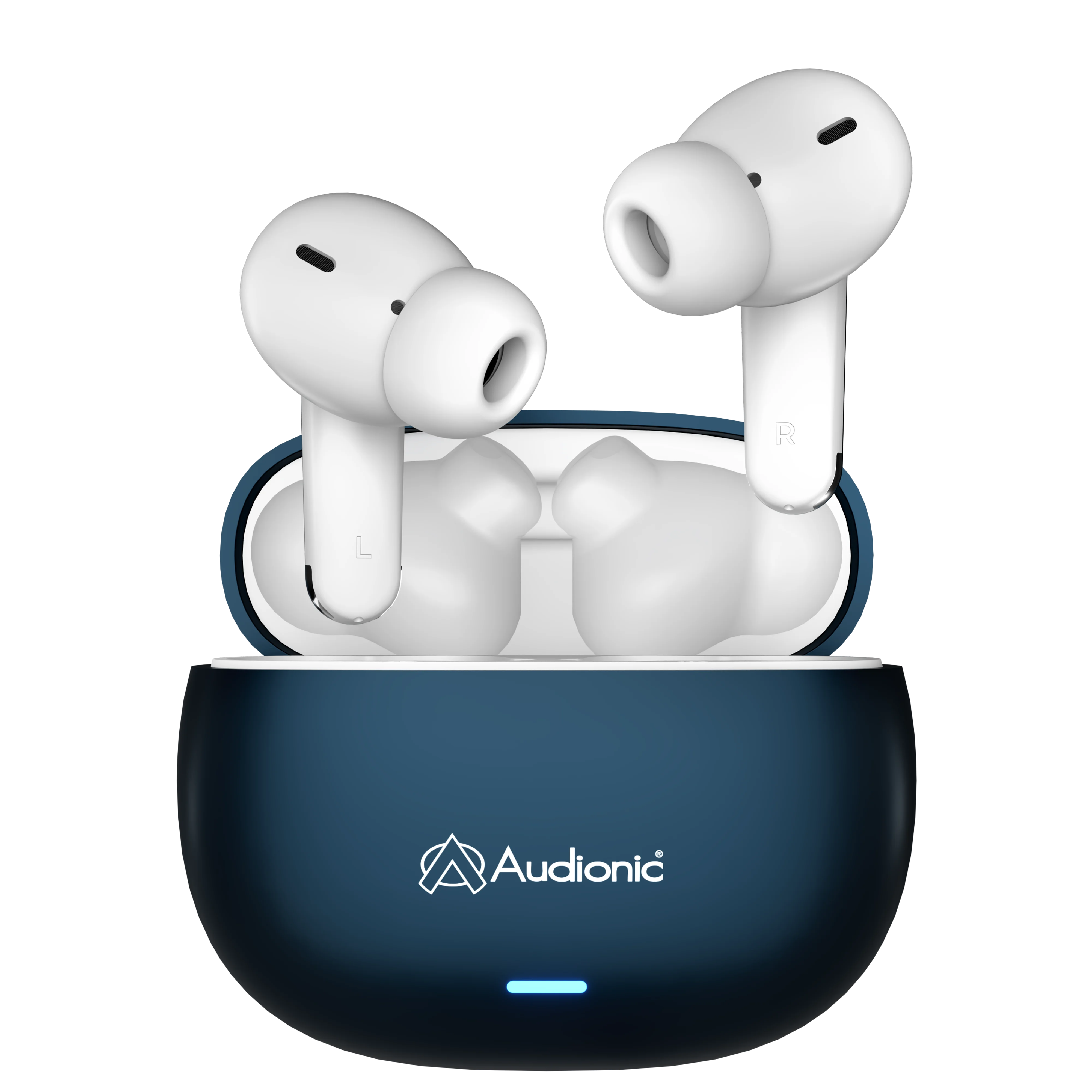
A steady blue light may mean the earbuds are connected and ready to play sound. Some models turn the light off after a few seconds to save battery. Others keep it on while the earbuds remain active.
To check the connection, play a song or video. If sound comes from the earbuds, the blue light likely shows a normal Bluetooth connection. You can also check the Bluetooth settings on your phone.
A connected earbud may still produce no sound if your phone is sending audio to another device. Check the audio output menu and select your earbuds. This is a common issue, and it does not always mean the earbuds are broken.
In my own testing of wireless earbuds, I have often found that a blue light looks alarming only because the manual uses vague terms. The light was simply confirming a connection. Checking the phone’s audio output solved the problem faster than resetting the earbuds.
Blue Light While Charging
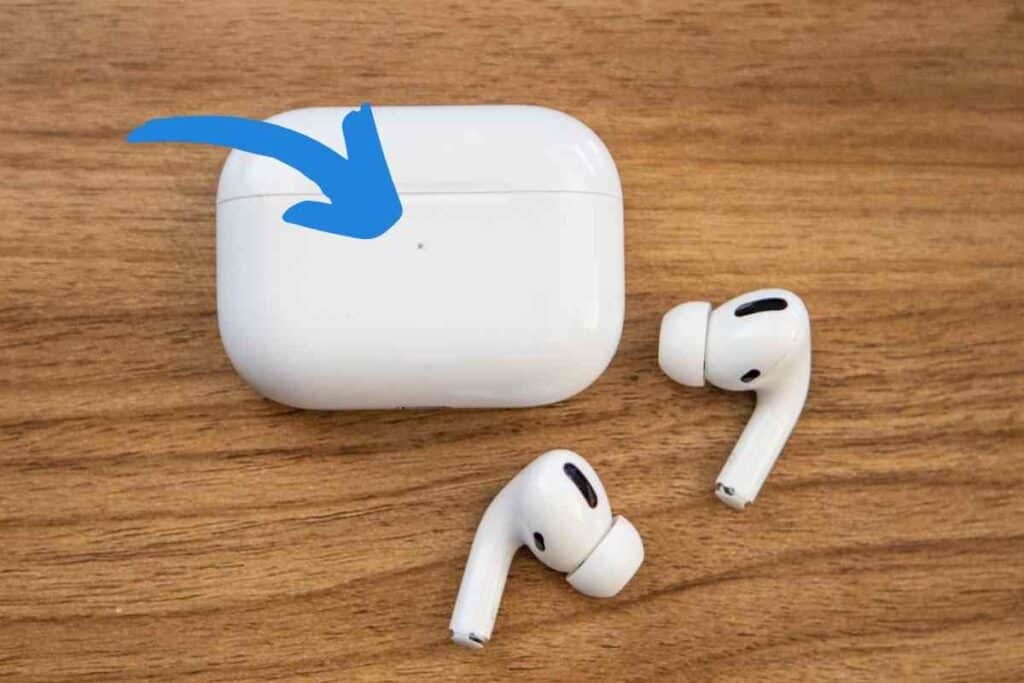
What does the blue light mean on earbuds while they are in the charging case? It may show that the earbuds are charging, fully charged, or being detected by the case. The answer varies widely between models.
Many brands use different colors for battery status:
• Red or orange may mean charging.
• Green may mean fully charged.
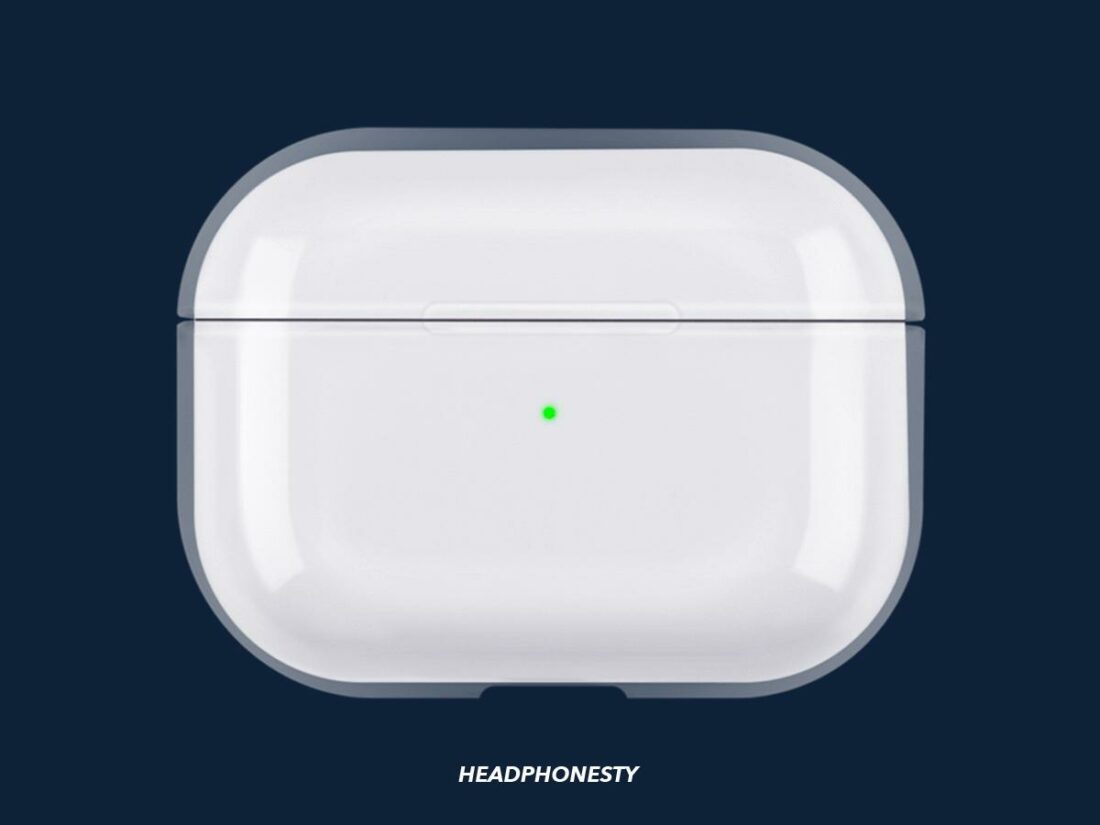
• Blue may mean Bluetooth activity or a full charge.
• White may mean pairing or normal operation.
Some cases show one light for the case battery and another light for the earbuds. Others use a single light for all status messages. A blue light does not always mean the earbuds themselves have a full battery.
Check whether the charging contacts are clean. Dust, skin oil, or pocket lint can stop the earbuds from charging correctly. Wipe the metal contacts with a dry, soft cloth. Do not pour liquid into the case or scrape the contacts with a sharp object.
Blue and Red or Blue and White Flashing Lights
What does the blue light mean on earbuds when it flashes with another color? This often means the earbuds are in pairing mode, have lost their connection, or are waiting for a device.
Common patterns include:
• Blue and red: The earbuds may be searching for a Bluetooth connection.
• Blue and white: The earbuds may be ready for pairing.
• Alternating blue and red: The earbuds may have entered a special setup or reset mode.
• Blue followed by a brief white flash: The earbuds may have connected successfully.
Color patterns are not standardized. Even two products from the same brand may use different signals. Some earbuds also use different patterns for the left and right earbud.
The safest approach is to identify the exact model number and read its LED chart. The model number may appear on the case, inside the charging area, or in the phone’s Bluetooth list. Avoid relying only on general advice when the light includes several colors.
Why the Blue Light Keeps Flashing
If the blue light keeps flashing for several minutes, the earbuds may be stuck in pairing mode. They may also be trying to connect to a device that is too far away or no longer available.
Try these steps:
- Turn off Bluetooth on nearby phones, tablets, and laptops.
- Place both earbuds in the case.
- Close the case for about 10 seconds.
- Open the case and remove the earbuds.
- Turn Bluetooth on and search again.
- Select the correct earbud name from the device list.
If that fails, remove the earbuds from your device’s Bluetooth settings. This is often called “Forget,” “Remove,” or “Unpair.” Then pair them again as if they were new.
When I troubleshoot earbuds, I avoid pressing every button at once. Random button presses can activate a reset, voice assistant, or one-earbud mode. A calm, simple restart usually works better.

What Does the Blue Light Mean on Different Earbud Types?
What does the blue light mean on earbuds depends partly on the type of earbuds you use. True wireless earbuds, neckband earbuds, and Bluetooth headsets may use different light systems.
True wireless earbuds
True wireless earbuds often flash blue when they enter pairing mode. The charging case may also use blue to show activity, battery status, or a successful connection.
Neckband earbuds
Neckband models often use a blue light to show that the main unit is powered on. A flashing pattern may mean pairing, while a slower flash may indicate an active connection.
Gaming earbuds
Gaming earbuds may use blue for Bluetooth mode and another color for a wireless USB connection. Some models use a blue light to show that low-latency mode is active.
Earbuds with noise cancellation
Noise-canceling earbuds may use blue for Bluetooth status and green, amber, or white for noise control settings. The blue light usually relates to the wireless connection, not noise cancellation itself.
The technology may look similar, but the light codes can differ. Always match the color and pattern with the product manual.

What to Do When the Blue Light Shows an Error
What does the blue light mean on earbuds if they will not connect? It may still indicate pairing mode, but the real problem could be low battery, a saved connection, software trouble, or dirty charging contacts.
Use this troubleshooting order:
• Charge the earbuds and case for at least 15 to 30 minutes.
• Confirm that both earbuds sit correctly in the case.
• Restart your phone or other Bluetooth device.
• Forget the earbuds from the Bluetooth menu.
• Reset the earbuds according to the manual.
• Pair them with a different phone to test the source of the problem.
Testing with another device is useful. If the earbuds connect to the second device, your original phone may have a Bluetooth setting problem. If they fail everywhere, the earbuds or case may need service.
Do not keep charging damaged earbuds. Stop using them if the case becomes hot, smells unusual, swells, or shows signs of liquid damage. Lithium-ion batteries can become unsafe when damaged.
How to Reset Earbuds With a Blue Light
A reset can clear old pairing data and remove connection errors. However, the reset method is different for each model.
A common reset process looks like this:
- Delete the earbuds from your phone’s Bluetooth settings.
- Put both earbuds in the charging case.
- Leave the lid open.
- Press and hold the case button or both earbud controls.
- Wait for the LED to flash several times.
- Close the case, wait briefly, and pair again.
Some earbuds reset when you hold the controls for 10 seconds. Others require 15 or 20 seconds. Follow the manufacturer’s instructions when possible.
A reset usually removes saved Bluetooth connections, but it does not repair a broken speaker, damaged battery, or faulty charging case. If the blue light remains unusual after a proper reset, contact the manufacturer or an authorized repair provider.
How to Read Earbud LED Patterns Correctly
Learning what does the blue light mean on earbuds becomes easier when you observe the full pattern. Color alone rarely provides enough information.
Record these details:
• The color of the light
• Whether it is solid or flashing
• The number of flashes
• The time between flashes
• Whether the earbuds are in or out of the case
• Whether the phone shows a Bluetooth connection
For example, one slow blue flash every few seconds may indicate an active connection. A rapid blue flash may indicate pairing. A solid blue light inside the case may show charging or a full battery.
A manual is the most reliable reference. Product manuals can contain small but important differences, such as separate codes for the left and right earbud. If you no longer have the manual, search for the official support page using the exact model number.
Common Mistakes to Avoid
Many earbud problems come from simple setup mistakes. These errors can make a normal blue light seem like a serious fault.
Avoid these common mistakes:
• Pairing with the wrong device: Nearby devices may connect first.
• Leaving old Bluetooth records: A saved but damaged connection can block new pairing.
• Charging only one earbud: The other earbud may remain off or out of sync.
• Ignoring the case battery: Earbuds cannot charge when the case is empty.
• Cleaning with water: Moisture can damage charging contacts and internal parts.
• Guessing the LED code: Brand-specific instructions are more accurate than general color charts.
Also, do not assume that a blue light means the earbuds are fully charged. Some models use blue only for Bluetooth activity. Check the battery level on your phone or in the brand’s companion app.
Frequently Asked Questions About What Does the Blue Light Mean on Earbuds
What does the blue light mean on earbuds when it is solid?
A solid blue light often means the earbuds are powered on or connected to a Bluetooth device. Some models use it to show a full charge, so check the product manual for confirmation.
What does the blue light mean on earbuds when it is flashing?
A flashing blue light commonly means the earbuds are searching for a device or are ready to pair. The speed of the flash can change the meaning.
Why is my earbud blue light flashing but not connecting?
The earbuds may be trying to connect to an old device, or they may be too far from your phone. Forget the earbuds in Bluetooth settings, restart both devices, and pair them again.
Does a blue light mean my earbuds are charging?
Not always. A blue light may show charging, a full battery, or Bluetooth activity, depending on the model.
How do I stop the blue light on my earbuds?
Place the earbuds in their case, turn them off, or disconnect Bluetooth. Some models also let you disable LED lights through a companion app.
Is a flashing blue light a sign of a problem?
Usually, no. It often means pairing mode or an active wireless connection, but unusual flashing combined with connection failure may require a reset.
Can I use earbuds if the blue light stays on?
Yes, if they connect and play sound normally. The light may simply be a status indicator and does not usually affect audio performance.
Conclusion
What does the blue light mean on earbuds? In most cases, it signals Bluetooth pairing, an active connection, or a charging status. Still, LED meanings vary by brand, so the exact model manual remains the best source.
Watch the color, flash speed, and situation together. If the earbuds will not connect, charge them, remove old Bluetooth records, restart the devices, and reset the earbuds only when needed. Use these steps to solve the issue with less guesswork, then explore the manufacturer’s support resources or share your experience in the comments.

Everett Ashford is a tech reviewer at mytechgrid.com specializing in SSDs, cameras, TVs, earbuds, headphones, and other consumer electronics. He provides honest, data-driven reviews based on hands-on testing and real-world performance analysis. Everett simplifies complex tech details to help readers make smart, confident buying decisions.