Your sound may switch to one ear because of audio balance, mono settings, a faulty connection, or a hearing issue.
If you are asking, “why did all my sound switch to one ear,” the cause is often simple to fix. A device may send both channels to one side, while a loose cable, damaged earbud, Bluetooth glitch, blocked speaker, or sudden hearing change can create the same symptom. This guide explains how to find the cause safely and restore clear stereo sound.
Why did all my sound switch to one ear?
Stereo audio uses two channels: left and right. Each earbud or speaker plays a different channel. If your device, app, cable, or headphones stop sending one channel, all sound may seem to come from one ear.
The most common reasons include:


• The left-right audio balance moved to one side.
• Mono audio is turned on or off in an unexpected way.
• A headphone plug is not fully inserted.
• One earbud is not charging or connected.
• The cable, earbud, speaker, or audio jack is damaged.
• Bluetooth connected to only one earbud.


• Dirt or earwax is blocking a speaker grille.
• An app has its own audio setting.
• Your hearing has changed in one ear.
A useful way to think about the problem is like a two-lane road. Stereo sound has one lane for the left side and one for the right. If one lane closes, the traffic may still move, but it all arrives on one side.

Check the audio balance and mono settings
Audio balance is one of the fastest answers to why did all my sound switch to one ear. It controls how much sound goes to the left and right channels. If the slider is at the far left or right, one ear may receive little or no sound.
On an iPhone or iPad
Open:
- Settings
- Accessibility
- Audio & Visual
- Balance
Move the balance slider to the center. Then check the Mono Audio setting. Mono Audio sends the same signal to both ears. It can help people who hear better in one ear, but it may sound unusual if enabled by accident.
On Android phones
The exact menu can vary by brand. Usually, open:
- Settings
- Accessibility
- Hearing enhancements or Audio adjustment
- Left and right sound balance
Center the balance slider. Also check whether Mono audio, Separate app sound, or Adapt Sound is changing the output.
On Windows
Go to:
- Settings
- System
- Sound
- Select your headphones or speakers
- Open the channel or volume settings
Make sure the left and right levels match. You can also open Accessibility and review the audio options.
On a Mac
Open:
- Apple menu
- System Settings
- Sound
- Output
- Balance
Place the balance control in the center. Check the Accessibility section too, especially if you use AirPods, a USB headset, or an external audio interface.
If the balance is centered and the issue remains, the problem is likely linked to the headphones, connection, app, or hearing rather than the main system setting.


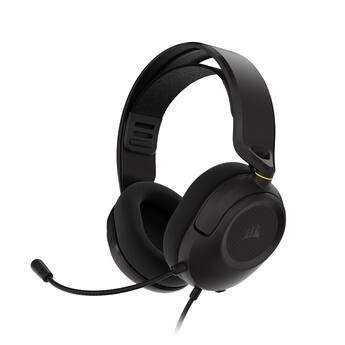
Test the headphones, speakers, and audio source
The next step is to isolate the fault. Do not assume the headphones are broken until you test them with another device.
Try this simple process:
-
Play a familiar song or video.
-
Disconnect and reconnect the headphones.
-
Test the same headphones on another phone, tablet, or computer.
-
Test a different pair of headphones on the original device.
-
Try another song or app.
-
Restart the device.
These tests act like a quick map. If the same headphones play only in one ear on every device, the headphones or cable are likely at fault. If several headphones have the same problem on one device, check the device settings or audio port.
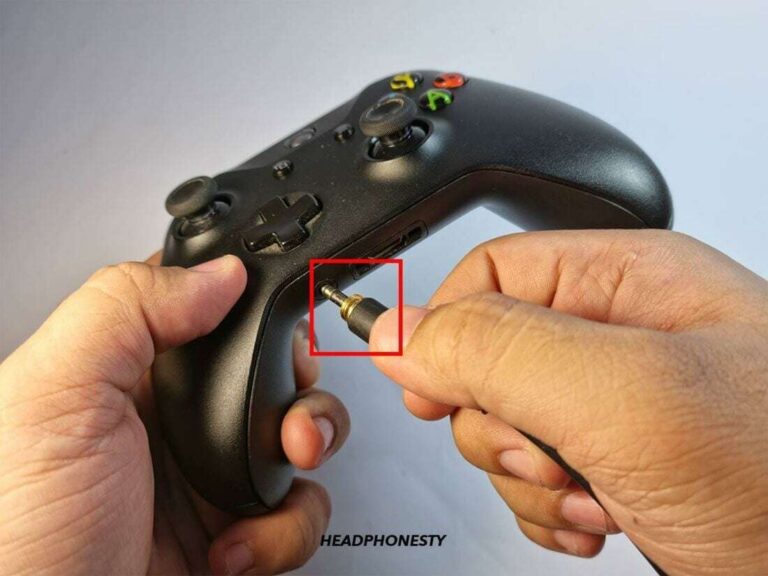
For wired headphones, push the plug fully into the jack. A plug that is partly inserted can connect one channel while losing the other. Remove any case that blocks the plug from entering all the way.
For wireless earbuds, place both earbuds in the charging case. Confirm that each earbud shows a charge. Then reconnect them as a pair. Some earbuds can operate independently, and one may connect while the other stays offline.
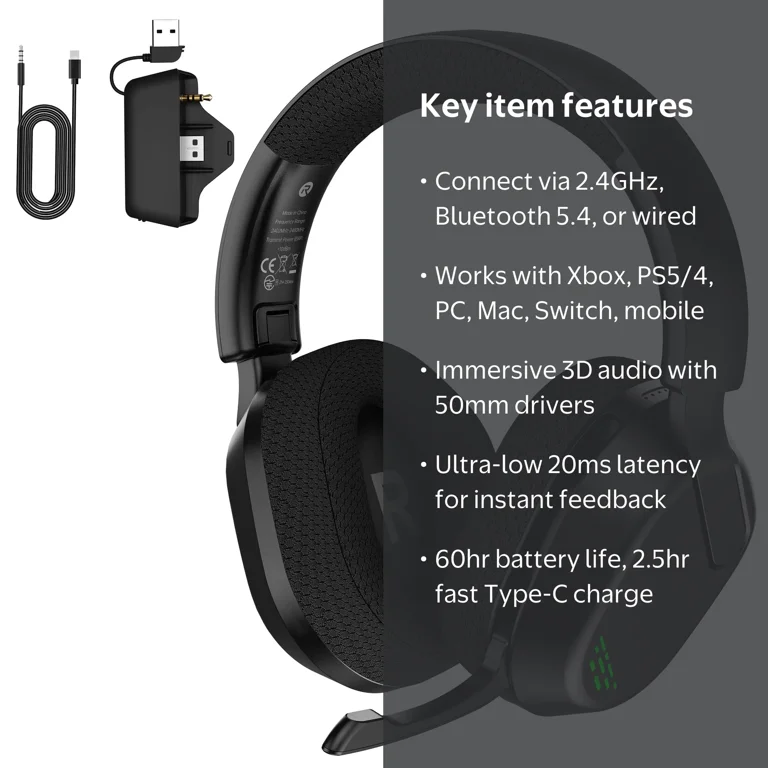
Look for cable, jack, and hardware damage
A broken wire can cause one-sided sound. This is common near the plug, control button, earbud housing, or point where the cable enters a speaker.
Play audio while gently moving the cable in different places. If the missing channel cuts in and out, the cable may have an internal break. Avoid twisting it hard, since this can make the damage worse.


Check the audio port for lint or dust. A small amount of debris can prevent the plug from making proper contact. Turn off the device first, then use a clean, dry, soft brush or an approved air blower. Never push a metal object into the port, and do not pour liquid into it.
For speakers, check:
• The speaker grille for dust or blockage.
• The wire connections.
• The sound balance on the receiver or amplifier.
• The input source and adapter.
• Any loose connection behind the speaker.
If the headphones were exposed to water, stop using them until they are fully dry. Do not use intense heat, such as a hair dryer. Moisture can damage small audio parts and may also create a safety risk.
Check Bluetooth and app-specific problems
Bluetooth audio can fail on one side when earbuds lose their pairing data or firmware connection. This does not always mean the earbud is permanently damaged.
Try these steps:
-
Turn Bluetooth off and back on.
-
Put both earbuds in the case.
-
Forget or remove the earbuds from the device’s Bluetooth list.
-
Restart the phone or computer.
-
Reset the earbuds using the maker’s instructions.
-
Pair both earbuds again.


Also check whether the problem occurs in every app. If music plays in both ears but a video call uses one ear, the app may have a separate audio route. Close the app, select the correct speaker, and review its call or accessibility settings.
Some music and video apps have their own equalizer, balance, or spatial audio controls. Turn these effects off for a short test. A software update may also solve a Bluetooth problem, so update the device and headphone firmware when available.
This is another common reason why did all my sound switch to one ear: the system output and the app output may not be using the same settings.
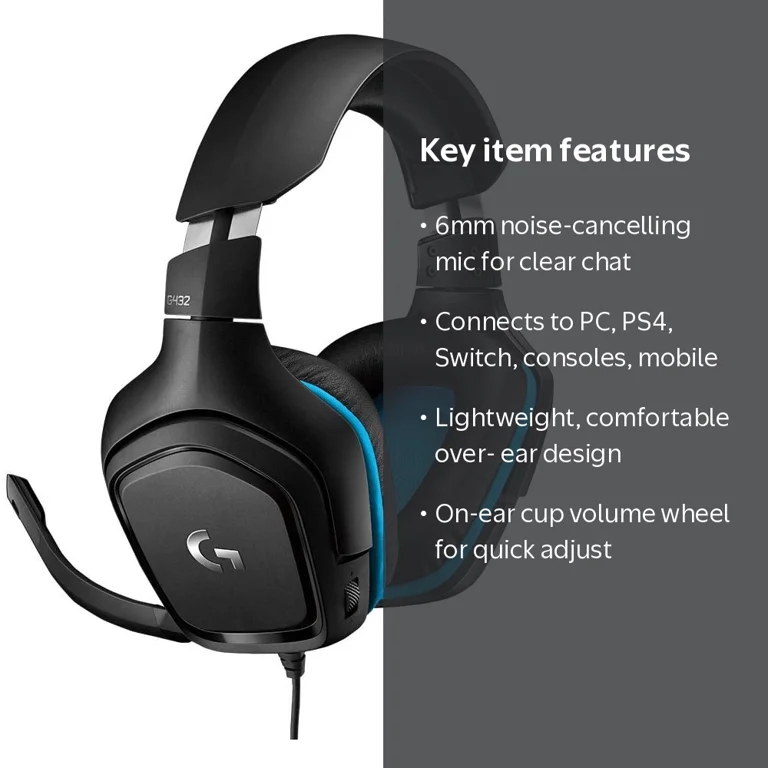
Find out whether the problem is your hearing
Sometimes the device works correctly, but one ear cannot hear normally. A sudden change in hearing needs more care than a faulty earbud.
First, remove the headphones and listen to normal sounds. Try a quiet conversation, a television, or a sound from another person. You can also test each ear separately with a safe, low-volume sound, but do not use loud tones.
Possible physical causes include:
• Earwax buildup.
• Ear congestion from a cold or allergies.
• Fluid behind the eardrum.
• An ear infection.
• Noise-related hearing damage.
• Inner-ear conditions.
If hearing suddenly becomes reduced in one ear, contact a health care professional promptly. Sudden sensorineural hearing loss can require urgent assessment, and early treatment may matter. The National Institute on Deafness and Other Communication Disorders advises seeking medical care right away for sudden hearing loss.
Get urgent help if one-sided hearing loss occurs with severe dizziness, facial weakness, intense pain, drainage, a head injury, or other sudden neurological symptoms.
Do not insert cotton swabs, hairpins, or other objects into the ear. They can push wax deeper or injure the ear canal. A clinician can check for wax, infection, or inner-ear problems safely.
Why did all my sound switch to one ear after an update?
A phone, computer, or headphone update can change accessibility, Bluetooth, or output settings. Updates may also introduce temporary software bugs.
If why did all my sound switch to one ear after an update, try restarting the device first. Then review the balance and mono settings, reconnect the audio device, and install any follow-up update.
On a computer, confirm that the correct output device is selected. An update may switch audio from headphones to a monitor, docking station, virtual meeting app, or another Bluetooth device.
You can also reset network or audio settings if other fixes fail. Be careful with a full device reset because it may remove saved Wi-Fi networks, Bluetooth devices, or personal settings. Back up important data first and use the maker’s instructions.
A practical lesson from troubleshooting many audio complaints is to change one setting at a time. If you change five things at once, you may fix the problem but never learn what caused it.
What to do when only one earbud works
When one earbud works and the other is silent, start with charging and cleaning. The silent earbud may have a dead battery or dirty charging contacts.
Use this checklist:
• Charge the case and both earbuds for at least 20 to 30 minutes.
• Clean the charging contacts with a dry cotton swab.
• Clean the speaker mesh gently with a soft, dry brush.
• Confirm that the silent earbud appears in the companion app.
• Check left-right balance and mono audio.
• Forget the Bluetooth connection and pair the earbuds again.
• Reset the earbuds if the maker recommends it.
Avoid scraping the speaker mesh. It is easy to push dirt inside. Also avoid using liquid cleaners unless the manufacturer specifically approves them.
If one earbud stays silent after a reset and fails on another device, it may need repair or replacement. Many earbuds have separate batteries and wireless components, so one side can fail while the other still works.
Common mistakes that can make the problem worse
When people ask why did all my sound switch to one ear, they often try a few risky fixes first. These can damage the equipment or delay medical care.
Avoid these mistakes:
• Do not raise the volume sharply to “test” the silent ear.
• Do not poke an audio jack with metal tools.
• Do not put cotton swabs deep into the ear canal.
• Do not keep using headphones if they become hot, swollen, or wet.
• Do not assume a hearing problem is only a software issue.
• Do not use unapproved chargers or damaged charging cables.
• Do not repeatedly bend a cable to force sound back.
Use low volume during testing. The World Health Organization recommends safe listening habits, including lowering volume and taking breaks from headphones. Loud sound can worsen existing hearing problems and cause permanent damage over time.
A fast troubleshooting routine
If why did all my sound switch to one ear and you need a quick answer, follow this order:
-
Remove the headphones and test normal device speakers.
-
Check the left-right balance.
-
Check Mono Audio and accessibility settings.
-
Restart the device.
-
Test another app.
-
Test the headphones on another device.
-
Test a different pair of headphones.
-
Clean and reconnect the audio equipment.
-
Reset Bluetooth earbuds if needed.
-
Seek medical care if one-sided hearing loss remains without headphones.
This order starts with easy, reversible checks. It also separates an audio device problem from a possible hearing problem. If the issue follows the headphones, replace or repair them. If it follows your ear, arrange a hearing evaluation.
When to replace or repair your audio equipment
Repair may make sense when the device is expensive, still under warranty, or affected by a replaceable cable. Many over-ear headphones have detachable cables, which can make repair simple.
Replacement may be more practical when:
• The cable has an internal break.
• One wireless earbud has a failed battery.
• The charging case no longer recognizes one side.
• Water has damaged the internal parts.
• The repair cost is close to the price of new equipment.
Before buying new headphones, confirm that the device settings are correct. Otherwise, new headphones may produce the same one-sided sound.
If the problem appears only with one cheap adapter or dongle, replace that accessory first. A faulty USB audio adapter, headphone splitter, or Lightning-to-headphone adapter can affect one channel.
Frequently Asked Questions
Why did all my sound switch to one ear on my phone?
The most common causes are an off-center audio balance, a mono setting, a Bluetooth pairing error, or a damaged earbud. Check accessibility settings first, then test the headphones with another device.
Why does only one earbud work?
One earbud may not be charged, paired, or making contact with the charging case. Charge both earbuds, clean the contacts, forget the Bluetooth connection, and pair them again.
Can a dirty headphone jack cause sound in one ear?
Yes. Dust or lint can stop the plug from connecting correctly with both audio channels. Turn off the device and clean the port gently with a dry, soft tool.
Why did all my sound switch to one ear with wired headphones?
The plug may be loose, the cable may be damaged, or the audio jack may have debris inside. Test the headphones on another device and gently move the cable to see whether the sound cuts in and out.
Can earwax make sound seem louder in one ear?
Yes. Earwax can block the ear canal and make one side seem quieter. Do not push objects into the ear; ask a health professional about safe removal if you suspect a blockage.
Should I worry about sudden hearing loss in one ear?
Yes. Sudden hearing loss in one ear should receive prompt medical assessment, especially if it comes with dizziness, pain, drainage, facial weakness, or ringing. Do not wait to see whether it resolves on its own.
Does restarting a phone fix one-sided audio?
It can fix a temporary software or Bluetooth error, but it will not repair a broken cable, damaged earbud, blocked speaker, or hearing problem. Restarting is a useful early step, not a complete diagnosis.
Conclusion
If you are wondering why did all my sound switch to one ear, start with the simple checks: center the audio balance, review Mono Audio, reconnect Bluetooth, and test another pair of headphones. Then inspect the cable, port, speaker mesh, and charging contacts.
If the issue follows one device, the hardware or settings are likely responsible. If the issue remains after removing the headphones, or your hearing suddenly changes in one ear, seek medical advice promptly. Work through the checklist one step at a time, protect your ears from loud sound, and share this guide with anyone dealing with one-sided audio.

Everett Ashford is a tech reviewer at mytechgrid.com specializing in SSDs, cameras, TVs, earbuds, headphones, and other consumer electronics. He provides honest, data-driven reviews based on hands-on testing and real-world performance analysis. Everett simplifies complex tech details to help readers make smart, confident buying decisions.