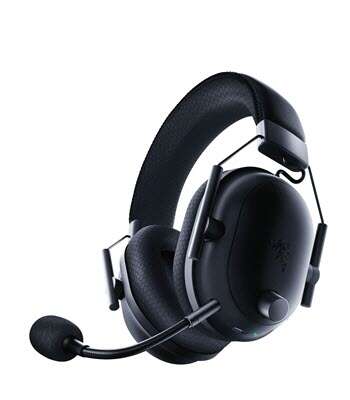
Yes, wireless headphones are good for gaming when they offer low latency, clear sound, and reliable battery life.
Whether wireless headphones are good for gaming depends on the connection type, console support, microphone quality, and fit. After comparing wireless gaming headsets with wired models, I’ve found that the best options can deliver fast audio, strong positional sound, and real freedom of movement. Still, wireless audio has limits that every gamer should understand before buying.
Are wireless headphones good for gaming?
Yes, wireless headphones can be excellent for gaming. They remove cable clutter, make it easier to move, and often include features made for long gaming sessions.
A good wireless gaming headset should provide:
• Low audio delay
• Stable wireless performance
• Clear game sound
• A reliable microphone
• Comfortable ear cushions
• Long battery life
• Support for your gaming platform
Wireless gaming headphones are especially useful for players who sit far from a TV, switch between devices, or dislike a cable rubbing against their chair. They can also make gaming feel more natural because nothing connects your head to the console or computer.
However, not every wireless headset is designed for gaming. Basic Bluetooth headphones may create a noticeable delay. That delay can hurt your timing in fast games such as Call of Duty, Fortnite, Valorant, and Counter-Strike 2.
The short answer to “are wireless headphones good for gaming” is yes, but only when you choose a model with a gaming-focused wireless connection.

How wireless gaming headphones connect
Wireless headphones use different connection methods. Understanding them helps you avoid buying a headset that sounds good but performs poorly during play.
2.4 GHz wireless
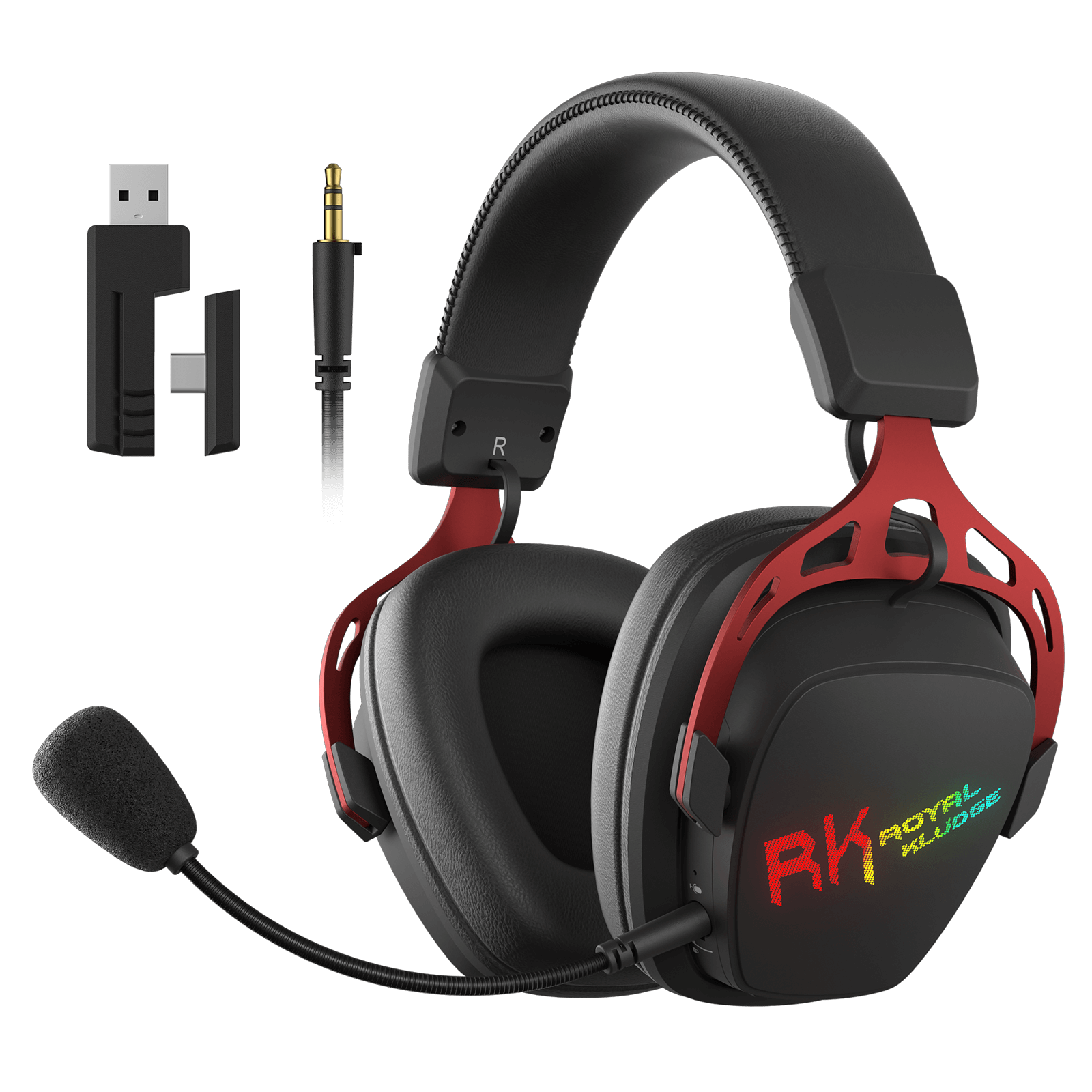
Most serious wireless gaming headsets use a 2.4 GHz USB transmitter. You plug the transmitter into your PC, PlayStation, Xbox, Nintendo Switch dock, or another supported device.
This connection usually offers:
• Lower latency than standard Bluetooth
• Better range in a typical room
• A more stable signal
• Plug-and-play setup
• Support for a wireless microphone
For competitive gaming, 2.4 GHz wireless is usually the best choice. The transmitter creates a direct link between the headset and your device. Audio often feels almost as quick as wired sound.
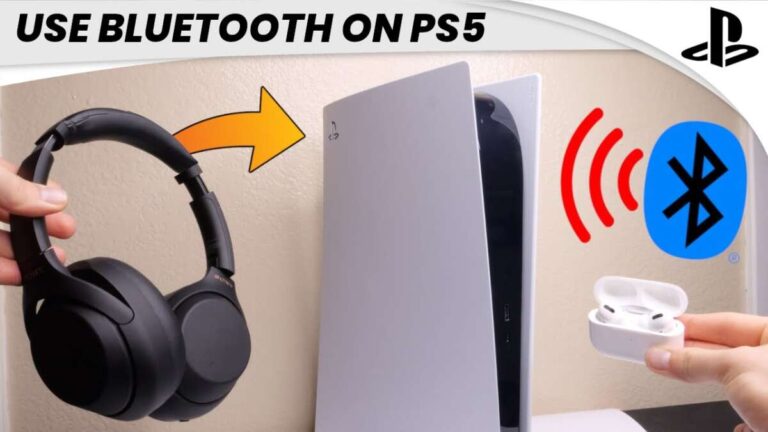
Bluetooth
Bluetooth is convenient because many phones, tablets, laptops, and smart TVs support it. It also uses less power in many cases.
The main problem is latency. Standard Bluetooth audio can have a delay between an action on screen and the sound reaching your ears. That delay may be small, but you can notice it when firing a weapon, parrying an attack, or jumping to a precise beat.
Bluetooth has improved. Newer codecs and gaming modes can reduce delay, but performance depends on both the headset and the device. Bluetooth is fine for casual games, music, and mobile gaming, but it is not always the best choice for competitive play.
Dual wireless
Some premium headsets support both 2.4 GHz wireless and Bluetooth. This allows you to hear game audio while staying connected to your phone.
For example, you can use the USB transmitter for game sound and Bluetooth for a phone call. This feature is useful, but it can increase cost and battery use.
When asking “are wireless headphones good for gaming,” always check the connection type instead of trusting the word wireless alone.
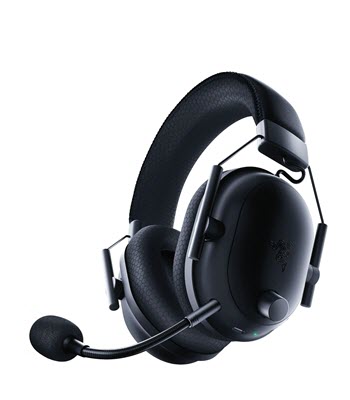
Benefits of wireless headphones for gaming
Wireless headphones offer several clear benefits. These advantages explain why many gamers choose them over wired headsets.
Freedom to move
A wireless headset lets you stand up, stretch, grab a drink, or walk across the room without removing it. This sounds small, but it makes long sessions more comfortable.
There is also less risk of pulling a console, knocking over a controller, or catching the cable on your chair. Your desk stays cleaner, too.
Less cable clutter
A wired headset adds one more cable to a desk already filled with power cords, keyboard cables, and monitor leads. Wireless headphones reduce that mess.
A tidy setup can also make it easier to switch between a gaming PC and a console. You simply move the transmitter or select the correct connection.
Good sound quality
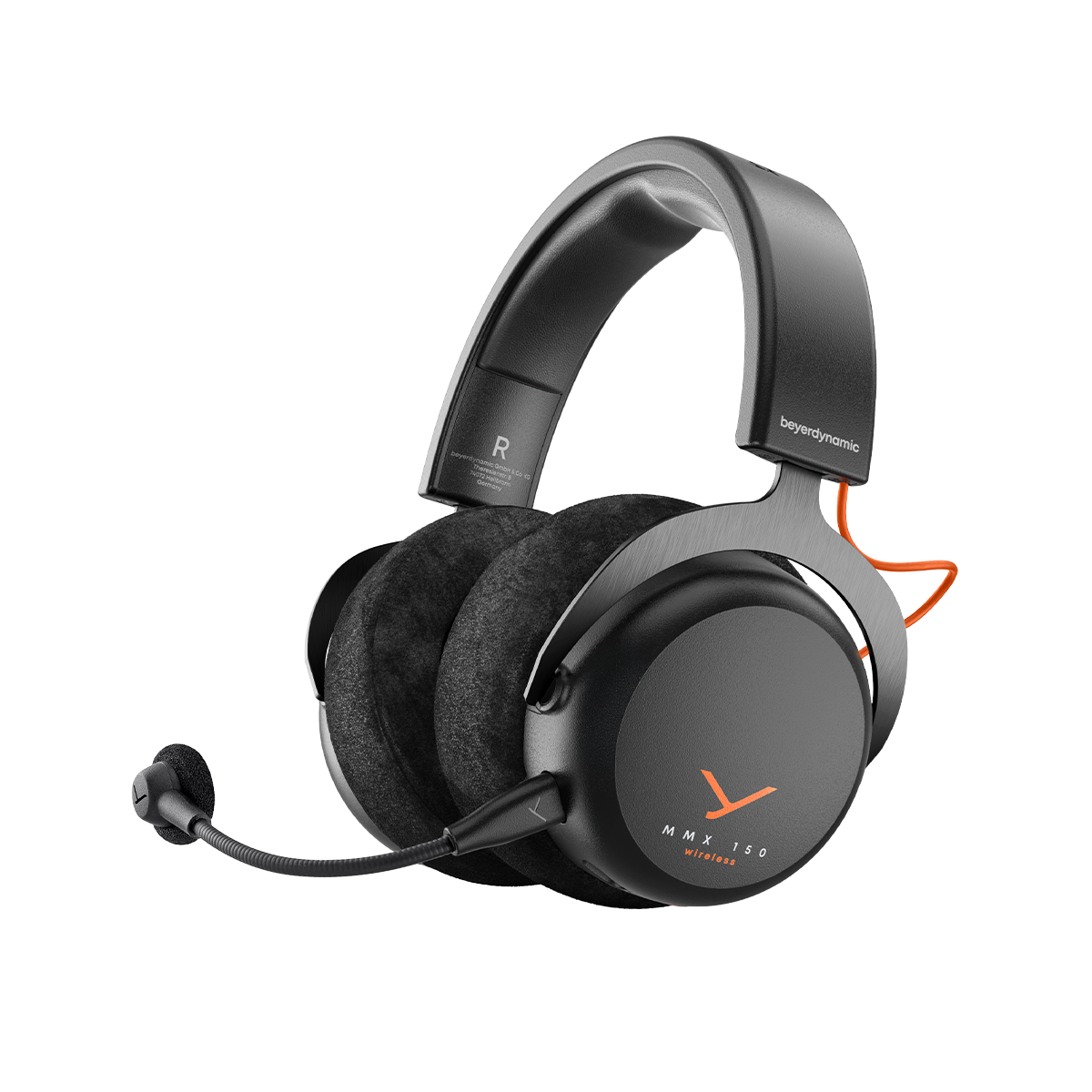
Modern wireless gaming headphones can sound very good. Many provide wide stereo sound, virtual surround modes, equalizer controls, and separate game and chat volume.
Sound quality still depends on the headset’s drivers and tuning. A wireless label does not guarantee rich bass or clear footsteps. Read testing results and look for reviews that discuss imaging, detail, and sound balance.
Convenient chat features
Many wireless gaming headsets include a flip-to-mute microphone, a detachable microphone, or sidetone controls. Sidetone lets you hear your own voice, which helps prevent shouting.
This is useful during team games. You can speak naturally without asking friends, “Can you hear me?”
Multi-device use
Some models work with a PC, PlayStation, Xbox, Nintendo Switch, mobile phone, and tablet. Check the exact compatibility list before buying because console support varies.
A headset made for PlayStation may not work wirelessly with Xbox. Some models support Xbox only through a special version or a wired connection.
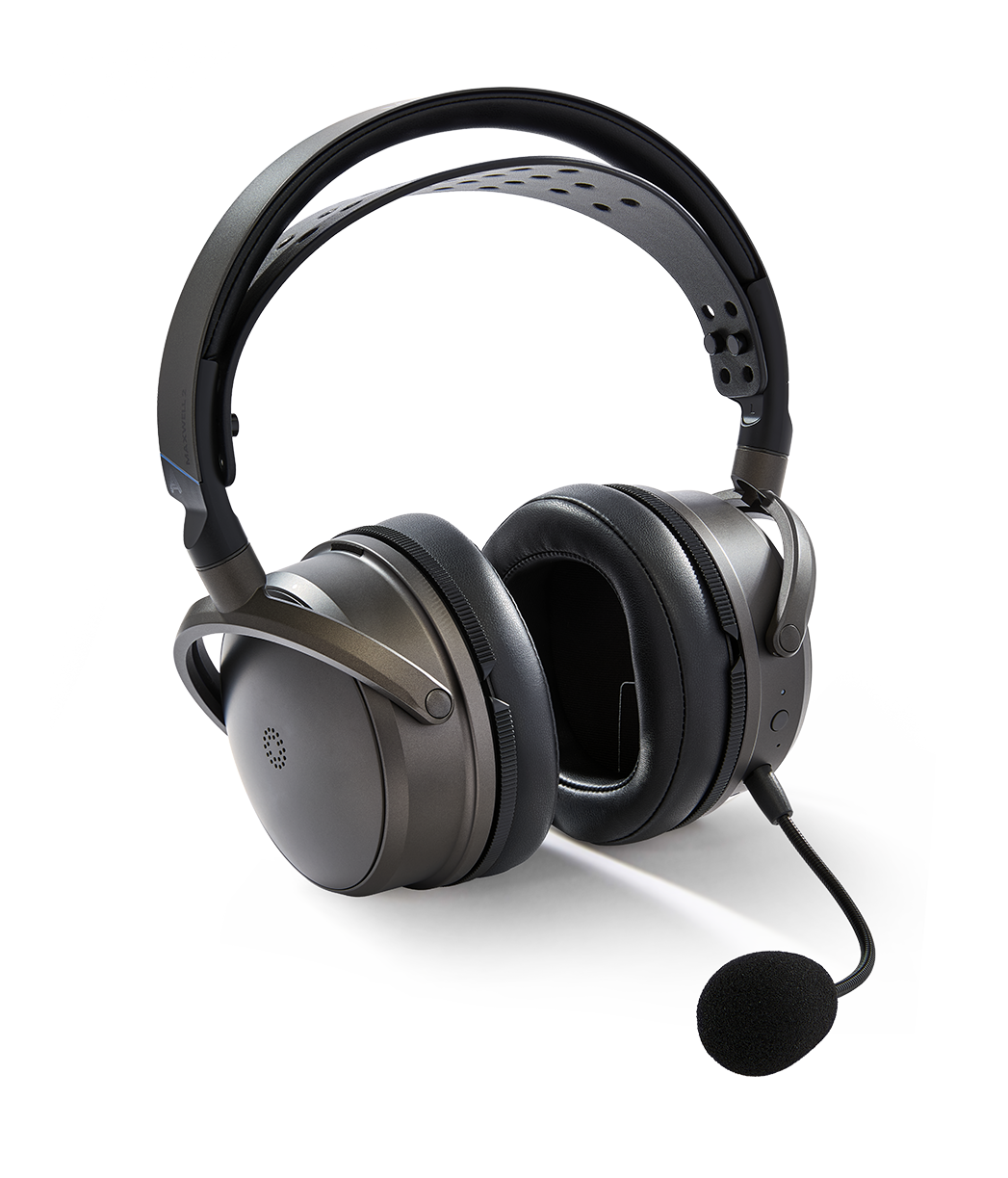
Drawbacks of wireless headphones for gaming
Wireless headphones are not perfect. They trade a cable for batteries, software, and radio signals.
Battery charging
Every wireless headset needs charging. If the battery dies during a match, you may need to stop playing or connect a cable.
Battery life often ranges from around 15 to more than 100 hours, depending on the model and features. Lighting, active noise cancellation, high volume, and Bluetooth use can reduce that time.
A simple habit helps: place the headset on charge after each long session. You can also choose a model that supports audio while charging.
Possible audio delay
Low-cost Bluetooth headphones may produce noticeable delay. A 2.4 GHz gaming headset usually performs better, but no wireless system is completely free from processing time.
For story games, sports games, and casual play, a tiny delay may not matter. For rhythm games and competitive shooters, it can affect timing.
Wireless interference
Wireless devices share radio space. Wi-Fi routers, Bluetooth devices, wireless keyboards, and nearby headsets can sometimes cause interference.
Most modern headsets handle this well. Keep the USB transmitter in an open position rather than behind a metal computer case or under a desk.
Higher price
Wireless technology adds cost. A wireless headset with sound quality equal to a wired model often costs more.
You may also pay for features you do not need, such as RGB lighting, surround processing, app support, or dual-device mixing. Focus on latency, comfort, microphone quality, and battery life first.
Software problems
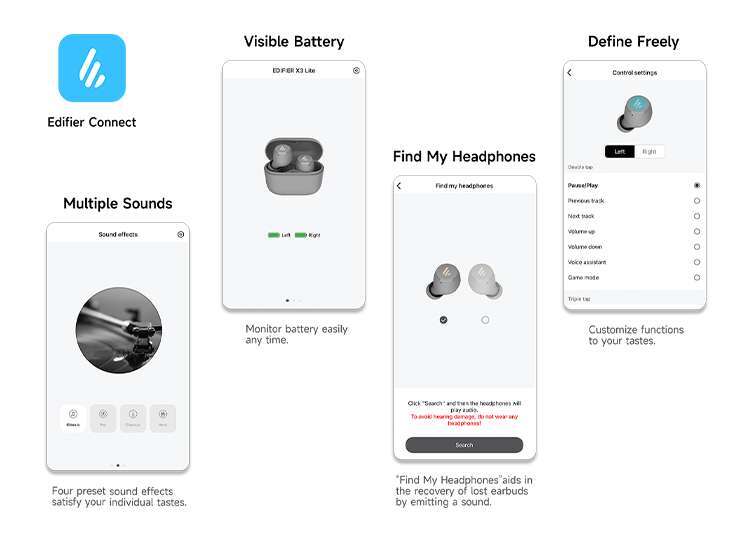
Some wireless headsets depend on desktop software for firmware updates, equalizer settings, and button controls. Poor software can make setup frustrating.
I have seen gamers spend more time fixing connection settings than playing. Before buying, check whether the headset works without an app and whether the software supports your operating system.
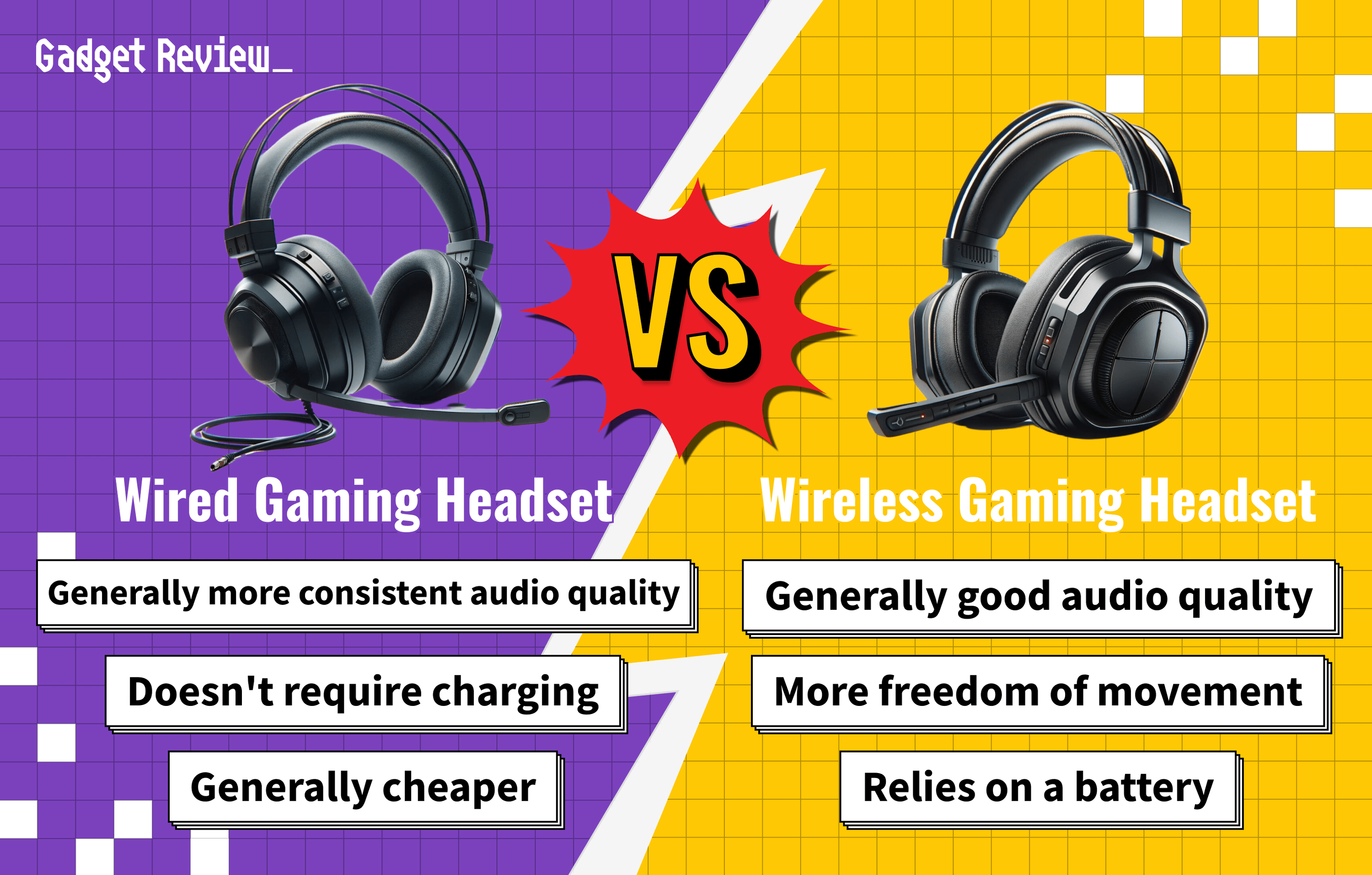
Wireless versus wired headphones for gaming
The choice between wireless and wired headphones depends on your priorities.
| Feature | Wireless headphones | Wired headphones |
|---|---|---|
| Movement | Excellent freedom | Limited by cable length |
| Battery | Must be charged | No battery needed |
| Latency | Very low with 2.4 GHz | Usually lowest |
| Setup | May need a transmitter or app | Usually plug and play |
| Price | Often higher | Often lower |
| Compatibility | Varies by device | Usually broad |
| Desk space | Less cable clutter | More cable clutter |
| Competitive play | Very good with the right model | Still the safest choice |
Wired headphones remain a strong choice for competitive gamers who want the simplest setup. They do not need charging, and they usually offer consistent sound.
Wireless headphones are better for comfort and convenience. If you play from a couch, move often, or share a room, the freedom may matter more than the small technical advantage of a cable.
In my experience, the difference between a high-quality wired headset and a high-quality 2.4 GHz wireless headset is often hard to notice in normal play. The larger differences usually come from sound tuning, fit, microphone quality, and game settings.

What to look for in wireless gaming headphones
Use this checklist before you buy. It can help you avoid attractive models with weak gaming performance.
Low latency
Look for a dedicated 2.4 GHz connection or a clearly labeled low-latency gaming mode. Do not assume that every Bluetooth headset is fast enough for competitive games.
Comfortable design
Comfort matters more than many gamers expect. A headset that sounds excellent is not useful if it causes pressure after 30 minutes.
Check the following:
• Lightweight construction
• Soft ear cushions
• Adjustable headband
• Enough space around your ears
• Moderate clamping force
• Breathable materials
If you wear glasses, look for cushions that do not press hard against the frame.
Clear microphone
A good microphone should make your voice easy to understand. Noise reduction is useful, but aggressive processing can make speech sound robotic.
A boom microphone usually performs better than a tiny microphone built into the earcup. Look for a flip-to-mute feature if you often switch between game chat and private conversation.
Strong battery life
Aim for at least 20 hours if you play often. More battery life is better, but comfort and sound should not suffer just to reach a large number.
A battery indicator is also helpful. Some headsets warn you before the battery reaches a critical level.
Platform compatibility
Check support for your exact system:
• Windows PC
• PlayStation 5 or PlayStation 4
• Xbox Series X, Series S, or Xbox One
• Nintendo Switch
• Mac
• Mobile devices
USB transmitters may work on one console but not another. Xbox uses a different wireless system in many cases, so compatibility deserves special attention.
Sound controls
Useful controls include game and chat balance, microphone mute, volume, sidetone, and equalizer presets. Physical controls are often easier to use than software menus during a match.
Virtual surround sound can help some players, but it is not always better. It may add space while making footsteps less clear. Test stereo and surround modes before deciding.
Are wireless headphones good for competitive gaming?
Wireless headphones can be good for competitive gaming when they use a low-latency 2.4 GHz connection. The delay is generally small enough for most players, including those who play fast shooters and esports titles.
Competitive gamers should pay close attention to imaging. Imaging describes how accurately headphones place sounds around you. Good imaging can help you hear whether footsteps come from the left, right, front, or rear.
A large soundstage is not the same as accurate imaging. Some headsets sound wide but blur important details. A balanced headset with clear mids may help more than one with heavy bass.
For serious tournament play, wired headphones still offer fewer risks. Tournament rules may also limit wireless devices because of interference concerns. At home, however, a well-tested wireless headset can perform extremely well.
One lesson I learned from comparing gaming headsets is that comfort affects performance. When a headset becomes hot or tight, attention drops. The best headset is not always the one with the biggest feature list. It is the one you can wear without thinking about it.
How to reduce wireless gaming problems
A few setup steps can improve sound and connection stability.
-
Place the USB transmitter in an open area near your head rather than behind the computer.
-
Update the headset firmware when the manufacturer provides a stable update.
-
Charge the headset before a long gaming session.
-
Turn off extra Bluetooth devices if you notice drops or interference.
-
Test stereo mode before using virtual surround sound.
-
Set the correct input and output device in your game and system settings.
-
Keep the headset within its recommended range.
-
Use a wired connection if wireless problems continue during an important match.
Do not place the transmitter inside a crowded USB hub if you experience dropouts. A short USB extension cable can move it away from other wireless devices and improve the signal.
Also, avoid turning the volume too high to hear footsteps. High volume can cause hearing damage over time. A clear, balanced headset lets you hear detail without forcing extreme volume levels.
Best use cases for wireless gaming headphones
Wireless headphones suit many gaming styles, but they are not ideal for everyone.
They work especially well for:
• Console gaming from a couch
• Casual and competitive PC gaming
• Shared rooms and living spaces
• Players who move during breaks
• Gaming and phone calls at the same time
• Clean desk setups
• Long single-player sessions
Wired headphones may suit you better if:
• You forget to charge devices
• You play in tournaments
• You want the lowest possible latency
• You need a simple plug-and-play setup
• You have a limited budget
• You use several devices with different wireless standards
When deciding whether wireless headphones are good for gaming, think about your routine. A headset that fits your daily habits will feel better than one chosen only because it has impressive specifications.
Frequently Asked Questions About Are Wireless Headphones Good for Gaming
Are wireless headphones good for PS5 gaming?
Yes, many wireless gaming headsets work very well with the PS5 through a USB transmitter. Check the product listing for PS5 support, microphone compatibility, and 3D audio support before buying.
Are Bluetooth headphones good for gaming?
Bluetooth headphones can work for casual gaming, but standard Bluetooth may create audio delay. For competitive games, choose a headset with a dedicated 2.4 GHz connection or a proven low-latency mode.
Do wireless gaming headphones have lag?
Some wireless headphones have lag, but quality 2.4 GHz gaming headsets usually keep it very low. Bluetooth models are more likely to produce a delay that you can notice during fast action.
How long do wireless gaming headphones last?
Many wireless gaming headsets provide between 15 and 100 hours of battery life per charge. Actual time depends on volume, lighting, wireless mode, microphone use, and battery age.
Are wireless headphones better than wired headphones for gaming?
Wireless headphones are better for freedom, comfort, and a clean setup, while wired headphones are better for simple operation and unlimited power. Neither option wins for every gamer.
Can wireless headphones work with Xbox?
Some wireless headphones work with Xbox, but compatibility is not universal. Look for an Xbox-specific model or confirm that the headset supports Xbox Wireless or the required USB connection.
Do wireless headphones need Wi-Fi?
No, wireless gaming headphones do not need an internet connection. They usually connect directly to your device through a USB transmitter or Bluetooth.
Conclusion
Wireless headphones are good for gaming when they combine low latency, stable connection, strong comfort, clear sound, and enough battery life for your routine. A 2.4 GHz gaming headset is usually the safest choice for responsive audio, while Bluetooth is better for casual play and mobile use.
Before buying, check platform support, microphone quality, comfort, battery performance, and return policies. Choose the headset that matches how and where you play, then test stereo sound and microphone settings before your next serious match.
If you are ready to remove cable clutter, compare a few low-latency models and choose the one that fits your setup. Share your favorite wireless gaming headset or explore more gaming audio guides to improve your next session.

Everett Ashford is a tech reviewer at mytechgrid.com specializing in SSDs, cameras, TVs, earbuds, headphones, and other consumer electronics. He provides honest, data-driven reviews based on hands-on testing and real-world performance analysis. Everett simplifies complex tech details to help readers make smart, confident buying decisions.