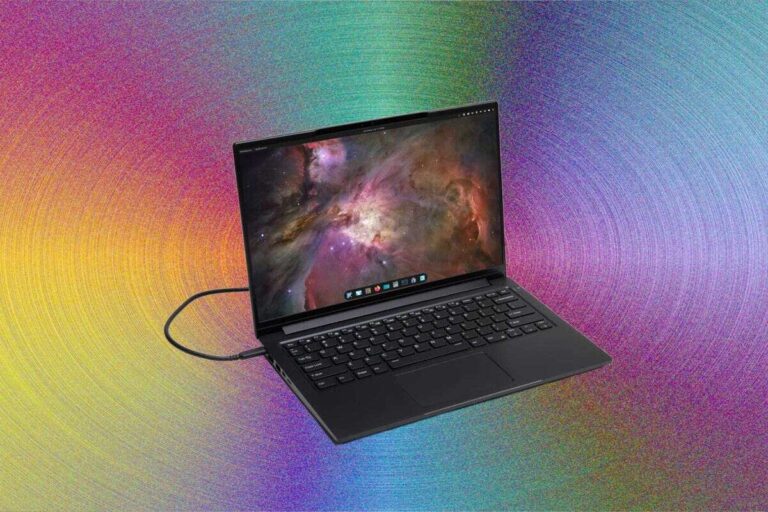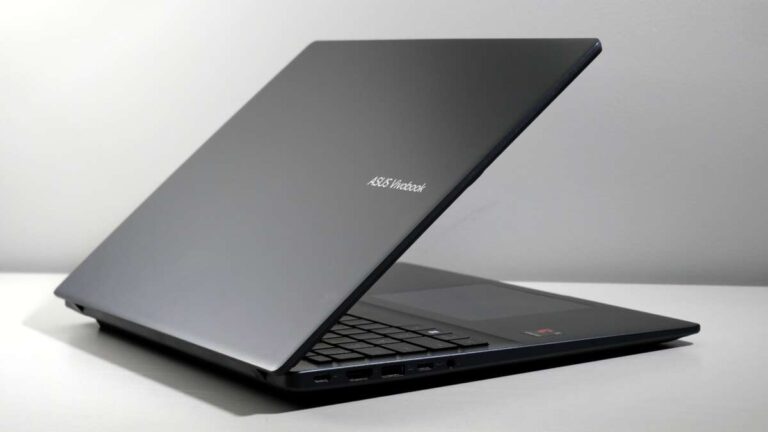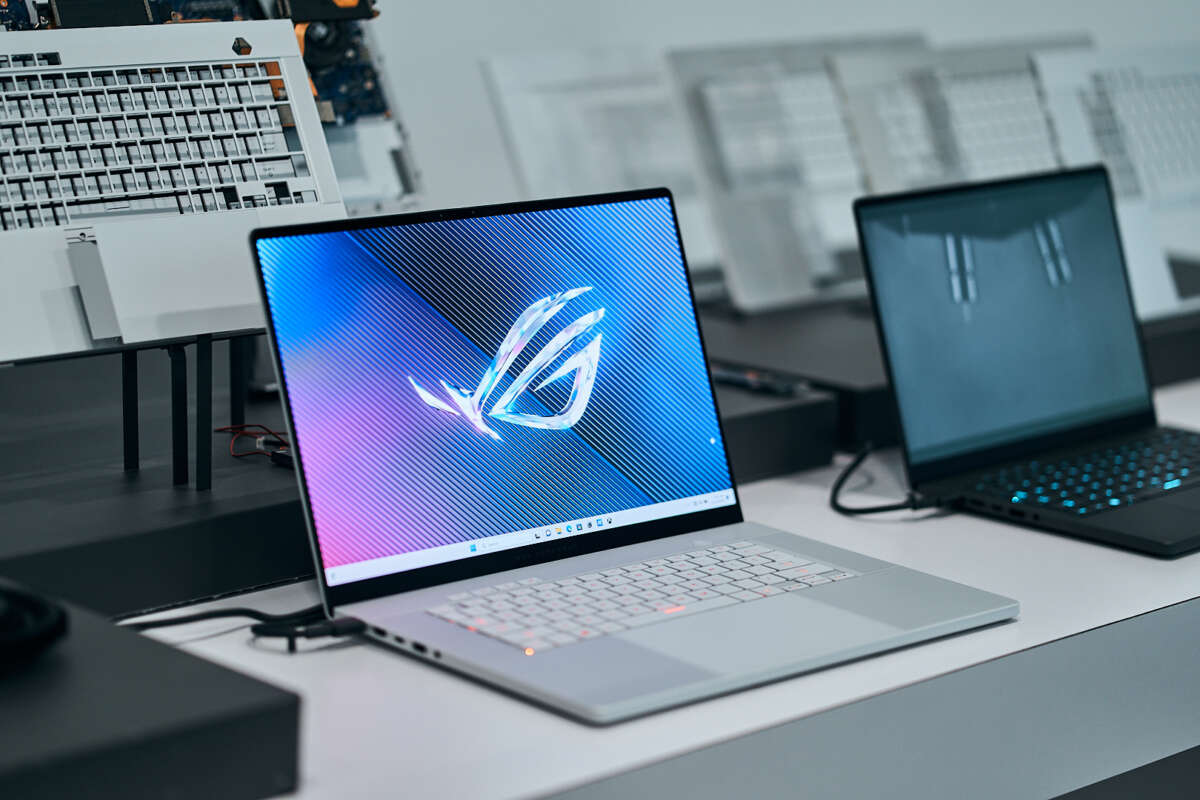
The best gaming laptop is the Lenovo Legion Pro 7i for its strong performance, cooling, screen, and upgrade options.
Choosing the best laptop computer for gaming depends on more than a fast graphics card. You also need steady cooling, a bright display, good battery life, a strong keyboard, and enough storage for large modern games. After comparing gaming hardware, display types, thermal designs, and real-world value, the Lenovo Legion Pro 7i stands out as the best all-around choice for most serious players. However, lighter models such as the ASUS ROG Zephyrus G16 and lower-cost options such as the Acer Nitro V may suit you better. This guide will help you pick the right machine for your games, budget, and daily needs.

What is the best laptop computer for gaming?
For most people, the Lenovo Legion Pro 7i is the best laptop computer for gaming. It usually combines a powerful Intel processor, an NVIDIA GeForce RTX graphics card, a high-refresh-rate display, reliable cooling, and a sturdy build.
The exact model changes from year to year. A newer Legion Pro 7i with an RTX 5070 Ti, RTX 5080, or similar GPU may outperform an older version with an RTX 4080. Still, the same buying rule applies: choose the newest model that fits your budget and has the right graphics card.
The best laptop computer for gaming should deliver:
• A modern discrete GPU, such as an NVIDIA GeForce RTX 4060 or newer
• At least 16GB of system memory
• A fast solid-state drive with at least 1TB of storage
• A 15-inch or 16-inch display with a refresh rate of 144Hz or higher
• A strong cooling system with more than one fan
• A comfortable keyboard and a useful port selection
The Legion Pro 7i is not the smallest or cheapest gaming laptop. It is more like a powerful sports sedan than a tiny city car. It has the speed to play demanding games, yet it remains practical for school, work, and creative tasks.
Best gaming laptops by type
The best laptop computer for gaming is not the same for every player. Someone who travels every day may value weight and battery life more than peak frame rates. A desktop replacement user may prefer a large screen, powerful cooling, and easy upgrades.
Here are the strongest choices by use case:
• Best overall: Lenovo Legion Pro 7i
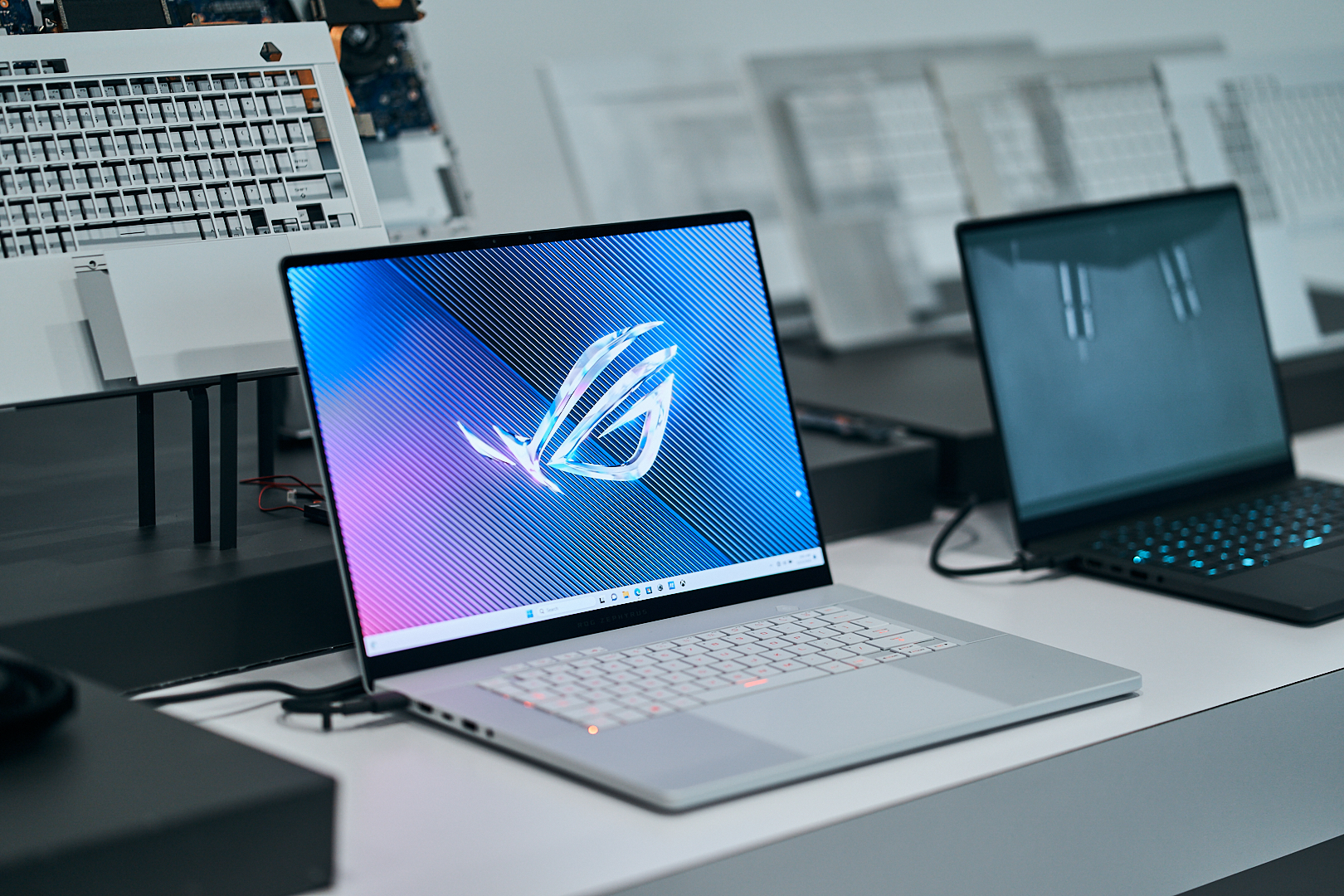
• Best portable gaming laptop: ASUS ROG Zephyrus G16
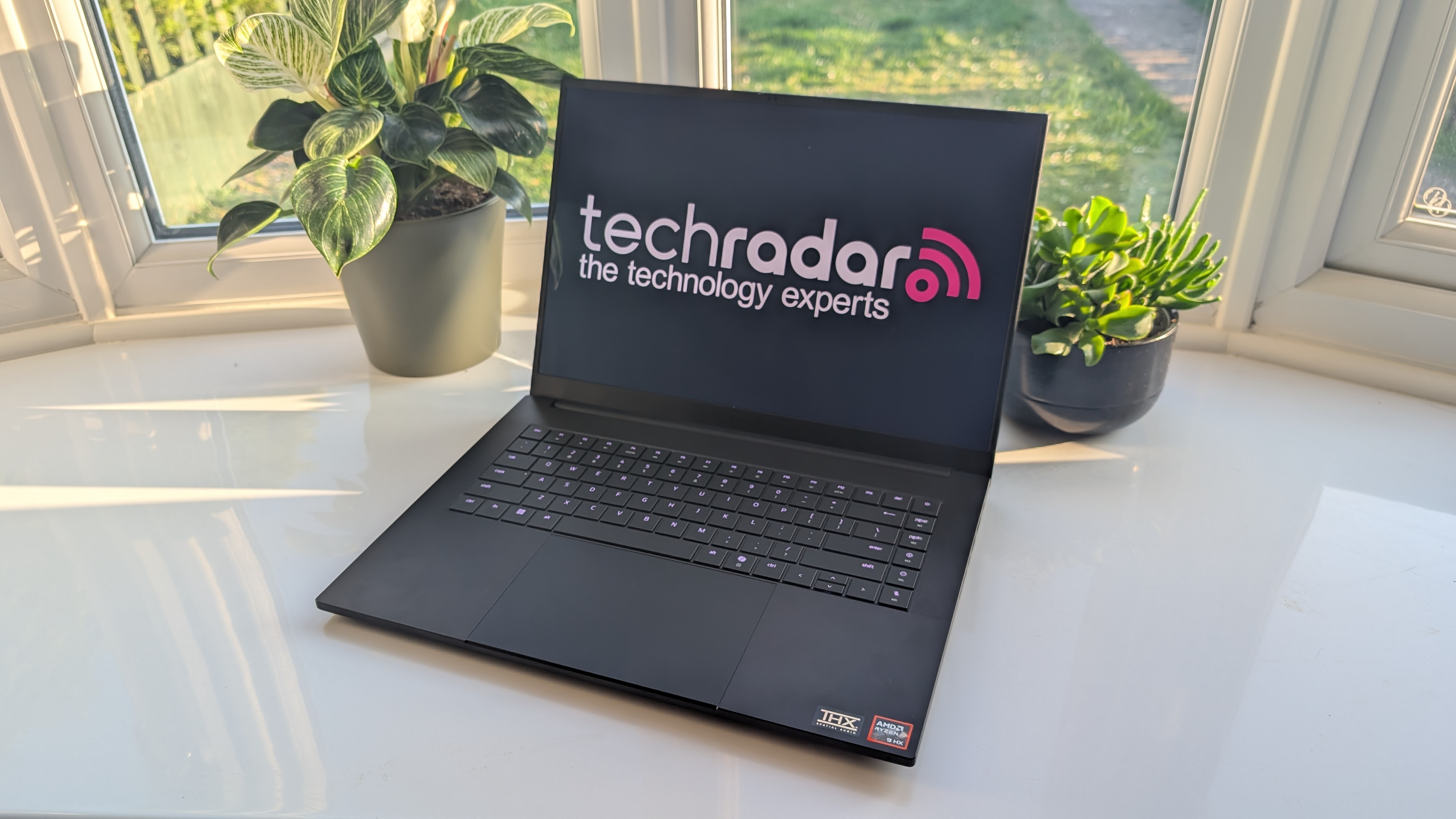
• Best premium design: Razer Blade 16
• Best value: Lenovo Legion Slim 5 or Acer Nitro V
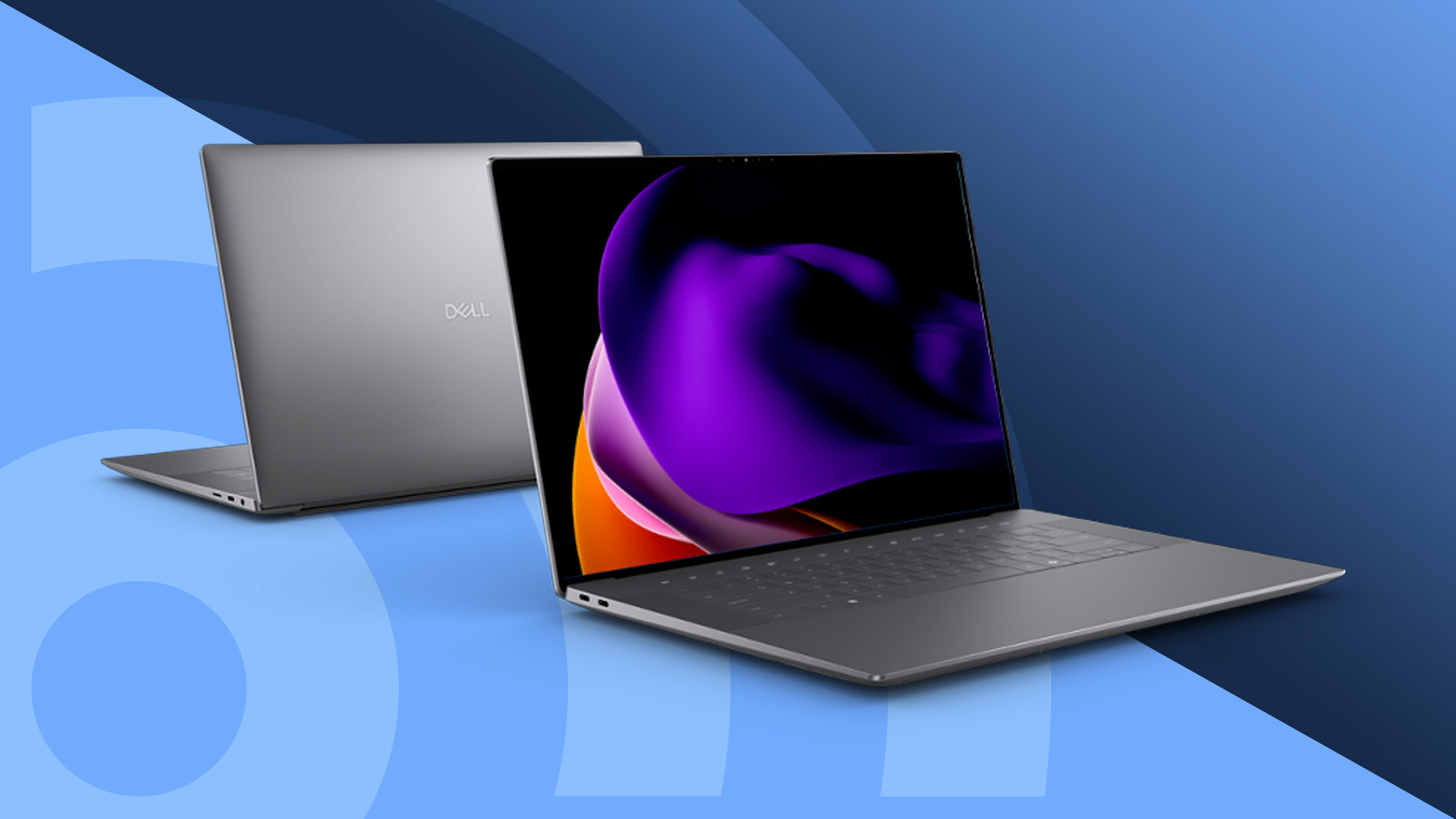
• Best large-screen option: Alienware m18
• Best for esports: ASUS ROG Strix or Lenovo Legion Pro models with a 240Hz display
• Best entry-level choice: A well-configured Acer Nitro V, ASUS TUF Gaming A15, or Lenovo LOQ
The best laptop computer for gaming should match the games you play. Competitive titles such as Valorant, Counter-Strike 2, and Rocket League can run well on midrange hardware. Newer games such as Cyberpunk 2077, Alan Wake 2, and Starfield need a stronger GPU and more memory.
Lenovo Legion Pro 7i: Best overall
The Legion Pro 7i is a strong choice because it balances speed, cooling, build quality, and price. It often includes a high-power Intel Core processor and a laptop version of an NVIDIA RTX GPU. Its 16-inch screen also gives you more room than a typical 15.6-inch panel.
Its main advantages include:
• Strong performance in modern AAA games
• A bright display with a high refresh rate
• Good heat control under heavy loads
• Replaceable memory and storage on many versions
• A comfortable keyboard with useful lighting
The main drawback is weight. The power adapter is also large. If you mostly play at home, this is a minor issue. If you carry your laptop across campus every day, the lighter Zephyrus G16 may feel better.
ASUS ROG Zephyrus G16: Best for portability
The ROG Zephyrus G16 is often the best laptop computer for gaming for people who need one device for everything. It has a thinner body than most high-performance gaming laptops, yet it can still run demanding games with the right GPU.
It also tends to offer:
• A sharp 16-inch display
• A slim and modern design
• Strong speakers and a good trackpad
• Useful battery life for normal work
• Enough power for gaming, video editing, and school tasks
Slim laptops have a trade-off. Their smaller cooling systems may limit performance during long gaming sessions. You may also pay more for a thin design than for a larger laptop with similar hardware.
Razer Blade 16: Best premium option
The Razer Blade 16 is a premium gaming laptop with a metal body, a clean design, and powerful components. It looks more like a professional workstation than a typical gaming machine.
It is a good fit if you want:
• A high-end aluminum design
• A sharp, color-rich display
• Strong gaming and creator performance
• A compact look without bright plastic styling
The price is the main concern. The best laptop computer for gaming does not need to be the most expensive one. A Legion Pro or ASUS ROG model may offer similar frame rates for less money.
Acer Nitro V and Lenovo LOQ: Best value
Budget gaming laptops have improved a lot. The Acer Nitro V and Lenovo LOQ can provide a solid gaming experience without the cost of a premium machine.
Look for a model with:
• NVIDIA RTX 4050 or RTX 4060 graphics
• 16GB of memory
• A 144Hz display
• At least 512GB of SSD storage
• A recent Intel Core or AMD Ryzen processor
Avoid buying a budget gaming laptop with only 8GB of RAM if you plan to play newer games. It may work today, but you could face stutters and slow loading later.

How to choose the best laptop computer for gaming
The graphics processor is the most important part for gaming performance. It creates the images you see on the screen, including lighting, shadows, textures, and special effects.
A strong CPU also matters. It handles game logic, physics, background tasks, and system instructions. However, many buyers spend too much on the processor and too little on the GPU. For most games, a balanced system with a strong graphics card is the smarter choice.
Graphics card
Here is a simple guide:
• RTX 4050: Good for 1080p gaming at medium or high settings
• RTX 4060: Excellent for 1080p gaming and suitable for some 1440p play
• RTX 4070: Strong for high-quality 1440p gaming
• RTX 4080 or RTX 5080: Excellent for demanding games and high-resolution screens
• RTX 4090 or RTX 5090: Very powerful, but often poor value unless you need maximum performance
AMD Radeon graphics can also offer good value. Compare actual game tests rather than relying only on the product name. A laptop RTX 4070, for example, can perform differently depending on its power limit and cooling system.
Processor
Modern Intel Core Ultra and AMD Ryzen processors are both capable choices. For gaming, a recent six-core or eight-core processor is usually enough.
Consider a stronger CPU if you also plan to:
• Stream games
• Edit video
• Create 3D projects
• Run virtual machines
• Compile software
The best laptop computer for gaming should not have a weak processor paired with an expensive GPU. Look for a balanced combination that avoids bottlenecks.
Memory
Choose 16GB of RAM as the practical starting point. Choose 32GB if you play demanding games, stream, edit video, or keep many programs open.
Some thin laptops use memory that cannot be replaced. Check the upgrade design before you buy. A laptop with two memory slots gives you more freedom in the future.
Storage
A 1TB NVMe SSD is ideal for most players. Modern games can take 100GB or more, so a 512GB drive may fill quickly.
Storage affects load times, but it does not usually create a large frame-rate increase. If a laptop has only 512GB, confirm that it has a second SSD slot or an easy upgrade path.
Display
A 1080p display is still a good fit for affordable gaming laptops. It allows the GPU to produce more frames and often improves battery life.
A 1440p or 1600p display looks sharper. It is a strong choice for a 16-inch screen, especially when paired with an RTX 4070 or better GPU.
Pay attention to:
• Refresh rate: 144Hz is a good starting point, while 240Hz suits competitive gaming
• Response time: Lower response time helps reduce motion blur
• Brightness: Around 300 nits is usable indoors, while brighter is better near windows
• Color coverage: A wide color range helps with games, movies, and creative work
• Adaptive sync: This can reduce screen tearing and stutter
A high-resolution display is not always better. If the GPU cannot produce enough frames, a 240Hz panel offers little value.
Cooling system
Gaming laptops create a lot of heat. A good cooling system helps the processor and graphics card maintain speed over time.
Look for:
• Large heat pipes or a vapor chamber
• More than one fan
• Wide air intake vents
• Rear or side exhaust vents
• A performance mode in the control software
Never place a gaming laptop on a bed or soft blanket. It can block the intake vents and cause heat to build up. A hard desk and a simple laptop stand can make a real difference.

Gaming laptop performance and frame rates
Frame rate tells you how many images the laptop displays each second. Higher frame rates can make movement feel smoother, especially in fast games.
A rough guide looks like this:
• 60 frames per second: Playable for most single-player games
• 90 to 120 frames per second: Smooth for most players
• 144 frames per second or more: Great for competitive games
• 240 frames per second or more: Useful mainly for esports players with fast displays
These numbers depend on game settings, resolution, cooling, and the specific laptop model. Two laptops with the same RTX GPU may perform differently if one uses a lower power limit.
NVIDIA DLSS can improve performance by rendering some frames at a lower internal resolution and rebuilding the image with machine learning. Ray tracing creates more realistic lighting, but it can reduce frame rates. Features such as DLSS and frame generation can help, though they are not a substitute for a capable GPU.
When reviewing the best laptop computer for gaming, check independent tests that show:
• Average frame rates
• One percent low frame rates
• Fan noise
• Surface temperature
• Performance after a long gaming session
Average frame rate shows speed. One percent lows show how smooth the game feels during busy scenes. That second number often explains why one laptop feels better than another with a similar average score.
Gaming laptop features that matter in daily use
A gaming laptop is also a regular computer. You may use it for web browsing, meetings, study, travel, and media. Small features can affect your experience every day.
Keyboard and trackpad
A good keyboard should have clear key travel and firm feedback. Many gaming models include a number pad, but this can move the keyboard off center. Try to decide which layout feels more comfortable before buying.
The trackpad matters when you are not gaming. Premium models often offer smoother and larger trackpads. Budget models may feel less precise, but a gaming mouse can solve the issue at a desk.
Ports
A useful gaming laptop should include:
• USB-A ports for older accessories
• USB-C for modern devices
• HDMI for an external monitor
• A headphone jack
• Ethernet for stable online gaming
Some laptops support USB-C charging, but that does not always provide enough power for full gaming performance. The included charger may still be necessary during demanding sessions.
Webcam and microphone
A 1080p webcam is helpful for video calls and streaming. Many older gaming laptops still use basic 720p cameras, which can look soft in low light.
If you stream often, a separate webcam and microphone may offer better quality. Still, a decent built-in camera makes the laptop more useful outside gaming.
Battery life
Gaming laptops rarely deliver long battery life while playing demanding games. The GPU uses too much power.
Battery life is better for light work when the discrete GPU is inactive. You can improve it by:
• Lowering the display refresh rate
• Using battery saver mode
• Reducing screen brightness
• Closing unused programs
• Using integrated graphics for normal tasks
The best laptop computer for gaming should offer enough battery life for daily work, but you should not expect all-day gaming away from an outlet.

Common mistakes when buying a gaming laptop
Many buyers focus on one impressive specification. That can lead to a poor purchase.
Avoid these common mistakes:
• Choosing a laptop based only on the GPU name
• Buying 8GB of RAM for modern games
• Ignoring the screen brightness and response time
• Assuming every RTX 4070 laptop performs the same
• Buying a thin laptop for long, demanding sessions
• Choosing a tiny SSD that fills within a few months
• Forgetting the cost of a mouse, headset, and cooling stand
• Selecting a high-resolution screen with an underpowered GPU
One mistake I often see is buying the cheapest laptop with a powerful-looking processor. In real use, the graphics card, cooling, and screen often matter more. A balanced RTX 4060 laptop with 16GB of RAM can feel better than a poorly cooled laptop with a faster CPU and weaker GPU.
Another lesson is to check the return policy. Laptop keyboards, fan noise, screen quality, and coil whine can vary between units. A clear return window gives you time to test the machine at home.

How much should you spend on the best laptop computer for gaming?
Your budget shapes your expectations. Prices change often, especially during holiday sales and new GPU launches.
Under $800
Look for an RTX 4050 or a discounted RTX 4060 laptop. You may need to accept a plastic body, a dimmer screen, or a smaller SSD.
This range works well for esports games and many single-player games at 1080p.
$800 to $1,300
This is often the best value range. You can find an RTX 4060 laptop with 16GB of RAM, a fast SSD, and a 144Hz screen.
For many players, this is the sweet spot. You get good performance without paying for features you may not notice.
$1,300 to $2,000
You can expect a stronger RTX 4070 or RTX 5070-class GPU, a better display, improved cooling, and a stronger build.
This range is ideal for people who want high settings at 1440p or 1600p.
Above $2,000
You may find RTX 4080, RTX 5080, RTX 4090, or RTX 5090 laptops, premium screens, and high-end materials.
These machines are fast, but the value drops. If you mainly play at 1080p, spending this much may not improve your experience enough.
The best laptop computer for gaming is often found during a sale. Compare the full configuration, not just the discount percentage. A laptop advertised as 30 percent off may still be poor value if it has only 8GB of RAM or a small SSD.
How to set up a new gaming laptop
A few steps can improve performance and reliability from day one.
-
Install system and graphics driver updates.
-
Remove unwanted trial software.
-
Set the laptop to performance mode while gaming.
-
Install games on the fastest SSD.
-
Test temperatures during a long session.
-
Create a recovery drive or backup plan.
-
Adjust the display refresh rate in system settings.
-
Use a hard surface that keeps the vents clear.
Keep your drivers current, but do not install unofficial tuning software unless you understand what it changes. Overclocking can increase heat and reduce stability.
Use the laptop maker’s control app to monitor fan speed, power mode, and temperatures. If the system becomes unusually hot, crashes, or loses performance after several minutes, investigate the cooling setup.
You can also improve the experience with a few simple accessories:
• A comfortable gaming mouse
• A large mouse pad
• A headset with a clear microphone
• An external monitor
• A cooling stand
• A USB-C or Thunderbolt dock for desk use
Is a gaming laptop better than a gaming desktop?
A gaming desktop usually offers more performance for the money. It also has better cooling and is easier to upgrade. A laptop wins when you need portability or want one machine for several places.
Choose a laptop if you:
• Move between home, school, and work
• Travel often
• Have limited desk space
• Want a built-in screen and keyboard
• Need one computer for gaming and daily tasks
Choose a desktop if you:
• Play only at one desk
• Want the highest performance per dollar
• Plan to upgrade parts often
• Prefer quiet operation
• Want a large monitor setup
The best laptop computer for gaming gives you freedom, but that freedom costs more. A desktop may offer a stronger GPU for the same price. A laptop may still be the better personal choice because you can take it wherever you need it.
Frequently asked questions about the best laptop computer for gaming
What is the best laptop computer for gaming overall?
The Lenovo Legion Pro 7i is one of the best overall choices because it combines strong gaming performance, effective cooling, a high-quality display, and upgradeable parts. Choose the model with the newest GPU that fits your budget.
Is 16GB of RAM enough for gaming?
Yes, 16GB is enough for most games today. Choose 32GB if you stream, edit video, use many apps at once, or want more room for future games.
Is an RTX 4060 laptop good for gaming?
An RTX 4060 laptop is very good for 1080p gaming and can handle many games at 1440p with adjusted settings. It is often one of the best value choices for a new gaming laptop.
Are gaming laptops worth buying?
Gaming laptops are worth buying if you need portability and want a built-in display, keyboard, and battery. They usually cost more than desktops with similar performance and can be harder to upgrade.
What screen size is best for a gaming laptop?
A 16-inch screen is a strong middle choice because it offers more space without becoming as large as an 18-inch model. A 15-inch laptop may be easier to carry, while an 18-inch model suits players who want a desktop-like experience.
How long does a gaming laptop last?
A quality gaming laptop can remain useful for about four to six years, depending on its GPU, cooling, and game requirements. Cleaning the vents, updating software, and avoiding blocked airflow can help extend its life.
Can a gaming laptop run games without being plugged in?
It can, but battery gaming usually reduces performance and lasts for a limited time. For the best frame rates, connect the original power adapter before starting a demanding game.
Conclusion
The best laptop computer for gaming is the one that balances performance, price, cooling, display quality, and portability. For most players, the Lenovo Legion Pro 7i is an excellent overall pick. The ASUS ROG Zephyrus G16 is better for travel, while the Acer Nitro V and Lenovo LOQ offer strong value at lower prices.
Start with the games you play and the resolution you want. Then choose the strongest GPU you can afford, 16GB or more of RAM, a 1TB SSD, and a high-refresh-rate screen. Compare real performance tests and check the return policy before you buy. Explore current configurations carefully, and share your preferred gaming laptop or setup in the comments.

Everett Ashford is a tech reviewer at mytechgrid.com specializing in SSDs, cameras, TVs, earbuds, headphones, and other consumer electronics. He provides honest, data-driven reviews based on hands-on testing and real-world performance analysis. Everett simplifies complex tech details to help readers make smart, confident buying decisions.