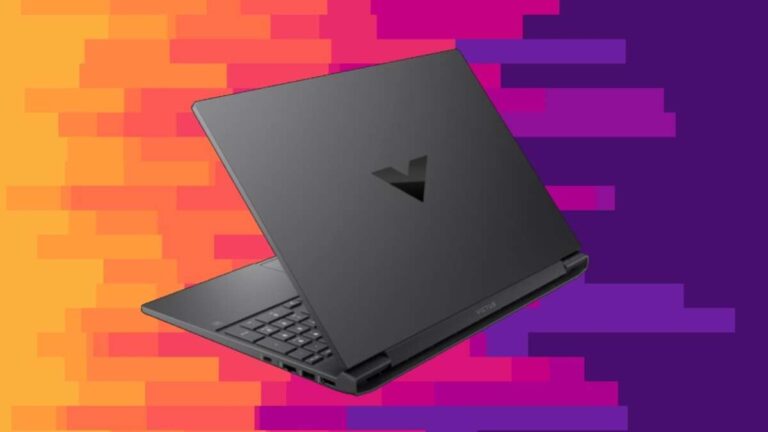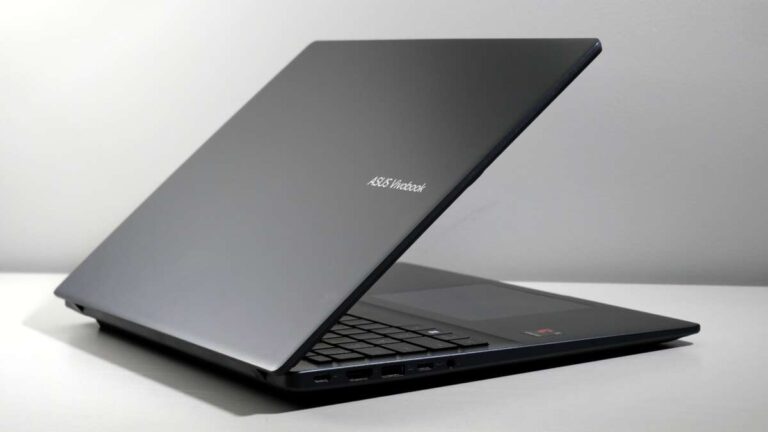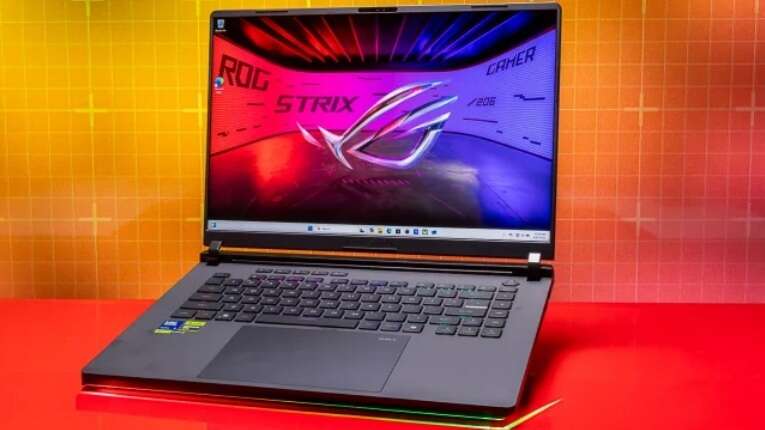
The best gaming laptop 2026 is likely a premium RTX 5090 laptop with strong cooling, a bright OLED display, and long battery life.
Choosing the best gaming laptop 2026 is not only about buying the fastest graphics card. It is about balancing frame rates, screen quality, heat, noise, battery life, upgrade options, build quality, and price. Based on current laptop design trends, NVIDIA RTX 50-series performance, AMD and Intel mobile processors, and lessons from real-world laptop testing, the best choice for most serious gamers will be a well-cooled 16-inch performance laptop rather than the most expensive model on the shelf.

What is the best gaming laptop 2026?
For most buyers, the best gaming laptop 2026 will be a 16-inch premium model with an NVIDIA GeForce RTX 5080 or RTX 5090 Laptop GPU, a modern high-end processor, 32GB of RAM, a fast 2TB SSD, and a 16:10 OLED or Mini-LED display.
The top choice will depend on your budget and gaming style:
• Best overall: A premium 16-inch laptop with an RTX 5080 Laptop GPU
• Best high-end option: A well-cooled RTX 5090 gaming laptop
• Best value option: An RTX 5070 Ti laptop with 32GB of RAM
• Best portable option: A thin 14-inch or 16-inch laptop with an RTX 5070-class GPU
• Best battery-focused option: An AMD-powered model with a large battery and efficient display
• Best esports option: A laptop with a 240Hz or 360Hz screen and strong CPU performance
The best gaming laptop 2026 should also have a MUX switch or Advanced Optimus, a good cooling system, a replaceable SSD, and at least two usable USB-A or USB-C ports. These details often matter more than a small difference in processor speed.
Best gaming laptop 2026: What to look for
A gaming laptop is a compact desktop replacement. It must fit a powerful processor, graphics chip, cooling system, screen, keyboard, and battery into one thin body. That creates trade-offs, so the best gaming laptop 2026 is the model that handles those trade-offs well.
Graphics performance
The graphics processing unit, or GPU, has the biggest effect on gaming performance. It controls how smoothly a game renders images, lighting, shadows, and effects.
For 2026, these GPU classes should fit different users:
• RTX 5060-class: Good for 1080p gaming and entry-level 1440p play
• RTX 5070-class: Strong for 1440p gaming and high refresh rates
• RTX 5070 Ti-class: A balanced choice for demanding games
• RTX 5080-class: Excellent for high-detail 1440p and some 4K gaming
• RTX 5090-class: The fastest option, but usually expensive and less portable
Do not compare laptop and desktop GPU names as if they were equal. A laptop GPU has a power limit. Two laptops with the same GPU name can perform very differently if one runs at 80 watts and the other runs near its maximum power level.
Processor performance
The central processing unit, or CPU, affects game logic, artificial intelligence, physics, streaming, and background tasks. It also matters in competitive games that aim for very high frame rates.
A modern eight-core processor is enough for most gamers. Higher-end chips with 12 or more cores can help creators, streamers, and users who edit video or run virtual machines.
For the best gaming laptop 2026, look for:
• A recent AMD Ryzen 7 or Ryzen 9 mobile processor
• A recent Intel Core Ultra 7 or Core Ultra 9 processor
• Strong single-core speed for esports games
• Enough cores for streaming and content creation
• A cooling system that can sustain performance for more than a few minutes
Display quality
The screen is the part you use every minute. A fast GPU cannot make a poor display look good.
A 16-inch 2560 × 1600 display is a strong choice for most buyers. It offers more sharpness than 1080p without placing the same burden on the GPU as 4K.
Look for:
• 165Hz or higher refresh rate for general gaming
• 240Hz or 360Hz for competitive esports
• OLED for deep blacks and fast response times
• Mini-LED for high brightness and strong HDR
• At least 100 percent sRGB coverage
• Wide color coverage if you edit photos or video
• Low pixel response time to reduce motion blur
OLED panels look superb, but they can use more power and may face long-term image retention concerns. Mini-LED panels can get brighter, but their local dimming may create halos around bright objects.
The most important specifications
Laptop specifications can look impressive while hiding important limits. A smart buying decision requires more than reading the product name.
RAM and storage
Choose at least 16GB of RAM for casual gaming. However, 32GB is the better target for the best gaming laptop 2026 because modern games, browsers, launchers, voice chat, and recording tools can use a lot of memory.
Choose a 1TB SSD at minimum. A 2TB SSD is more practical if you play large games such as open-world role-playing games, flight simulators, or modern shooters. Some new games can take more than 100GB each.
Check whether the laptop includes:
• Two replaceable memory modules
• One or two M.2 SSD slots
• Easy access to the internal components
• Standard SSD sizes rather than proprietary storage
Cooling and power limits
Cooling is one of the clearest differences between a great gaming laptop and a disappointing one. A thin laptop may list the same GPU as a larger model, but it may run slower because it cannot remove heat as effectively.
Good cooling usually includes:
• Two large fans
• Multiple heat pipes or a vapor chamber
• Separate cooling paths for the CPU and GPU
• Exhaust vents placed away from your hands
• A performance mode that increases fan speed
Laptop fans will become audible during demanding games. That is normal. The goal is not silent gaming at maximum power. The goal is stable performance without extreme heat, sudden throttling, or uncomfortable keyboard temperatures.
Battery life
Gaming laptops are not known for all-day battery life. Their powerful processors and dedicated GPUs consume much more energy than thin productivity laptops.
Battery life improves when you:
• Use integrated graphics for office work
• Lower the screen refresh rate
• Reduce keyboard lighting
• Use a balanced power mode
• Turn on battery saver features
• Choose an efficient processor and a large battery
The best gaming laptop 2026 should last several hours for browsing and video. Do not expect the same laptop to deliver long battery life while playing demanding games away from the charger.

Best gaming laptop 2026 by user type
There is no single perfect gaming laptop for everyone. Your games, budget, desk setup, and travel habits should guide the decision.
Best overall gaming laptop
The best overall gaming laptop 2026 will likely be a 16-inch model with an RTX 5080 Laptop GPU, 32GB of RAM, a 2TB SSD, and a high-quality 1600p display.
This class offers a strong mix of speed and value. It can handle demanding single-player games at high settings while also offering enough power for editing, streaming, and school or work tasks.
A good overall model should also have:
• A metal or reinforced chassis
• A comfortable keyboard
• A large touchpad
• A webcam with clear video
• Wi-Fi 7 or a strong modern Wi-Fi connection
• USB-C charging support for light workloads
• A full-power GPU setting
Best premium gaming laptop
A premium RTX 5090 laptop will target buyers who want maximum performance. These laptops often include better speakers, stronger screens, more advanced cooling, and higher build quality.
The main limitation is price. A high-end laptop can cost as much as a capable desktop and monitor. It may also be heavier, louder, and less efficient than a midrange model.
Buy a premium laptop when you truly need:
• Maximum frame rates
• High-resolution gaming
• Heavy 3D work
• Professional video editing
• Large software projects
• A portable workstation
Best value gaming laptop
The best value gaming laptop 2026 will likely use an RTX 5070 or RTX 5070 Ti Laptop GPU. This level should provide excellent 1440p or 1600p gaming without the price jump of an RTX 5080 or RTX 5090 model.
Look for a laptop with 32GB of RAM or an upgrade path. A cheaper laptop with 16GB of soldered memory may become limiting sooner.
A value model is worth considering if it offers:
• A full-power GPU
• A 1440p or 1600p screen
• A 165Hz refresh rate
• Two SSD slots
• A strong cooling system
• A fair warranty
Best thin and light gaming laptop
A thin gaming laptop is ideal for students, travelers, and people who carry one computer for everything. The compromise is lower sustained performance and less upgrade space.
For this category, an RTX 5070-class GPU is often a sensible target. The laptop should weigh less than large desktop replacements while still offering enough power for modern games.
Do not judge thin laptops only by thickness. A slightly thicker chassis may run cooler, quieter, and faster. In daily use, that can feel like a better design.
Best esports gaming laptop
Competitive players should prioritize frame rate, input response, and screen quality. An RTX 5070-class laptop with a fast CPU and a 240Hz panel may be more useful than an RTX 5090 laptop paired with a slow 60Hz display.
For competitive gaming, check:
• 240Hz or 360Hz refresh rate
• Low response time
• Low input lag
• A reliable wired Ethernet port
• A good keyboard with clear actuation
• Stable cooling during long matches
Games such as Counter-Strike 2, Valorant, Overwatch 2, and Fortnite can benefit from high frame rates. However, real performance depends on settings, resolution, drivers, and the specific laptop power limit.
Gaming laptop brands worth considering
Brand reputation matters, but model design matters more. A strong product from one brand can be better than a weak product from a famous brand.
Lenovo Legion
Legion laptops often offer balanced performance, practical keyboards, useful ports, and strong cooling. They are worth considering for buyers who want good gaming power without an extreme design.
ASUS ROG and TUF
ROG models usually target premium buyers, while TUF models focus more on value. Check the exact screen, GPU power limit, memory layout, and warranty before buying.
Razer Blade
Blade laptops are known for slim metal designs, strong displays, and premium construction. Their main drawbacks are often high prices, heat, and limited value compared with larger performance laptops.
Alienware
Alienware systems often use bold designs and powerful cooling. They can be excellent desktop replacements, but size, weight, and price should be considered.
Acer Predator and Nitro
Predator models usually target performance buyers. Nitro models often deliver lower prices, but some configurations may use weaker screens or less upgrade-friendly parts.
HP Omen
Omen laptops can provide a clean design and solid gaming performance. Review the exact configuration because display quality and memory options can vary across models.
MSI
MSI offers a wide range of gaming laptops, from affordable systems to high-end machines. Pay close attention to cooling, hinge design, webcam quality, and the screen specification.

How much should you spend?
The right budget depends on the type of gaming you want to do. Paying more does not always create a better experience.
Under $1,000
Expect an entry-level gaming laptop with an RTX 5060-class GPU or similar hardware. It should handle 1080p gaming well, but you may need to lower settings in demanding new releases.
$1,000 to $1,500
This is often the strongest value range. Look for an RTX 5070-class GPU, 16GB or 32GB of RAM, and a 1440p or 1600p screen.
$1,500 to $2,500
This range can include excellent RTX 5070 Ti and RTX 5080 laptops. You may also get a better chassis, quieter cooling, a brighter display, and a larger SSD.
Above $2,500
You are entering premium RTX 5080 and RTX 5090 territory. These laptops make sense for buyers who need top performance, high-resolution gaming, or a mobile workstation.
Prices can change quickly because of sales, stock, new releases, and regional differences. Always compare the full specification rather than relying on the product name.
Mistakes to avoid when buying a gaming laptop
A few common buying mistakes can turn an exciting purchase into a costly regret.
Buying the strongest GPU with a poor screen
A powerful GPU cannot fix a dim panel with slow response times. A good screen improves every game, movie, and daily task.
Ignoring GPU wattage
Two laptops with the same GPU label may have different performance. Check independent testing and the manufacturer’s stated total graphics power when available.
Choosing 16GB of soldered RAM
Sixteen gigabytes may work today, but new games and creative apps continue to grow. Upgradeable 32GB memory is safer for long-term use.
Forgetting the charger
Large gaming laptops often use heavy power adapters. If you travel often, include the charger in your weight calculation.
Expecting desktop performance
Laptop GPUs are designed for mobile power limits. A desktop graphics card with the same name may be faster.
Trusting marketing claims
Terms such as “AI-powered,” “extreme performance,” and “military-grade” do not replace independent performance tests. Look for frame-rate data, temperature results, noise measurements, and battery tests.
Buying a laptop without checking returns
Display quality, fan noise, keyboard feel, and coil noise can vary between units. A clear return policy gives you protection if the experience is poor.
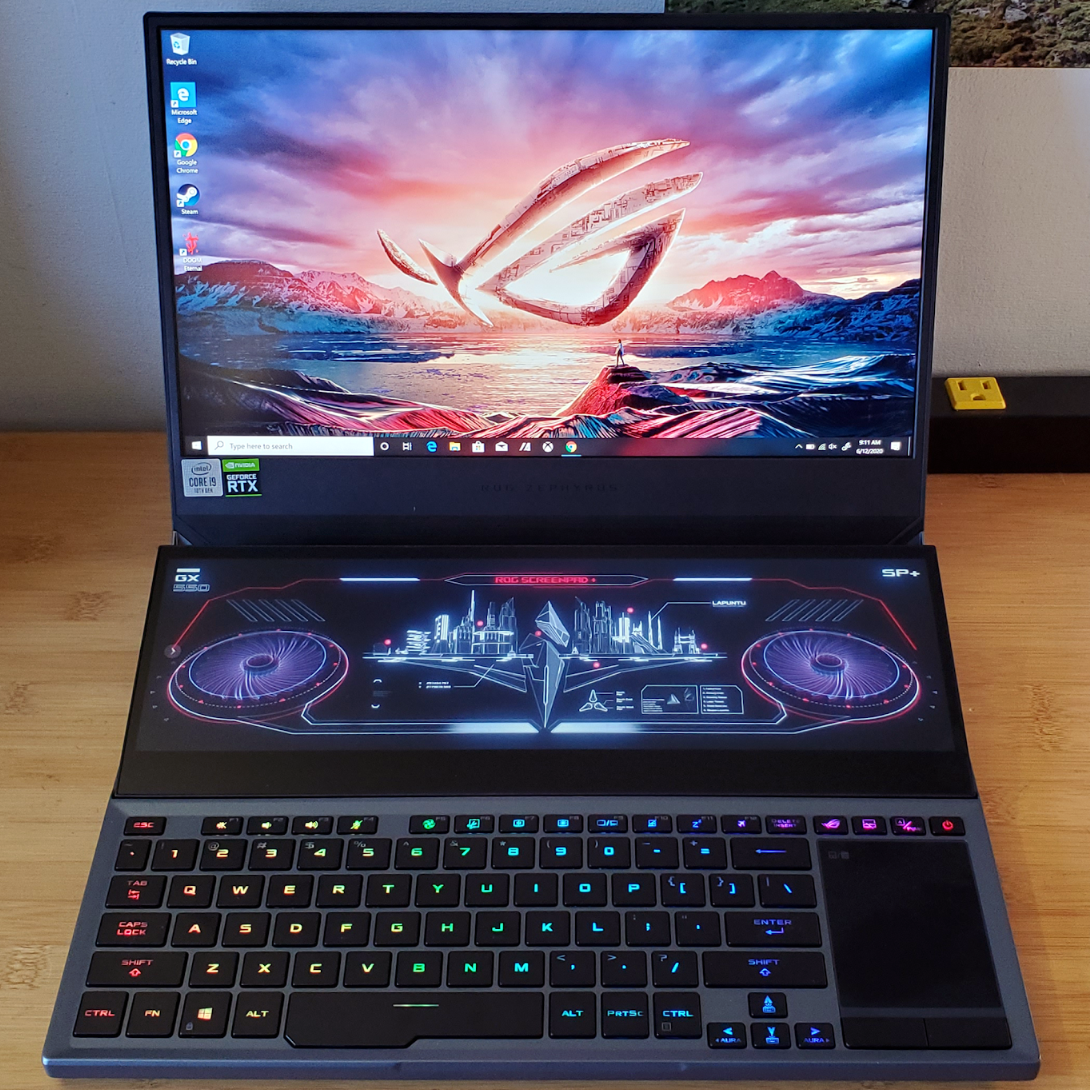
How to test a new gaming laptop
When your new laptop arrives, spend the first week testing it. This can reveal problems before the return period ends.
-
Update Windows, firmware, chipset drivers, and graphics drivers.
-
Check the screen for dead pixels, uneven brightness, and backlight issues.
-
Run a demanding game for at least 30 minutes.
-
Watch CPU and GPU temperatures using a trusted monitoring tool.
-
Check whether the advertised GPU power setting is active.
-
Test every USB port, audio jack, webcam, wireless connection, and charger.
-
Install your most demanding game and measure frame rates.
-
Test sleep, restart, and external display functions.
-
Listen for unusual rattles, buzzing, or fan clicks.
-
Confirm that the SSD and RAM match the advertised configuration.
One practical lesson from laptop testing is that short benchmarks can be misleading. A laptop may look fast for five minutes and then slow down when heat builds up. Longer tests provide a more realistic view of daily gaming.
Recommended settings for better gaming performance
Even the best gaming laptop 2026 can perform poorly if the settings are wrong. A few simple changes can improve smoothness.
Use the laptop’s performance mode while gaming. Connect the charger, place the laptop on a hard surface, and keep air vents clear.
For demanding games:
• Use DLSS or another supported upscaling mode
• Enable frame generation when image quality and latency remain acceptable
• Lower ray tracing before lowering texture quality
• Keep textures high if the laptop has enough video memory
• Use a frame limit to reduce heat and fan noise
• Turn on G-SYNC or a similar variable refresh feature when available
Upscaling can make a major difference, but it is not magic. It may create visual artifacts in fast motion, thin lines, or scenes with heavy particles. Test it in the games you play most.

Is a gaming laptop better than a gaming desktop?
A desktop usually offers more performance for the money. It also provides easier upgrades, better cooling, and more repair options.
A gaming laptop offers mobility. You can take it to school, work, a friend’s house, or a gaming event. It also includes a screen, keyboard, battery, webcam, and speakers in one device.
Choose a gaming laptop if:
• You need to move your computer often
• You have limited space
• You want one device for work and gaming
• You travel regularly
• You do not want to build a desktop
Choose a desktop if:
• Maximum performance is your top priority
• You want easy upgrades
• You prefer a large monitor
• You want lower long-term costs
• Portability does not matter
The best gaming laptop 2026 is not automatically better than a desktop. It is better for people who value mobility and convenience.
Frequently Asked Questions about the best gaming laptop 2026
What is the best gaming laptop 2026 for most people?
A 16-inch laptop with an RTX 5080-class GPU, 32GB of RAM, a 2TB SSD, and a 1600p high-refresh display should suit most serious gamers. It offers a strong balance of performance, screen quality, and useful long-term hardware.
Is an RTX 5090 laptop worth the money?
An RTX 5090 laptop is worth considering if you need maximum mobile performance for high-resolution gaming or professional workloads. For ordinary 1080p or 1440p gaming, an RTX 5070 Ti or RTX 5080 laptop may offer better value.
How much RAM does a gaming laptop need in 2026?
Choose 16GB as the basic minimum and 32GB as the preferred amount. Gamers who stream, edit video, use mods, or keep many apps open should consider 64GB if the laptop supports it.
Is OLED better than Mini-LED for gaming?
OLED usually offers deeper blacks and extremely fast pixel response times. Mini-LED can provide higher brightness and may be a better choice for bright rooms, long desktop use, and users who want to reduce image-retention concerns.
Can a gaming laptop replace a desktop?
Yes, a powerful gaming laptop can replace a desktop for many users. A desktop still offers better upgrade options, easier repairs, and more performance per dollar.
How long should a gaming laptop last?
A well-built gaming laptop can remain useful for four to six years, depending on its GPU, cooling, and upgrade options. You may need to lower game settings as new titles become more demanding.
Should I buy a gaming laptop with a 4K screen?
A 4K screen makes the most sense on a large premium laptop with a high-end GPU. For most gamers, a 1600p or 1440p screen gives a better balance of sharpness, frame rate, and battery use.
Conclusion
The best gaming laptop 2026 will not be the model with the biggest number on its box. It will be the laptop with the right GPU power, a quality display, reliable cooling, enough RAM, fast storage, and a price that fits your needs.
For most buyers, a 16-inch RTX 5070 Ti or RTX 5080 laptop with 32GB of RAM is the safest choice. Choose an RTX 5090 model only if you need the highest performance and can accept extra cost, heat, weight, and fan noise.
Compare full specifications, read long-term reviews, and test the laptop before the return window closes. Explore current models and deals carefully, then share your preferred gaming laptop or questions in the comments.

Everett Ashford is a tech reviewer at mytechgrid.com specializing in SSDs, cameras, TVs, earbuds, headphones, and other consumer electronics. He provides honest, data-driven reviews based on hands-on testing and real-world performance analysis. Everett simplifies complex tech details to help readers make smart, confident buying decisions.