The best Dell laptops are the XPS 13, Inspiron 14 Plus, Latitude 7450, Alienware m16, and Precision 5690.
Choosing the right Dell laptop depends on your budget, workload, and need for portability. After comparing display quality, battery life, build strength, performance, repair options, and long-term value, this guide explains which Dell laptops are the best for students, professionals, gamers, creators, and everyday users.

Which Dell laptops are the best overall?
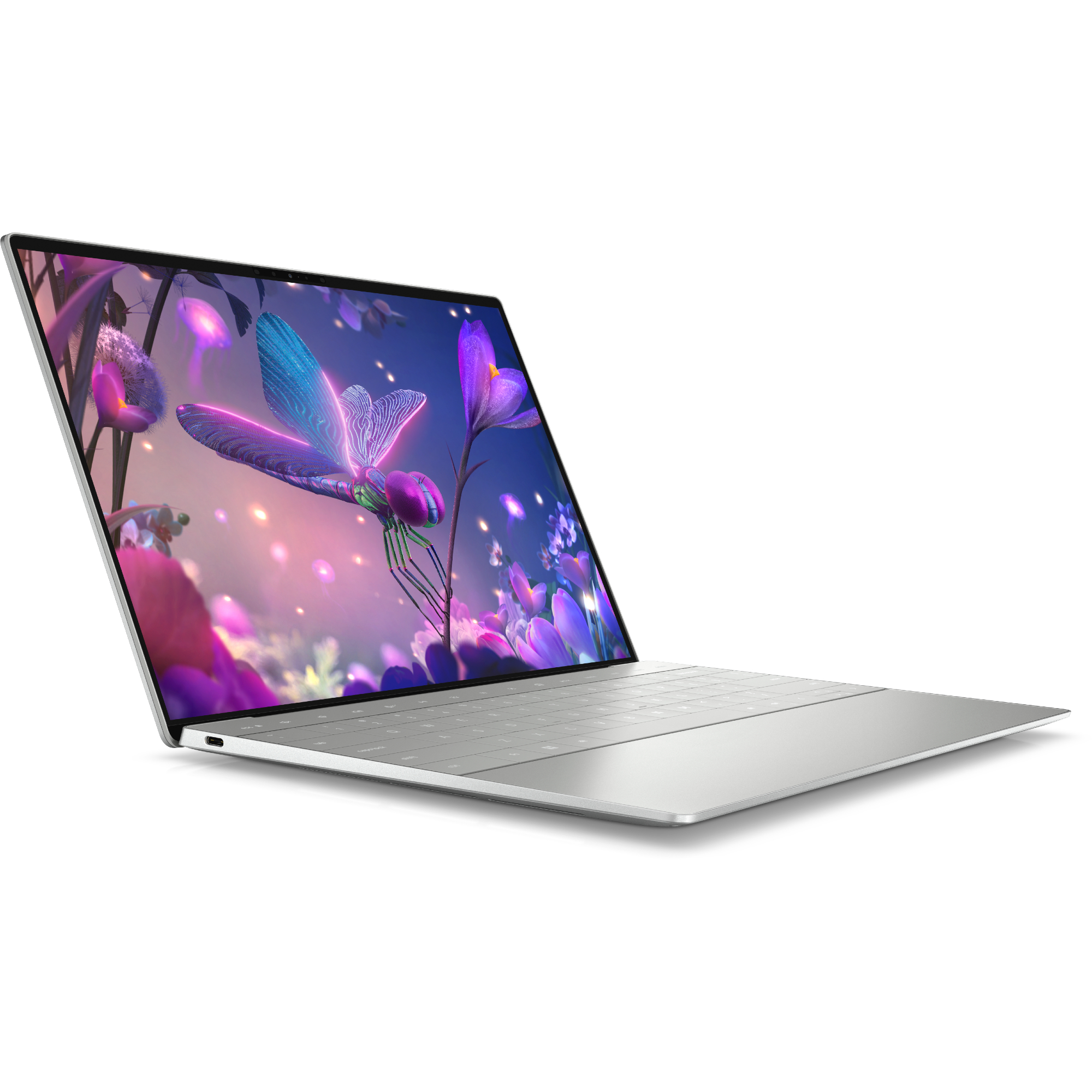
The Dell XPS 13 is the best Dell laptop for most people who want a small, stylish, and powerful Windows computer. It is thin, easy to carry, and strong enough for office work, school, web browsing, photo editing, and light coding.
The Dell Inspiron 14 Plus is a better value choice. It usually offers a larger screen, a comfortable keyboard, modern Intel or AMD processors, and more ports at a lower price than the premium XPS range.
For business users, the Dell Latitude 7450 is the stronger pick. It has useful security tools, a durable design, excellent keyboard options, and business-focused support.
Here are the top choices at a glance:
| User type | Best Dell laptop | Why it stands out |
|---|---|---|
| Best overall | Dell XPS 13 | Premium design, strong speed, and excellent portability |
| Best value | Dell Inspiron 14 Plus | Good performance and features for the price |
| Best for students | Dell Inspiron 14 | Simple, practical, and affordable |
| Best business laptop | Dell Latitude 7450 | Security, durability, and business support |
| Best for creators | Dell XPS 16 | Large screen and powerful components |
| Best gaming laptop | Alienware m16 R2 | Strong graphics and cooling |
| Best workstation | Dell Precision 5690 | Professional-grade performance and certification |
| Best 2-in-1 | Dell Inspiron 14 2-in-1 | Flexible design for work, school, and media |
The best Dell laptops are not all built for the same buyer. A student may need battery life and low weight, while a video editor may need a powerful graphics processor and a color-accurate display.
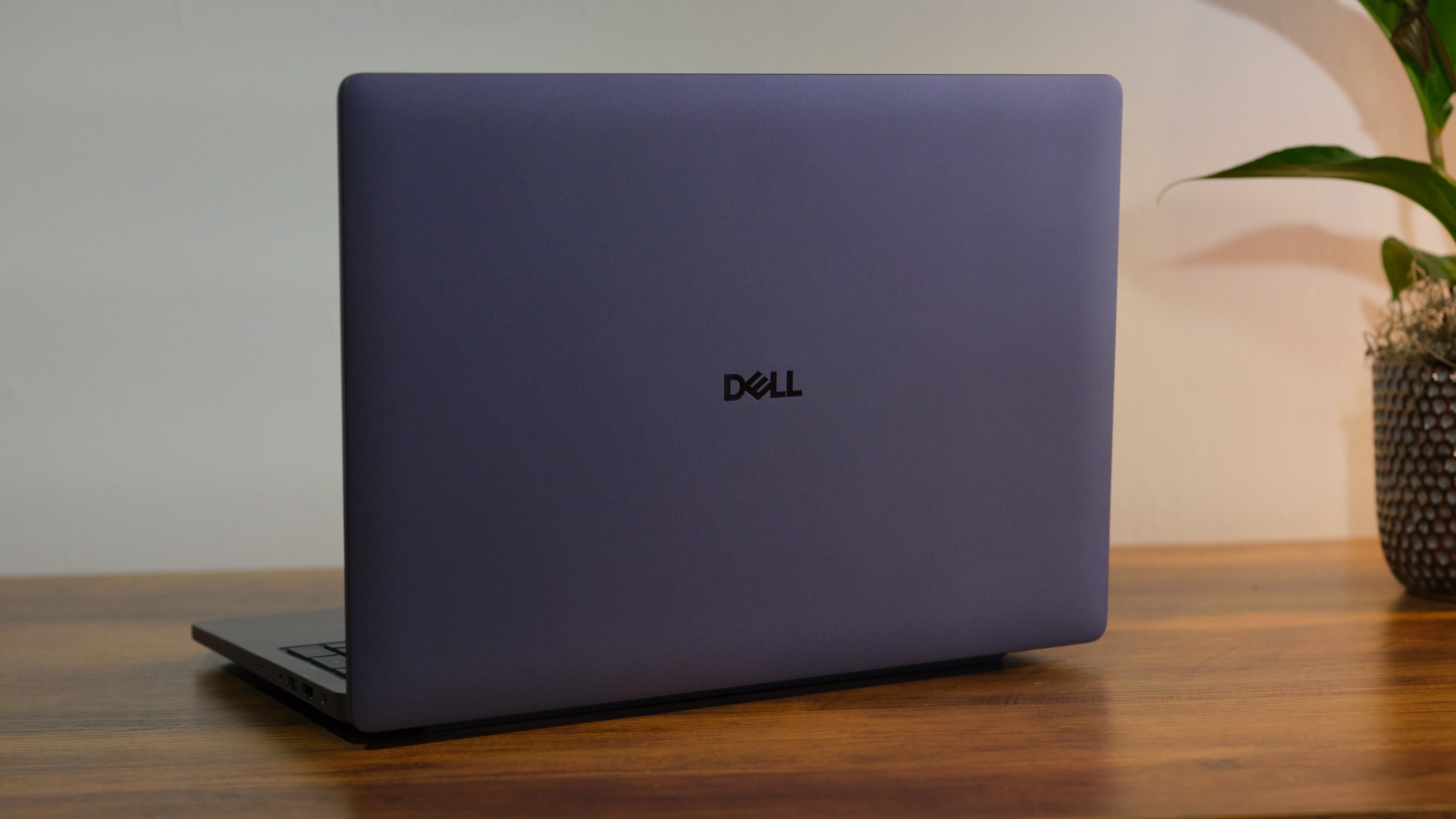
Best Dell laptops by category
Best overall: Dell XPS 13
The Dell XPS 13 is the best Dell laptop for buyers who want premium quality in a compact size. Its small body fits easily into a backpack, yet current versions can handle documents, video calls, dozens of browser tabs, and many creative tasks.
The XPS 13 is a good match for:
• College students who move between classes
• Remote workers who need a light laptop
• Writers, researchers, and office users
• Travelers who value a small charger and compact design
• People who want a high-end Windows laptop
Its main weakness is connectivity. Thin laptops often have fewer ports, so you may need a USB-C hub for HDMI, USB-A devices, or an SD card. You should also check the display option before buying because a high-resolution screen can reduce battery life.
Best value: Dell Inspiron 14 Plus
The Dell Inspiron 14 Plus often gives buyers the best balance of price and performance. It is larger and less luxurious than an XPS 13, but it can offer a faster processor, more memory, and a bigger screen for less money.
It works well for:
• Office work
• Online classes
• Light programming
• Photo editing
• Streaming and everyday use
• Small business tasks
Look for at least 16GB of RAM and a 512GB solid-state drive. That combination gives Windows enough room for multitasking and leaves space for apps, photos, and school files.
Best for students: Dell Inspiron 14
The standard Dell Inspiron 14 is one of the easiest recommendations for students. It is often less expensive than premium models, and it provides the core features most students need.
It can handle research, word processing, presentations, video calls, music, and streaming. It is also easier to replace or upgrade in some configurations than an ultra-thin premium laptop.
Students should avoid buying the cheapest version without checking its specifications. A model with 8GB of memory may feel limited after several years, especially when using video calls, browser tabs, and large documents at the same time.
Best business laptop: Dell Latitude 7450
The Dell Latitude 7450 is designed for professional work. Latitude laptops usually include features that matter to companies, such as enhanced security, docking support, manageability, and business warranty options.
It is a strong choice for:
• Financial work
• Consulting
• Healthcare administration
• Sales teams
• Remote employees
• Government and education offices
The Latitude line may not look as flashy as the XPS line, but it is built like a dependable work tool. That is often more important than a very thin frame.
Best for creators: Dell XPS 16
The Dell XPS 16 is the best Dell laptop for many creators who need a larger screen and serious performance. With the right configuration, it can support photo editing, video production, 3D work, and music projects.
Choose a version with:
• At least 16GB of RAM
• A Core Ultra 7 or similar high-end processor
• A dedicated NVIDIA graphics processor for demanding creative work
• A 1TB solid-state drive if you edit large video files
• A high-resolution display if color and sharpness matter
The XPS 16 is not the best choice for everyone. It is heavier, more expensive, and less convenient for simple tasks than the XPS 13 or Inspiron 14.
Best gaming laptop: Alienware m16 R2
The Alienware m16 R2 is a strong gaming laptop for buyers who want high frame rates, a fast display, and better cooling than a thin productivity laptop can provide.
It is suitable for:
• Modern PC games
• Esports titles
• Game development
• 3D modeling
• Streaming games
• Heavy graphics work
Gaming laptops use more power and produce more heat. Battery life is also much shorter during demanding play. For the best results, use the supplied power adapter while gaming and place the laptop on a hard, flat surface.
Best professional workstation: Dell Precision 5690
The Dell Precision 5690 is designed for professional applications. It can be configured with powerful processors, professional graphics, large amounts of memory, and fast storage.
A Precision laptop makes sense for:
• Computer-aided design
• Engineering software
• Architecture
• Scientific work
• Professional 3D applications
• Large data projects
Workstation graphics drivers are often tested for specific professional programs. That certification can be more valuable than raw gaming performance when a project depends on stability and accuracy.

How to choose the best Dell laptop for your needs
The best Dell laptop is the one that matches your daily work without making you pay for features you will never use. Start with your workload, then compare the processor, memory, storage, display, battery, and warranty.
1. Choose the right Dell family
Dell uses different product families for different buyers.
• Dell XPS: Premium laptops for people who want strong design, portability, and performance.
• Dell Inspiron: Mainstream laptops for school, home, and general work.
• Dell Latitude: Business laptops with security and support features.
• Dell Precision: Professional workstations for demanding technical software.
• Alienware: Gaming laptops and desktops with high-performance graphics.
Dell has also been changing its consumer and business naming system in some markets. Model names and configurations may change, so always confirm the exact processor, display, memory, and warranty before placing an order.
2. Pick a suitable processor
The processor affects app speed, multitasking, battery use, and heat. Modern Dell laptops may use Intel Core Ultra, Intel Core, or AMD Ryzen chips, depending on the model.
• Entry-level Intel Core 3 or AMD Ryzen 3: Basic browsing, documents, and streaming.
• Intel Core 5 or AMD Ryzen 5: Good for school, office work, and everyday multitasking.
• Intel Core 7 or AMD Ryzen 7: Better for coding, large spreadsheets, editing, and heavier multitasking.
• Intel Core 9 or high-end Ryzen 9: Useful for demanding creative, technical, and professional workloads.
Do not judge a laptop by processor branding alone. Cooling, memory, software, and graphics hardware also affect real-world speed.
3. Get enough RAM
RAM helps your laptop keep apps open and switch between tasks. It is different from storage, which holds your files.
Use these targets:
• 8GB: Basic work only, and less ideal for long-term use.
• 16GB: The best choice for most people.
• 32GB: Recommended for editing, software development, virtual machines, and heavy multitasking.
• 64GB or more: Useful for professional video work, engineering, large data sets, and advanced 3D tasks.
One common buying mistake is choosing a fast processor with only 8GB of RAM. The laptop may feel quick at first, but it can slow down when many browser tabs and applications are open.
4. Check the storage type and size
A solid-state drive, or SSD, makes Windows start quickly and helps apps open faster. Avoid a traditional hard disk as the main drive if possible.
Storage suggestions include:
• 256GB: Suitable only for light use and cloud storage.
• 512GB: A sensible minimum for most buyers.
• 1TB: Better for photos, games, video, and professional software.
• 2TB or more: Useful for large media libraries and local project files.
Cloud storage is helpful, but it should not replace backups. Keep important files in at least two places.
5. Compare the display
The display affects comfort every day. A sharp screen can make text easier to read, while a bright panel helps when working near a window.
Look for:
• A 14-inch screen for a good balance of space and portability.
• A 16-inch screen for editing, spreadsheets, and split-screen work.
• Full HD or better resolution for clear text.
• An IPS or OLED panel for better viewing angles and contrast.
• At least 300 nits of brightness for indoor work.
• A high refresh rate for gaming and smoother motion.
OLED screens can look excellent, but they may use more power and cost more. Some OLED panels can also show image retention over time, so use normal screen-saving features.
6. Think about ports and wireless features
A laptop may look sleek but still frustrate you if it lacks the ports you need. Check whether it includes USB-C, USB-A, HDMI, a headphone jack, an SD card slot, or a microSD slot.
Consider your accessories:
• Photographers may need a full-size SD card reader.
• Office workers may need HDMI or a docking connection.
• Gamers may want Ethernet through a dock or adapter.
• Students may need USB-A for older flash drives and classroom equipment.
Wi-Fi 6E and Wi-Fi 7 can improve wireless performance on compatible networks. Your router and internet plan must support those standards to gain the full benefit.
Dell laptop battery life and real-world performance
Battery claims are useful for comparison, but they are not promises. Manufacturers often test laptops with controlled brightness and simple tasks, while real users run video calls, web apps, music, and background services.
For better battery life:
• Choose a processor designed for efficiency.
• Use moderate screen brightness.
• Close apps you do not need.
• Keep drivers and Windows updated.
• Use battery saver during travel.
• Avoid a dedicated graphics processor unless you need it.
The XPS 13 and some Inspiron models are usually better for travel than Alienware and Precision systems. Gaming and workstation laptops need more power because their processors and graphics chips work harder.
A useful habit is to test your laptop during the return period. Use it away from the charger, join a video meeting, open your normal apps, and check how quickly the battery falls. This practical test tells you more than a laboratory number.

Build quality, keyboard, webcam, and repairability
A laptop is more than its processor. You touch the keyboard, look at the webcam, open the lid, and carry the machine every day.
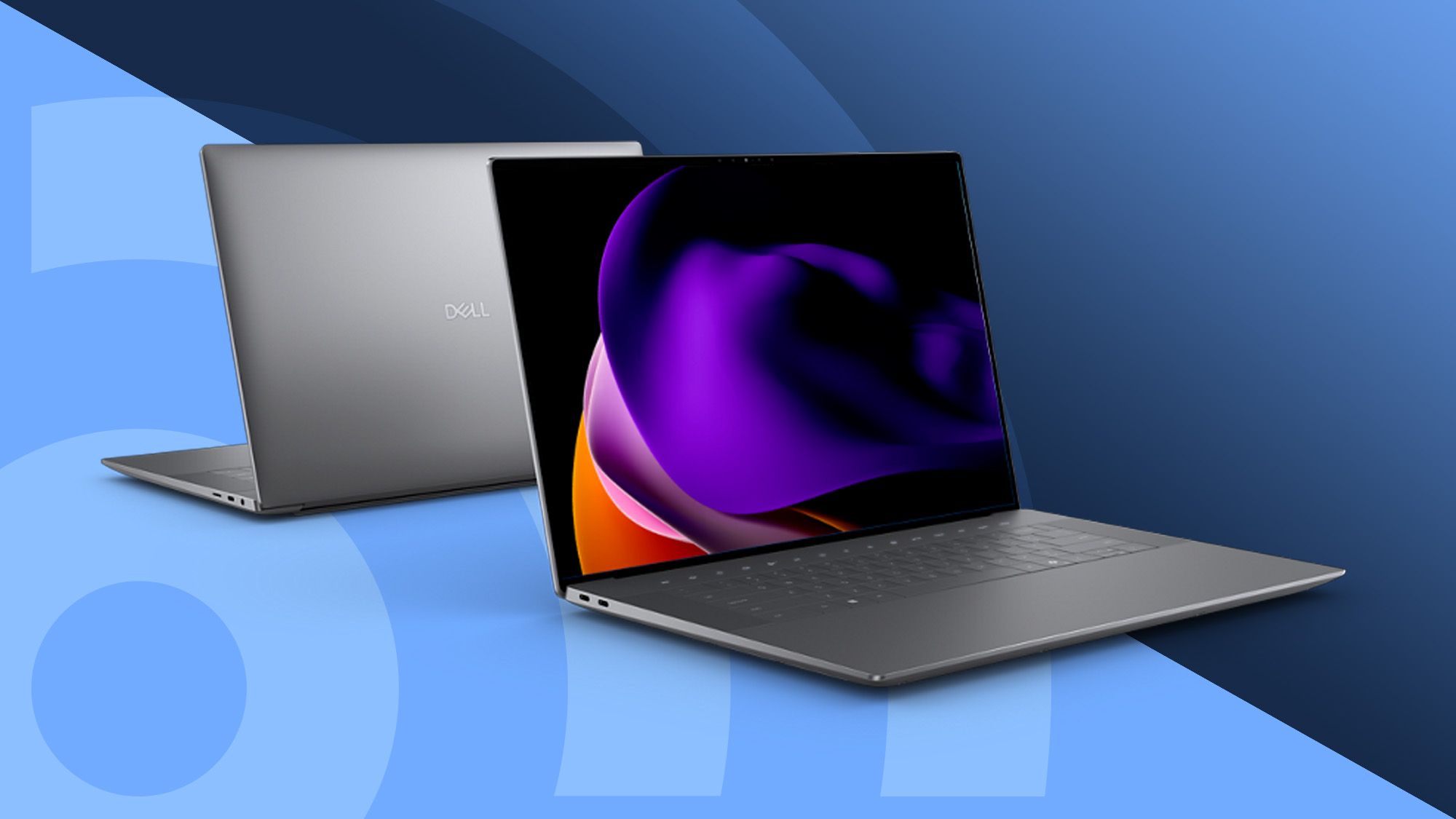
The XPS line generally offers a premium feel and compact design. Latitude models often prioritize durability and serviceability. Inspiron laptops vary more because they cover a wide range of prices.
Pay attention to:
• Keyboard travel and layout
• Touchpad size and accuracy
• Webcam resolution
• Microphone quality
• Hinge strength
• Weight and charger size
• Ease of opening the bottom cover
A 1080p webcam is a worthwhile upgrade for remote work. It will not fix poor lighting, but it can make your image sharper during meetings.
Repairability also matters. Some Dell models provide access to the SSD, battery, or wireless card, while others use more integrated parts. Check the service manual for the exact model before buying if you plan to keep the laptop for many years.
One lesson I have seen repeatedly when comparing laptops is that buyers focus too much on processor speed. A comfortable keyboard, good webcam, and reliable hinge can improve your workday more than a small benchmark gain.

Dell laptop pricing and the best time to buy
Dell regularly changes prices through sales, student offers, business promotions, and clearance events. The same laptop can have a very different value from one week to the next.
Use this buying process:
-
Choose the exact model and specifications.
-
Record its normal price.
-
Compare Dell’s store price with trusted retailers.
-
Check the return period and warranty.
-
Look for student, teacher, military, or business discounts.
-
Avoid comparing a sale price with a different configuration.
A low price may reflect less memory, a smaller SSD, a dimmer display, or a weaker processor. Compare complete specifications rather than product names.
For most buyers, a laptop with 16GB of RAM and a 512GB SSD is a better long-term purchase than a cheaper laptop with 8GB of RAM and 256GB of storage. Spending a little more at the start can prevent an early upgrade.
Common mistakes to avoid when buying a Dell laptop
Even the best Dell laptops can disappoint if you choose the wrong configuration. Avoid these common mistakes:
• Buying only by brand name: Dell makes basic, premium, business, gaming, and workstation laptops.
• Choosing 8GB of RAM for demanding work: Modern multitasking often benefits from 16GB.
• Ignoring the display: A low-quality panel can make daily use tiring.
• Forgetting the charger: A powerful laptop may use a large adapter.
• Assuming every USB-C port does the same thing: Charging, display output, and high-speed data support vary.
• Skipping warranty details: Business and consumer support plans may differ.
• Buying a gaming laptop for simple office work: It may be heavy, loud, and short-lived away from a charger.
• Buying a thin laptop for professional 3D work: Slim designs may not provide enough cooling or graphics power.
• Trusting battery estimates without testing: Real use is more demanding than many lab tests.
Think of the laptop as a complete system. The best processor cannot compensate for a poor screen, weak battery, or uncomfortable keyboard.
Are Dell laptops reliable?
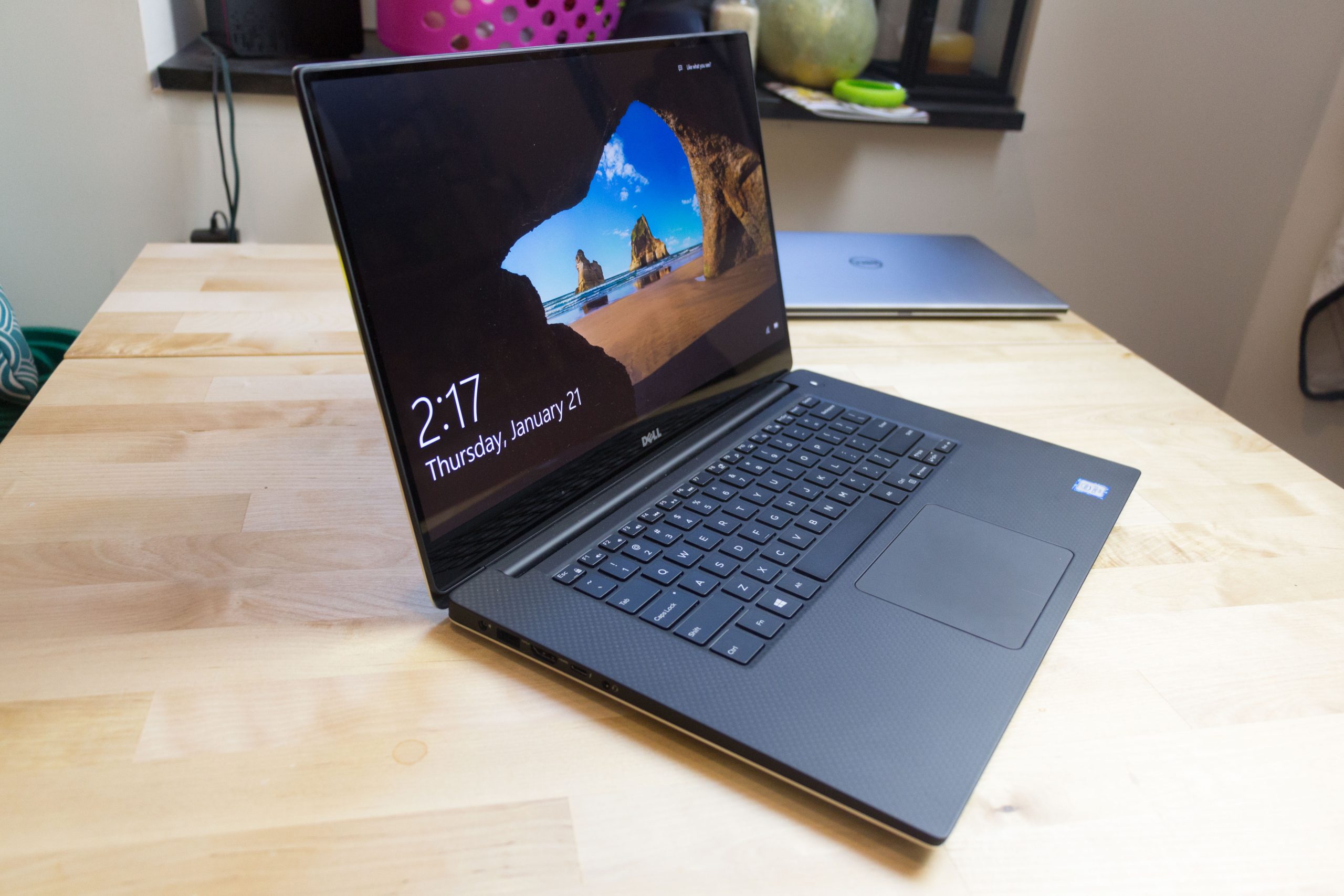
Dell laptops are generally reliable when you choose the right model and maintain it well. Business Latitude and Precision systems often use stronger support programs and more durable designs, while reliability can vary across different Inspiron configurations.
Keep air vents clear, update the operating system, protect the charger, and avoid using the laptop on soft bedding. If reliability is critical, consider an extended warranty with on-site service.
No laptop brand is free from defects. Check current customer reviews for the exact model and configuration, not just the product family.
Which Dell laptop is best for Windows 11?
The best Dell laptop for Windows 11 should have a modern supported processor, at least 16GB of RAM for comfortable multitasking, and a solid-state drive. The Dell XPS 13, Inspiron 14 Plus, and Latitude 7450 are strong choices for different budgets.
Check for features such as a compatible security chip, supported processor generation, and a working webcam. Dell’s official compatibility information is the safest place to confirm Windows 11 support.
Is Dell XPS better than Dell Inspiron?
Dell XPS laptops usually offer a more premium build, better materials, sharper display options, and a thinner design. Dell Inspiron laptops often provide better value, more practical ports, and lower prices.
The XPS line is better for premium portability. Inspiron is often the smarter choice for families, students, and buyers who want the most hardware for their money.

Frequently Asked Questions About Which Dell Laptops Are the Best
Which Dell laptop is best for most people?
The Dell XPS 13 is the best premium choice for most people who value portability and design. The Dell Inspiron 14 Plus is often the better value if you want a larger screen and strong specifications at a lower price.
Which Dell laptop is best for college students?
The Dell Inspiron 14 is a practical choice for most college students because it handles documents, research, streaming, and video calls without the cost of a premium model. Choose 16GB of RAM and a 512GB SSD if your budget allows.
Which Dell laptop is best for business use?
The Dell Latitude 7450 is a strong business laptop because it focuses on security, durability, docking, and professional support. It is a better fit for company work than a consumer-focused Inspiron model.
Which Dell laptop is best for gaming?
The Alienware m16 R2 is one of the best Dell gaming laptops for demanding games and graphics work. It offers stronger cooling and graphics performance than standard Dell productivity laptops, but it is heavier and less efficient on battery.
Which Dell laptop is best for video editing?
The Dell XPS 16 is a strong option for video editing when configured with a powerful processor, dedicated graphics, at least 32GB of RAM, and a large SSD. Professional editors with specialized software may prefer a Dell Precision workstation.
Is 8GB of RAM enough in a Dell laptop?
Eight gigabytes can work for basic browsing and documents, but 16GB is a safer choice for a new laptop. More memory helps when you use video calls, many browser tabs, editing apps, or large spreadsheets.
How long should a Dell laptop last?
A well-maintained Dell laptop can remain useful for four to six years, although battery capacity usually declines sooner. Business and premium models may last longer when they receive careful use, software updates, and occasional repairs.
Conclusion
The best Dell laptops depend on how you work. Choose the XPS 13 for premium portability, the Inspiron 14 Plus for value, the Latitude 7450 for business, the Alienware m16 R2 for gaming, and the Precision 5690 or XPS 16 for demanding creative and professional tasks.
Before you buy, compare the exact processor, RAM, SSD, display, ports, battery expectations, and warranty. Start with your real daily needs rather than the most impressive specification, then explore current Dell models and choose the configuration that will serve you well for years.

Everett Ashford is a tech reviewer at mytechgrid.com specializing in SSDs, cameras, TVs, earbuds, headphones, and other consumer electronics. He provides honest, data-driven reviews based on hands-on testing and real-world performance analysis. Everett simplifies complex tech details to help readers make smart, confident buying decisions.