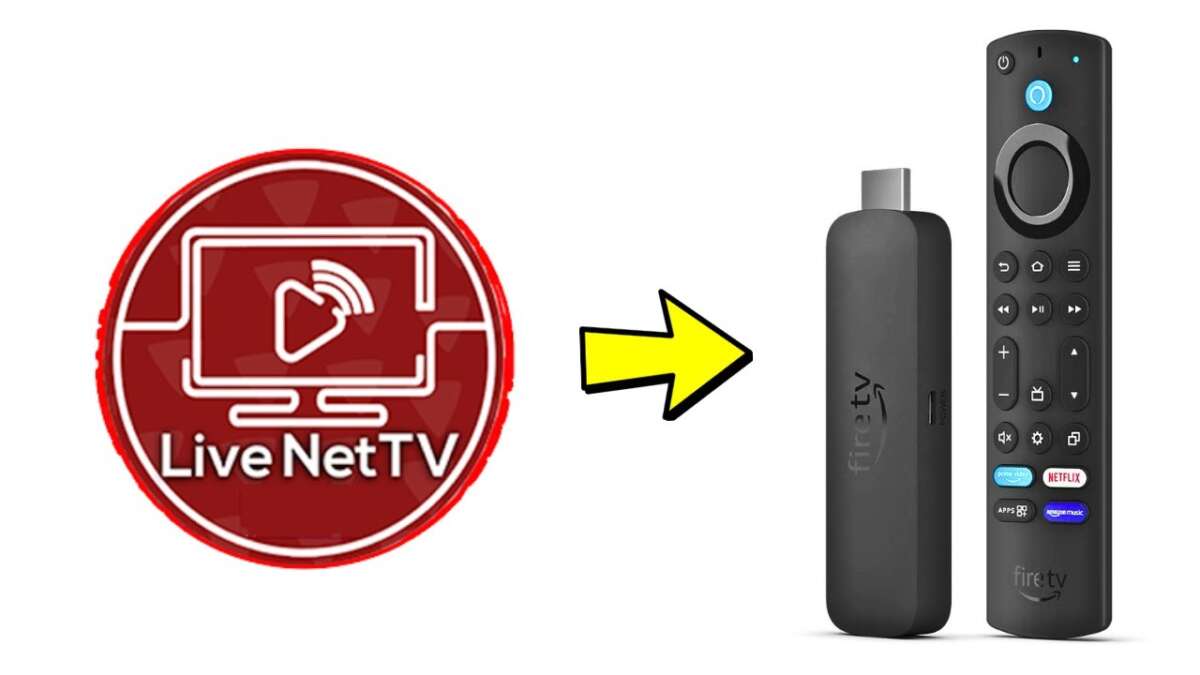
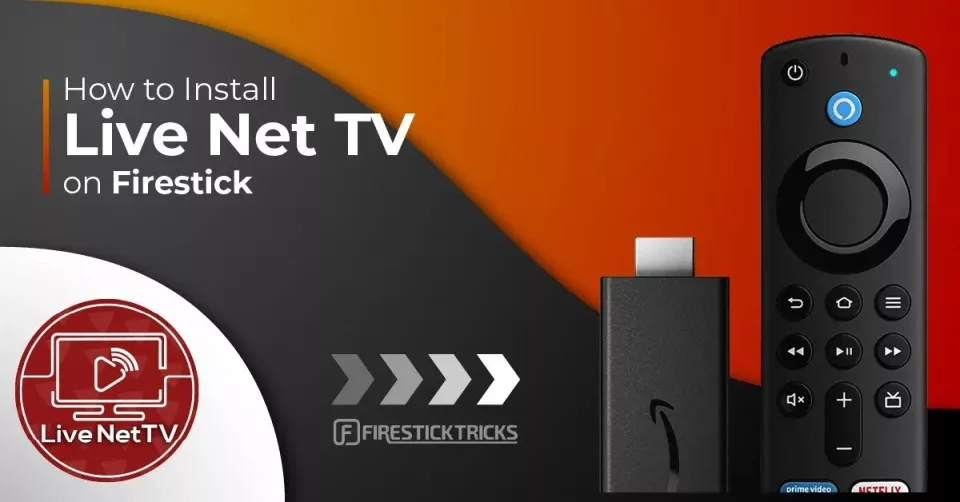
Download Live Net TV on Firestick by sideloading the APK using Downloader or a trusted file manager.
I’ve set up hundreds of streaming devices and tested many Android TV apps, so I’ll walk you through exactly how to download Live Net TV on Firestick safely, step by step. This guide shows what to prepare, how to enable sideloading, how to fetch and install the Live Net TV APK, and how to avoid common pitfalls. Read on to get Live Net TV running on your Firestick quickly and securely.
Why choose Live Net TV on Firestick
Live Net TV offers many free live channels across sports, news, entertainment, and regional feeds. Installing Live Net TV on Firestick turns your streaming stick into a more versatile TV hub without extra monthly fees. I prefer it when I want lots of channel options fast, but you should know how to install it correctly to avoid errors.
What you’ll need before you begin
- A Fire TV Stick or Fire TV device with a working internet connection.
- A Google account to download supporting apps if needed.
- About 200 MB of free storage for the Live Net TV APK and temporary files.
- The Downloader app or a file manager like ES File Explorer to sideload apps.
Knowing these basics makes the process smooth and fast when you learn how to download Live Net TV on Firestick.
Enable Apps from Unknown Sources
Before sideloading, allow installations from unknown sources. This is safe when you use trusted apps like Downloader.
- Go to Settings > My Fire TV > Developer options.
- Turn on Apps from Unknown Sources or Install unknown apps (depending on your Fire OS version).
- If prompted, enable the specific app (Downloader or your file manager) so it can install APKs.
Keep this setting off when you’re done installing apps to reduce risk.

Step-by-step: how to download live net tv on firestick
This section shows the fastest method using the Downloader app. The steps also work with other sideloaders.
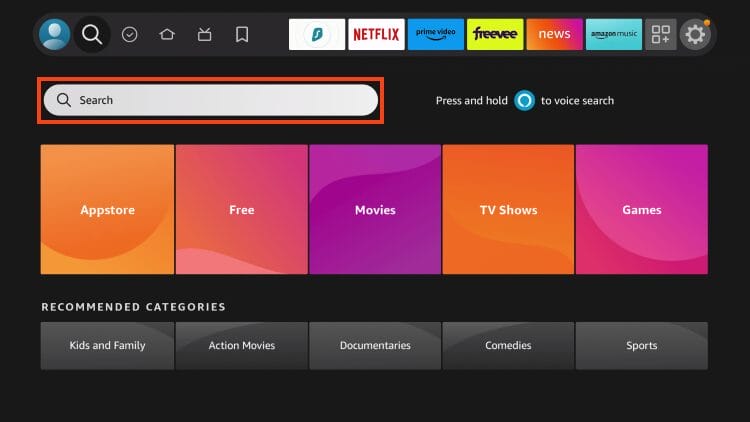
- Install Downloader from the Amazon Appstore.
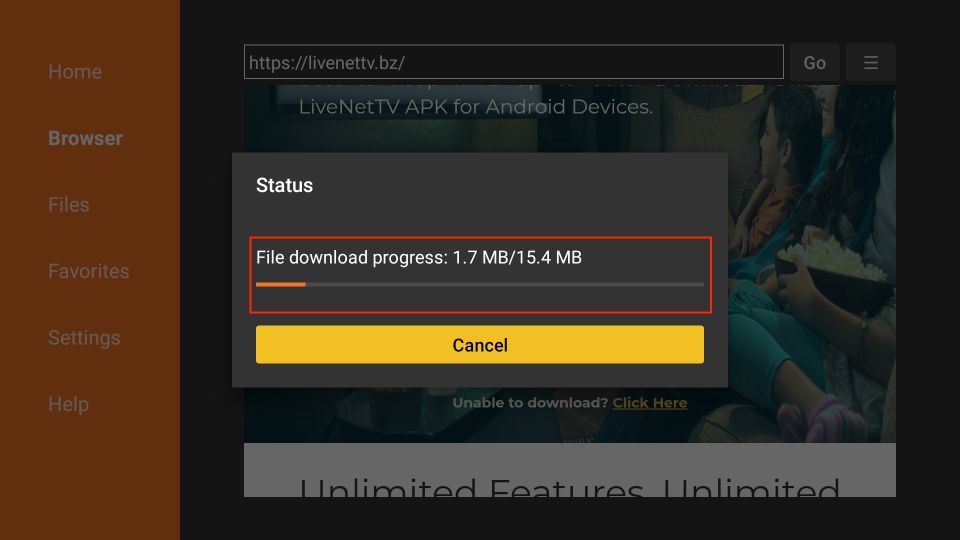
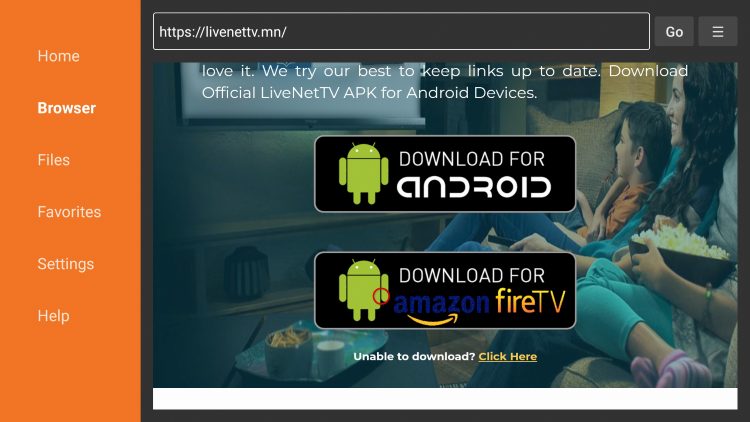
- Open Downloader and enter the APK URL for Live Net TV in the URL field.
- Tap Go to download the APK file to your Firestick.
- When download completes, select Install and confirm permissions.
- Once installed, choose Done or Open. If you choose Done, delete the APK file to save space.
If you prefer ES File Explorer, download the APK in its built-in browser and run the file via the Downloads section. Remember that Fire OS updates may change menu names, so look for similar options if you don’t see exact labels.
Install and first run
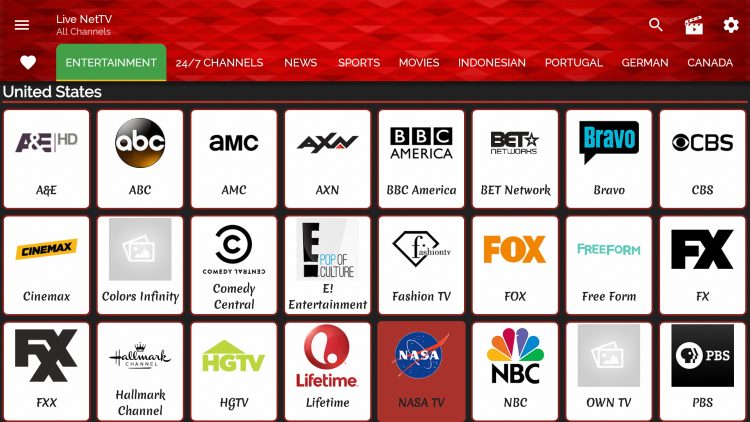
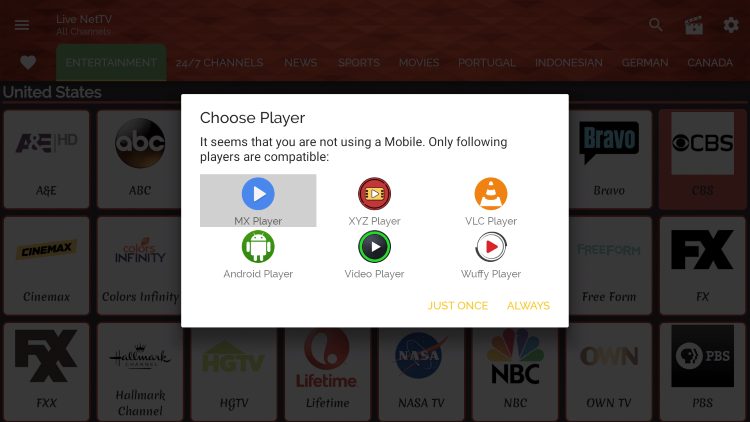
After installing, give the app the permissions it requests, like storage or media access, so channels can stream cleanly. Open Live Net TV and browse categories. If channels don’t play immediately, try an alternative player when prompted—for example, VLC or MX Player often works better for certain streams. Learning how to download Live Net TV on Firestick is one part; choosing a reliable player completes the experience.
Personal tips and mistakes to avoid
- Always use the Downloader app or a trusted file manager to sideload. I once used an unofficial downloader and ran into broken links; it cost time.
- Clear cache after frequent use to avoid playback stalls. A quick cache clear often fixes buffering.
- Keep a backup player like VLC installed. Some streams require third-party players to play smoothly.
These small habits helped me keep Live Net TV stable on multiple Firesticks.
Troubleshooting common issues
- App won’t install: Re-check Unknown Sources and free up storage space.
- Channels buffering: Test your home Wi‑Fi speed and switch to a wired adapter if possible.
- Stream not available: Try a different channel link or pick an alternate player when prompted.
- App crashes: Uninstall and reinstall the APK, and clear data if persistent.
If you still struggle, reboot your Firestick and router, then try the install steps again on how to download Live Net TV on Firestick.

Safety and legal considerations
Sideloading apps like Live Net TV requires caution. Only download APKs from reputable sources to avoid malware. Streaming copyrighted content without permission may be illegal in your area, so use Live Net TV responsibly. I always verify APK integrity and read community feedback to reduce risks when I learn how to download Live Net TV on Firestick.
Frequently Asked Questions of how to download live net tv on firestick
How do I get the Downloader app on my Firestick?
Open the Amazon Appstore on your Firestick, search for Downloader, and install it. Downloader is the most common and straightforward tool for sideloading APKs.
Is Live Net TV free on Firestick?
Yes, Live Net TV itself is free, but some streams may require a third-party player or a subscription for premium links. Free channels are widely available in the app.
Will sideloading void my Firestick warranty?
Sideloading apps does not void your Firestick warranty, but installing harmful software could cause problems. Stick to trusted sources when you download Live Net TV on Firestick.
What if a channel won’t play on Live Net TV?
Try switching the player (for example, VLC or MX Player) and clear the app cache. Often a different player fixes playback for stubborn streams.
Can I update Live Net TV on Firestick?
Updates must be installed by downloading the new APK and reinstalling it, or by enabling updates through a trusted source if available. Always remove the old APK file after updating.
Conclusion
You now have a clear, practical plan for how to download Live Net TV on Firestick, from enabling sideloading to installing the APK and fixing common problems. Try the steps, keep security in mind, and use a backup player for the best streaming experience. If this guide helped, leave a comment, subscribe for more how‑to posts, or share your setup tips to help others.

Everett Ashford is a tech reviewer at mytechgrid.com specializing in SSDs, cameras, TVs, earbuds, headphones, and other consumer electronics. He provides honest, data-driven reviews based on hands-on testing and real-world performance analysis. Everett simplifies complex tech details to help readers make smart, confident buying decisions.