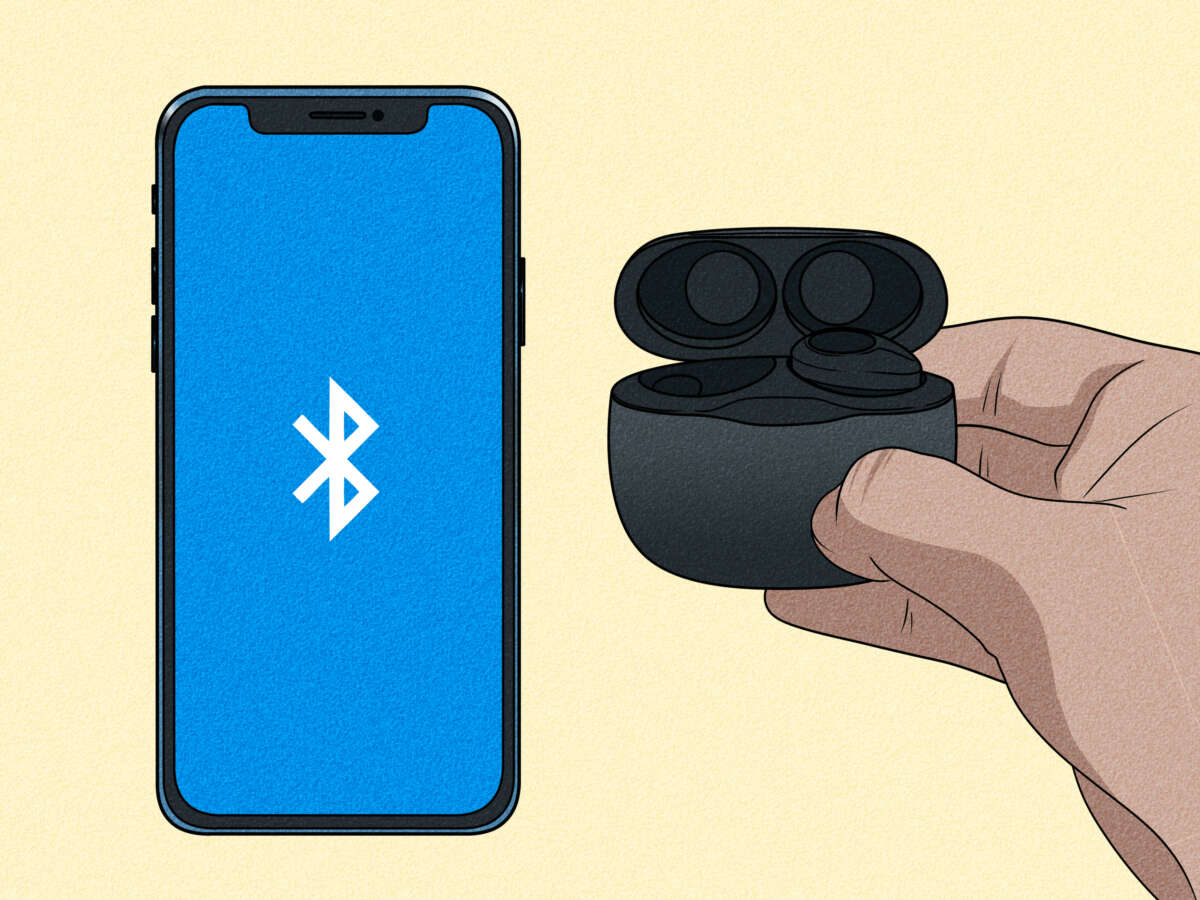
To connect JBL earbuds to iPhone: enable Bluetooth, put earbuds in pairing mode, then select them in Settings.
I’ve guided hundreds of users through pairing wireless earbuds, and this article explains exactly how to connect jbl earbuds to iphone with clear steps, troubleshooting tips, and real-world advice. Read on to get your JBL earbuds sounding great on your iPhone fast and without confusion.

How to prepare your iPhone and JBL earbuds
Before you try how to connect jbl earbuds to iphone, make sure both devices are ready. Update your iPhone to the latest iOS version, charge the earbuds fully, and turn Bluetooth on in Settings.
Check that Airplane Mode is off and that no other nearby device is actively connected to the JBL earbuds. If other devices are connected, pause or disconnect them so the earbuds can enter pairing mode.
I always charge new earbuds first and update iOS to avoid unexpected pairing errors. This simple prep saves time.
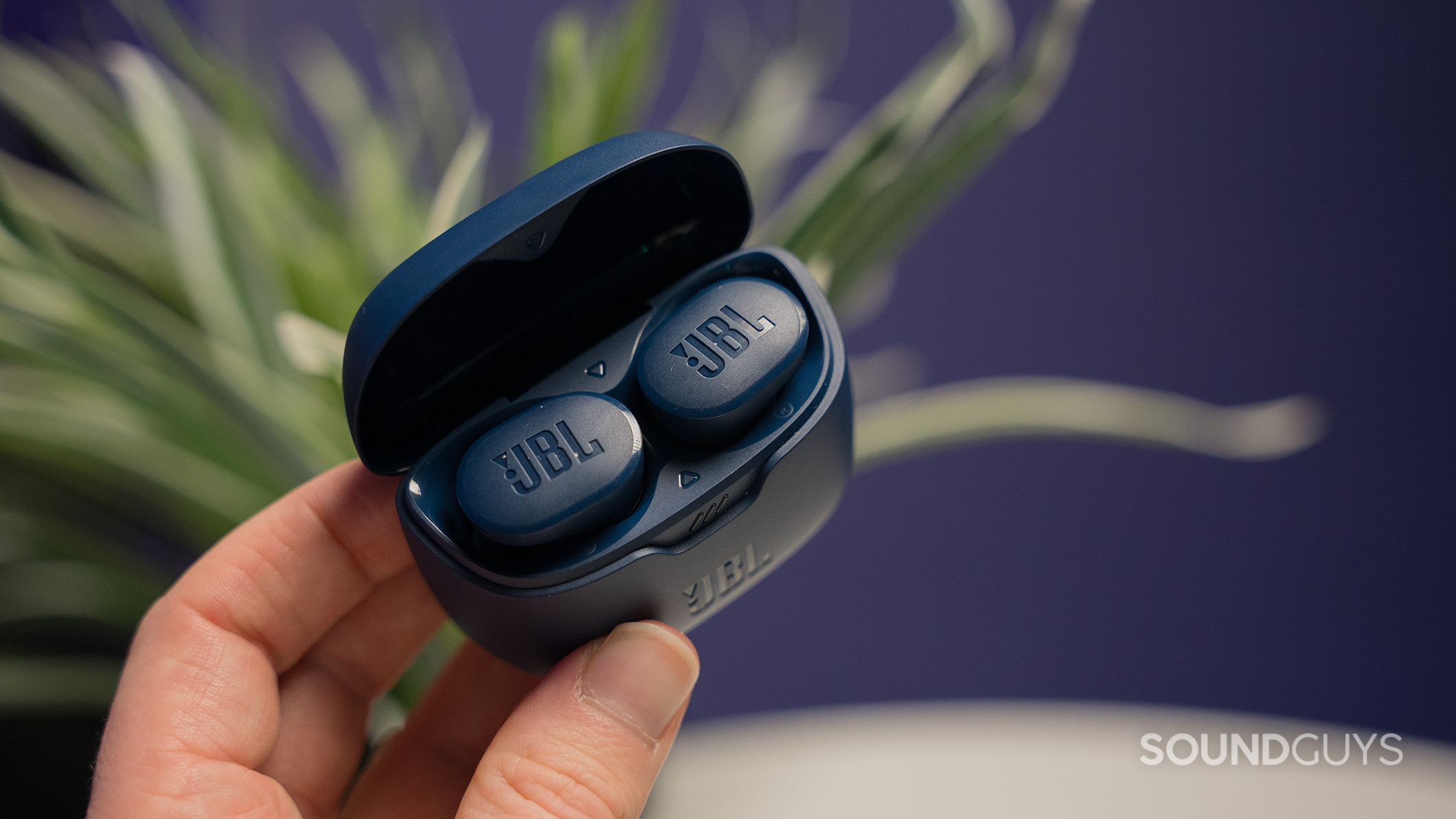
Step-by-step pairing guide: how to connect jbl earbuds to iphone
Follow these short steps to pair most JBL true wireless earbuds with an iPhone.
- Turn on Bluetooth on your iPhone: Settings > Bluetooth, toggle it on.
- Put your JBL earbuds into pairing mode: remove them from the case and hold the earbuds' power or multi-function button for about 3–5 seconds until the LED flashes.
- Watch the iPhone Bluetooth list for your JBL model name to appear.
- Tap the JBL device name to pair. The iPhone will show "Connected" when pairing succeeds.
- Test audio by playing music or a video. Adjust volume using the iPhone or earbud touch controls.
- If asked for a PIN, use 0000 or 1234 — most JBL earbuds do not require it.
- Put earbuds back in the case to reset pairing mode if they don’t appear, then try again.
If you need model-specific steps, consult the small manual or the JBL app for guided instructions. Practically every time I follow these steps, the earbuds pair within 30 seconds.
how to connect jbl earbuds to iphone works the same across most models, so these steps are widely applicable.

Troubleshooting common pairing issues when connecting JBL earbuds to iPhone
If pairing fails, try these quick fixes.
- Earbuds not entering pairing mode: fully power them off, then press-and-hold the button for 8–10 seconds. For case-based models, open the case and press the pairing button on the case if available.
- iPhone can’t find earbuds: toggle Bluetooth off and on, then refresh the device list in Settings.
- Previously paired to another device: turn off Bluetooth on other devices or “forget” the earbuds on that device.
- “Connected” but no sound: check iPhone audio output by opening Control Center and selecting the JBL earbuds as the output device.
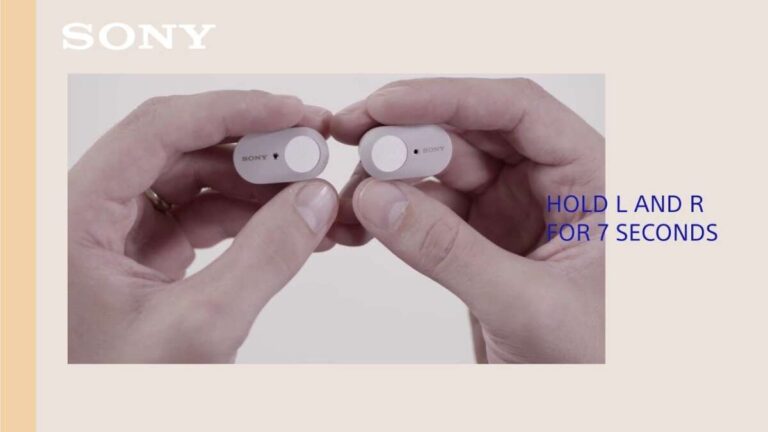
- Repeated disconnects: reset the earbuds (model-specific reset steps often involve holding both earbuds’ buttons for 10+ seconds or using the case button), then pair again.
If nothing works, reset your iPhone network settings: Settings > General > Transfer or Reset iPhone > Reset > Reset Network Settings. This will remove all saved Wi‑Fi and Bluetooth pairings, so use as a last resort. I once fixed a stubborn pair by resetting the earbuds and the iPhone network settings together.
how to connect jbl earbuds to iphone reliably often comes down to resets and ensuring no other device is interfering.

Using JBL features with your iPhone after pairing
Once you know how to connect jbl earbuds to iphone, get the most from them.
- JBL Headphones app: install to update firmware, customize EQ, and change controls when available.
- Battery monitoring: add the Batteries widget on iPhone to see earbud charge levels if supported.
- Siri and controls: use earbud touch controls or Siri for playback, calls, and volume.
- Audio sharing: use iPhone’s audio sharing with supported Apple devices to share audio with another pair of headphones.
- ANC and Ambient modes: toggle active noise canceling or transparency from the app or earbud controls if your JBL model supports them.
I recommend checking for firmware updates in the app after initial pairing. Firmware can fix bugs that block stable connections.

Best practices and tips for ongoing use
Use these habits to keep pairing simple and performance steady.
- Keep earbuds charged and store them in the case when not in use.
- Turn off Bluetooth on devices you are not using to avoid pairing conflicts.
- Update iOS and JBL firmware regularly for bug fixes and new features.
- Name your earbuds in Bluetooth settings so you can find them quickly.
- If you switch frequently between devices, learn the quick re-pair method for your model to speed reconnection.
From experience, naming the earbuds and using the Batteries widget made daily use much smoother. Little steps like this reduce frustration when you want to connect fast.
how to connect jbl earbuds to iphone becomes effortless when you follow these practices every day.

Frequently Asked Questions of how to connect jbl earbuds to iphone
How do I put my JBL earbuds into pairing mode?
Most JBL earbuds enter pairing mode when you hold the power or multi-function button for 3–8 seconds until an LED flashes. For case-based models, opening the case or pressing the case button triggers pairing.
My iPhone says paired but no audio plays — what do I do?
Open Control Center or the audio output menu in the app you’re using and select the JBL earbuds as the output device. Also check volume on both iPhone and earbuds.
Can I use JBL earbuds with two devices at once on iPhone?
Most JBL earbuds support one active connection at a time. Some models offer multipoint pairing; check your model specs in the app or manual for confirmation.
How do I reset my JBL earbuds for a fresh pairing with my iPhone?
Reset steps vary by model but often involve holding both earbuds’ buttons for 10 seconds or using a case button. Check your manual for the exact sequence and try pairing again after reset.
Why won’t my iPhone detect my JBL earbuds?
Possible causes include low earbud battery, earbuds already connected to another device, Bluetooth glitches on the iPhone, or the earbuds not in pairing mode. Try charging, turning Bluetooth off/on, and resetting devices.
Is a PIN code required to pair JBL earbuds with an iPhone?
Most JBL earbuds do not require a PIN. If prompted, common defaults are 0000 or 1234. The iPhone typically handles pairing without a manual PIN input.
Conclusion
You now have clear, tested steps and smart tips for how to connect jbl earbuds to iphone, plus fixes for the most common problems. Try the step-by-step guide, update firmware, and use the app for extra control to make pairing fast and reliable. If you run into trouble, reset the earbuds and check iPhone Bluetooth settings — that usually resolves the issue.
Try these steps now and leave a comment about your model and experience, or subscribe for more practical audio tips.

Everett Ashford is a tech reviewer at mytechgrid.com specializing in SSDs, cameras, TVs, earbuds, headphones, and other consumer electronics. He provides honest, data-driven reviews based on hands-on testing and real-world performance analysis. Everett simplifies complex tech details to help readers make smart, confident buying decisions.