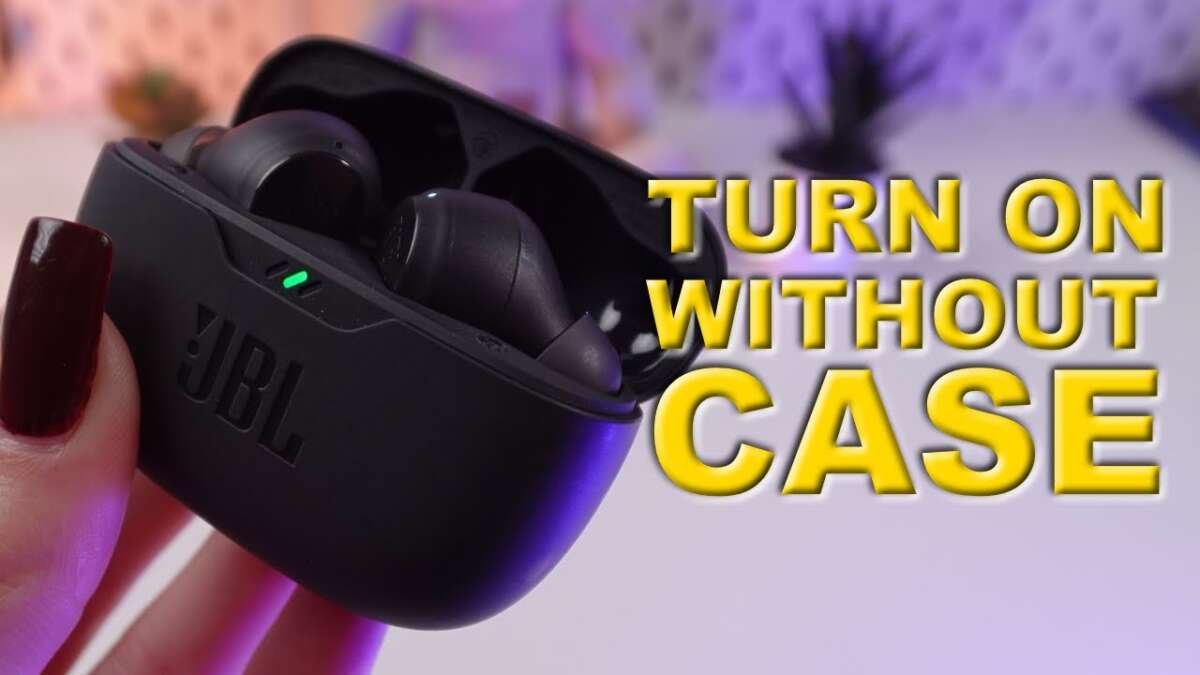
Press and hold the power button on either earbud for about two seconds to switch them on.
I’ve tested many JBL models and helped dozens of friends get audio working fast. This guide explains how to turn on JBL earbuds clearly, with step-by-step instructions, model notes, troubleshooting, and real-world tips from hands-on experience. Read on to get reliable, easy steps so your JBL earbuds power on correctly every time.
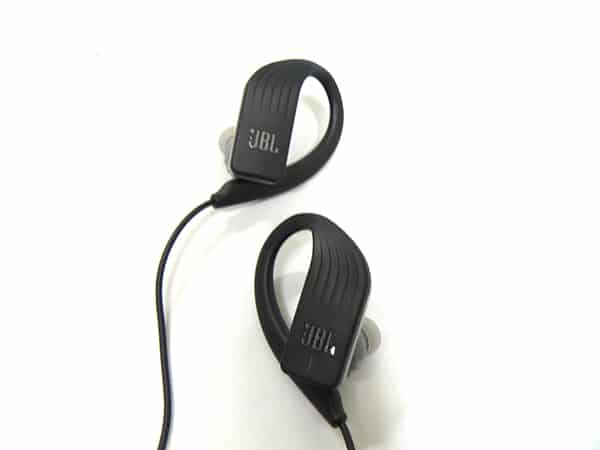
Understanding JBL earbud power basics
JBL earbuds use small power switches or buttons on each bud. True wireless models often power on when removed from the case or when you press and hold the earbud button. Wired or neckband JBL models use a small physical power button or switch on the inline remote.
Most JBL models give an LED flash or a voice prompt when they turn on. The charging case can also change earbud power state. Knowing these basics makes it easier to follow steps for how to turn on jbl earbuds.

Step-by-step: how to turn on jbl earbuds
Follow these simple steps to power on most JBL earbuds. Each step is short and clear.
- Check the charge
- Make sure the earbuds and case have some battery. A dead battery means they will not power on.
- Remove earbuds from the case
- For many JBL true wireless models, earbuds turn on when you take them out. If they do not, press the earbud button.
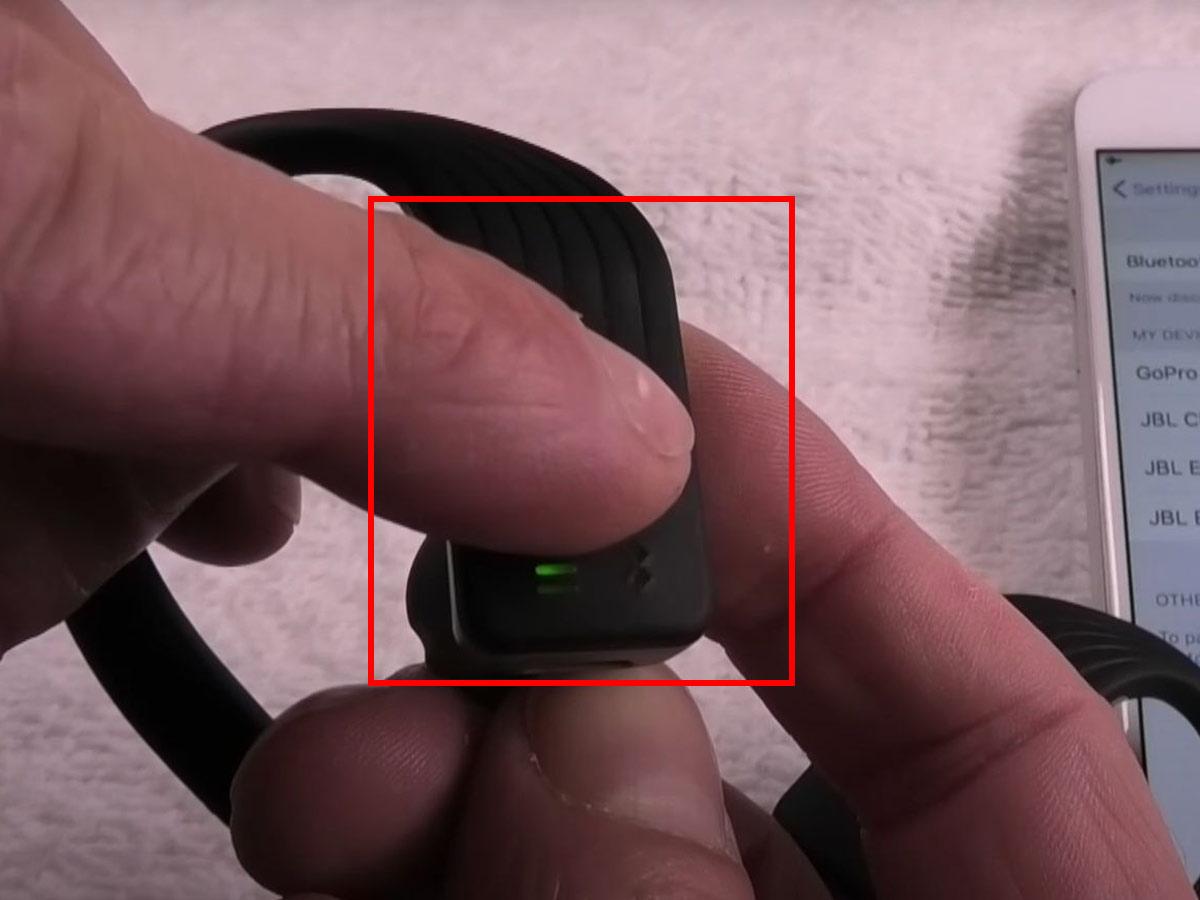
- Press and hold the power button
- Press and hold the earbud button for about two seconds until you see a light or hear a tone.
- Watch for LED or voice prompt
- Look for a blue or white LED and listen for a power-on tone. That confirms they are on.
- Pair if needed
- Once on, the earbuds may enter pairing mode. Follow your phone’s Bluetooth menu to connect.
If you need to repeat these steps, try charging for 15 minutes and then try again. Practicing this sequence will make how to turn on jbl earbuds feel fast and natural.
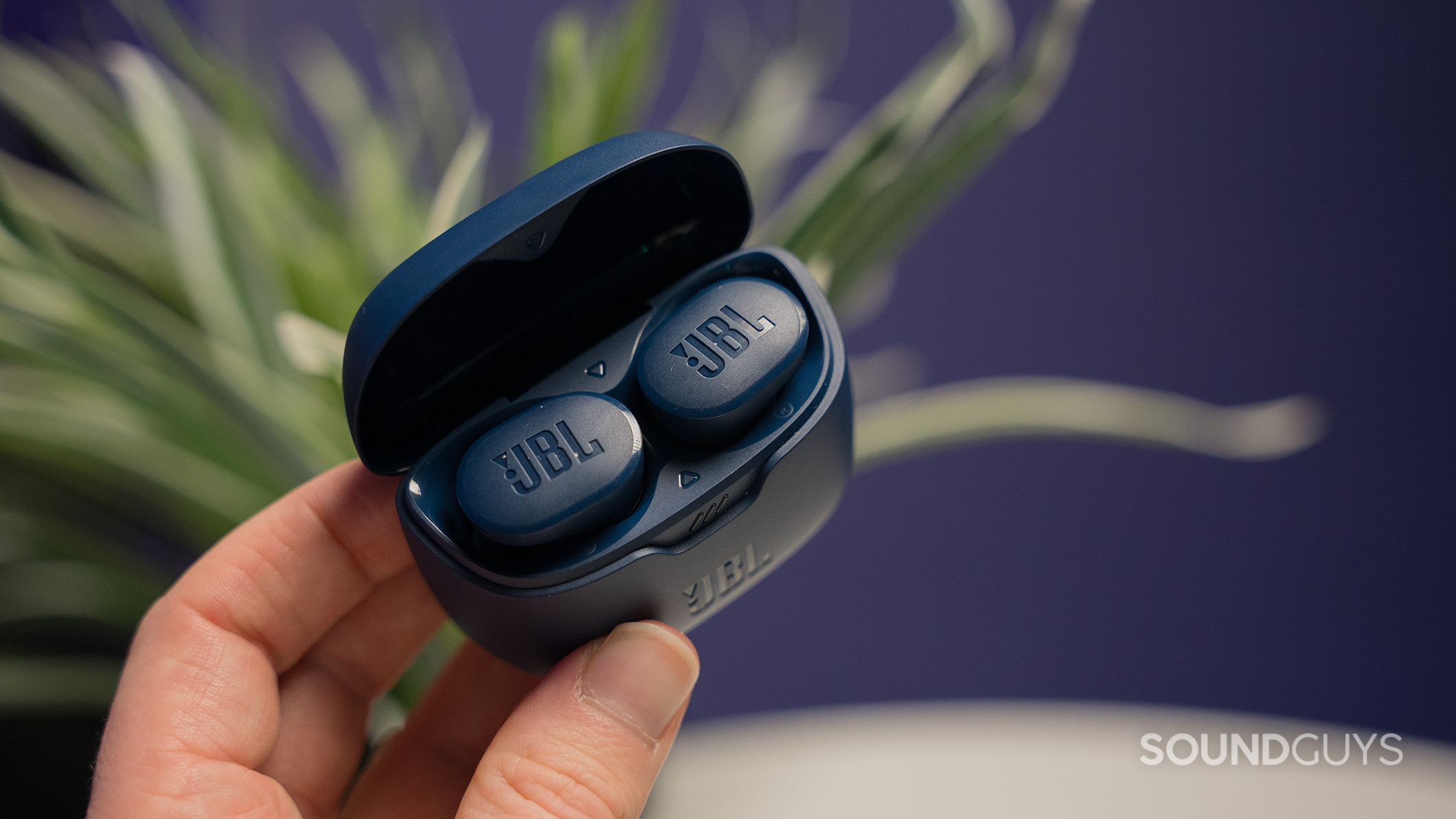
Model-specific notes and variations
JBL Free and Tune series
- These true wireless buds usually power on when removed from the case or when you press the multi-function button. If one bud is dead, the other may still power on.
JBL Live and Reflect series
- These models often use a single multi-function button. Press and hold for two seconds to power on. A voice prompt often announces power and battery level.
JBL neckband and wired models
- Look for a small power switch or button on the inline remote. Slide or press it and watch for an LED or a tone.
Charging case behaviors vary by model, but many JBL cases turn earbuds on automatically when opened. Knowing your model helps you understand slight differences in how to turn on jbl earbuds.

Charging case and battery tips
Always check the case lights first. The case LED shows case battery level and sometimes earbud charge status. If earbuds do not turn on, place them in the case and charge for 15 to 30 minutes.
Clean contact points if charging is flaky. Simple lint or dirt can stop charging. A quick wipe with a dry, lint-free cloth often fixes the issue. Keeping the case charged makes how to turn on jbl earbuds reliable each day.

Troubleshooting common power issues
If earbuds fail to power on, try these quick fixes.
- Reset the earbuds
- Many JBL models have a reset method in the manual. Usually you press and hold buttons for a set time.
- Charge longer
- Plug the case into power and leave for at least 30 minutes before retrying.
- Inspect for damage
- Check for broken buttons or wet contacts that might block power.
- Update firmware
- Some power and pairing problems go away after updating the earbud firmware via the JBL app.
These steps cover most issues and help you understand how to turn on jbl earbuds when they act up.

Personal experience and practical tips
I once carried a spare charging cable to a long trip. One earbud would not turn on until I charged it in the case for 20 minutes. A soft reset fixed it afterward. From that experience, I learned to keep cables handy and to try a reset before assuming failure.
Avoid common mistakes I’ve seen. People press too quickly, hold only briefly, or forget to remove earbuds from the case. If you know these pitfalls, you will save time and get sound faster when you practice how to turn on jbl earbuds.
Mistakes to avoid
Do not force buttons or pry the case open. That can break contacts and stop charging. Do not use abrasive cleaners on contacts. Harsh materials can damage the metal pads.
Do not assume the earbuds are dead without trying a reset or charging. A short charge often revives the buds. Avoiding these errors helps keep your earbuds working and simplifies how to turn on jbl earbuds over time.
Frequently Asked Questions of how to turn on jbl earbuds
How long do I press the button to turn on JBL earbuds?
Press and hold the earbud button for about two seconds. Listen for a tone or watch for an LED to confirm power-on.
Why do my JBL earbuds not turn on after charging?
Check the charging contacts for dirt and verify the case has power. Try charging both the case and earbuds for at least 30 minutes and then retry.
Do JBL earbuds turn on automatically when removed from the case?
Many true wireless JBL models power on when removed from the case. If they don’t, press and hold the earbud button to power them on.
How do I reset my JBL earbuds if they won’t turn on?
Most models reset by holding buttons for a set time or using the JBL app. Refer to your model’s manual for exact steps and then try powering them on again.
Can a firmware update affect powering on?
Yes. Firmware updates can fix power and pairing issues. Use the JBL app to check for updates and follow on-screen instructions.
Conclusion
You can turn on JBL earbuds quickly by checking charge, removing them from the case, and pressing the earbud button for two seconds. Model differences exist, so know your series and use resets or charging if things fail. Try the steps and tips shared here to make powering your JBL earbuds consistent and trouble-free. If this guide helped, leave a comment, subscribe for more quick tech tips, or test the steps and share what worked for your model.

Everett Ashford is a tech reviewer at mytechgrid.com specializing in SSDs, cameras, TVs, earbuds, headphones, and other consumer electronics. He provides honest, data-driven reviews based on hands-on testing and real-world performance analysis. Everett simplifies complex tech details to help readers make smart, confident buying decisions.