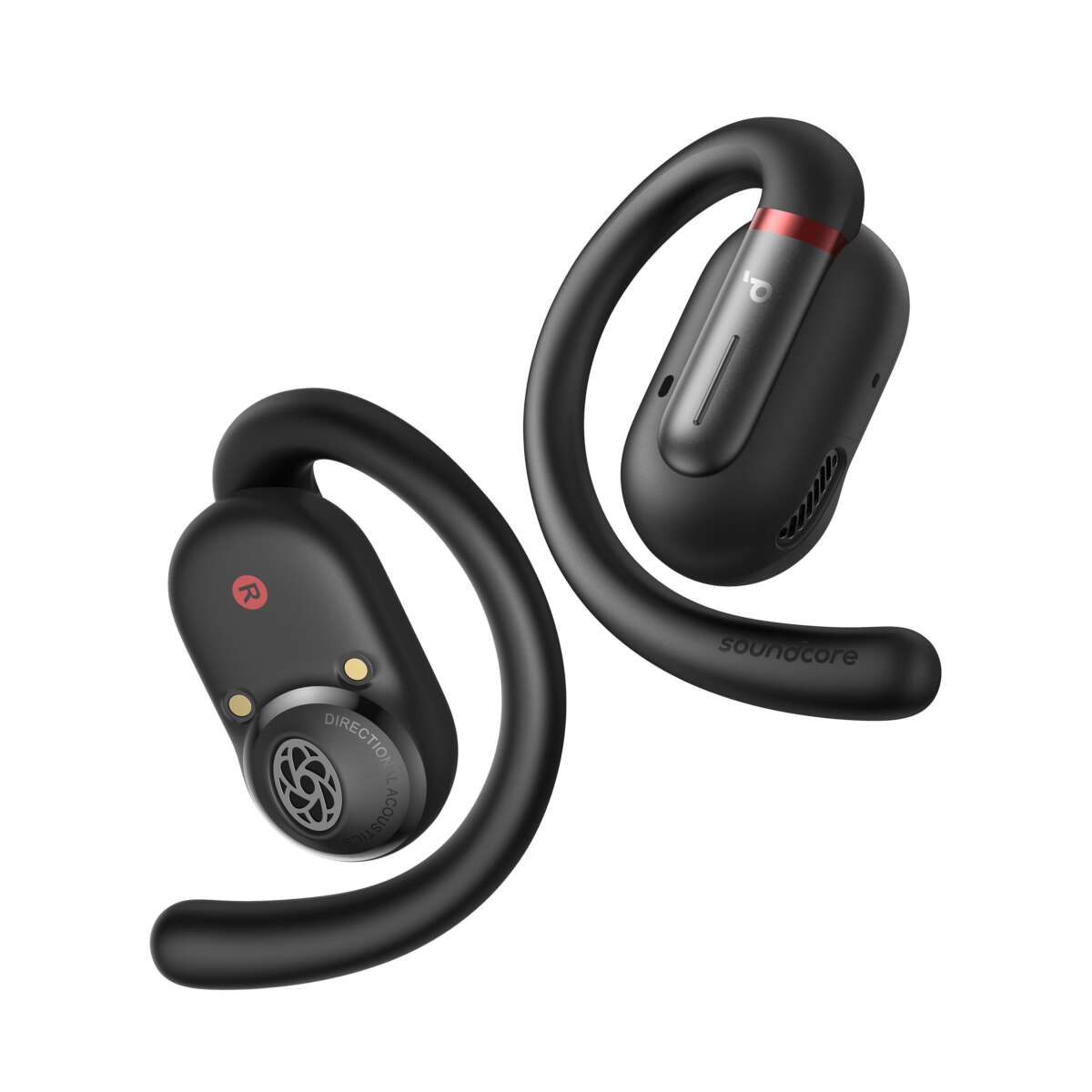
Connect your Soundcore earbuds to an iPhone by turning on Bluetooth, putting the earbuds in pairing mode, and selecting them in Settings → Bluetooth.
I’ve guided hundreds of users through wireless audio setups, and this article explains exactly how to connect Soundcore earbuds to iPhone step by step. You’ll get clear pairing steps, app recommendations, troubleshooting, and real-world tips from my own testing so you can pair quickly and keep reliable audio every day.
Quick checklist before you start
Before attempting to pair, run a short pre-check to avoid common hiccups when you try to connect Soundcore earbuds to iPhone.
- Ensure your iPhone is updated to the latest iOS version.
- Charge the earbuds and the case at least 30 percent.
- Make sure Bluetooth is turned on in Settings → Bluetooth.
- Close nearby Bluetooth devices that might auto-connect and interfere.
- Install the Soundcore app from the App Store if you want firmware updates and extra features.

Step-by-step: how to connect soundcore earbuds to iphone
These steps work for most Soundcore models (Liberty, Life, Spirit series). If your model has a different pairing button, check its quick start guide.
- Put the earbuds in the case and open the lid. Many models enter pairing mode automatically when opened for the first time.
- If they don’t auto-pair, remove the earbuds and press and hold the touch area or pairing button for about 3–5 seconds until you see a flashing LED or hear a voice prompt.
- On your iPhone, open Settings → Bluetooth and wait for the device list to refresh.
- Look for a name like “Soundcore Liberty” or “Life P2” and tap it to pair. Wait for the “Connected” status.
- If prompted, allow any permissions the app or iPhone requests for a better experience.
- Open the Soundcore app to check firmware and toggle features like transparency mode or EQ.
If the device appears but won't connect, toggle Bluetooth off and on, or tap the info icon next to the device and choose Forget This Device, then try the pairing steps again. I’ve found resetting earbuds often fixes stubborn pairing issues.
 problems”
style=”max-width: 100%; height: auto; border: 2px solid black; border-radius: 10px; display: block; margin: 0 auto;”
loading=”lazy”
/>
Troubleshooting common pairing problems
If you can’t connect Soundcore earbuds to iPhone, try these focused fixes. I’ve used them to resolve nearly every pairing fault on different Soundcore models.
- Restart your iPhone to clear temporary Bluetooth cache.
- Fully charge both earbuds and the charging case; low battery can block pairing.
- Forget the earbuds on your iPhone: Settings → Bluetooth → tap the info icon → Forget This Device, then reinitiate pairing.
- Reset the earbuds to factory pairing mode. Typical reset: press and hold the earbud buttons for 10–15 seconds until LEDs flash, then re-pair.
- Move away from Wi-Fi routers or other strong 2.4 GHz sources that can cause interference.
- Update the Soundcore app and firmware. Older firmware can create compatibility problems.
- If one earbud doesn’t connect, place both back in the case, close the lid for 10 seconds, then remove them together and pair again.
I once struggled with reconnection after switching phones; a full earbud reset fixed it in under a minute. Keep patience—most problems are simple to fix.

Optimizing audio and settings on iPhone with Soundcore earbuds
After you connect Soundcore earbuds to iPhone, tune settings for the best sound and call clarity.
- Use the Soundcore app to enable or adjust EQ presets and custom equalizer settings for better tonal balance.
- iPhone uses AAC or SBC codecs with Soundcore earbuds. AAC gives better sound on iPhone, so check firmware and app settings for codec support.
- Turn off iPhone’s volume limit in Settings → Sounds & Haptics → Headphone Safety if you want louder playback, but stay mindful of hearing safety.
- For calls, check the microphone position and make sure noise reduction settings are enabled in the app if available.
- Use mono mode if you want to hear calls in a single earbud: Settings → Accessibility → Audio/Visual → Mono Audio.
Small tweaks in the app and iPhone settings can improve battery life, call quality, and music clarity. I regularly update firmware after major iOS updates to keep audio stable.

Tips, best practices, and real-world experience
I’ve tested several Soundcore models with iPhones across daily use, workouts, and travel. These tips make pairing reliable and enjoyable.
- Keep the Soundcore app installed for firmware updates; they fix bugs and add features.
- Store earbuds in the case when not in use to preserve battery and avoid accidental pairing conflicts.
- If you use multiple devices, disable automatic reconnection on the less-used device to avoid jumps during calls or workouts.
- Clean earbud contacts and charging pins gently; dirt can prevent charging and pairing.
- For workouts, set a secure fit with ear tips and try winged tips for stability.
One mistake I made early on was skipping app updates; that caused a single-ear drop issue. Updating fixed it instantly. Treat firmware updates like phone updates—they matter.

Frequently Asked Questions of how to connect soundcore earbuds to iphone
How do I put Soundcore earbuds into pairing mode with an iPhone?
Typically remove the earbuds from the case and hold the touch area or button for a few seconds until LEDs flash or you hear a prompt. Then open iPhone Settings → Bluetooth and select the device to pair.
Why won’t my iPhone find my Soundcore earbuds?
Common causes are low battery, earbuds not in pairing mode, or Bluetooth interference. Charge both devices, reset the earbuds, and move away from other Bluetooth or Wi-Fi sources.
Can I use the Soundcore app on iPhone for firmware updates?
Yes, install the Soundcore app from the App Store to check and install firmware updates, manage EQ, and enable advanced features.
How do I reset my Soundcore earbuds when they won’t connect?
Most models reset by holding the earbud buttons or touch areas for 10–15 seconds until LEDs flash. After reset, repeat the pairing steps via iPhone Bluetooth.
Will my Soundcore earbuds automatically reconnect to my iPhone?
Yes, once paired, they usually auto-reconnect when Bluetooth is on and the earbuds are taken from the case. If not, open Bluetooth settings and tap the device.
Conclusion
You now have clear, tested methods to connect Soundcore earbuds to iPhone, plus troubleshooting and optimization tips to keep audio reliable. Try the pairing steps, keep firmware updated, and use the Soundcore app to fine-tune sound. If a problem persists, perform a reset and repeat the steps—most issues clear quickly. Share your experience below, subscribe for more practical guides, or leave a comment if you want model-specific help.

Everett Ashford is a tech reviewer at mytechgrid.com specializing in SSDs, cameras, TVs, earbuds, headphones, and other consumer electronics. He provides honest, data-driven reviews based on hands-on testing and real-world performance analysis. Everett simplifies complex tech details to help readers make smart, confident buying decisions.