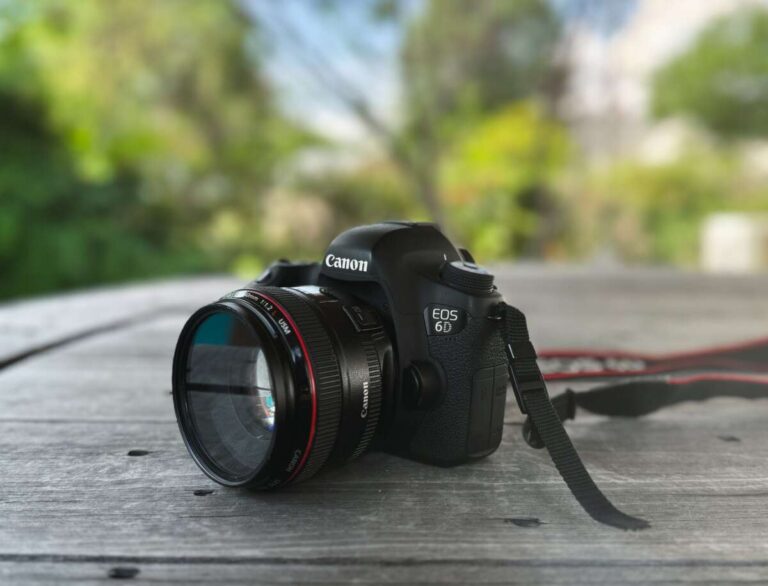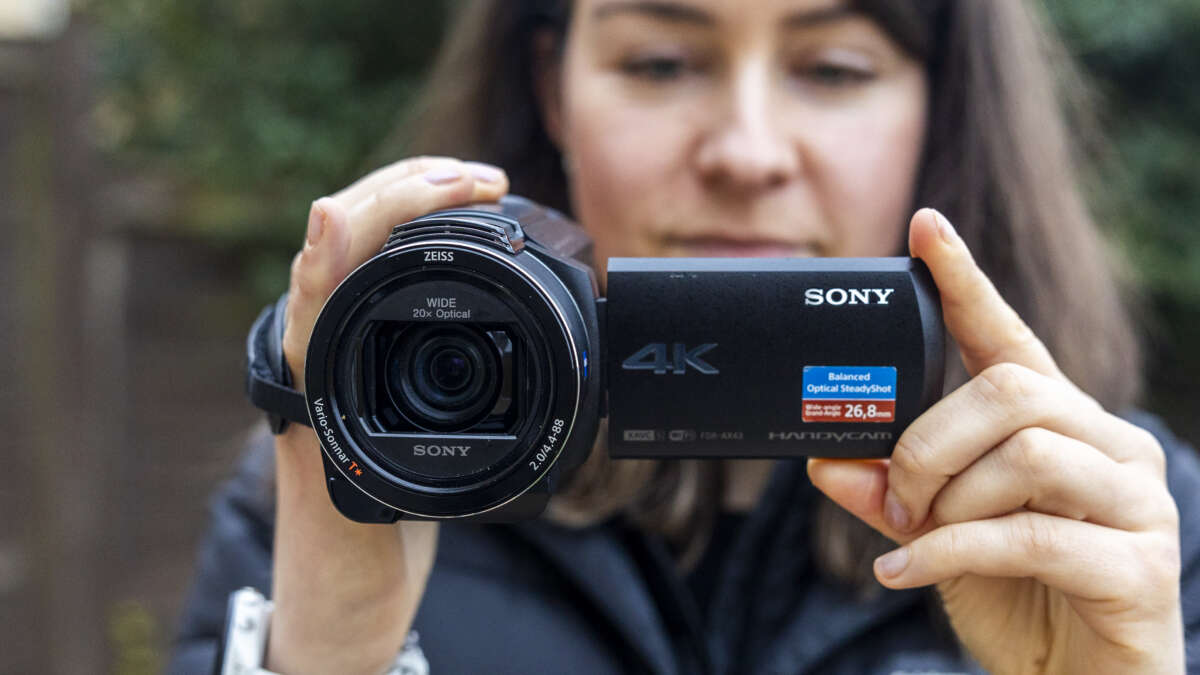
Yes, most modern digital cameras take videos, often with better control than smartphones.
If you have wondered, “do digital cameras take videos,” the answer is usually yes. Compact cameras, mirrorless cameras, DSLRs, and many bridge cameras can record moving images with sound. The real differences are video quality, recording limits, focus speed, file size, and ease of use. This guide explains how camera video works, what to check before recording, and which type of camera fits your needs.
Do digital cameras take videos?
Yes, most digital cameras take videos. A digital camera uses its image sensor to capture many still images each second. It then combines those images into a video file, such as MP4 or MOV.
Many cameras also record sound through a built-in microphone. Some models have a microphone jack, headphone jack, or both. These features help when you want clearer speech, better music, or more control over your audio.
The exact video features depend on the camera. An older point-and-shoot may record basic 720p video, while a new mirrorless camera may record sharp 4K or even 8K video.
Common video features include:
• Full HD video at 1920 × 1080 pixels
• 4K video at 3840 × 2160 pixels
• 24, 30, 60, or 120 frames per second
• Autofocus during recording
• Image stabilization
• Built-in or external microphone support
• Manual control over shutter speed, aperture, and ISO

How do digital cameras record video?
A camera records video by taking a rapid series of pictures. At 30 frames per second, it captures 30 separate frames every second. When those frames play in sequence, your eyes see smooth motion.
The image sensor is the part that receives light. It works much like photographic film, but it changes light into digital data. The camera processor then turns that data into a video file and saves it to a memory card.
Video quality depends on several parts working together:
• The image sensor controls detail, light performance, and background blur.
• The processor handles image data, color, focus, and compression.
• The lens affects sharpness, zoom, brightness, and perspective.
• The memory card stores the video file.
• The microphone captures sound.
This process is similar to making a flipbook. Each page shows a slightly different image. Flip the pages fast enough, and the still pictures appear to move.
What does frame rate mean?
Frame rate means the number of video frames recorded each second. A frame rate of 24 fps can give video a film-like look, while 30 fps often looks natural for everyday clips.
A rate of 60 fps creates smoother motion. It works well for sports, pets, travel, and action scenes. You can also slow 60 fps footage down during editing for a smoother slow-motion effect.
What is video resolution?
Resolution describes the number of pixels in each video frame. More pixels can create a sharper image, but higher resolution also creates larger files.
Common options include:
• 720p, which is suitable for basic clips
• 1080p, also called Full HD, which remains useful for social media and home video
• 4K, which offers more detail and room for cropping
• 8K, which provides very high detail but needs powerful editing equipment and large storage

Which types of digital cameras record video?
Nearly every current camera category includes video recording. However, each type offers a different balance of size, quality, price, and control.
Compact digital cameras
Compact cameras are small and simple. They often include a built-in zoom lens and automatic video modes.
They are useful for family events, vacations, and casual clips. Their small sensors may struggle in dim rooms, and their built-in microphones may pick up wind or handling noise.
Bridge cameras
Bridge cameras look like small DSLRs but usually have a fixed lens. Their large zoom range makes them useful for wildlife, sports, and travel.
Many bridge cameras take videos in Full HD or 4K. They can be a good choice when you want a strong zoom without carrying several lenses.
DSLR cameras
Many DSLRs record high-quality video. Their large sensors can create soft, blurred backgrounds and perform well in low light.
However, some older DSLRs have slow video autofocus. Their size and weight may also make handheld recording tiring. A DSLR can still produce excellent video when you use manual focus or a tripod.
Mirrorless cameras
Mirrorless cameras are popular with video creators. They offer interchangeable lenses, strong autofocus, large sensors, and many manual controls.
Some models include features such as eye detection, focus tracking, flat color profiles, 10-bit recording, and high frame rates. These tools help users create polished videos, but advanced settings can take time to learn.
Action cameras
Action cameras are made for movement. They are small, light, and often water-resistant with a suitable case.
They work well for cycling, hiking, skiing, travel, and hands-free recording. Their small sensors may produce more noise in low light, but strong stabilization can make moving footage look smooth.

What are the benefits of using a digital camera for video?
A digital camera can offer more creative control than a basic phone or webcam. It can also produce a different visual style, especially when paired with a large sensor and a bright lens.
Key benefits include:
• Better control over focus, exposure, and color
• Interchangeable lenses on many DSLR and mirrorless models
• More natural background blur
• Improved low-light performance with larger sensors
• Optical zoom without the same loss of detail as digital zoom
• Better handling for long recording sessions on some models
• External microphone support on many advanced cameras
A camera also gives you more control over the look of a scene. You can use a wide lens for a landscape, a telephoto lens for wildlife, or a fast prime lens for a portrait video.
In my own camera testing, the biggest difference often came from the lens rather than the camera body. A good lens made indoor video brighter and cleaner. It also made focus changes look more natural.
What are the limitations of camera video?
Digital cameras can record excellent video, but they are not perfect. A camera that takes beautiful photos may still have limits during long or demanding recordings.
Common limitations include:
• Overheating during long 4K recordings
• Short recording limits on some models
• Large video files
• Weak built-in microphones
• Slow autofocus on older cameras
• Rolling shutter during fast movement
• Battery drain
• Extra cost for lenses, memory cards, and audio gear
Rolling shutter happens when the camera reads the sensor from top to bottom instead of all at once. If you quickly pan the camera, straight objects may look slanted. This effect is more common with fast movement and certain electronic shutters.
Some cameras also stop recording after a set time. The limit may result from file system rules, heat, battery life, or local regulations. Always check the camera manual before relying on a model for an important event.
A mistake I made early on was starting a long recording without checking the battery or card space. The camera stopped before the key moment. Now I check battery level, storage space, file format, and temperature before every important shoot.

How to record better videos with a digital camera
You do not need expensive gear to improve your footage. A few basic habits can make a clear difference.
1. Use the right frame rate
Choose 24 fps for a film-style look, 30 fps for general use, and 60 fps for smooth action. Keep your shutter speed near twice the frame rate when possible.
For example:
• 24 fps works well with a shutter speed near 1/50 second.
• 30 fps works well with a shutter speed near 1/60 second.
• 60 fps works well with a shutter speed near 1/125 second.
These settings are common starting points, not strict rules. Bright outdoor scenes may require a neutral density filter to keep the shutter speed under control.
2. Lock exposure when possible
Automatic exposure can change suddenly when a bright window or dark object enters the frame. This creates distracting shifts in brightness.
For more stable footage, set the aperture, shutter speed, and ISO manually. If manual exposure feels difficult, use exposure lock or a semi-automatic mode.
3. Improve your audio
Viewers may forgive a soft image, but poor sound can make them stop watching. Keep the camera close to the subject or use an external microphone.
Helpful audio options include:
• A compact shotgun microphone for focused sound
• A lavalier microphone for interviews
• A wireless microphone for movement
• Headphones for monitoring audio
Listen for wind, traffic, air conditioners, and camera handling noise. These sounds are easy to miss while recording but hard to remove later.
4. Keep the camera steady
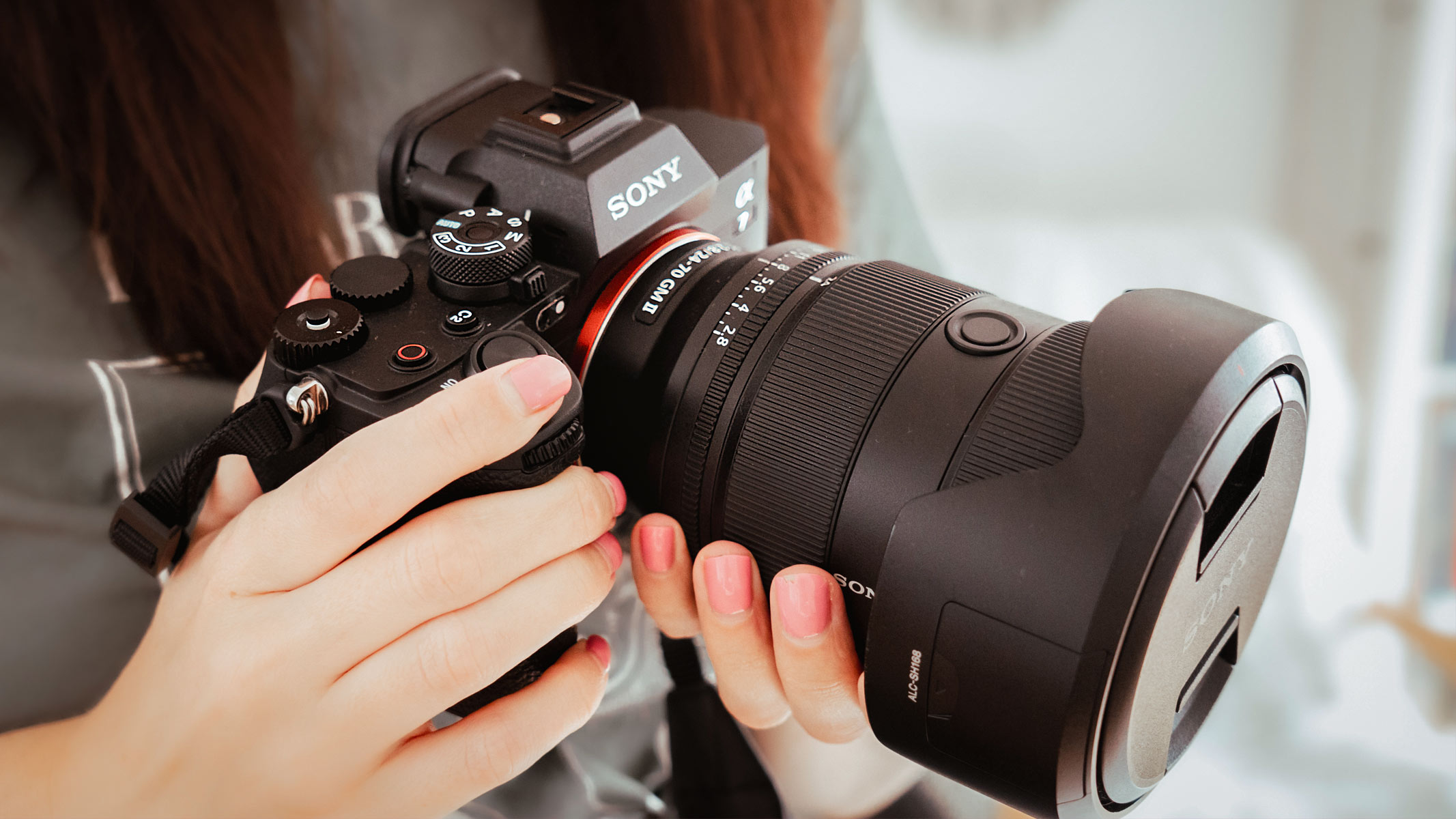
Use both hands and keep your elbows close to your body. For a fixed shot, use a tripod. For walking shots, use a camera with strong stabilization or add a gimbal.
Do not rely only on digital stabilization. It can crop the image and may create a floating or warped effect.
5. Watch your storage
4K video uses much more storage than Full HD video. Use a reliable memory card with a speed rating that matches your camera’s requirements.
Before recording, check:
• Available card space
• Battery level
• Video resolution
• Frame rate
• Audio settings
• Focus mode
• Stabilization settings
• Camera temperature
What camera settings are best for video?
There is no single best setting for every scene. A simple setup works well for beginners, while manual settings provide more control.
For a basic outdoor video, try:
• Resolution: 4K if you need detail or cropping, otherwise 1080p
• Frame rate: 30 fps for general use
• Shutter speed: around 1/60 second at 30 fps
• Aperture: a moderate setting such as f/4
• ISO: the lowest setting that gives a bright image
• Autofocus: face or eye detection for people
• White balance: daylight outdoors or a custom setting indoors
Keep ISO as low as practical. A high ISO can brighten the image, but it may also add grain and reduce color detail.
White balance controls the color of the light. Auto white balance is convenient, but it may shift during a clip. A fixed white balance keeps the colors more consistent.
For interviews, place the subject near soft light. Avoid putting a bright window directly behind the person unless you want a silhouette. Small changes in position can improve the image more than expensive equipment.
Can all digital cameras record sound?
No. Most cameras that record video include sound, but the quality varies. Some older or specialized models may record silent video or offer limited audio features.
A built-in microphone is fine for short clips in quiet places. It is less effective in wind, crowds, or rooms with echo. A camera with a microphone input gives you more options for improving sound.
Some cameras also include a headphone output. This lets you hear problems while recording. Without headphones, you may not notice a loose cable, loud background noise, or a microphone that is not working.

Are digital cameras better than phones for video?
It depends on what you record. Phones are easy to carry, quick to use, and excellent for casual clips. They also offer strong automatic processing, which can make video look good with little effort.
Digital cameras often provide better lens choices, stronger background blur, longer optical reach, and more manual control. Larger sensors may also give you better low-light results and a more flexible image.
A phone may be the better tool for:
• Quick social media clips
• Everyday family moments
• Fast sharing
• Simple travel videos
A digital camera may be the better tool for:
• Interviews
• Short films
• Weddings and events
• YouTube videos
• Wildlife and sports
• Professional photography and video work
The best camera is the one you can use well. A costly camera does not help if it stays in a bag. A simple camera that you understand can produce better results in real life.
What should you check before buying a camera for video?
If your goal is video, do not judge a camera by photo resolution alone. Review the full video specification and test the controls if possible.
Look for:
• 4K recording if you need extra detail
• Reliable autofocus during video
• A microphone input
• A headphone output
• Image stabilization
• A fully articulating screen
• No severe overheating in your planned recording mode
• A suitable lens system
• Good battery life
• A memory card slot with enough speed
Read the manufacturer’s manual for recording limits and supported file formats. Independent tests can also reveal heat behavior, autofocus performance, rolling shutter, and real battery life.
Do not assume that every camera with a 4K label performs the same way. One model may offer sharp 4K with excellent autofocus. Another may crop the image heavily or stop after a short time.
Frequently Asked Questions About Do Digital Cameras Take Videos
Do all digital cameras take videos?
No, not every digital camera records video. Most modern compact, DSLR, mirrorless, bridge, and action cameras do, but some older or specialized models may only take still photos.
Can a digital camera record 4K video?
Many newer digital cameras can record 4K video, but the feature depends on the model. Check the camera’s manual for 4K frame rates, recording limits, crop factors, and audio support.
Do digital cameras record audio with video?
Most video-capable digital cameras record audio through a built-in microphone. Models with a microphone input can use an external microphone for clearer sound.
Can you use a digital camera as a webcam?
Many newer cameras can work as webcams through USB or an HDMI capture device. Compatibility varies, so check whether the camera supports clean HDMI output or official webcam software.
How long can a digital camera record video?
Recording time depends on the camera, battery, memory card, file size, temperature, and video mode. Some cameras record for hours, while others stop after a fixed limit or become too hot.
Do digital cameras take better videos than smartphones?
They can, especially when you need interchangeable lenses, manual controls, strong background blur, or external audio. Smartphones are often better for convenience, automatic processing, and quick sharing.
What memory card is best for camera video?
Use a card that meets the speed class listed in your camera manual. Higher-resolution and high-frame-rate video usually needs a faster card with enough storage capacity.
Conclusion
So, do digital cameras take videos? Yes, most modern digital cameras can record video, and many offer excellent image quality, lens control, stabilization, and audio options. Compact cameras are simple, mirrorless cameras offer strong creative control, and action cameras are built for movement.
Before recording, choose the right frame rate, check your storage, improve your audio, and keep the camera steady. Start with the equipment you have, practice often, and test your settings before important moments. Explore your camera’s video menu today, and share your results or questions in the comments.

Everett Ashford is a tech reviewer at mytechgrid.com specializing in SSDs, cameras, TVs, earbuds, headphones, and other consumer electronics. He provides honest, data-driven reviews based on hands-on testing and real-world performance analysis. Everett simplifies complex tech details to help readers make smart, confident buying decisions.