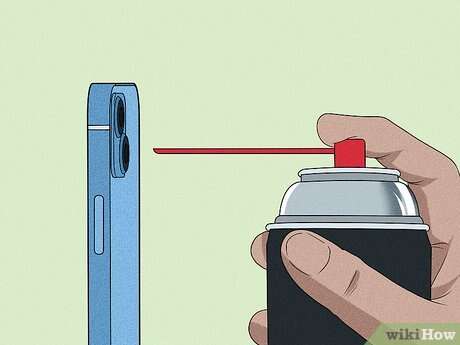
Clean your iPhone camera lens with a microfiber cloth and a little safe liquid; wipe gently and dry.
I’ve cleaned hundreds of smartphone lenses, and this guide shows exactly how to clean iPhone camera lens the right way. You’ll get simple, expert-tested steps, what to avoid, and tips to keep your shots sharp. Read on to learn practical, safe methods that protect your phone and improve photos.

Why your iPhone camera lens gets dirty
Dust, skin oil, and fingerprints land on the lens every day. These particles scatter light and make photos look soft, hazy, or blurry. Knowing why dirt accumulates helps you prevent it and know when to act.
Common causes include:
- Everyday handling and pocket lint.
- Makeup, sunscreen, or oily skin.
- Airborne dust, moisture, and environmental grime.
- Abrasive contact from keys or rough surfaces.
When you learn how to clean iPhone camera lens properly, you avoid damage and reduce the need for repairs. Clean lenses restore sharpness and accurate colors in your photos.

What to avoid when learning how to clean iPhone camera lens
Avoid risky cleaning choices that can scratch or strip coatings on the lens glass. Bad methods often cause more harm than good.
Do not use:
- Paper towels, tissues, or clothing which can scratch the glass.
- Household cleaners, ammonia, bleach, or window spray that may damage coatings.
- Compressed air cans held close, which can force moisture or blow debris into crevices.
- Rough scrubbing or hard tools that press into the lens assembly.
These mistakes speed wear and hurt photo quality. Follow safe steps so you know how to clean iPhone camera lens without harming it.
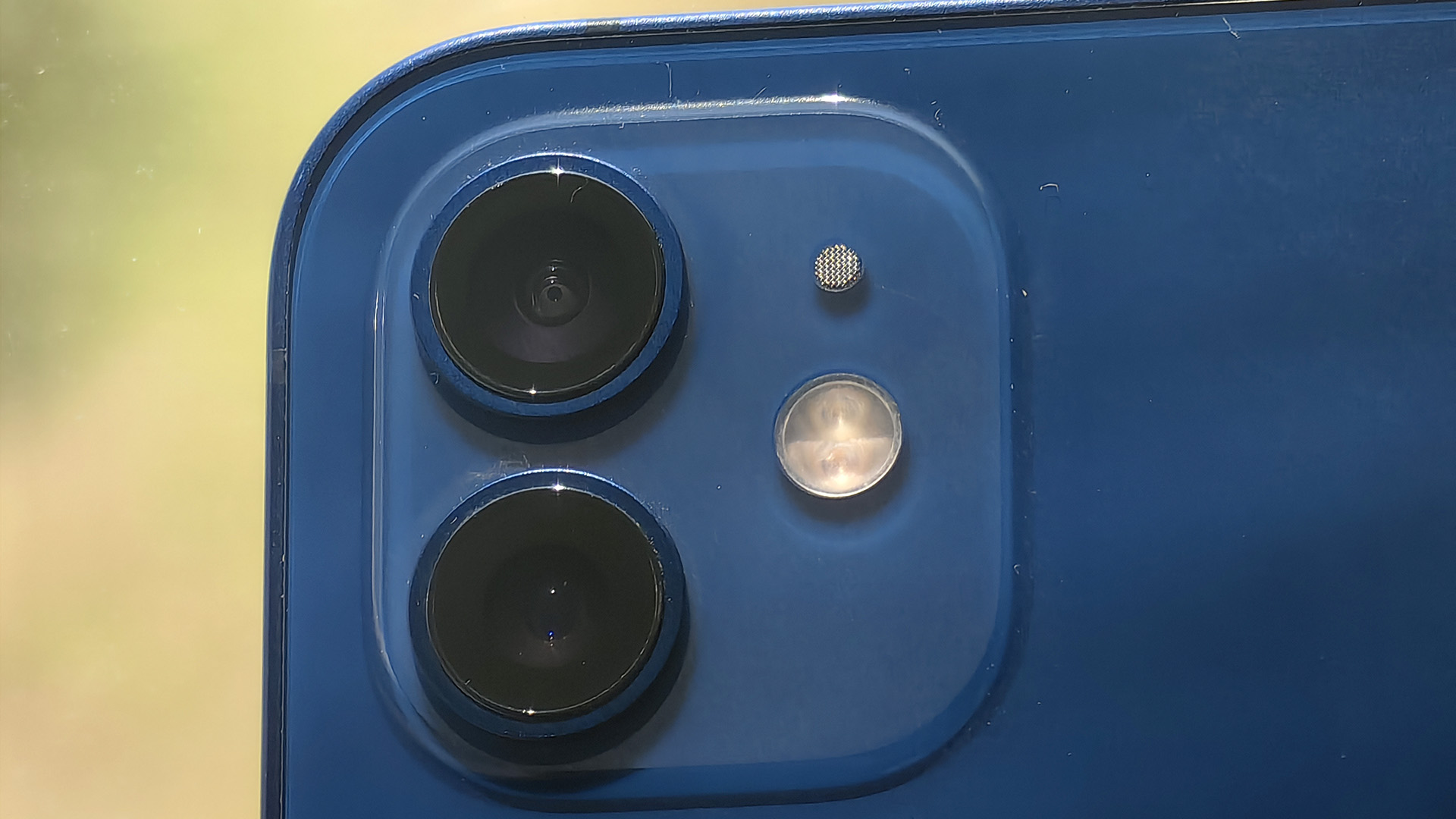
Tools and materials you need to clean iPhone camera lens
Use simple, safe tools. I keep a small kit for regular maintenance.
Essential items:
- A clean microfiber cloth, preferably lint-free and soft.
- A blower bulb to gently remove loose dust.
- Lens cleaning solution or distilled water; isopropyl alcohol 70% used sparingly if necessary.
- Cotton swabs for edges and crevices.
- A soft-bristled brush for stubborn debris.
Optional extras:
- A neoprene or silicone case to protect the lens between cleanings.
- Screen- and lens-safe cleaning wipes for quick touch-ups.
With these tools you can confidently perform how to clean iPhone camera lens at home.

Step-by-step: How to clean iPhone camera lens safely
Follow these steps in order. They are short, safe, and effective.
- Inspect the lens
- Look for dust, fingerprints, or grime under good light. This helps you choose dry or wet cleaning.
- Remove loose dust
- Use a blower bulb or soft brush to gently dislodge loose particles. Do not blow with your mouth.
- Dry wipe with microfiber
- Fold the microfiber cloth and gently wipe the lens in a circular motion from center outward.
- Spot-clean stubborn marks
- Lightly dampen one corner of the cloth with distilled water or lens solution. Wipe the lens gently, then dry with a dry part of the cloth.
- Clean crevices
- Use a dry cotton swab around the metal rim or case edges to lift trapped debris.
- Final check and test shot
- Take a test photo of a bright, uniform surface to confirm clarity. Repeat steps if needed.
Repeat these steps as part of routine care so you know how to clean iPhone camera lens quickly and safely whenever photos look dull.
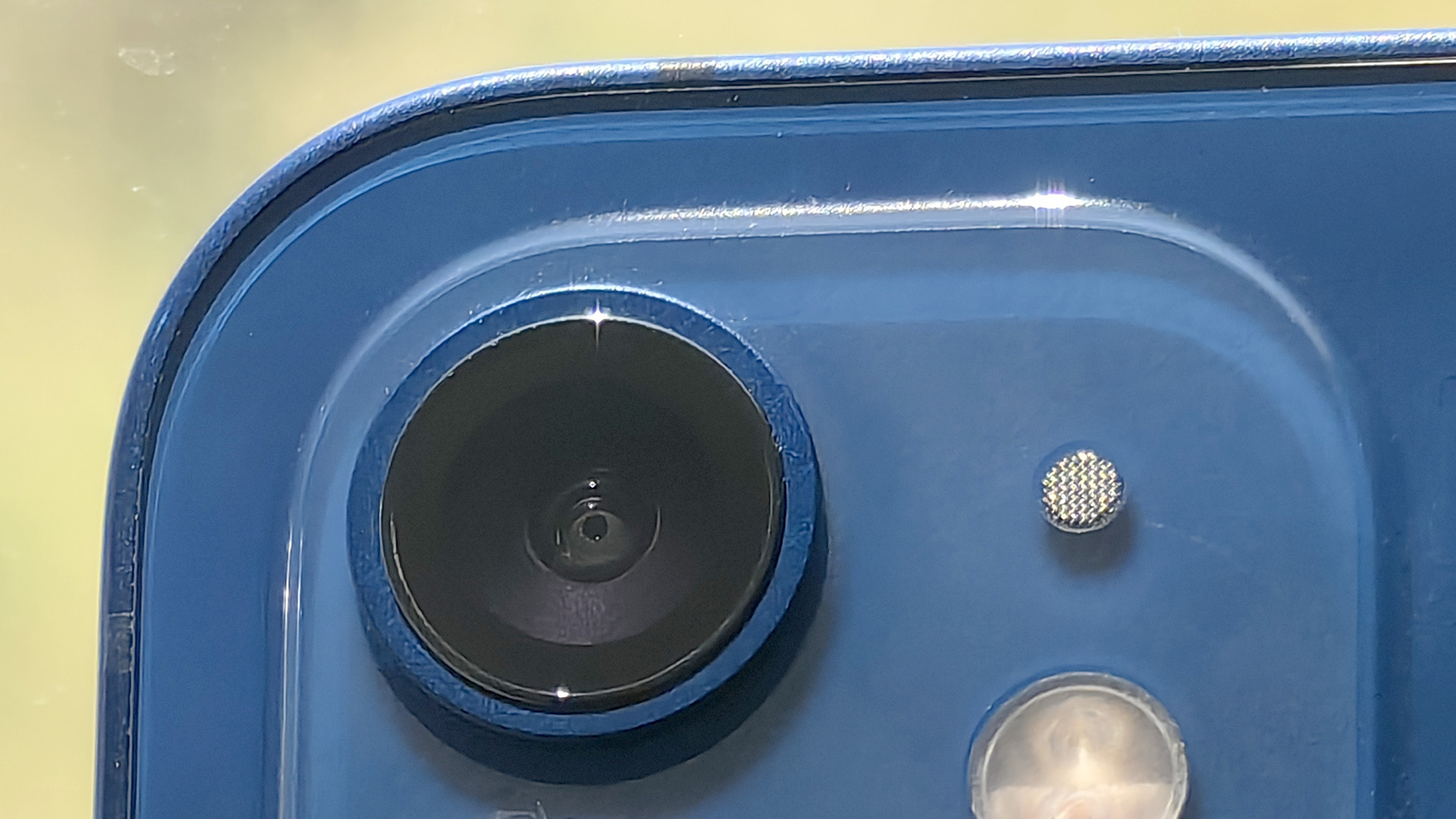
Cleaning stubborn smudges and light scratches
Smudges from makeup or oils can resist a simple wipe. Light scratches are trickier and require caution.
For stubborn smudges:
- Use a tiny amount of 70% isopropyl alcohol on a microfiber corner. Test on the outer glass only and avoid painted or plastic parts.
- Work with light pressure and dry immediately with a clean area of the cloth.
For light scratches:
- There is no safe home fix that reliably removes scratches without risk. Minor haze may be minimized by professional polishing, but this can be risky for multi-lens modules.
- If a scratch affects photos, consider professional repair or lens replacement.
I once tried aggressive polishing on an old phone and lost coating uniformity. That taught me to avoid DIY abrasion and seek professional help for scratches.

Tips for cleaning multi-lens iPhones and cases
Modern iPhones have multiple camera lenses close together. Clean each lens separately and mind the case.
Practical tips:
- Remove or open the phone case before cleaning so edges do not trap dust or scratch the lens.
- Clean each lens individually with the same safe steps. Avoid dragging dirt from one lens to another.
- If using a protective lens cover, clean the cover as well and check for scratches that affect image quality.
These steps show you how to clean iPhone camera lens on multi-lens phones without harming nearby components.

Maintenance routine and prevention
A little care prevents frequent deep cleaning. Build a quick routine and protect your lens.
Daily habits:
- Wipe the lens briefly before shooting in bright light or after pocketing the phone.
- Store your phone screen down or in a soft pocket to reduce direct contact with lens glass.
- Use a case with a raised lip to shield the camera module.
Monthly care:
- Inspect and perform a deeper clean using the step-by-step method.
- Replace microfiber cloths if they become soiled or lose effectiveness.
These small habits keep you from having to relearn how to clean iPhone camera lens under time pressure.

Personal experience and lessons learned
Over years of testing phones, I learned simple truths. Gentle care beats heavy-handed fixes.
What worked best for me:
- A tiny blower plus microfiber solved 80% of issues fast.
- Avoiding paper products and harsh chemicals kept lens coatings intact.
- When in doubt, do a dry wipe then a controlled damp wipe; this method cleaned well while minimizing risk.
A mistake I made once was using too much liquid. It seeped into the housing and caused fogging. Always use minimal moisture and dry immediately. These experiences shaped my safe approach to how to clean iPhone camera lens.
When to seek professional help
Some problems need tech support rather than home care.
Seek help if:
- The lens shows internal dust or condensation you cannot remove.
- Scratches or coating damage change photo quality.
- The camera module misaligns or shows hardware errors after cleaning.
Professionals can safely disassemble and replace parts. Knowing when to stop is part of learning how to clean iPhone camera lens responsibly.
Frequently Asked Questions of how to clean iphone camera lens
Can I use alcohol to clean my iPhone camera lens?
Using 70% isopropyl alcohol sparingly on a microfiber cloth is acceptable for spot cleaning glass, but avoid painted or plastic parts. Always test and dry the area immediately.
Will a scratch ruin my iPhone photos forever?
Minor scratches may slightly affect reflections, but often photos stay usable. Deep scratches or coating loss may require professional repair.
Is it safe to use wet wipes labeled for electronics?
Electronics wipes made for screens are usually safe if they note camera and lens use; double-check ingredients and avoid bleach or ammonia. Use them sparingly and follow with a dry microfiber wipe.
How often should I clean my iPhone camera lens?
Clean the lens whenever you notice smudges or before important shots; a quick weekly wipe is a good habit. Frequent light care reduces the need for heavy cleaning.
What should I do if my camera fogs after cleaning?
Fogging suggests moisture entered the camera area; air-dry in a warm, dry place and avoid using heat sources. If fogging persists, seek professional service.
Conclusion
Keeping your photos sharp starts with knowing how to clean iPhone camera lens correctly. Use simple tools, follow gentle steps, and avoid harsh chemicals or abrasive materials. Small, regular care prevents damage and keeps your camera ready for great shots.
Take action today: gather a microfiber cloth and a blower, try the step-by-step method, and leave a comment with your cleaning tips or questions.

Everett Ashford is a tech reviewer at mytechgrid.com specializing in SSDs, cameras, TVs, earbuds, headphones, and other consumer electronics. He provides honest, data-driven reviews based on hands-on testing and real-world performance analysis. Everett simplifies complex tech details to help readers make smart, confident buying decisions.