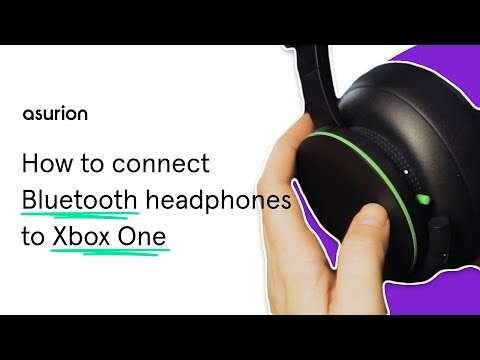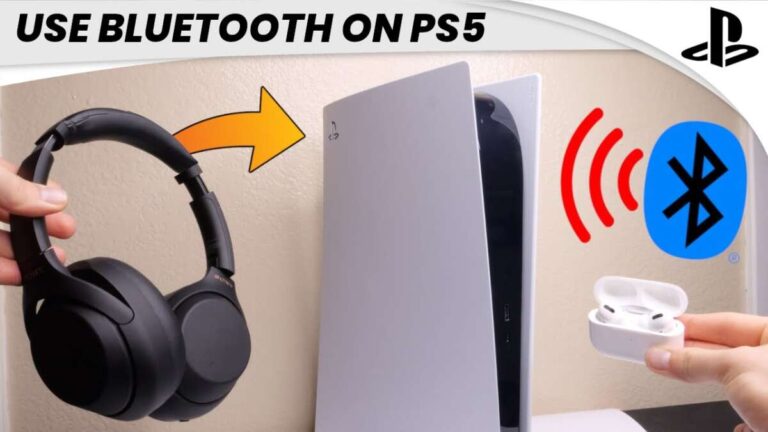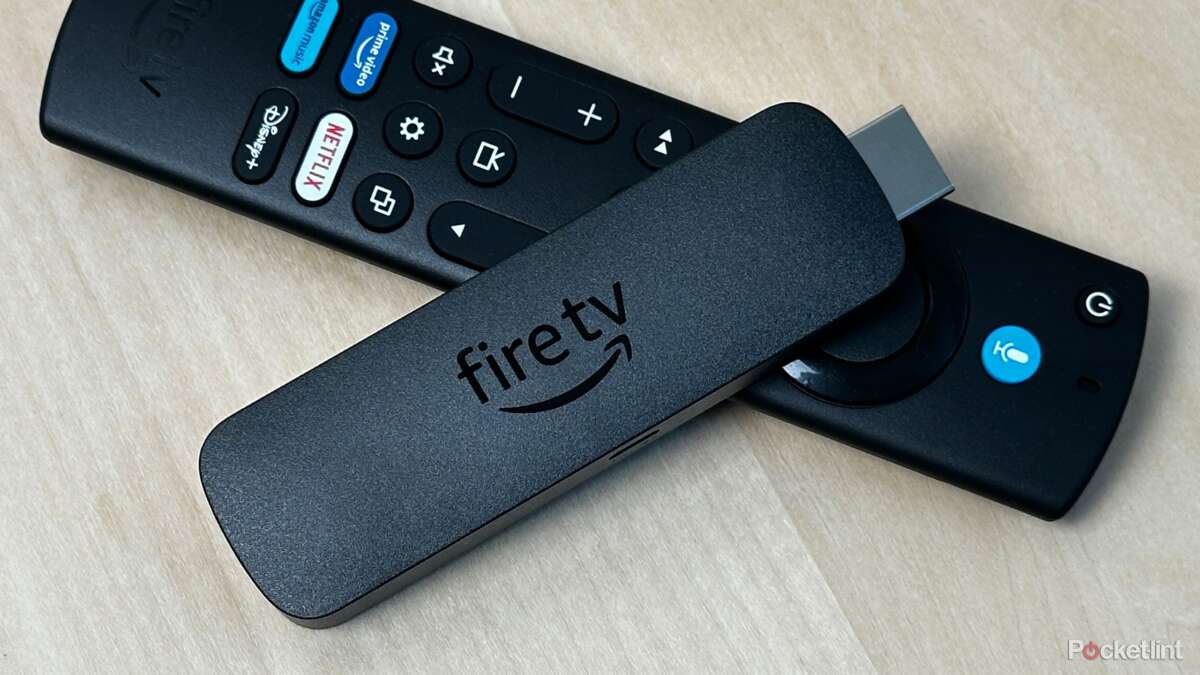
Enable headphone pairing mode, then open Fire TV Settings > Controllers & Bluetooth Devices > Other Bluetooth Devices and pair.
I’ve spent years setting up streaming gear at home and fixing audio headaches, so I’ll walk you through exactly how to connect bluetooth headphones to fire tv the simple way. You’ll get clear, step-by-step pairing instructions, practical troubleshooting, tips for low latency audio, and alternatives when native pairing won’t work. Read on and you’ll be listening privately in minutes — I’ll also share mistakes I made so you don’t repeat them.

Step-by-step: how to connect bluetooth headphones to Fire TV
Follow these clear steps to pair most Bluetooth headphones to a Fire TV device. The process is the same for Fire TV Stick, Fire TV Stick 4K, and Fire TV Cube, with only small menu-name differences. If you already know how to connect bluetooth headphones to fire tv, skip to troubleshooting or tips for best audio.
- Prepare your headphones
- Charge the headphones fully so pairing won’t fail.
- Put the headphones into Bluetooth pairing mode (consult the headset manual if unsure).
- Wake and navigate your Fire TV
- Turn on the Fire TV and your TV.
- Using the Fire TV remote, go to Settings (gear icon).
- Open Bluetooth settings
- Select Controllers & Bluetooth Devices.
- Choose Other Bluetooth Devices.
- Add and select your headphones
- Choose Add Bluetooth Devices. Fire TV will scan for nearby devices.
- Select your headphones from the list and wait until it shows Connected.
- Test audio and adjust volume
- Play a video or use the volume buttons to confirm sound.
- If sound is out of sync, try toggling the headphones off and back on.
These steps cover the core way to connect bluetooth headphones to fire tv. If pairing fails, the next sections help quickly fix common issues.

Prepare devices and common checks before pairing
Good preparation cuts pairing time in half. These checks help when you learn how to connect bluetooth headphones to fire tv the first time.
- Ensure Bluetooth is enabled and not blocked by airplane mode on the headphones.
- Move closer to the Fire TV device. Walls and interference can block Bluetooth.
- Remove old pairings from the headphones if they hit pairing limits.
- Restart the Fire TV device by unplugging it for 10 seconds if menus don’t respond.
Do these steps first and you’ll save time during the actual pairing. Small habits like confirming headphones are in pairing mode are the biggest time-savers.
Troubleshooting when how to connect bluetooth headphones to fire tv fails
If pairing doesn’t work, follow this checklist to fix the issue quickly.
- Headphones not appearing
- Turn Bluetooth off and on on the headphones and retry Add Bluetooth Device.
- Restart the Fire TV device and try again.
- Headphones connect but there’s no sound
- Check the Fire TV audio output settings and ensure Bluetooth is the active output.
- Test other audio apps to rule out app-specific audio problems.
- Audio lag or sync problems
– Try lowering the volume on the TV and controlling audio solely from the headphones.- Use a low-latency Bluetooth codec on headphones if supported by both devices.
When nothing works, unpair and re-pair both devices or test the headphones with a phone to verify they’re functioning. These steps will usually resolve issues most users face when learning how to connect bluetooth headphones to fire tv.

Use a Bluetooth transmitter if your Fire TV won’t pair
Some older TVs or AV setups create obstacles. A small Bluetooth transmitter adds compatibility and better range when you want to connect bluetooth headphones to fire tv.
- Choose a transmitter with a low-latency mode (aptX Low Latency) if you care about lip sync.
- Connect the transmitter to the Fire TV’s TV or audio output (optical, 3.5mm, or RCA).
- Put the transmitter and headphones in pairing mode, then link them together.
A transmitter is a reliable workaround and can also support multiple headphones depending on the model. It’s what I use for an older AVR that won’t expose Bluetooth from the Fire TV directly.

Tips for best audio, low latency, and multi-user setups
Small settings changes make a big difference once you know how to connect bluetooth headphones to fire tv.
- Prefer headphones with low-latency codecs for gaming and lip-sync sensitive content.
- Keep the Fire TV device visible and free from large metal objects to reduce interference.
- If you want two people to listen, check for transmitters or headphones that support multi-point audio.
- Update Fire TV software regularly to get the latest Bluetooth improvements and bug fixes.
Personal tip: when I first tried wireless listening, I forgot to fully charge my headphones. Partial charge can make pairing behave oddly — charge first, pair second.

Compatibility, limitations, and what to expect
Knowing limits helps avoid frustration when you try to connect bluetooth headphones to fire tv.
- Most Bluetooth headsets work, but exact behavior may vary by brand and model.
- Some Fire TV models limit simultaneous audio streams. You may need a transmitter for multi-user audio.
- Bluetooth audio quality depends on the negotiated codec between Fire TV and your headphones.
- Voice features like Alexa and microphones in headphones may not be available for all apps.
Being aware of these limits saves time and sets realistic expectations for your setup.

Common quick questions
Can I connect two Bluetooth headphones to a Fire TV at once?
Some Fire TV models and third-party transmitters support two connections, but most Fire TV devices natively support one audio device at a time.
Will my Bluetooth headphones work with Netflix and Prime Video?
Yes. Once paired as the active audio device, Bluetooth headphones work across streaming apps that run on Fire TV.
How do I check if my Fire TV supports my headphone codec?
Fire TV doesn’t list codec details in menus. If low latency is crucial, use headphones and transmitters that advertise aptX Low Latency and test them together.
What if my headphones keep disconnecting?
Move closer to the Fire TV, remove signal blockers, fully charge the headphones, and restart the Fire TV. Firmware updates for either device can also fix drops.
Can I use Alexa with Bluetooth headphones on Fire TV?
Basic Alexa voice control on Fire TV works with paired remotes or Echo devices. Headphone microphone compatibility varies by headset and app.

Personal experience: mistakes I made so you don’t
I once spent an hour troubleshooting a missing headphone pairing only to realize the headset was connected to my laptop. Lesson learned: always confirm other devices aren’t already connected. Another time I ignored firmware updates; after updating the Fire TV and the headset, latency and dropouts disappeared. These small steps are easy to skip, but they matter.
Frequently Asked Questions of how to connect bluetooth headphones to fire tv
How do I put my Fire TV into pairing mode for headphones?
Go to Settings > Controllers & Bluetooth Devices > Other Bluetooth Devices > Add Bluetooth Devices. The Fire TV will scan and show nearby devices.
My headphones connect but audio lags. What should I do?
Try headphones that support low-latency codecs or use an aptX Low Latency transmitter. Restarting both devices and minimizing interference can also help.
Can I pair my Echo speaker as headphones for Fire TV?
Some Echo devices can be linked to Fire TV as speakers via available settings. Check your Fire TV's audio or Alexa settings to confirm availability and steps.
Why won’t my headphones appear on the Fire TV list?
Ensure the headphones are in pairing mode and not already paired elsewhere. Restart the Fire TV and move the headphones closer to the device.
Is it possible to use wireless earbuds with Fire TV for gaming?
Yes, but choose earbuds or transmitters with low-latency support to reduce lag for a better gaming experience.
Conclusion
Now you know how to connect bluetooth headphones to fire tv, how to fix common pairing problems, and when to use a transmitter for better results. Start by fully charging your headphones, put them in pairing mode, and use Fire TV’s Controllers & Bluetooth Devices menu to add them. If you run into trouble, work through the simple troubleshooting list and consider a low-latency transmitter for the best performance. Try the steps now, leave a comment with your setup or questions, and subscribe for more practical streaming tips.

Everett Ashford is a tech reviewer at mytechgrid.com specializing in SSDs, cameras, TVs, earbuds, headphones, and other consumer electronics. He provides honest, data-driven reviews based on hands-on testing and real-world performance analysis. Everett simplifies complex tech details to help readers make smart, confident buying decisions.