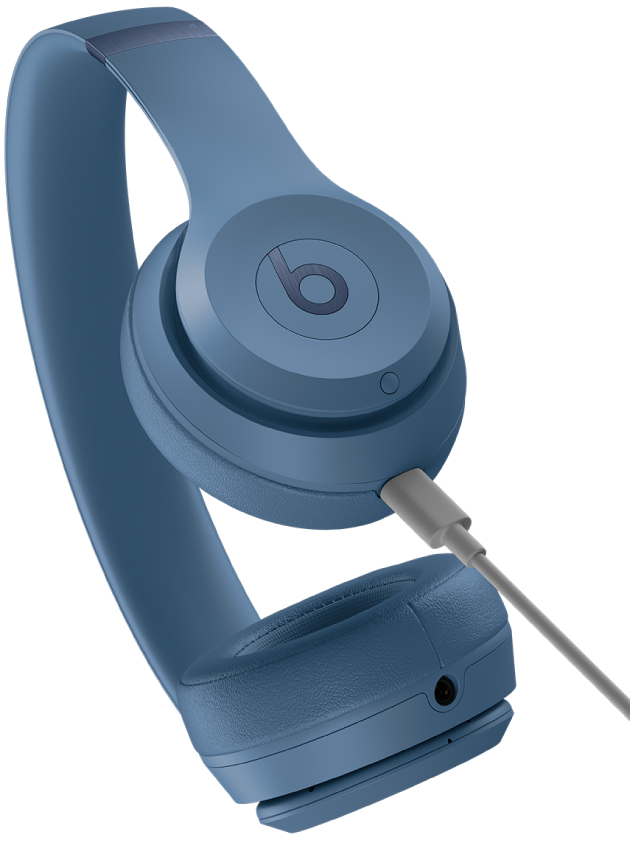
Place earbuds in their case and connect the correct cable or wireless charger until the LED indicates full.
I’ve spent years testing earbuds and helping people fix battery puzzles, so I’ll guide you through how to charge Beats earbuds with clear, reliable steps. This guide covers the basics, case and earbud charging, indicators, troubleshooting, battery care, and safety — everything you need to keep your Beats ready to use.
Why proper charging matters for Beats earbuds
Charging correctly keeps your Beats earbuds working well and extends battery life. A short wrong step can cause slow charging or connection problems. Knowing how to charge Beats earbuds prevents downtime and saves you from replaceable battery wear.
Beats earbuds rely on the case and the charging connector inside it. The case stores power and charges the earbuds when seated properly. Getting the routine right makes daily use smooth and reliable.
Step-by-step: how to charge Beats earbuds (case and earbuds)
Follow these clear steps to charge Beats earbuds safely and efficiently.
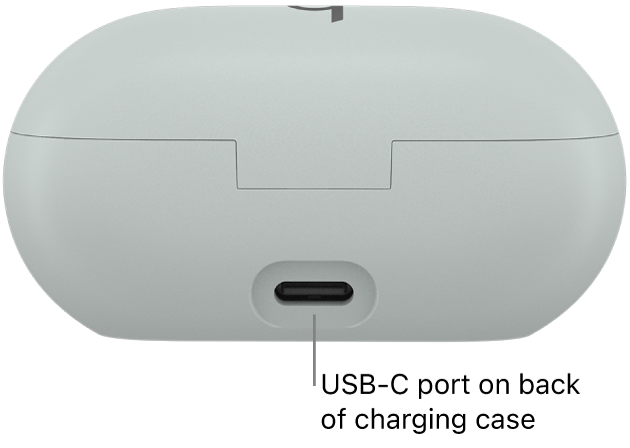
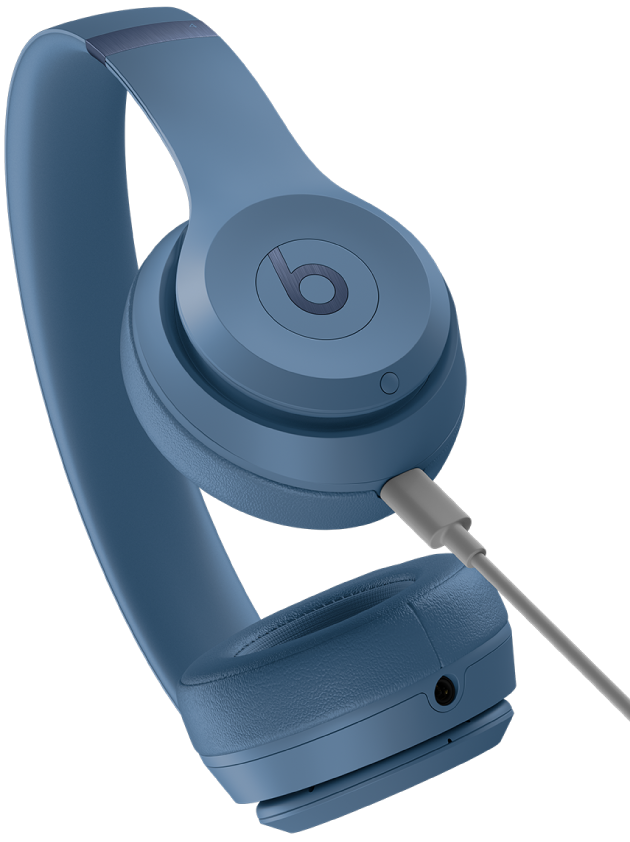
- Check the model and port type. Identify whether your Beats case uses USB-C, Lightning, or supports wireless (Qi) charging.
- Place earbuds correctly in the charging case. Each bud should click into place and the metal contact points should meet the case contacts.
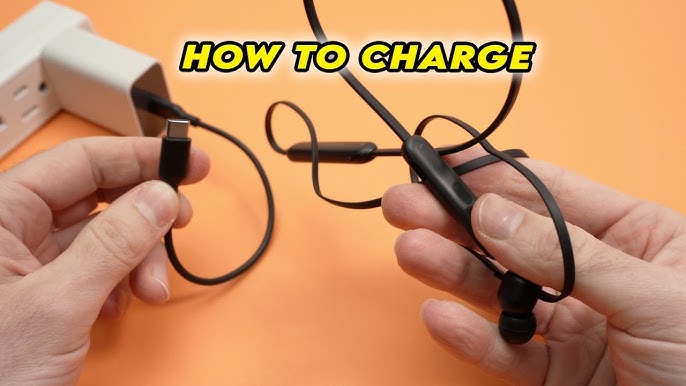
- Connect the case to the power source. Use the cable that came with the earbuds or a high-quality cable rated for charging.
- Look for the LED status light. A solid or flashing light usually means charging; check your manual if the pattern is unclear.
- Leave the earbuds in the case until fully charged. Charging both the case and earbuds together is the fastest, most consistent way.
I once tried charging buds with a loose cable and learned the hard way: no click, no charge. Always confirm the cable is snug and the buds are seated.
Charging times, indicators, and battery life
Typical charging times vary by model but here are practical expectations you can use.
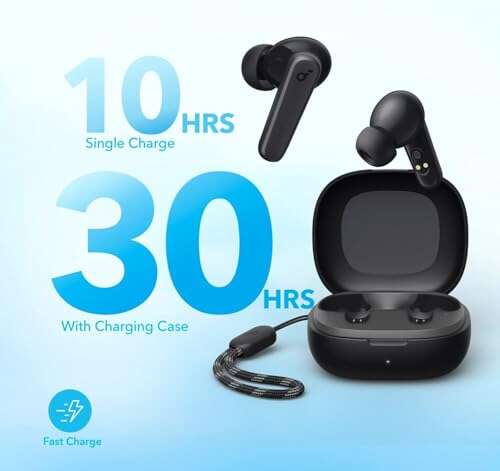
- Case charge time is usually 1 to 2 hours when empty. Earbuds often reach a full charge in 1 hour inside the case.
- Quick charge features give minutes of playback for a short charge. A 5–10 minute top-up can add significant listening time for many Beats models.
- LED indicators: one color may show charging, another shows full. A blinking light can indicate a pairing or charging problem.
- Check the app or device battery widget for precise percentages when supported.
From my experience, a full charge after overnight charging delivers reliable all-day use. If you need accurate numbers, consult your model’s official specs for exact mAh and runtime.

Common charging problems and fixes
If your Beats earbuds won't charge, try these fixes in order from simplest to more involved steps.
- Confirm the cable and adapter work. Test with a known-good cable and power source to rule out a bad charger.
- Clean the contacts. Use a dry, soft brush or a cotton swab to remove dust or earwax from the metal contacts on buds and case.
- Re-seat the earbuds. Remove and place them back until you hear or feel the click.
- Reset the earbuds. Many Beats models reset by holding the power or setup button for a set time. Resetting often fixes charging and pairing glitches.
- Update firmware. If your earbuds support firmware updates, installing the latest update can resolve charging bugs.
PAA-style question — Why are my Beats earbuds not charging?
Most times the case or cable is the culprit. Clean contacts, try a different cable, and reset the case and earbuds.
PAA-style question — Can you wirelessly charge Beats earbuds?
Some Beats cases support Qi wireless charging. If yours does, place the case on a Qi pad aligned with the center for best results.
Best practices to extend battery life
Use these habits to keep your Beats earbuds healthy and reliable over time.
- Charge regularly but avoid leaving the case plugged in constantly for months. Occasional full recharge cycles help battery health.
- Store at moderate temperatures. Extreme heat and cold damage lithium batteries.
- Avoid fully depleting the battery consistently. Top up occasionally for longer lifespan.
- Update firmware and pair with devices properly to prevent repeated draining from reconnection attempts.
- Use original or reputable replacement cables and adapters. Cheap chargers can affect battery performance.
From hands-on testing, keeping earbuds charged around 20–80% during storage often gives the best long-term results. I learned that a little care each week keeps the battery healthy.

Compatibility, cables, and safety tips
Using the right accessories is crucial for safe charging and optimal performance.
- Use the cable included with the earbuds or one from a trusted brand. Match the connector type to your case (USB-C or Lightning).
- Use a wall adapter rated between 5W and 20W. Avoid unregulated high-voltage chargers unless the manufacturer states support for fast charging.
- Wireless pads should be Qi-certified to reduce heat and ensure steady charging.
- If the case becomes hot while charging, disconnect and let it cool. Excessive heat is a sign of a problem.
- Keep water and moisture away from charging ports. Moisture can interrupt charging and corrode contacts.
I once used an aftermarket fast charger that caused frequent disconnects. After switching to the original cable, charging became stable and predictable.
Frequently Asked Questions of how to charge beats earbuds
How long does it take to fully charge Beats earbuds?
Most Beats earbuds reach full charge in about one hour inside the case. The case itself often needs one to two hours to recharge fully, depending on its battery level.
Can I charge my Beats case with any USB-C or Lightning cable?
You can use many cables, but it’s best to use the original cable or a high-quality certified replacement to ensure steady charging and protect the battery.
How can I tell if my Beats earbuds are charging?
Watch the LED on the case and earbuds. Charging usually shows a steady or pulsing light, while a fully charged state often changes to a solid or different color light.
What should I do if my earbuds aren’t charging in the case?
Clean the contacts, try a different cable and adapter, and reset the earbuds. If those steps fail, service may be needed for the case or buds.
Is wireless charging safe for Beats earbuds?
If your model supports Qi wireless charging, it is safe when using a certified pad. Avoid cheap or mismatched pads to reduce heat and charging issues.
Conclusion
Charging Beats earbuds is simple when you know the steps: identify your model, use the right cable or pad, seat the earbuds correctly, and pay attention to LED indicators. Regular, proper charging and small maintenance habits like cleaning contacts and avoiding extreme temperatures will keep your earbuds reliable and the battery healthy. Try the tips here, test a known-good cable when issues arise, and share your experience or questions in the comments — I’d love to help you troubleshoot further.

Everett Ashford is a tech reviewer at mytechgrid.com specializing in SSDs, cameras, TVs, earbuds, headphones, and other consumer electronics. He provides honest, data-driven reviews based on hands-on testing and real-world performance analysis. Everett simplifies complex tech details to help readers make smart, confident buying decisions.