Measure the screen diagonally from one corner to the opposite corner to find your TV size in inches.
Learning how to find size of tv is simple once you know what to measure and what the number means. This guide explains the correct method, common mistakes, screen dimensions, viewing distance, and how to choose a TV that fits your room.
What TV Size Really Means
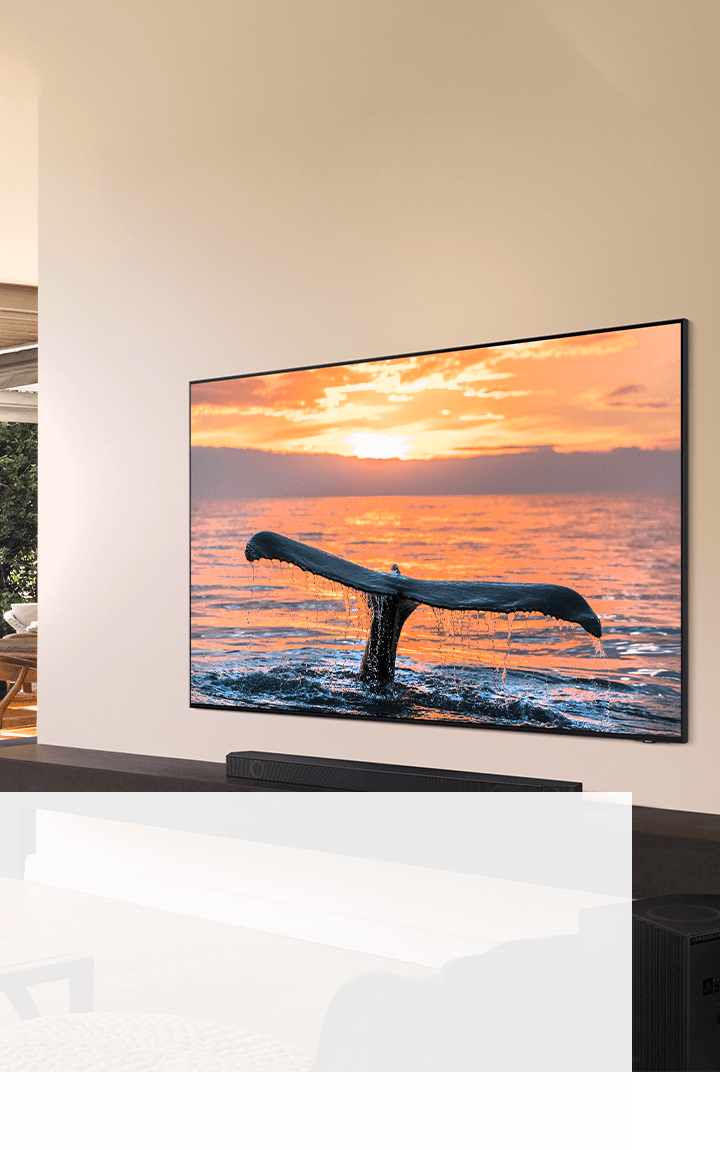
TV size refers to the diagonal length of the visible screen. It does not describe the TV’s width, height, or outer frame.
For example, a 55-inch TV measures about 55 inches from the lower-left corner of the screen to the upper-right corner. The full TV may be slightly larger because of the bezel, stand, or frame.
This standard measurement applies to LED, OLED, QLED, LCD, and most other modern TVs. Once you understand this, learning how to find size of tv becomes much easier.
How to Find Size of TV With a Tape Measure
You can find the screen size in less than a minute with a tape measure. You do not need to remove the TV from the wall or measure the stand.
Follow these steps:
- Turn off the TV so the edges of the screen are easier to see.
- Place the end of the tape measure at one corner of the visible screen.
- Stretch the tape diagonally to the opposite corner.
- Stop at the edge of the screen, not the outer frame.
- Record the measurement in inches.
- Round the result to the nearest common TV size.
Measure from the top-left corner to the bottom-right corner, or from the top-right corner to the bottom-left corner. Do not measure from side to side, since that gives you the screen width instead of the advertised size.
If your measurement is close to 54.6 inches, the TV is usually sold as a 55-inch model. Manufacturers often use rounded size names for easier shopping.
How to Find Size of TV Without Measuring Diagonally
Sometimes the TV is mounted tightly against a wall, or you may not have enough room to stretch a tape across the screen. In that case, you can estimate the size by measuring the width and height.
Most modern TVs use a 16:9 aspect ratio. This means the screen is 16 units wide for every 9 units tall.
Use this formula:
Diagonal size = √(width² + height²)
For a 16:9 TV, you can also use these quick formulas:
Diagonal size ≈ width × 1.147
Diagonal size ≈ height × 2.039
For example, if the visible screen is 48 inches wide:
48 × 1.147 = about 55 inches
So, a screen that is about 48 inches wide is usually a 55-inch TV.
Here are common screen measurements for 16:9 TVs:
| Advertised TV size | Approximate screen width | Approximate screen height |
|---|---|---|
| 32 inches | 27.9 inches | 15.7 inches |
| 43 inches | 37.5 inches | 21.1 inches |
| 50 inches | 43.6 inches | 24.5 inches |
| 55 inches | 47.9 inches | 27.0 inches |
| 65 inches | 56.7 inches | 31.9 inches |
| 75 inches | 65.4 inches | 36.8 inches |
| 85 inches | 74.1 inches | 41.7 inches |
These figures describe the screen only. The full TV may be wider or taller because of its frame and stand.
How to Find TV Size From the Model Number
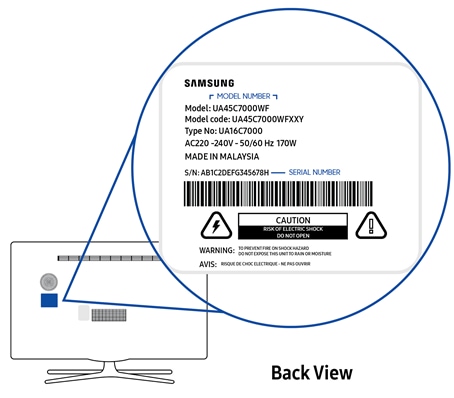
The model number often reveals the screen size. Many manufacturers place the diagonal size near the start or middle of the model code.
For example, a model number such as “QN65Q80” may indicate a 65-inch TV. A model beginning with “OLED55” may indicate a 55-inch OLED TV.
However, model number formats vary by brand and year. The number may refer to the screen size, but letters and other numbers may identify the product series, region, tuner, or release year.
Check these places:
• The sticker on the back of the TV
• The original box
• The user manual
• The TV’s settings menu
• Your purchase receipt
• The manufacturer’s product page
To check the menu, open Settings and look under Support, About, System Information, or Product Information. This method is useful when you are learning how to find size of tv but cannot reach the screen with a tape.
How to Find Size of TV From the Packaging
The box usually lists the advertised TV size in large numbers. It may also show the full shipping dimensions, which can cause confusion.
Look for terms such as:
• Screen size
• Diagonal size
• Display size
• Product size
• Dimensions with stand
The screen size may say 65 inches, while the box dimensions may show a width of 63 inches and a height of 38 inches. Those larger measurements include the frame, stand, and packaging space.
Do not use the shipping box diagonal to identify your TV size. Packaging is much larger than the television itself.
How to Find the Width and Height of Your TV
Knowing how to find size of tv is helpful, but width and height matter more when you are checking whether a TV will fit inside a cabinet or on a wall.
Measure these areas separately:
- Screen width from the left edge to the right edge.
- TV height from the top edge to the bottom edge.
- Total height with the stand attached.
- Depth from the front of the screen to the back.
- Width and height of the stand.
- VESA mounting hole spacing if you plan to use a wall mount.
A typical 55-inch TV is about 48 inches wide and 27 inches tall without its stand. The actual product dimensions may be slightly larger.
A typical 65-inch TV is about 57 inches wide and 32 inches tall without its stand. Always check the manufacturer’s dimensions before buying a wall mount, console, or cabinet.
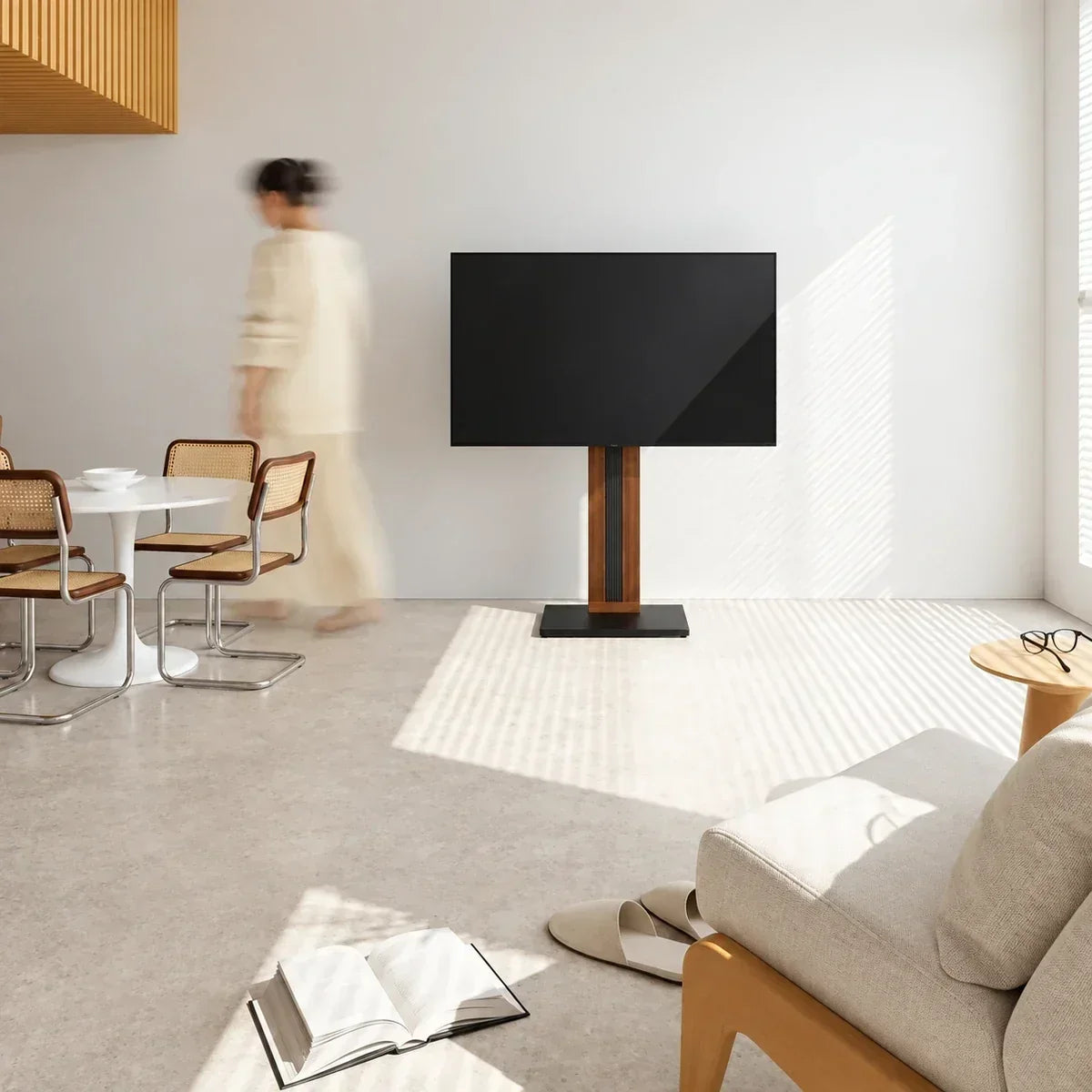
Screen Size Versus TV Dimensions
The advertised size and the physical size are not the same thing.
A 55-inch TV does not measure 55 inches across. The 55-inch number describes the diagonal screen measurement. Its width is usually close to 48 inches, while its height is usually close to 27 inches.
The frame adds a small amount to the total size. Older TVs may have thicker bezels, while many newer OLED and LED models have very thin frames.
The stand can also change the height and depth. A TV may fit perfectly on a wall but feel too tall on a media console when the stand is attached.
Before buying, compare:
• Screen size
• Overall width
• Overall height without stand
• Overall height with stand
• Product depth
• Stand width
• Wall mount position
This is one of the most important lessons when learning how to find size of tv: measure the space, not just the screen.

How to Find Size of TV for a Room
The right TV size depends on viewing distance, room layout, resolution, and personal comfort. A larger screen can create a more immersive image, but it may feel uncomfortable if you sit too close.
A simple viewing distance guide for 4K TVs is:
| TV size | Approximate viewing distance |
|---|---|
| 32 inches | 3.5 to 5 feet |
| 43 inches | 4.5 to 6.5 feet |
| 50 inches | 5 to 7 feet |
| 55 inches | 5.5 to 7.5 feet |
| 65 inches | 6.5 to 9 feet |
| 75 inches | 7.5 to 10.5 feet |
| 85 inches | 8.5 to 12 feet |
These ranges are guidelines, not strict rules. Some people enjoy sitting closer for a cinema-like view, while others prefer more distance.
The Society of Motion Picture and Television Engineers has recommended viewing angles for a comfortable and engaging experience. Many home viewers use a viewing angle between about 30 and 40 degrees for movies and gaming.

How to Find the Best TV Size for a Wall
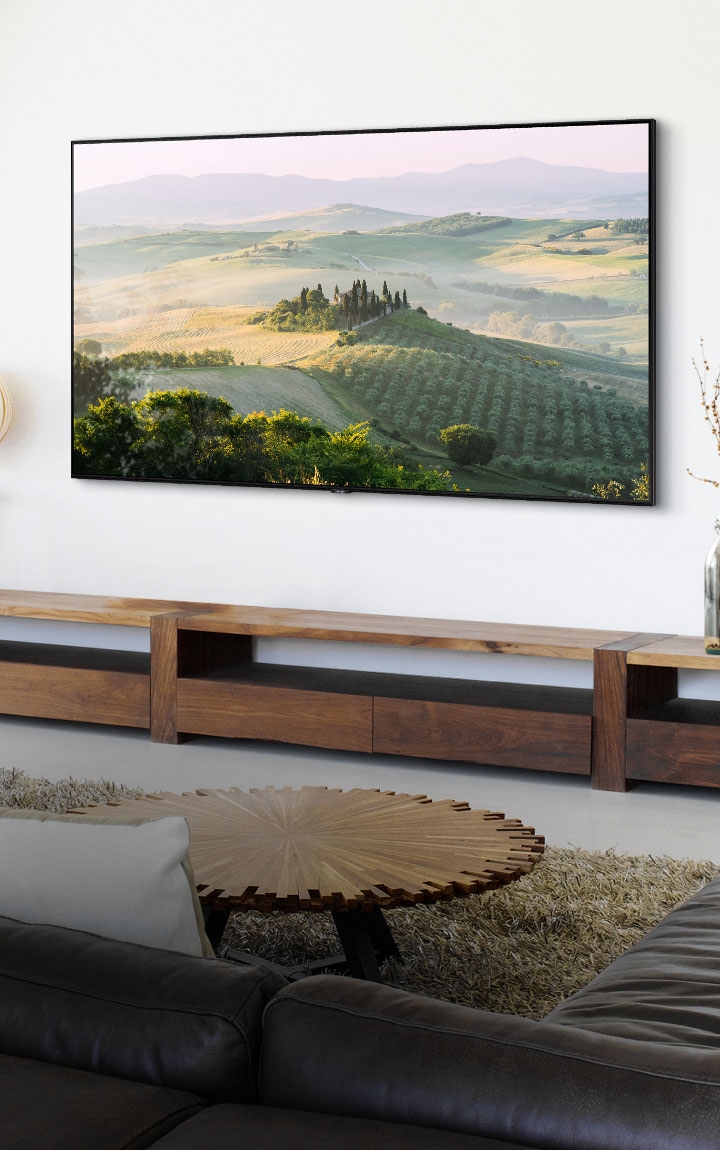
A wall can make a TV look smaller than it did in a store. This happens because the surrounding space changes your sense of scale.
To choose a suitable wall-mounted TV:
- Measure the wall width.
- Mark the center of the viewing area.
- Measure the distance from the sofa to the wall.
- Check the TV’s total width and height.
- Leave space for vents, cables, and sound equipment.
- Confirm that the mount supports the TV’s weight and VESA pattern.
Avoid placing the screen too high. A good starting point is to position the center of the screen near seated eye level. In many living rooms, the center of the TV sits about 42 inches above the floor, but the best height depends on your seating and room design.
For a fireplace installation, heat and viewing angle require extra care. A TV mounted above a fireplace may sit too high and expose the electronics to heat. Check the TV maker’s installation instructions before using this setup.

How to Find Size of TV for a Cabinet or Stand
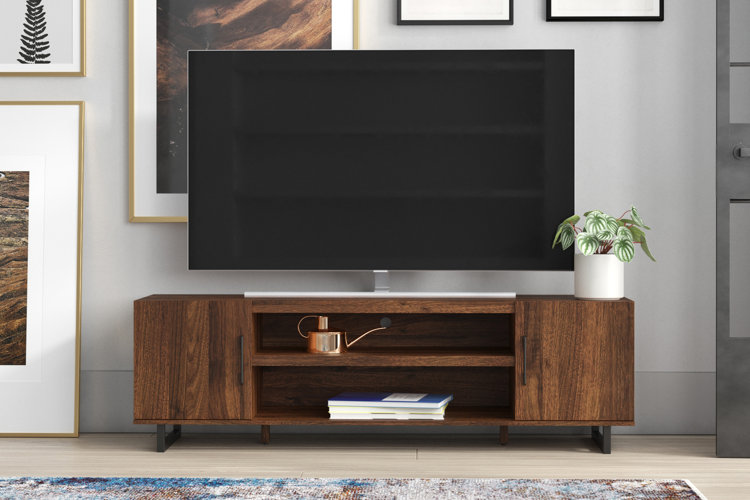
When placing a TV on furniture, measure the cabinet first. The TV should not extend so far beyond the sides that it becomes unstable or looks poorly balanced.
Check these measurements:
• Cabinet width
• Cabinet depth
• Maximum supported weight
• TV stand width
• TV stand depth
• Clearance around the screen
• Space for a soundbar
A TV stand should support the full base of the television. If the stand is narrower than the TV, make sure the feet remain completely on the furniture.
Many modern TVs use wide feet near the edges. Others use a central pedestal stand. The same screen size can have very different stand dimensions, so check the product specification sheet before purchase.
Common Mistakes When Measuring a TV
People often get the wrong answer because they measure the frame, the stand, or the wrong direction.
Avoid these mistakes:
• Measuring horizontally and calling it the screen size
• Including the bezel in the diagonal measurement
• Measuring the box instead of the TV
• Counting the stand as part of the screen
• Assuming all 55-inch TVs have the same outer dimensions
• Ignoring the wall mount or cabinet depth
• Measuring an old 4:3 TV with a 16:9 chart
• Forgetting to check the screen’s actual aspect ratio
A quick measurement can prevent an expensive return. I often see people choose a TV based only on the diagonal number, then discover that the feet do not fit on their console. The safest approach is to record both the diagonal screen size and the complete product dimensions.
How to Find Size of TV With a Smartphone
A smartphone can help estimate the size, but it should not replace a tape measure when accuracy matters.
You can use:
• A measurement app
• An augmented reality measuring tool
• A photo with a known object for scale
• A digital copy of the product manual
For the best result, place the phone directly in front of the screen and follow the app’s instructions. Keep the camera level and include the visible screen corners.
Phone measurements may be off by an inch or more because of camera angle, lighting, and screen edge detection. Use this method for a rough estimate, then confirm the result with the model number or manufacturer’s specifications.
How Aspect Ratio Affects TV Measurements
Aspect ratio describes the relationship between screen width and height. Most modern TVs use a 16:9 ratio, but older televisions and some specialty displays may use different shapes.
A 16:9 TV is wider and shorter than a 4:3 TV with the same diagonal measurement. This means two TVs with a 40-inch diagonal may have different widths and heights.
A widescreen 16:9 display has these approximate proportions:
• Width: 87.2% of the diagonal
• Height: 49.0% of the diagonal
A 4:3 display has a different shape:
• Width: 80.0% of the diagonal
• Height: 60.0% of the diagonal
For ordinary modern TVs, use a 16:9 chart. If you are measuring an older tube TV, computer display, or unusual commercial screen, identify the aspect ratio first.
Why TV Size Matters for Picture Quality
A larger screen does not automatically produce a better picture. Resolution, viewing distance, brightness, contrast, and content quality all matter.
A 4K TV has four times as many pixels as a 1080p Full HD TV. This allows many viewers to sit closer without seeing individual pixels. However, poor-quality video may look less attractive when stretched across a very large screen.
Consider these factors:
• 4K resolution for most current large TVs
• HDR support for brighter highlights and deeper color
• Refresh rate for sports and gaming
• Input lag for game consoles
• Viewing angle for wide seating areas
• Brightness for rooms with windows
• Contrast for movie watching in dark rooms
A larger screen is useful when people sit far away, but the correct size still depends on the whole viewing setup.
How to Find Size of TV for Gaming
Gamers often want a screen that feels immersive without forcing them to move their head constantly. The best size depends on the distance between your chair and the display.
For a desk or small gaming space, a 32-inch to 43-inch TV may work well. For a sofa several feet away, a 55-inch to 65-inch screen may feel more natural.
Also check:
• HDMI 2.1 support
• 120 Hz refresh rate
• Variable refresh rate
• Auto low-latency mode
• Input lag
• Game mode
A large screen can make racing and adventure games feel exciting. For competitive games, however, sitting too close to a very large TV may make it harder to see the entire action at once.
How to Find Size of TV for Sports and Movies
Sports look best when the screen is large enough to show players, scores, and fast motion clearly. A TV that is too small can make details hard to follow from the back of the room.
For movies, screen size affects immersion. A 65-inch or 75-inch TV may create a theater-like feel in a medium or large living room, provided the seating distance is suitable.
Use the following approach:
- Measure the distance from the main seat to the TV wall.
- Select a few possible screen sizes.
- Mark each size on the wall with painter’s tape.
- Sit in your normal viewing position.
- Choose the largest size that feels comfortable.
This simple visual test is more useful than guessing in a brightly lit showroom.
How to Find Size of TV When Replacing an Old TV
Replacing an older TV can be confusing because a new TV may have a larger screen but a similar overall width.
For example, a modern 55-inch 16:9 TV may fit in nearly the same space as an older 50-inch or 52-inch television. Thin bezels and lighter designs often make newer TVs easier to place.
Before replacing your old model:
• Measure the old TV’s full width and height
• Measure the available wall or cabinet space
• Check the new model’s outer dimensions
• Compare stand placement
• Confirm cable access
• Check whether the existing wall mount is compatible
Do not assume that a new TV with the same advertised size will have identical mounting holes or stand placement.
A Simple TV Measurement Checklist
Use this checklist before buying or mounting a television:
- Measure the visible screen diagonally.
- Confirm the screen size from the model number.
- Measure the full TV width.
- Measure the full TV height without the stand.
- Measure the height with the stand attached.
- Check the TV depth.
- Measure the stand width and depth.
- Record the viewing distance.
- Check the wall mount’s VESA pattern.
- Leave room for cables and ventilation.
- Compare the TV dimensions with your furniture.
- Confirm the retailer’s return policy.
This process takes only a few minutes and greatly reduces the risk of buying a TV that does not fit.
Frequently Asked Questions About How to Find Size of TV
Is TV size measured diagonally?
Yes. TV size is measured diagonally from one corner of the visible screen to the opposite corner. The measurement does not include the bezel, outer frame, or stand.
How do I measure a TV without including the frame?
Place the tape measure on the edge of the active display area, where the picture begins. Measure diagonally across the screen and stop at the opposite edge of the picture area.
Is a 55-inch TV actually 55 inches wide?
No. A typical 55-inch 16:9 TV is about 48 inches wide and 27 inches tall without its frame. The 55-inch figure refers to the diagonal screen measurement.
How can I find my TV size from the model number?
Look at the back label, box, receipt, manual, or settings menu. Many brands include the screen size in the model number, but you should confirm it with the manufacturer’s product information.
What is the best TV size for a room?
The best size depends on viewing distance, resolution, and personal comfort. For a 4K TV, a 55-inch model often works well from about 5.5 to 7.5 feet, while a 65-inch model often suits about 6.5 to 9 feet.
Should I measure the TV with the stand attached?
Measure with the stand attached when checking a cabinet or table. Measure without the stand when checking a wall or wall mount.
Does a larger TV use more power?
Usually, a larger screen can use more electricity, but power use depends on brightness, display technology, energy settings, and model design. Check the TV’s energy label for the most accurate estimate.
Conclusion
Finding your TV size is easy when you measure the visible screen diagonally from corner to corner. Remember that the advertised size is not the same as the TV’s width, height, frame, stand, or wall space.
For a reliable fit, record the diagonal screen size along with the full product dimensions, stand measurements, viewing distance, and mounting details. Use painter’s tape to test the size on your wall, then compare the result with the manufacturer’s specifications before you buy. Take a few minutes to measure carefully, and you can choose a TV that looks right, fits safely, and feels comfortable every time you watch.

Everett Ashford is a tech reviewer at mytechgrid.com specializing in SSDs, cameras, TVs, earbuds, headphones, and other consumer electronics. He provides honest, data-driven reviews based on hands-on testing and real-world performance analysis. Everett simplifies complex tech details to help readers make smart, confident buying decisions.