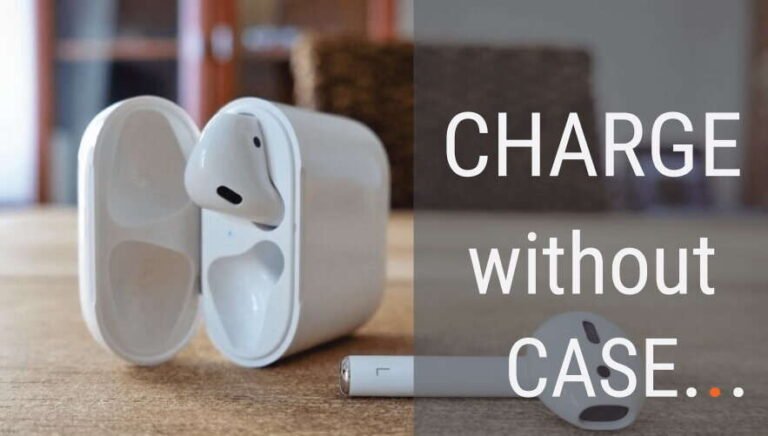
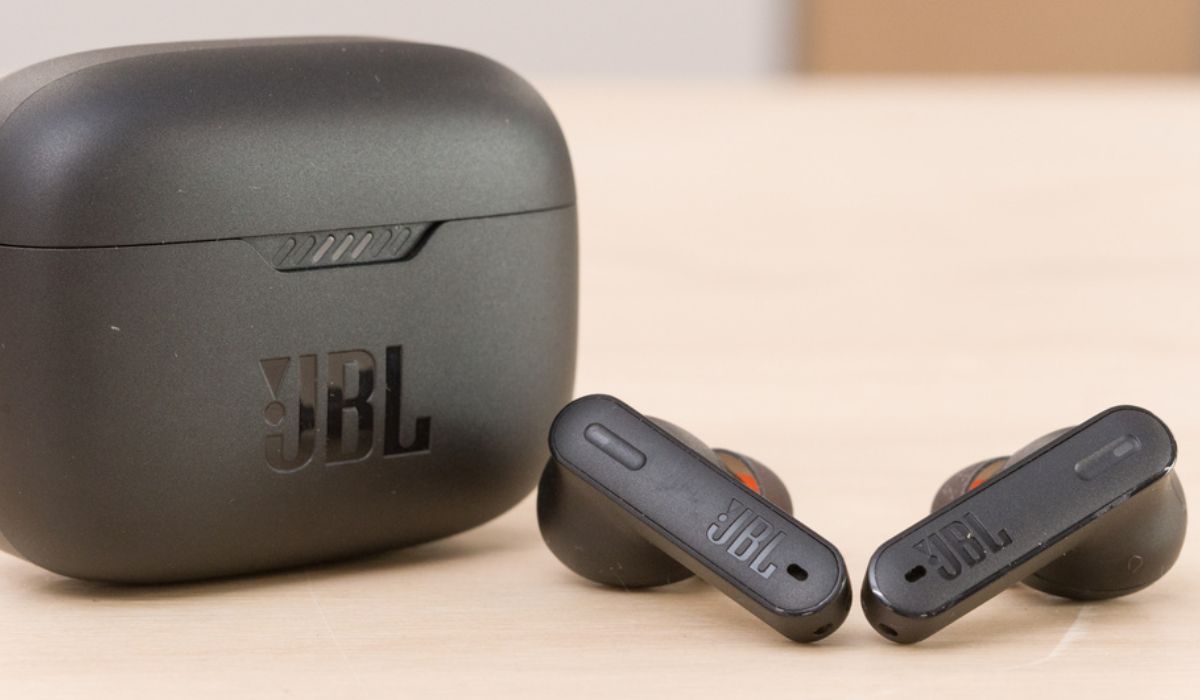
For JBL earbuds sold in the United States, you usually cannot charge the earbuds without their charging case. Most JBL true wireless earbuds have no USB port or charging coil on the earbuds themselves. They charge through small metal contacts that connect to the matching contacts inside the case.
If you lost or damaged the case, the safe fix is to get a replacement case made for your exact JBL model. Do not connect a USB cable, wall charger, loose wires, or a power bank directly to the earbuds. That can damage the battery and create a safety risk.

Why JBL earbuds need the charging case
JBL true wireless earbuds use the case as both a charger and a storage dock. The case contains its own rechargeable battery, charging circuit, and contact points.


When you place an earbud in the correct slot:
- The metal contacts touch.
- The case sends a controlled charge to the earbud.
- The case limits and manages the charging current.
- The earbud battery charges until it reaches the proper level.
The earbuds are not designed to accept power from a normal USB cable. A USB port supplies power through a connector, but most JBL earbuds have no such port. Their small contact points are made for the matching case, not for direct use with a charger.
This applies to many JBL models, including lines such as:
- JBL Tune Buds
- JBL Tune Beam
- JBL Live Pro 2
- JBL Live Free
- JBL Reflect Flow
- JBL Tour Pro
- JBL Wave Buds
- JBL Vibe Buds
- JBL Endurance Peak models
The exact design can vary by model. Always check the manual for your specific earbuds before trying any unusual charging method.

Can you charge JBL earbuds with a USB cable?
No, not directly in normal use. A USB cable charges the JBL case, not the earbuds.


The USB-C or Micro-USB port on the case connects to the case battery. Once the case has power, it transfers energy to the earbuds through the charging contacts.
Do not try to:
- Push a USB-C plug against the earbud contacts
- Touch bare wires to the charging pins
- Use a phone charger with improvised adapters
- Place the earbuds on a random wireless charging pad
- Connect the earbuds to a battery pack
- Insert metal objects into the charging ports
These methods bypass the charging controls built into the case. They may cause a short circuit, battery failure, overheating, or permanent damage.
A phone charger may be safe for the case when the charger and cable meet JBL’s instructions. That does not mean it is safe for the earbuds by themselves.
Can wireless charging work without the case?
Wireless charging generally does not work without the case.
Some JBL charging cases may support wireless charging, depending on the model. In that setup, the wireless pad charges the case, and the case charges the earbuds through their internal contacts.
The earbuds usually do not contain the wireless charging hardware needed to receive power from a Qi charging pad. Even if an earbud has metal contacts, those contacts are not a wireless charging receiver.
| Charging method | Charges the earbuds without the case? | Why |
|---|---|---|
| USB-C cable connected to the case | No | It charges the case first |
| Wireless pad under the case | No | The case contains the charging receiver |
| Wireless pad under one earbud | Usually no | The earbud lacks the required charging coil |
| Loose wires or a DIY adapter | Unsafe and unsupported | It bypasses battery controls |
| Correct replacement JBL case | Yes | It is designed for that model |
If a product listing says a JBL case supports wireless charging, that feature applies to the case and should not be treated as a feature of the earbuds.
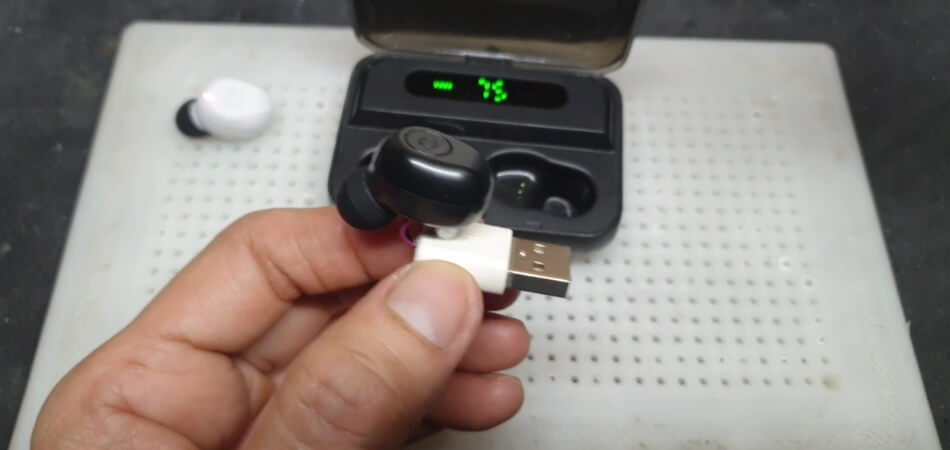
What to do if you lost the JBL charging case
The best solution is to replace the case with one made for the exact earbud model.
1. Identify the exact model
Look for the model name:
- On the original box
- In the JBL Headphones app
- In your phone’s Bluetooth settings
- Inside the Bluetooth device details
- On the earbuds or their charging area
- In your purchase receipt
Names can be easy to confuse. For example, JBL Tune Buds, JBL Tune Beam, and JBL Tune Flex are different products. Their cases may look similar but use different contact layouts, firmware, magnets, or charging controls.
2. Check JBL’s support pages
Use the JBL support site for the United States and search for the exact model. Look for:
- The user manual
- Replacement parts
- Case compatibility
- Pairing instructions
- Warranty or service options
A useful starting point is the JBL Product Support page.


3. Confirm the case matches
Before buying a replacement, confirm:
- Exact model name
- Generation or version
- Earbud shape
- Charging contact position
- Left and right slot layout
- USB port type
- Seller’s return policy
A case made for a similar JBL model may not charge your earbuds. It may also fail to close or hold them securely.
4. Charge the replacement case
After you receive the correct case:
- Connect the case to its recommended charging cable.
- Let the case charge for a short period.
- Clean the earbud contacts with a dry, soft cloth.
- Place the left earbud in the left slot.
- Place the right earbud in the right slot.
- Confirm that the case or earbud indicator lights respond.
- Leave the earbuds in the case until they have charged.
If the case has been stored for a long time, it may need several minutes before its lights turn on.

What if the earbuds are dead but the case still works?
Place both earbuds in the case and check whether the charging indicators turn on.
If there is no response, work through these checks in order:
- Charge the case. A case with an empty battery cannot charge the earbuds.
- Remove protective film. New earbuds may have clear film over the contacts.
- Clean the contacts. Use a dry cotton swab or soft, lint-free cloth.
- Check the fit. Each earbud must sit fully in its matching slot.
- Look for debris. Dust or earwax can block the contacts.
- Try another approved cable and power source.
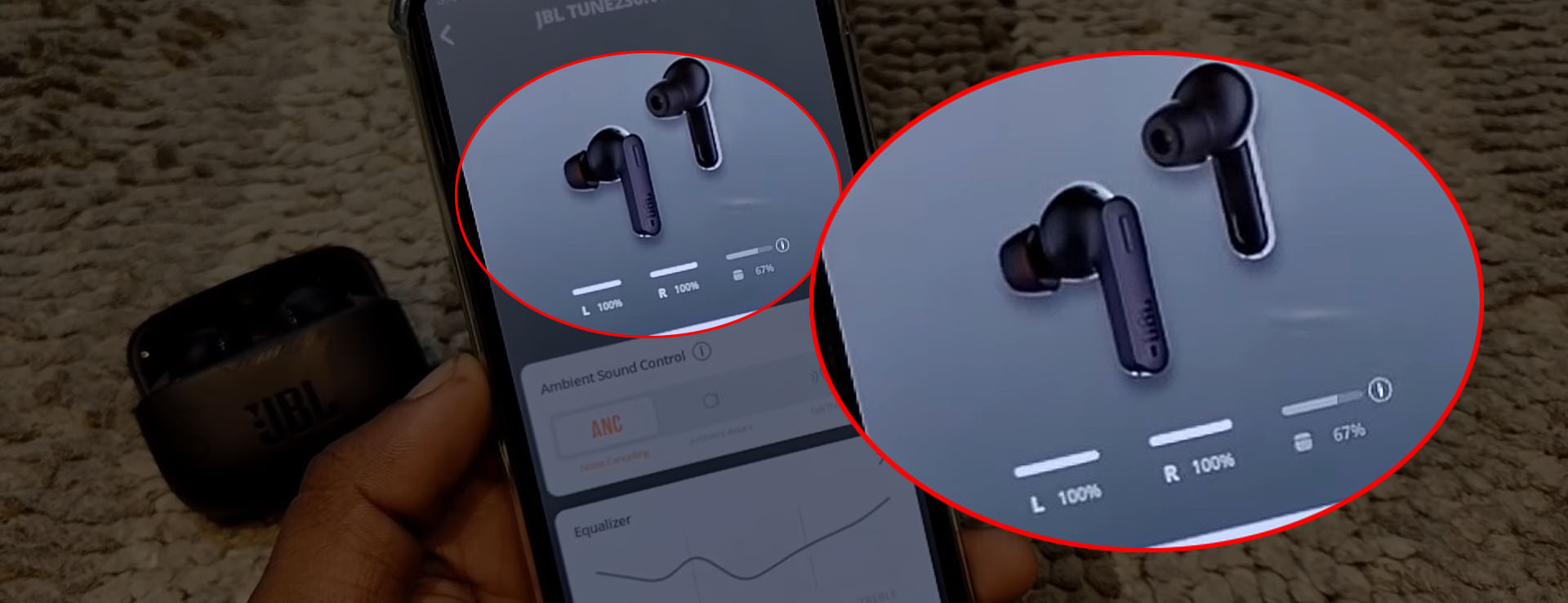
- Check the JBL Headphones app. It may show the battery level.
- Reset the earbuds if the manual recommends it.
Do not use water, alcohol poured into the case, sharp tools, or metal picks. Liquid and metal objects can damage the contacts.
Signs that charging is working
Depending on the model, you may see:
- An LED on the earbud
- An LED on the case
- A battery icon in the JBL Headphones app
- A higher battery level after several minutes
- The earbuds reconnecting after they have gained power
Indicator behavior differs by model. The manual for the exact JBL product is the most reliable source.
If only one earbud charges
One earbud may not be making contact with its slot. Remove it and check the contact points for dirt or moisture. Then reseat it firmly.
If the left earbud charges but the right one does not, swap nothing and do not force the earbud into the opposite slot. The slots are shaped and wired for their assigned sides.
A failed contact, worn battery, or internal fault may also cause one-sided charging. If cleaning and reseating do not help, contact JBL support or an authorized repair provider.
Can a different JBL case charge the earbuds?
Usually, no. JBL charging cases are not universally interchangeable.


Two cases may look alike but differ in:
- Contact placement
- Internal voltage control
- Magnet position
- Earbud shape
- Firmware behavior
- Battery capacity
- Water-resistance design
- Pairing and reset functions
A different case could fail to detect the earbuds or charge them correctly. It might also cause poor contact or physical damage.
Use a replacement case only when JBL or the seller confirms compatibility with your exact model. Generic “universal earbud charging cases” are not a dependable solution for JBL true wireless earbuds.
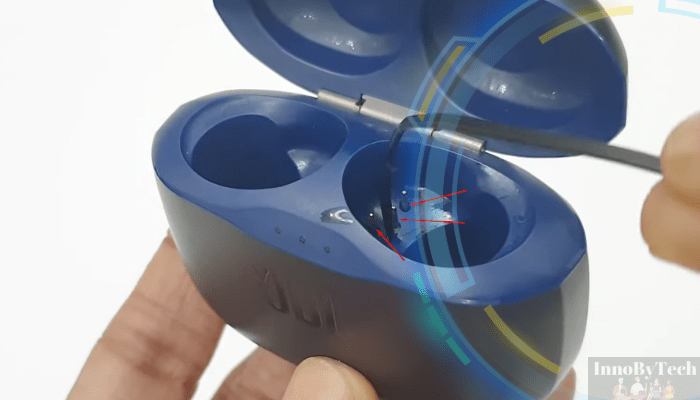
Can a repair shop charge JBL earbuds without the case?
A qualified electronics repair shop may be able to diagnose or service an earbud, but that is different from a normal charging method.
A technician might have specialized equipment for battery testing or repair. That does not make direct charging safe for consumers. Lithium-ion batteries require the correct charging voltage, current limits, protection circuit, and temperature control.
Ask for professional help if:
- An earbud becomes hot
- The battery swells
- The shell cracks
- You smell a chemical odor
- The earbud gets wet
- The battery drains unusually fast
- The earbud will not charge in a known-compatible case
Stop using a swollen, hot, leaking, or damaged earbud. Keep it away from flammable materials and contact JBL or a qualified service provider for proper handling. Do not puncture, open, or burn the battery.
Common mistakes to avoid
The most common mistake is assuming that any two JBL products use the same case. Model names and shapes can be similar, but the charging system may not be.
Avoid these errors:
- Buying a case based only on appearance
- Charging loose earbud contacts with a USB cable
- Using a random wireless pad
- Cleaning contacts with water
- Forcing an earbud into the wrong slot
- Continuing to use an earbud that gets hot
- Assuming the phone’s Bluetooth battery reading proves charging
- Discarding the earbuds before checking replacement-case availability
A compatible replacement case is normally cheaper and safer than experimenting with direct charging.

Quick decision guide
| Situation | Best next step |
|---|---|
| You still have the case | Charge the case, clean the contacts, and reseat the earbuds |
| You lost the case | Find a replacement case for the exact JBL model |
| The case is damaged | Check JBL support or an authorized repair option |
| The earbuds do not fit a replacement case | Stop using it and verify the model |
| One earbud will not charge | Clean and reseat it, then check for a fault |
| The earbud is swollen or hot | Stop use and seek proper battery service |
| You want to use a USB cable on the earbud | Do not do this |

Frequently asked questions
Can I charge JBL earbuds with my phone?
No. A phone cannot normally charge JBL earbuds without the correct charging case. Even if the phone supports reverse wireless charging, the earbuds usually lack the hardware needed to receive that power.


Can I charge JBL earbuds in another brand’s case?
Not reliably. Other brands’ cases use different shapes, contacts, charging controls, and firmware. Use only a case confirmed for the exact JBL model.
Do JBL earbuds have their own batteries?
Yes. Each true wireless earbud has a small internal battery. However, the earbuds usually depend on the case to deliver power safely and control the charging process.
How long do JBL earbuds take to charge?
Charging time varies by model, battery condition, and charger. Check the exact JBL manual for the stated time. A case with a very low battery may need time to recharge before it can charge the earbuds.
Can I replace only the charging case?
Often, a replacement case may be available, but availability depends on the model and region. Search JBL’s U.S. support pages using the exact product name, and confirm compatibility before ordering.
Conclusion
For most JBL true wireless earbuds in the United States, you cannot charge the earbuds safely without their matching charging case. The case supplies controlled power through the charging contacts, while its USB or wireless input charges the case itself.
If the case is missing, identify the exact JBL model and obtain a compatible replacement. Avoid direct-wire methods, random cases, and improvised chargers. If the earbuds are hot, swollen, wet, or damaged, stop using them and seek help from JBL or a qualified repair provider.

Everett Ashford is a tech reviewer at mytechgrid.com specializing in SSDs, cameras, TVs, earbuds, headphones, and other consumer electronics. He provides honest, data-driven reviews based on hands-on testing and real-world performance analysis. Everett simplifies complex tech details to help readers make smart, confident buying decisions.