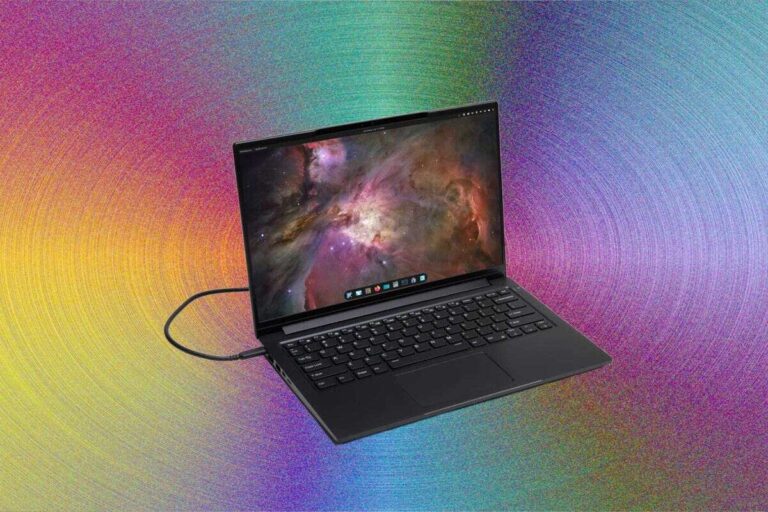
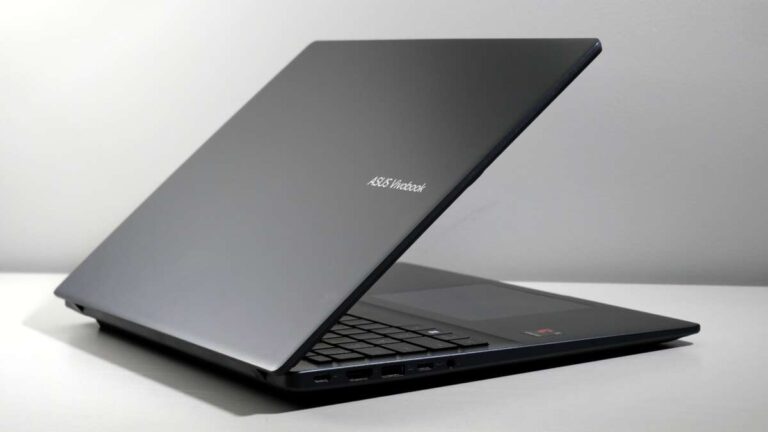
The newest Dell laptop is the Dell Pro Max 16 Premium, Dell’s top-tier 2025 performance laptop for demanding work.
The answer depends on what you need. Dell’s 2025 laptop lineup now uses three main families: Dell for everyday use, Dell Pro for business, and Dell Pro Max for advanced performance. In this guide, you will learn what is the newest Dell laptop, how the latest models compare, and which one makes the most sense for your budget and workload.

What Is the Newest Dell Laptop?
As of 2025, the Dell Pro Max 16 Premium is the newest high-end Dell laptop in the company’s redesigned lineup. It sits above standard Dell and Dell Pro models and targets creators, engineers, developers, analysts, and business users who need strong performance in a portable computer.
Dell introduced a new naming system in 2025. The company moved away from using Inspiron, XPS, Latitude, and Precision as the main consumer-facing names. Instead, buyers will see these groups:
• Dell: Everyday laptops for school, home, and general office work
• Dell Pro: Business laptops with stronger security and management features
• Dell Pro Max: High-performance laptops for demanding professional tasks
The Dell Pro Max 16 Premium is not simply a replacement for one older Precision model. It is part of a broader shift in Dell’s product strategy. The laptop combines a large 16-inch display, modern processors, professional graphics options, and premium materials.
So, if someone asks what is the newest Dell laptop, the most useful answer is the Dell Pro Max 16 Premium for maximum performance. However, the newest Dell laptop for most buyers may be a different model, such as the Dell 14 Plus or Dell Pro 14 Premium.
Dell’s New Laptop Naming System Explained
Before choosing what is the newest Dell laptop, it helps to understand the new naming system. Dell now uses the brand name, series name, screen size, and trim level to describe each machine.
For example, a name such as Dell Pro 14 Premium tells you several things:
• Dell Pro identifies the business-focused family
• 14 refers to the approximate screen size
• Premium identifies the higher-end design and feature level
The main Dell families are:
Dell
The standard Dell line is designed for everyday computing. These laptops are suitable for browsing, video calls, streaming, schoolwork, writing, and light office tasks.
Dell Pro
Dell Pro laptops are aimed at business users. They often include better webcams, stronger security tools, improved docking support, and business-focused service options.
Dell Pro Max
Dell Pro Max models are built for heavy workloads. They are designed for tasks such as 3D work, software development, data analysis, video editing, computer-aided design, and other professional applications.
This structure makes it easier to understand what is the newest Dell laptop for a particular user. The most expensive model is not always the best match.
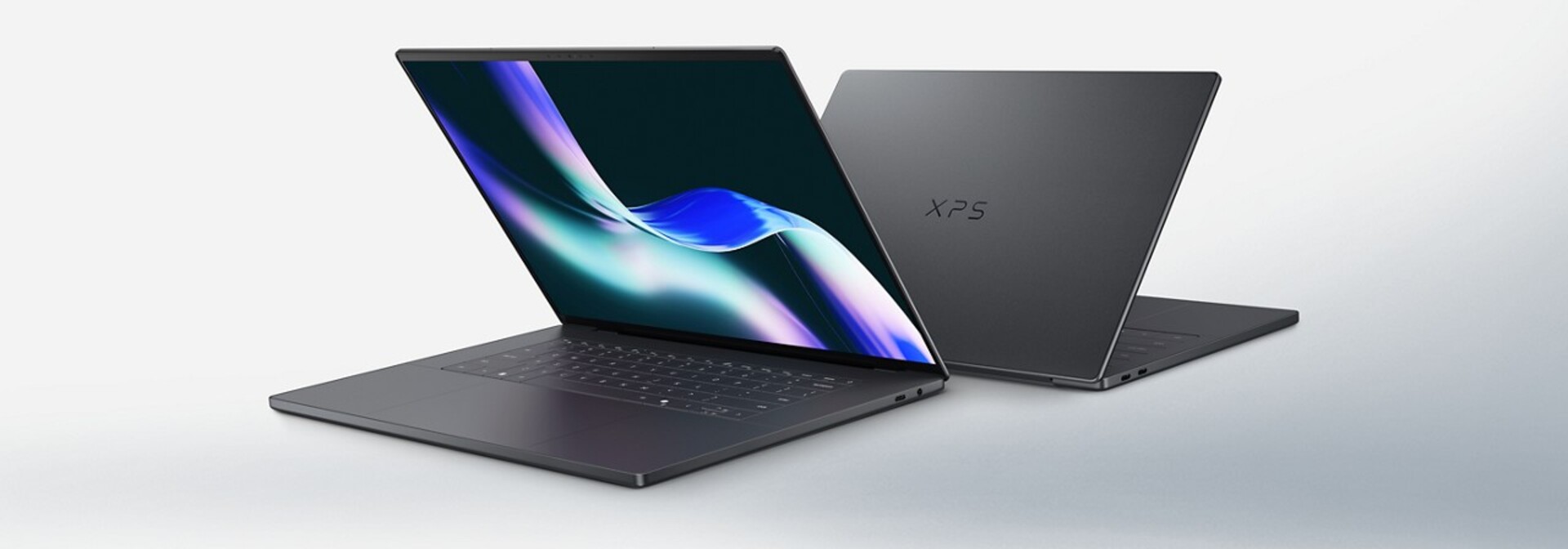
Dell Pro Max 16 Premium: Key Features
The Dell Pro Max 16 Premium is the most powerful answer to what is the newest Dell laptop. It is designed for users who need more than a thin laptop with basic office performance.
Large 16-inch display
The 16-inch screen gives users more room for timelines, spreadsheets, code, design tools, and side-by-side windows. This can reduce the need for an external monitor when working away from a desk.
Display options may vary by configuration and region. Depending on the model, buyers may find higher-resolution panels, brighter screens, and wider color coverage. Creative professionals should check the exact panel specification before ordering.
Modern processor options
The Dell Pro Max 16 Premium uses newer processor platforms designed to improve performance and power efficiency. Depending on configuration, the system may be available with Intel Core Ultra processors and professional-grade graphics options.
A modern processor can help with:
• Large spreadsheets
• Multitasking
• Photo and video editing
• Software development
• Virtual machines
• 3D modeling
• Business analytics
The processor name alone does not tell the full story. Cooling, memory, storage, and graphics hardware also affect real-world speed.
Professional graphics
One major reason the Pro Max name matters is graphics support. Some configurations are built for professional graphics and demanding visual applications.
This makes the laptop more suitable for:
• CAD and engineering software
• 3D design
• Architecture programs
• Video production
• Scientific applications
• Large data visualization projects
A dedicated graphics processor can increase performance, but it can also add weight, heat, fan noise, and cost. Users who only browse the web or edit documents may not benefit from paying for it.
Business-ready design
The Dell Pro Max 16 Premium is also aimed at professional environments. Features can include enterprise security support, modern wireless connectivity, a high-quality camera, and compatibility with office docking systems.
These features matter when a laptop must work as part of a larger business setup. A reliable dock, external displays, wired network access, and security controls can save time each day.

How the Newest Dell Laptop Compares With Other Dell Models
The answer to what is the newest Dell laptop changes when you focus on price, size, or purpose. Dell offers several newer models that may be a better choice for different users.
Dell 14 Plus and Dell 16 Plus
The Dell Plus models are designed for everyday users who want a modern laptop without paying for professional hardware. They may include bright displays, current processors, comfortable keyboards, and long battery life.
Choose a Dell Plus laptop if you need:
• Schoolwork
• Office documents
• Web browsing
• Streaming
• Video calls
• Light photo editing
The Dell 16 Plus offers a larger display, while the Dell 14 Plus is easier to carry. Neither model is intended to replace a high-performance workstation.
Dell Pro 14 and Dell Pro 16
Dell Pro models target office and business users. They are often a better fit than the Pro Max 16 Premium for people who spend most of their time in email, spreadsheets, meetings, customer systems, and cloud applications.
A Dell Pro laptop may offer:
• Better business security
• Enterprise management support
• A practical port selection
• A professional design
• Strong webcam and microphone features
• Optional support plans for organizations
For a company buying hundreds of laptops, these details can matter more than raw graphics performance.
Dell Pro Max 14
The Dell Pro Max 14 is a smaller performance-focused option. It may appeal to professionals who need extra power but travel often.
The trade-off is simple. A smaller laptop is easier to carry, but it usually has less room for cooling, a smaller screen, and fewer upgrade options than a 16-inch model.
Alienware gaming laptops
Alienware belongs to Dell but serves a different audience. Alienware laptops are built mainly for gaming and may include powerful graphics cards, high-refresh-rate displays, advanced cooling, and gaming-focused designs.
If gaming is your main goal, the newest Dell laptop may not be the right phrase to search. An Alienware model could be a better choice than a Dell Pro Max system.
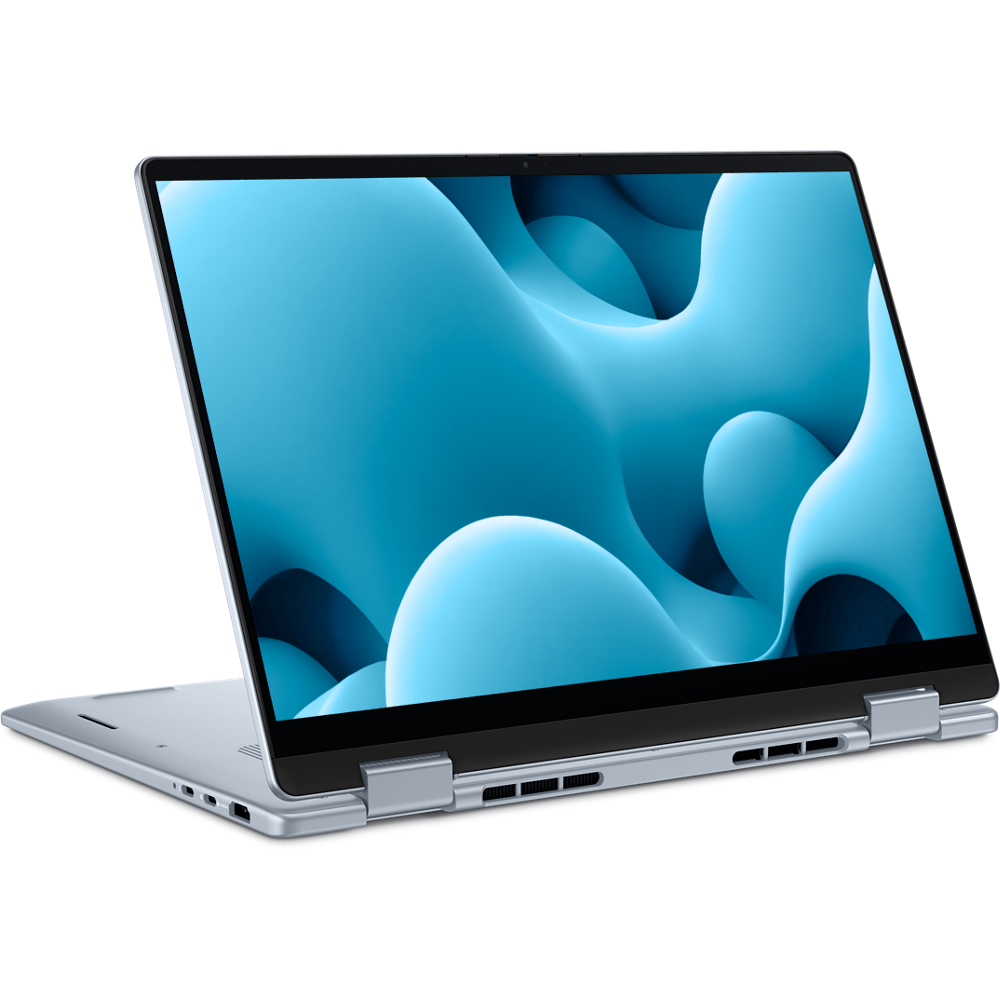
Who Should Buy the Dell Pro Max 16 Premium?
The Dell Pro Max 16 Premium is best for people whose work can use its extra power. It is not automatically the best Dell laptop for every buyer.
Consider it if you regularly use:
• Video editing software
• 3D modeling tools
• Engineering or design applications
• Large datasets
• Software development environments
• Virtual machines
• High-resolution media files
• Multiple demanding applications at once
The large display also helps professionals who spend long hours reviewing documents or managing complex projects. It can feel like carrying a small workstation, though it may not be as light as an everyday ultraportable.
You probably do not need it for:
• Microsoft Office
• Online classes
• Social media
• YouTube and streaming
• Basic web research
• Simple accounting
For these tasks, a Dell 14 Plus or Dell Pro model could offer a better balance of price, battery life, and portability.
Performance, Battery Life, and Portability
When researching what is the newest Dell laptop, many shoppers focus only on processor speed. That is a mistake. A laptop is a complete system, and performance depends on several parts working together.
Performance
The Pro Max 16 Premium should handle demanding tasks better than standard Dell laptops. Still, performance varies by processor, memory, graphics, and cooling design.
For professional work, consider at least:
• 16GB of memory for regular multitasking
• 32GB for creative work, development, and large projects
• 1TB of storage for large files and applications
• Dedicated graphics for 3D, video, and technical workloads
More memory is often a better upgrade than a slightly faster processor. It allows more programs and browser tabs to remain open without slowing the system.
Battery life
Battery life depends on the display, processor, brightness, wireless activity, and workload. A laptop may last much longer during document work than during video rendering or 3D tasks.
High-performance laptops usually use more energy under load. Buyers should treat manufacturer battery figures as controlled estimates, not guaranteed daily results.
Portability
A 16-inch performance laptop is not the same as a thin travel laptop. It may fit in a backpack, but the charger can be larger and the system can feel heavy during long commutes.
If you travel every day, compare the total weight of the laptop and charger. That small detail is easy to miss during an online purchase.
What to Check Before Buying the Newest Dell Laptop
Knowing what is the newest Dell laptop is only the first step. The exact configuration matters more than the product name.
Use this checklist before placing an order:
-
Check the processor generation and model.
-
Confirm the amount of RAM and whether it can be upgraded.
-
Review the storage capacity and drive type.
-
Check the display resolution, brightness, refresh rate, and color coverage.
-
Confirm whether the laptop has integrated or dedicated graphics.
-
Review the ports, including USB-C, HDMI, and headphone support.
-
Check the webcam resolution and microphone features.
-
Compare the included charger and its wattage.
-
Read the warranty and accidental damage terms.
-
Confirm the return period before buying.
One common mistake is choosing a laptop based on a headline specification. For example, two laptops may both use an Intel Core Ultra processor but have very different screens, cooling systems, memory amounts, and battery results.
Another mistake is buying too little storage. A 512GB drive may be enough for documents and cloud files, but creative projects can fill it quickly. External storage can help, but internal space is more convenient for active work.
Newest Dell Laptop: Advantages and Limitations
The newest Dell laptop models bring several useful improvements, but every design involves trade-offs.
Benefits
• Newer processors can improve speed and efficiency
• Modern designs may reduce unnecessary weight
• Premium models often provide better displays
• Business models support stronger security and management
• Professional graphics can speed up technical applications
• USB-C connectivity makes docking easier
• Better cameras improve video meetings
Limitations
• High-end models can cost significantly more
• Powerful hardware may reduce battery life under heavy use
• Larger displays can increase weight
• Premium screen options may use more power
• Some configurations may have limited upgrade access
• New product names can make comparisons confusing
• Availability and specifications can differ by country
Dell also changes configurations over time. A model sold in one month may have different memory, display, or processor choices later. Always review the exact product page and configuration before purchasing.
Practical Buying Advice From Real-World Laptop Use
In real work settings, the best laptop is the one that fits the user’s habits. A powerful machine cannot fix a poor display, weak battery, cramped keyboard, or uncomfortable weight.
For example, a person who spends most of the day in video meetings may value a clear webcam and strong microphone more than a professional graphics processor. A college student may benefit more from low weight and battery life than from a large 16-inch screen.
I also recommend leaving room in the budget for useful accessories. A comfortable mouse, USB-C dock, external monitor, and laptop stand can improve daily work more than a small processor upgrade.
Avoid buying the newest Dell laptop only because it is new. New hardware can be appealing, but proven battery results, driver stability, software support, and user reviews also matter. If a slightly older model meets your needs and costs much less, it may offer better value.
Is the Newest Dell Laptop Good for Students?
The newest Dell laptop can be excellent for students, but the Dell Pro Max 16 Premium is usually more power than most students need. A Dell 14 Plus, Dell 16 Plus, or Dell Pro model may be easier to carry and less expensive.
Students studying engineering, architecture, computer science, film, or design may benefit from the Pro Max line. For writing, research, web apps, and video calls, prioritize battery life, keyboard comfort, screen quality, and weight.
Is the Newest Dell Laptop Good for Business?
Yes. Dell’s Pro and Pro Max laptops are designed with business use in mind. They can support stronger security, modern connectivity, docking stations, high-quality webcams, and business service plans.
Small businesses should compare support terms carefully. A lower purchase price may not be the best value if the laptop has a short warranty or limited repair options.
Can the Newest Dell Laptop Replace a Desktop Computer?
For many users, the Dell Pro Max 16 Premium can replace a desktop for daily professional work. Its performance, large screen, and external display support make it suitable for demanding workflows.
A desktop may still be better for users who need maximum sustained performance, many internal drives, quiet operation, or easy hardware upgrades. A laptop offers mobility, while a desktop usually offers more power per dollar.
Does the Newest Dell Laptop Have Good Battery Life?
Battery life depends on the exact model and configuration. Thin Dell laptops with efficient processors may last longer during light work, while Pro Max systems can use much more power during rendering, gaming, or technical workloads.
For the most accurate estimate, compare independent battery tests for the exact configuration you plan to buy. Do not assume that every version of a laptop line will deliver the same battery result.
Which Newest Dell Laptop Is Best for Gaming?
Alienware is usually the stronger Dell-owned choice for serious gaming. Its laptops are built around gaming graphics, high-refresh displays, and advanced cooling.
The Dell Pro Max 16 Premium may run some games, but professional graphics hardware and drivers are not always optimized like gaming hardware. Choose based on the games you play and the performance level you expect.
How Much RAM Should the Newest Dell Laptop Have?
Choose 16GB of RAM for general work, 32GB for demanding multitasking, and 64GB or more for specialized professional workloads. Memory needs rise when you use virtual machines, large creative files, complex code projects, or data tools.
Buying too little RAM can shorten a laptop’s useful life. If the memory cannot be upgraded later, select a larger amount at checkout.
Conclusion
The Dell Pro Max 16 Premium is the clearest answer to what is the newest Dell laptop when you mean Dell’s most advanced 2025 performance model. It offers a large display, modern hardware, professional graphics options, and business-focused features.
Still, the best choice depends on your work. Choose a Dell Plus model for everyday use, Dell Pro for business tasks, and Dell Pro Max for demanding professional workloads. Compare the exact processor, RAM, storage, display, battery expectations, and warranty before you buy.
Take a few minutes to match the laptop to your real routine rather than the newest label alone. Explore Dell’s current configurations, compare independent reviews, and share your questions or experience in the comments.

Everett Ashford is a tech reviewer at mytechgrid.com specializing in SSDs, cameras, TVs, earbuds, headphones, and other consumer electronics. He provides honest, data-driven reviews based on hands-on testing and real-world performance analysis. Everett simplifies complex tech details to help readers make smart, confident buying decisions.