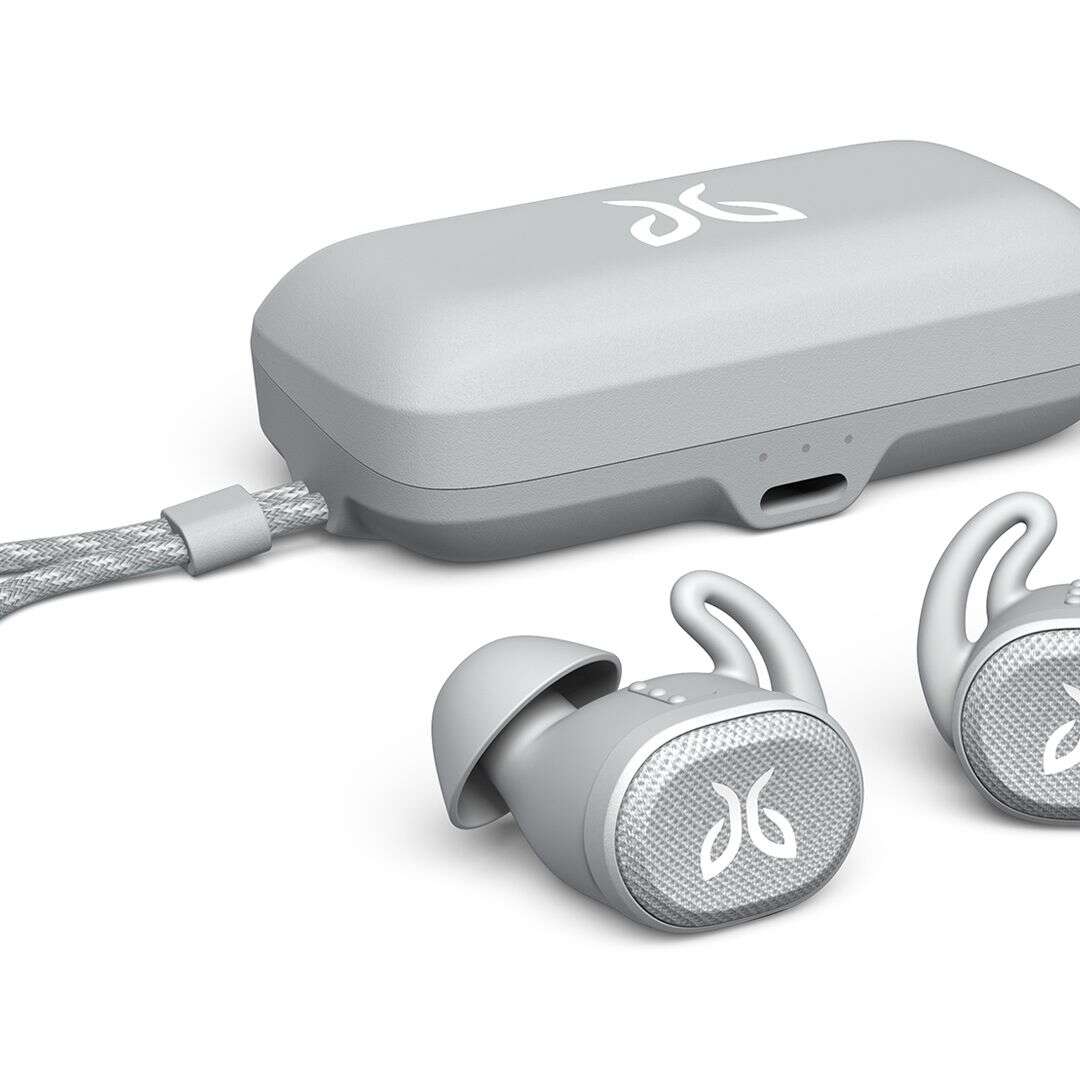
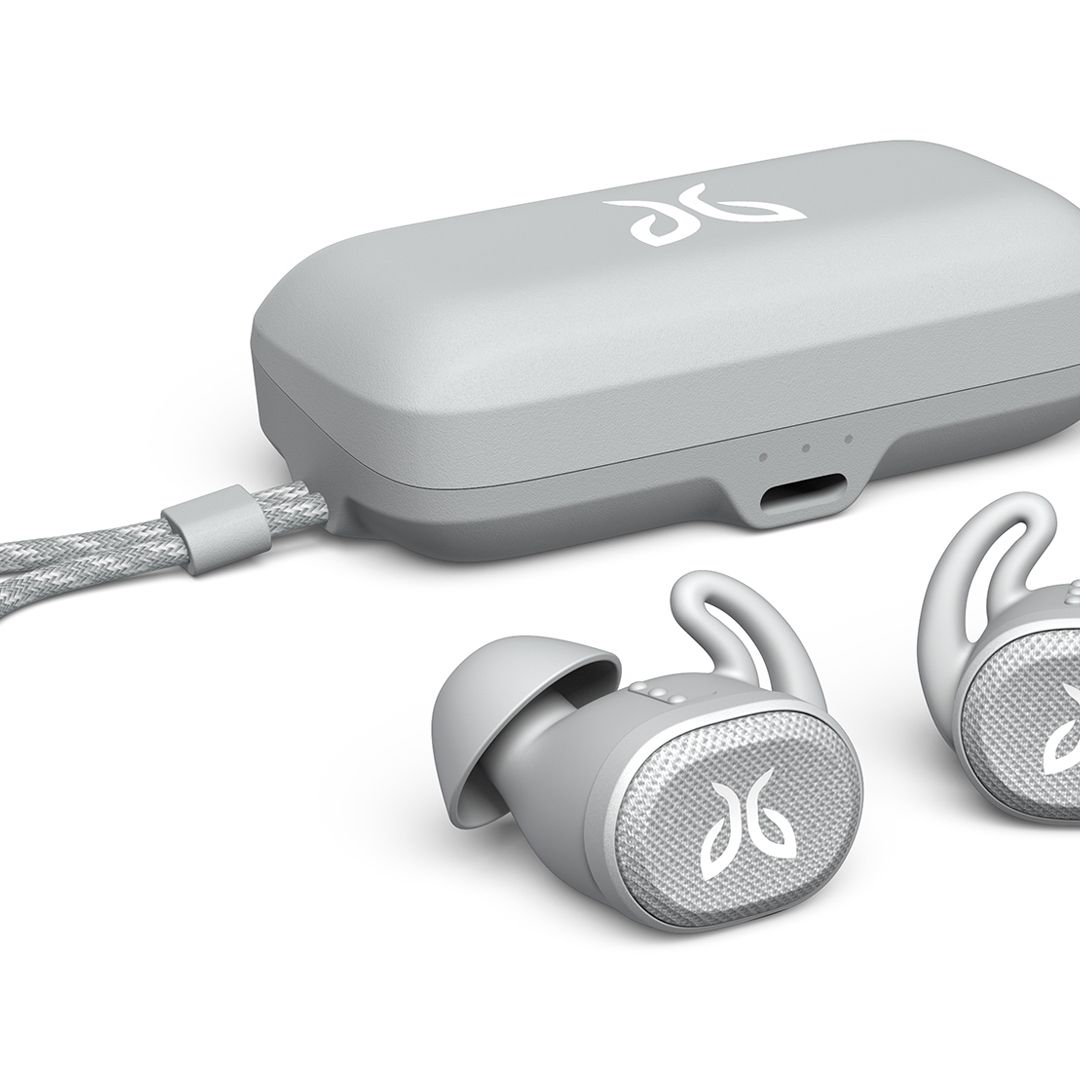
Turn on your Jaybird, enable Bluetooth on your device, then choose the Jaybird name to pair.
I’ve worked with audio gear and mobile tech for years. In this guide I’ll show you exactly how to connect bluetooth jaybird headphones to phones, tablets, and computers. You’ll get clear steps, quick fixes, and real tips I learned from using Jaybird earbuds daily. Read on and you’ll pair in minutes, fix common issues fast, and keep your earbuds working reliably.

How Bluetooth pairing works with Jaybird headphones
Bluetooth pairing links your Jaybird earbuds to a device. The earbuds broadcast a name. Your phone or computer finds that name and connects. Most Jaybird models use Bluetooth 4.1 or later. Newer models support faster pairing and lower latency. Knowing this helps you pick the right step when you pair.

What to check before you try to connect bluetooth jaybird headphones
Get basics right first. Charge the earbuds to at least 20 percent. Turn off other Bluetooth devices nearby. Put the earbuds close to the device you want to pair. Update the Jaybird app if you use it. If your device had a prior connection, forget the old pairing before trying again. These quick checks save time.
Step-by-step: how to connect bluetooth jaybird headphones (general method)
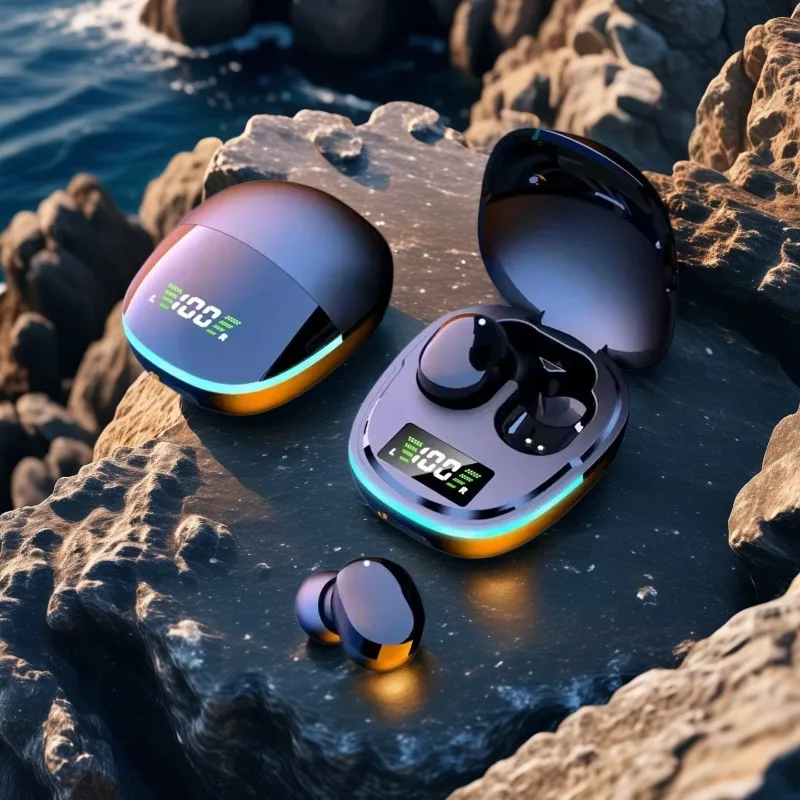
- Power on the earbuds. Most Jaybird earbuds turn on when removed from the case or when you press and hold the power button.
- Put the earbuds into pairing mode. Press and hold the button until the LED flashes blue or red-blue alternation. This usually takes 3 to 5 seconds.
- Open Bluetooth settings on your phone, tablet, or computer.
- Scan for devices and select the Jaybird name that appears. Names often include model names like Jaybird Vista or Jaybird X4.
- Wait for the confirmation tone or connected status on your device.
- Test audio and controls. Play music and check the mic if you need calls.
If you follow these steps, you’ll know how to connect bluetooth jaybird headphones in almost every basic case.
How to connect bluetooth jaybird headphones to an iPhone or iPad
- Open Settings, tap Bluetooth, and make sure it is on.
- Put the Jaybird earbuds in pairing mode. The LED should flash.
- Look for the Jaybird name under Other Devices.
- Tap the name to connect. The device will show Connected when pairing is done.
- For voice calls, choose the Jaybird under audio routing during a call.
If the earbuds don’t appear, toggle Bluetooth off and on. Restart the iPhone if needed.
How to connect bluetooth jaybird headphones to an Android phone
- Open Settings and go to Bluetooth or Connections.
- Turn Bluetooth on and tap Scan or Pair new device.
- Put the Jaybird earbuds into pairing mode.
- Select the Jaybird name from the list.
- Confirm pairing if prompted.
Android phones vary. If one method fails, try the Bluetooth quick tile or the Jaybird app for assistance.

How to connect bluetooth jaybird headphones to Windows PC or Mac
Windows 10 and 11:
- Open Settings > Devices > Bluetooth.
- Turn Bluetooth on and click Add Bluetooth or other device.
- Choose Bluetooth and pick the Jaybird name.
macOS:
- Open System Settings or System Preferences > Bluetooth.
- Make sure Bluetooth is on and the Jaybird is in pairing mode.
- Click Connect next to the Jaybird name.
After pairing, select the Jaybird as the audio output. On Windows, choose it under Sound > Output.
Resetting your Jaybird earbuds and advanced fixes
Resetting clears bad pairings and often fixes stubborn problems.
Common reset steps (may vary by model):
- Power off the earbuds.
- Press and hold the power button for 10–15 seconds until the LEDs flash in a pattern.
- Release and power on again. The earbuds should enter pairing mode.
Other fixes:
- Forget the Jaybird entry on your device and pair again.
- Clear the Bluetooth cache on Android (Settings > Apps > Show system apps > Bluetooth > Storage > Clear cache).
- Restart your phone or computer.
- Update the Jaybird firmware via the Jaybird app if available.
These steps help when you cannot connect bluetooth jaybird headphones despite following the usual steps.

Firmware, app features, and why they matter
The Jaybird app can do three main things:
- Update firmware for bug fixes and improved stability.
- Tune sound using presets or an equalizer.
- Manage connections and firmware-specific features.
Keeping firmware updated reduces pairing issues. If you have trouble connecting, open the app and check for updates. Firmware updates often resolve compatibility problems with new phones.
Tips, tricks, and best practices I use with Jaybird earbuds
- Charge regularly. Low battery causes pairing drops.
- Pair with one device first. Add more devices after a stable connection.
- Name your device in Bluetooth settings to avoid confusion.
- Use the app to manage firmware and sound. It also helps find the earbuds.
- Keep the earbuds’ firmware current for best compatibility.
These small habits reduce issues when you connect bluetooth jaybird headphones.
Personal experience: common mistakes and lessons learned
I’ve used Jaybird earbuds for runs and remote work. Here is what I learned:
- Mistake: Trying to pair with multiple devices at once. Fix: Turn off other devices or forget old pairings.
- Mistake: Not updating firmware. Fix: Use the app regularly.
- Lesson: A simple reset solves many problems. I reset earbuds twice before trying more complex fixes.
These tips came from repeated use. They speed up pairing and lower frustration.
Limitations and when to seek service
Jaybird earbuds are solid, but they have limits:
- Range: Bluetooth usually works up to 30 feet. Walls and interference reduce that.
- Battery health: Over time, battery life falls. Replacements may be needed for very old models.
- Hardware faults: If one earbud fails after resets and firmware updates, contact warranty support.
If none of the fixes work, contact Jaybird support or the seller for repair options.
Frequently Asked Questions of how to connect bluetooth jaybird headphones
How do I put my Jaybird into pairing mode?
Press and hold the power button for about 3 to 5 seconds until the LED flashes blue or alternates red and blue. This signals pairing mode and lets your device find the earbuds.
Why can’t my phone find my Jaybird earbuds?
Often the earbuds are not in pairing mode or Bluetooth is off on the phone. Charge the earbuds, enable pairing mode, and toggle Bluetooth on your phone before scanning again.
Can Jaybird earbuds connect to two devices at once?
Most Jaybird models support one active connection at a time. You can pair with multiple devices but must switch the active connection in your device Bluetooth settings.
How do I update Jaybird firmware?
Install the Jaybird app on your phone, open the app with earbuds connected, and follow the prompts to update firmware. Keep the earbuds charged during the update.
What if one earbud won’t connect?
Try resetting the earbuds, forget the device in Bluetooth settings, and pair again. If the issue continues, check firmware and power levels, and contact support if needed.
Conclusion
You can connect bluetooth jaybird headphones reliably by following clear steps: charge the earbuds, enter pairing mode, and select the Jaybird name on your device. Use resets, the Jaybird app, and firmware updates when problems arise. Try the tips above to make pairing fast and stable. Now go pair your earbuds, test them, and enjoy better sound—leave a comment if you hit a snag or want model-specific help.

Everett Ashford is a tech reviewer at mytechgrid.com specializing in SSDs, cameras, TVs, earbuds, headphones, and other consumer electronics. He provides honest, data-driven reviews based on hands-on testing and real-world performance analysis. Everett simplifies complex tech details to help readers make smart, confident buying decisions.