Most Skullcandy earbuds recover after charging, cleaning, resetting, or repairing their Bluetooth connection.
When Skullcandy earbuds stop working, the cause is often simple: a low battery, dirty charging contacts, a lost Bluetooth profile, or an uneven earbud connection. I have found that a calm, step-by-step check works far better than pressing random buttons or repeatedly reconnecting the earbuds.
This guide explains how to fix Skullcandy earbuds that will not turn on, will not charge, connect to only one earbud, sound quiet, or keep disconnecting. The steps apply to many Skullcandy models, including Dime, Jib, Indy, Sesh, Grind, Rail, and Skull-iQ earbuds, though button controls can differ by model.

Start with the Basic Checks
Before trying a full reset, check the simple causes. A dead case, blocked speaker mesh, or poor Bluetooth signal can look like a serious hardware fault.
Try these checks first:
• Place both earbuds in the charging case and close the lid for at least 30 seconds.
• Charge the case with a known-good USB cable and wall adapter.
• Check whether the case LED turns on while charging.
• Remove any visible dust from the earbuds and charging pins.
• Keep your phone within 3 feet of the earbuds during setup.
• Turn off Bluetooth on nearby phones, tablets, laptops, or smart TVs.
• Restart your phone before pairing the earbuds again.
If the earbuds were recently exposed to sweat or rain, let them dry fully before charging. Water resistance does not mean waterproofing. Charging a wet earbud can damage its battery or internal circuit.
When learning how to fix Skullcandy earbuds, do not skip the charging case. The case is more than a storage box. It controls charging, pairing, and, on many models, the reset process.

Fix Skullcandy Earbuds That Will Not Turn On
Earbuds may not turn on because the battery is empty, the charging contacts are dirty, or the earbuds are not sitting correctly in the case.
Charge the case and earbuds
Connect the case to power for at least 30 minutes. Then place both earbuds inside the case and press them gently into position. Most models show a charging light when the earbuds make proper contact.
Try a different cable if the case shows no light. A damaged cable or weak USB port can prevent charging even when the earbuds are healthy.
Clean the charging contacts
Use a dry cotton swab or a soft, clean brush to wipe:
• The metal contacts on each earbud
• The small charging pins inside the case
• The area around the earbud charging pads
Do not pour alcohol, water, or cleaning spray into the case. If a sticky film remains, use a cotton swab with a very small amount of isopropyl alcohol, then let everything dry before charging.
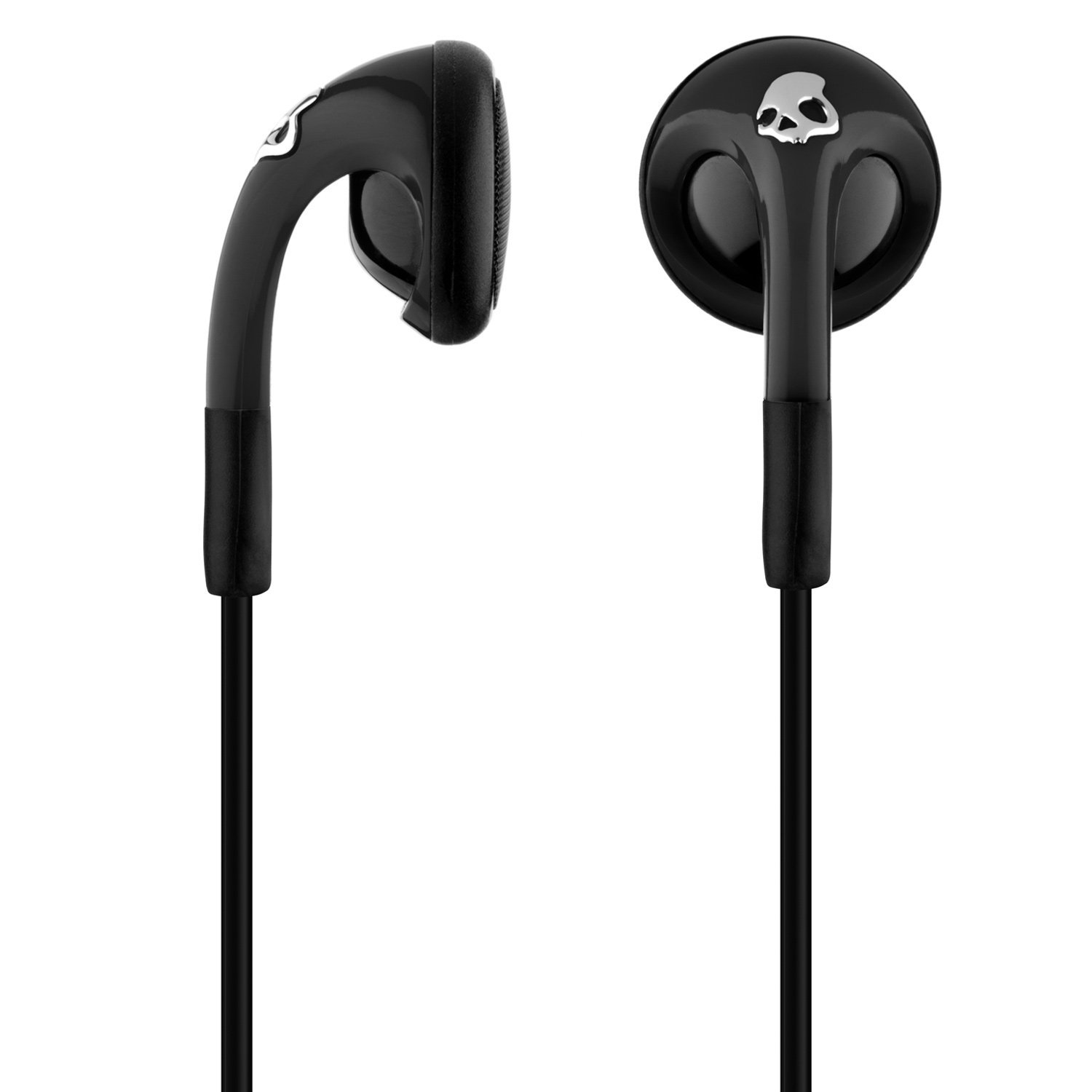
Check the fit inside the case
Ear tips can sometimes stop an earbud from sitting deep enough in the case. Remove the silicone tips and test whether the charging light appears. If it does, reinstall smaller or correctly fitted tips.
A useful test is to gently move each earbud while it sits in the case. If the light turns on and off, the contact may be dirty, weak, or misaligned.
Reset Skullcandy Earbuds
A reset clears stored pairing data and often fixes connection errors, pairing loops, and one-earbud problems. It is one of the most useful steps when you need to know how to fix Skullcandy earbuds.
The exact reset method depends on the model. Use the instructions supplied with your earbuds when possible. Common methods include the following:
-
Place both earbuds in the charging case.
-
Remove the earbuds from your phone’s Bluetooth settings.
-
Turn Bluetooth off on the phone.
-
Remove both earbuds from the case.
-
Press and hold the button or touch control on each earbud for several seconds.
-
Place the earbuds back in the case, wait briefly, and remove them again.
-
Turn Bluetooth on and pair the earbuds as a new device.
Some Skullcandy models reset when you hold both earbud controls for about 10 seconds. Other models use a longer press or a case button. Do not assume every Skullcandy product uses the same timing.
After the reset, look for one Skullcandy entry in your phone’s Bluetooth list. If you see separate left and right entries, the earbuds may still be in an incorrect pairing state. Remove both entries, restart the earbuds, and pair again.
In my testing, people often reset the earbuds but forget to delete the old Bluetooth profile. That is like changing a lock while keeping the old key in the door. Remove the old profile first for the cleanest result.

Repair Bluetooth Pairing and Connection Problems
Bluetooth problems can come from old pairing data, wireless interference, distance, or an outdated phone connection. The fix is usually quick if you start with a clean pairing process.
Follow these steps:
-
Open the phone’s Bluetooth settings.
-
Tap the Skullcandy earbuds in the saved device list.
-
Select Forget, Unpair, or Remove Device.
-
Turn Bluetooth off for about 10 seconds.
-
Restart the phone.
-
Reset the earbuds if they still appear connected.
-
Turn Bluetooth back on and pair the earbuds again.
Keep the earbuds away from Wi-Fi routers, USB 3.0 hubs, crowded offices, and other wireless devices during pairing. Bluetooth normally works across a room, but walls, metal objects, and wireless congestion can weaken the signal.
If the earbuds connect to another device, disconnect that device first. Some earbuds automatically reconnect to the last phone they used. This can make your current phone appear unable to find them.
If the earbuds disconnect only when the phone is in a pocket or bag, test them in an open area. A weak battery can also cause repeated dropouts, especially during calls or loud music.
Fix Only One Skullcandy Earbud Working
When one earbud works and the other does not, the earbuds may have lost their link with each other. The inactive earbud may also be uncharged or blocked by dirt.
Start with this process:
-
Forget every Skullcandy entry from your phone.
-
Turn off Bluetooth on the phone.
-
Place both earbuds in the case.
-
Clean the charging contacts.
-
Charge both earbuds for at least 30 minutes.
-
Remove both earbuds at the same time.
-
Reset both earbuds using the model-specific method.
-
Turn Bluetooth on and pair the earbuds again.
Check the charging light on both earbuds if your model provides one. If only one side shows a light, focus on charging contact issues before trying more resets.
Also check your phone’s audio balance. On an iPhone, look under Accessibility and Audio/Visual. On Android, search Settings for “left/right audio balance.” Make sure the balance slider is centered and mono audio is not causing an unexpected result.
If one earbud works only when the other is inside the case, the earbuds may not be synchronized. A complete forget, reset, and fresh pairing usually corrects this.

Improve Low, Muffled, or Uneven Sound
Low sound is often caused by earwax, dust, an incorrect ear tip seal, or a phone volume setting. It is not always a damaged speaker.
Remove the silicone ear tip and inspect the speaker mesh. Clean it gently with a dry, soft brush. Never push a sharp object into the mesh. That can damage the driver or push debris farther inside.
Then check these settings:
• Raise the media volume on the phone.
• Make sure the earbuds are not connected to a second device.
• Turn off a phone equalizer or accessibility filter for testing.
• Check left and right audio balance.
• Test another music app or video.
• Try the earbuds with a different phone.
A good ear tip should seal the ear canal without causing pain. A poor seal makes bass sound weak and can make one side seem quieter. Try the included tip sizes and keep the same size on both sides unless your ears need different fits.
If only one app sounds quiet, the app may have its own volume or equalizer setting. If every device sounds quiet through the same earbud, the speaker mesh or internal hardware may be damaged.
Fix Skullcandy Earbuds That Keep Disconnecting
Frequent disconnections can result from low battery, interference, old firmware, or a crowded Bluetooth environment. They can also happen when the phone switches between multiple connected devices.
Use this troubleshooting order:
-
Fully charge the case and both earbuds.
-
Keep the phone and earbuds close together.
-
Disconnect other Bluetooth audio devices.
-
Forget and re-pair the earbuds.
-
Restart the phone.
-
Install available phone updates.
-
Check for a Skullcandy companion app and firmware update.
Firmware updates can improve stability, but the process varies by product. Use only the official Skullcandy app or support instructions for your model. Do not interrupt an update by closing the app or removing the earbuds from the case.
If disconnections happen near a microwave, router, gym machine, or busy train station, interference may be the cause. Test the earbuds in a quiet room before deciding they have failed.

Fix Charging and Battery Problems
Earbuds that charge slowly or lose power quickly may have dirty contacts, an aging battery, or a faulty case. Lithium-ion batteries naturally lose capacity over time, especially after many charge cycles and exposure to heat.
Check whether the case itself holds power. If the case dies soon after charging, it may not be charging correctly. Try another cable, adapter, and power outlet.
Keep these safety rules in mind:
• Do not use a swollen, cracked, hot, or leaking earbud.
• Do not open the earbud to replace the battery yourself.
• Do not charge wet earbuds.
• Do not bend or remove the small charging pins.
• Stop using the product if it becomes unusually hot.
Most true wireless earbud batteries are not designed for simple home replacement. Opening the shell can cause a short circuit, remove water protection, and create a fire risk. For battery failure, contact Skullcandy support or an authorized repair service.
If the earbuds last only a few minutes after a full charge, software fixes are unlikely to restore the original battery life. A battery replacement or new pair may be the safer and more practical choice.
Fix Microphone and Call Issues
If people cannot hear you clearly, check the microphone openings for dust or moisture. Several Skullcandy earbuds use small microphone ports that can become blocked by skin oil, lint, or pocket debris.
Try these steps:
• Test a phone call in a quiet room.
• Confirm that the phone is using the Skullcandy earbuds as the call audio device.
• Remove thick clothing or hair from around the microphones.
• Clean the microphone openings with a dry, soft brush.
• Test the earbuds with another phone.
Wind can overwhelm small earbud microphones. Outdoor calls may sound poor even when the earbuds work correctly indoors. Some newer models include app controls for call noise reduction, so check the available settings for your specific product.
If music sounds normal but calls remain unclear on several phones, the microphone may have a hardware fault. At that point, a reset is worth trying once, but repeated resets are unlikely to solve a damaged microphone.
Use the Skullcandy App and Firmware Tools
Compatible Skullcandy products may work with the Skullcandy or Skull-iQ app. Depending on the model, the app can show battery levels, change controls, install firmware, and adjust sound settings.
Before using an app update:
-
Charge the case and earbuds.
-
Keep the phone close to the case.
-
Use a stable internet connection.
-
Allow Bluetooth and nearby-device permissions.
-
Keep the app open until the update finishes.
Not every Skullcandy model supports every app feature. If the app cannot find your earbuds, update the app, restart the phone, and pair the earbuds through the phone’s Bluetooth settings first.
Avoid unofficial firmware files or third-party repair apps. They can cause pairing failure and may void warranty coverage. Product manuals and official support instructions remain the most reliable source when a button sequence differs between models.
When to Stop DIY Repairs
Home troubleshooting is useful for software, charging, and connection problems. It has clear limits when the internal hardware is damaged.
Seek support if:
• The case will not charge with multiple known-good cables.
• One earbud never shows a charging light.
• The earbuds become hot during charging.
• The shell is cracked or swollen.
• Sound remains distorted after cleaning and resetting.
• The earbuds suffered water or impact damage.
• The product is still under warranty.
Keep your purchase receipt, model name, serial information, and a short description of the fault. Support teams can usually provide better help when you explain what the LEDs do and which steps you already tried.
A common mistake is continuing to charge an earbud that has visible swelling or heat. Do not take that risk. Electronics are replaceable; injuries and fire damage are much harder to undo.
How to Prevent Future Earbud Problems
Good daily care can prevent many issues that lead people to search for how to fix Skullcandy earbuds. Treat the case like a small charging station, not a junk drawer.
Use these habits:
• Wipe sweat from the earbuds after exercise.
• Store them in the case when you are not using them.
• Keep the case away from sand, coins, and moisture.
• Clean the contacts once a month.
• Avoid leaving the case in a hot car.
• Charge before the battery reaches zero when possible.
• Keep the earbuds and phone software updated.
• Use the correct ear tips and avoid forcing them into the case.
I learned this lesson after seeing a pair that looked clean from the outside but had compacted lint inside the case. The earbuds worked again after careful cleaning, but prevention would have taken less than a minute.
Frequently Asked Questions About How to Fix Skullcandy Earbuds
Why are my Skullcandy earbuds not turning on?
Charge both the case and earbuds, then clean the charging contacts. If they still do not turn on, reset them using the instructions for your exact model and check for physical damage.
How do I reset Skullcandy earbuds?
The reset method varies by model, but many use a long press on both earbud controls while they are out of the case. Forget the earbuds from your phone first, then follow the model-specific reset instructions and pair them again.
Why does only one Skullcandy earbud work?
The inactive earbud may be uncharged, dirty, or disconnected from its partner. Clean both earbuds, charge them, forget the old Bluetooth profile, and complete a full reset before pairing again.
How do I fix Skullcandy earbuds that will not charge?
Clean the earbud contacts and case pins with a dry cotton swab, then try another charging cable and outlet. If one side still shows no charging light, the case contact or battery may need professional service.
Why do my Skullcandy earbuds keep disconnecting?
Low battery, wireless interference, old pairing data, and outdated firmware can cause disconnections. Charge the earbuds, remove old Bluetooth profiles, restart your phone, and update compatible firmware through the official app.
Can I replace the battery in Skullcandy earbuds?
Most Skullcandy true wireless earbuds are not designed for safe home battery replacement. If the battery is swollen, hot, or badly degraded, stop using the earbuds and contact official support or a qualified repair service.
How do I fix quiet sound in one Skullcandy earbud?
Inspect and gently clean the speaker mesh, then check your phone’s audio balance. Test another app and another phone to determine whether the issue comes from the device settings or the earbud itself.
Conclusion
The best way to fix Skullcandy earbuds is to work from the simplest cause to the most serious one. Charge the case, clean the contacts and speaker mesh, forget the old Bluetooth profile, reset the earbuds, and check app or firmware support.
These steps solve many charging, pairing, one-earbud, sound, and connection problems without special tools. If an earbud becomes hot, swells, or shows physical damage, stop troubleshooting and seek professional help.
Try the steps that match your symptom, then share your model and result in the comments so other Skullcandy users can benefit from your experience.

Everett Ashford is a tech reviewer at mytechgrid.com specializing in SSDs, cameras, TVs, earbuds, headphones, and other consumer electronics. He provides honest, data-driven reviews based on hands-on testing and real-world performance analysis. Everett simplifies complex tech details to help readers make smart, confident buying decisions.