Increase headphone volume safely by adjusting settings, using an amp, cleaning, or changing codecs.
I have spent years fixing quiet headphones. I know how to make headphones louder without risking hearing or gear. This guide explains software tweaks, hardware upgrades, fit and care, and safety limits. Read on for step-by-step help, real tests, and practical tips you can use today to get louder, clearer sound.
Why headphones sound quiet
Headphones can be quiet for many simple reasons. The source device may have low volume limits. The audio file might be low in level. The headphone drivers may be underpowered for the player. Physical issues like dirty connectors or loose fit also cut loudness. Software equalizers and streaming apps sometimes reduce perceived volume.
I have fixed quiet sets by checking each of these causes. Finding the root cause makes it easy to pick the right fix. Below you will learn how to make headphones louder in each situation.
Safety first: protect your hearing
Louder is not always better. Listening too loud can cause permanent hearing loss. Use safe volume practice. Keep average listening below 85 dB for long sessions. Short bursts at higher levels still carry risk.
Use a volume limiter or phone feature if you are unsure. Test louder settings gradually. If you feel ringing, lower the volume and rest your ears. Safety is a top priority when learning how to make headphones louder.

Quick software tweaks you can try now
These fixes often solve quiet sound without new gear.
- Increase device volume
- Check system and app volume sliders. Some apps have their own player volume.
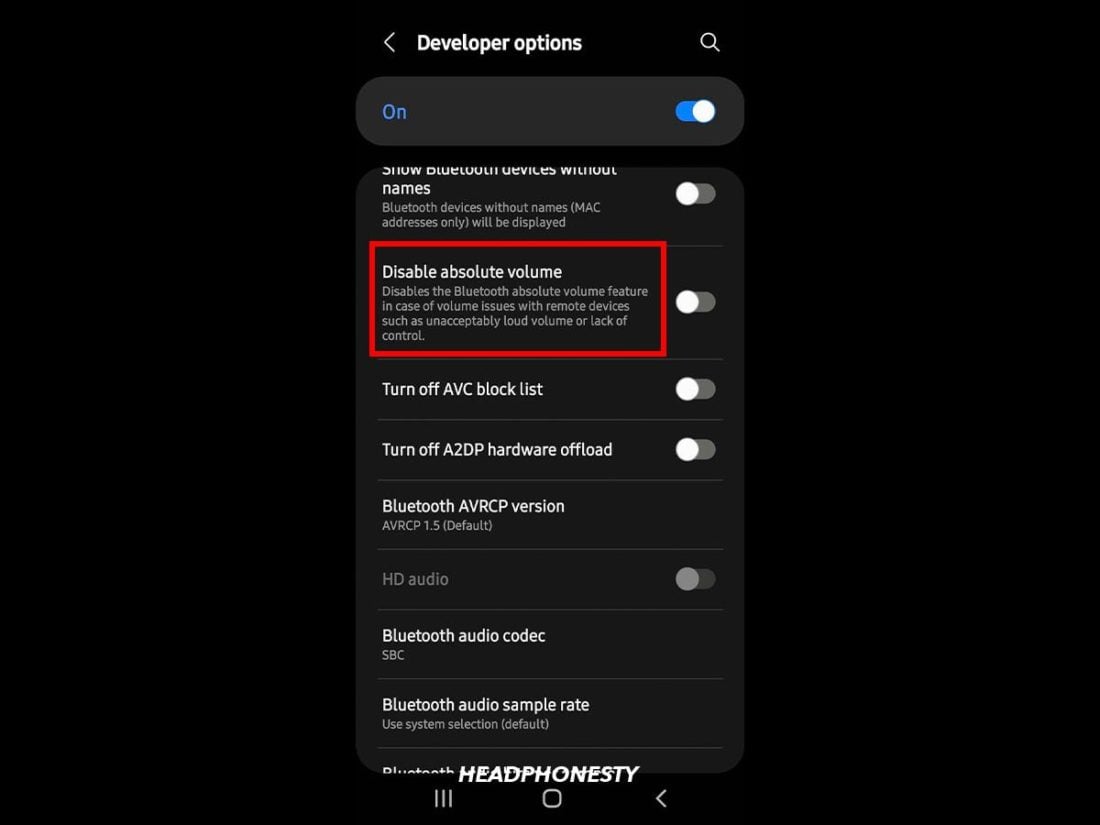
- Disable volume limiters
- Many phones have a “volume limit” in settings. Turn it off if safe.
- Boost gain in the app
- Some players and streaming apps offer a gain or normalize feature.
- Use system equalizer
- Raise mid and high bands slightly to improve perceived loudness.
- Toggle Bluetooth codec
- Switch from SBC to AAC or aptX if both devices support it. Better codecs maintain volume and clarity.
I once fixed a pair of earbuds by switching the music app to "Normalize" and raising the gain by 3 dB. The change made songs sound consistent and louder without distortion.
Hardware options: amps, DACs, and adapters
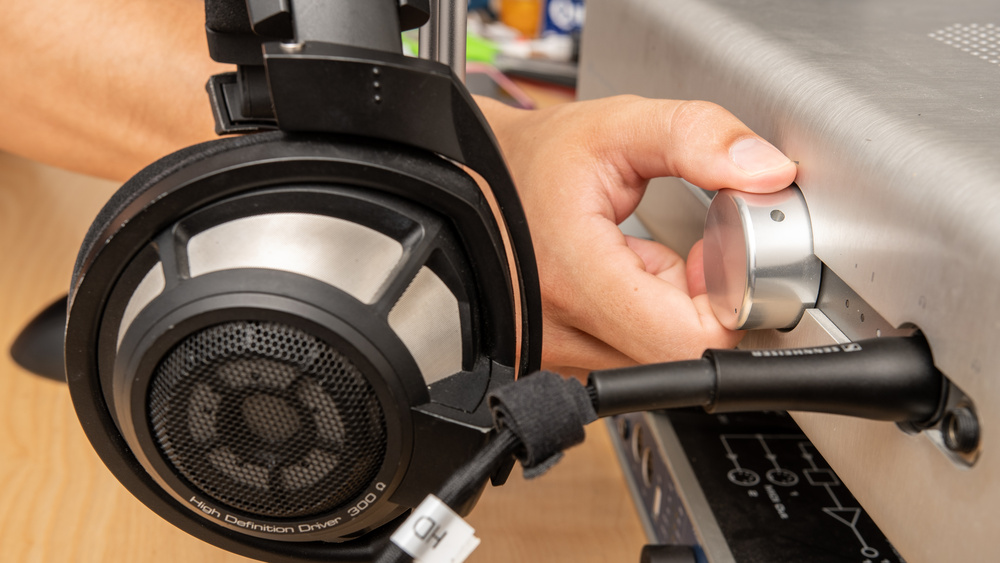
If software tweaks fail, hardware can help. Adding the right gear boosts power and clarity.
- Portable headphone amplifier
- Adds gain and often improves sound stage. Good for high-impedance headphones.
- External DAC with amp
- Replaces weak phone audio and gives more clean headroom.
- USB-C or Lightning audio adapter
- Some adapters include a built-in DAC and amplifier. They can be louder than a phone jack.
- High-sensitivity headphones
- Swap to headphones with higher sensitivity if you want louder sound without amps.
I tested an inexpensive portable amp with mid-range headphones. Volume and detail improved. The amp let me play at a safe, comfortable level without pushing distortion.
Fix fit and physical issues for louder sound
How headphones sit matters as much as electronics.
- Check ear pad seal
- Over-ear pads should seal around the ear. On-ear cups should press gently.
- Try different tips for in-ear monitors
- Foam tips often seal better than silicone. Better seal equals more bass and perceived loudness.
- Clean plugs and ports
- Dirt and lint in jacks or connectors reduce signal. Clean with a soft tool.
- Replace worn cables
- Damaged wires or poor connectors lower output and add noise.
A poor seal can cut perceived volume a lot. I once regained half the loudness by swapping to correct foam tips.

Use equalization to increase perceived loudness
EQ can make tracks seem louder without boosting peak levels.
- Raise mids and presence
- Slight boosts around 2–5 kHz make voices and instruments more forward.
- Use compression or limiting carefully
- Mild compression evens out peaks, making average volume higher.
- Use loudness presets
- Many apps have a “loudness” or “dynamic boost” option.
Be cautious. Excessive EQ or compression causes distortion and fatigue. Small changes often yield the best results when learning how to make headphones louder.

Troubleshooting checklist: step-by-step
Follow this order when headphones are quiet.
- Test another source
- Try a different phone, computer, or music file.
- Check volume on both device and app
- Raise all sliders and disable any limiters.
- Test with another pair of headphones
- If they are loud, the issue is with the original headphones.
- Inspect connectors and cables
- Clean and reseat cables.
- Try software EQ or gain
- Use a music app with a gain control.
- Consider a portable amp or DAC
- If still quiet, add power.
I keep this list on my phone. It saves time and prevents needless purchases. Work through it to find the best way to make headphones louder.

Cost-effective upgrades and what to avoid
You do not need the most expensive gear to get louder sound. Spend money smartly.
- Best budget moves
- Buy proper ear tips or pads.
- Use a verified DAC dongle.
- Try a low-cost portable amp.
- Avoid wasteful buys
- Don’t buy a high-end amp for low-sensitivity earbuds.
- Avoid “sound boosters” of questionable quality.
My rule: match the amp to the headphone. High power helps high-impedance cans. Small IEMs usually need good sealing and a better source, not huge power.
Common mistakes and how to avoid them
People often make simple errors when trying to increase volume.
- Pushing volume too high
- This risks hearing and introduces distortion.
- Ignoring fit
- Poor fit often causes the biggest volume loss.
- Over-EQing
- Big boosts create distortion and fatigue.
- Buying the wrong amplifier
- An amp with too much power or wrong impedance can worsen sound.
I learned these the hard way. A wrong amp once made my headphones sound worse. After adjusting impedance matching and EQ, the sound improved drastically.
When to see a professional or replace gear
Sometimes repair or replacement is best.
- Driver damage
- Rattling or blown drivers need repair or replacement.
- Persistent imbalance
- If one side is quieter after tests, professional repair is needed.
- Old, degraded headphones
- Caps, foam, and wiring age. Replacement may be cheaper.
If you are unsure, a repair shop can test impedance, continuity, and driver health to advise on the next steps.
Frequently Asked Questions of how to make headphones louder
Will raising EQ make my headphones louder?
Yes. Boosting mid and high frequencies can increase perceived loudness, but extreme EQ can distort. Use small adjustments and test for clarity.
Can a portable amp damage my headphones?
A properly matched amp will not damage headphones. Excessive power can cause clipping or driver stress, so match amp output to headphone specs.
Does cleaning headphone jack really help?
Yes. Dirt can reduce signal and volume. Gentle cleaning with a soft tool often restores sound and balance.
Are Bluetooth codecs important for loudness?
Yes. Better codecs like AAC or aptX can preserve dynamic range and maintain perceived volume compared to basic codecs.
Is it safe to bypass phone volume limits?
You can disable limits, but it raises hearing risk. Use measured steps and consider a volume limiter for long listening sessions.
Conclusion
You can make headphones louder in safe, effective ways. Start with checks and software fixes. Improve fit and clean connections. If needed, add a suitable amp or DAC. Protect your hearing and match gear to the headphones. Try the troubleshooting list and cost-effective upgrades first, and only buy new gear when it’s the best solution.
Take one step today: test your headphones with another device, then try a foam tip or a small volume boost. Share what worked in the comments or subscribe for more audio tips.

Everett Ashford is a tech reviewer at mytechgrid.com specializing in SSDs, cameras, TVs, earbuds, headphones, and other consumer electronics. He provides honest, data-driven reviews based on hands-on testing and real-world performance analysis. Everett simplifies complex tech details to help readers make smart, confident buying decisions.