Hold both earbud buttons for ten seconds to reset most wireless earbuds and clear pairing.
I’ve spent years testing earbuds and fixing audio glitches. I’ll show clear, step-by-step guidance on how to reset wireless earbuds. You’ll learn when to reset, exact steps that work for most models, brand-specific commands, and what to do after a reset. My goal is to give you practical, reliable steps that get your earbuds working again fast.
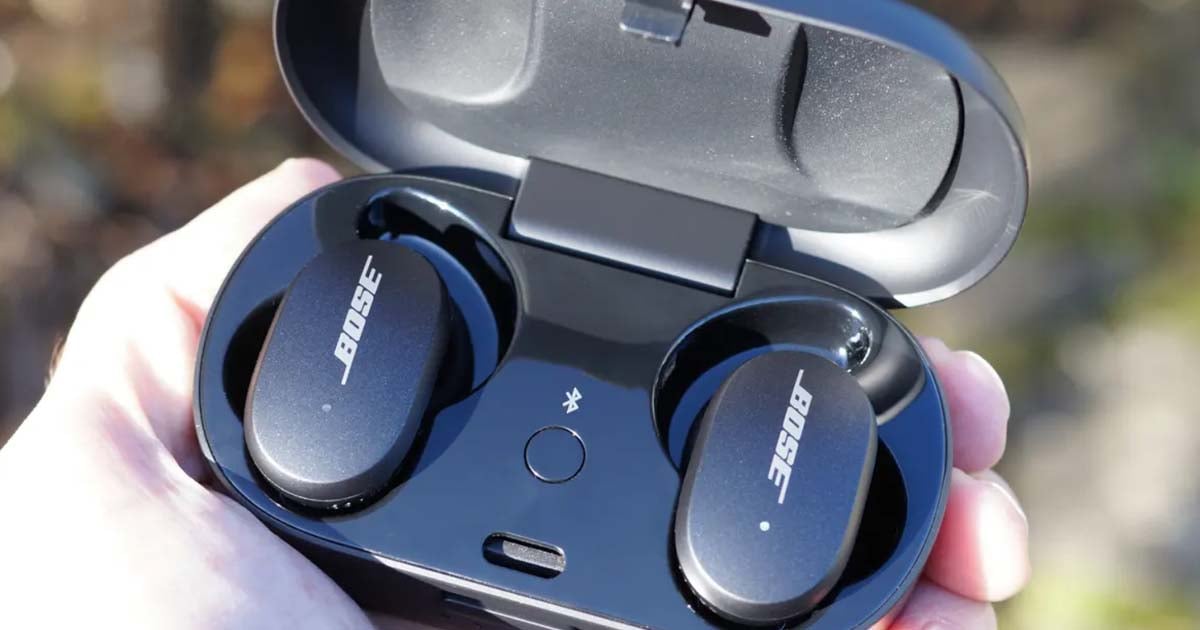
Why reset your earbuds and what it does
Resetting fixes many common problems. It clears pairing data. It can fix one-sided audio, stuttering, and connection drops. Resetting returns settings to factory defaults. This often solves software and pairing conflicts.
Resetting is not a hardware fix. If the battery is dead or a driver is damaged, reset won’t help. Still, reset is the first, low-risk step to try. It is fast and usually reversible if you re-pair your devices.

How to reset wireless earbuds: basic steps that work for most models
How to reset wireless earbuds often follows a simple pattern. Try these general steps first. They work for many true wireless and Bluetooth earbuds.
- Make sure earbuds have charge. Low battery can block resets.
- Turn off both earbuds. Place them in the case if you have one.
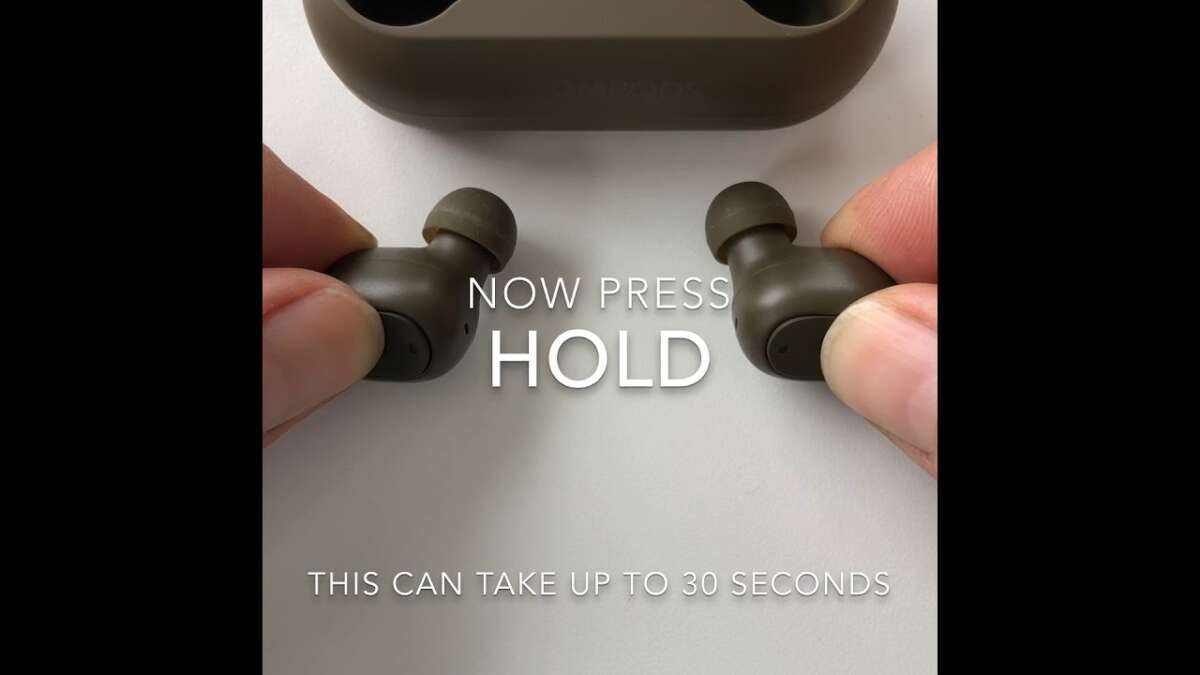
- Press and hold the primary button on each earbud for 8–15 seconds. Wait for lights to flash or blink.
- Watch for changing LED patterns: steady, alternating, or rapid blinks usually mean reset complete.
- Delete the earbuds from your phone’s Bluetooth list. Then re-pair them as new devices.
Tips to increase success:
- Press longer if nothing happens. Some models need 20 seconds.
- Use the charging case button if earbuds don’t have visible controls.
- Remove the case battery and close it again if your case has a reset pin or button.
PAA-style question: How long does it take to reset earbuds?
- A full manual reset usually takes 8–20 seconds. Time varies by brand and model.
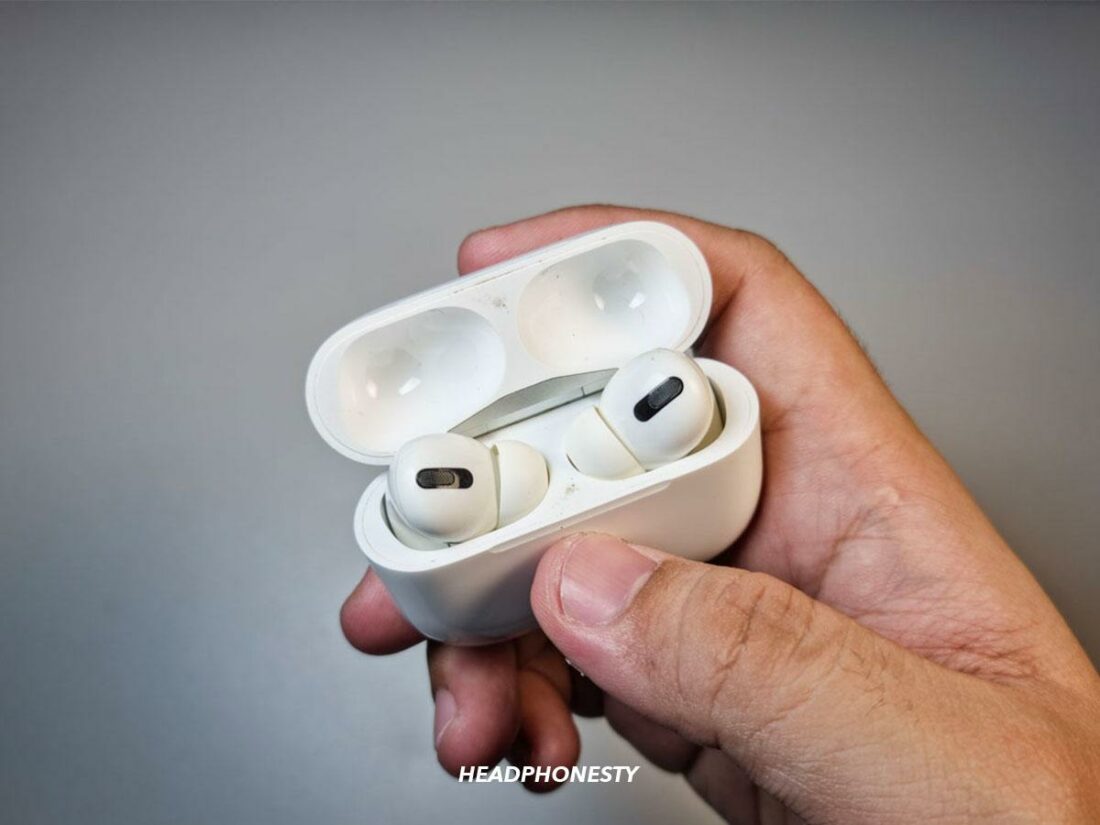
Brand-specific resets and quick recipes
Different makers use different steps. Here are common recipes you can adapt.
-
Apple AirPods and AirPods Pro
- Put both AirPods in the case and close the lid for 30 seconds.
- Open the lid. Hold the setup button on the case for about 15 seconds until the status light flashes amber then white.
- Remove and re-pair to your device.
-
Samsung Galaxy Buds
- Place buds in the case and close for 10 seconds.
- Open the Galaxy Wearable app and use reset in settings, or hold both touchpads for 10 seconds until LEDs flash.
- Reconnect from Bluetooth.
-
Sony WF series
- With earbuds in the case, press and hold the case button or touch sensors for 10–15 seconds.
- Confirm the LED pattern and re-pair using the Sony app if available.
-
Jabra and other brands
- Remove earbuds from the Bluetooth list on your phone.
- Press and hold buttons on both earbuds for 8–12 seconds.
- LED indicators will flash; then re-pair.
Remember to consult your specific manual for model quirks. These methods illustrate the most common approaches to how to reset wireless earbuds.

Pairing and troubleshooting after a reset
After you reset wireless earbuds the device will forget all previous connections. You must re-pair as if they were brand new.
Steps to re-pair and troubleshoot:
- Delete the old Bluetooth entry on your phone or computer.
- Put earbuds into pairing mode right after reset. Look for white or blue flashing lights.
- Select the earbuds in your Bluetooth menu and connect.
- Update firmware in the companion app if available. Firmware fixes many bugs.
If pairing still fails:
- Restart your phone and try again.
- Try pairing to a different device to isolate the problem.
- Charge the case and earbuds fully before a new attempt.
- If only one earbud connects, reset both earbuds together and re-pair.

Advanced tips, safety, and when to seek help
Resetting is safe but follow basic precautions. Don’t use liquids to clean contacts before a reset. Avoid opening sealed cases; that voids warranty. If you suspect hardware damage, don’t try deep repairs at home.
When to contact support:
- Earbuds won’t hold a charge after reset.
- Physical damage or moisture issues exist.
- Repeated resets never solve audio or pairing failure.
If your earbuds are under warranty, contact the maker first. Professional repair or replacement is often faster and safer than DIY fixes.
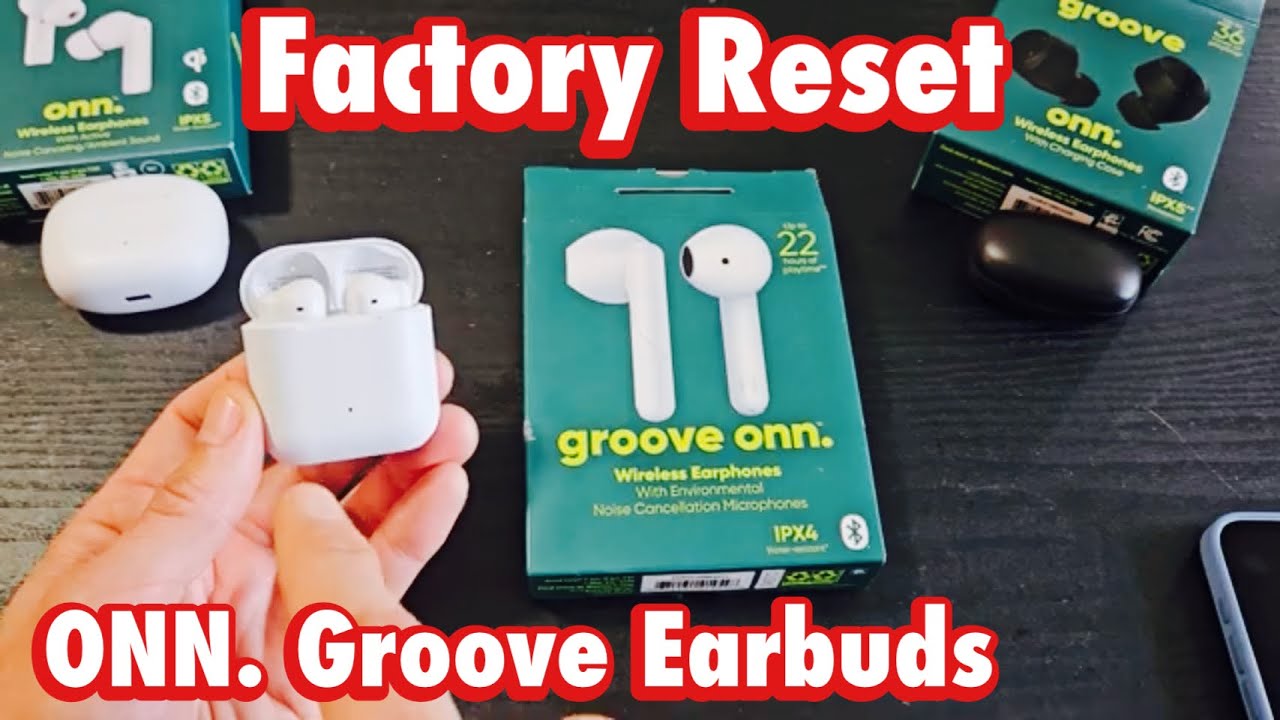
Preventing future issues with your earbuds
Small habits prevent many resets. Keep firmware updated. Store earbuds in the case when not in use. Clean contacts monthly with a dry, soft brush. Avoid exposing them to extreme heat or humidity.
Practical daily tips:
- Turn Bluetooth off on unused devices to avoid accidental pairing.
- Use the companion app to check battery and updates.
- Reset only when needed; frequent resets may hide a deeper issue.

Frequently Asked Questions of how to reset wireless earbuds
How do I force reset my earbuds if buttons don’t respond?
Try placing earbuds in the charging case and holding the case button for 15–20 seconds. If there’s no case button, remove and re-seat the earbuds or charge fully, then try the button sequence again.
Will resetting erase my saved settings and equalizer?
Yes. Resetting clears pairing and local settings. You’ll need to reapply profile settings and equalizer presets after re-pairing.
Can a reset fix one earbud not working?
Often yes. A reset can re-sync left and right earbuds and clear pairing conflicts. If the problem persists, check battery and contact points.
Do I lose firmware updates after resetting?
No. A reset does not remove firmware updates. Firmware stays unless you reinstall or downgrade it through advanced tools.
How often should I reset wireless earbuds?
Only when you see persistent issues like dropouts, one-sided audio, or failed pairing. Frequent resets may indicate hardware or firmware faults.
What if my earbuds still fail after reset?
Try pairing with another device. If problems continue, contact support for repair or replacement. Battery or internal damage may be the cause.
Conclusion
Resetting is a fast, effective step to fix common earbud issues. Follow the simple steps above to learn how to reset wireless earbuds, re-pair devices, and troubleshoot afterward. Use brand-specific recipes when needed and keep firmware updated to reduce repeat problems. Try a reset first, then escalate to support if issues persist.
Take action now: reset your earbuds using the steps that match your brand. If this guide helped, subscribe or leave a comment with your model and results—your feedback helps others troubleshoot too.

Jamie Lee is a seasoned tech analyst and writer at MyTechGrid.com, known for making the rapidly evolving world of technology accessible to all. Jamie’s work focuses on emerging technologies, product deep-dives, and industry trends—translating complex concepts into engaging, easy-to-understand content. When not researching the latest breakthroughs, Jamie enjoys exploring new tools, testing gadgets, and helping readers navigate the digital world with confidence.