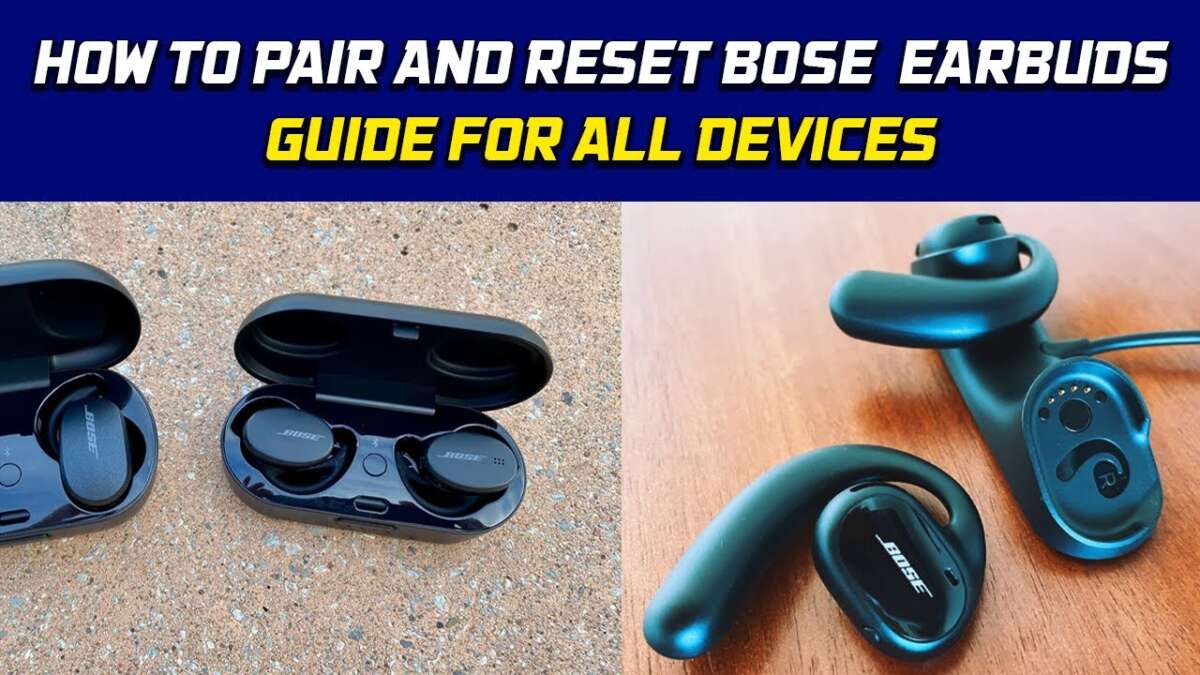
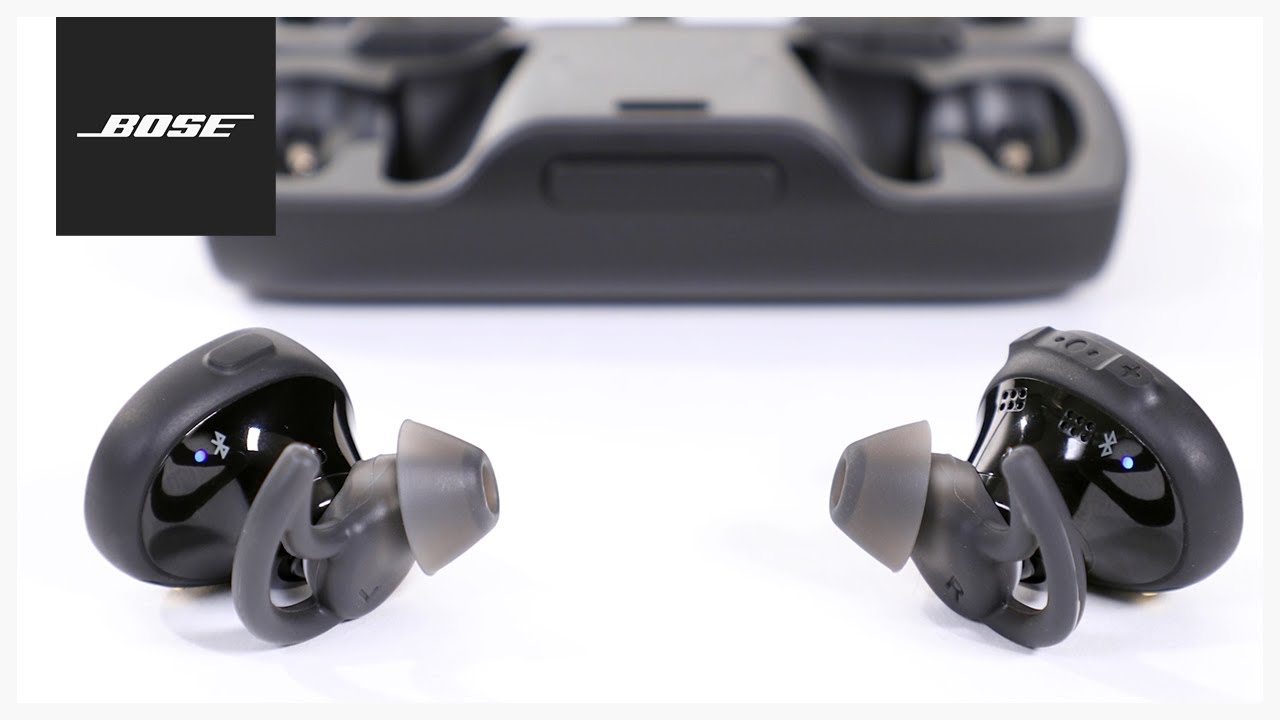
Open the case or press and hold the power/Bluetooth button to turn them on.
I’ve tested multiple Bose earbuds across years, and I’ll walk you through clear, practical steps for how to turn on Bose earbuds, plus pairing, troubleshooting, and model-specific tips. This guide explains simple power methods, what LED lights and voice prompts mean, how to handle common problems, and how to get your earbuds ready for reliable daily use.
Quick steps to power on Bose earbuds
Follow these short steps when you want a fast answer for how to turn on Bose earbuds. These cover most modern Bose true wireless and sport models.
- Charge the case and earbuds for at least 15 minutes if batteries are low.
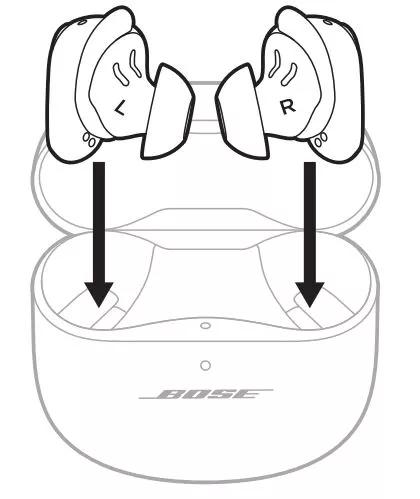
- Open the charging case and remove the earbuds; most models turn on automatically.
- If earbuds don’t power on, press and hold the small power or multifunction button on each earbud for 1–3 seconds.
- Watch for LED lights and listen for voice prompts that tell you the earbuds are on or ready to pair.
How to turn on Bose earbuds — model-specific guidance
Different Bose models behave slightly differently. Here are model examples to help you match steps to your earbuds.
Bose QuietComfort Earbuds and QuietComfort Earbuds II
- Removing earbuds from the charging case usually powers them on automatically.
- If they stay off, press and hold the multifunction button on each earbud for about 1–2 seconds.
- A voice prompt or LED will confirm power and pairing status.
Bose Sport Earbuds and Sport Open Earbuds
- These often use a small power button near the earbud stem. Press and hold that button for one second to turn on.
- For pairing, hold the button longer (about 2–3 seconds) until you hear a Bluetooth prompt.
Bose Wireless Earbuds with a single control (older models)
- Press and hold the main button for 2–3 seconds to power on.
- A short tap may play/pause audio; avoid tapping repeatedly when trying to power up.
Note: Exact timings vary by model. If you are unsure, check the quick start guide for your specific model or use the Bose Music app for model-specific instructions.

Pairing and first-time setup
Powering on is just the first step. Here’s how to pair and get ready.
- Power on earbuds following the model step above so they’re in pairing mode.
- On your phone, open Settings > Bluetooth and look for your Bose model name.
- Tap the name to pair. A voice prompt usually confirms a successful connection.
- For an easier setup, install the Bose Music or Bose Connect app. The app walks you through firmware updates and personalization.
Pairing tips:
- Keep earbuds close to your device during setup.
- Turn off other Bluetooth devices if pairing fails.
- If prompted for a PIN, try 0000 or 1234 if not specified by the app.
Troubleshooting: earbuds won’t turn on
If you can’t figure out how to turn on Bose earbuds, try these reliable fixes.
-
Charge fully
- Connect the charging case to power and place the earbuds in the case for at least 30 minutes. Low battery is the most common cause for not powering on.
-
Check charging contacts
- Clean the metal contacts on both earbuds and case with a dry cotton swab. Dirt or debris can block charging.
-
Force restart or reset
- Press and hold the power/multifunction buttons for 10 seconds to force a restart on many models.
- If that fails, follow the specific reset steps in your manual or app. Resetting often clears software glitches.
-
Update firmware
- Use the Bose Music app to install firmware updates. Outdated firmware can cause power or pairing issues.
-
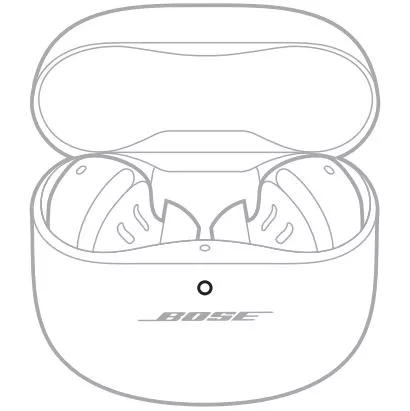
Verify case functionality
- If earbuds are fully charged but won’t turn on after removal, the case itself might not be delivering power. Test charging with a different cable or power source.

Practical tips and best practices
Use these habits to avoid future problems and improve battery life.
-
Store charged
- Keep earbuds in the case when not in use to maintain charge and protect them.
-
Avoid moisture
- Rinse off sweat after workouts. Excessive moisture reduces reliability and charging.
-
Regular updates
- Check the Bose Music app monthly for firmware updates and performance improvements.
-
Know voice prompts
- Pay attention to voice cues like “Power on” or “Ready to pair” to confirm status without checking LEDs.
-
Battery-saving
- Turn off automatic wake or voice assistant features if you need longer battery life.
Personal experience: common mistakes and lessons learned
I’ve used several Bose earbuds daily over years. Here’s what I learned.
- Mistake: assuming opening the case always powers on earbuds. Some older or sport models need a manual button press. Learn your specific model’s behavior.
- Mistake: pairing while earbuds are out of charge. Always ensure both earbuds and the case have enough battery before pairing.
- Helpful habit: keep the Bose Music app installed. It simplifies updates and sometimes tells you exactly how to turn on Bose earbuds for your model.
- Real-world tip: when traveling, pack a compact power bank and a short USB-C cable. It saved me during long flights when earbuds refused to power on.

Frequently Asked Questions of how to turn on bose earbuds
How do I turn on Bose earbuds for the first time?
Most models turn on when you remove them from the charging case. If not, press and hold the power or multifunction button for 1–3 seconds until you hear a voice prompt or see the LED.
Why won’t my Bose earbuds turn on after charging?
If earbuds don’t power on after charging, check charging contacts, ensure the case has battery, and try a forced restart by holding the buttons for 10 seconds.
Do Bose earbuds need the Bose app to turn on?
No, the app isn’t required to turn earbuds on. The app helps with setup, firmware updates, and troubleshooting but powering on is done via the case or buttons.
How do I tell if my Bose earbuds are in pairing mode?
You’ll usually hear “Ready to pair” or see a blinking LED. Bluetooth settings on your device should show the Bose model name available to connect.
Can I turn on just one Bose earbud?
Yes. Many models allow a single earbud to power on and connect for mono listening. The specific behavior depends on model and battery level.
How do I reset Bose earbuds if they won’t turn on?
Try a forced restart by pressing and holding the power buttons for 10–15 seconds. If that doesn’t help, place earbuds in the case, close it, wait 30 seconds, then retry powering on.
Wrap-up
Turning on Bose earbuds is usually quick: open the case or press the power button, watch for lights, and pair via Bluetooth or the Bose app. If they don’t turn on, charging, cleaning contacts, restarting, and firmware updates solve most issues. Try these steps, and you’ll have your earbuds working reliably in minutes.
Take action now: charge your case, follow the simple power steps for your model, and install the Bose Music app for the best setup. If this guide helped, leave a comment with your model and any questions, and I’ll help you troubleshoot further.

Jamie Lee is a seasoned tech analyst and writer at MyTechGrid.com, known for making the rapidly evolving world of technology accessible to all. Jamie’s work focuses on emerging technologies, product deep-dives, and industry trends—translating complex concepts into engaging, easy-to-understand content. When not researching the latest breakthroughs, Jamie enjoys exploring new tools, testing gadgets, and helping readers navigate the digital world with confidence.