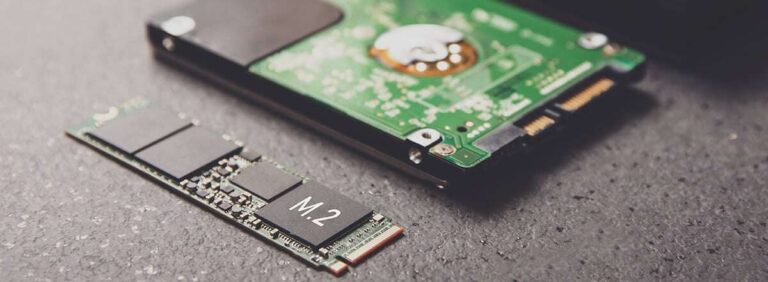
Yes — a 512 GB SSD is enough for many users who value speed and moderate storage.
I’ve spent years testing laptops, building desktops, and advising friends on storage choices. In this guide I’ll explain clearly when a 512 GB SSD is enough, who should choose it, and how to get the most from it. Expect practical examples, real-world tips from experience, and a simple checklist to help you decide with confidence whether a 512 GB SSD fits your needs.
Understanding a 512 GB SSD: capacity and usable space
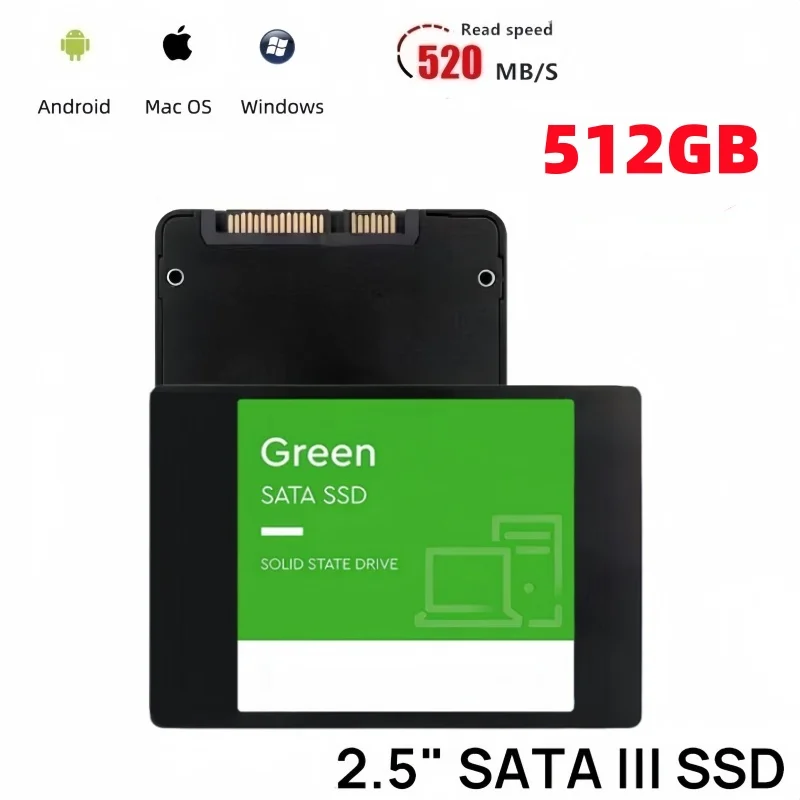
A 512 GB SSD is marketed as 512 gigabytes. Real usable space is lower after formatting and system partitions. Expect about 450–500 GB of usable storage depending on the drive and OS. Knowing the actual free space helps set realistic expectations when asking "is 512 gb ssd enough".
Who finds a 512 GB SSD enough?
A 512 GB SSD balances speed and price. Below are typical user profiles and why 512 GB works or doesn’t.
- Everyday users
- Great for web browsing, email, office apps, and media streaming. Most files and apps fit comfortably.
- Students
- Ideal for notes, projects, and a moderate media library. Add cloud backup for large data.
- Professionals (office, web dev, light design)
- Plenty of room for IDEs, documents, and virtual machines if you manage images and backups.
- Gamers
- Works for gamers with a moderate library. Modern triple-A titles can be 50–150 GB each, so space fills quickly.
- Content creators (photo, light video)
- Fine for photo editing and short videos. For heavy 4K video editing, 512 GB may be limiting without external scratch storage.
If you’re still asking "is 512 gb ssd enough" for your use, match your typical file sizes to the usable capacity. For many, the answer is yes. For video-heavy work, likely no.
Common quick questions (PAA-style)
Will a 512 GB SSD hold modern games?
- Yes for a few modern titles, but multiple AAA games can quickly fill the drive.
Is 512 GB good for video editing?
- It is okay for short projects or proxy workflows, but not ideal for long 4K timelines without extra scratch drives.
Can I run virtual machines on 512 GB?
- Yes, a couple of VMs plus your host OS will fit, but many VMs with large images can use space fast.
Pros and limitations of a 512 GB SSD
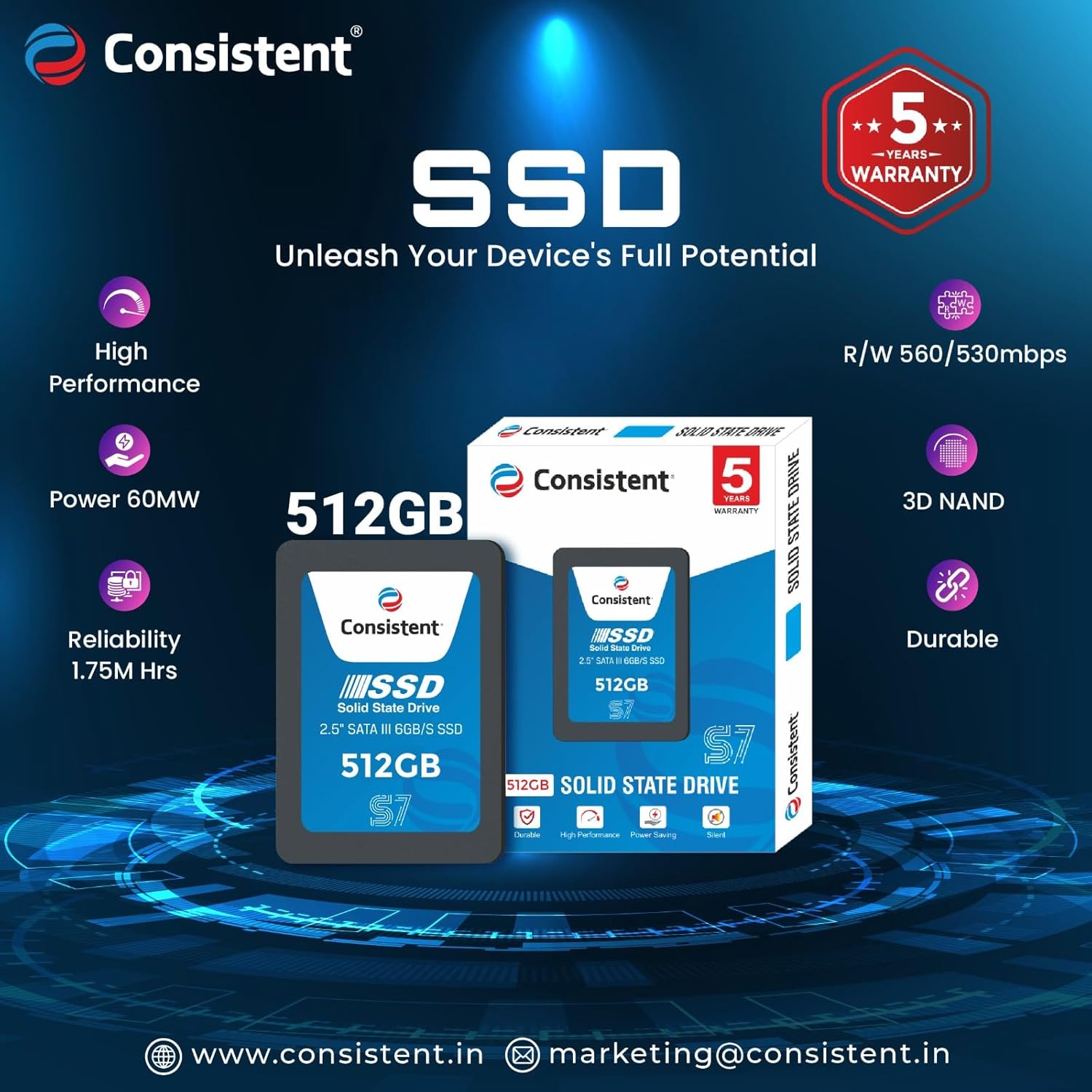
Pros
- Fast boot and app load times compared to HDDs.
- Good capacity for mainstream use without major cost.
- Lower power draw and improved battery life on laptops.
Limitations
- Can fill up quickly with large games or video files.
- Less room for multiple large backups or archives.
- Users who need many gigabytes for datasets or media may need larger or additional storage.
When wondering "is 512 gb ssd enough" weigh these pros and cons against your habits.
Practical tips to make a 512 GB SSD work
Good habits stretch your space and performance. I used a 512 GB laptop drive for two years and learned the following.
- Keep core apps on the SSD and move archives to external drives.
- Store photos, videos, or old projects on an external HDD or NAS.
- Use cloud storage for infrequently accessed files.
- Sync only active folders to save space.
- Regularly clean temporary files and large installers.
- Tools like built-in storage cleaners help reduce clutter.
- Use an external SSD for scratch disks when editing video.
- This preserves internal space and speeds up workflows.
- Offload games you don’t play often to an external drive.
- Reinstall or move them when you want to play.
These small steps made my 512 GB setup feel roomy and responsive.

Alternatives and when to choose a different size
Choosing between 256 GB, 512 GB, 1 TB, or larger depends on needs.
- 256 GB
- Best for very light users or as a secondary drive. Not ideal for modern gaming or media heavy workflows.
- 512 GB
- Sweet spot for many users. Good for balanced work, study, and casual gaming.
- 1 TB
- Recommended for heavy gamers, frequent content creators, and power users who keep large local libraries.
- 2 TB and up
- For professionals with big datasets, large video projects, or archives.
If you're still asking "is 512 gb ssd enough", pick 512 GB if you value price-to-performance and plan to manage large files externally. Choose 1 TB+ if you want headroom with minimal management.

Performance, lifespan, and reliability
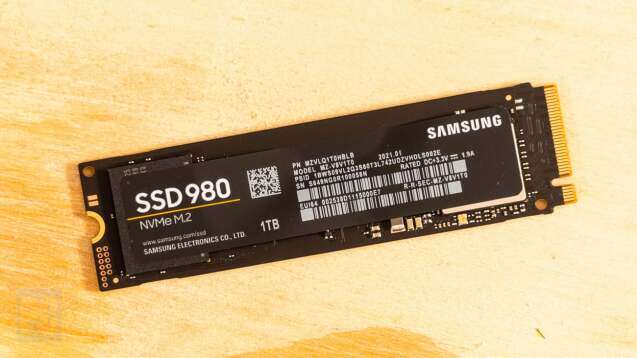
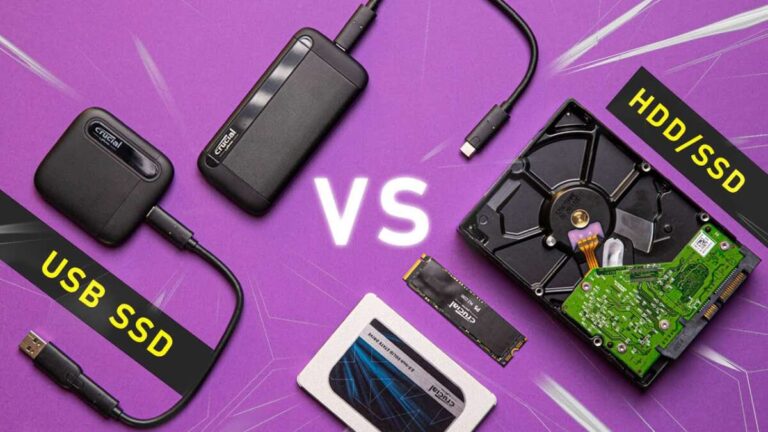
A 512 GB SSD’s performance depends on type. NVMe drives are much faster than SATA SSDs. Write endurance (TBW) varies by model and affects long-term reliability. TRIM and modern controllers help SSDs stay fast over years. Backups remain essential because SSD failure is possible. If you ask "is 512 gb ssd enough" also consider performance type: NVMe 512 GB usually feels better than SATA 1 TB for speed-sensitive tasks.

Buying tips and checklist
When buying a 512 GB SSD, use this checklist.
- Choose NVMe (M.2) for best speed if your system supports it.
- Check PCIe generation: PCIe 4.0 offers more headroom for future needs.
- Look at endurance (TBW) and warranty length.
- Consider brand reputation and firmware quality.
- Compare price per GB and look for seasonal deals.
A thoughtful buy reduces surprises and answers "is 512 gb ssd enough" for years.

Frequently Asked Questions of is 512 gb ssd enough
Is 512 GB SSD enough for gaming?
Yes for casual gamers and those with a small to medium library. Large collections of modern AAA games may require additional drives.
Can a 512 GB SSD handle video editing?
It can for short projects or proxy workflows. For heavy 4K editing, pair it with a fast external SSD or a larger internal drive.
How much usable space does a 512 GB SSD actually have?
Expect roughly 450–500 GB after formatting and system files. The exact number varies by drive and operating system.
Will a 512 GB SSD improve my laptop’s speed?
Yes. Replacing an HDD with a 512 GB SSD gives much faster boot and app load times. NVMe drives provide the largest speed gains.
Can I install multiple virtual machines on a 512 GB SSD?
You can run a few lightweight VMs. Large or many VMs combined with host files can exhaust the space quickly.
Is it better to get a 512 GB SSD or a 1 TB SSD?
Choose 512 GB if you want value and can manage large files externally. Pick 1 TB if you want more headroom and less file juggling.
Conclusion
A 512 GB SSD is enough for many people. It delivers fast performance and a practical balance between cost and capacity. If you mainly use office apps, browse, stream, study, or play a few games, 512 GB will likely fit your needs. If you edit long 4K videos, keep a large game collection, or handle big datasets, consider 1 TB or add external storage. Try these actions: check your current storage use, list large files, and decide if you want to manage files or prefer more internal space. If this guide helped, subscribe for more hands-on storage advice or leave a comment about your setup and I’ll share a tailored tip.

Everett Ashford is a tech reviewer at mytechgrid.com specializing in SSDs, cameras, TVs, earbuds, headphones, and other consumer electronics. He provides honest, data-driven reviews based on hands-on testing and real-world performance analysis. Everett simplifies complex tech details to help readers make smart, confident buying decisions.