

For most homes, the MacBook Air is the best laptop for its speed, battery life, comfort, and long support.
Choosing the best home laptop computer depends on how you spend your time. A student, remote worker, parent, and casual streamer may all need different features. After comparing performance, screens, battery life, software, ports, repair costs, and value, this guide will help you choose a laptop that feels useful for years, not just exciting on day one.
What is the best home laptop computer for most people?
For most households, the best home laptop computer is the Apple MacBook Air. The 13-inch model is light and easy to carry, while the 15-inch version gives you more room for work, movies, and split-screen tasks.
The MacBook Air is fast, quiet, simple to use, and known for strong battery life. It works well for web browsing, email, video calls, schoolwork, office apps, photo editing, and streaming. Its lack of a cooling fan also makes it nearly silent during normal use.
However, it is not the right choice for everyone. A Windows laptop may be better if you need special business software, PC-only games, a wider range of ports, or a lower starting price.
The best home laptop computer should match your real habits. Buying the most powerful laptop is like buying a sports car for grocery trips. It may look impressive, but it can waste money if you do not need that power.
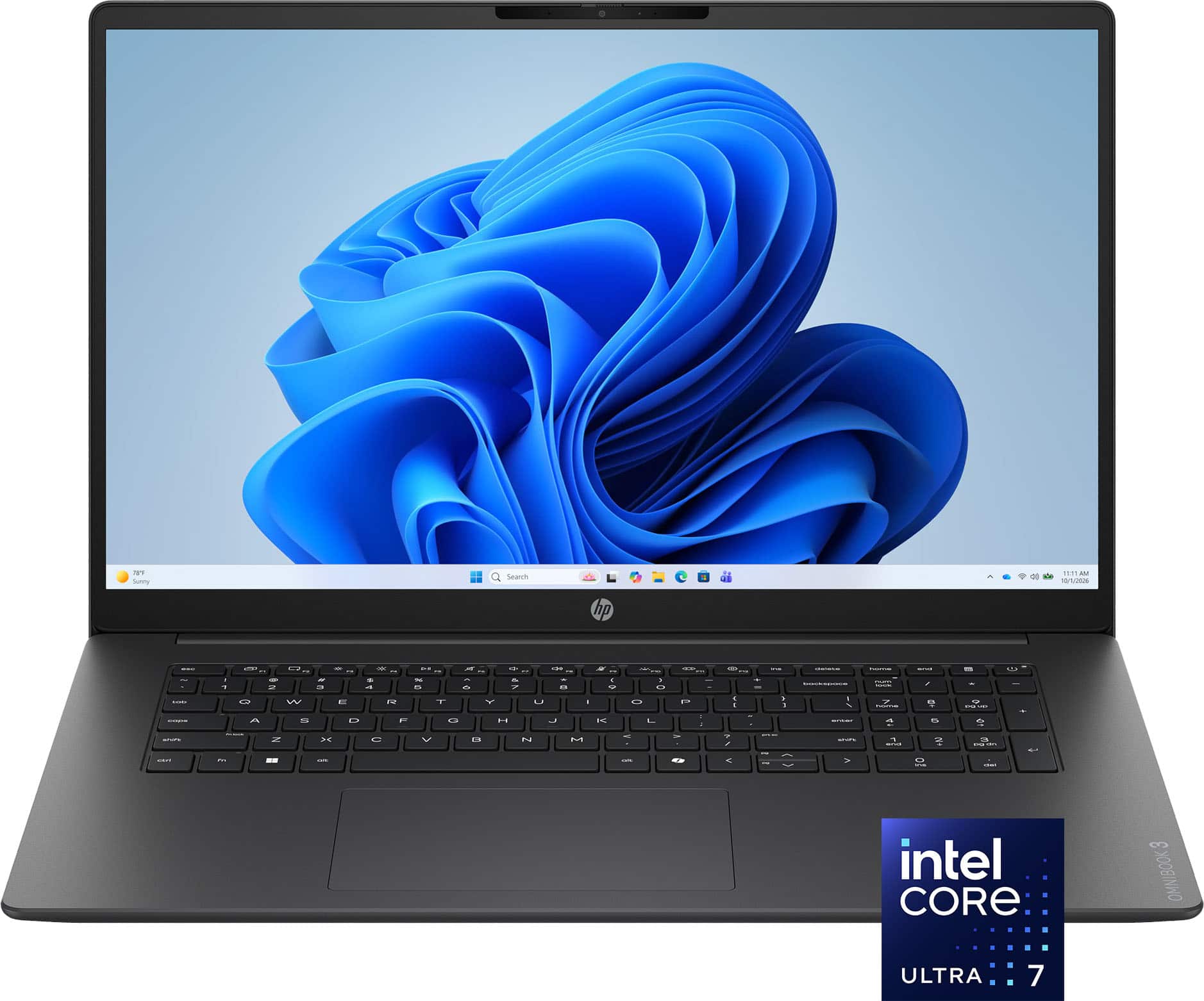
Best home laptop computers by user type
There is no single laptop that wins for every person. The best choice changes with your budget, operating system preference, and daily tasks.
Best overall: Apple MacBook Air
The MacBook Air is the best home laptop computer for people who want a polished, dependable device with little maintenance. Current models use Apple silicon, which delivers strong speed while using less power than many older laptop chips.
Choose the 13-inch model if you value portability. Choose the 15-inch model if you often work with two windows, watch content from a desk, or want a larger keyboard and trackpad area.
Key strengths include:
• Excellent battery life for everyday work
• A sharp, bright display
• Strong build quality
• Quiet operation
• Smooth performance for office work and creative tasks
• Long-term software support
Its main limits are the higher price and limited upgrade options. You should also check whether your favorite apps work with macOS before buying.
Best Windows option: Microsoft Surface Laptop
The Microsoft Surface Laptop is a strong choice for people who prefer Windows but want a clean, simple experience. It has a comfortable keyboard, a high-quality display, and a slim design that suits a home office or study area.
Windows also offers broad app support. You can use Microsoft 365, many school platforms, business programs, printer tools, and accessories with fewer compatibility concerns.
The Surface Laptop may cost more than basic Windows models. Still, it offers a better balance of design, speed, battery life, and support than many low-cost alternatives.
Best budget choice: Acer Aspire or Lenovo IdeaPad
Acer Aspire and Lenovo IdeaPad models often provide the best value for basic home use. They are suitable for browsing, email, online banking, document editing, video calls, and streaming.
Look for a model with at least:
• An Intel Core i5, AMD Ryzen 5, or similar modern processor
• 8GB of memory, although 16GB is better
• A 256GB or 512GB solid-state drive
• A Full HD screen
• Wi-Fi 6 or newer
Avoid very cheap laptops with only 4GB of memory and 64GB of storage. They may feel slow soon after purchase. A low price is not a bargain if the laptop struggles with five browser tabs.
Best Chromebook: Lenovo Chromebook Plus
A Chromebook is the best home laptop computer for users who mainly work online. It runs ChromeOS and uses web apps, Android apps, and cloud storage for many tasks.
Chromebooks are easy to manage, start quickly, and often cost less than Windows laptops. They are excellent for children, basic schoolwork, email, Google Docs, and streaming.
They are less suitable for advanced video editing, professional design software, or programs that require Windows or macOS. Always check app compatibility before buying one.
Best for gaming: Windows gaming laptop
For gaming at home, choose a Windows laptop with a dedicated graphics processor. Good examples include laptops from Lenovo Legion, ASUS ROG, Acer Nitro, and Dell Alienware.
A gaming laptop should have:
• A dedicated NVIDIA or AMD graphics chip
• At least 16GB of memory
• A fast solid-state drive
• A screen with a 120Hz or higher refresh rate
• Good cooling and a strong power adapter
Gaming laptops are powerful, but they are often heavier, louder, and less portable. Their fans can also become noisy during demanding games. They are better treated like portable desktops than lightweight travel computers.

How to choose the best home laptop computer
The best home laptop computer should meet your needs without making you pay for features you will never use. Start with your daily tasks, then compare the details that affect comfort and lifespan.
Think about your main tasks
Write down what you normally do in a week. This simple step can prevent an expensive mistake.
Common home tasks include:
• Browsing the web
• Sending email
• Joining Zoom or Teams calls
• Paying bills
• Watching Netflix or YouTube
• Editing documents
• Managing family photos
• Taking online classes
• Running a small business
• Playing games
Basic tasks do not require a premium processor. But if you edit 4K video, use large spreadsheets, or run creative software, you need more memory and processing power.
Choose the right operating system
The operating system controls how your laptop works and which apps it supports.
Windows is the most flexible choice. It offers a wide range of prices, hardware designs, games, and professional software.
macOS is simple, stable, and closely integrated with iPhone, iPad, and AirPods. It is a strong choice for people already invested in Apple products.
ChromeOS is fast and easy to manage. It works best when your tasks happen in a browser.
Linux can be useful for technical users who want control and customization. It is less convenient for people who expect every commercial app and accessory to work without setup.