For most people in the United States, the Apple MacBook Air with the M4 chip is the best laptop that supports USB-C charging. It is thin, quiet, fast, and has strong battery life. It can charge through MagSafe 3 or either USB-C port.
If you need Windows, the Framework Laptop 13 is a better fit. It supports USB-C Power Delivery, uses standard USB-C chargers, and is easier to repair and upgrade than most thin laptops.
The right choice still depends on your phone, work apps, budget, and need for ports. This guide explains what USB-C charging means, which laptops are worth considering in the U.S. market, and how to choose the right charger.
Quick answer: Which laptop with USB-C charging is best?
The best choice depends on your main need:
| Best for | Recommended laptop | Why it stands out |
|---|---|---|
| Most users | MacBook Air with M4 | Fast, quiet, light, and easy to charge |
| Windows users | Framework Laptop 13 | USB-C Power Delivery, repairable design, flexible ports |
| Business work | Lenovo ThinkPad X1 Carbon | Strong keyboard, business features, and USB-C charging |
| Students on a budget | Acer Chromebook Plus 514 or similar Chromebook Plus model | Low cost, simple software, and USB-C charging on many configurations |
| Creative work | MacBook Pro with M4 Pro or M4 Max | More power, better displays, and several USB-C charging options |
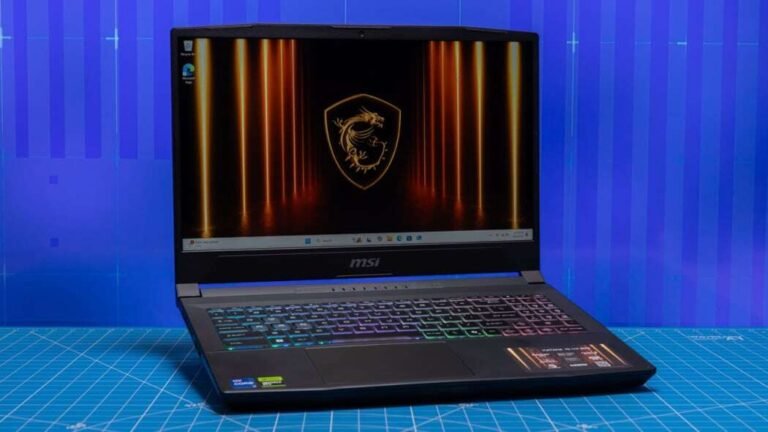
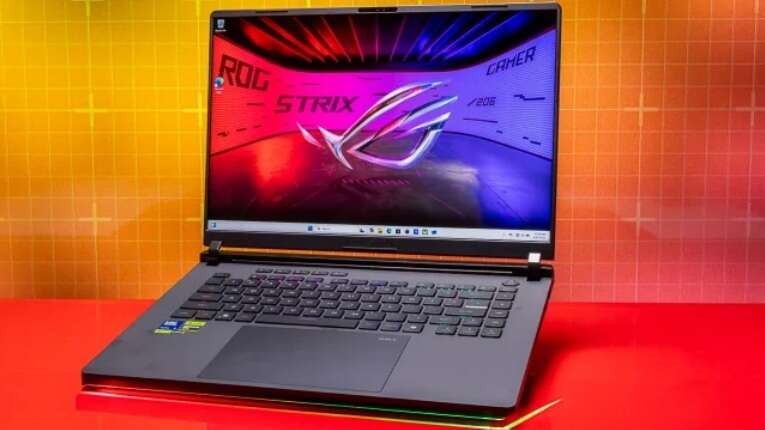
| Gaming | A USB-C-charging gaming laptop only if it supports enough power | Most gaming laptops still need a larger proprietary charger |
The MacBook Air M4 is the easiest general recommendation. Choose the Framework Laptop 13 if Windows, repairability, or port flexibility matters more than macOS.
What does USB-C laptop charging mean?
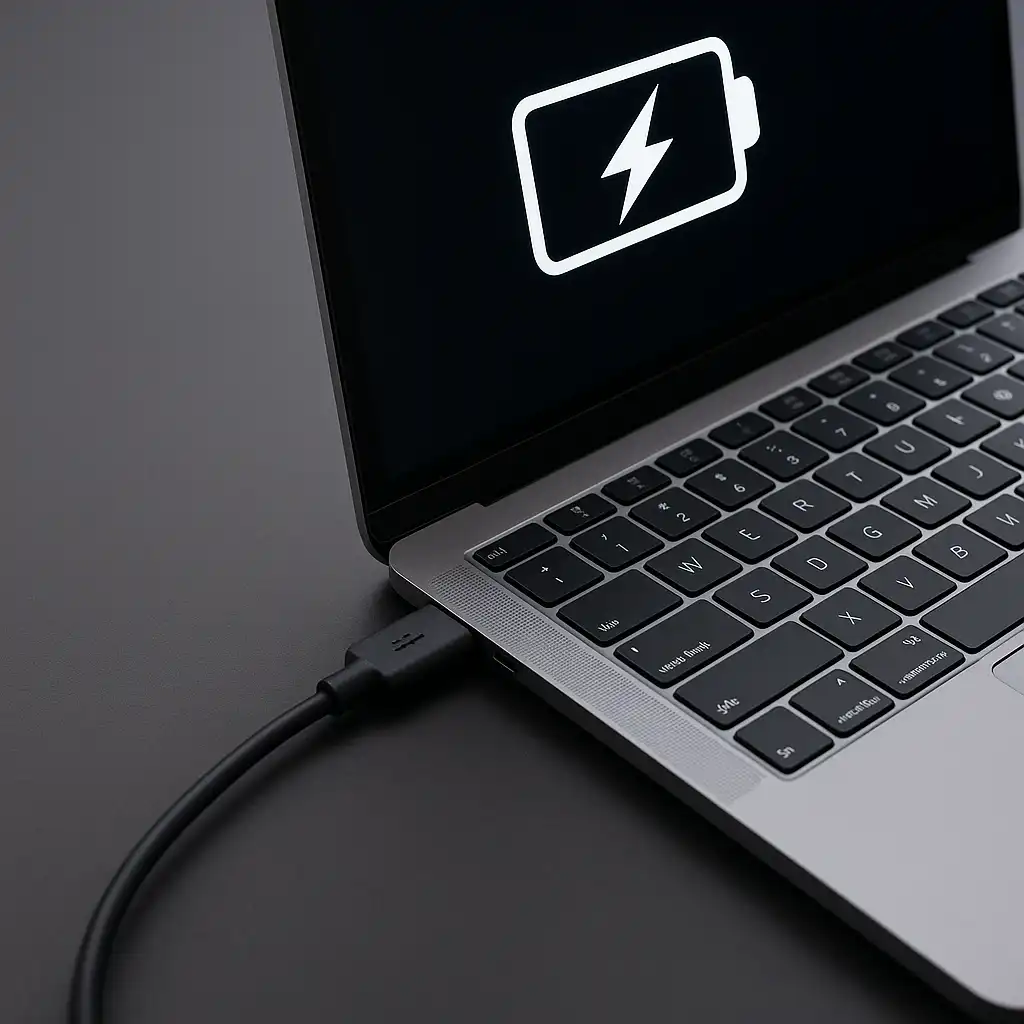
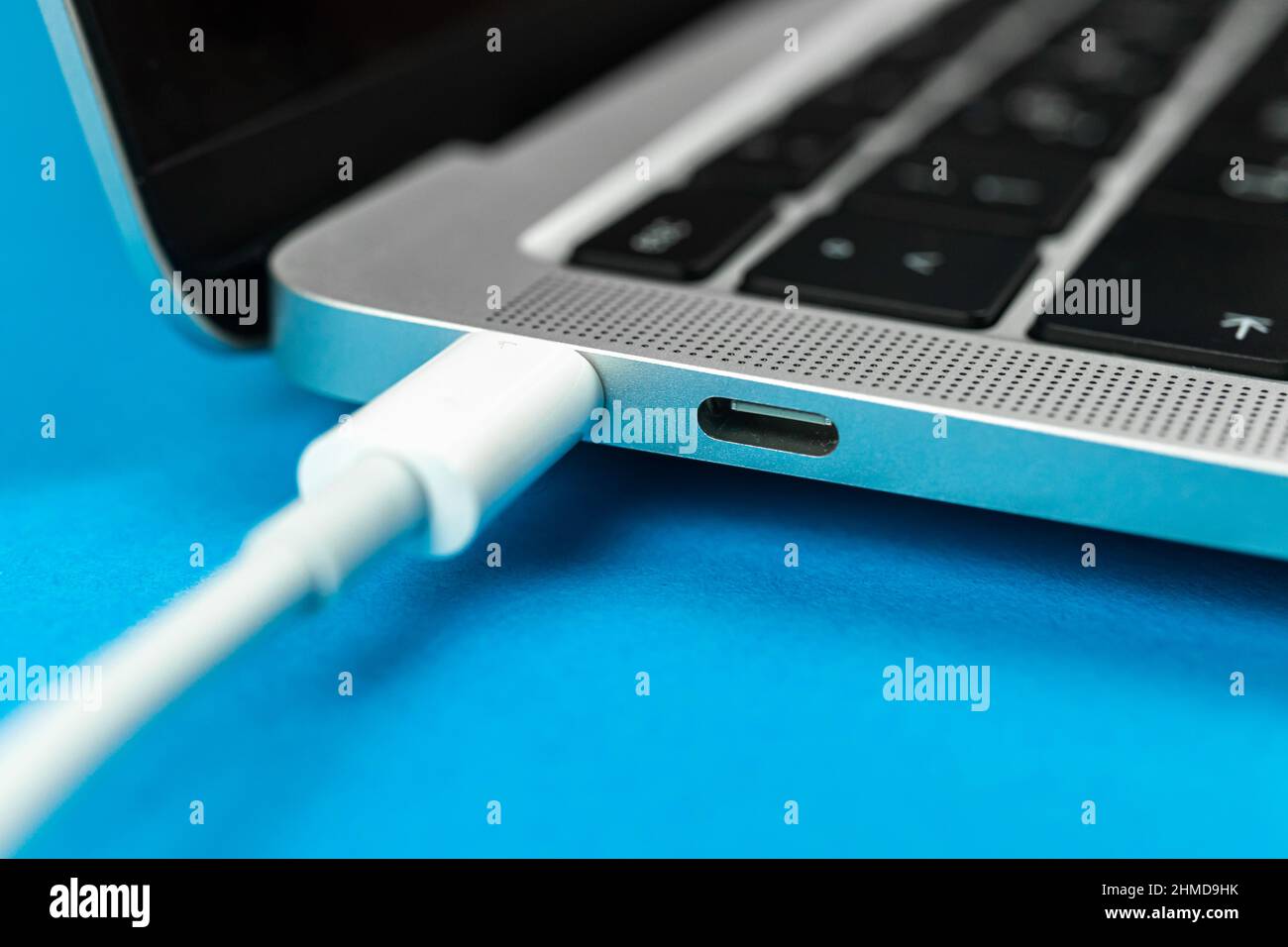
USB-C charging means a laptop can receive power through a USB Type-C port. Most modern laptops use USB Power Delivery, often called USB PD. This standard lets the charger and laptop agree on a safe voltage and power level.
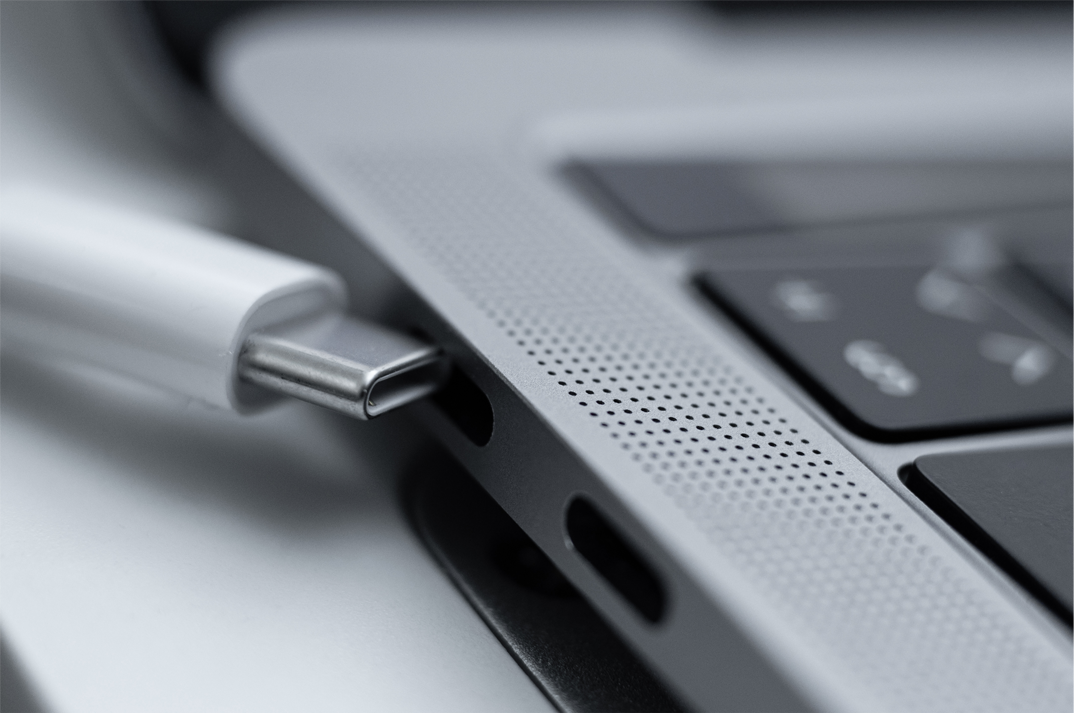
A USB-C port does not always support charging. Some USB-C ports handle data only. Others support video, charging, or all three. Check the laptop manual or the small charging symbol near the port before buying a charger.
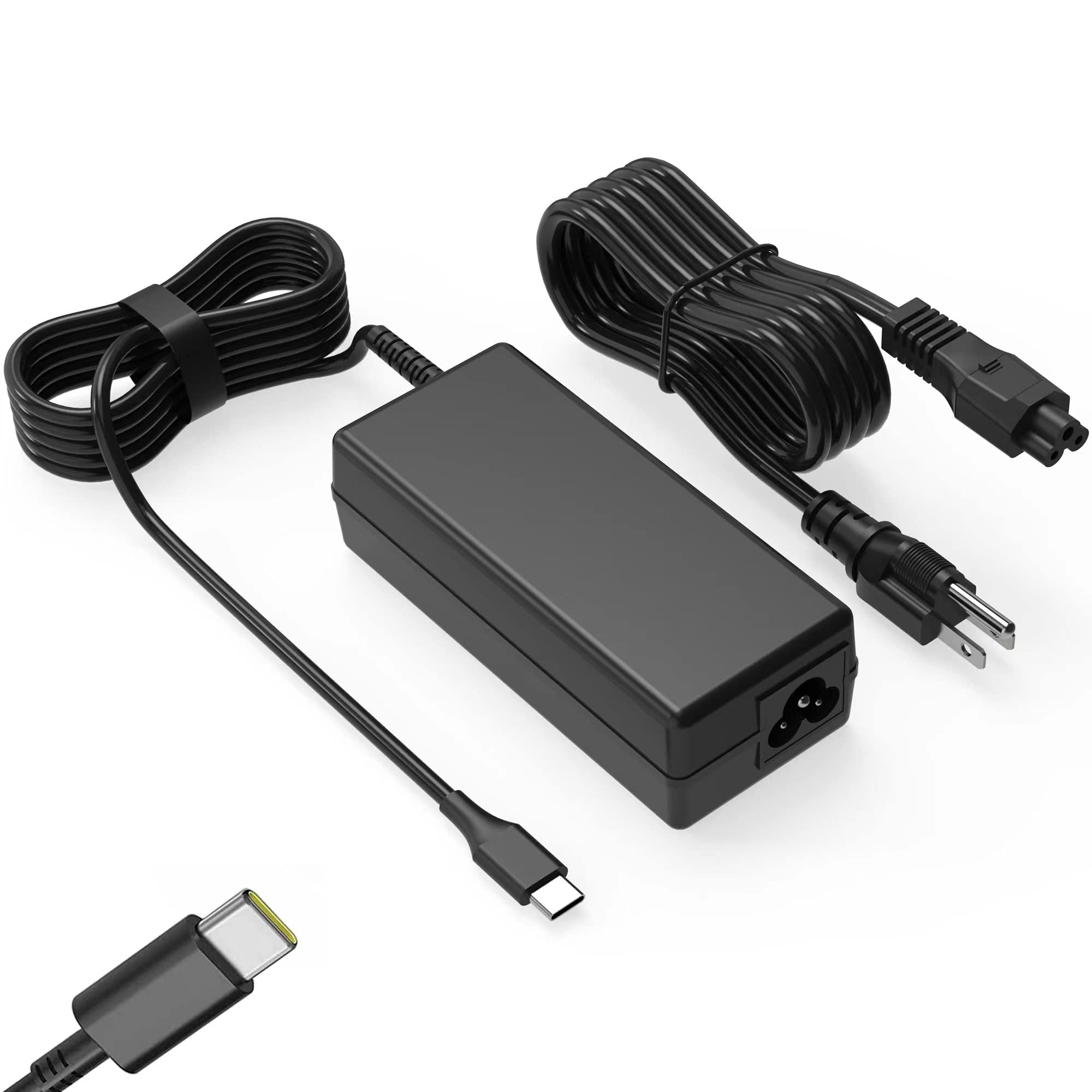
USB-C charging also does not mean every USB-C charger will work well. A small 20-watt phone charger may charge a phone but may not power a laptop. Many full-size laptops need between 45 watts and 100 watts. Powerful laptops may need even more.
USB-C, USB4, and Thunderbolt are not the same
These terms describe different parts of the connection:
- USB-C describes the plug shape.
- USB Power Delivery describes charging.
- USB 3 or USB4 describes data speeds.
- Thunderbolt 4 adds high-speed data, display, and device support.
A laptop can have a USB-C port that charges slowly and transfers data at a basic speed. Another laptop may have a Thunderbolt 4 port that supports charging, multiple displays, and fast storage.
The connector alone does not tell you what the port can do.
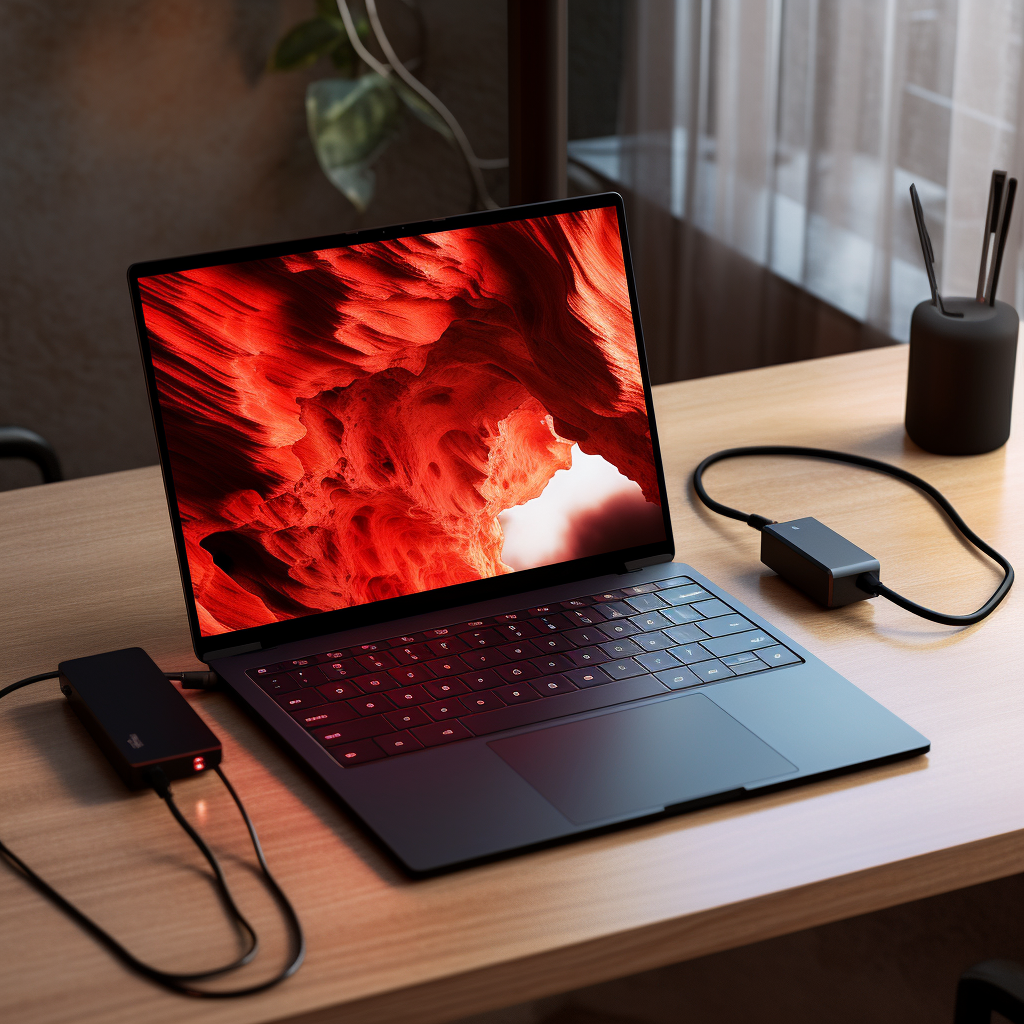
The best overall: MacBook Air with M4
The MacBook Air with M4 is the best USB-C-charging laptop for many U.S. buyers. It suits school, office work, web browsing, coding, travel, photo editing, and light video work.
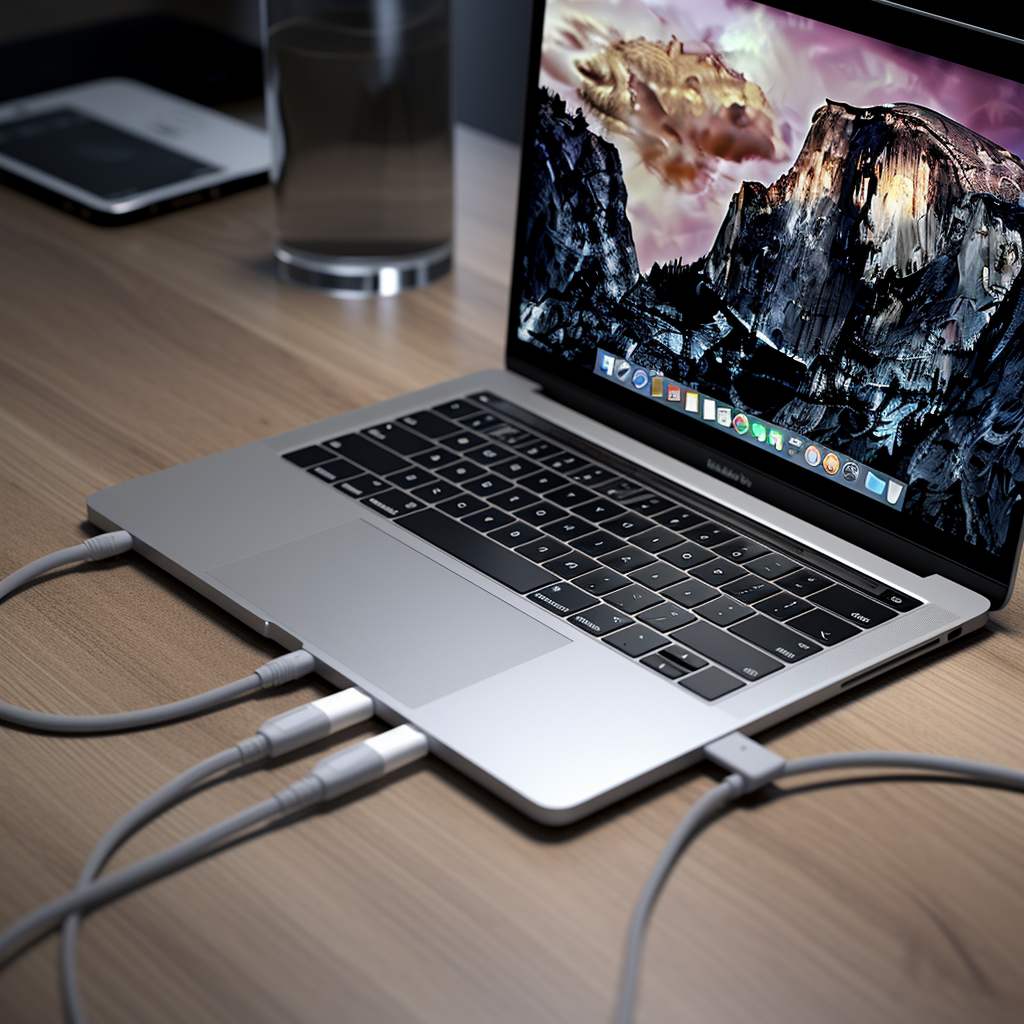
Apple lists MagSafe 3 as the main charging connection, but the MacBook Air also supports charging through its USB-C ports. That gives you useful flexibility. You can leave the MagSafe cable at home and charge with a compatible USB-C power adapter.
The main benefits are:
- Quiet, fanless design
- Long battery life under normal use
- Bright display
- Good build quality
- Two USB-C ports with modern connectivity
- Easy access to USB-C chargers and docks
- Strong performance for daily work
The main limits are just as clear. The MacBook Air runs macOS, not Windows. Some business, engineering, and gaming software may not work natively. It also has fewer built-in ports than many Windows laptops.
Choose the 15-inch version if you want more screen space. Choose the 13-inch version if low weight and easy travel matter most.
Who should not buy the MacBook Air?
Do not choose it only because it has USB-C charging. A Windows laptop may be better if you need:
- A specific Windows-only work app
- Many built-in ports
- Easy upgrades
- Local gaming support
- A touchscreen or 360-degree hinge
- A lower purchase price
The MacBook Air is a strong general choice, but it is not the best tool for every workflow.
The best Windows option: Framework Laptop 13
The Framework Laptop 13 is one of the strongest choices for people who want a Windows laptop with USB-C charging. It supports USB-C Power Delivery and uses modular expansion cards. You can choose where to place USB-C, USB-A, HDMI, DisplayPort, microSD, or other ports.
That design solves a common laptop problem. Many thin computers remove ports and force you to buy several adapters. The Framework Laptop 13 lets you add the ports you use most.
It also has a repair-friendly design. Key parts, such as the battery, storage, memory, display, and mainboard, are designed to be more accessible than those in many thin laptops. Parts and configuration options can change, so check Framework’s current U.S. store before buying.
The main benefits are:
- Windows compatibility
- USB-C Power Delivery
- Replaceable and configurable ports
- More repair access than most thin laptops
- Upgrade options on selected configurations
- Good fit for technical users
The main drawbacks include a higher price on some configurations and less polish than a sealed premium laptop. Battery life and performance vary by processor and screen choice.
Choose it if you want a laptop that can change with your needs. It is especially useful for students, developers, and people who dislike disposable hardware.
The best business laptop: Lenovo ThinkPad X1 Carbon
The Lenovo ThinkPad X1 Carbon is a strong choice for business users who want USB-C charging, a light design, and a reliable keyboard. Current generations use USB-C ports for charging, but exact port features vary by model.
The ThinkPad line is known for its keyboard, pointing stick, business security options, and broad configuration range. Some models include two USB-C ports with Thunderbolt support. Others may have different port layouts, so verify the exact generation.
It is a good fit for:
- Office work
- Frequent travel
- Remote work
- Enterprise software
- Long typing sessions
- Docking at a desk
Its main weakness is price. A ThinkPad X1 Carbon may cost more than a consumer laptop with similar processor specifications. It can still be worth the difference if the keyboard, support options, and business features matter to you.
For a lower price, consider a ThinkPad T-series or E-series model. Confirm that the exact configuration supports USB-C charging before ordering.
The best budget choice: Chromebook Plus
A Chromebook Plus laptop can be the best low-cost option for school, web work, email, and Google Workspace. Many current Chromebook Plus models support charging through USB-C, but the exact ports and charger wattage vary.
Chromebooks run ChromeOS. They work well with web apps and Android apps supported by the device. They are less suitable for full desktop software such as some versions of Adobe Creative Cloud, advanced CAD tools, or specialized Windows programs.
Look for these features:
- USB-C charging support
- At least 8 GB of RAM
- At least 128 GB of storage
- A 1080p or better display
- Automatic update support for many years
- A charger rated for the laptop
A low price does not make every Chromebook a good deal. Very low-cost models may have dim screens, small storage, or short support periods. Check the model number, not just the Chromebook brand.

Can a gaming laptop charge through USB-C?
Some gaming laptops can charge through USB-C, but USB-C may not replace the main power adapter. This is one of the most common areas of confusion.
A gaming laptop may accept USB-C power for:
- Web browsing
- Office work
- Video playback
- Sleep or standby
- Light workloads
The same laptop may need its larger adapter for:
- Gaming
- 3D rendering
- Heavy video editing
- Maximum graphics performance
- Fast battery charging during use
A USB-C charger can provide less power than the laptop needs. The laptop may run slowly, stop charging, or drain the battery while under load.
If gaming is your main use, check three details:
- The USB-C port supports input charging, not output only.
- The manufacturer lists the required USB PD wattage.
- The laptop can maintain performance without its proprietary charger.
For many gaming laptops, USB-C is best treated as a travel or backup charging method.
How much wattage does a laptop need?
The correct charger wattage depends on the laptop. More wattage is not automatically dangerous when the charger follows USB Power Delivery standards. The laptop requests the power it can use.
Use this as a rough guide:
| Laptop type | Common charger range |
|---|---|
| Small Chromebook | 30–45 W |
| Ultralight laptop | 45–65 W |
| Mainstream Windows laptop | 65–100 W |
| Larger workstation | 100 W or more |
| Gaming laptop | Often above 100 W, sometimes through a separate adapter |
These are general ranges, not universal rules. The laptop’s manual has priority.
A 100-watt USB-C charger may work with a laptop that came with a 65-watt charger. It will not make that laptop charge twice as fast. The laptop controls the charging rate.
A simple power example
Suppose a laptop uses 45 watts while working and the charger provides 65 watts. In simple terms, about 20 watts remain for battery charging and power loss. Actual results vary because charging speed changes as the battery fills.
A charger with too little power may still work at light loads. It may fail to keep the battery full during heavier work.

What should you check before buying?
Check the exact laptop configuration, not only the product family. Manufacturers often sell several models under one name.
Before buying, confirm:
- USB-C supports charging input
- The included charger uses USB-C, if that matters to you
- The charger wattage
- The number of USB-C ports
- USB-C data speed
- External monitor support
- Thunderbolt or USB4 support
- Operating system compatibility
- Battery replacement options
- Warranty terms in the United States
Also check whether the laptop charges through every USB-C port or only one. Some models include several USB-C ports but limit charging to a specific side.
A dock can expand your setup, but the dock must also support enough power. Some docks provide data and video but pass through only limited power.

USB-C charger and cable mistakes to avoid
A USB-C cable can look right and still be unsuitable for a laptop. Some cables support only low power or basic USB data.
For a laptop charger, use:
- A reputable USB-C Power Delivery charger
- The wattage listed by the laptop maker
- A cable rated for the charger’s power
- A grounded outlet and undamaged cable
- A charger from a known brand
Avoid damaged cables, loose plugs, and very cheap unbranded chargers. Stop using a charger if it becomes unusually hot, smells burnt, sparks, or shows physical damage.
Do not confuse USB-C with USB-A. A USB-A-to-USB-C cable may charge a small device, but it usually cannot provide the power needed by a laptop.

MacBook Air vs. Framework Laptop 13
The choice is simple for many buyers:
| Question | Choose MacBook Air | Choose Framework Laptop 13 |
|---|---|---|
| Do you prefer macOS? | Yes | No |
| Do you need Windows apps? | No | Yes |
| Do you want a quiet laptop? | Strong fit | Depends on configuration |
| Do you want replaceable parts? | Limited | Better fit |
| Do you want flexible physical ports? | Needs adapters or a dock | Strong fit |
| Do you play many PC games? | Usually not ideal | Better Windows support, but not a gaming laptop |
| Do you want the simplest setup? | Strong fit | More configuration choices |
The MacBook Air is usually the easier recommendation. The Framework Laptop 13 offers more control and repair access.
Neither laptop is automatically best for every buyer. Your software needs should decide the operating system first. USB-C charging comes second.

Common mistakes when choosing a USB-C laptop
The biggest mistake is buying based on the port shape alone. A USB-C port may not support charging, video, or high-speed data.
Other common mistakes include:
- Assuming every USB-C charger works at full speed
- Ignoring charger wattage
- Buying a cable that cannot handle the required power
- Expecting a gaming laptop to run at full speed from USB-C
- Forgetting that a dock also has power limits
- Treating battery claims as guaranteed results
- Buying a model without checking U.S. warranty coverage
- Confusing a laptop’s maximum USB-C output with USB-C charging input
Battery life also depends on screen brightness, apps, wireless use, processor load, and battery age. Manufacturer battery figures are useful for comparison, but they are not a promise of your personal result.
Frequently asked questions
Can I charge a laptop with a phone charger?
Sometimes, but only if the phone charger provides enough USB Power Delivery wattage. Most phone chargers are too weak for a full-size laptop. A low-power charger may charge the laptop slowly when it is asleep, but not while you use it.
Is USB-C charging better than a barrel charger?
USB-C charging is often more convenient because one charger can power a laptop, phone, tablet, and accessories. A barrel charger can still provide more power for some gaming and workstation laptops. The better option depends on the laptop and your travel needs.
Can I use a 100W USB-C charger with a 65W laptop?
Usually, yes, if the charger supports the correct USB Power Delivery standards and uses a suitable cable. The laptop negotiates the power level. A 100W charger does not force 100 watts into the laptop.
Does USB-C charging reduce battery life?
USB-C itself does not automatically damage a battery. Heat, charge cycles, high temperatures, and long periods at full charge affect battery aging. Use the manufacturer’s battery health settings when available.
Can I charge a laptop through a USB-C monitor?
Some USB-C monitors send power to a connected laptop. This feature is called USB-C Power Delivery or power pass-through. Check the monitor’s output wattage. A monitor that provides 65 watts may not be enough for a laptop that needs 100 watts.
Final recommendation
The MacBook Air with M4 is the best overall laptop with USB-C charging for most people in the United States. It combines strong daily performance, low noise, good battery life, and flexible charging.
Choose the Framework Laptop 13 if you want Windows, repairable parts, and configurable ports. Choose a ThinkPad X1 Carbon for business travel and typing. Choose a Chromebook Plus for simple web-based school or office work.
Before you buy, verify the exact model’s USB-C charging support, required wattage, port functions, and U.S. warranty. The safest choice is not the laptop with the most USB-C ports. It is the one whose ports, charger, software, and power needs match your daily work.

Everett Ashford is a tech reviewer at mytechgrid.com specializing in SSDs, cameras, TVs, earbuds, headphones, and other consumer electronics. He provides honest, data-driven reviews based on hands-on testing and real-world performance analysis. Everett simplifies complex tech details to help readers make smart, confident buying decisions.