For most people, the best PC laptop is a reliable Windows ultrabook with long battery life and a sharp display.
Choosing what is the best PC laptop depends on how you work, study, create, travel, and play. After comparing processor speed, battery life, screens, keyboards, ports, repair options, and long-term value, I find that the best choice for most buyers is a well-built Windows laptop in the 14-inch class. This guide explains which models stand out, what features matter, and how to avoid paying for power you will never use.
What Is the Best PC Laptop for Most People?
The best PC laptop for most people is a premium or upper-midrange Windows laptop with a 14-inch display, 16GB of RAM, a 512GB SSD, and a modern Intel Core Ultra, AMD Ryzen, or Snapdragon X processor.
For a typical user, the Lenovo Yoga 7i, HP OmniBook, Dell XPS 13, Microsoft Surface Laptop, and ASUS Zenbook lines are strong choices. The right model depends on your budget and needs, but these families offer a good balance of speed, comfort, battery life, and build quality.
A good everyday laptop should handle tasks such as:
• Web browsing with many open tabs
• Microsoft Office and Google Workspace
• Video calls and online classes
• Photo editing and light video work
• Streaming movies and music
• File storage and cloud apps
• Casual gaming
In my experience, buyers often focus too much on processor names. A fast chip cannot fix a poor keyboard, dim screen, weak battery, or noisy fan. A laptop is like a small office you carry everywhere, so comfort and reliability matter as much as benchmark speed.

The Best PC Laptop Categories
There is no single winner for every person. The best PC laptop for a college student may not be the best option for a video editor or a gamer.
Best Overall PC Laptop
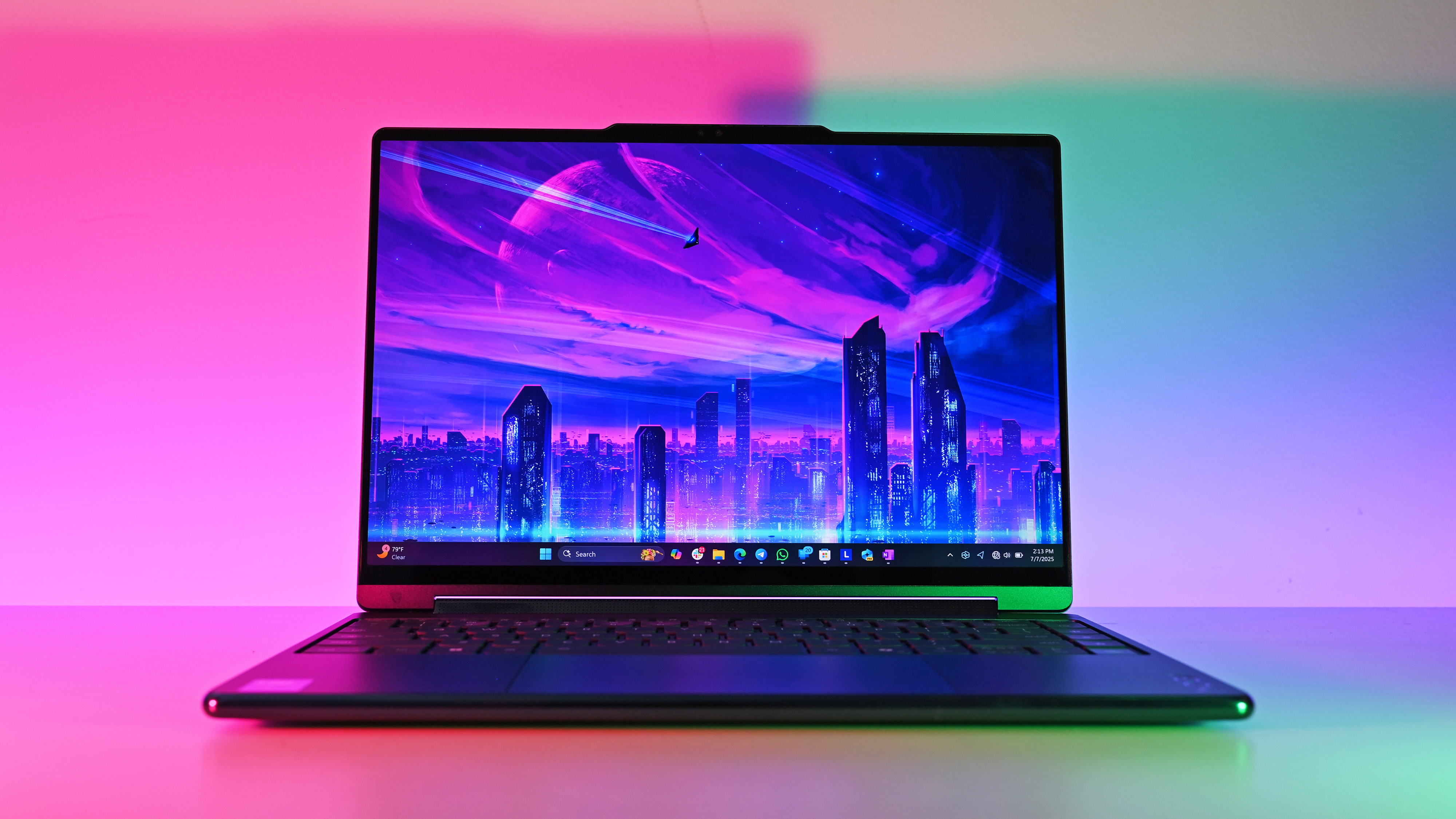
A Lenovo Yoga 7i, HP OmniBook Ultra Flip, or similar 14-inch convertible is a strong all-around choice. These laptops usually offer a bright touch display, solid battery life, a comfortable keyboard, and enough power for work and study.
A 2-in-1 design can fold into tablet mode for reading or note-taking. It may cost more than a standard clamshell laptop, but the extra flexibility is useful for many people.
Best PC Laptop for Students
The best PC laptop for students should be light, durable, and easy to charge. The Acer Aspire Go, Lenovo IdeaPad Slim, and ASUS VivoBook ranges often provide good value.
Look for:
• At least 16GB of RAM if your budget allows
• A 512GB solid-state drive
• A 14-inch screen for easy travel
• A comfortable keyboard
• A battery rating that supports a full school day
Students should avoid buying a very cheap laptop with only 4GB of RAM and 128GB of storage. It may feel slow within a year, especially after installing updates and school software.
Best PC Laptop for Business
The Lenovo ThinkPad T14, HP EliteBook, and Dell Latitude families are excellent business choices. They tend to offer strong keyboards, useful ports, sturdy frames, and business support options.
The ThinkPad line is especially known for its excellent keyboard and TrackPoint pointing device. Many business laptops also include security features such as fingerprint readers, infrared cameras, and hardware-based protection.
Best PC Laptop for Gaming
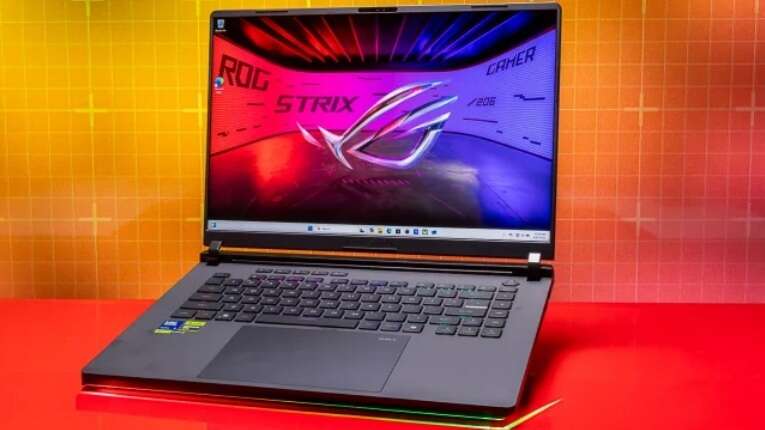
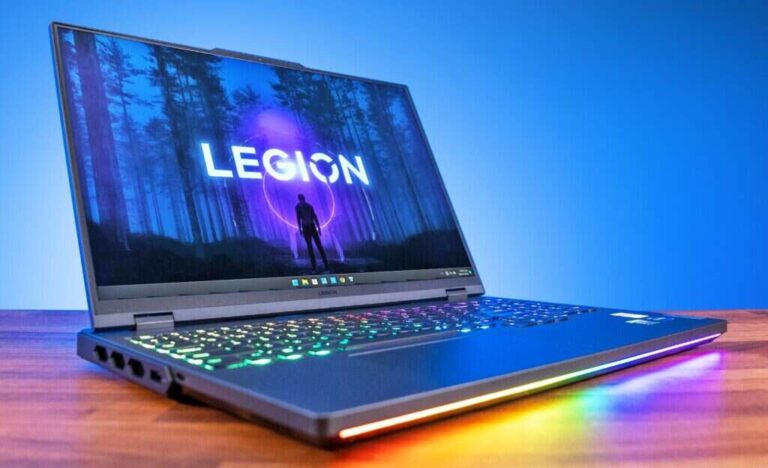
The ASUS ROG Zephyrus G14, Lenovo Legion Slim, and Razer Blade 14 are among the strongest compact gaming laptop families. They combine dedicated graphics with portable designs.
For gaming, the graphics processor matters more than the central processor in many titles. Look for an NVIDIA GeForce RTX or AMD Radeon dedicated GPU, a high-refresh-rate display, and strong cooling.
Gaming laptops have limits. They are often heavier, louder, and less efficient on battery than regular ultrabooks. Think of them as sports cars: very fast, but not always the easiest choice for a long commute.
Best PC Laptop for Creators
Video editors, photographers, designers, and music producers need a bright, accurate display and a strong processor. The Dell XPS 16, Lenovo Yoga Pro, ASUS ProArt, and HP ZBook lines are worth considering.
Creative work often benefits from:
• 32GB of RAM
• A powerful Intel, AMD, or Apple-style ARM processor for Windows
• A dedicated graphics processor
• At least 1TB of SSD storage
• A display with strong color coverage
If you edit 4K video or use large 3D files, do not choose a laptop based only on its thin design. Sustained workloads create heat, and a thicker laptop may maintain its speed better.
Best Repairable PC Laptop
The Framework Laptop 13 is one of the most appealing choices for buyers who value repair and upgrades. Its modular design makes it easier to replace parts such as the battery, keyboard, storage, and memory.
Repairability can extend a laptop’s useful life and reduce electronic waste. However, a repairable laptop may not have the lowest price or the thinnest body. It is best for people who value ownership and long-term maintenance.
How to Choose the Best PC Laptop
The best PC laptop should match your real workload. Start with your daily tasks, then choose specifications that support them.
1. Choose the Right Operating System
Most PC laptops use Windows 11. It supports a large range of apps, games, accessories, and business tools.
Windows on ARM laptops, such as models with Snapdragon X processors, can deliver excellent battery life and quiet operation. App support has improved, but some older programs, drivers, games, and business tools may still work better on Intel or AMD systems.
Before buying an ARM laptop, check the apps you use most. This is especially important if you rely on specialist software, older printers, virtual machines, or competitive games.
2. Pick a Suitable Processor
The processor controls how quickly the laptop handles tasks. Current processor families include Intel Core Ultra, AMD Ryzen, and Snapdragon X.
For basic work, a modern midrange processor is enough. You do not need the most expensive chip to browse the web, write documents, or watch videos.
Use this simple guide:
• Basic work: Intel Core Ultra 5, AMD Ryzen 5, or Snapdragon X Plus
• Heavy office work: Intel Core Ultra 7 or AMD Ryzen 7
• Photo and video editing: High-end Ryzen 7, Core Ultra 7, or a workstation chip
• Gaming: A strong processor paired with a dedicated graphics card
• Professional 3D work: A high-end processor with a powerful dedicated GPU
Processor labels can be confusing because performance varies by power limits and cooling. A well-cooled midrange chip can feel faster than a high-end chip inside an extremely thin laptop.
3. Get Enough RAM
RAM helps your laptop manage apps and browser tabs at the same time. It is different from storage, which holds your files.
I recommend:
• 8GB for very light use and tight budgets
• 16GB for most people
• 32GB for creative work, programming, and heavy multitasking
• 64GB for advanced professional workloads
For a new laptop, 16GB is the sensible starting point. Many modern laptops do not let you upgrade the RAM later, so buying enough memory at the start can prevent frustration.
4. Choose an SSD
A solid-state drive makes Windows start quickly and helps apps open with less delay. It has no moving parts, so it is quieter and more resistant to bumps than an older hard drive.
A 512GB SSD is a good minimum for most buyers. A 1TB SSD is better if you store photos, games, videos, or large projects locally.
Cloud storage is useful, but it should not be your only backup. A damaged account, lost password, or sync mistake can still cause problems.
5. Consider Screen Size and Quality
A 13-inch laptop is easy to carry. A 14-inch laptop often provides the best balance. A 16-inch model gives you more space for spreadsheets, editing timelines, and multitasking.
Pay attention to more than resolution. Important display features include:
• Brightness for use near windows or outdoors
• Color accuracy for creative work
• A 16:10 aspect ratio for more vertical space
• A refresh rate of 90Hz or higher for smoother motion
• OLED contrast for deep blacks and rich video
OLED screens look impressive, but they can use more power and may cost more. They can also have a small risk of image retention over long periods, although modern protections help reduce that risk.
6. Check the Keyboard and Touchpad
You will touch the keyboard more than any other part of the laptop. A poor keyboard can make a fast computer feel unpleasant.
Look for clear key labels, good key travel, and a firm deck. A large glass touchpad usually feels more precise than a small plastic one.
This is one area where online specifications do not tell the whole story. If possible, test the laptop in a store. Type a short paragraph, open several windows, and use the touchpad for a few minutes.
7. Review Ports and Wireless Features
Thin laptops often remove useful ports. Before you buy, check whether the laptop includes what you need.
Common ports include:
• USB-C for charging and accessories
• USB-A for older devices
• HDMI for an external monitor
• A headphone jack
• A microSD or full-size SD card reader
Thunderbolt 4 or USB4 can support fast storage, displays, and docking stations. Wi-Fi 6E or Wi-Fi 7 can improve wireless performance, but your router must support the same standard.
8. Examine Battery Claims Carefully
Manufacturers often measure battery life under controlled conditions. Real use varies with screen brightness, browser tabs, video calls, software, and wireless strength.
In my buying tests and day-to-day laptop comparisons, battery life usually drops during video meetings because the camera, microphone, processor, and wireless connection work at once. A laptop that lasts 15 hours in a light web test may last much less during a busy workday.
For better results, choose a model with:
• A modern efficient processor
• A battery of about 50 watt-hours or more
• A bright but efficient display
• USB-C fast charging
• Good sleep and standby behavior

Recommended Specifications by User Type
The best PC laptop specifications depend on your workload. Use this table as a practical starting point.
| User type | Processor | Memory | Storage | Graphics |
|---|---|---|---|---|
| Basic home use | Core Ultra 5, Ryzen 5, or Snapdragon X Plus | 8GB to 16GB | 256GB to 512GB SSD | Integrated |
| Student | Core Ultra 5 or Ryzen 5 | 16GB | 512GB SSD | Integrated |
| Business user | Core Ultra 5 or Ryzen 5 | 16GB | 512GB SSD | Integrated |
| Programmer | Core Ultra 7 or Ryzen 7 | 16GB to 32GB | 1TB SSD | Integrated or dedicated |
| Photo editor | Core Ultra 7 or Ryzen 7 | 16GB to 32GB | 1TB SSD | Integrated or dedicated |
| Video editor | Core Ultra 7, Ryzen 7, or better | 32GB | 1TB or 2TB SSD | Dedicated GPU |
| Gamer | Core Ultra 7 or Ryzen 7 | 16GB to 32GB | 1TB SSD | GeForce RTX or Radeon |
These figures are guidelines, not strict rules. A good laptop with 16GB of RAM may be a better buy than a poorly designed laptop with 32GB.

Best PC Laptop Brands to Consider
Brand reputation matters, but it should not decide your purchase alone. Each company has strengths and weak points across different product lines.
Lenovo
Lenovo offers reliable business laptops, flexible Yoga convertibles, affordable IdeaPad models, and powerful Legion gaming laptops. ThinkPad keyboards remain a favorite among people who type for hours.
HP
HP makes stylish consumer laptops and strong business models. Its Spectre and OmniBook families often focus on design, while EliteBook systems target professional users.
Dell
Dell’s XPS line is known for premium designs, while Latitude systems focus on business use. Dell also sells gaming laptops through Alienware and other performance lines.
ASUS
ASUS offers a broad range of laptops, from affordable VivoBook models to gaming ROG systems and creator-focused ProArt machines. Its Zenbook line often balances portability and performance well.
Acer
Acer is popular for affordable laptops and gaming systems. Its lower-cost models can provide good value, but buyers should check the screen, keyboard, and upgrade options carefully.
Microsoft
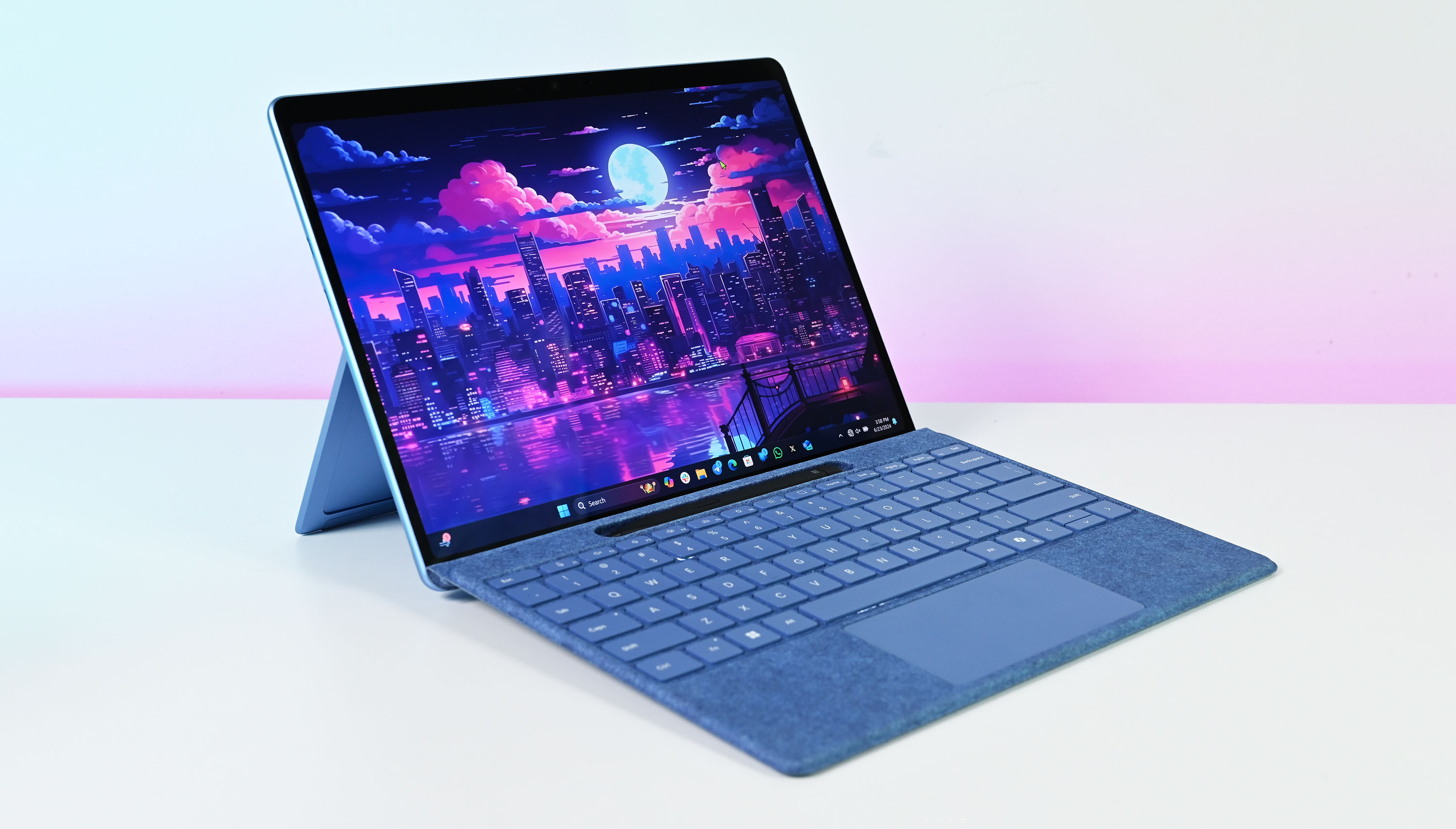
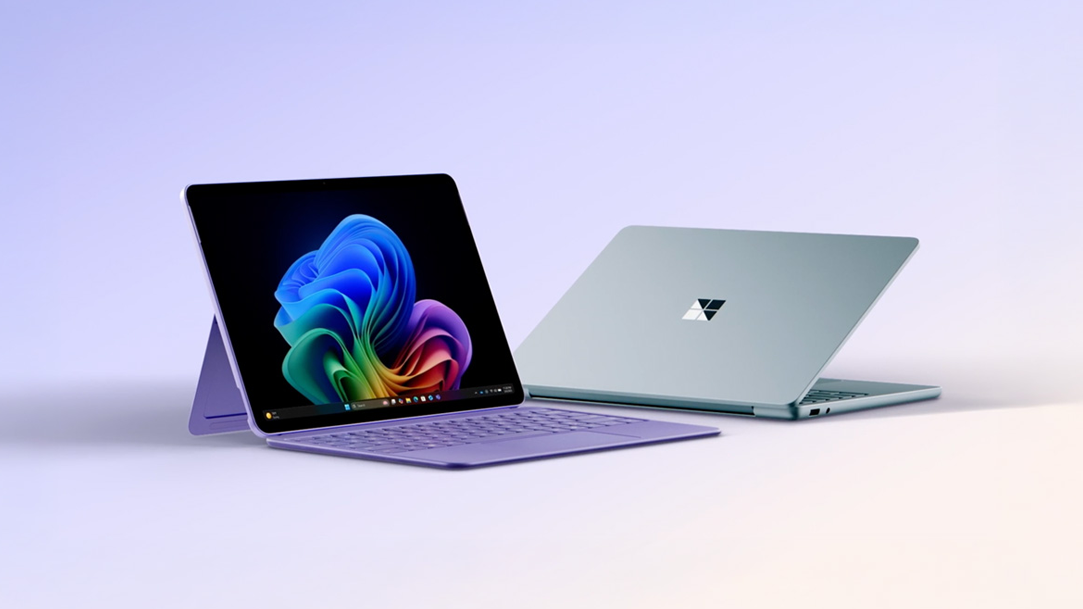
Surface Laptop models offer clean designs, excellent touchpads, and a simple Windows experience. Surface devices often have limited upgrade options, so choose memory and storage carefully.
Framework
Framework focuses on repairability and modular upgrades. It is a strong choice for people who want to keep a laptop for many years and are comfortable replacing parts.
Common Mistakes to Avoid
Even experienced buyers can choose the wrong laptop by focusing on one attractive feature.
Buying More Power Than You Need
A high-end processor may sound impressive, but it can add cost, heat, and fan noise. If your main work is email and documents, spend more on comfort, battery life, and a better display instead.
Choosing 8GB of RAM to Save Money
Eight gigabytes may be enough for light use today, but modern browsers and productivity apps can consume memory quickly. If the RAM is not upgradeable, 16GB is the safer choice.
Ignoring the Display
A dull screen can make every task harder. Check brightness, resolution, viewing angles, color quality, and reflections before you buy.
Trusting Battery Numbers Without Context
Battery claims are not always comparable between brands. Look for independent tests that use similar brightness and workloads.
Forgetting Weight and Charger Size
A laptop may weigh only three pounds, but its charger can add another pound to your bag. USB-C charging can make travel easier because one compact charger may power several devices.
Buying a Gaming Laptop for Office Work
Gaming laptops are powerful, but they often have short battery life and loud fans. Choose one only if you need dedicated graphics or high gaming performance.
Overlooking the Warranty
A longer warranty can be valuable for an expensive laptop. Check repair coverage, accidental damage terms, battery coverage, and support quality before making a final choice.

How Much Should You Spend on a PC Laptop?
A basic PC laptop can cost about $400 to $600. These models are suitable for browsing, documents, streaming, and simple school tasks, but they may use weaker displays and smaller storage drives.
The $700 to $1,000 range is often the sweet spot. You can usually find a laptop with a good screen, 16GB of RAM, a 512GB SSD, and a modern processor.
Premium laptops often cost $1,000 to $2,000 or more. You are paying for better materials, stronger displays, improved speakers, lighter designs, longer support, and more powerful hardware.
Gaming and professional laptops can exceed $2,000. That price may be reasonable if the laptop replaces a desktop workstation, but it is unnecessary for basic tasks.
A useful rule is to spend money on the features you will notice daily. A better keyboard, screen, and battery can improve every hour of use. A processor upgrade may only matter during occasional heavy tasks.

How to Compare Laptop Deals
A low price does not always mean good value. Compare the full specification, not just the processor name.
Before buying, check:
• The exact processor model
• RAM capacity and whether it is upgradeable
• SSD size
• Screen brightness and resolution
• Battery capacity
• Included charger
• Port selection
• Warranty length
• Return policy
• Repair and support options
Retailers sometimes use nearly identical product names for laptops with different screens or memory. Read the full model number and configuration details.
Sales events can offer excellent value, but do not rush. Write down the normal price and compare several retailers. A discount is useful only when the product fits your needs.
.jpg)
PC Laptop Security and Privacy Features
Security matters whether you work from home, attend school, or run a business. Modern Windows laptops may include several helpful protections.
Look for:
• A fingerprint reader
• An infrared camera for facial login
• A privacy shutter
• A secure hardware module
• Firmware updates
• A strong warranty and support policy
Use Windows Hello, automatic updates, and a password manager. Back up important files to a separate drive or trusted cloud service.
No laptop is completely secure. Good habits still matter. Avoid unknown USB devices, use secure Wi-Fi, and do not reuse the same password for every account.
How I Would Choose the Best PC Laptop
When I help someone choose a laptop, I start by asking what they do on a normal Tuesday. This simple question works better than asking whether they want an Intel Core i7 or a dedicated graphics card.
If the person mainly writes, browses, attends video calls, and watches movies, I recommend a 14-inch Windows laptop with 16GB of RAM and a 512GB SSD. If they travel often, I prioritize weight, battery life, and USB-C charging. If they edit video or play demanding games, I move the budget toward cooling and graphics performance.
One lesson I have learned is that the most expensive laptop is rarely the best laptop for everyone. Another is that shoppers often regret a poor screen or cramped keyboard more than a processor that is slightly slower than expected.
Before you buy, make a short list of your five most important tasks. Then choose a laptop that handles those tasks well, rather than paying for features that sound impressive but stay unused.
Frequently Asked Questions About What Is the Best PC Laptop
What is the best PC laptop for everyday use?
The best PC laptop for everyday use is usually a 14-inch Windows model with 16GB of RAM, a 512GB SSD, and a modern midrange processor. Lenovo Yoga, HP OmniBook, Dell XPS, ASUS Zenbook, and Microsoft Surface Laptop models are strong places to start.
Is Dell or Lenovo better for a PC laptop?
Neither brand is always better because quality varies by product line. Lenovo often excels with keyboards and business laptops, while Dell offers strong premium and professional options.
Is 16GB of RAM enough for a laptop?
Yes, 16GB is enough for most work, school, browsing, streaming, and light creative tasks. Choose 32GB if you edit large videos, use virtual machines, or run demanding professional software.
Are Snapdragon Windows laptops worth buying?
Snapdragon Windows laptops can be worth buying if you want long battery life, quiet operation, and strong wireless performance. Check app compatibility first because some older programs, drivers, games, and accessories may not work perfectly.
How long should a good PC laptop last?
A good PC laptop can last four to seven years with careful use, regular updates, and battery replacement when needed. Its useful life depends on build quality, repair options, software demands, and whether the memory and storage can be upgraded.
Is an OLED laptop screen better?
An OLED screen provides excellent contrast, deep blacks, and rich colors. It may use more power, cost more, and have a small image-retention risk, so an IPS display may be better for some office users.
What is the best PC laptop for gaming?
The best PC laptop for gaming is one with a dedicated GeForce RTX or Radeon graphics processor, strong cooling, a high-refresh-rate display, and at least 16GB of RAM. ASUS ROG, Lenovo Legion, and Razer Blade models are popular options.
Should I buy a 13-inch, 14-inch, or 16-inch laptop?
A 13-inch laptop is best for travel, a 14-inch model offers the best overall balance, and a 16-inch laptop provides more room for editing and multitasking. Choose based on how often you carry it and how much screen space you need.
Conclusion
The best PC laptop is not simply the model with the fastest processor or the highest price. For most people, a well-built 14-inch Windows laptop with 16GB of RAM, a 512GB SSD, a quality display, and dependable battery life offers the best balance.
Start with your daily tasks, set a realistic budget, and check the keyboard, screen, ports, warranty, and upgrade options. Compare exact configurations rather than relying on brand names or promotional claims. Once you know what you need, you can choose the best PC laptop with confidence and avoid paying for hardware that does not improve your life.
Use this guide to narrow your choices, compare current deals, and share your laptop needs or questions in the comments.

Everett Ashford is a tech reviewer at mytechgrid.com specializing in SSDs, cameras, TVs, earbuds, headphones, and other consumer electronics. He provides honest, data-driven reviews based on hands-on testing and real-world performance analysis. Everett simplifies complex tech details to help readers make smart, confident buying decisions.