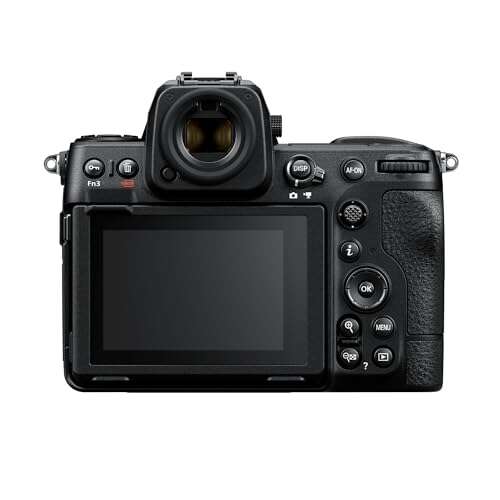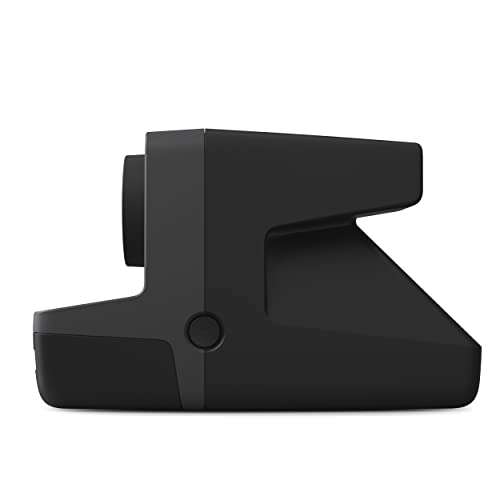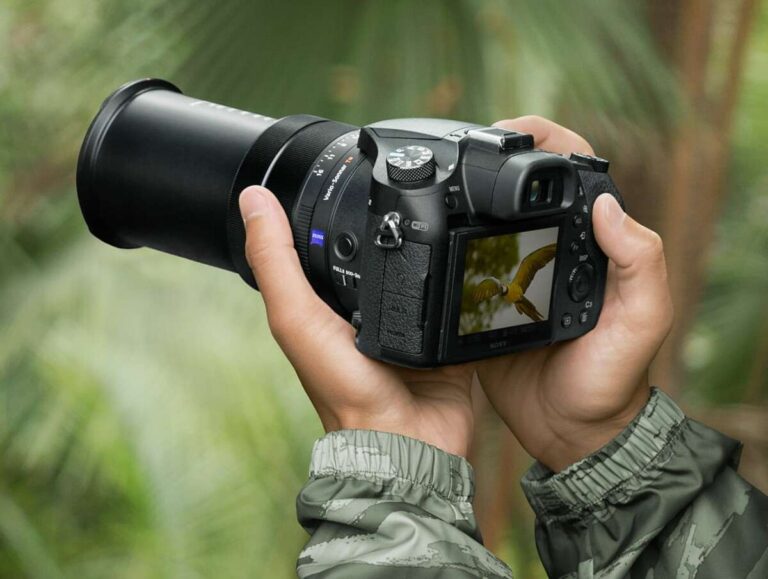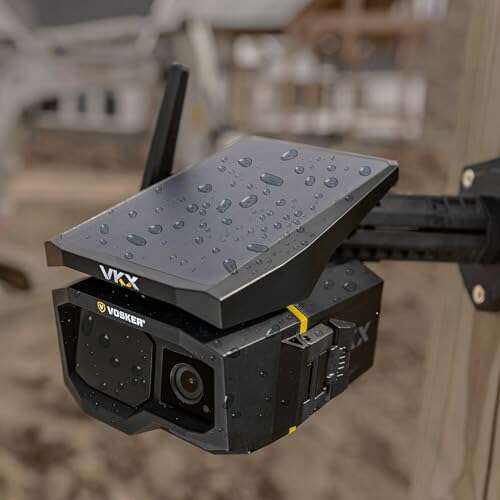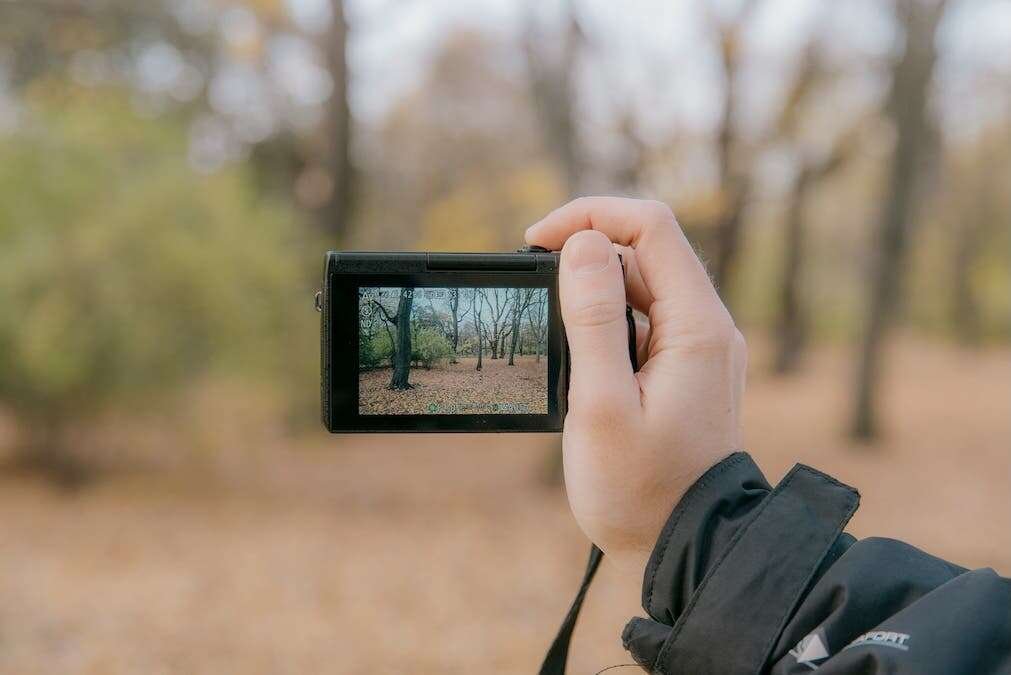
Examples of digital cameras include DSLRs, mirrorless cameras, compact cameras, action cameras, smartphones, and webcams.
If you are asking which cameras are examples of digital cameras, the answer is broader than many people expect. Any camera that captures images with an electronic sensor and saves them as digital files qualifies. This guide explains the main types, how they work, what each type does best, and how to choose the right one with confidence.
What Is a Digital Camera?
A digital camera uses an image sensor instead of photographic film. The sensor changes light into electronic data, and the camera saves that data as a photo or video file.
Most digital cameras use either a CMOS or CCD sensor. CMOS sensors are now more common because they use less power and support fast shooting, high video quality, and advanced autofocus.
Digital images are usually saved in formats such as:
• JPEG for small, ready-to-share files
• RAW for larger files with more editing data
• HEIF for efficient, high-quality images on some newer devices
• MP4 or MOV for video files
A film camera needs a roll of film and chemical processing. A digital camera uses memory cards, internal storage, or cloud-connected storage. This makes it easy to review, copy, edit, and share photos within seconds.
When people ask which cameras are examples of digital cameras, they often think only of professional cameras. In reality, a basic webcam and a smartphone camera are also digital cameras because both use electronic sensors to create digital images.

Which Cameras Are Examples of Digital Cameras?
The following camera types are common examples of digital cameras. Each one serves a different purpose, from casual snapshots to professional filmmaking.
1. Digital single-lens reflex cameras
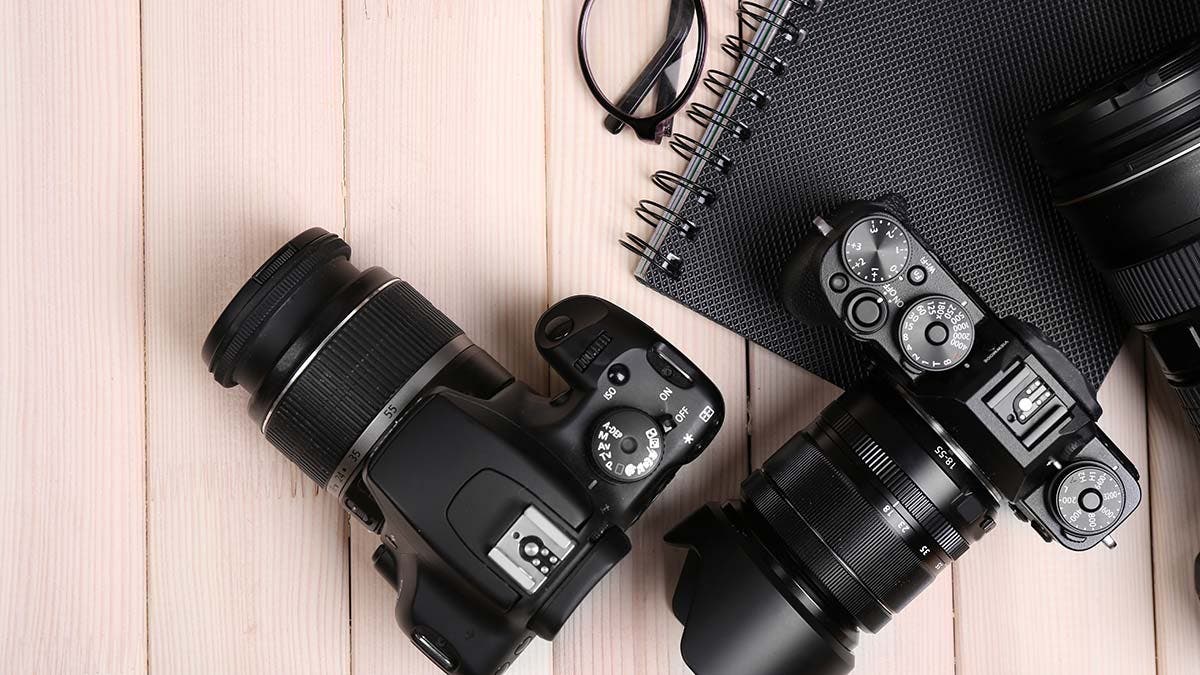
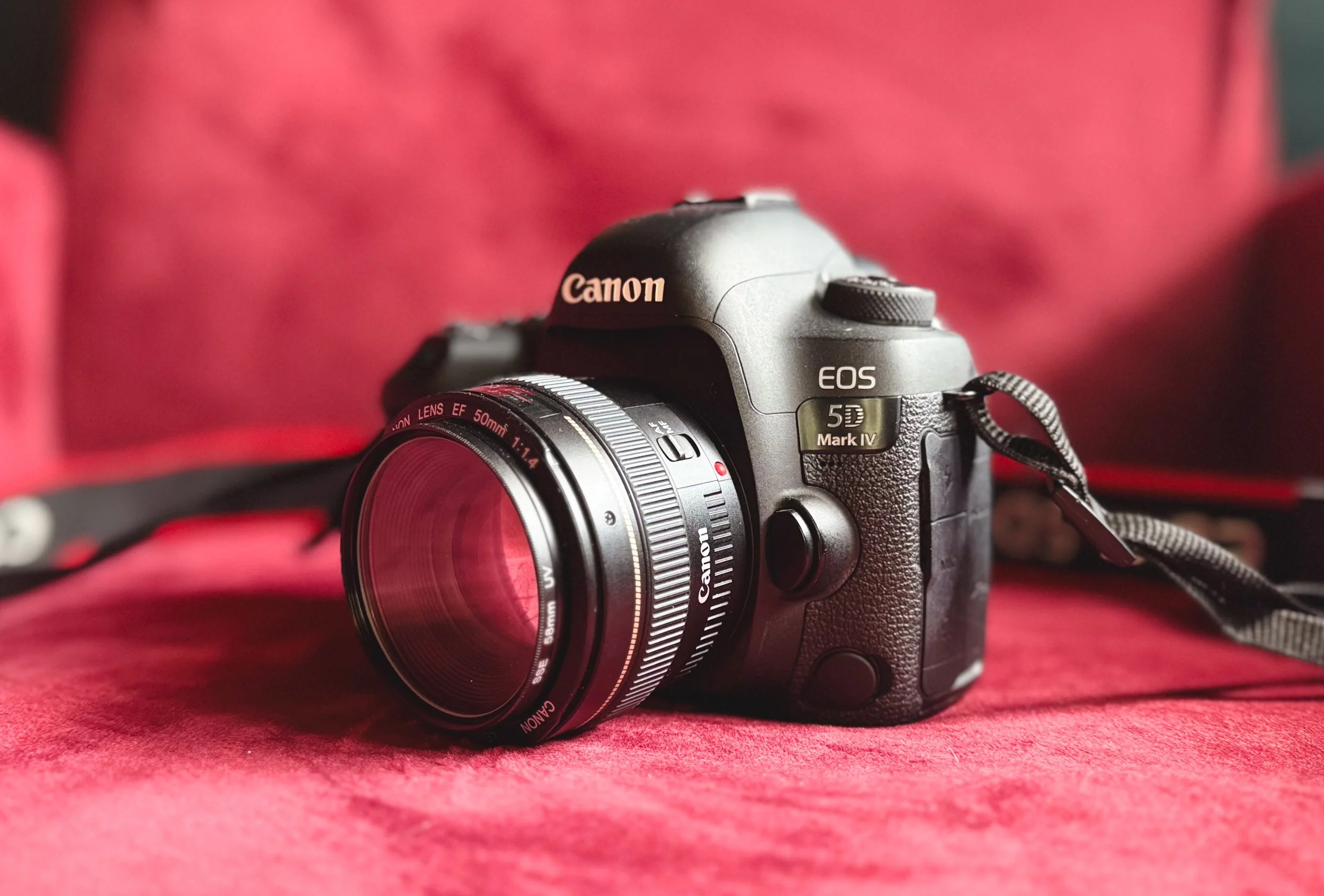
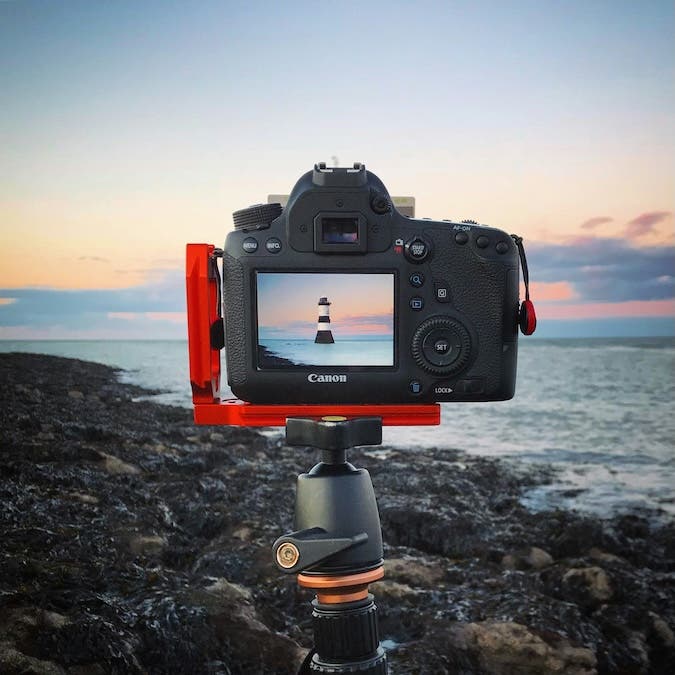
Digital single-lens reflex cameras, better known as DSLRs, use a mirror and an optical viewfinder. Light enters through the lens, reflects from the mirror, and reaches the viewfinder. When you press the shutter button, the mirror moves so light can reach the sensor.
Popular DSLR examples include:
• Canon EOS Rebel series
• Nikon D3500 and D7500
• Canon EOS 90D
• Nikon D780
• Pentax K-3 series
DSLRs are known for strong image quality, long battery life, and a wide range of interchangeable lenses. They are useful for portraits, sports, wildlife, weddings, and landscape photography.
Their main limitation is size. A DSLR body and lens can feel heavy during travel. Many newer buyers also prefer mirrorless cameras because they offer similar or better features in a smaller body.
2. Mirrorless cameras
Mirrorless cameras do not use the large internal mirror found in DSLRs. Light travels directly from the lens to the image sensor. You view the scene through an electronic viewfinder or the rear screen.
Examples include:
• Sony Alpha a6400 and a7 IV
• Canon EOS R50 and EOS R6 Mark II
• Nikon Z50 and Z6 III
• Fujifilm X-T5 and X100VI
• Panasonic Lumix GH6 and S5 II
Mirrorless cameras are some of the most flexible digital cameras available today. They often provide fast autofocus, quiet shooting, high-resolution video, and real-time exposure previews.
A lesson I have learned from comparing camera systems is that the body is only one part of the decision. The lens range, battery system, controls, and total kit weight often matter more than a small difference in sensor resolution.
3. Compact digital cameras
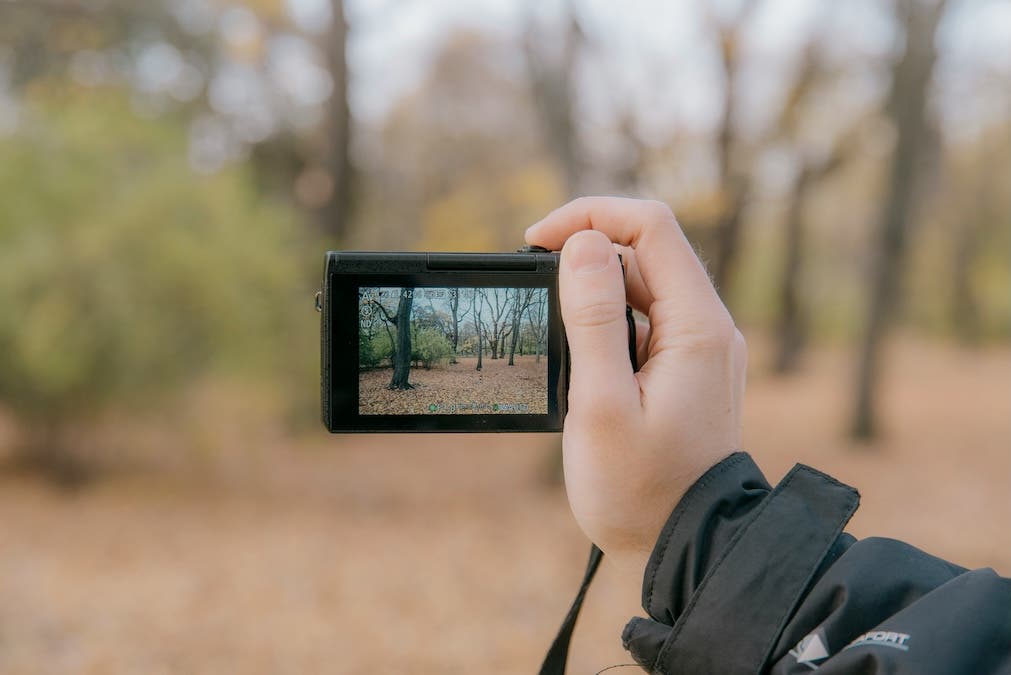
Compact digital cameras are small, simple, and easy to carry. They normally have a fixed lens, which means you cannot remove it or replace it with another lens.
Examples include:
• Canon PowerShot cameras
• Sony Cyber-shot cameras
• Panasonic Lumix ZS series
• Ricoh GR series
• Fujifilm FinePix models
Compact cameras vary widely. Basic models are designed for simple family photos. Advanced compacts may include large sensors, bright lenses, manual controls, and high-quality video.
The Ricoh GR series, for example, is popular with street photographers because it combines a small body with a strong lens and large sensor. Travel zoom cameras can cover wide scenes and distant subjects without requiring multiple lenses.
4. Bridge cameras
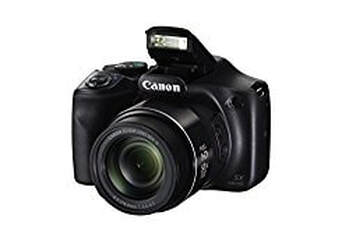
Bridge cameras sit between compact cameras and interchangeable-lens cameras. They usually have a fixed lens with a very long zoom range.
Examples include:
• Nikon COOLPIX P950
• Sony Cyber-shot RX10 IV
• Panasonic Lumix FZ80
• Canon PowerShot SX70 HS
A bridge camera can be useful for wildlife, travel, sports, and outdoor events. One camera may cover wide-angle scenes and distant subjects.
The trade-off is that the small sensor in many bridge cameras may produce more noise in low light. A long zoom also needs steady hands or image stabilization. In bright daylight, however, a bridge camera can be remarkably practical.
5. Action cameras
Action cameras are compact digital cameras built for movement and difficult conditions. Many models include waterproof housing, strong stabilization, wide-angle lenses, and rugged bodies.
Examples include:
• GoPro HERO models
• DJI Osmo Action cameras
• Insta360 Ace cameras
• Akaso Brave cameras
Action cameras are popular for cycling, skiing, surfing, hiking, travel, and family adventures. They can be mounted on helmets, cars, bikes, and tripods.
Their wide lenses capture a large view but may create a curved look around the edges. Small sensors can also struggle at night. Still, modern action cameras produce excellent daylight video and are among the easiest digital cameras to use on the move.
6. Smartphone cameras
A smartphone camera is a digital camera built into a mobile phone. It uses one or more electronic sensors and stores photos as digital files.
Examples include cameras in:
• Apple iPhone models
• Samsung Galaxy phones
• Google Pixel phones
• OnePlus phones
• Sony Xperia phones
Modern smartphones often use computational photography. The phone combines several frames, adjusts exposure, reduces noise, and improves color through software.
This explains why a small phone camera can create a good image in difficult light. The physical sensor may be smaller than a camera sensor, but software helps close the gap.
Smartphones are excellent for daily photos, social media, travel, documents, and quick videos. Dedicated cameras still tend to offer better control, longer lenses, stronger low-light performance, and higher-quality files for serious editing.
7. Instant digital cameras
Instant digital cameras combine electronic image capture with instant printing. They usually save a digital copy while also producing a physical print.
Examples include:
• Fujifilm Instax digital hybrid cameras
• Polaroid digital instant models
• Kodak Mini Shot cameras
These cameras are popular at parties, weddings, trips, and family events. They create a physical memory that people can hold, sign, or place in a scrapbook.
The print may not match the detail of a full-size digital photo. The appeal is the experience, not just technical image quality.
8. Digital cinema cameras
Digital cinema cameras are designed for professional video production. They often support high bit-depth recording, wide dynamic range, professional audio, large sensors, and advanced color workflows.
Examples include:
• ARRI ALEXA cameras
• Blackmagic URSA Cine and Pocket Cinema Camera models
• RED V-RAPTOR cameras
• Canon Cinema EOS cameras
• Sony BURANO and FX series cameras
These cameras are used for films, television, commercials, documentaries, and high-end online video. They may use formats such as RAW or Apple ProRes to preserve more information for editing and color grading.
Cinema cameras can be expensive and complex. They may also need external batteries, monitors, microphones, storage, and stabilization equipment. They are powerful tools, but they are not always the best choice for casual photography.
9. Webcam and conference cameras
A webcam is also a digital camera. It captures video through an electronic sensor and sends the image to a computer, tablet, or network.
Examples include:
• Logitech Brio cameras
• Razer Kiyo cameras
• Elgato Facecam models
• Built-in laptop webcams
• USB conference cameras
Webcams are used for video calls, online teaching, streaming, telemedicine, and remote work. Many include microphones and automatic exposure controls.
Their image quality is usually lower than that of a dedicated camera. However, good lighting can improve a webcam image more than buying a costly upgrade. A small light placed in front of the user often makes a major difference.
10. 360-degree cameras
A 360-degree camera uses two or more lenses to capture a view in every direction. Software then joins the images into a spherical photo or video.
Examples include:
• Insta360 X series
• Ricoh Theta cameras
• GoPro MAX
These cameras are useful for virtual tours, travel, real estate, adventure sports, and creative video. You can change the viewing direction after recording, which makes them different from standard cameras.
The editing process may take more time. Image quality can also vary across the frame, especially in low light.
11. Drone cameras
Many camera drones carry built-in digital cameras. The camera uses an electronic sensor and sends photos or video to the drone controller or a mobile device.
Examples include:
• DJI Mini series
• DJI Air series
• Autel EVO drones
• Skydio camera drones
Drone cameras are useful for aerial photography, mapping, inspections, real estate, and filmmaking. They can create views that are impossible to capture from the ground.
Drone use also involves safety rules, privacy concerns, weather limits, and local aviation laws. Always check the rules in your area before flying.
How Do Digital Cameras Work?
A digital camera follows a simple process:
- Light enters through the lens.
- The lens focuses that light on the image sensor.
- The sensor turns light into electrical signals.
- The camera processor analyzes the signals.
- The camera saves the image to a memory card or internal storage.
The sensor contains millions of tiny light-sensitive points called photosites. These collect light and help form the image. More photosites do not always mean better quality because sensor size, lens quality, processing, and lighting also matter.
Three settings control much of the photographic result:
• Aperture controls how much light enters through the lens.
• Shutter speed controls how long the sensor collects light.
• ISO controls how strongly the camera responds to light.
These settings work like the three sides of a bucket. Change one, and you may need to adjust another. A fast shutter can freeze a runner, but it may require a wider aperture or higher ISO.
Autofocus systems also vary. Some cameras detect contrast, while newer models can recognize faces, eyes, animals, vehicles, and aircraft. These features can save time, but they do not replace careful composition.
Digital Camera Benefits
Digital cameras have changed photography because they make image capture fast and flexible.
Key benefits include:
• Instant review on a screen
• Large storage on memory cards
• Easy copying and backup
• Simple editing on phones or computers
• No film developing cost
• Fast sharing through apps and websites
• High-quality video recording
• Manual control for advanced users
Digital photography also makes learning easier. You can test a setting, review the result, and try again. That instant feedback is like having a small teacher inside the camera.
Digital cameras also support accessibility. People can enlarge menus, use automatic modes, record voice notes, and share images without a darkroom or specialist lab.
Limitations of Digital Cameras
Digital cameras are useful, but they are not perfect. Understanding their limits helps you choose wisely.
Common limitations include:
• Batteries need regular charging.
• Memory cards can fail or become corrupted.
• Electronic devices can suffer damage from water, heat, or impact.
• Advanced cameras may have complex menus.
• Large files require storage and backup space.
• New lenses and accessories can be costly.
• Small sensors may show noise in dim light.
A common mistake is to buy a camera with more features than you need. A professional body will not automatically create better photos. Light, timing, lens choice, and practice often have a greater effect.
Another mistake is ignoring file backups. Keep important photos in at least two places. For valuable work, use a camera card, computer storage, and a separate cloud or external drive backup.
Digital Camera Types Compared
The best camera depends on your goals, budget, and willingness to carry equipment.
| Camera type | Best for | Main strength | Main limitation |
|---|---|---|---|
| Smartphone | Daily photos and sharing | Always available | Small sensor and limited controls |
| Compact camera | Travel and casual use | Small size | Fixed lens and modest sensor |
| Bridge camera | Wildlife and distant subjects | Huge zoom range | Often weaker in low light |
| DSLR | Photography learners and professionals | Battery life and lens choice | Larger and heavier body |
| Mirrorless camera | Photos and video | Fast features and compact design | Battery use and lens cost |
| Action camera | Sports and adventure | Rugged design and stabilization | Wide lens and small sensor |
| Cinema camera | Film and production | Video quality and workflow | High cost and complexity |
| 360 camera | Immersive video | Captures every direction | More editing work |
| Drone camera | Aerial images | Unique viewpoint | Flight rules and weather limits |
When deciding which cameras are examples of digital cameras for your needs, think about the photos you actually take. A parent may prefer a smartphone. A bird photographer may need a long-lens mirrorless or bridge camera. A traveler may value low weight above every other feature.

How to Choose the Right Digital Camera
Use these steps before buying:
- Define your main subject
Decide whether you photograph people, landscapes, pets, sports, wildlife, food, products, or video. Each subject places different demands on the camera.
- Set a complete budget
Include lenses, batteries, memory cards, a bag, and possibly a tripod. The camera body is often only part of the total cost.
- Consider size and weight
A camera that stays at home cannot capture your trip. Try holding the camera and lens together before buying if possible.
- Check the lens system
Interchangeable lenses offer flexibility, but they also increase cost. A fixed-lens camera may be easier and faster for daily use.
- Review autofocus features
Eye detection is helpful for portraits. Animal tracking helps wildlife photographers. Fast continuous autofocus matters for sports and moving subjects.
- Consider video needs
Check resolution, frame rates, microphone support, stabilization, heat limits, and file formats if video is important to you.
- Read independent tests
Look for tests that discuss battery life, autofocus, low-light noise, image quality, and real handling. A specification sheet cannot show how a camera feels during actual use.
My practical advice is to rent or borrow a camera before buying when possible. One weekend with a camera can reveal more than hours of online comparison. Pay attention to whether the controls feel natural and whether you enjoy carrying it.
Common Mistakes to Avoid
Many new photographers focus on megapixels first. Resolution matters, but it is only one part of image quality. A good lens, stable technique, accurate focus, and useful light can matter more.
Avoid these errors:
• Buying a camera only because it has the most megapixels
• Choosing a heavy kit for casual travel
• Forgetting the cost of lenses
• Using digital zoom when optical zoom is available
• Ignoring battery life
• Failing to clean and protect the lens
• Keeping every photo in only one location
• Using automatic mode without learning exposure basics
I have also found that people often buy accessories before learning the camera. Start with a memory card, spare battery, and simple bag. Add a tripod, flash, or specialist lens only when a real need appears.

Caring for a Digital Camera
Good care can extend the life of your camera.
Keep these habits:
• Store the camera in a dry, padded case.
• Use a lens cap when the camera is not in use.
• Clean the lens with a blower and proper lens cloth.
• Avoid touching the sensor.
• Remove the memory card safely.
• Format cards inside the camera when appropriate.
• Keep batteries away from extreme heat.
• Update firmware through the maker’s official instructions.
Do not use household glass cleaner on a camera lens. It may damage special coatings. If dust appears inside the camera, use professional cleaning for delicate sensor work.
For travel, carry spare storage and batteries. Keep the camera in your carry-on bag rather than checked luggage when possible. Sudden temperature changes can also create condensation, so let a cold camera warm inside a sealed bag before opening it.

Frequently Asked Questions About Which Cameras Are Examples of Digital Cameras
Is a smartphone an example of a digital camera?
Yes. A smartphone uses an electronic image sensor, a processor, and digital storage to capture photos and video. It is a digital camera built into a mobile device.
Is a DSLR a digital camera?
Yes. DSLR means digital single-lens reflex camera. It uses a digital image sensor instead of photographic film and can save images as JPEG or RAW files.
Is a mirrorless camera better than a DSLR?
Neither is always better. Mirrorless cameras are often smaller and offer advanced autofocus and video tools, while DSLRs can provide strong battery life, optical viewfinders, and lower prices on the used market.
Are webcams digital cameras?
Yes. A webcam captures digital video through an electronic sensor and sends it to a computer or network. Built-in laptop cameras and USB webcams are both examples.
Is a film camera a digital camera?
No. A film camera records images on photographic film. A digital camera records images as electronic data on a memory card, internal storage, or connected device.
What is the most common type of digital camera?
Smartphone cameras are likely the most common because they are built into devices used every day. Compact cameras, mirrorless cameras, DSLRs, action cameras, and webcams are also widely used.
Do all digital cameras use memory cards?
No. Many cameras use removable memory cards, but smartphones and some webcams save files to internal storage or send them directly to another device. Storage methods depend on the camera design.
Conclusion
The clearest examples of digital cameras include smartphones, compact cameras, bridge cameras, DSLRs, mirrorless cameras, action cameras, cinema cameras, webcams, 360-degree cameras, instant hybrids, and drone cameras. They all use electronic sensors to capture and save images as digital data.
The right choice depends on your subject, budget, preferred features, and how much equipment you want to carry. Start with your real needs, compare the full system cost, and choose a camera that encourages you to take more photos. Explore trusted camera reviews, test a model in person, and share your own experience with digital photography.

Everett Ashford is a tech reviewer at mytechgrid.com specializing in SSDs, cameras, TVs, earbuds, headphones, and other consumer electronics. He provides honest, data-driven reviews based on hands-on testing and real-world performance analysis. Everett simplifies complex tech details to help readers make smart, confident buying decisions.