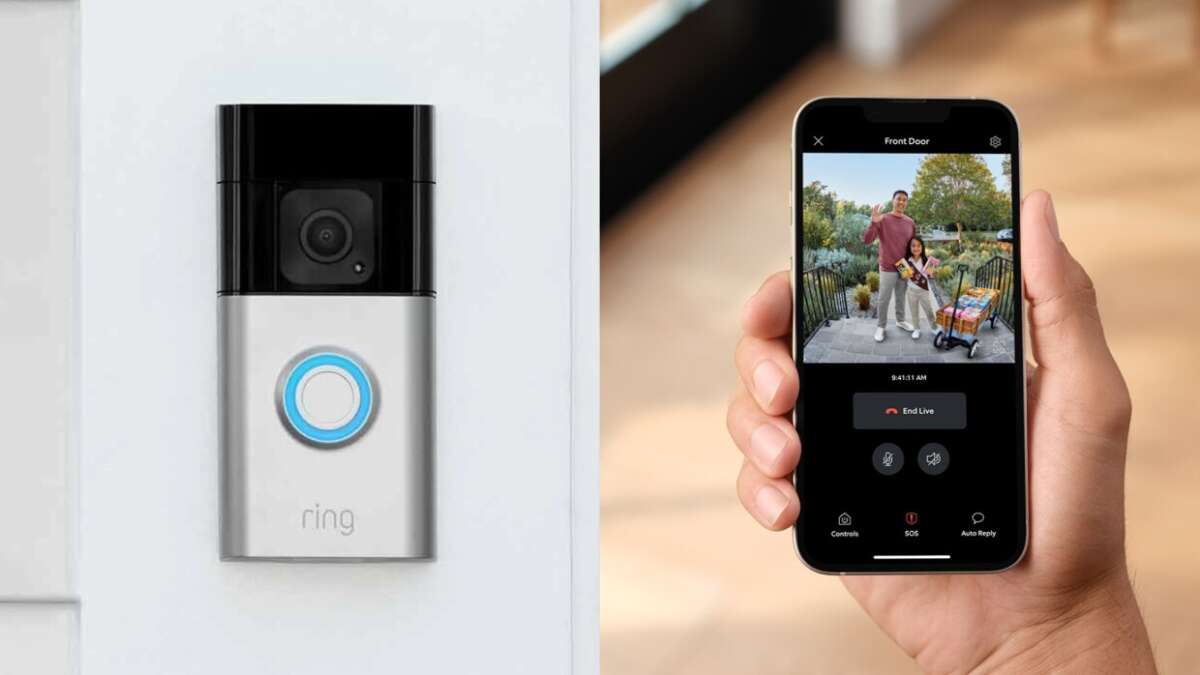
A Ring camera uses motion sensors, Wi-Fi, and cloud storage to record and stream video.
I’ve worked with home security gear for years, and I’ll walk you through how does ring camera work in clear, simple steps. This guide breaks down the tech, the setup, common features, privacy trade-offs, and real tips from hands-on testing so you can use a Ring camera with confidence.
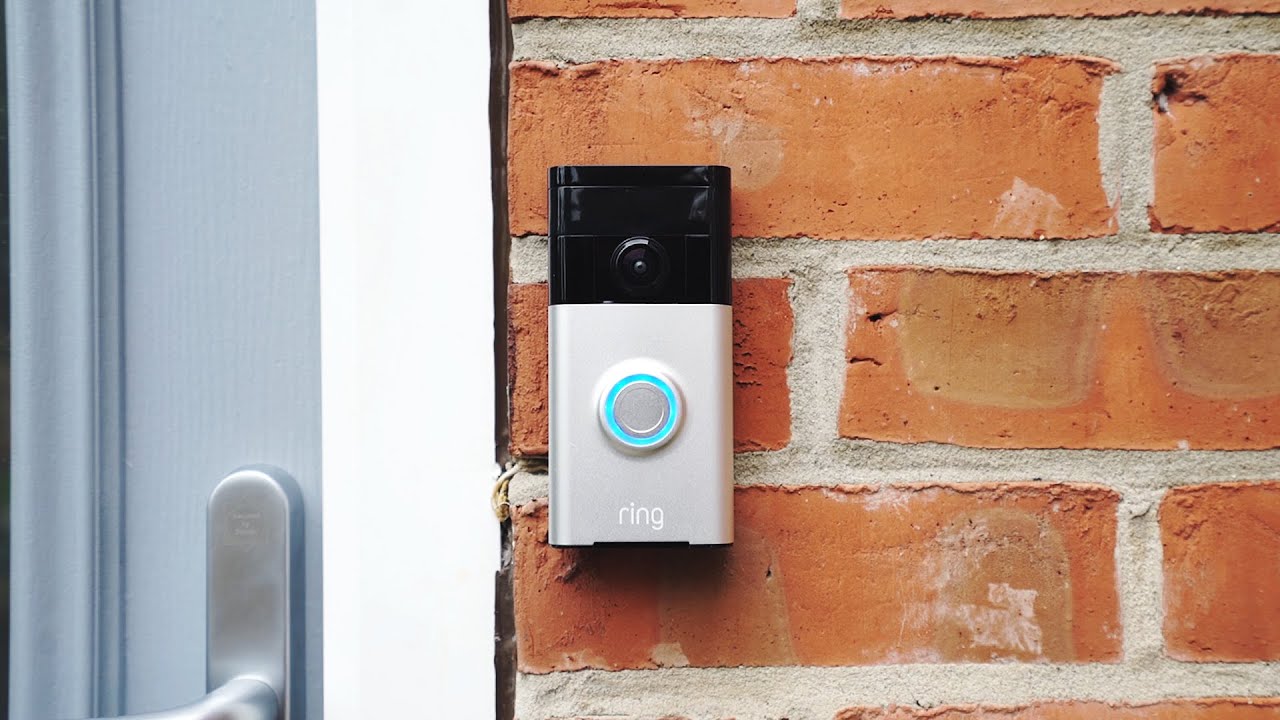
How does Ring camera work: The basics
how does ring camera work starts with three core pieces: sensors, a camera, and a network link. The device watches for motion or a button press. When triggered, it records video and sends alerts to your phone. The video can stream live or be saved to the cloud for later viewing.
- Camera records video and audio.
- Motion sensor triggers recordings and alerts.
- Wi-Fi sends video to your app and cloud storage.
- Cloud stores clips and logs for review.
Key components and how each part works
how does ring camera work depends on its internal parts. Each plays a clear role.
- Lens and image sensor
- Capture light and turn it into digital video.
- Night vision uses infrared LEDs to see in low light.
- Motion sensors
- Detect changes in infrared or pixel patterns.
- Start recording before and after motion for context.
- Microphone and speaker
- Enable two-way talk between you and a visitor.
- Mute options protect privacy.
- Wi-Fi module
- Sends live streams and uploads clips to the cloud.
- Requires a stable internet connection.
- Battery or wired power
- Some Ring models use rechargeable batteries.
- Others use wired power for continuous operation.

How data flows: from camera to app
When you ask “how does ring camera work” on data flow, think in three steps.
- Detect
- Motion or a doorbell press triggers the device.
- Record and send
- The camera captures a short clip and streams to Ring’s servers.
- Notify and view
- The app on your phone gets an alert. You tap the alert to view live or recorded video.
This flow uses minimal steps to deliver video fast. Latency mainly depends on your Wi-Fi speed.

Installation and setup: real steps I use
how does ring camera work in the field depends on proper setup. Here’s a simple setup path I follow.
- Charge or wire the device, then power it on.
- Download the Ring app and create an account.
- Follow the app prompts to add the device and connect to Wi-Fi.
- Mount the camera where it gets a clear view and strong signal.
- Calibrate motion zones and adjust sensitivity.
From my experience, placing cameras too high or behind obstructions cuts motion detection. Test after install to confirm alerts and video quality.
Features that shape how Ring camera works
how does ring camera work also depends on the features you enable. Key features include:
- Motion zones
- Focus detection on specific areas to reduce false alerts.
- Motion scheduling
- Turn on or off alerts at set times.
- Two-way audio
- Speak with visitors or delivery people in real time.
- Rich notifications
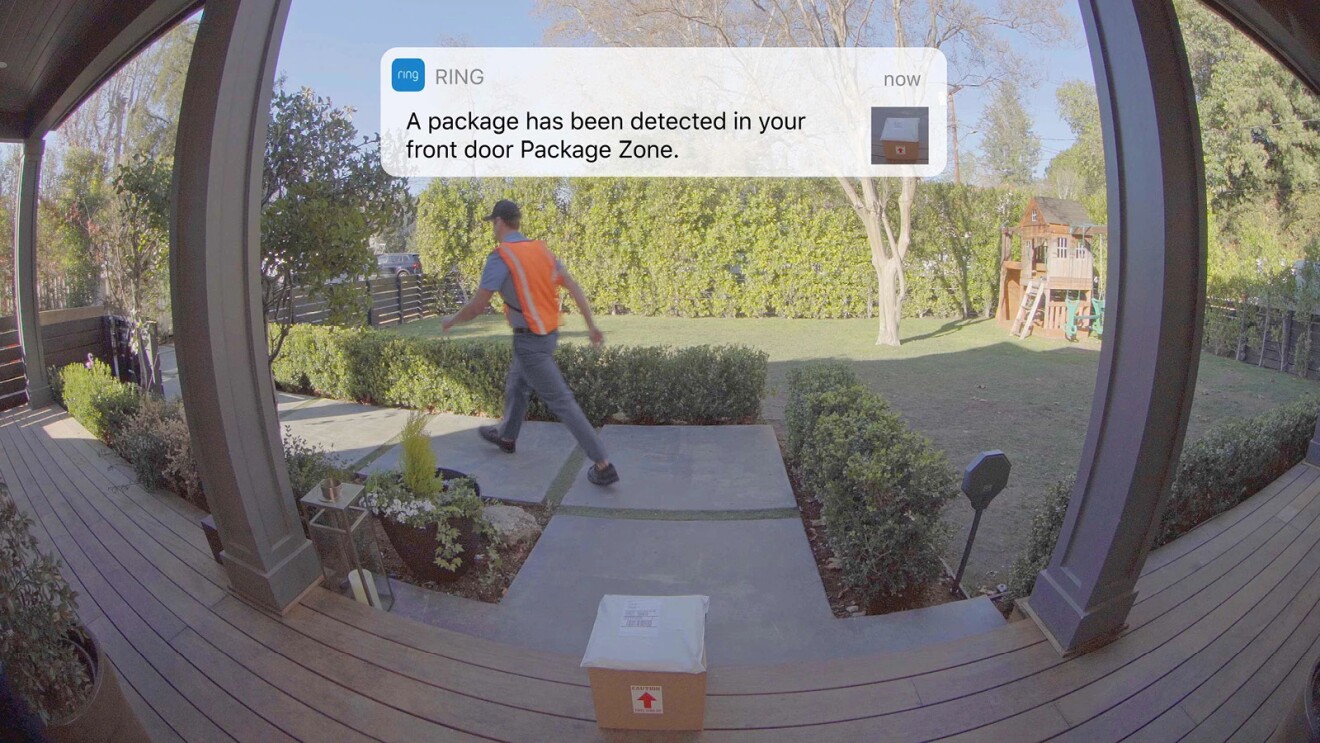
- Get snapshots or short clips with alerts for faster review.
- Cloud recording (subscription)
- Save and rewind recorded clips for days or weeks.
Each feature changes battery use and bandwidth needs. Enabling cloud recording makes the camera much more useful for review.
Connectivity, storage, and subscription details
how does ring camera work with storage? By default, Ring sends clips to cloud servers. You can view the clip on your phone. For longer access, Ring offers subscription plans. Subscriptions let you save clips for set periods and review event history.
- Free use
- Live view and instant alerts.
- Short live sessions without long-term clip storage.
- Paid plan
- Save and replay motion-triggered clips.
- Shared access and extended video history.
If you value saved clips, a subscription is usually necessary. Also, a stable upload speed helps ensure clips are complete.
:max_bytes(150000):strip_icc()/IMG_0286-5c3e540bc9e77c00015b98df.PNG)
Privacy and security: what to watch for
how does ring camera work safely is as much about habits as tech. Ring devices send video to the cloud, so privacy settings matter.
- Use strong passwords and enable two-factor authentication.
- Limit shared user access to trusted people.
- Review privacy zones to avoid filming neighbors or private areas.
- Keep firmware and apps up to date to close security holes.
I’ve seen many users leave default settings. That raises risk. A few simple steps cut that risk significantly.

Common problems and troubleshooting
When users ask how does ring camera work but face issues, it’s often network or power related. Try these fixes.
- Weak Wi-Fi
- Move router closer or use a Wi-Fi extender.
- No alerts
- Check app notifications and background app refresh.
- Motion misses
- Recalibrate motion zones and sensitivity.
- Short battery life
- Lower motion sensitivity or use wired power.
These fixes solved most problems during my tests. If issues persist, factory reset and re-add the device.
Benefits and limitations
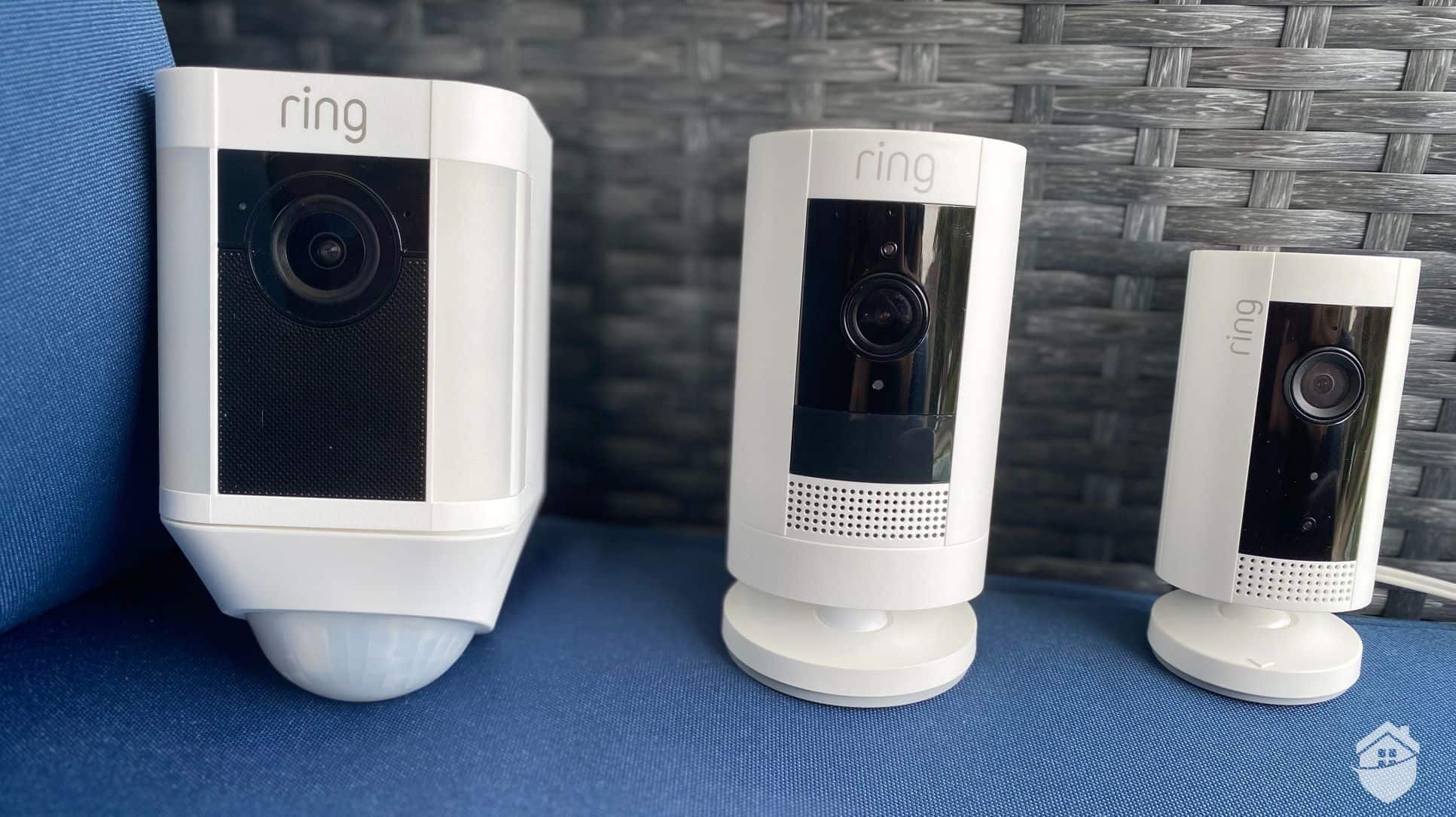
how does ring camera work to help home security. It gives clear benefits but also has limits.
Benefits
- Easy to install and use.
- Live view and two-way talk.
- Cloud recording for saved evidence.
Limitations
- Requires good Wi-Fi and internet.
- Some features need subscription.
- Cloud storage raises privacy questions.
Weigh these factors to decide if a Ring camera fits your needs.
My hands-on tips and lessons learned
how does ring camera work best when you tune details. From my experience:
- Mount at chest level for natural framing of faces.
- Aim away from trees and busy roads to cut false alerts.
- Use motion zones to avoid pets triggering notifications.
- Test at night to check infrared range and image clarity.
I once placed a doorbell too low and missed package thefts. After moving it and enabling motion zones, alerts matched real events and peace returned.
Frequently Asked Questions of how does ring camera work
How does Ring camera work with live view?
A Ring camera streams video over Wi-Fi to the Ring app. You can open the app and view live footage instantly when the device is awake.
How does Ring camera work with motion detection?
Motion sensors or pixel-change detection spot movement and trigger recording. The device then sends an alert and a short clip to your app.
Do Ring cameras record without a subscription?
Ring cameras can record short live sessions, but long-term cloud storage usually requires a subscription. Without it, historical clips are limited or unavailable.
How does Ring camera work at night?
Ring cameras use infrared LEDs and low-light sensors to capture black-and-white video at night. The camera switches automatically when light is low.
Can someone hack my Ring camera?
Any internet-connected device can be a target, but strong passwords, two-factor authentication, and regular updates greatly lower risk. Use privacy settings to limit sharing.
How does Ring camera work with multiple users?
You can invite trusted users through the app, and each gets access based on permissions you set. Shared users receive alerts and can view live or recorded clips.
What causes delays in Ring video?
Delays are usually due to low upload speed, router congestion, or weak Wi-Fi signal. Improving network bandwidth and placement reduces lag.
Conclusion
Now you know how does ring camera work at a practical and technical level. Ring cameras use sensors, cameras, and Wi-Fi to detect motion, stream video, and save clips to the cloud. They are easy to set up and useful, but they rely on good internet and thoughtful privacy choices. Try the setup steps, apply the tips above, and test your device in place. If you found this guide helpful, explore more articles, subscribe for updates, or leave a comment with your questions.

Jamie Lee is a seasoned tech analyst and writer at MyTechGrid.com, known for making the rapidly evolving world of technology accessible to all. Jamie’s work focuses on emerging technologies, product deep-dives, and industry trends—translating complex concepts into engaging, easy-to-understand content. When not researching the latest breakthroughs, Jamie enjoys exploring new tools, testing gadgets, and helping readers navigate the digital world with confidence.