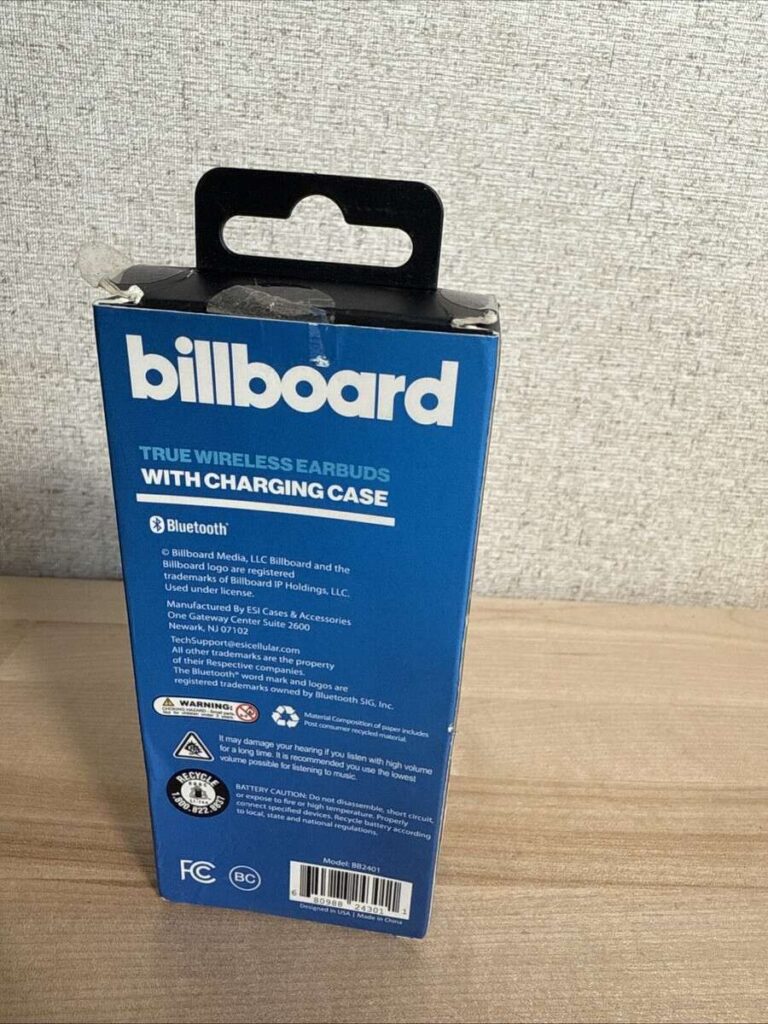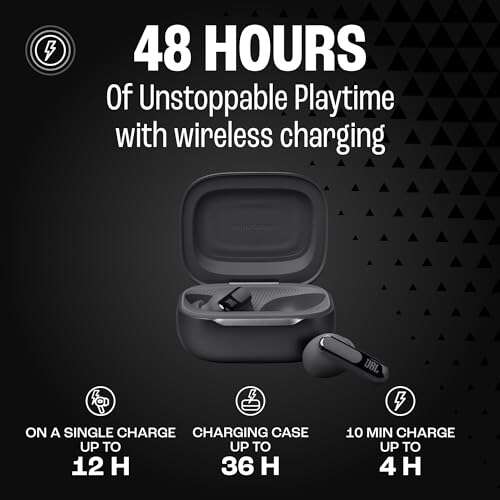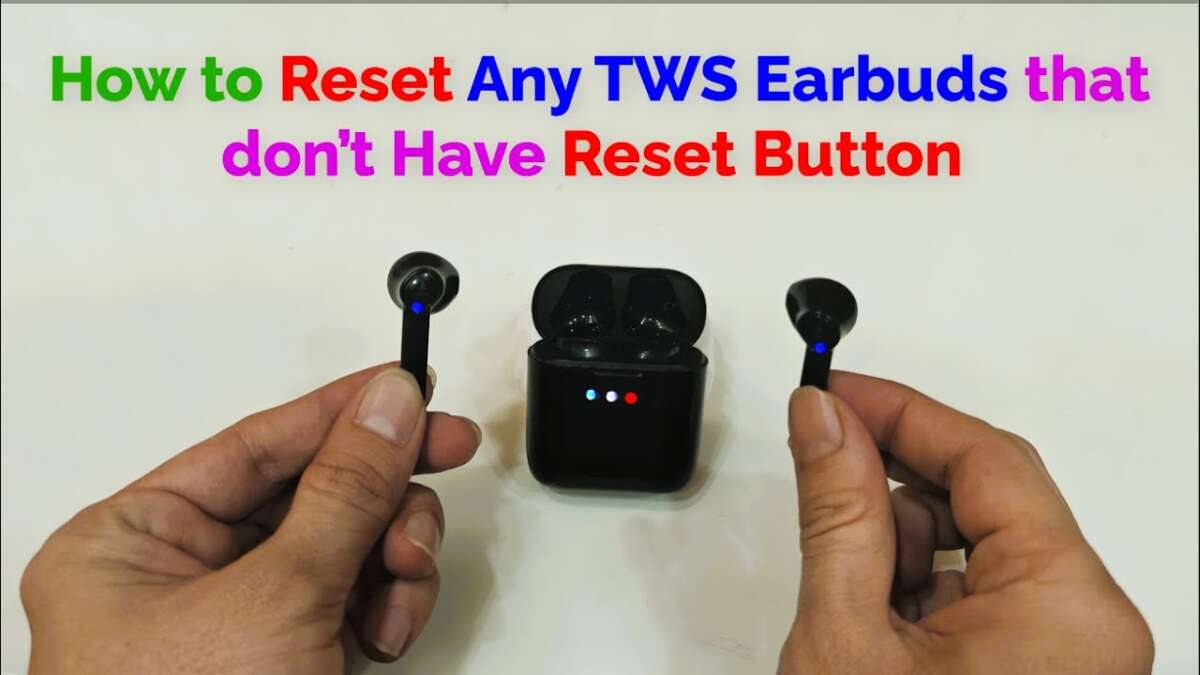
Place earbuds in case, drain battery, then trigger factory reset via charging cycle.
I’ve helped dozens of people recover silent or misbehaving earbuds. This guide explains how to reset earbuds without buttons, step by step, using the case, apps, Bluetooth settings, and simple power tricks. You’ll get clear methods, real-world tips from my experience, and safe troubleshooting so you can fix most earbuds that have no physical reset button.

Why you might need to reset earbuds without buttons
Resetting is a way to restore normal behavior. Many true wireless earbuds have no visible reset button. Manufacturers rely on the charging case, touch sensors, or an app to run a factory reset. Knowing how to reset earbuds without buttons helps when audio cuts out, pairing fails, or one bud won’t connect.
Common causes that force a reset:
- Firmware glitches. These can break pairing or audio routing.
- Bluetooth conflicts. Devices keep connected to the wrong phone.
- One bud not connecting. Left or right bud stays silent.
- Stuck pairing mode. Earbuds get locked in a bad state.
From my work testing gear, most resets succeed without opening the case or voiding warranties. Try the easy methods first.

Methods to reset earbuds without buttons
Below are practical methods you can use when earbuds lack a physical reset switch. Each method explains the idea and gives clear steps.
Use the charging case cycle
Many earbuds reset when you trigger a specific charge cycle.
- Place both earbuds in the case and close the lid.
- Wait 10 to 30 seconds.
- Open the lid and remove both earbuds.
- If pairing fails, repeat while holding the case lid closed longer.
This method works because some cases send a reset signal when they detect re-seating or a full charge.
Forget and re-pair from your device
This soft reset often fixes Bluetooth issues.
- On your phone, go to Bluetooth settings.
- Tap the earbuds name and choose Forget or Remove.
- Turn Bluetooth off for 10 seconds, then on again.
- Put earbuds in case and remove to trigger pairing mode.
This uses the phone’s cache clear to force a new connection.
Drain battery and recharge
A fully discharged bud can clear firmware states.
- Leave earbuds out of the case until they power off naturally.
- Alternatively, keep them in the case with the case unplugged until drained.
- Fully recharge the case and earbuds, then try pairing.
I’ve used this trick when one bud stayed stuck in pairing mode. It reset internal logic after a full discharge.
Use the companion app
Many brands offer an app that exposes a factory reset or repair tool.
- Install the brand app and sign in if required.
- Follow device setup and look for Reset, Repair, or Factory Reset.
- Apply the reset and follow onscreen steps.
Apps can push firmware resets and clear paired device lists remotely.
Firmware update to force a reset
Updating or reapplying firmware can restore defaults.
- Open the app or connect to the product updater.
- Check for firmware and install updates.
- After update, the device often restarts in a clean state.
This is useful when software bugs block regular pairing.
Use touch controls or gestures
Some touch-only earbuds accept a long-press on touch sensors as a reset.
- Place both earbuds in ears or on a flat surface.
- Tap and hold each touch zone for 10 to 15 seconds.
- Listen for a reset tone or watch LED behavior.
The exact gesture varies by brand. Consult the manual if unsure.
Factory reset via case button alternative
Some cases have a hidden contact or reset routine.
- Insert earbuds and plug in the case.
- Hold case lid closed and connect/disconnect power in a pattern (for example: plug, wait 5 sec, unplug, wait 5 sec, plug).
- Open the lid and check for reset tones.
This method mirrors a hardware reset using power cycles.
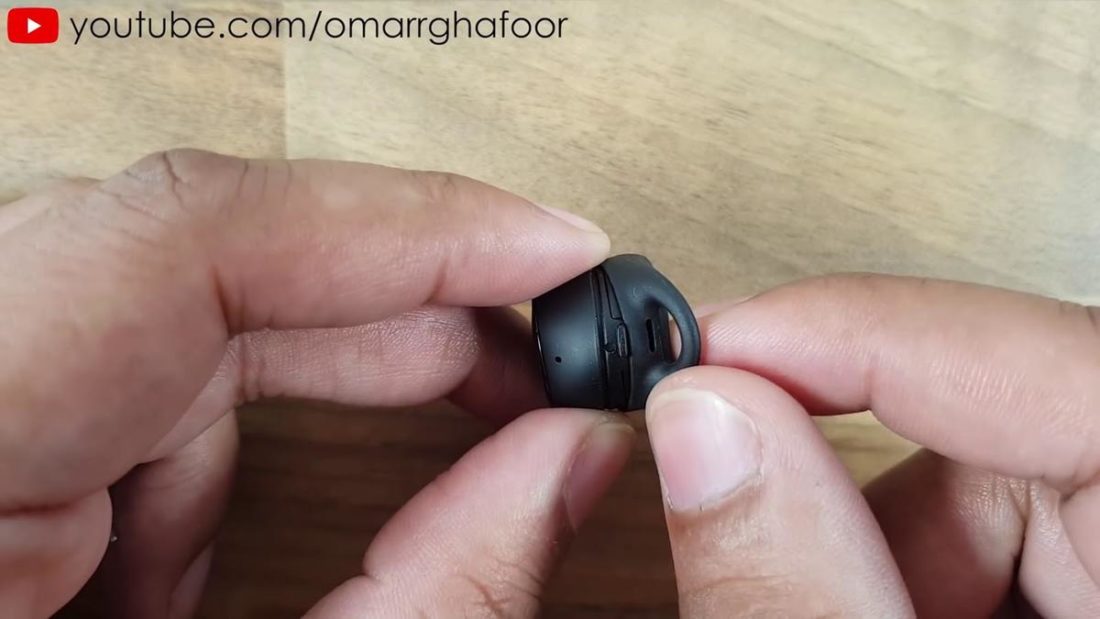
Step-by-step guides for common scenarios
Here are short, clear procedures for typical earbuds types. Use the one that matches your gear.
Scenario: True wireless with charging case
- Put both earbuds in the case.
- Close the lid for 30 seconds.
- Open the lid and remove both.
- If they don’t pair, forget device on phone and repeat.
Scenario: Earbuds that pair through an app
- Open the companion app.
- Select device and choose Reset or Repair.
- Follow on-screen prompts.
- Re-pair from Bluetooth settings.
Scenario: One bud not connecting
- Forget the earbuds from your phone.
- Drain the problematic bud by leaving it out until it shuts off.
- Recharge both buds fully in the case.
- Re-pair both buds together.
Personal note: I once fixed a pair by draining them overnight and doing a single app-based firmware reinstall the next morning. The problem never returned.

Precautions, tips, and mistakes to avoid
Resetting is safe but follow these notes to avoid problems.
Tips to follow
- Charge first. Low battery can interrupt a reset.
- Use both buds. Many resets require both in the case.
- Back up app settings. Some apps store EQ or custom controls.
- Read the manual. Brands vary in gestures and reset timing.
- Contact support before opening or disassembling the case.
Common mistakes to avoid
- Trying random button mashes. That can confuse touch sensors.
- Resetting repeatedly without testing fixes. One reset is usually enough.
- Opening the case or removing seals. This can void warranty.
Source: drhead.ae
Troubleshooting common problems after reset
If a reset didn’t fix the issue, try these next steps.
One bud still silent
- Clean the charging contacts on the bud and case with a soft cloth.
- Confirm both buds show charge in the app or on LEDs.
Bluetooth can't find earbuds
- Turn off nearby Bluetooth devices to reduce interference.
- Move closer to the phone. Test with another device.
Poor audio or dropouts
- Check for firmware updates.
- Try different media apps to rule out app-specific bugs.
App won’t detect earbuds
- Reinstall the app and grant all required permissions.
- Clear app cache or logout and login again.
If none work, contact manufacturer support for a replacement or repair. Many vendors will guide you through brand-specific resets or RMA.
Frequently Asked Questions of how to reset earbuds without buttons
How long does it take to reset earbuds without buttons?
Most simple resets take 30 seconds to 5 minutes. Firmware updates or full battery drains take longer, sometimes up to an hour.
Will resetting delete my app presets or EQ?
A factory reset can remove app presets and custom EQ. Check the app; some let you back up settings before resetting.
Can I reset earbuds without the charging case?
You can try touch-gesture resets and Bluetooth forget. However, many models require the case for a full factory reset.
Is draining the battery safe for a reset?
Yes. A controlled battery drain is safe for modern earbuds. Avoid forcing damage or using improper tools to remove power.
What if the earbuds still don’t work after every reset?
If every method fails, contact the manufacturer or retailer. The issue might be a hardware fault that needs repair or replacement.
Conclusion
You now have clear, actionable ways to learn how to reset earbuds without buttons. Use the charging case, app tools, Bluetooth forget, or controlled battery drain to fix pairing, audio, and connectivity issues. Start with simple steps and move to app or firmware methods if needed. Try one approach at a time, note what you tried, and contact support if problems persist. If this guide helped, leave a comment or share your reset story, and subscribe for more practical device tips.

Jamie Lee is a seasoned tech analyst and writer at MyTechGrid.com, known for making the rapidly evolving world of technology accessible to all. Jamie’s work focuses on emerging technologies, product deep-dives, and industry trends—translating complex concepts into engaging, easy-to-understand content. When not researching the latest breakthroughs, Jamie enjoys exploring new tools, testing gadgets, and helping readers navigate the digital world with confidence.