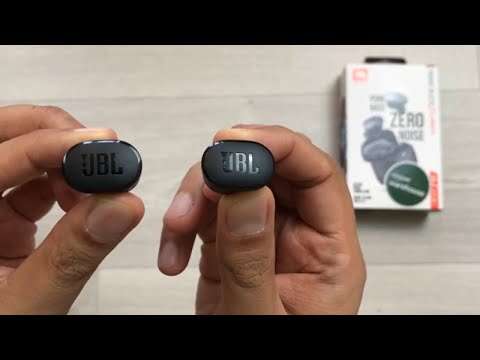
To put JBL earbuds in-ear, choose the right tip, angle each bud forward, and twist gently until it feels secure.
Learning how to put JBL earbuds in-ear is simple, but small fit changes can improve comfort, sound, and noise control. After testing many earbud styles, I have found that the best results come from treating the ear tip like a soft seal, not something to force deep into the ear. This guide explains the right method for JBL wireless earbuds, common mistakes, fit checks, and care tips.
Why the fit of JBL earbuds matters
A good fit does more than keep your earbuds from falling out. It also helps direct sound into your ear canal and creates a better seal. This can improve bass, voice clarity, and passive noise blocking.
If JBL earbuds sit too loosely, outside sound may leak in. You may also raise the volume to hear music clearly. Long exposure to loud sound can harm hearing, so a secure fit at a moderate volume is safer and more comfortable.
If the earbuds sit too tightly, they may cause pressure or soreness. The goal is a light seal that stays in place without pain.
When learning how to put JBL earbuds in-ear, remember these signs of a good fit:
- The earbud stays in place when you move your head.
- The sound is clear in both ears.
- Bass does not sound weak or thin.
- You do not feel sharp pressure.
- The earbud does not need constant adjustment.
- You can remove it without pulling hard.
JBL offers several earbud designs. Some models use silicone ear tips, while others have a more open shape. The steps below work for most JBL in-ear models, including many JBL Tune, Live, Vibe, and Reflect earbuds. However, the exact fit may vary by model.

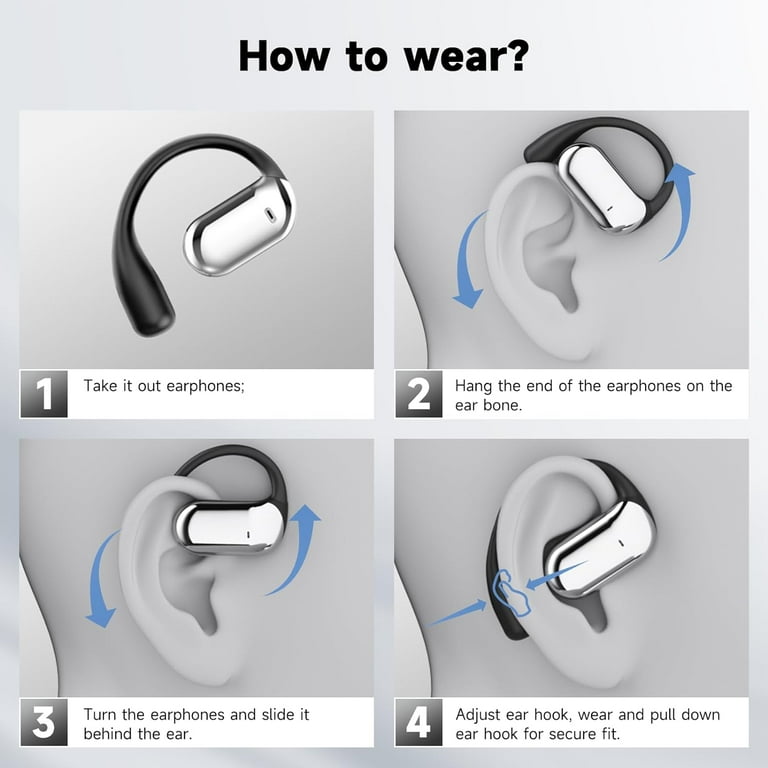
How to put JBL earbuds in-ear correctly
Before inserting the earbuds, wash and dry your hands. Check that the silicone tips are clean and firmly attached. A loose tip can stay in the ear when you remove the earbud.
Follow these steps:
- Identify the left and right earbud. Look for the small L and R markings.
- Hold the earbud so the speaker opening points toward your ear canal.
- Place the ear tip at the entrance of your ear.
- Push it inward gently. Do not force it.
- Twist the earbud slightly backward or forward, based on its shape.
- Let the outer body rest in the natural bowl of your ear.
- Repeat the process with the other earbud.
- Move your jaw, turn your head, and walk a few steps to test the fit.
The most important part of how to put JBL earbuds in-ear is the angle. Do not push the earbud straight into the ear with force. Instead, guide it inward at a slight angle and rotate it until the tip follows the shape of your ear canal.
Your ear canal is not a straight tunnel. It curves slightly. A gentle twist helps the ear tip sit along that curve and form a stable seal.
I often use this simple test: insert the earbud, then gently tug the outer ear upward and backward with the opposite hand. This can open the ear canal slightly and make insertion easier. Once the earbud is in place, release the ear and check whether the seal remains comfortable.
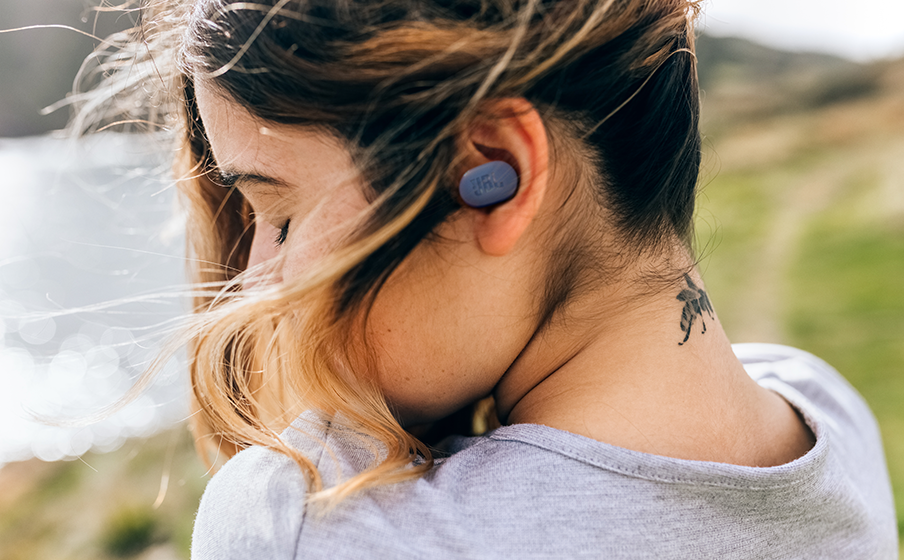
Choose the right JBL ear tip size
Many JBL earbuds include small, medium, and large silicone ear tips. The medium tips may already be attached, but they are not right for every ear.
A tip that is too small may feel loose. It can also let sound escape. A tip that is too large may create pressure, especially during long listening sessions.
Try each size in a quiet room. Listen to a familiar song or podcast and compare the sound.
- Small tips may suit narrow ear canals.
- Medium tips work well for many users.
- Large tips may provide a stronger seal for wider ear canals.
- Different ears may need different sizes.
It is normal for your left and right ears to need different tip sizes. Human ears are not always identical. For example, you may need a medium tip in your left ear and a large tip in your right ear.
A useful fit test is to play music at a low or moderate level. If the bass sounds full and the earbud remains stable, the size may be correct. If the music sounds distant, try a larger tip. If your ears feel sore after a few minutes, try a smaller tip or adjust the angle.
When practicing how to put JBL earbuds in-ear, do not judge the fit only by how tightly the earbud feels. A tight fit is not always a good fit. Comfort and stability matter more than pressure.

How to know if JBL earbuds are inserted correctly
Correct insertion should feel secure but not painful. The earbud should rest in the ear rather than press against it.
Use these checks:
Check the sound
Play music with a steady bass line. A proper seal usually produces richer bass and clearer vocals. If one side sounds much quieter, remove and reinsert that earbud.
Check the movement
Turn your head from side to side. Smile, talk, and open your mouth. A well-fitted earbud should not shift much during these movements.
Check the seal
With both earbuds inserted, gently cover one ear at a time with your hand. If the sound changes greatly when you cover the ear, the earbud may not be sealing well.
Check comfort
Wear the earbuds for 15 to 20 minutes. Mild awareness is normal at first. Pain, strong pressure, itching, or numbness means you should remove the earbud and try another tip or angle.
This is where many people make a mistake. They push the earbud deeper because it feels loose, but the real issue may be the wrong tip size. When learning how to put JBL earbuds in-ear, adjust the tip before using more force.

How to put JBL earbuds in-ear for exercise
Exercise creates extra movement, sweat, and vibration. A fit that works while sitting may not work during a run.
Start with clean, dry ears and earbuds. Moisture can make silicone tips slip. If your JBL model includes ear fins or stabilizers, place them gently into the upper part of the outer ear.
Use this method:
- Insert the ear tip into the ear canal opening.
- Rotate the earbud until the body sits inside the outer ear.
- If the model has a stabilizer, tuck it under the upper ear ridge.
- Shake your head gently.
- Walk, bend, and stretch before starting intense exercise.
Do not use earbuds during exercise if they cause pain or require constant pushing. A stable fit should stay in place without repeated adjustment.
Sweat and water can also damage some earbuds. Check your JBL model’s water and dust rating before using it in heavy rain or around a pool. Water resistance is not the same as waterproof protection.
After exercise, wipe the earbuds with a soft, dry cloth. Let them dry before placing them in the charging case. This helps reduce moisture buildup and keeps the ear tips clean.
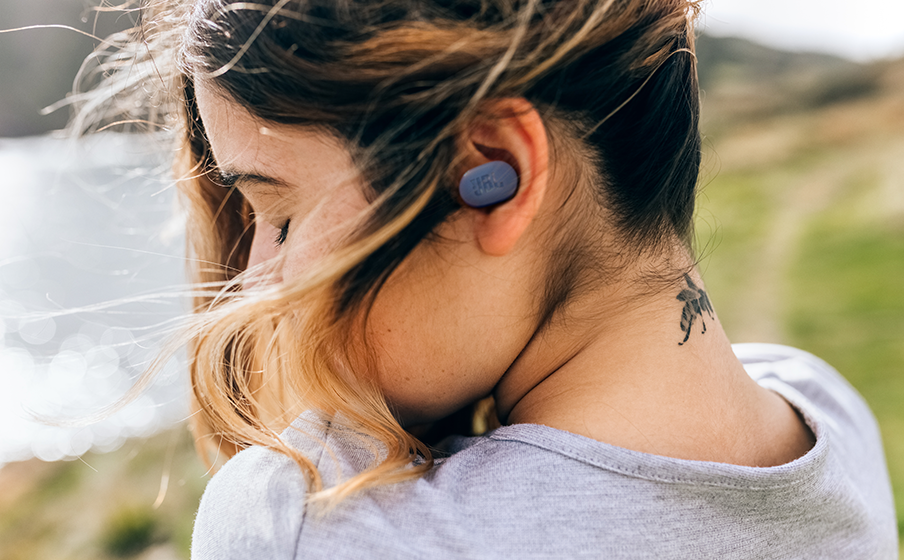
Common mistakes when inserting JBL earbuds
Knowing what not to do is an important part of how to put JBL earbuds in-ear. These mistakes can reduce comfort and sound quality.
Pushing the earbuds too deep
JBL earbuds do not need to reach far into the ear canal. Forcing them inward may cause pain or irritate the skin. Insert them only until the tip seals comfortably.
Using the same tip size automatically
The preinstalled tip is only a starting point. If the earbud feels loose or painful, test another size.
Ignoring the left and right sides
The left and right earbuds are shaped to fit different ears. Swapping them can make both earbuds feel unstable.
Inserting dirty earbuds
Earwax, skin oil, and dust can block the speaker opening. They may also make the ear tip slippery. Clean the earbuds often, but keep moisture away from the speaker and charging contacts.
Wearing earbuds over wet ears
Water or sweat can reduce grip. Dry your ears and the ear tips before insertion.
Turning up the volume to fix a poor seal
A poor seal can make music sound quiet. Raising the volume only masks the problem. Reinsert the earbud or change the tip size instead.
Assuming more pressure means better noise control
Active noise cancellation works with microphones and electronics. It does not require painful pressure. A comfortable seal is usually enough for better passive isolation.

How to improve comfort during long listening
Even a correct fit may feel tiring after several hours. Give your ears regular breaks, especially when listening at a high volume.
Try these comfort tips:
- Use the smallest tip that still creates a stable seal.
- Take the earbuds out every hour or so.
- Keep the outer earbud body aligned with your ear.
- Avoid sleeping with in-ear earbuds.
- Clean the tips to prevent wax and oil buildup.
- Lower the volume before adjusting the earbuds.
The World Health Organization recommends keeping personal listening devices at a safe volume and taking breaks. A practical rule is to use the lowest level that lets you hear clearly without strain.
If your ear feels blocked after removing the earbuds, stop using them for a while. Persistent pain, discharge, ringing, or reduced hearing should be checked by a qualified health professional.
When I help people with how to put JBL earbuds in-ear, comfort is the first measure I use. A secure earbud that hurts is not a successful fit. The best setup disappears into the background while you listen.

Cleaning and maintaining JBL ear tips
Clean ear tips help maintain a stable fit. They also support better hygiene.
Remove the silicone tips from the earbuds if the design allows it. Wash the tips with mild soap and lukewarm water. Rinse them well and let them dry completely before attaching them again.
For the earbud body, use a soft, dry cloth. You can use a slightly damp cotton swab on the outer surface, but avoid pushing liquid into the speaker mesh, microphone holes, or charging contacts.
Do not use sharp objects to remove wax. A pin or needle can damage the mesh and may push debris deeper into the earbud.
Replace damaged or stretched ear tips. A torn tip may not seal well and can detach inside the ear. JBL replacement tips or compatible third-party tips may work, but the shape and size must match your model.
Clean the earbuds regularly, especially after workouts. A clean ear tip is less likely to slip, and it makes how to put JBL earbuds in-ear much easier.
How to remove JBL earbuds safely
Removing earbuds correctly protects both your ears and the device. Do not pull sharply on the stem or press the earbud deeper before removing it.