The best SSD for gaming is the WD Black SN850X, with the Samsung 990 Pro as a strong premium alternative.
Choosing the best SSD for gaming is not just about chasing the highest speed on the box. Capacity, sustained performance, heat, price, game load times, and support for your PC or PS5 all matter. After comparing current PCIe 4.0 and PCIe 5.0 drives, this guide explains which SSDs make sense for different budgets and gaming setups.
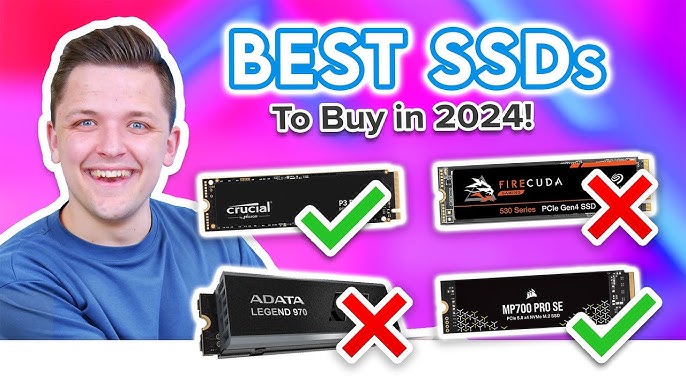
What is the best SSD for gaming?
For most PC gamers, the WD Black SN850X is the best SSD for gaming. It offers excellent PCIe 4.0 performance, strong random read speeds, good game load times, and broad motherboard support.
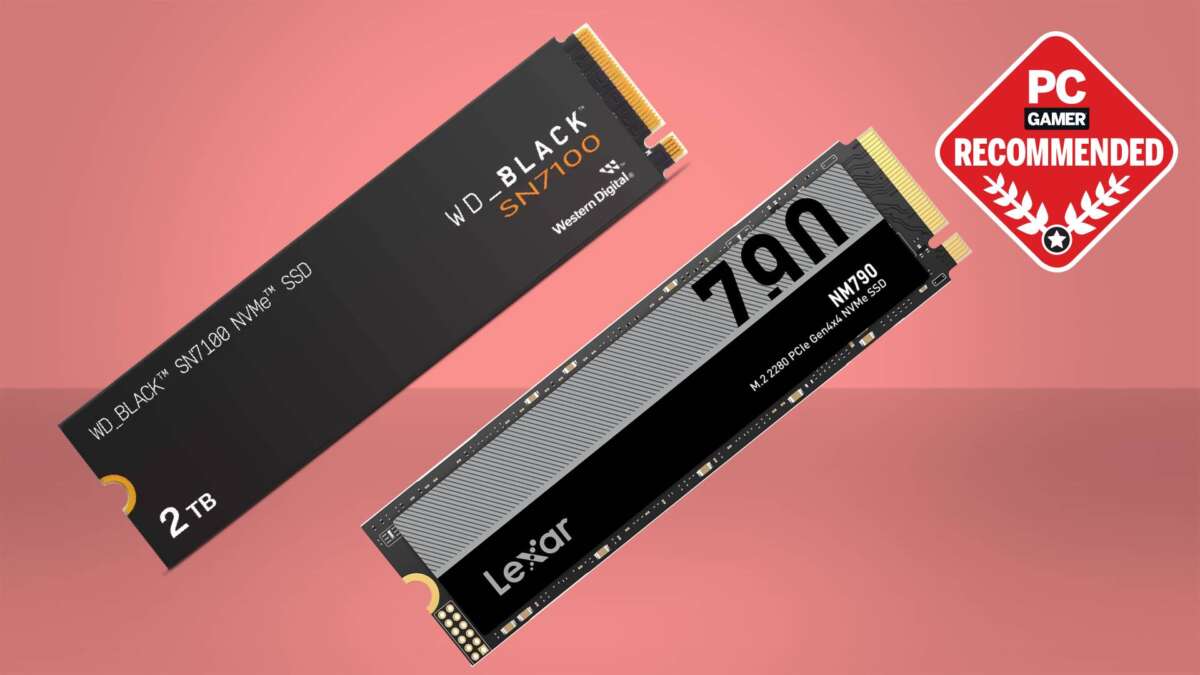
The Samsung 990 Pro is another excellent choice. It can match or slightly exceed the SN850X in some workloads, but its value depends on the sale price. The Crucial T500 and Lexar NM790 are also smart picks when they cost less.
Here is a simple breakdown:
| SSD | Best for | Interface | Recommended capacity |
|---|---|---|---|
| WD Black SN850X | Best overall gaming SSD | PCIe 4.0 | 1TB or 2TB |
| Samsung 990 Pro | Premium PC gaming | PCIe 4.0 | 2TB |
| Crucial T500 | Fast value | PCIe 4.0 | 1TB or 2TB |
| Lexar NM790 | Affordable large storage | PCIe 4.0 | 2TB or 4TB |
| Crucial T500 or SN850X | PS5 storage upgrade | PCIe 4.0 | 1TB or 2TB |
| Corsair MP700 Pro SE | Enthusiast PCIe 5.0 builds | PCIe 5.0 | 2TB |
The best SSD for gaming is usually a fast PCIe 4.0 model with at least 1TB of space. PCIe 5.0 drives are faster in file transfers, but most games do not load twice as fast because of them.
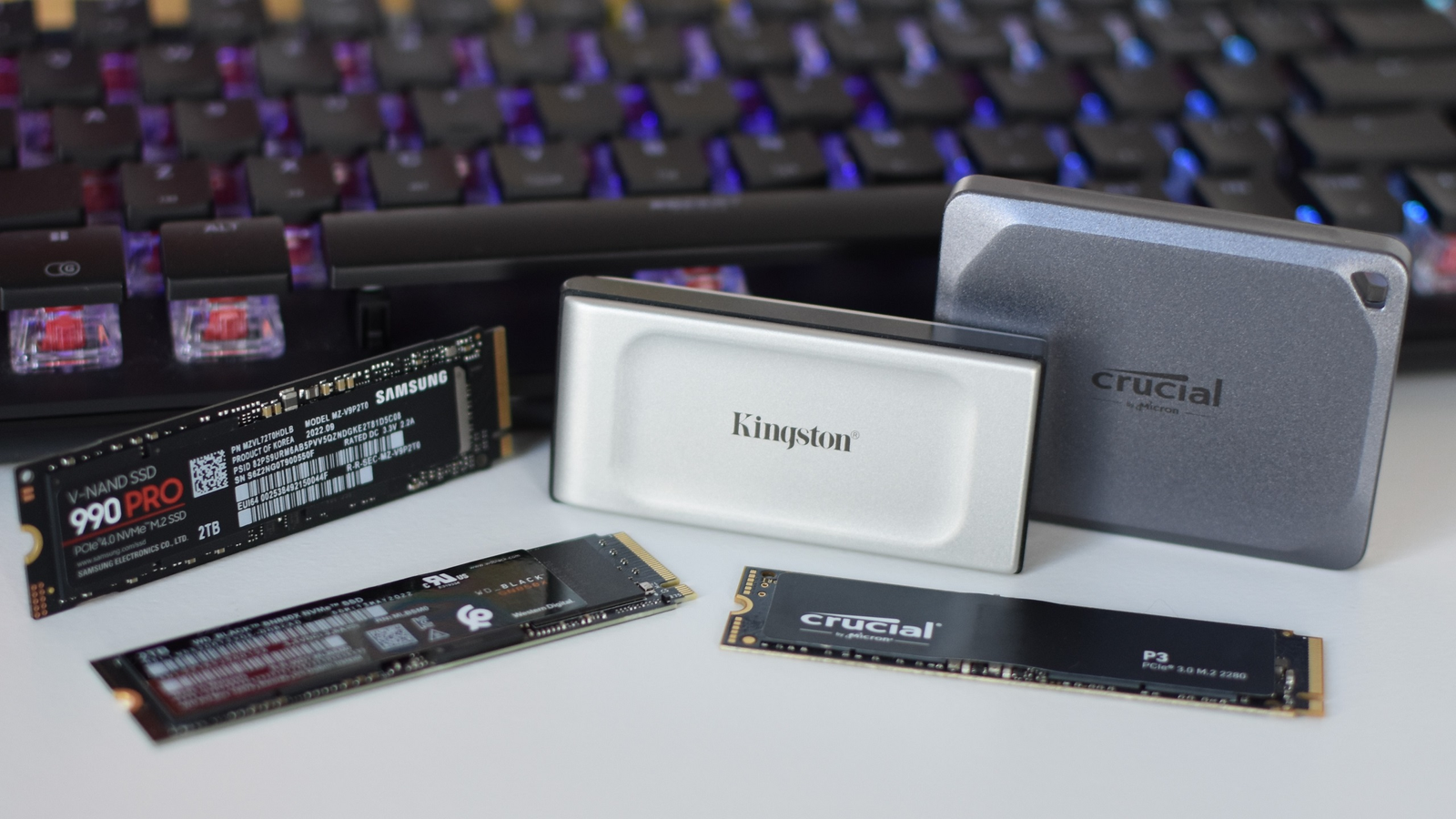
Best gaming SSDs compared
WD Black SN850X: best overall
The WD Black SN850X is the safest recommendation for most gaming PCs. It combines high sequential speeds with strong random performance, which helps when a game loads many small files at once.
It is available in several capacities, including 1TB, 2TB, and larger options. The 2TB version is often the best choice because modern games can use 100GB or more.
Key benefits include:
• Excellent game loading performance
• Strong PCIe 4.0 speeds
• Optional heatsink models
• Wide motherboard compatibility
• Good software support and firmware tools
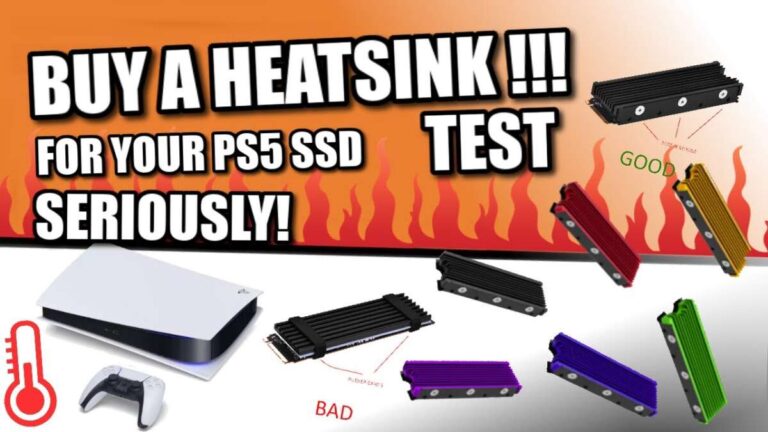
The SN850X can run warm during heavy work. A motherboard heatsink is helpful, especially in a compact case or a system with limited airflow.
Samsung 990 Pro: best premium PCIe 4.0 SSD
The Samsung 990 Pro is a high-end PCIe 4.0 SSD for gamers who want excellent performance and a polished software experience. It is especially attractive when its price is close to the SN850X.
Its strengths include:
• Very fast sequential and random performance
• High endurance ratings
• A mature controller and firmware platform
• Optional factory-installed heatsink
• Useful drive health and update tools
Samsung previously dealt with firmware-related health reporting concerns on some 990 Pro drives. Updated firmware addressed the issue for affected users, so checking firmware after installation is a sensible step.
The 990 Pro is a premium choice, but it will not transform game loading if you already own a good PCIe 4.0 SSD. The difference may be small in normal play.
Crucial T500: best value for high performance
The Crucial T500 offers near-flagship PCIe 4.0 performance at a price that is often lower than competing premium drives. It uses a DRAM-equipped design and performs well in both gaming and general desktop work.
It is a strong option for:
• New gaming PC builds
• Game libraries stored on one drive
• Users who want fast file transfers
• Buyers who find it on sale
• Systems with a built-in motherboard heatsink
The T500 may not always be the cheapest SSD per terabyte. Still, it can be one of the best SSD for gaming choices when you want a balance of speed, endurance, and price.
Lexar NM790: best affordable large SSD
The Lexar NM790 is a popular value drive for gamers who need lots of storage. It can deliver strong PCIe 4.0 performance while costing less than many flagship SSDs.
Its main advantage is capacity per dollar. A 2TB or 4TB model can hold a large Steam, Epic Games, Xbox, or PlayStation library without forcing you to uninstall games every week.
It may not be the ideal choice for constant professional workloads. For normal gaming, downloads, updates, and everyday use, it offers more than enough speed.
PCIe 5.0 SSDs: best for enthusiasts
PCIe 5.0 SSDs can reach extremely high sequential speeds. Models such as the Crucial T705 and Corsair MP700 Pro SE target users with newer AMD or Intel platforms that support PCIe 5.0 storage.
However, these drives have important limits:
• They cost more than PCIe 4.0 drives
• They produce more heat
• Many require a large heatsink or active cooling
• Game loading gains are often modest
• Older motherboards cannot use their full speed
A PCIe 5.0 SSD makes sense for a new high-end workstation and gaming PC. It is not usually the best SSD for gaming if your main goal is faster game loading.
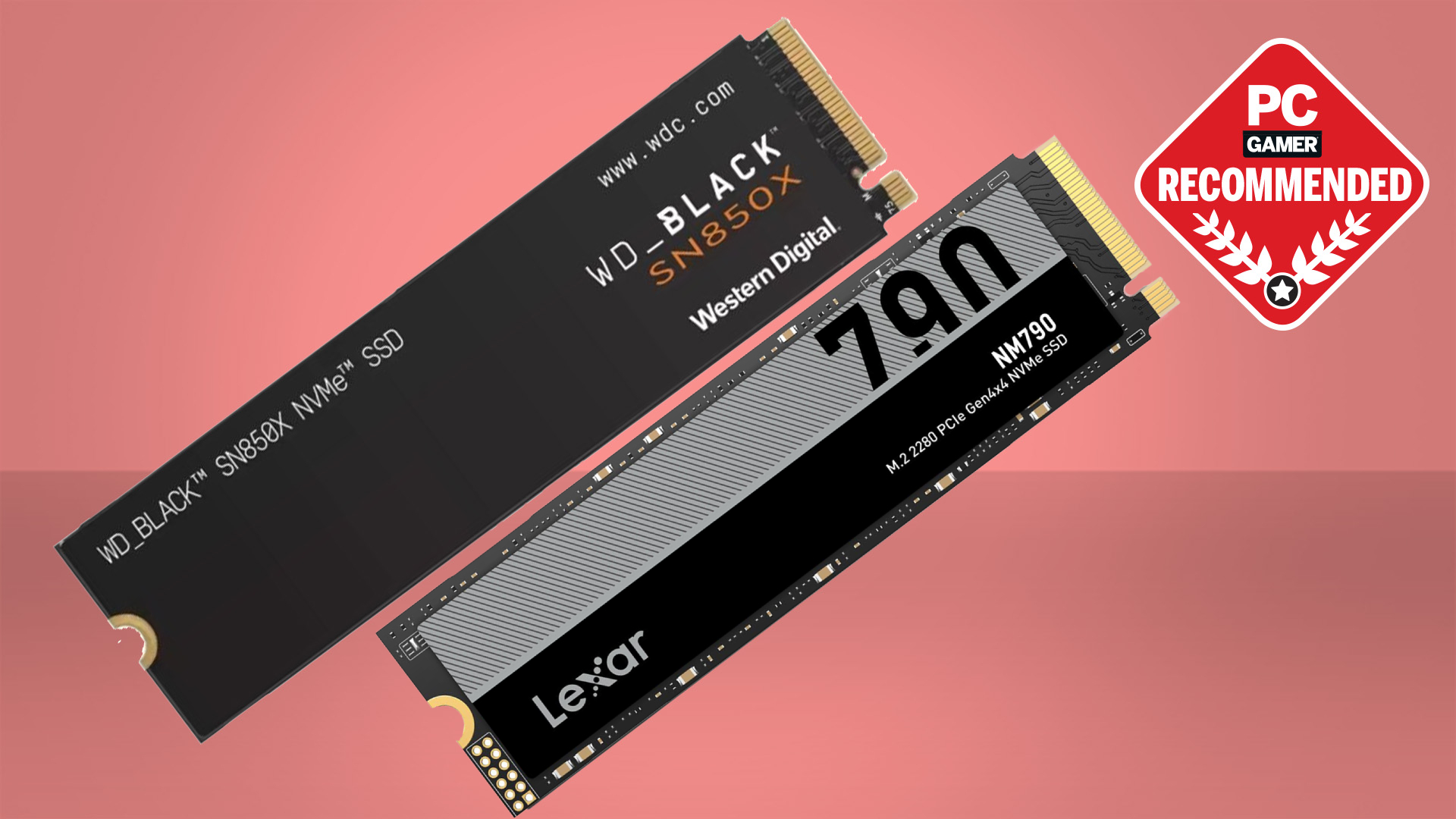
Why SSD speed matters for gaming
An SSD stores game files on flash memory instead of spinning magnetic disks. This lets the system find and read data much faster than a traditional hard drive.
That speed can improve:
• Game launch times
• Level and map loading
• Fast travel transitions
• Texture streaming
• Game installation and updates
• Windows startup
• Large file transfers
The biggest jump is from a hard drive to any good SSD. The jump from SATA SSD to PCIe 4.0 NVMe SSD is smaller.
Think of it like roads. Moving from a crowded dirt road to a modern highway changes the trip dramatically. Moving from one wide highway to an even wider highway helps mainly during heavy traffic.
Sequential speed versus random speed
SSD packaging often highlights sequential read and write speeds. These show how quickly the drive handles large, continuous files.
Games also use many small files. Random performance and access latency matter here. A drive with a slightly lower headline speed can still load games just as quickly if its controller, firmware, and flash memory work well together.
This is why benchmark charts do not always predict the exact experience you will see in a game. A 7,400 MB/s SSD will not make every title load twice as fast as a 3,500 MB/s SSD.
DirectStorage and future games
Microsoft DirectStorage allows supported games to send data from an NVMe SSD to the graphics card with less CPU involvement. It can help reduce pressure on the processor and improve asset streaming.
Support is still limited compared with the number of PC games available. A fast NVMe SSD prepares your system for newer technology, but it does not guarantee a major benefit in every current title.

PCIe 4.0 versus PCIe 5.0 for gaming
PCIe is the connection standard used between the SSD and the motherboard. PCIe 4.0 NVMe drives are now the practical sweet spot for most gamers.
A good PCIe 4.0 SSD can reach about 7,000 MB/s of sequential read speed. PCIe 5.0 models can exceed 10,000 MB/s and may reach higher speeds in newer designs.
That sounds like a huge improvement. In real gaming, the benefit is often much smaller because loading also depends on the game engine, CPU, memory, file compression, and asset design.
Choose PCIe 4.0 when:
• You want the best value
• You are upgrading an existing gaming PC
• You want low heat and simple cooling
• Your motherboard supports PCIe 4.0
• You mainly care about game loading
Choose PCIe 5.0 when:
• You are building a high-end new PC
• Your motherboard and CPU support PCIe 5.0
• You move very large files often
• You want maximum storage performance
• You accept higher cost and heat
A PCIe 4.0 drive is still the best SSD for gaming for most people. The extra bandwidth of PCIe 5.0 matters more in professional video work and large data transfers than in ordinary play.
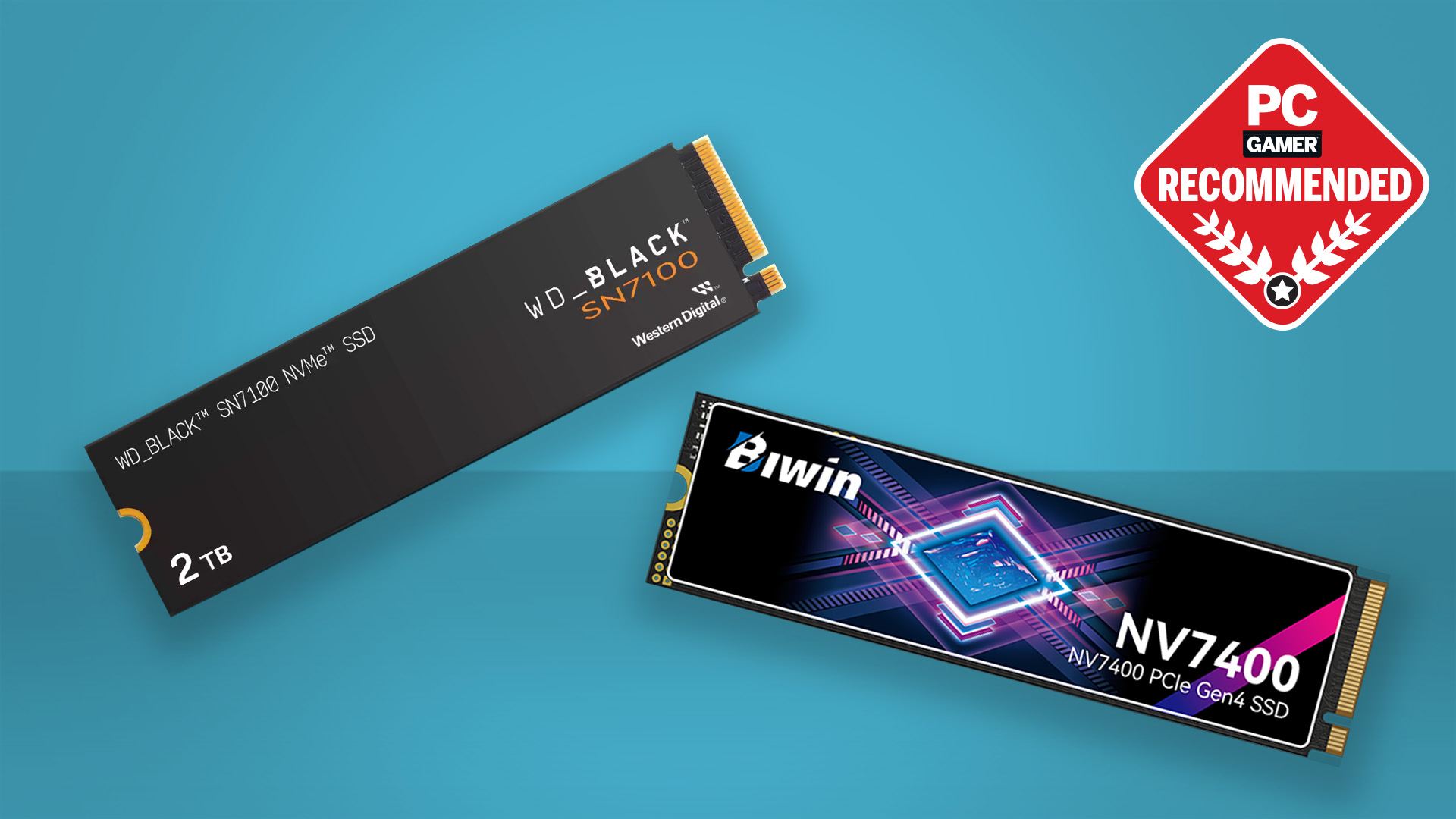
How much SSD storage do gamers need?
A 1TB SSD is the minimum capacity I recommend for a new gaming PC. After Windows, applications, updates, and free space, you may have about 850GB or less available for games.
A 2TB SSD is the better long-term choice. It gives you room for Windows, popular multiplayer games, large single-player titles, and future updates.
Consider 4TB if you:
• Keep many large games installed
• Share one drive between several users
• Record gameplay often
• Install mods and texture packs
• Prefer not to manage storage every month
Do not fill an SSD to its limit. Keeping around 10% to 20% free space can help maintain performance and give the drive room for internal maintenance.
Capacity usually provides more daily value than a small increase in benchmark speed. I would rather use a good 2TB PCIe 4.0 SSD than a top-tier 1TB PCIe 5.0 model for a typical gaming system.
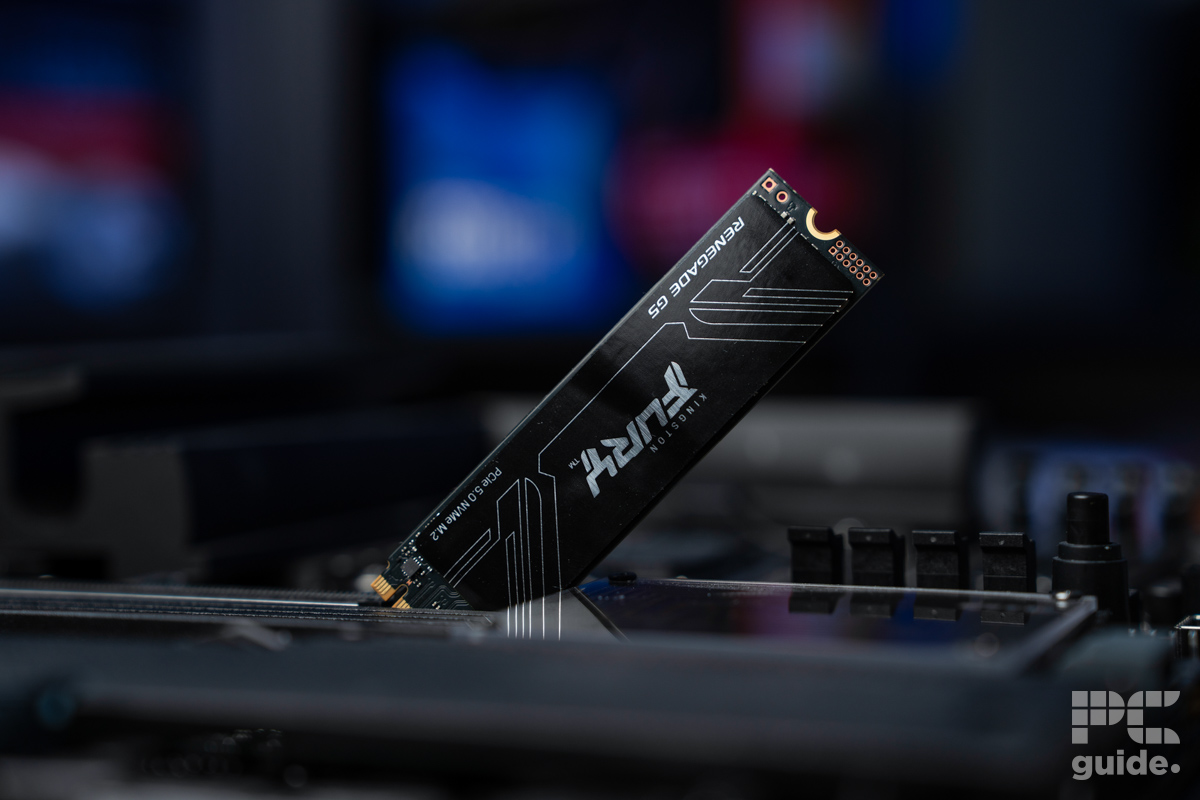
The best SSD for PS5 gaming
The best SSD for gaming on a PlayStation 5 must meet Sony’s hardware requirements. The drive should be an M.2 NVMe model with a PCIe 4.0 interface and a suitable cooling solution.
A PS5-compatible SSD should generally offer:
• At least 5,500 MB/s sequential read speed
• A compatible M.2 2230, 2242, 2260, 2280, or 22110 size
• A total heatsink height within the console’s limit
• A storage capacity from 250GB to 4TB
• Correct installation in the expansion bay