Digital cameras look better because larger sensors, sharp lenses, RAW files, and smart processing capture more detail.
The question “why do digital cameras look better” has more than one answer. A dedicated camera can produce cleaner detail, softer backgrounds, richer color, and better low-light images than a phone or older camera. Sensor size, lens quality, image processing, and the photographer’s control all work together. This guide explains each factor in simple terms, so you can understand what creates a better-looking photo and how to use those strengths in real life.

What Makes a Digital Camera Image Look Better?
A digital camera turns light into data. The more useful light it captures, the more information it can save in the image. That extra information helps the camera show fine texture, natural color, and smooth tones from bright areas to deep shadows.
When people ask why digital cameras look better, they often mean that photos look more natural and detailed. The answer usually comes down to five connected parts:
• A larger image sensor
• A higher-quality lens
• Better control over exposure and focus
• More powerful image files
• Less dependence on small-camera software tricks
A camera does not create quality through megapixels alone. A 24-megapixel camera with a good lens and large sensor may look better than a 50-megapixel phone in some scenes. The quality of the light, lens, sensor, and processing matters more than the number printed on the box.
Larger Sensors Capture More Light
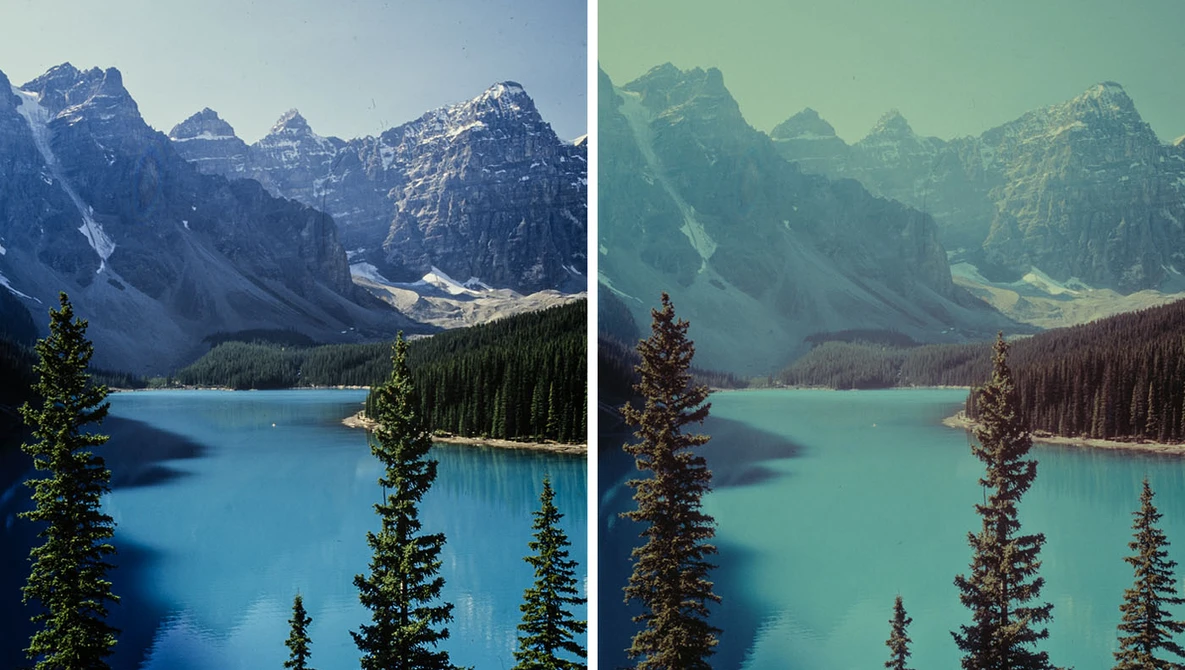
Sensor size is one of the biggest reasons digital cameras look better. A sensor is the light-sensitive surface inside the camera. Common sizes include Micro Four Thirds, APS-C, full frame, and medium format.
A larger sensor can collect more light during the same exposure. This gives the camera more image data to work with. The result may include:
• Cleaner shadows
• Less visible noise
• Better detail in dark areas
• Smoother color transitions
• More natural background blur
Imagine filling a bucket with rain. A large bucket collects more water than a small cup during the same storm. A large camera sensor works in much the same way. It gathers more light before the image is turned into a digital file.
This does not mean a large sensor always wins. A modern phone can produce excellent images in bright light. Its software may combine several frames to reduce noise and improve detail. Still, in dim rooms, fast action, or scenes with strong contrast, a larger sensor often has an advantage.

Better Lenses Improve Detail and Contrast
A camera body matters, but the lens is just as important. The lens controls how light reaches the sensor. A sharp lens can show tiny details in hair, fabric, leaves, buildings, and skin.
High-quality camera lenses often provide:
• Better edge-to-edge sharpness
• Stronger contrast
• Fewer optical flaws
• More accurate color
• Wider apertures for low-light work
• Smoother background blur
A wide aperture, such as f/1.8 or f/2.8, lets in more light. It can also create a shallow depth of field. This keeps the subject sharp while making the background soft. That soft background is one reason digital cameras look better for portraits and close-up photos.
The lens also affects the character of an image. Two cameras with the same sensor can produce different results when paired with different lenses. A quality 85mm portrait lens, for example, can give a face a natural look and a pleasing background.
In my own comparisons, the lens often made a larger visual difference than a small upgrade in camera resolution. A clean, sharp lens can make an ordinary sensor look impressive. A poor lens can make an expensive camera seem disappointing.

Digital Cameras Offer More Dynamic Range
Dynamic range is the gap between the darkest and brightest parts of a scene that a camera can record with useful detail. A scene with a bright window and a dark room is a good example.
A camera with strong dynamic range can preserve detail in both areas. It may show the clouds outside while also keeping texture in the furniture indoors. A weaker camera may turn the window into a white patch or the room into a black shape.
Dynamic range helps explain why digital cameras look better in difficult light. Modern sensors can often preserve more highlight and shadow information than older models. RAW files also give photographers more room to adjust exposure after taking the photo.
You can improve dynamic range by:
• Shooting in RAW
• Avoiding severe overexposure
• Using exposure compensation
• Bracketing several exposures
• Adding soft fill light
• Photographing during gentle morning or evening light
Even the best camera has limits. If a bright area is completely clipped, no editing program can restore its original detail. Good exposure still matters.
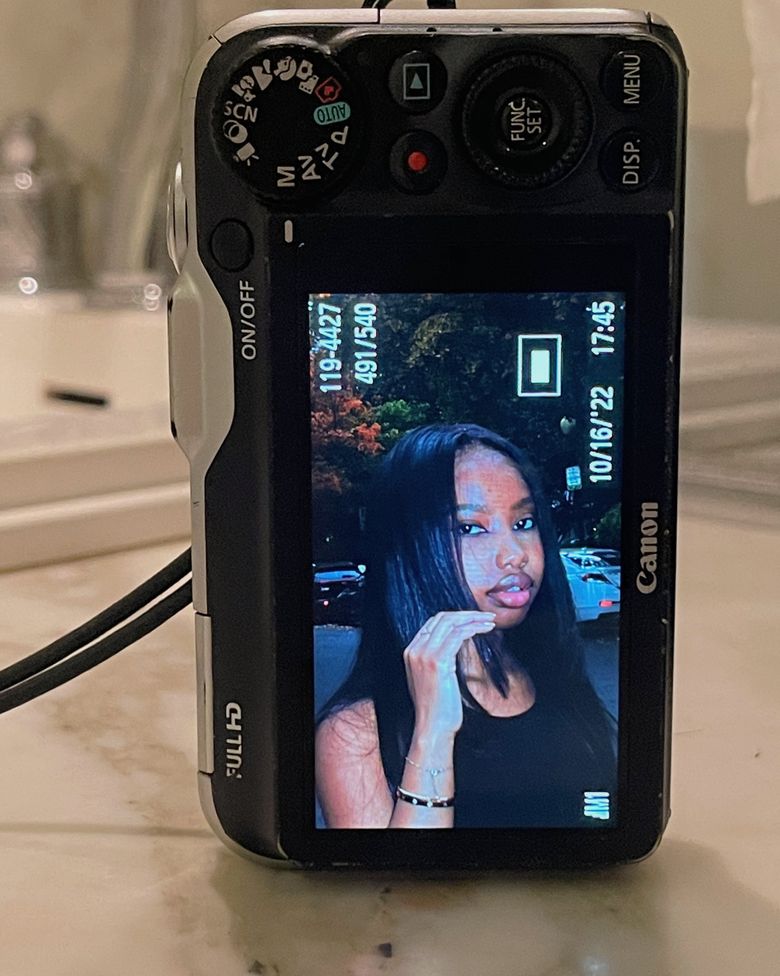
RAW Files Preserve More Image Information
Most cameras can save JPEG files, RAW files, or both. A JPEG is processed inside the camera. It receives sharpening, color changes, contrast, and noise reduction before it reaches the memory card.
A RAW file keeps much more of the sensor’s original data. It is not always attractive when first opened, but it gives you greater control during editing. You can adjust:
• White balance
• Brightness
• Highlight recovery
• Shadow detail
• Color intensity
• Sharpness and noise reduction
This is another reason digital cameras look better in the hands of an experienced photographer. The camera captures a flexible starting point, and the photographer shapes the final image.
RAW files are larger than JPEG files. They also need editing software and storage space. For quick sharing, JPEG may be more convenient. For weddings, landscapes, products, or important family events, RAW can protect you from exposure and color mistakes.
A useful approach is to record RAW plus JPEG. The JPEG is ready to share, while the RAW file remains available for careful editing later.
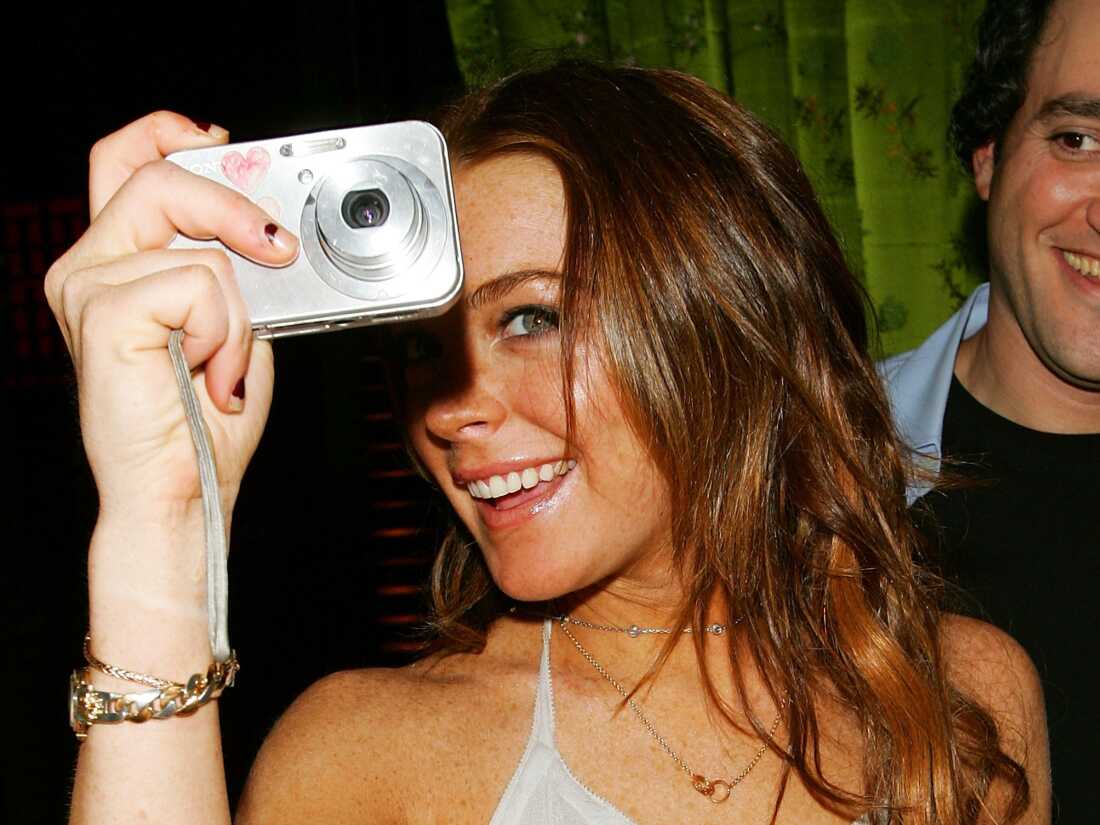
Manual Control Helps You Create the Image You Want
Phones often make many decisions for you. That is useful, but it can also limit creative control. Dedicated digital cameras usually provide direct control over shutter speed, aperture, ISO, focus, and white balance.
These controls let you match the camera to the subject:
• Use a fast shutter speed to freeze a child running.
• Use a slow shutter speed to blur moving water.
• Use a wide aperture to separate a person from the background.
• Use a narrow aperture to keep a landscape sharp.
• Lower ISO to reduce noise in bright conditions.
• Raise ISO when you need to work in dim light.
This creative control is a major part of why digital cameras look better for serious photography. The camera is not just recording a scene. It is helping you make a visual choice.
When I first began testing cameras, I often blamed the equipment for soft photos. The real problem was motion blur caused by a shutter speed that was too slow. Learning basic exposure made a bigger improvement than buying a newer body. That lesson remains useful for every photographer.

Autofocus and Shutter Performance Matter
Modern digital cameras can focus quickly and track moving subjects with impressive accuracy. Many models recognize faces, eyes, animals, vehicles, and other subjects.
Fast autofocus helps with:
• Sports
• Wildlife
• Children
• Events
• Street photography
• Birds in flight
A camera may also have a mechanical or electronic shutter that responds quickly. This can reduce missed moments. Some models offer high burst rates, which let you capture several frames in a short time.
However, autofocus is not magic. It may struggle in very low light, fog, heavy backlight, or scenes with many overlapping objects. Learn how to change focus modes and focus areas. Selecting the right mode can improve results more than relying on automatic settings alone.
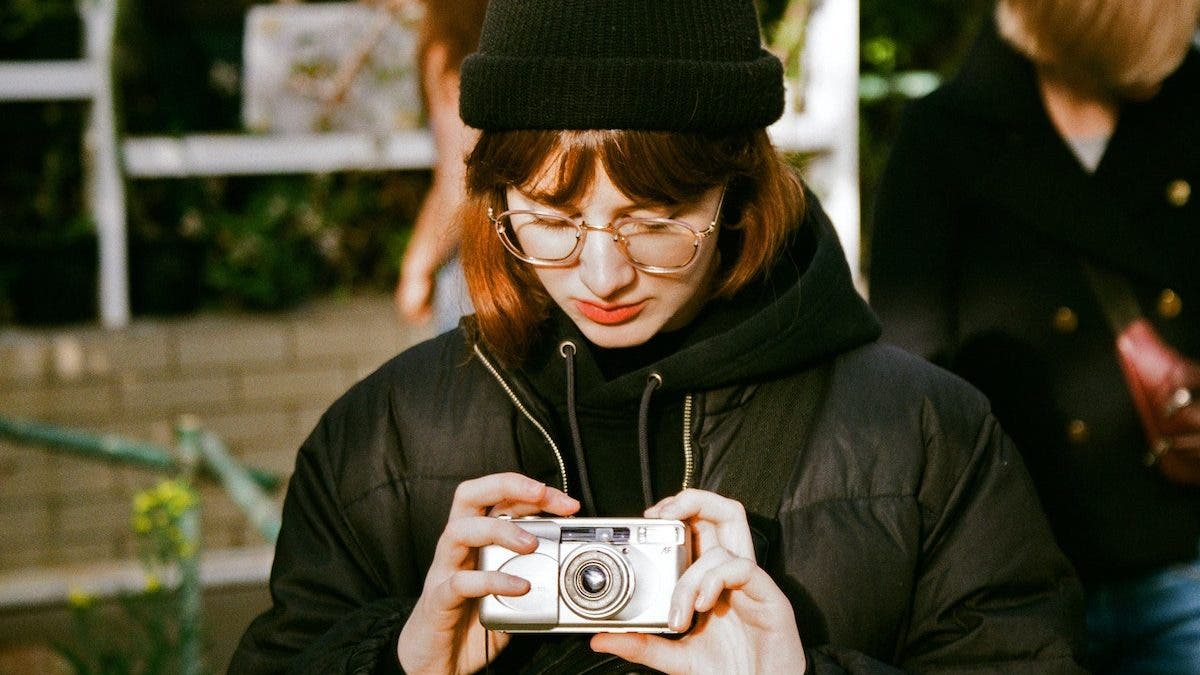
Background Blur Gives Photos a Professional Look
Many people say digital cameras look better because their photos have a soft, professional background. This effect is called shallow depth of field, or background blur.
Background blur depends on several factors:
• Sensor size
• Lens aperture
• Focal length
• Distance from the subject
• Distance between the subject and background
A portrait shot with an 85mm lens at f/1.8 may show a sharp face with a smooth background. The same portrait taken with a small phone sensor may need software blur to create a similar effect.
Software blur has improved greatly. Still, it can make mistakes around hair, glasses, fingers, and thin objects. Optical blur usually has a more natural transition because it comes from the lens itself.
Background blur is not always better. Product photos, group portraits, and landscapes may need more of the scene in focus. Good photography uses blur as a tool, not as a rule.
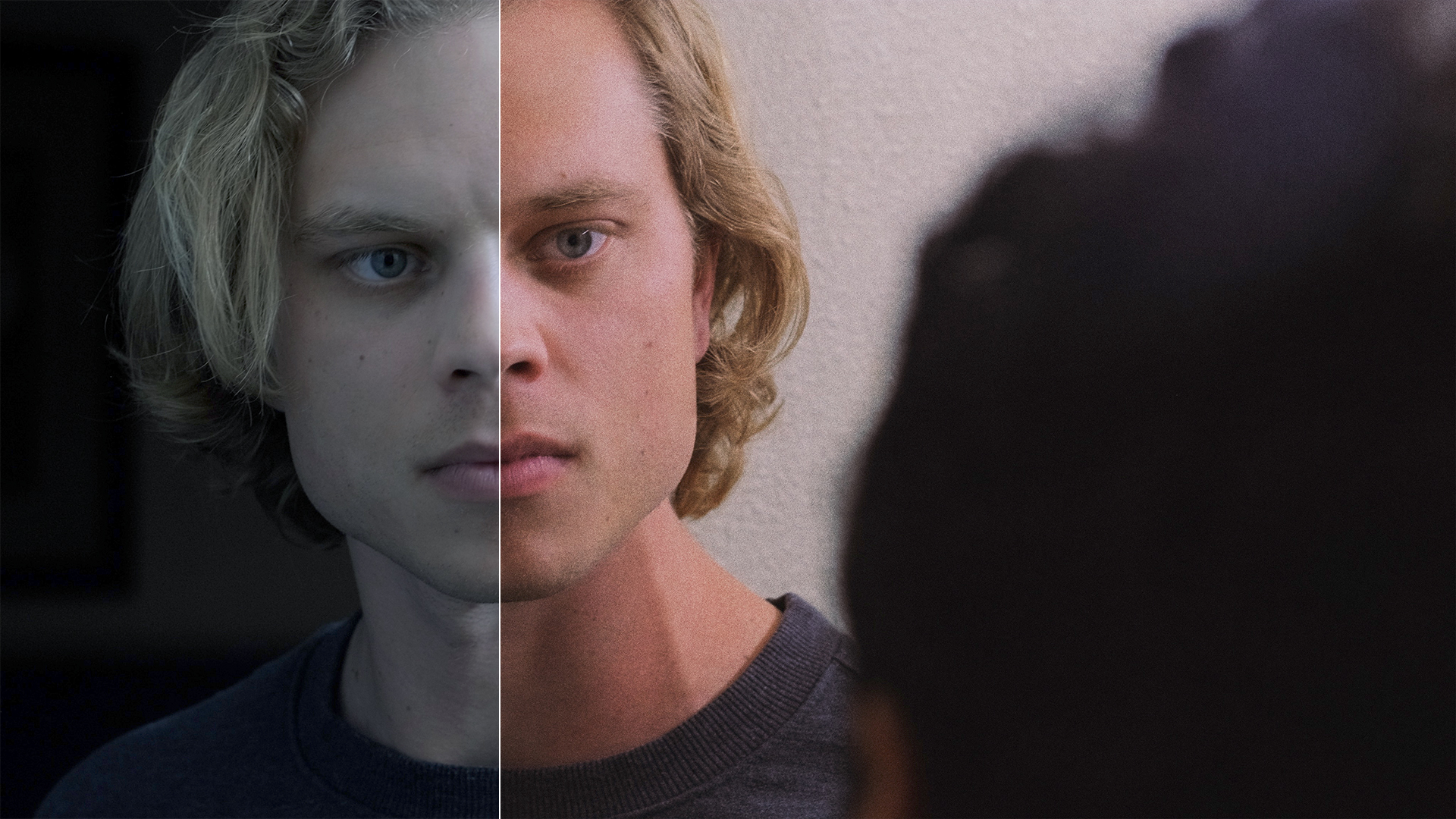
Why Phones Sometimes Look Better Than Digital Cameras
The question why digital cameras look better has an important limit: they do not always look better straight from the camera. Modern smartphones use computational photography to combine multiple images and correct common problems.
Phone software may:
• Combine several exposures
• Brighten shadows
• Reduce noise
• Improve face tones
• Increase sharpness
• Create HDR images
• Remove unwanted objects
• Simulate background blur
This processing can produce a bright, colorful image with almost no effort. A phone may beat a camera in a quick snapshot, especially when the camera is using automatic settings and the phone is applying several layers of software processing.
A dedicated camera often wins when you need natural depth, strong low-light performance, long lenses, fast action, high-quality editing, or consistent results. The best choice depends on the scene and your goals.
It is also important to compare images at the same size. A phone photo may look excellent on a small screen but show smeared detail when printed large. A camera image may appear less dramatic at first but hold more real texture during editing and printing.
Digital Cameras Are Better for Different Types of Photography
Different camera features help with different subjects. There is no single camera that is perfect for every task.
Portrait photography
Large sensors and bright lenses can create natural background blur. Eye-detection autofocus helps keep the subject’s eyes sharp. Soft light and careful positioning still matter more than expensive equipment.
Landscape photography
A high-resolution sensor can record fine detail in rocks, trees, and distant buildings. RAW files help recover shadows and control bright skies. A tripod can improve sharpness in low light.
Sports and wildlife
Fast autofocus, long lenses, and high burst speeds are valuable. A high shutter speed freezes motion, but it may require a higher ISO. Good technique and patience remain essential.
Product photography
Accurate color, even lighting, and sharp focus are more important than background blur. A tripod and controlled light can make a modest camera produce professional-looking results.
Travel photography
A lightweight mirrorless camera may offer a better balance than a large professional setup. A compact zoom lens can cover landscapes, food, portraits, and street scenes without filling your bag.
Common Mistakes That Make Camera Photos Look Worse
Buying a digital camera does not guarantee better photos. Several simple mistakes can reduce image quality.
• Using a shutter speed that is too slow
• Leaving fingerprints on the lens
• Underexposing heavily
• Overusing digital zoom
• Applying too much sharpening
• Increasing saturation until colors look false
• Ignoring white balance
• Shooting through dirty windows
• Using the wrong autofocus mode
• Expecting editing to fix severe blur
One of the most common mistakes is judging a camera only by its automatic JPEG output. Try different settings and learn how the camera handles light. Also, keep your lens clean with a proper microfiber cloth. A small smudge can lower contrast across the entire image.
Another mistake is buying more camera than you will use. A smaller camera that you carry often can produce better memories than a powerful camera left at home. The best equipment is the equipment that fits your habits, budget, and subjects.
How to Make Your Digital Camera Photos Look Better
You can improve image quality without buying a new body. Start with light and technique.
- Clean the lens before important photos.
- Use the lowest practical ISO.
- Choose a shutter speed fast enough for the subject.
- Focus on the most important detail, such as the eyes.
- Shoot in RAW when you plan to edit.
- Use exposure compensation when the scene looks too bright or dark.
- Avoid extreme digital zoom.
- Keep the camera steady with both hands.
- Use natural light from a window or open shade.
- Review images at full size before the moment is gone.
When editing, make small changes. Increase exposure, recover highlights, lift shadows, and adjust color with care. Heavy edits can create halos, strange skin tones, and plastic-looking detail.
A useful test is to photograph the same subject with different settings. Compare ISO, aperture, shutter speed, and RAW versus JPEG files. This hands-on exercise teaches more than reading a camera specification sheet.
How to Choose a Digital Camera
Choose a camera based on your real needs, not just its megapixel count.
Consider these factors:
• Sensor size: Larger sensors often perform better in low light, but they can cost more.
• Lens selection: A strong lens system may matter more than a minor body upgrade.
• Autofocus: Look for reliable tracking if you photograph movement.
• Size and weight: A camera must be easy to carry.
• Battery life: Important for travel, events, and outdoor work.
• File options: RAW support gives you more editing freedom.
• Video features: Check resolution, frame rates, sound, and stabilization if video matters.
• Budget: Include lenses, batteries, memory cards, and software.
A beginner may do well with an APS-C mirrorless camera and a small prime lens. An enthusiast may prefer a full-frame model for low-light work and shallow depth of field. A professional may need weather sealing, dual card slots, fast autofocus, and dependable service support.
There is no universal answer to why digital cameras look better because “better” depends on the final use. A large print, a web post, a wedding album, and a travel diary each place different demands on a camera.
Frequently Asked Questions About Why Digital Cameras Look Better
Why do digital cameras look better than phones?
Digital cameras often have larger sensors, better lenses, and stronger control over exposure and focus. Phones can still produce excellent images through computational photography, especially in bright light and quick snapshots.
Do more megapixels make a digital camera look better?
Not always. More megapixels can record more detail when the lens, focus, light, and sensor quality support them, but megapixels alone do not guarantee a better image.
Why do digital cameras look better in low light?
Larger sensors and wider-aperture lenses can capture more light. This usually creates less noise, better color, and more detail than a small sensor using heavy software processing.
Is RAW better than JPEG for digital camera photos?
RAW keeps more original image data and gives you greater control during editing. JPEG files are smaller and ready to share, but the camera has already processed and compressed them.
Can a cheap digital camera take better photos than an expensive phone?
Yes, in some situations. A cheap camera with a decent lens may offer natural background blur and optical zoom, while an expensive phone may perform better for automatic HDR, night shots, and quick sharing.
Do I need a professional camera to take better photos?
No. Good light, steady technique, accurate focus, and thoughtful composition often matter more than price. A basic mirrorless or DSLR camera can produce excellent results when you understand how to use it.
Conclusion
Digital cameras look better when their sensor, lens, exposure controls, autofocus, and image files work together. Larger sensors capture more light, quality lenses reveal more detail, and RAW files preserve flexibility for editing. Phones remain powerful because computational photography can create impressive results with little effort.
The best way to improve is to practice with the equipment you have. Learn shutter speed, aperture, ISO, focus, and light before chasing a new camera. Try a few controlled comparisons, review your results, and choose gear that matches the photos you want to make. Explore more photography guides, share your results, and keep testing—your next great image may come from better technique rather than a bigger budget.

Everett Ashford is a tech reviewer at mytechgrid.com specializing in SSDs, cameras, TVs, earbuds, headphones, and other consumer electronics. He provides honest, data-driven reviews based on hands-on testing and real-world performance analysis. Everett simplifies complex tech details to help readers make smart, confident buying decisions.