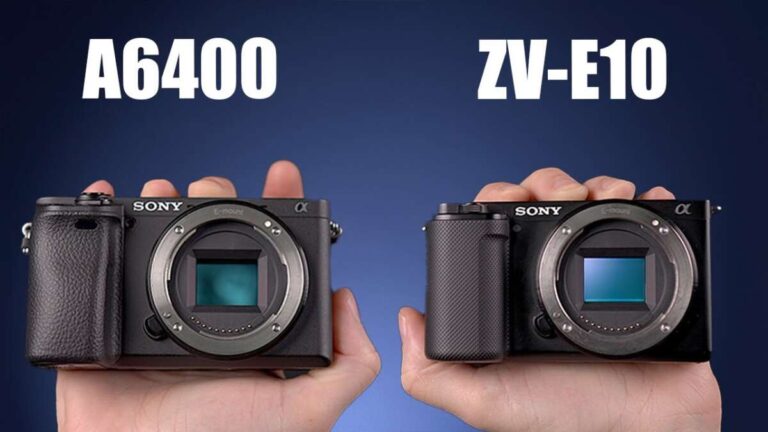
Digital cameras use sensors, lenses, controls, and smart tools to capture, store, and share high-quality photos and videos.
Understanding the features of digital camera models helps you choose the right tool for travel, family photos, work, or creative projects. After years of studying camera design and real-world shooting needs, I have found that the best camera is not always the most expensive one. It is the camera whose sensor, lens, controls, autofocus, and size fit the way you shoot.
What Is a Digital Camera?
A digital camera captures images with an electronic image sensor instead of photographic film. The sensor changes light into digital data, which the camera saves to a memory card or internal storage.
Most modern cameras can also record video, play back images, connect to phones, and adjust settings automatically. Some models are simple point-and-shoot cameras, while others offer advanced manual controls for professional work.
The main features of digital camera systems include:
• Image sensors that record light and detail
• Camera lenses that control framing and focus
• Autofocus systems that keep subjects sharp
• Image processors that improve color and speed
• Digital displays or electronic viewfinders
• Storage for photos and videos
• Battery systems for portable use
• Wireless tools for sharing and remote control
Unlike film cameras, digital cameras let you review a photo at once. This makes it easier to learn from mistakes and try again without wasting film or paying for processing.
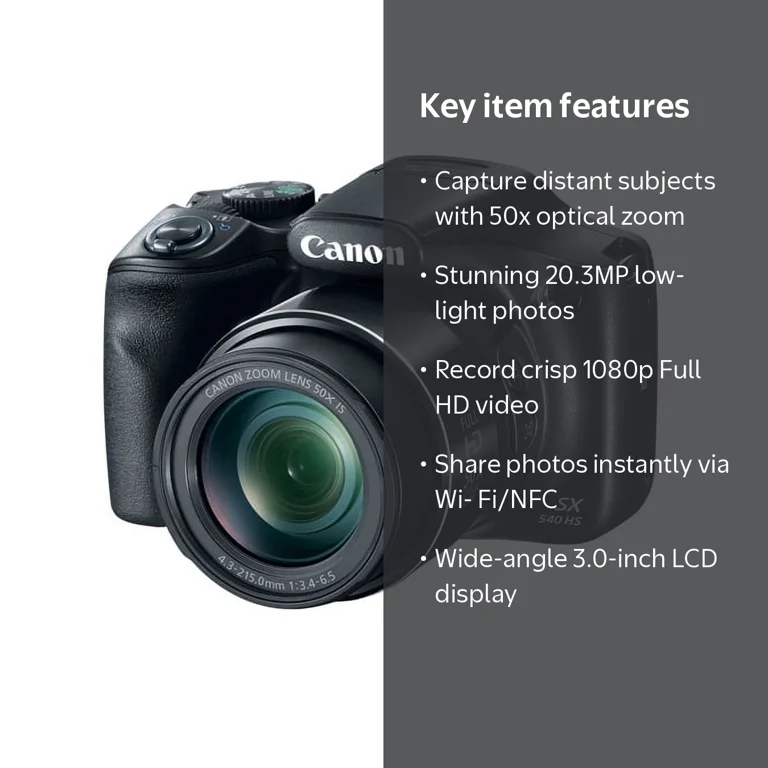
Key Features of Digital Camera Models
The features of digital camera devices vary by type, brand, and price. A basic compact camera may focus on ease of use, while a mirrorless or DSLR camera may provide deep manual control.
Here are the most important features to understand.
Image Sensor
The image sensor is one of the most important features of digital camera models. It receives light through the lens and turns that light into an image.
Common sensor sizes include:
• Full frame, which is about the same size as a 35mm film frame
• APS-C, which is smaller than full frame and common in enthusiast cameras
• Micro Four Thirds, which offers a compact design and useful image quality
• One-inch sensors, which are often found in premium compact cameras
• Smaller sensors, which are common in phones and basic compact cameras
A larger sensor can usually capture more light and produce cleaner images in dark scenes. It may also create a softer background behind the subject. However, sensor size is only one part of image quality. Lens quality, camera software, lighting, and the photographer’s skill also matter.
Megapixel Resolution
Megapixels describe the number of tiny picture elements, or pixels, in an image. A 24-megapixel camera creates an image with about 24 million pixels.
Higher resolution can help when you need to:
• Crop a photo while keeping useful detail
• Print large images
• Capture fine textures in landscapes or products
• Reframe a photo after shooting
More megapixels do not always mean better photos. High resolution can create larger files and may reveal lens flaws or camera shake. For most everyday users, a camera between 20 and 30 megapixels offers more than enough detail.
Lens and zoom
the lens controls how much of the scene the camera sees. It also affects sharpness, brightness, background blur, and perspective.
Digital cameras may use fixed lenses or interchangeable lenses. A fixed lens stays attached to the camera. An interchangeable-lens camera lets you switch between wide-angle, standard, telephoto, macro, and other lens types.
Important lens terms include:
• Focal length, which affects the viewing angle and magnification
• Aperture, which controls light and background blur
• Optical zoom, which magnifies the subject through lens movement
• Digital zoom, which enlarges the image through software
Optical zoom is usually better than digital zoom because it uses real lens magnification. Digital zoom can make a subject look closer, but it may reduce detail.
Aperture
Aperture is the opening inside the lens. It works much like the pupil of an eye.
A wide aperture, such as f/1.8, allows more light to enter. It can also create a blurry background that makes a person or object stand out. A narrow aperture, such as f/8 or f/11, lets in less light but keeps more of the scene in focus.
Aperture is especially useful for:
• Portraits
• Food photography
• Low-light scenes
• Landscapes
• Product photos
The lower the f-number, the wider the opening. This detail often confuses new photographers, but it becomes easy with practice.
Shutter Speed
Shutter speed controls how long the sensor records light. A fast shutter speed can freeze action, while a slow shutter speed can show motion blur.
For example:
• 1/1000 second can freeze a running athlete
• 1/250 second can capture many everyday movements
• 1/30 second may show camera shake without support
• Several seconds can record light trails or smooth moving water
Shutter speed is one of the key features of digital camera systems for sports, wildlife, concerts, and street photography.
ISO Sensitivity
ISO controls how sensitive the camera is to light. A low ISO, such as ISO 100, usually produces a cleaner image. A high ISO, such as ISO 3200 or ISO 6400, helps you shoot in darker conditions.
High ISO can also create noise. Noise appears as colored specks or rough grain in the image. Newer cameras often handle high ISO better than older models, but every camera has limits.
A good rule is to use the lowest ISO that still allows a suitable shutter speed and aperture.
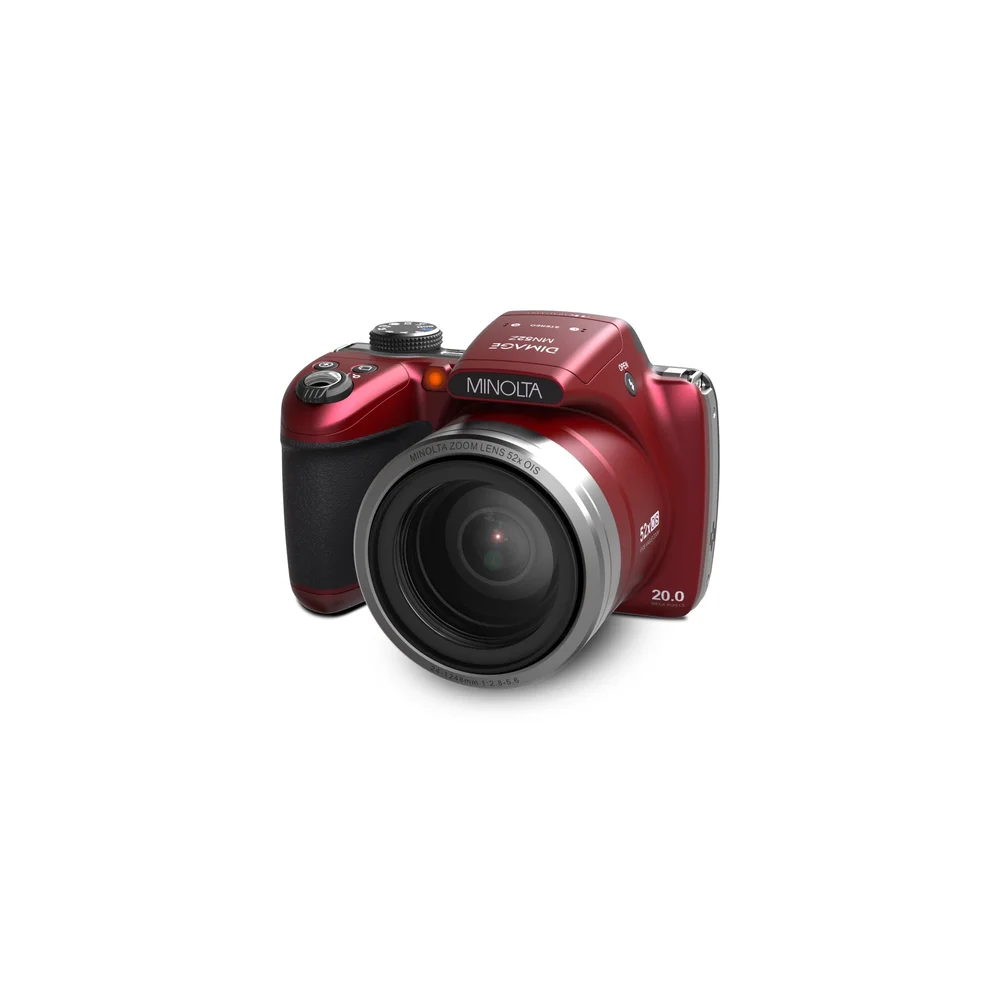
Autofocus and Focus Features
Autofocus is among the most useful features of digital camera technology. It helps the camera find and track the subject without requiring manual focus for every photo.
Modern autofocus systems may include:
• Single-point autofocus for still subjects
• Continuous autofocus for moving subjects
• Face detection for portraits and group photos
• Eye detection for people and animals
• Subject tracking for sports and wildlife
• Touch focus through the rear screen
• Manual focus for precise creative control
Phase-detection autofocus is often fast for moving subjects. Contrast-detection autofocus can be accurate, especially in still scenes. Many modern cameras combine both methods.
Eye autofocus can be very helpful for portraits. Still, it is not perfect. It may select the wrong person in a crowd or lose focus in very low light. A practical habit is to check the focus point before taking an important photo.
One lesson many photographers learn early is that a sharp photo with simple composition is usually stronger than a creative photo that is out of focus.
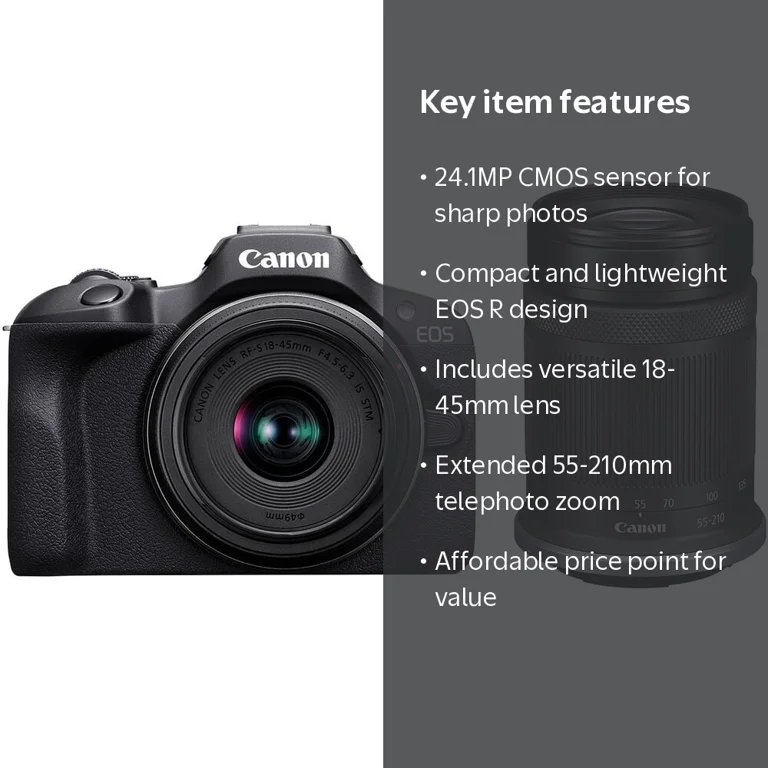
Viewfinders and LCD Screens
Digital cameras often include a rear LCD screen, an electronic viewfinder, or both.
LCD Screen
The LCD screen helps you compose photos, review images, change settings, and use menus. A tilting or fully articulating screen is useful for:
• Low-angle photos
• Overhead shots
• Self-portraits
• Video recording
• Travel photography
Touchscreen controls can make focus and menu navigation faster. However, screens may be difficult to see in bright sunlight.
Electronic Viewfinder
An electronic viewfinder, or EVF, shows a digital preview of the image. It can display exposure, color, focus, and other settings before you press the shutter.
An EVF is useful in bright outdoor light because you can press the camera against your face and block glare. It also helps many photographers hold the camera more steadily.
Some basic compact cameras do not include a viewfinder. This can reduce size and cost, but it may make outdoor composition harder.
Exposure Modes and Manual Controls
Exposure modes determine how the camera controls shutter speed, aperture, and ISO. These modes range from simple automation to full manual control.
Common modes include:
• Automatic mode, which selects most settings for you
• Program mode, which gives more control while keeping automatic exposure
• Aperture priority, which lets you choose aperture while the camera selects shutter speed
• Shutter priority, which lets you choose shutter speed while the camera selects aperture
• Manual mode, which lets you control aperture, shutter speed, and ISO
• Scene modes, which adjust settings for subjects such as portraits, sports, or night scenes
Manual controls are valuable because they make the camera more predictable. They also help you learn how light affects an image.
Exposure compensation is another useful feature. It lets you make a photo brighter or darker without changing the whole shooting mode. This is helpful when the camera makes a snow scene look gray or makes a bright background too dark.
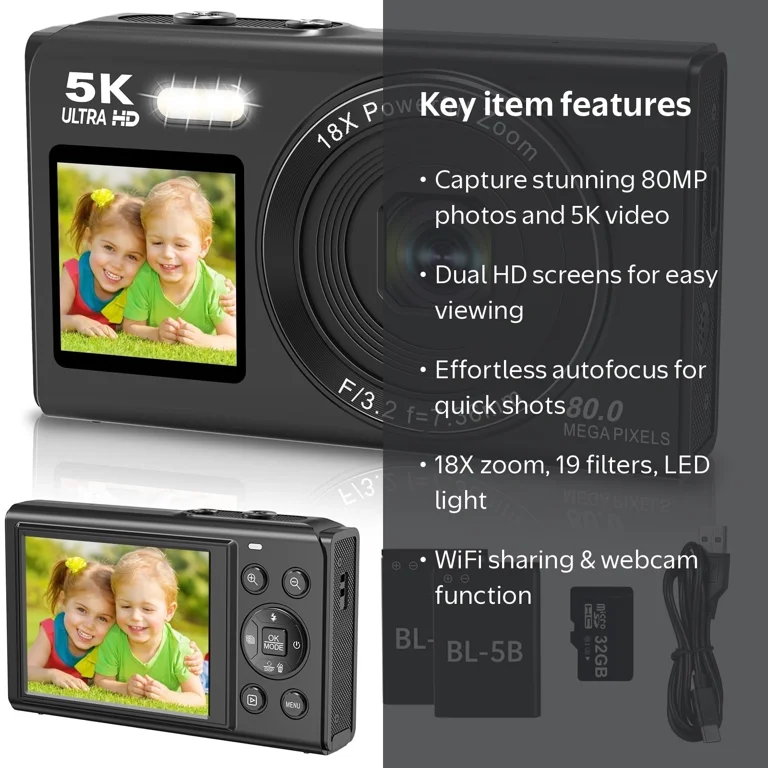
Image Stabilization
Image stabilization reduces blur caused by small camera movements. It is especially helpful when shooting handheld in low light or using a telephoto lens.
There are two common forms:
• Optical image stabilization, which moves lens elements
• In-body image stabilization, which moves the sensor
Some cameras use electronic stabilization for video. This may crop the image slightly but can make handheld footage smoother.
Image stabilization does not freeze a moving person or animal. It mainly corrects movement from the photographer’s hands. If the subject is moving, you still need a faster shutter speed.
A useful real-world habit is to turn stabilization on for handheld shooting and check the manual before using it on a tripod. Some cameras manage this automatically, while others may need a specific setting.
Video Recording Features
Many digital cameras record high-definition or 4K video. Some advanced models also support 6K or higher resolutions, but resolution is not the only factor that matters.
Important video features include:
• Video resolution
• Frame rate, such as 24, 30, 60, or 120 frames per second
• Microphone input
• Headphone output
• Continuous autofocus
• Image stabilization
• Flat color profiles for editing
• External recording support
A higher frame rate can create smooth motion or slow-motion effects. A lower frame rate may provide a more traditional film-like look.
For family videos and travel clips, reliable autofocus and good sound may matter more than the highest resolution. A camera with excellent image quality but poor audio can still produce disappointing videos.
File Formats and Image Processing
Digital cameras usually save photos as JPEG, RAW, or both.
JPEG Files
JPEG files are processed inside the camera. They are smaller, easy to share, and ready to print or post online.
JPEG is useful when you want:
• Quick uploads
• Simple editing
• Small storage needs
• Easy sharing with friends and family
RAW Files
RAW files keep much more image data from the sensor. They give you greater control over brightness, shadows, highlights, color, and white balance during editing.
RAW files also have limits. They are larger, need editing software, and may look flat before processing. They are not automatically better for every situation.
Many photographers use RAW for important work and JPEG for quick sharing. This approach gives both flexibility and convenience.
White Balance and Color Settings
White balance helps the camera show colors correctly under different types of light. Sunlight, shade, fluorescent bulbs, and warm indoor lamps can all change the color of a scene.
Common white balance options include:
• Auto white balance
• Daylight
• Cloudy
• Shade
• Tungsten
• Fluorescent
• Custom white balance
Auto white balance works well in many situations. However, it may change from one photo to the next when the lighting is mixed. A custom setting can create more consistent color for product photos, events, and studio work.
Picture styles and color profiles also affect the look of JPEG files. Some create strong contrast and rich color, while others produce a softer or more neutral result.
Connectivity and Smart Features
Wireless connectivity is now one of the common features of digital camera models. Wi-Fi and Bluetooth can connect a camera to a smartphone or tablet.
These connections may let you:
• Transfer photos to a phone
• Control the camera remotely
• Add location data
• Share images online
• Update camera firmware
• Review photos on a larger screen
Near Field Communication, or NFC, appears on some devices and can make pairing easier. USB-C ports are also becoming common for charging, file transfer, and connection to computers.
Smart features save time, but wireless transfers may reduce battery life. For large RAW files, a memory card reader is often faster and more reliable.
Battery, Storage, and Durability
Battery life affects how freely you can use a camera. A camera with strong battery performance is valuable for travel, weddings, sports, and long outdoor days.
Battery performance depends on:
• Screen brightness
• Wireless connections
• Video recording
• Autofocus use
• Temperature
• Image stabilization
Carrying a spare battery is one of the simplest ways to avoid missed photos.
Digital cameras store images on memory cards. Common card types include SD, microSD, and CFexpress. Check the camera manual for the correct card type, speed, and maximum capacity.
Durability also matters. Some cameras have weather sealing to protect against dust and light moisture. Weather sealing does not make a camera waterproof. A sealed camera still needs care in heavy rain, sand, snow, and extreme temperatures.
Benefits and Limitations of Digital Cameras
Digital cameras offer clear advantages, but they are not perfect for every user.
Benefits
• Immediate photo review
• Easy storage and backup
• Wide control over exposure
• High image quality
• Interchangeable lens options
• Fast shooting speeds
• Video recording
• Simple wireless sharing
• Reusable storage media
Digital photography also lowers the cost of practice. You can take many test photos, study the results, and improve without buying film.
Limitations
• Batteries need regular charging
• Cameras and lenses can be expensive
• Menus may feel complex
• Large systems can be heavy
• High-quality files need more storage
• Sensors and lenses can collect dust
• Some cameras struggle in very low light
• Wireless tools may drain the battery
The right choice depends on your needs. A small camera that you carry everywhere may produce better results than a powerful camera left at home.
Types of Digital Cameras
Different camera types serve different users.
Compact Cameras
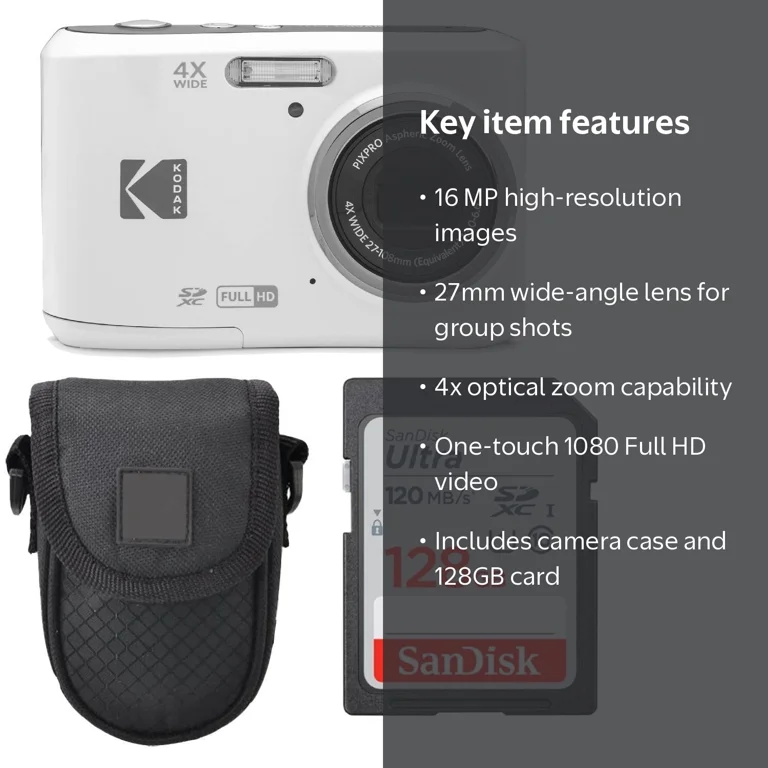
Compact cameras are small and simple. They often have a fixed lens, automatic modes, and optical zoom.
They work well for travel, family events, and casual photography. Premium compact cameras may include larger sensors, bright lenses, and manual controls.
Bridge Cameras
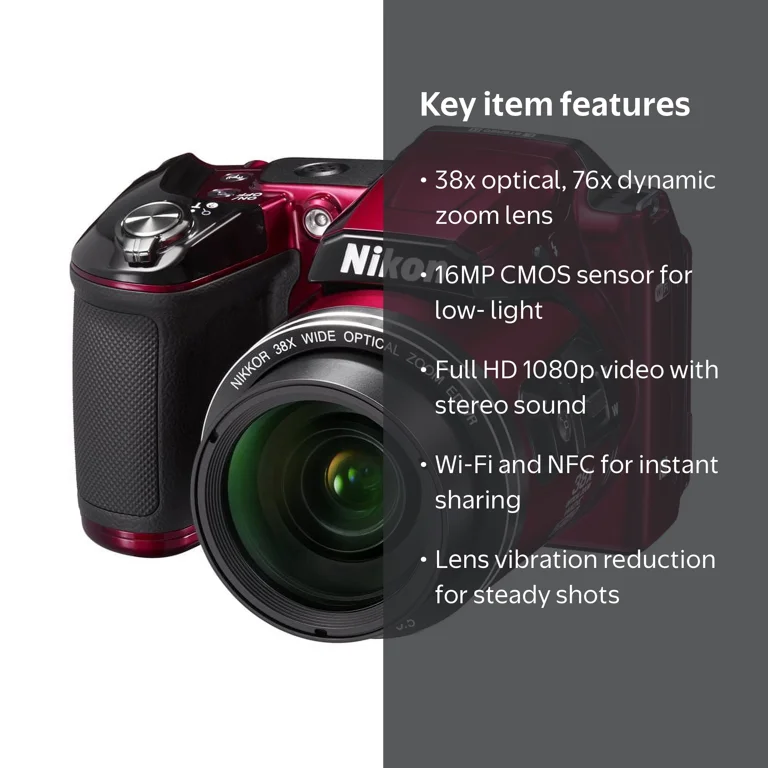
Bridge cameras look like small DSLRs but usually have fixed lenses with large zoom ranges. They can be useful for wildlife, sports, and travel when changing lenses is not practical.
Their smaller sensors may produce more noise in low light than larger interchangeable-lens cameras.
DSLR Cameras
DSLR cameras use a mirror and optical viewfinder. They offer strong battery life, manual controls, and access to many lenses.
They can produce excellent photos, but they are often larger and heavier than mirrorless models.
Mirrorless Cameras
Mirrorless cameras do not use the large mirror system found in DSLRs. This allows a smaller body and electronic viewfinder.
Many mirrorless cameras offer advanced autofocus, fast shooting, strong video tools, and high image quality. Battery life can be lower because the electronic screen or viewfinder stays active.
Action Cameras
Action cameras are small, tough, and designed for movement. They often include wide-angle lenses, strong video stabilization, and waterproof housings.
They are useful for cycling, hiking, water sports, and hands-free recording. Their small sensors may not perform as well in dark scenes.
How to Choose the Right Digital Camera
Start with your real use, not a long list of specifications. A camera for family trips has different needs from one used for studio portraits or wildlife.
Use this simple process:
-
Decide what you will photograph most often.
-
Choose the camera size you will carry comfortably.
-
Select a sensor size that fits your quality and budget needs.
-
Compare lens options and zoom range.
-
Check autofocus performance for your main subjects.
-
Review video, microphone, and stabilization features if you record clips.
-
Confirm battery life, memory card type, and wireless support.
-
Set aside money for batteries, cards, bags, and lenses.
Beginners often spend too much on megapixels and too little on lenses. A good lens can improve sharpness, low-light performance, and background blur. It can also stay useful when you upgrade the camera body later.
Try holding a camera before buying it. Button placement, grip comfort, menu design, and weight can affect your experience more than a small difference in technical specifications.
Practical Tips for Better Camera Results
Knowing the features of digital camera equipment is helpful, but skill comes from using those features with purpose.
Try these simple habits:
• Keep the lens clean with a proper microfiber cloth
• Use a fast shutter speed for moving subjects
• Watch the background before pressing the shutter
• Use exposure compensation when the image looks too bright or dark
• Check focus on the eyes for portraits
• Use a tripod for long exposures
• Keep spare batteries and memory cards nearby
• Back up important photos in two places
• Learn one camera mode at a time
• Read the camera manual for custom settings
A common mistake is changing many settings at once. Instead, change one feature, take a photo, and study the result. This turns the camera into a learning tool rather than a confusing box of buttons.
For important events, test the camera before the day arrives. Check the battery, card space, autofocus, flash, and storage. Small preparation can prevent a large disappointment.
How to Maintain a Digital Camera
Care helps protect both image quality and equipment life.
Store the camera in a dry, clean place. Avoid leaving it in a hot car, near strong moisture, or in direct sunlight for long periods.
For basic maintenance:
• Use a blower to remove loose dust
• Avoid touching the sensor
• Clean the lens with suitable tools
• Keep the camera in a padded bag
• Remove the battery during long storage
• Format memory cards inside the camera when appropriate
• Update firmware only with a charged battery
• Use a rain cover in wet conditions
If dust appears in the same place in every photo, the sensor may need cleaning. Sensor cleaning can be delicate, so many users choose a qualified service center instead of attempting it without proper tools.
Frequently Asked Questions About the Features of Digital Camera
What are the most important features of a digital camera?
The most important features include the image sensor, lens, autofocus, ISO range, shutter speed, aperture control, image stabilization, battery life, and storage options. The best mix depends on what and where you plan to photograph.
Does a higher megapixel count mean better image quality?
Not always. More megapixels can provide extra detail and cropping room, but sensor quality, lens sharpness, lighting, and technique also have a major effect on the final photo.
What is the difference between optical zoom and digital zoom?
Optical zoom magnifies the subject by moving lens elements, so it usually preserves more detail. Digital zoom enlarges the image through software and may lower image quality.
Are mirrorless cameras better than DSLR cameras?
Neither type is best for everyone. Mirrorless cameras often offer smaller bodies and advanced autofocus, while DSLRs may provide longer battery life, optical viewing, and access to a large used-lens market.
What does image stabilization do?
Image stabilization reduces blur caused by camera movement. It helps with handheld photos and video, but it cannot fully prevent blur when the subject itself is moving.
Should beginners use automatic or manual mode?
Automatic mode is useful when you need quick results. As you gain confidence, aperture priority and shutter priority can teach you how exposure affects brightness, motion, and background blur.
Is RAW better than JPEG?
RAW offers more editing flexibility and keeps more data from the sensor. JPEG files are smaller and ready to share, so each format is useful for different needs.
Conclusion
The features of digital camera systems include much more than megapixels. Sensor size, lens design, autofocus, aperture, shutter speed, ISO, stabilization, video tools, battery life, and wireless sharing all shape the shooting experience.
Choose a camera based on your subjects, habits, comfort, and budget. Learn one feature at a time, practice in real situations, and protect your files with regular backups. Explore your camera manual, test different settings, and share your favorite photography lessons in the comments.

Everett Ashford is a tech reviewer at mytechgrid.com specializing in SSDs, cameras, TVs, earbuds, headphones, and other consumer electronics. He provides honest, data-driven reviews based on hands-on testing and real-world performance analysis. Everett simplifies complex tech details to help readers make smart, confident buying decisions.