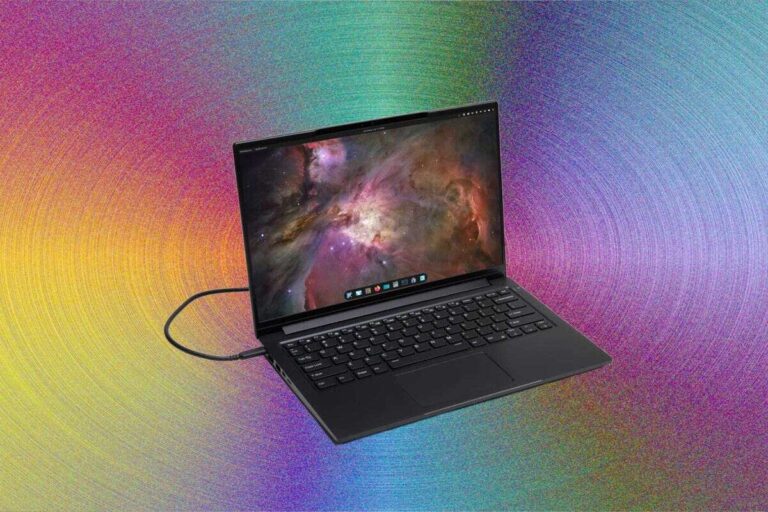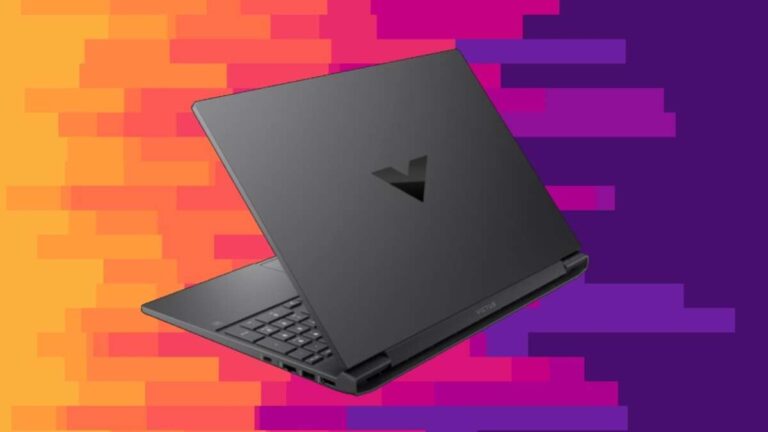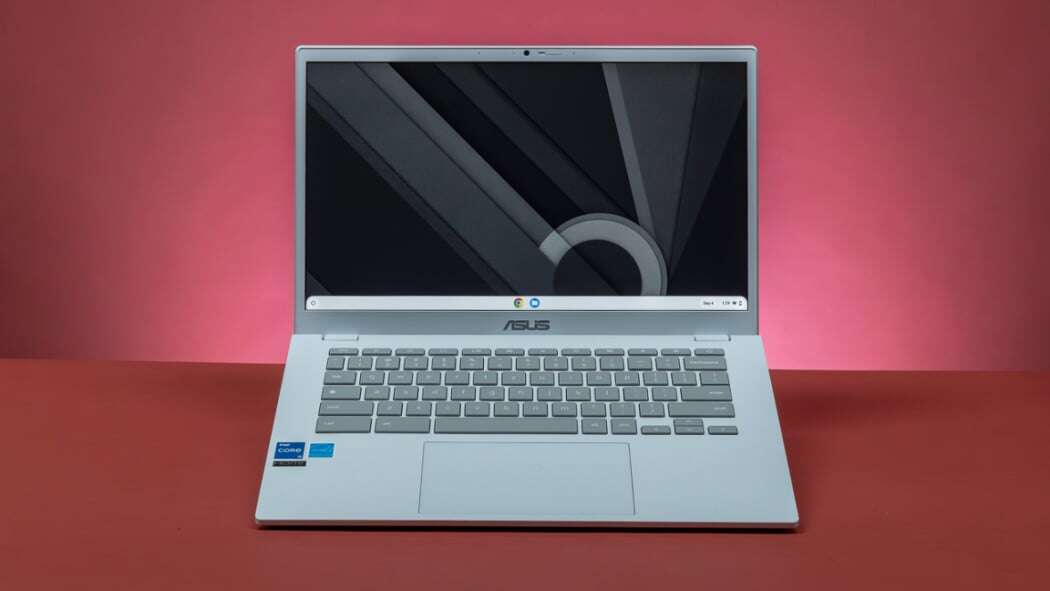
The best inexpensive laptop for most people is the Acer Aspire 3, with strong everyday performance at a low price.
Finding the best inexpensive laptop is not just about choosing the lowest price. You need a computer with enough speed, battery life, storage, and build quality for school, work, streaming, and daily tasks. After comparing affordable Windows laptops and chromebooks, the Acer Aspire 3 stands out for many buyers, while Chromebook models can offer even better value for lighter needs.
What is the best laptop that is inexpensive?
For most people, the Acer Aspire 3 is the best laptop that is inexpensive. It usually offers a 15.6 inch display, a modern Intel Core or AMD Ryzen processor, 8GB of memory, and a solid state drive at a price that often falls below $500.
The exact model matters. Acer sells several Aspire 3 versions, and their processors, screen quality, storage, and memory can differ. Look for a model with these minimum specifications:
• Intel Core i3, Intel Core 5, AMD Ryzen 3, or AMD Ryzen 5 processor
• At least 8GB of RAM
• At least 128GB of SSD storage
• A Full HD display with a resolution of 1920 by 1080
• Wi-Fi 5 or Wi-Fi 6
• Windows 11 or ChromeOS, depending on your needs
The Acer Aspire 3 is not a premium laptop. Its body may feel simple, and the display may not be ideal for professional photo work. Still, it handles web browsing, Microsoft Office, video calls, schoolwork, streaming, and light photo editing well.
If you only need a browser, email, Google Docs, and streaming, a Lenovo Chromebook Duet or Lenovo IdeaPad Chromebook may be cheaper. If you need Windows programs, the Aspire 3 is usually the safer choice.

Best inexpensive laptops by user type
The best laptop that is inexpensive depends on how you plan to use it. A student who writes papers has different needs from a person who edits videos or runs business software.
Here are the strongest choices for different users.
Best overall: Acer Aspire 3
The Acer Aspire 3 is a practical choice for most homes, students, and office users. It gives you the flexibility of Windows without the high price of a premium model.
Its strengths include:
• Good performance for daily work
• A comfortable keyboard
• Simple access to Windows programs
• USB, HDMI, and other useful ports
• Easy upgrades on some configurations
• Good value during sales
Choose an 8GB RAM model with an SSD. Avoid versions with only 4GB of RAM or a slow eMMC drive if you expect to keep the laptop for several years.
Best inexpensive Chromebook: Lenovo IdeaPad Chromebook
A Lenovo IdeaPad Chromebook can be the best laptop that is inexpensive for simple tasks. It runs ChromeOS, which is fast, easy to use, and less demanding than Windows.
Chromebooks work well for:
• Google Docs and Sheets
• Email and web browsing
• YouTube and streaming services
• Online classes
• Video calls
• Basic Android apps
A Chromebook is not a good fit if you need full desktop versions of Adobe Creative Cloud, many Windows games, or specialized business tools. Always check app compatibility before buying one.
Best small laptop: Lenovo Chromebook Duet
The Lenovo Chromebook Duet is often a good pick for travel, reading, and light schoolwork. Many versions use a detachable keyboard, so the device can work like a small tablet.
It is portable and often has excellent battery life. However, its small screen and modest processor make it less comfortable for long writing sessions or heavy multitasking.
Best inexpensive Windows laptop for students: ASUS Vivobook Go 15
The ASUS Vivobook Go 15 is another strong option in the affordable Windows market. It often includes a bright Full HD screen, a light design, and enough speed for school tasks.
Check the exact processor before buying. Some low cost versions use entry level chips that are fine for writing and browsing but slow down with many open tabs or demanding apps.
Best budget laptop for light gaming: Lenovo IdeaPad Gaming or Acer Nitro on sale
Gaming laptops are rarely truly inexpensive, but older Lenovo IdeaPad Gaming and Acer Nitro models can offer good value during major sales. Look for a dedicated graphics card, such as an NVIDIA GeForce RTX 2050, RTX 3050, or newer equivalent.
These models are larger, heavier, and less power efficient than normal budget laptops. They are worth considering only if gaming is a major reason for your purchase.

How much should you spend on an inexpensive laptop?
A realistic budget for the best laptop that is inexpensive is about $300 to $600. Prices change often, so a sale can make a better model cheaper than a weaker model at its regular price.
Here is what you can generally expect:
• Under $300: Basic Chromebooks and entry level Windows laptops for simple tasks
• $300 to $450: Better Chromebooks and basic Windows laptops for school and office work
• $450 to $600: Faster processors, better screens, more storage, and stronger long term value
• $600 to $800: More capable laptops for editing, programming, and light gaming
The lowest price is not always the best deal. A $250 laptop with 4GB of RAM and 64GB of storage may feel frustrating after a year. Spending another $100 or $150 can provide a much smoother experience.
When I compare budget laptops, I pay close attention to the total ownership value. A laptop that costs slightly more but has 8GB of RAM, an SSD, and a Full HD display often feels much better every day.

What specifications should you look for?
Specifications can look confusing, but only a few matter for most buyers. Think of them as the laptop’s basic health checks.
Processor
The processor controls how quickly the laptop handles tasks. For an inexpensive laptop, look for:
• Intel Core i3 or newer Intel Core 3
• Intel Core 5 for stronger multitasking
• AMD Ryzen 3
• AMD Ryzen 5 for better performance
• Apple M1 or newer for an inexpensive MacBook found on sale
Avoid buying based only on the processor name. A newer low end chip may outperform an older premium chip. Check the processor generation and reviews when possible.
Memory
Memory, also called RAM, helps your laptop manage open apps and browser tabs.
• 4GB is suitable only for very basic Chromebook use
• 8GB is the recommended minimum for Windows
• 16GB is better for editing, programming, and heavy multitasking
For most people searching for the best laptop that is inexpensive, 8GB is the right balance between price and performance.
Storage
Choose an SSD rather than a traditional hard drive. An SSD makes Windows start faster and helps apps open more quickly.
A 128GB SSD is enough for basic work, but 256GB is more comfortable. If you store many photos, videos, or games, choose 512GB or use external storage.
Display
A Full HD display is strongly recommended. Its 1920 by 1080 resolution gives you sharper text and more workspace than a low resolution 1366 by 768 panel.
Also check the panel type. IPS screens usually offer better viewing angles and color than basic TN displays. A screen with around 250 to 300 nits of brightness is more comfortable indoors.
Battery life
Battery claims are often based on controlled tests. Real battery life depends on screen brightness, apps, Wi-Fi use, and video calls.
For normal use, look for a laptop that can provide at least six hours in independent testing. Chromebooks often last longer because ChromeOS requires fewer system resources.

Windows laptop or Chromebook?
Choosing between Windows and ChromeOS is one of the most important decisions. The best laptop that is inexpensive can be a Windows laptop or a Chromebook, depending on your software needs.
Choose Windows if you need:
• Microsoft Office desktop apps
• Windows only programs
• Advanced file management
• PC games
• Professional creative tools
• Business software or school programs with special requirements
Windows offers more flexibility, but it also needs more processing power and maintenance. Budget Windows laptops can feel slow if they have weak processors or too little RAM.
Choose a Chromebook if you need:
• Fast web browsing
• Google Workspace
• Online classes
• Email and video streaming
• Simple, low maintenance computing
• Long battery life
ChromeOS is simple and secure for many daily tasks. However, it depends heavily on web apps and may not support the software you already use.
Before buying a Chromebook, ask your school or employer whether required apps work in a browser. This small check can prevent a costly mistake.

Common mistakes when buying a cheap laptop
A low price can hide important compromises. Avoid these common mistakes when looking for the best laptop that is inexpensive.
Buying only by price
The cheapest model may have a slow processor, poor screen, or very little storage. Compare the full specification list instead of focusing on the sale sticker.
Choosing 4GB of RAM for Windows
Windows can run with 4GB, but modern browsing and video calls may quickly use most of it. An 8GB model is a much safer choice.
Buying a laptop with eMMC storage
eMMC storage is common in very cheap devices. It can work for light Chromebook use, but it is usually slower and less flexible than an SSD.
Ignoring the keyboard and trackpad
You may use the keyboard and trackpad for hours each week. A slightly better keyboard can matter more than a small difference in processor speed.
Forgetting upgrade limits
Some inexpensive laptops have soldered memory. You cannot add more RAM later, so choose enough memory at the start.
Expecting a budget laptop to handle everything
An inexpensive laptop is like a compact car. It can handle daily travel well, but it is not designed to tow a large trailer. Video editing, 3D games, and professional design may require a more powerful machine.

How to get the best deal
The best laptop that is inexpensive often appears during sales. You do not need to wait for one specific shopping holiday, but certain periods usually bring stronger discounts.
Use these steps:
- Set your maximum budget before browsing.
- Write down the minimum specifications you need.
- Compare the exact model number, not just the product name.
- Check the return policy and warranty.
- Read recent buyer reviews for keyboard, screen, and battery complaints.
- Compare the sale price with similar models.
- Avoid add-ons that you do not need.
- Check whether the laptop includes a charger and the correct operating system.
Retail listings sometimes use similar names for very different configurations. For example, two laptops may both be called “Aspire 3,” while one has 8GB of RAM and a 256GB SSD and the other has 4GB of RAM and 128GB of slower storage.
A trusted retailer with a clear return policy is often worth choosing over an unknown seller offering a slightly lower price. This is especially important for refurbished laptops.

Are refurbished laptops worth buying?
A refurbished laptop can be an excellent way to get the best laptop that is inexpensive. Business laptops from Lenovo, Dell, and HP often have stronger keyboards and better construction than new low cost models.
Good refurbished choices may include:
• Lenovo ThinkPad T series
• Dell Latitude series
• HP EliteBook series
• Microsoft Surface Laptop models
• Older MacBook Air models with Apple silicon
Buy from a seller that provides a warranty, battery information, and a clear return window. Be cautious when the listing does not state the battery condition or exact specifications.
A refurbished laptop may show light marks, but cosmetic wear is less important than battery health and system reliability. For a work or school laptop, I would rather choose a refurbished business model with 8GB of RAM and a healthy SSD than a brand new laptop with weak hardware.
What can an inexpensive laptop do?
The best laptop that is inexpensive can handle a wide range of daily tasks.
It is usually suitable for:
• Research and web browsing
• Microsoft Word and Google Docs
• Email and online banking
• Zoom and other video calls
• Streaming movies and music
• School assignments
• Basic spreadsheets
• Light photo editing
• Social media management
• Remote work
It may struggle with:
• 4K video editing
• Large 3D games
• Professional animation
• Large data analysis projects
• Running many virtual machines
• Advanced music production
• Heavy multitasking with demanding apps
Knowing these limits helps you buy with confidence. A budget laptop is not a failure because it cannot perform like a workstation. It is successful when it does the tasks you need without wasting money.

How to maintain an inexpensive laptop
A little care can help a budget laptop last for several years.
• Keep the operating system and apps updated
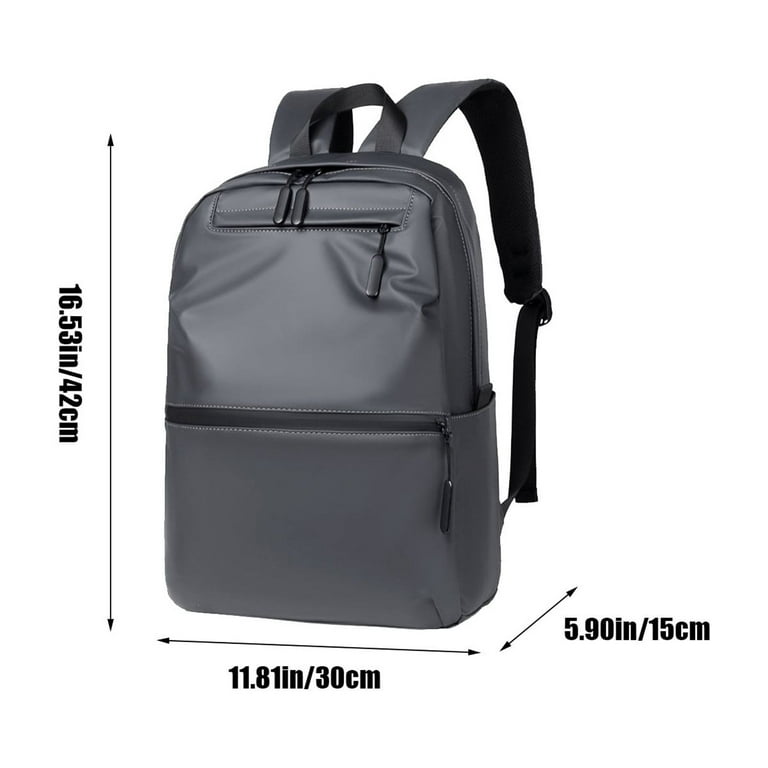
• Use a padded bag during travel
• Keep drinks away from the keyboard
• Do not block the air vents
• Remove unused programs
• Back up important files
• Use a password and screen lock
• Clean the screen with a soft, dry cloth
• Avoid leaving the laptop in a hot car
Battery health also matters. You do not need to drain the battery completely every day. Modern laptops manage charging well, but extreme heat can reduce battery life over time.
Use cloud storage or an external drive for important documents. A laptop can be replaced, but lost family photos, school projects, and work files may not be recoverable.
Frequently Asked Questions
What is the best laptop that is inexpensive for students?
The Acer Aspire 3 is a strong Windows choice for students because it supports common school apps and offers good everyday performance. A Lenovo Chromebook can be a better value if the student mainly uses web apps and Google Workspace.
Is a $300 laptop worth buying?
A $300 laptop can be worth buying for web browsing, email, streaming, and simple documents. Try to choose a model with 8GB of RAM and an SSD, or select a Chromebook if your needs are basic.
Is Acer Aspire 3 better than a Chromebook?
The Acer Aspire 3 is better when you need Windows software, desktop Office apps, or more storage flexibility. A Chromebook is often faster and has longer battery life for browser based tasks.
How much RAM should an inexpensive laptop have?
Choose at least 8GB of RAM for a Windows laptop. A Chromebook can work with 4GB for light use, but 8GB provides better multitasking and longer useful life.
Can an inexpensive laptop run Microsoft Office?
Most inexpensive Windows laptops can run Microsoft Office if they have 8GB of RAM and an SSD. Chromebooks can use Microsoft 365 through web apps, but they may not support the full desktop Office experience.
What is the best laptop that is inexpensive for remote work?
The Acer Aspire 3, ASUS Vivobook Go 15, and similar Windows models are good choices for remote work. Look for a clear webcam, a comfortable keyboard, 8GB of RAM, and reliable Wi-Fi.
Should I buy a laptop or a tablet with a keyboard?
Buy a laptop if you write often, manage files, or use desktop programs. A tablet with a keyboard is better for reading, travel, media, and light note taking.
Conclusion
The best laptop that is inexpensive for most buyers is the Acer Aspire 3 with 8GB of RAM, an SSD, and a Full HD display. It offers the useful balance of price, performance, software support, and upgrade flexibility. For basic web tasks, a Chromebook may save more money, while refurbished business laptops can provide better build quality.
Start by listing your real needs, then compare processor, RAM, storage, screen, battery life, and warranty. Choose the model that fits your daily work rather than the one with the lowest price. Explore current laptop deals carefully, check the exact configuration, and share your experience or questions in the comments.

Everett Ashford is a tech reviewer at mytechgrid.com specializing in SSDs, cameras, TVs, earbuds, headphones, and other consumer electronics. He provides honest, data-driven reviews based on hands-on testing and real-world performance analysis. Everett simplifies complex tech details to help readers make smart, confident buying decisions.