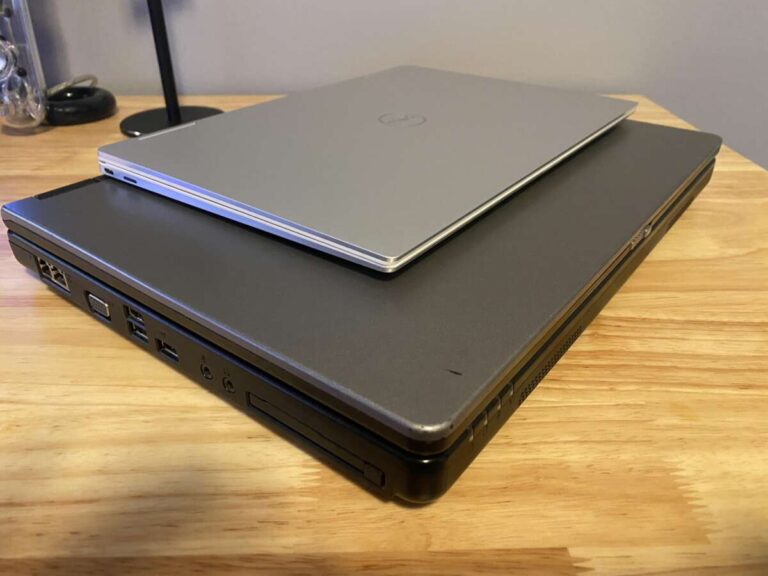
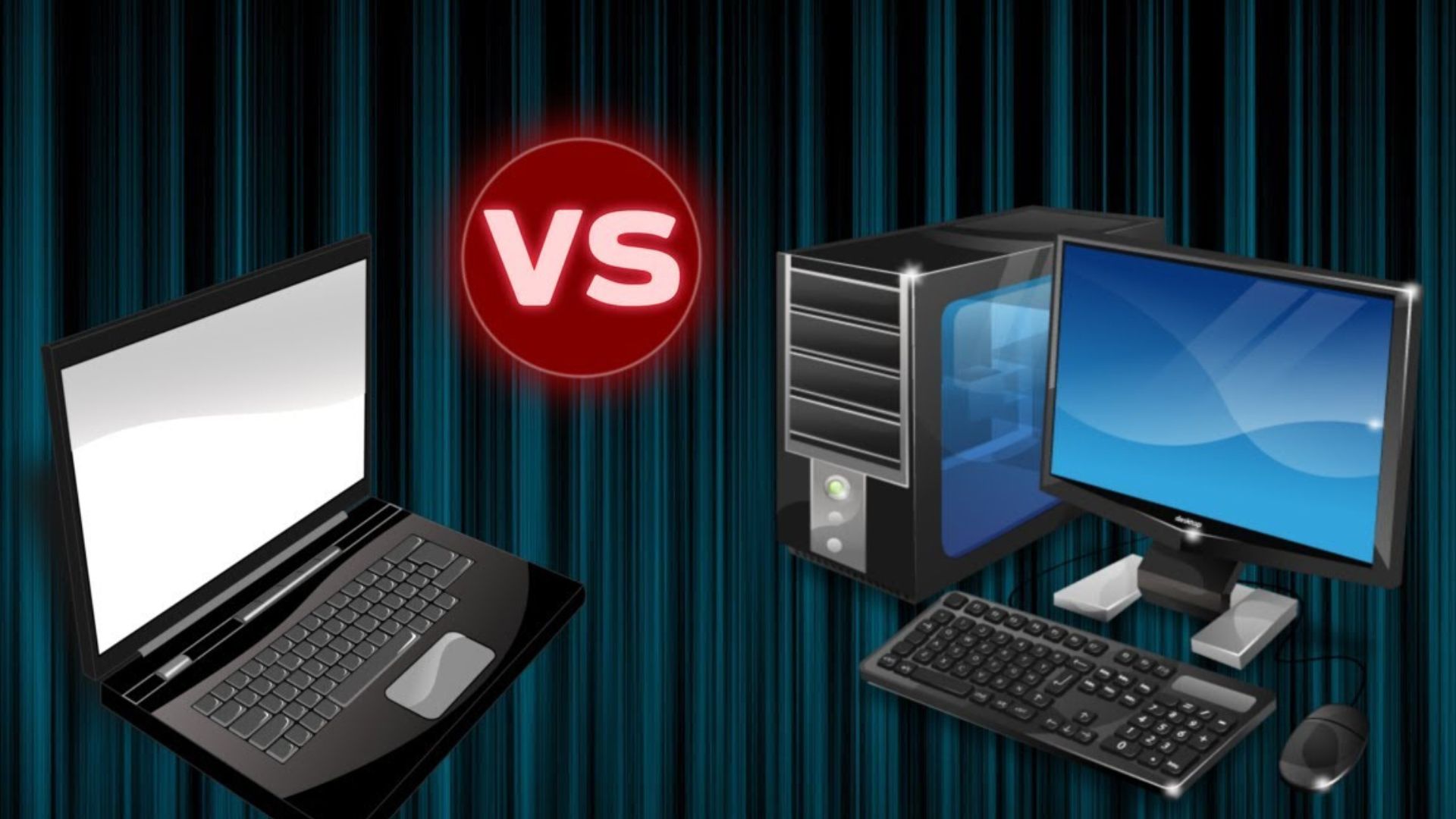
A laptop CPU is built for low power use, small spaces, and battery life. A desktop CPU is built for higher sustained performance, stronger cooling, and easier upgrades. Both run apps, games, and operating systems, but they make different trade-offs.
For shoppers in the United States, the best choice depends on how you use your computer. A laptop CPU makes sense for school, work, travel, and small desks. A desktop CPU is often better for heavy video work, gaming, 3D tasks, software development, and long workloads at home.

Laptop CPU vs. Desktop CPU: The Main Difference
The biggest difference is power and heat.
A desktop computer usually has more room for a large cooler, more fans, and a bigger power supply. This lets its CPU use more power for longer periods. A laptop has less space and must protect battery life, so its CPU usually works within tighter power and heat limits.
That does not mean every desktop CPU is faster than every laptop CPU. A newer laptop processor can beat an older desktop processor. The exact chip, cooling system, power setting, and workload all matter.
Here is the basic comparison:
| Feature | Laptop CPU | Desktop CPU |
|---|---|---|
| Main goal | Low power and mobility | High performance and sustained speed |
| Cooling | Small fan, heat pipe, or vapor chamber | Larger air cooler or liquid cooler |
| Power use | Usually lower | Usually higher |
| Battery support | Designed for battery operation | Usually runs from wall power |
| Upgrade path | Often soldered to the motherboard | Often replaceable on a compatible socket |
| Long workloads | May slow after heat builds | Usually maintains speed longer |
| Graphics | Integrated graphics are common | A separate graphics card is common |
| Portability | Built into a portable computer | Used in a stationary computer |
| Repair | Often harder and more costly | Parts are usually easier to replace |
The practical lesson is simple: a laptop CPU values efficiency, while a desktop CPU values sustained output.

What Is a Laptop CPU?
A laptop CPU is the main processor designed for a notebook computer. It handles system tasks, programs, web browsing, games, and many creative workloads.
Laptop processors often include features that help reduce power use. They may lower their clock speed when the computer is idle. They may also boost speed for short periods when the system has enough thermal and power headroom.
Many laptop CPUs are soldered directly to the motherboard. This saves space and can improve reliability, but it usually means you cannot replace the CPU later. In most laptops, you can upgrade storage or memory only if the manufacturer provides accessible slots.
Laptop processors often include integrated graphics. Integrated graphics share some system resources with the CPU and use less power than a separate graphics card. They work well for office apps, video playback, web use, and many light games.
Gaming laptops may include both a laptop CPU and a separate graphics processor. This provides more graphics power, but it also adds heat, weight, fan noise, and battery drain.
Common laptop CPU labels
names vary by manufacturer, but suffixes often give clues about a chip’s design.
- U-series or similar low-power chips: Made for thin laptops and long battery life.
- H-series or similar performance chips: Made for gaming laptops and mobile workstations.
- HX-series chips: Often designed for high performance and may use more power.
- Apple laptop chips: Designed as part of a tightly integrated system with shared memory and custom power controls.
These labels are useful, but they are not enough by themselves. Check the full model number, generation, core count, power range, and laptop cooling design.
Why two laptops with the same CPU can perform differently
The same laptop CPU may run at different speeds in different computers. One laptop may have a stronger cooling system and a higher manufacturer-set power limit. Another may be thinner and quieter, so it may reduce power sooner.
This is why a processor name does not tell the whole story. Reviews that test the exact laptop model can reveal more than the CPU label alone.
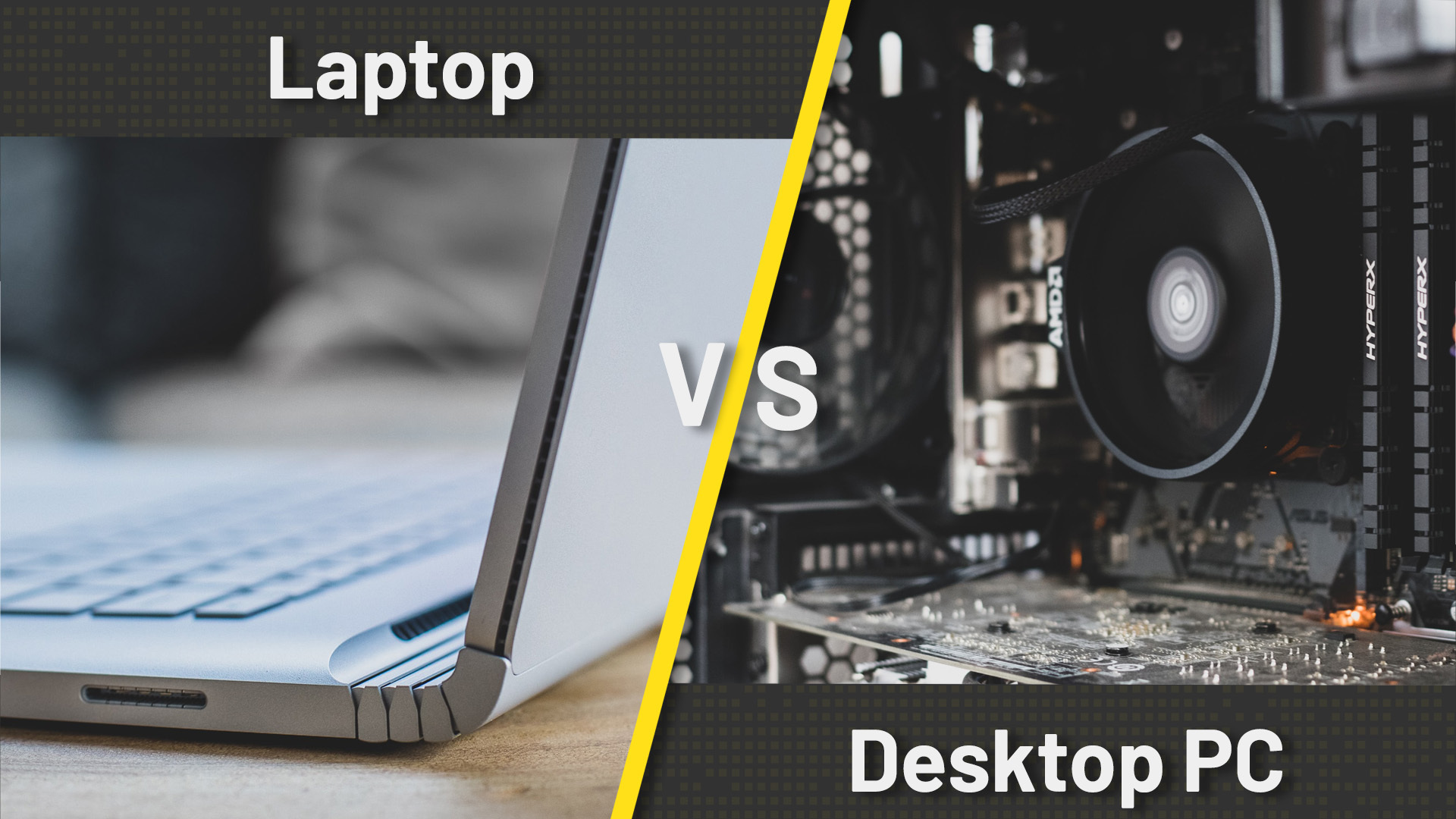
What Is a Desktop CPU?
A desktop CPU is a processor designed for a stationary computer. It usually fits into a removable socket on the motherboard.
Desktop systems can use larger coolers because they have more space. A larger cooler can move heat away from the CPU more effectively. This allows the processor to maintain high speed during long tasks such as video encoding, software builds, data work, and extended gaming sessions.
Many desktop CPUs use more power than laptop CPUs. That power becomes heat, so the computer needs suitable cooling and airflow. A desktop system with poor airflow can still overheat or reduce CPU speed.
Desktop CPUs also make upgrades easier. You may be able to replace the processor, cooler, memory, graphics card, or power supply. Compatibility still matters. The new CPU must work with the motherboard socket, chipset, firmware, memory type, and power supply.
Some desktop CPUs include integrated graphics. Others require a separate graphics card. A processor without integrated graphics may show no video unless the computer has a compatible graphics card.

How Performance Differs in Real Use
Desktop CPUs often win sustained performance tests because they can use more power and maintain stronger cooling. The gap is usually larger during long tasks than during short tasks.
For example, opening a document may feel nearly the same on a modern laptop and desktop. A 30-minute video export is different. The desktop may keep a higher speed for the full task, while the laptop may reduce speed as heat rises.
Short tasks
Short tasks include:
- Opening a web page
- Launching an app
- Editing a document
- Sending email
- Playing a short video
- Running a quick command
For these tasks, storage speed, memory capacity, software, and system design can matter as much as the CPU. A laptop can feel just as quick as a desktop when both use modern solid-state storage and enough memory.
Long tasks
Long tasks include:
- Rendering video
- Compiling large software projects
- Rendering 3D scenes
- Processing large photo batches
- Running virtual machines
- Performing scientific or engineering calculations
Desktop CPUs often have an advantage here. Their cooling systems can remove heat for a longer time. Their power supplies also provide steady wall power rather than relying on a battery.
Gaming
For gaming, the graphics processor often matters more than the CPU once the CPU is fast enough. A desktop can support a larger graphics card and better cooling, so it may offer higher and more stable frame rates.
A gaming laptop can still perform very well. However, its results depend on the laptop’s graphics power limit, cooling system, screen resolution, and power mode. Gaming on battery often reduces performance.
Single-core and multi-core performance
Single-core performance affects tasks that rely heavily on one or a few CPU cores. Many office tasks and some games benefit from it.
Multi-core performance matters when software can divide work across several cores. Video encoding, rendering, and some professional apps can use many cores at once.
A desktop CPU does not always have more cores. A laptop CPU may have a similar core count or even more cores than an older desktop chip. The key differences are often power limits, clock behavior, cooling, and architecture.
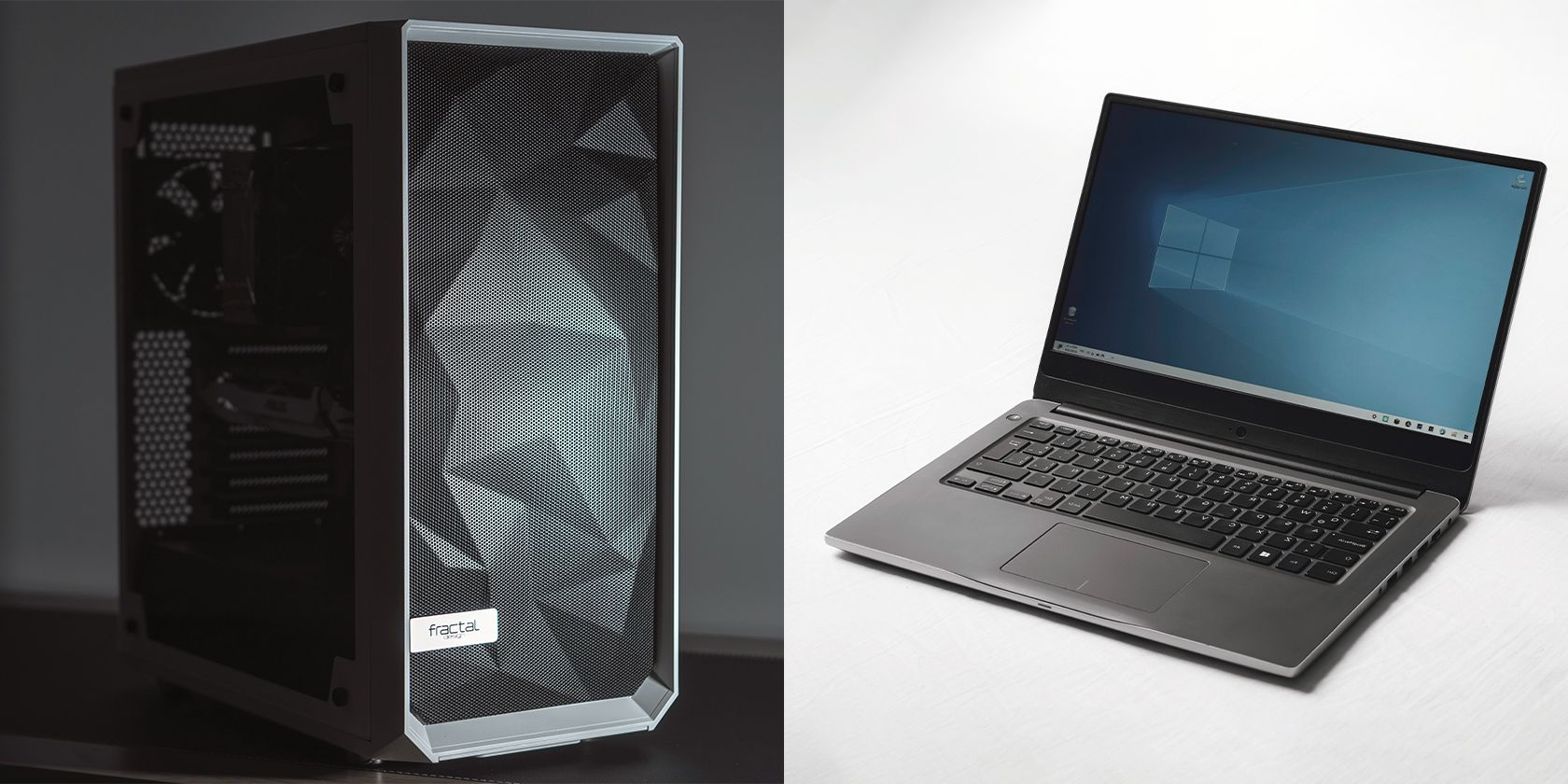
Power, Heat, and Battery Life
Power use is one of the clearest differences between laptop and desktop processors.
Laptop CPUs must balance performance with battery life. When the laptop runs on battery, the system may limit CPU and graphics performance. When plugged in, it may allow higher power use.
Desktop CPUs do not need to preserve battery charge. They can draw power from the wall and use a larger cooler. This supports higher sustained output, but it increases electricity use and heat.
TDP is not the same as total power use
CPU specifications often list a value called TDP, or thermal design power. TDP helps describe the cooling level a system may need, but it is not always the exact amount of power the CPU will draw.
Intel uses terms such as Processor Base Power and Maximum Turbo Power in its newer specifications. AMD product pages may list default and configurable thermal values. These figures depend on the model and the manufacturer’s settings.
A laptop’s total power use also includes the screen, memory, storage, graphics processor, wireless hardware, fans, and other parts. A powerful gaming laptop can use far more energy than a thin laptop, even if both have “mobile” CPUs.
Why laptops get hot
A laptop has less room to spread heat. Its fan and heat pipe must cool several parts in a small enclosure. Dust, blocked vents, high room temperature, or a soft surface can make cooling worse.
When heat reaches a limit, the CPU may reduce its speed. This behavior is called thermal throttling. It protects the hardware, but it can reduce performance during long workloads.
Do not block a laptop’s vents. Keep it on a hard, flat surface unless the manufacturer gives other guidance. If it becomes unusually hot, shuts down, or shows repeated speed drops, check the vents and use the manufacturer’s support instructions.

Upgradeability and Repair
Desktop CPUs are usually easier to upgrade, but they are not universally interchangeable.
Before replacing a desktop CPU, check:
- The motherboard socket.
- The motherboard chipset.
- The processor support list.
- The required BIOS or firmware version.
- The cooler’s mounting system.
- The power supply and cooling capacity.
- The memory type supported by the platform.
A new CPU may fit the socket but still fail to work without a firmware update. Some upgrades also require a stronger cooler.
Laptop CPU upgrades are uncommon. In many models, the processor is soldered to the motherboard. Replacing it may require replacing the entire motherboard, which can cost more than the laptop is worth.
For long-term flexibility, a desktop usually has the advantage. For a ready-to-use system that takes up little space, a laptop may be the better fit.

Laptop CPU vs. Desktop CPU: Which One Should You Choose?
Choose based on your main task, not the processor name alone.
Choose a laptop CPU if you need:
- A computer you can carry to school, work, or travel.
- Built-in display, keyboard, camera, and battery.
- Low power use away from an outlet.
- A small setup with few cables.
- Good performance for office work, study, browsing, and media.
- A single device for work and travel.
A laptop is often the simplest choice when mobility matters. You may give up upgrade options, but you gain convenience and portability.
Choose a desktop CPU if you need:
- High performance during long workloads.
- A large monitor or several monitors.
- A powerful separate graphics card.
- Easy access to upgrades and repairs.
- Better cooling at a similar performance level.
- A computer that stays in one place.
A desktop is often the better tool for demanding work and high-end gaming. It also lets you replace individual parts instead of replacing the whole computer.
Use this quick decision guide
| Your priority | Better starting point |
|---|---|
| Travel and battery life | Laptop CPU |
| Office and school work | Either |
| High-end gaming | Desktop CPU, unless mobility is essential |
| Video editing on the go | Performance laptop CPU |
| Long 3D rendering sessions | Desktop CPU |
| Easy future upgrades | Desktop CPU |
| Small living space | Laptop CPU |
| Quiet operation | Depends on the exact design |
| Lowest total desk clutter | Laptop CPU |
| Maximum performance per dollar | Often desktop, but compare complete systems |
“Performance per dollar” is not a fixed rule. A desktop may offer more raw performance, but it also needs a monitor, keyboard, mouse, operating system, and possibly a separate graphics card. Compare the cost of the complete setup.
Common Mistakes When Comparing Laptop and Desktop CPUs
Mistake 1: Comparing only the brand
Intel and AMD both make laptop and desktop processors. Brand alone does not identify the faster chip.
Compare the exact model, generation, core design, power range, and tested performance. A new low-power CPU may outperform an old high-power CPU.
Mistake 2: Treating clock speed as the full answer
A higher clock speed does not always mean higher performance. CPU design, cache, core count, memory, cooling, and software also matter.
Clock speed can help when comparing similar processors from the same generation. It is much less useful as a stand-alone comparison across different designs.
Mistake 3: Assuming more cores always means faster performance
Some programs use many cores well. Others use only one or a few. More cores can help with rendering or encoding, but they may not improve every app.
Look for benchmarks that match your workload.
Mistake 4: Ignoring the graphics processor
A CPU does not determine all gaming or creative performance. A separate graphics processor can have a much larger effect on games, 3D work, and some video tasks.
For a laptop, check whether the model has integrated graphics or a separate graphics processor. For a desktop, check whether the selected CPU needs a graphics card.
Mistake 5: Comparing benchmark scores from different tests
Benchmark results are meaningful only when the test, software version, power setting, and conditions are clear. A single score does not describe every type of work.
Use several tests that resemble your real tasks. Also check reviews of the exact laptop or desktop system.

Key Takeaways
- A laptop CPU is designed around battery life, low heat, and small size.
- A desktop CPU is designed around sustained performance, cooling, and upgrades.
- Desktop CPUs often perform better in long, demanding workloads.
- Laptop performance can vary greatly between models with the same processor.
- A modern laptop may match or beat an older desktop.
- The graphics processor, cooling system, memory, storage, and software all affect real performance.
- Choose a laptop for mobility and a desktop for sustained power and flexibility.
FAQs
Is a desktop CPU always faster than a laptop CPU?
No. A newer laptop CPU can be faster than an older desktop CPU. A high-performance desktop CPU often has an advantage over a similar-generation laptop CPU during long workloads, but the exact models must be compared.
Can I put a desktop CPU in a laptop?
Usually not. Laptop processors are designed for a specific motherboard and cooling system. Many are soldered in place. A desktop processor normally requires a desktop motherboard socket, cooler, and suitable power delivery.
Can I use a laptop CPU in a desktop PC?
Usually not. Laptop CPUs often use different packaging, power systems, firmware, and motherboard designs. They are not normally compatible with standard desktop motherboards.
Do laptop CPUs use less electricity than desktop CPUs?
The CPU itself usually uses less power, especially in thin laptops. However, a powerful gaming laptop can use substantial energy because of its separate graphics processor and display. Compare the complete system, not only the CPU.
Which CPU is better for gaming?
The better choice depends on the graphics processor, game, resolution, and cooling. A desktop usually supports stronger graphics cards and sustained cooling. A gaming laptop is useful when you need portability and can accept higher heat, fan noise, and limited upgrades.
Is a laptop or desktop better for video editing?
A desktop is often better for long exports, high-resolution footage, and large projects because it can use stronger cooling and more powerful graphics hardware. A performance laptop can be a good choice when you edit in different locations.
Can I upgrade a laptop CPU later?
Most laptop CPUs cannot be upgraded. They are often soldered to the motherboard. Before buying, check whether the laptop allows memory and storage upgrades, since those parts are more commonly replaceable.
Conclusion
The difference between a laptop CPU and a desktop CPU is mainly the balance between mobility and sustained power. Laptop processors use less power and fit into compact systems. Desktop processors can use more power, stay cooler under long loads, and offer better upgrade options.
For a portable computer, compare the full laptop design, not just the CPU model. For a desktop, compare the processor, cooler, motherboard, graphics card, and power supply as one system. The right CPU is the one that fits your workload, budget, space, and need to move.
For documented specifications, compare the exact model pages from Intel ARK, AMD Product Specifications, or the computer maker’s support page. For real-world results, use reviews that test the complete system under workloads similar to yours.

Everett Ashford is a tech reviewer at mytechgrid.com specializing in SSDs, cameras, TVs, earbuds, headphones, and other consumer electronics. He provides honest, data-driven reviews based on hands-on testing and real-world performance analysis. Everett simplifies complex tech details to help readers make smart, confident buying decisions.