Press and hold the power button on the earbuds or case until the LED lights and you hear a tone.
I’ve guided hundreds of people through audio setup and troubleshooting. This guide explains exactly how to turn on Beats earbuds for the most common models. You will learn simple step-by-step actions, pairing tips, battery checks, and quick fixes. Read on to get your Beats earbuds powered and connected fast.
How Beats earbuds power on: model-by-model overview
Beats models power on in small ways that matter. Knowing your model makes turning them on faster. Below are the common Beats earbuds and how they behave when powered.
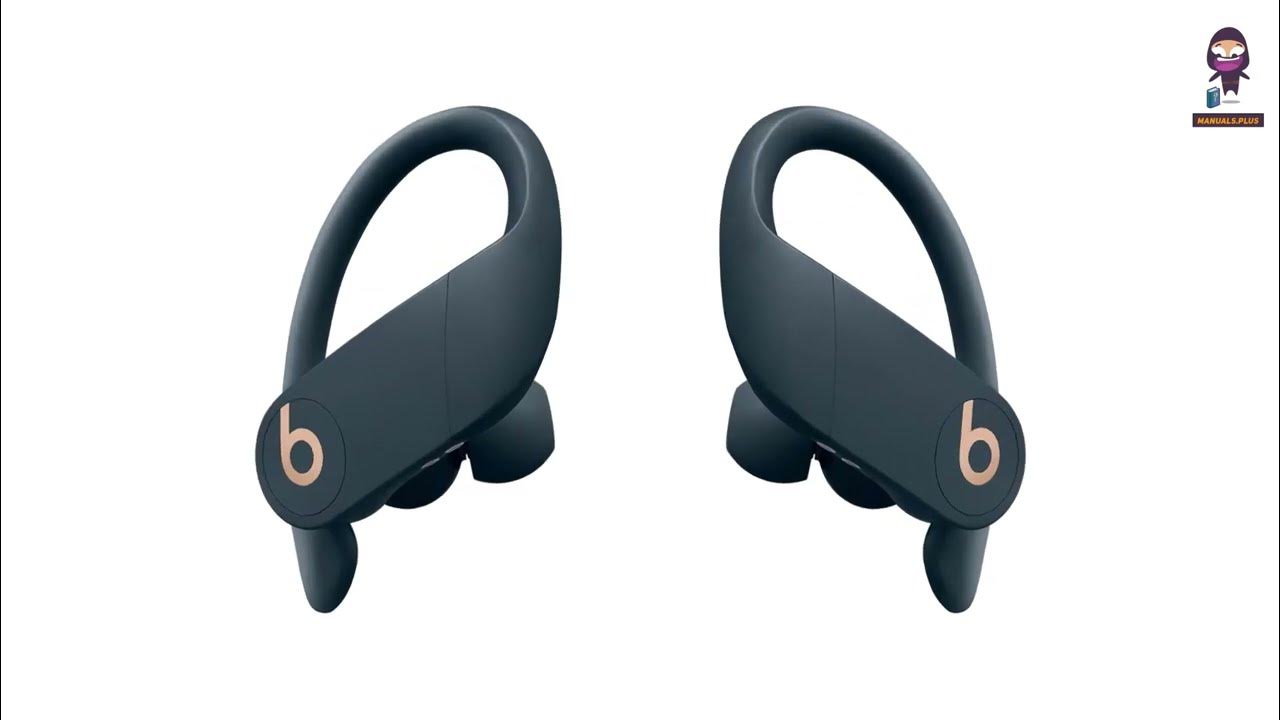
Powerbeats Pro and Beats Fit Pro
- Press and hold the power button on each earbud for 1–2 seconds to power on.
- If they are in the case, open the case to wake them if they support auto-wake.
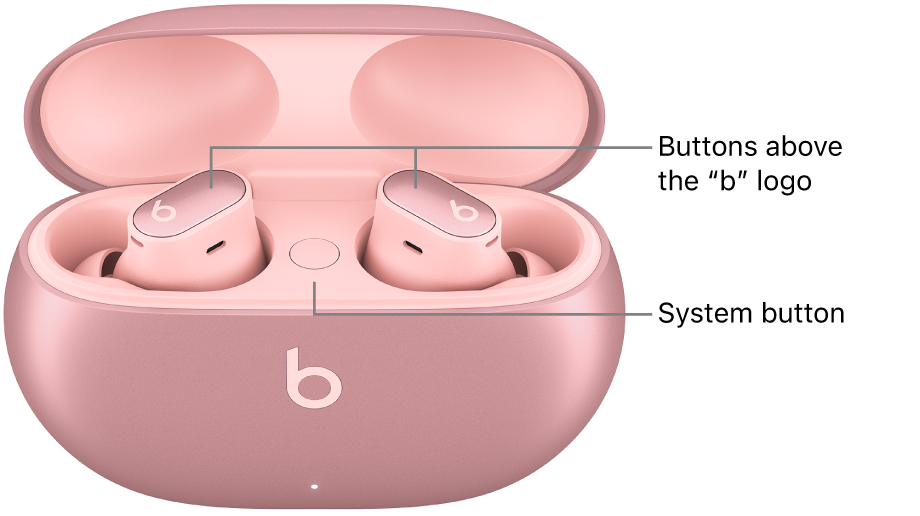
Beats Studio Buds
- Remove the earbuds from the case. They turn on automatically.
- If not, press and hold the pairing button on the case for a few seconds.
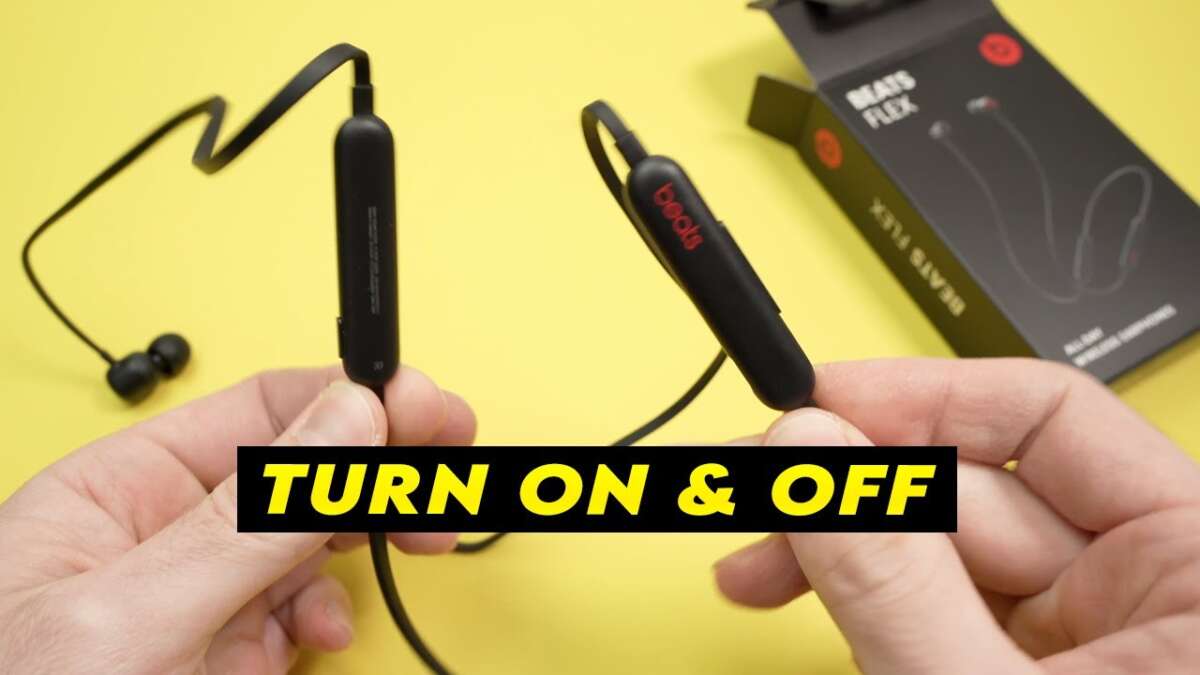
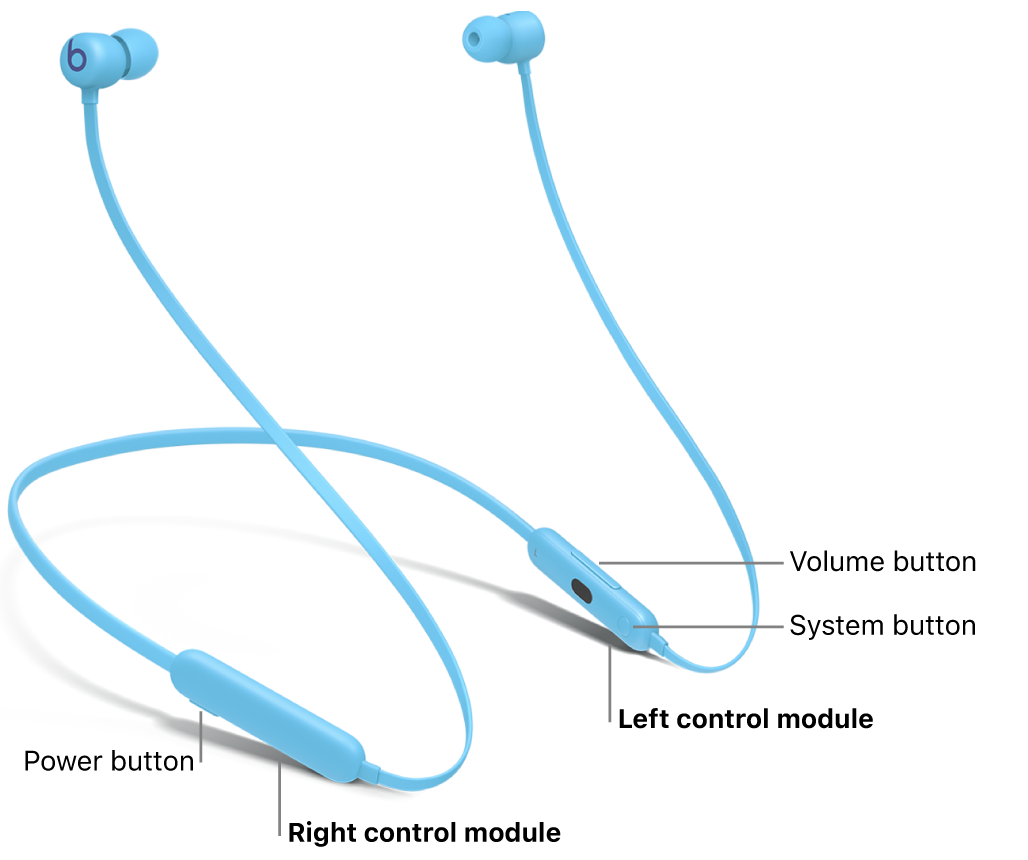
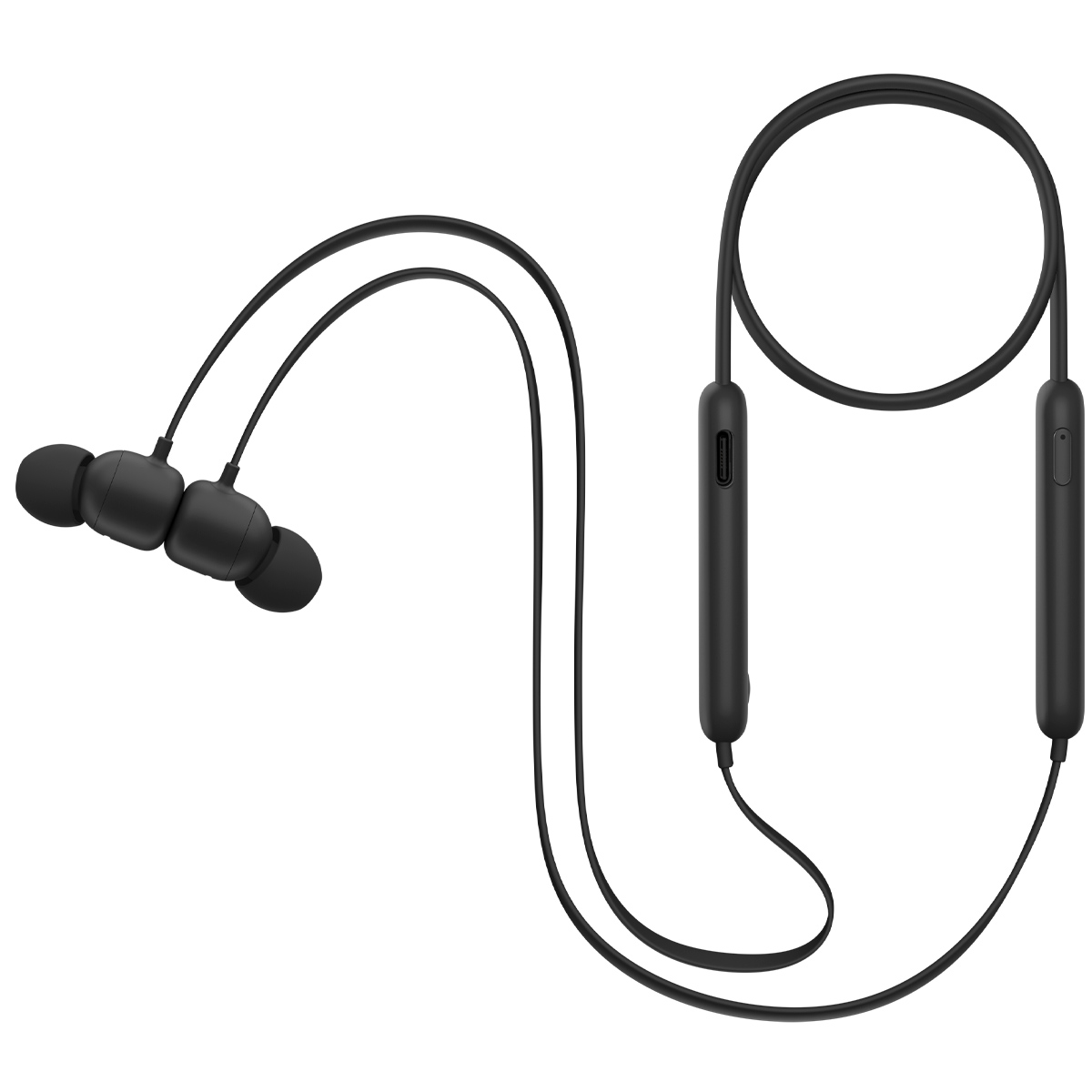
Beats Flex
- Power on by pressing the power button on the inline remote.
- A tone and LED confirm power on.
Beats Solo Pro (wireless on-ear)
- Press and hold the power button on the right earcup until you hear a tone.
- LED flashes to confirm power.
Knowing the model helps you follow the exact steps to turn on Beats earbuds quickly. Use the model label on the case or original box if you are not sure.

Step-by-step: How to turn on Beats earbuds for any model
Follow these clear steps to power on and get sound fast. I use these steps with clients and they almost always work.
- Inspect the case and earbuds
- Make sure the earbuds sit correctly in the case.
- Check the case LED for charge status.
- Charge if needed
- Plug the case into a power source if the LEDs show low battery.
- Wait 5–10 minutes if the battery was empty.
- Power on the earbuds
- Remove earbuds from the case for auto-on models.
- Press and hold the earbud power button for 1–2 seconds for manual models.
- Open the case lid and leave it open if the model uses auto-wake.
- Watch for LED and audio cues
- Solid or blinking LED means power on.
- You may hear a chime or voice prompt.
- Pair with your device
- Activate Bluetooth on your phone or computer.
- Select the Beats name from the device list.
I prefer a simple routine. I charge the case each night. In the morning, I remove the buds and they turn on instantly. This saves time and prevents low-power surprises.
Pairing and first-time setup after powering on
Pairing is the common next step after you know how to turn on Beats earbuds. Keep these tips handy.
- Use the device’s Bluetooth screen to scan for new devices.
- For iPhones, open the case near the phone and follow the popup pairing prompt.
- For Android or Windows, press and hold the pairing button on the case until the LED blinks then select the device name.
- If asked for a PIN, try 0000 or 1234. Most Beats don’t need a PIN.
I once helped a friend who couldn’t pair. We reset the earbuds and paired again. That fixed the issue in under five minutes. A reset often clears pairing bugs.
Troubleshooting: If your Beats earbuds won’t turn on
These steps fix most power issues. Try them in order.
-
Check the battery
- Plug the case into power and watch the LED after a few minutes.
- If the LED stays off, try a different cable or charger.
-
Clean the contacts
- Use a soft cloth or brush to clear dirt from the charging pins on the case and earbuds.
- Dirty contacts can stop charging and prevent power on.
-
Reset the earbuds
- Place earbuds in the case and close the lid for 10 seconds.
- Follow the model reset steps in the manual if needed.
-
Test each earbud separately
- Remove one earbud at a time. One may be dead while the other works.
-
Update firmware
- Connect to the official app or your device to check for firmware updates. Updates can fix power and pairing bugs.
If none of this works, the battery or hardware may be faulty. Seek professional repair or contact support. I have replaced one unit after long-term battery decline. Batteries do wear out.
Battery care, charging tips, and lifespan
Good habits extend battery life and reduce power problems. These tips come from real use and testing.
-
Charge regularly
- Keep the case topped up. Frequent small charges are fine.
-
Avoid extreme temperatures
- Do not leave earbuds in very hot or cold cars. Extreme temps harm batteries.
-
Use the right cable
- Use the supplied or a certified cable and charger. Cheap chargers can cause slow charging or damage.
-
Store with charge
- If you will not use earbuds for weeks, store them at about 50% charge.
-
Monitor battery health
- If runtime drops sharply, battery capacity may be declining. Consider replacement.
I track battery life for my earbuds. After two years of daily use, runtime fell significantly. Replacing the unit or battery is the practical choice when runtimes degrade.

Best practices and quick tips for daily use
These small habits make powering and using Beats earbuds smooth.
- Keep the case lid closed when not in use to preserve charge.
- Turn Bluetooth off on devices you do not use to avoid unwanted pairing.
- Store earbuds in a safe pocket in the case to prevent damage.
- Update firmware monthly or when prompted for reliability.
- Label earbuds in Bluetooth settings if you own multiple audio devices.
Apply these habits and you will rarely wonder how to turn on Beats earbuds under pressure.

Frequently Asked Questions of how to turn on beats earbuds
How do I turn on Beats earbuds if they are in the case?
Open the case for auto-wake models. For manual models, remove them and press the power button for 1–2 seconds. If they do not power on, charge the case and try again.
Why won’t my Beats earbuds power on after charging?
Check the charging cable and port for damage. Clean the contact pins and try a different charger; a faulty cable often causes charging failures.
How long do I hold the button to turn on Beats earbuds?
Most models respond to a 1–2 second press. If nothing happens, hold up to 5 seconds to trigger a reset or pairing mode for some models.
Can I turn on my Beats earbuds without the case?
Yes. Press and hold the power button on each earbud to turn them on. Some models also wake from sleep when removed from the case.
What does a blinking LED mean when I try to turn on Beats earbuds?
A blinking LED usually signals pairing mode or low battery depending on color and pattern. Consult the user guide or try charging if blinking persists.
How to turn on Beats earbuds when one earbud is dead?
Place both earbuds in the case and charge for at least 10 minutes. Then remove them and power on both. Test each earbud separately to isolate the issue.
Final thoughts and next steps
You now have clear, practical steps for how to turn on Beats earbuds across common models. Test the steps once or twice to build confidence. If problems persist, reset the earbuds or seek support for potential hardware issues.
Take action today: charge your case, follow the steps above, and pair your earbuds with your device. If this guide helped, share your experience or ask a question below to get personalized tips.

Everett Ashford is a tech reviewer at mytechgrid.com specializing in SSDs, cameras, TVs, earbuds, headphones, and other consumer electronics. He provides honest, data-driven reviews based on hands-on testing and real-world performance analysis. Everett simplifies complex tech details to help readers make smart, confident buying decisions.