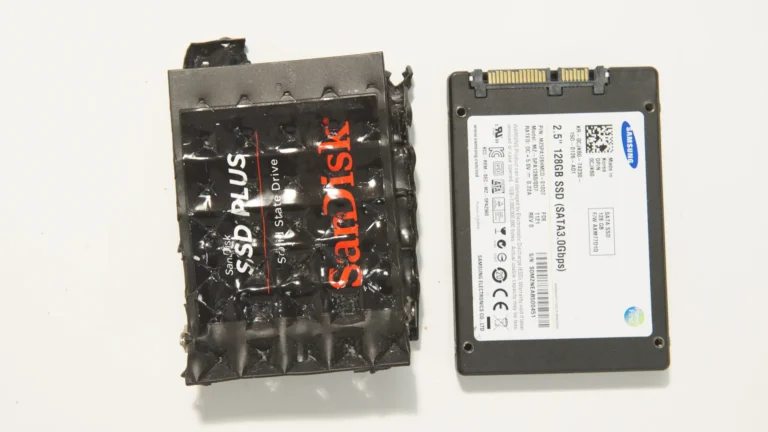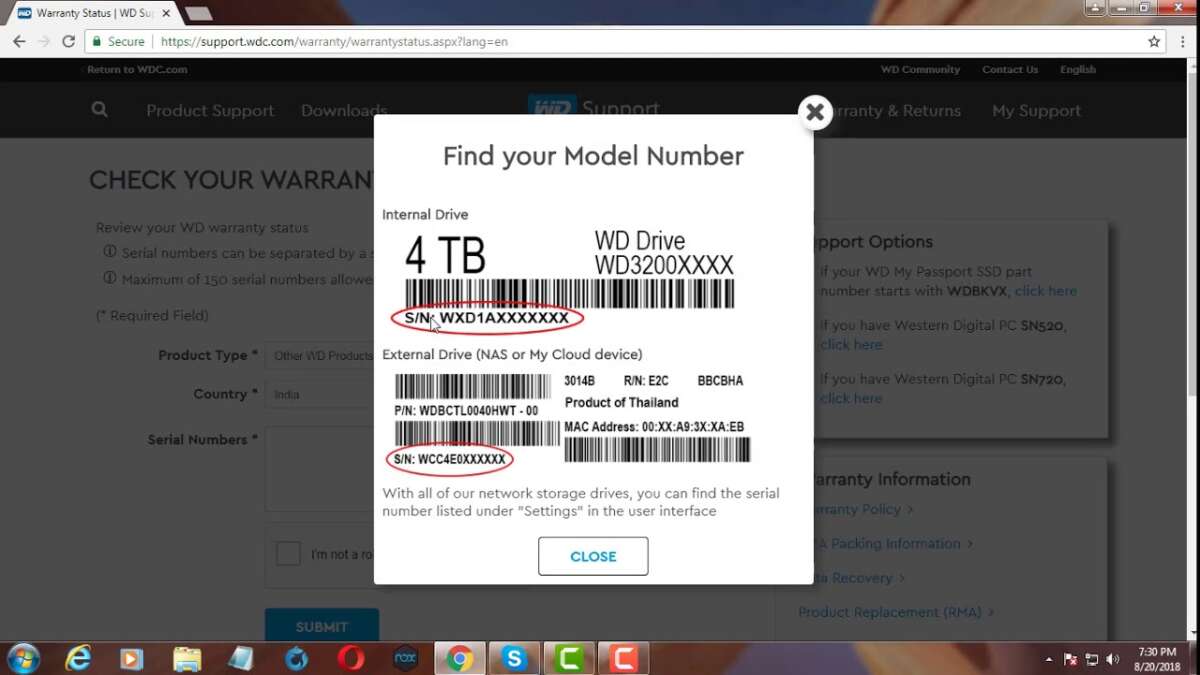
Use your SSD serial number on the maker’s warranty lookup page to check online quickly.
I’ve worked with dozens of SSDs while fixing PCs and building systems for clients. I’ll walk you through exactly how to check SSD warranty status online, step by step, with real tips that save time. You’ll learn what info to gather, how to use manufacturer tools, how to interpret warranty data, and what to do if the lookup fails. Read on and you’ll be able to verify any SSD warranty with confidence.

Why check SSD warranty status online
Checking warranty status online tells you if a drive is covered for replacement or repair. It helps you plan upgrades, file RMA claims, and avoid unexpected costs.
Common reasons to check include:
- Confirming coverage before a failure or sale.
- Verifying second-hand SSDs before buying.
- Preparing an RMA with accurate proof.
Knowing how to check SSD warranty status online saves time and protects your data and wallet. It also avoids warranty denial because of missing info or missed deadlines. Follow this guide and you’ll feel confident doing lookups for any brand.
What you need before checking
Gather these items first to make the lookup fast:
- SSD serial number (S/N) from the label or system.
- Model number and firmware version if available.
- Proof of purchase if you plan to file an RMA.
- Internet access and a browser.
The serial number is usually the key when you want to know how to check SSD warranty status online. On laptops, use system tools or physically check the drive to get it. If you have multiple SSDs, list their serials to avoid confusion.

Step-by-step: how to check ssd warranty status online
Follow these steps to check any SSD warranty status online quickly and reliably.
- Find the serial number
- Check the SSD label or the original box.
- Use system tools: in Windows run wmic diskdrive get serialnumber or use PowerShell; on macOS use system_profiler SPSerialATADataType.
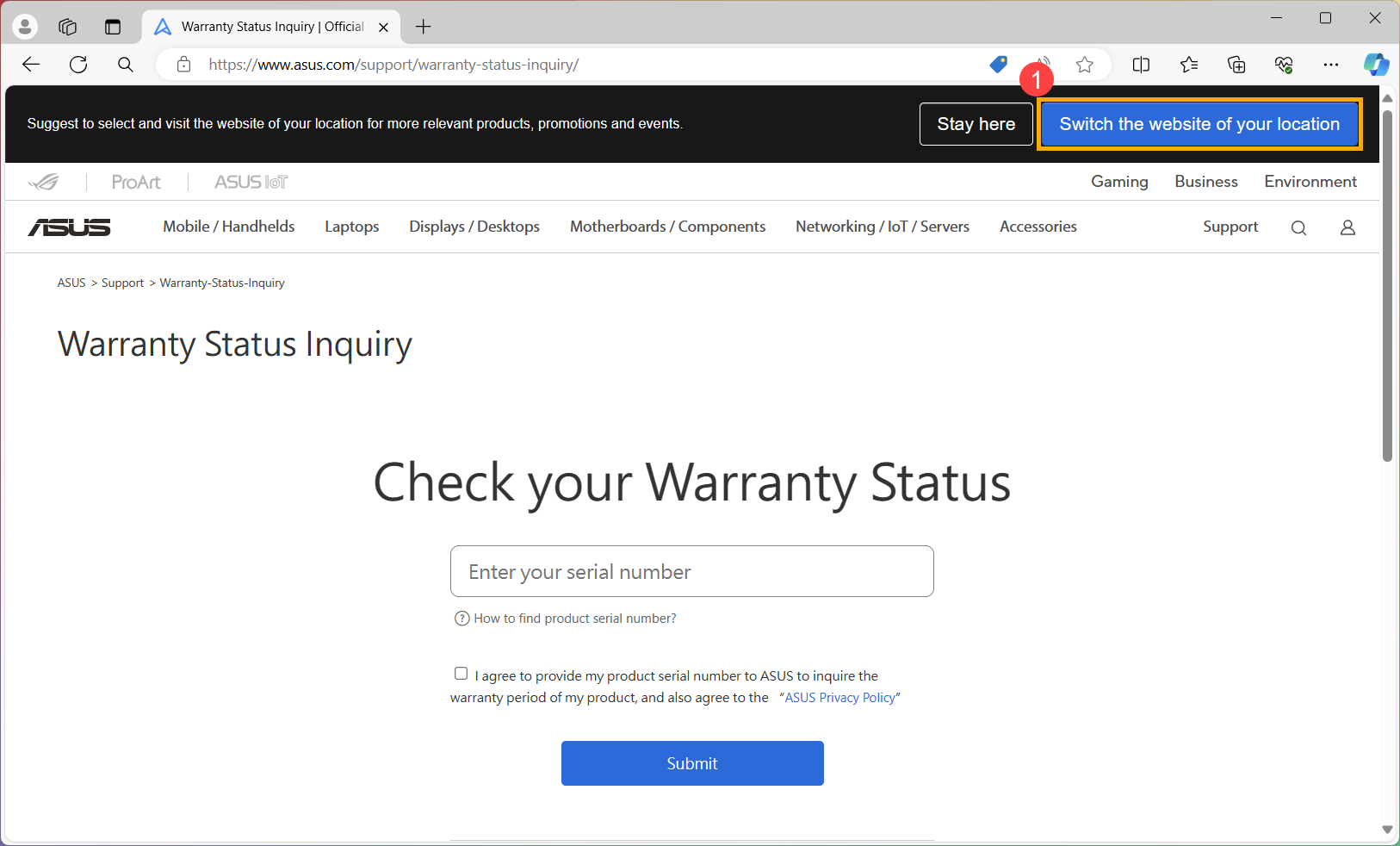
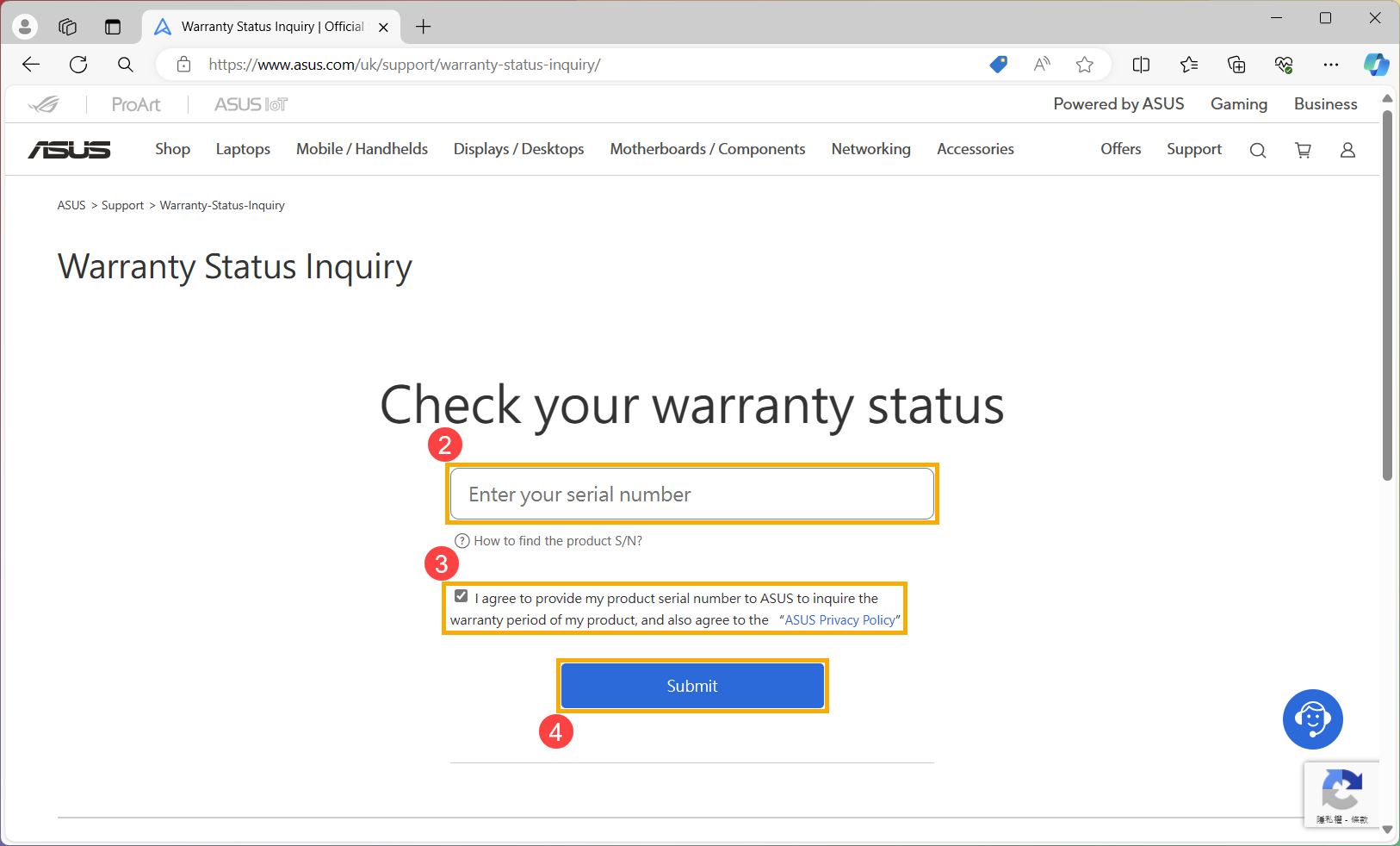
- Visit the manufacturer support or warranty page
- Look for "Warranty Check" or "Product Registration."
- Enter the serial number and model
- Type the serial number exactly. Some sites accept only letters or numbers without dashes.
- Read the result carefully
- Note warranty start date, end date, and RMA terms.
- Save a screenshot or print the result
- This helps when filing a claim.
Knowing how to check SSD warranty status online often means the difference between a quick RMA and a denied claim. If the site asks for purchase date, provide it or upload a receipt.

Samsung SSDs
Samsung’s support page has a warranty check tool. Enter the serial number and model to get the warranty end date and service details. Firmware and product family are listed too.
Crucial / Micron SSDs
Crucial lets you check by serial number or product registration. The page also shows limited lifetime or fixed-term warranties based on the model.
Western Digital (WD / SanDisk) SSDs
WD’s warranty lookup covers WD and SanDisk SSDs. You can also register the product for easier RMA later.
Kingston SSDs
Kingston offers a warranty check that returns purchase/coverage info. For corporate purchases, keep PO details handy.
Seagate / Other brands
Some brands mix HDD and SSD tools. Use the brand-specific warranty checker and the serial number for the right results.
Knowing brand differences makes how to check ssd warranty status online faster. I’ve tested Samsung and WD tools many times; Samsung’s site gives clear dates while some smaller brands require extra proof.
Troubleshooting common issues when checking warranty
If the lookup fails, try these fixes:
- Re-check the serial number for typos or extra characters.
- Try alternate formats (with or without dashes).
- Use a different browser or clear cookies if the page errors.
- Contact manufacturer support with the SSD photos and purchase proof.
If a drive is listed as out of warranty but you believe it should be covered, provide the seller receipt and serial number. I once recovered warranty coverage by emailing support a clear photo of the original invoice and the label.

Understanding SSD warranty terms and limits
Warranties vary by model. Typical terms include:
- Limited warranty period (months or years).
- Warranty by TBW (terabytes written) or device lifespan, whichever comes first.
- Coverage for manufacturing defects only, not accidental damage.
Look for these key items when you check SSD warranty status online:
- Start and end dates.
- TBW limit and the device’s current SMART TBW counter.
- RMA process, shipping terms, and whether data recovery is covered.
I advise saving receipts and registering products right after purchase. That simplifies how to check ssd warranty status online and speeds up support if needed.
Tips to speed up RMA and protect warranty
These habits make service easier and protect your coverage:
- Register the SSD after purchase when possible.
- Keep receipts and order confirmation emails.
- Periodically record SMART attributes like Power-On Hours and TBW.
- Back up data and securely erase drives before sending them for RMA.
If you must mail a drive, follow packing instructions exactly. One mistake I made early on was shipping a bare drive without anti-static protection. It made the RMA take longer.
Frequently Asked Questions of how to check ssd warranty status online
How do I find my SSD serial number?
Most SSDs have a label with the serial number on the drive. You can also use system commands like wmic or system_profiler to pull it from your OS.
Can I check warranty without a receipt?
Yes. Many manufacturers let you check warranty by serial number alone, but a receipt helps if you need an RMA or extended coverage proof.
What if the manufacturer site says my SSD is out of warranty?
If the site shows out of warranty but you think it’s wrong, contact support with photos and proof of purchase to dispute the record.
Do second-hand SSDs keep the original warranty?
Usually, warranty follows the device serial number, but some brands limit warranty transfer. Always check the brand’s policy when you ask how to check ssd warranty status online for used drives.
Is TBW shown in warranty checks?
Some manufacturers show TBW or support info in the lookup. If not, read SMART attributes locally and compare to the warranty TBW limit.
Conclusion
You now have a clear, practical process for how to check SSD warranty status online. Gather the serial number, use the brand’s warranty lookup, save proof, and follow RMA instructions when needed. Take action: check your drives today, register new purchases, and keep receipts so warranty support is quick and painless. If you found this helpful, try checking one SSD now and share your experience or questions in the comments below.

Everett Ashford is a tech reviewer at mytechgrid.com specializing in SSDs, cameras, TVs, earbuds, headphones, and other consumer electronics. He provides honest, data-driven reviews based on hands-on testing and real-world performance analysis. Everett simplifies complex tech details to help readers make smart, confident buying decisions.