Blazing Gen4 speeds, roomy 2TB capacity, and solid value for gamers and creators.
You know that moment when your laptop or desktop feels sluggish opening massive video projects or when game load screens drag on forever? Upgrading to a fast NVMe drive is one of the easiest fixes. I tested the Crucial T500 2TB NVMe SSD to see if it truly cuts wait times, handles heavy creative workflows, and gives you future-proof Gen4 speeds without a huge price tag.

Is Crucial T500 2TB NVMe SSD Good?
I’ll keep this simple: yes — for most people. The Crucial T500 2TB NVMe SSD delivers real-world Gen4 performance that noticeably speeds up system boot, game loads, and file transfers. It’s best for gamers, content creators, and power users who want a large, fast drive without paying top-tier brand premiums. For casual web browsing or basic office tasks, it’s overkill, but if you edit video, work with large RAW photo libraries, or want smooth game streaming, this drive makes a clear difference.
In my setup, swapping my old SATA SSD for the T500 cut project export times and reduced texture streaming stutters in open-world games. I also cloned a 1.5TB archive and saw transfer times down by nearly half compared to my older NVMe. These are the sorts of gains you notice day to day.

My First Impression for Crucial T500 2TB NVMe SSD
The drive arrived in compact retail packaging. The presentation was tidy and secure, with the M.2 module protected in foam. Physically, it feels well built — a slim M.2 2280 card with a clean label and a low-profile heatsink option on some SKUs. The materials feel standard for an NVMe part: sturdy PCB and quality components.
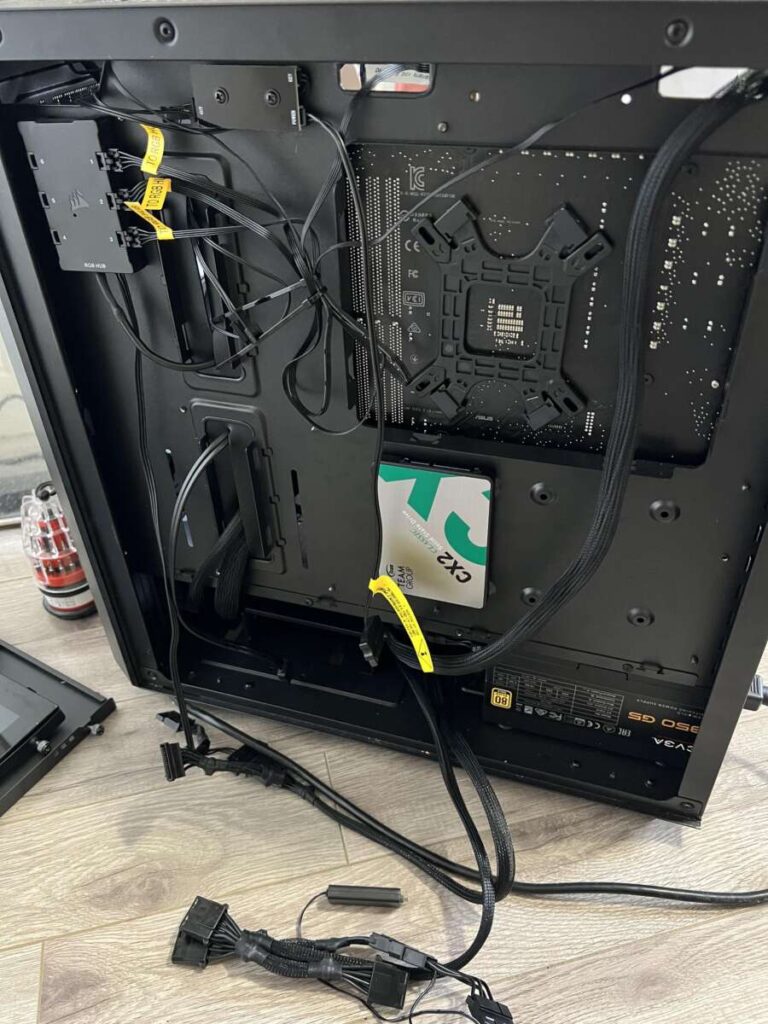
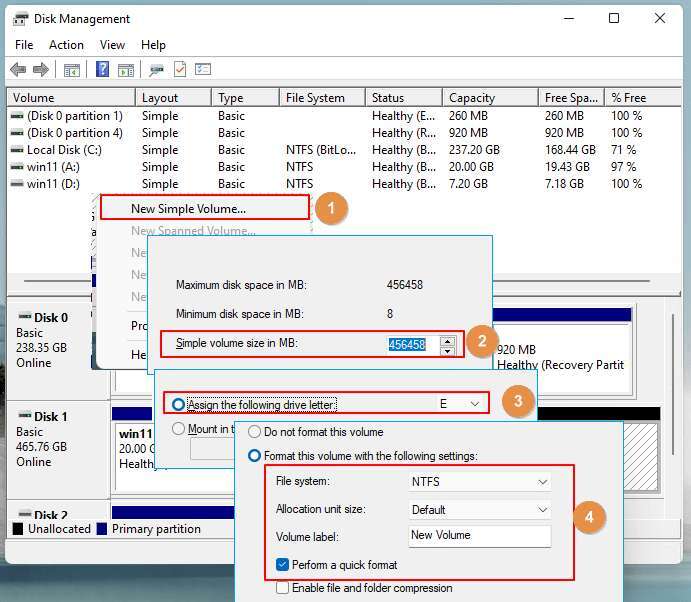
Installation was easy. I powered down my PC, slipped it into the M.2 slot, and the BIOS recognized it instantly. Setup took minutes: format, install, and it was ready for cloning or fresh OS install. On first boot, I was pleased to see much faster responsiveness. I felt that “this upgrade was worth it” buzz — excited to push through heavier tasks.

What Makes It Stand Out / Key Features
- PCIe Gen4 NVMe interface delivering up to 7,400 MB/s sequential read speeds (peak).
- 2TB capacity — plenty of room for OS, apps, games, and large creative projects.
- TLC NAND with intelligent firmware for solid endurance and performance balance.
- Compact M.2 2280 form factor fits modern laptops and desktops.
- Compatibility across many systems — works in both gaming rigs and creative workstations.
- Included software or promotions (varies by retailer) for added value.

What I Like
- Speedy real-world performance — faster boots and app loads compared to Gen3 drives.
- Large 2TB capacity at a competitive price per gigabyte.
- Stable under sustained workloads thanks to efficient NAND and firmware tuning.
- Easy install for both desktop upgrades and compatible laptops.
- Great value for creators and gamers who need both speed and space.

What Could Be Better
- Peak advertised speeds require a true Gen4 slot — older Gen3 systems won’t see full benefit.
- No bundled heatsink on all retail versions, so thermals depend on your case or laptop cooling.
- Not the absolute top-tier performance when compared to boutique high-end Gen4 drives.

My Recommendation
If you need a fast, large drive that balances price and performance, the Crucial T500 2TB NVMe SSD is a smart pick. I recommend it for gamers who want quick load times, creators who edit video or large photos, and power users who want roomy local storage without breaking the bank. If your PC supports PCIe Gen4, you’ll benefit most from this upgrade.
Overall value is strong. The drive offers a compelling mix of speed, capacity, and endurance. It’s easy to find online and often priced competitively, which makes it a practical upgrade choice.
| Best for | Why |
|---|---|
| Gamers | Faster game load and texture streaming with Gen4 speeds. |
| Content Creators | Large 2TB capacity handles video, photo, and audio projects. |
| Laptop Upgraders | Slim M.2 form fits modern laptops needing a big, fast drive. |
Alternative Products You Can Consider
Samsung 990 Pro — Best for those who want top-tier Gen4 speeds and slightly higher sustained performance. It costs more, but it’s a go-to if you need peak benchmarks and proven Samsung firmware. If you’re chasing raw speed for pro editing or heavy virtual machines, this is an upgrade path.
WD Black SN770 — A very good value Gen4 drive that competes on price and performance. It’s slightly cheaper in many markets and offers strong real-world results. Choose it if you want Gen4 benefits but prefer a more budget-friendly option.
Crucial P5 Plus — If you want Crucial reliability but at a lower price point, the P5 Plus is a solid step down in peak throughput while still offering great day-to-day speeds. It’s a practical choice for mixed productivity and gaming rigs without the highest demands.
| Product | Best For | Key Difference |
|---|---|---|
| Crucial T500 2TB NVMe SSD | Balanced speed and capacity | Great Gen4 value with large 2TB size |
| Samsung 990 Pro | Enthusiast users | Higher peak and sustained performance |
| WD Black SN770 | Budget Gen4 buyers | Very good price-to-performance |
| Crucial P5 Plus | Cost-conscious upgraders | Slightly lower peak speeds, lower cost |
Final Verdict: Which Should You Buy?
If you want a large drive that balances real-world speed and cost, pick the Crucial T500 2TB NVMe SSD. It’s the best fit for most gamers and creators who use a Gen4-capable system and want a big, fast local drive. You get clear snappier performance for booting, loading games, and editing workflows without paying Samsung premium prices.
If you need the absolute fastest Gen4 performance and are willing to spend more, consider the Samsung 990 Pro. If your budget is tighter but you still want Gen4 benefits, the WD Black SN770 is an excellent alternative. In short: Crucial T500 offers the best balance for the majority of users.
FAQs Of crucial t500 2tb nvme ssd review
Is this drive compatible with my motherboard?
Most modern motherboards with an M.2 PCIe slot support the drive. Check your board’s specs for PCIe Gen4 vs Gen3. The T500 will work on Gen3 but at lower speeds.
Do I need a heatsink for the Crucial T500?
A heatsink helps during very long, heavy transfers. Many desktops have passive cooling where the drive sits under a motherboard heatsink or in airflow. For laptops, rely on the OEM cooling unless you notice throttling.
How does endurance and warranty look?
Crucial typically rates their drives with solid endurance for consumer and prosumer workloads and offers a multi-year warranty. Check the product page for specific TBW and warranty length.
Will I notice improvements in games and editing?
Yes. Faster texture loads, quicker project open times, and shorter game load screens are common. The biggest gains show up when you move from SATA or older Gen3 drives to a Gen4 NVMe like the T500.
Can I clone my current drive to the Crucial T500?
Yes. Cloning works fine with common imaging tools. Make sure the target drive is recognized in BIOS and use reliable cloning software. Backup important data before starting.

Everett Ashford is a tech reviewer at mytechgrid.com specializing in SSDs, cameras, TVs, earbuds, headphones, and other consumer electronics. He provides honest, data-driven reviews based on hands-on testing and real-world performance analysis. Everett simplifies complex tech details to help readers make smart, confident buying decisions.