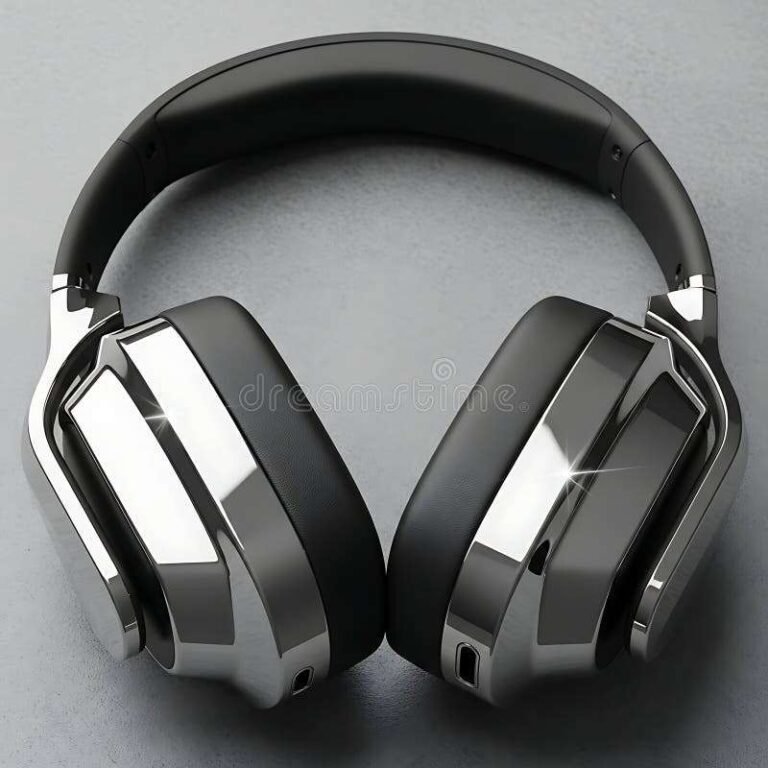
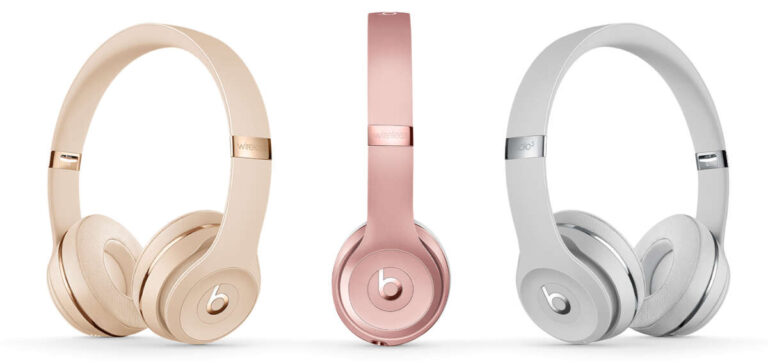
Yes, you can sleep with bone conduction headphones, but it is usually not the safest or most comfortable choice. These headphones sit near the cheekbones instead of inside the ear canal, so they may feel less blocked than earbuds. Still, they can cause skin pressure, neck discomfort, hearing damage at high volume, and safety problems if you need to hear an alarm or emergency sound.
For most people in the United States, the safer option is to use a speaker, a sleep sound machine, or a single earbud at a low volume. If you do use bone conduction headphones in bed, keep the sound low, use a sleep timer, avoid charging while wearing them, and do not sleep on your side with the headset pressed against your head.
How bone conduction headphones work
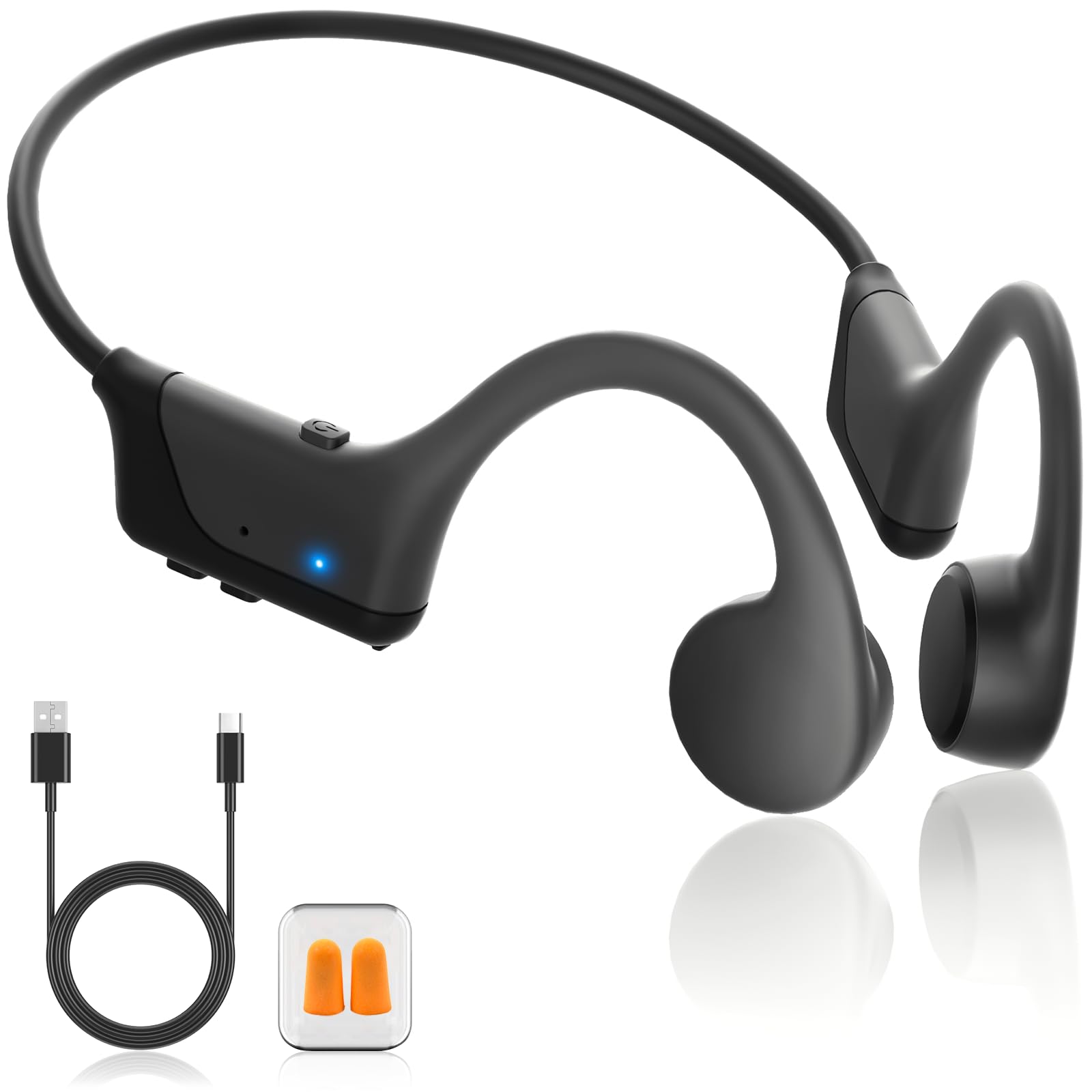
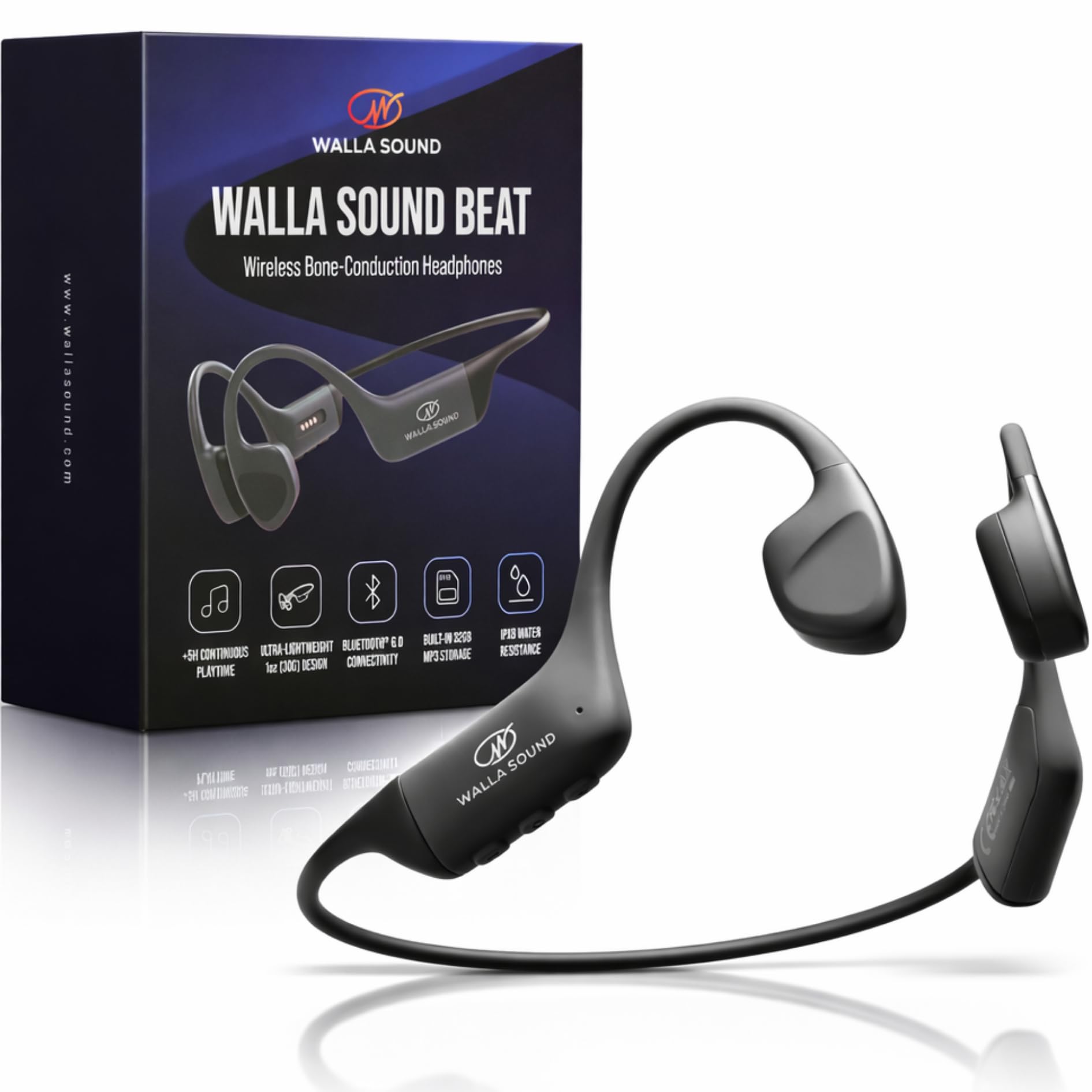
Bone conduction headphones send sound through vibrations in the bones near your ears. The vibrations travel through the skull to the inner ear. This lets you hear audio without placing a speaker inside the ear canal.
Traditional headphones send sound through the outer and middle ear. Bone conduction models mostly bypass those parts. However, they still stimulate the cochlea, the part of the inner ear that changes sound into nerve signals.
That means bone conduction headphones are not immune to volume-related hearing damage. The risk depends on loudness, listening time, and your hearing health. The National Institute on Deafness and Other Communication Disorders explains that loud sound can damage hearing over time, no matter how the sound reaches the inner ear.
Bone conduction headphones may help some people who cannot tolerate in-ear headphones. They also let outside sound enter the ear more easily. But these benefits do not make them designed-for-sleep devices.

Is it safe to sleep with bone conduction headphones?
Sleeping with them for a short time may not cause a problem for a healthy adult. Regular overnight use has more drawbacks and risks.
Main risks
- Pressure and pain: The band may press against your head, jaw, or neck.
- Skin irritation: Sweat and constant contact can lead to redness, soreness, or a rash.
- Hearing strain: Loud audio played for hours can harm hearing.
- Poor sleep: Music, speech, or vibration may keep the brain alert.
- Reduced awareness: You may not hear a smoke alarm, a child, a pet, traffic, or another urgent sound.
- Damage to the headset: Lying on the device may bend or break the frame.
- Battery concerns: Charging a device in bed can add heat and create a fire risk if the battery, cable, or charger is damaged.
A headset that feels fine while sitting may become painful after several hours in one sleep position. This is especially true for side sleepers. A band can also shift during the night and rub the skin behind the ears or along the jaw.
Manufacturers may also exclude sleep use from their safety guidance or warranty terms. Check the manual for your exact model. Do not assume that one bone conduction headset has the same guidance as another.

Can bone conduction headphones damage your hearing while you sleep?
Yes, they can contribute to hearing damage if the volume is too high or the exposure lasts too long. Bone conduction technology changes the path of sound, not the basic risk from excessive noise.
The World Health Organization advises keeping personal audio at a safe level and limiting listening time. A useful rule is to keep the volume low enough that you can still hear nearby speech and normal sounds.
Do not use loud audio to mask:
- Snoring
- Traffic
- Air conditioning
- A noisy neighbor
- Tinnitus
- Other background sounds
A sleep timer is safer than letting audio play all night. Set it for 15 to 60 minutes, depending on why you use the headphones. If you listen to a podcast, choose a quiet recording and let it stop after one episode.
Stop using the headset and seek medical advice if you notice:
- Ringing that lasts after you remove the headphones
- Muffled hearing
- Ear pain or pressure
- Dizziness
- Drainage from the ear
- A sudden change in hearing
Sudden hearing loss needs urgent medical care. It should not be treated as a normal headphone side effect.

Are bone conduction headphones better than earbuds for sleeping?
They may be better for some users, but they are not automatically better for sleep.
Bone conduction headphones do not fill the ear canal. This can reduce the plugged-up feeling caused by earbuds and may help people who dislike ear pressure. They may also be useful for people who need to keep the ear canal open.
Earbuds, however, can create their own problems during sleep. They may press into the ear, trap moisture, push earwax deeper, or irritate the ear canal. Both earbuds and bone conduction headphones can cause hearing risk when played loudly.
| Sleep concern | Bone conduction headphones | Earbuds |
|---|---|---|
| Ear canal pressure | Usually lower | Often higher |
| Pressure on the cheek or head | Possible | Usually lower outside the ear |
| Risk from loud sound | Yes | Yes |
| Side-sleep comfort | Often poor | Often poor |
| Ability to hear outside sounds | Usually better | May be reduced |
| Risk of falling out | Usually low | Varies by fit |
| Suitable for all-night use | Not established | Not established |
The better choice depends on your sleep position, volume, skin sensitivity, and need to hear your surroundings. For many people, neither type is ideal for all-night use.

How to use bone conduction headphones more safely at night
If you decide to use them, follow this safer setup.
1. Read the exact product manual
Look for warnings about sleeping, charging, water, sweat, pressure, and cleaning. Follow the manufacturer’s instructions for your model. Do not rely on advice for a different brand.
2. Test them while awake
Wear the headset for 20 to 30 minutes while sitting or lying down. Check for pressure near the temples, cheekbones, jaw, ears, and neck.
Do not sleep in them if you feel pain, numbness, tingling, warmth, or skin irritation during this test.
3. Keep the volume low
Start at the lowest setting that lets you hear the content. If you need a high volume to mask noise, change the room or use a speaker instead.
Your audio should not overpower nearby conversation or important household sounds.
4. Use a timer
Set the audio to stop before deep sleep. Many phones and audio apps include a sleep timer. If your headset has an automatic shutoff feature, confirm that it works before relying on it.
5. Avoid sleeping on the headset
Back sleepers may tolerate a bone conduction headset better than side sleepers. If you sleep on your side or stomach, the device may press against your face or bend under your head.
6. Keep the device clean and dry
Wipe the headset as directed by the manufacturer. Sweat, skin oil, and hair products can build up on the contact points. Do not use harsh cleaners unless the manual allows them.
7. Do not charge it while wearing it
Remove the headset before charging. Use the supplied or approved cable and charger on a hard surface. Do not charge it under a pillow, blanket, or on a bed.
8. Keep alarms separate
Use a phone alarm, a bedside alarm, or a vibrating alarm watch. Do not depend on audio playing through the headset to wake you.
Who should avoid sleeping with them?
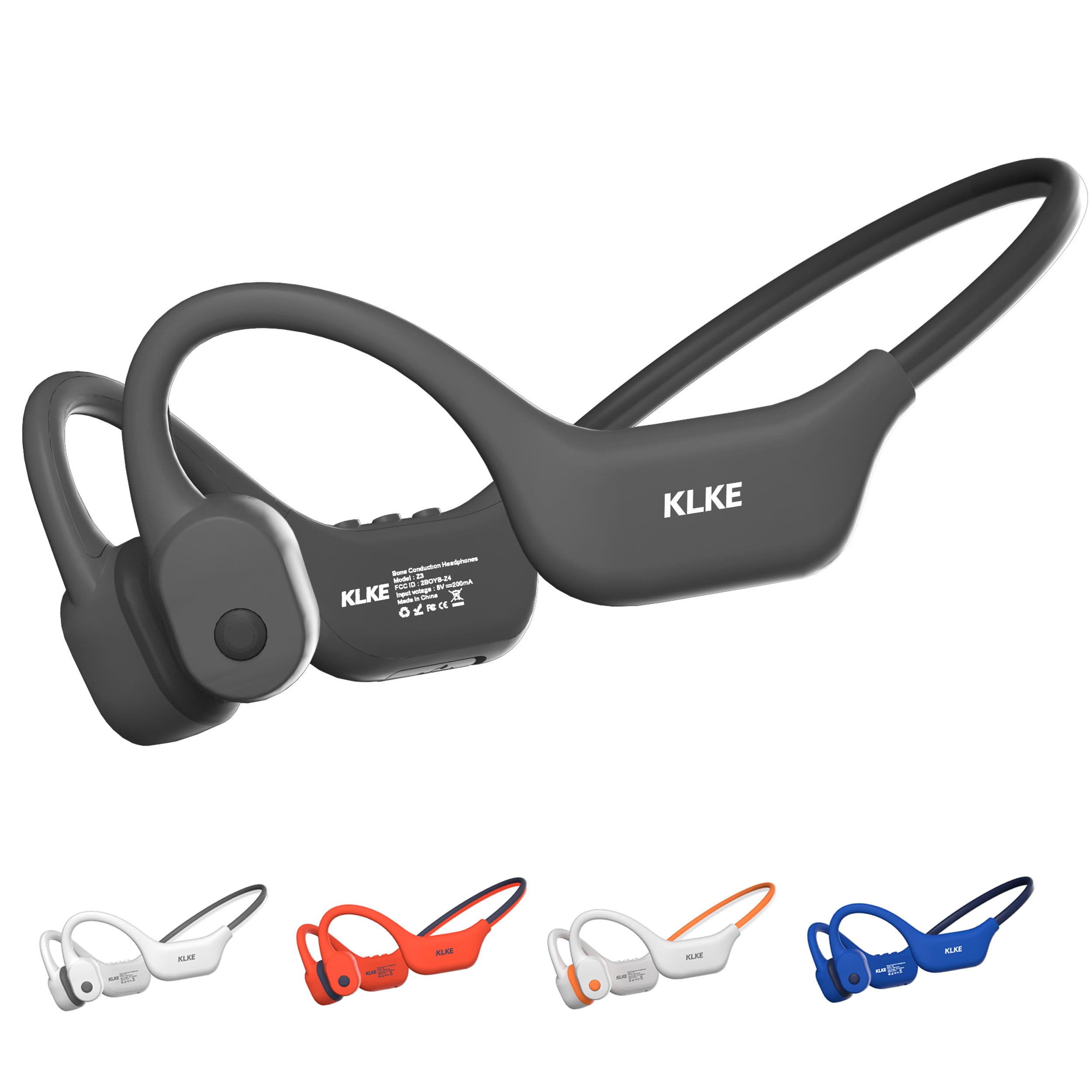
Some people should avoid overnight use unless a clinician gives specific advice.
Avoid sleeping with bone conduction headphones if you have:
- A current rash, cut, or pressure sore near the contact points
- Skin conditions that worsen with sweat or friction
- Ear pain, dizziness, or unexplained hearing changes
- A history of noise-related hearing loss
- Balance problems
- Sleepwalking or frequent nighttime movement
- A need to hear alarms or other people clearly
- A medical device or condition that makes headset use uncertain
People with hearing loss should not assume that bone conduction headphones are a treatment. Some bone conduction hearing systems are medical devices fitted and programmed for a specific hearing need. Consumer headphones are different.
Ask an audiologist or physician before use if you have hearing loss, chronic ear disease, tinnitus, vertigo, recent ear surgery, or a hearing implant. Stop if symptoms become worse.

What is the best alternative for sleep audio?
A bedside speaker is often the simplest and safest choice. It does not place pressure on your head or ears, and it makes it easier to hear an alarm or another person.
Other options include:
- A white-noise machine
- A fan, if safe and comfortable
- A phone or smart speaker set at a low volume
- A pillow speaker designed for sleep
- A meditation app with a short timer
- Ear-free audio played across the room
Keep speakers at a low level. Loud room audio can still affect hearing and sleep. If another person shares the room, use a timer and choose audio that will not disturb them.
If you need headphones because a partner snores or the room is loud, first consider reducing the noise at its source. Earplugs, room changes, fan noise, or treatment for a partner’s snoring may work better than wearing audio hardware all night.

Common mistakes to avoid
Wearing them at a normal daytime volume
A volume that feels fine for a short walk may be too loud for several hours. Long exposure changes the risk.
Sleeping on your side with the band trapped under your head
This can cause pressure pain and may damage the headset. It can also leave your skin sore in the morning.
Ignoring numbness or redness
Pain is not a normal adjustment period. Remove the headset and let your skin recover.
Using them to cover a safety sound
Do not wear them when you must hear a smoke alarm, a baby, a medical alert, a security alarm, or approaching traffic.
Charging them in bed
Lithium-ion batteries need proper charging conditions. Keep the device on a firm, open surface while charging, and replace it if the battery swells, overheats, leaks, or smells unusual.
Assuming “open ear” means “risk-free”
Open-ear listening can improve environmental awareness. It does not remove hearing risk, comfort problems, or battery concerns.

Quick decision guide
Use this simple guide before going to bed:
- Need audio for a few minutes? Bone conduction headphones may be reasonable at a low volume with a timer.
- Sleep on your back and have no skin or hearing problems? Short, low-volume use may be more comfortable, but still is not risk-free.
- Sleep on your side? A speaker or sleep-focused audio system is usually more comfortable.
- Need to hear alarms or other people? Avoid blocking or covering your ears and keep the audio very low.
- Have tinnitus, hearing loss, dizziness, or ear disease? Ask a health professional first.
- Want audio all night? A low-volume bedside speaker is generally the better option.
Frequently asked questions
Can you sleep with Shokz bone conduction headphones?
You should check the manual for your exact Shokz model. Shokz headphones are made for open-ear listening, but that does not mean they are intended for overnight wear. Pressure, battery use, skin irritation, and hearing exposure still apply.
Can bone conduction headphones help with sleep?
They may help you listen to calming audio without sealing the ear canal. They do not treat insomnia, sleep apnea, snoring, tinnitus, or hearing loss. If poor sleep continues, address the cause instead of relying on headphones each night.
Can you sleep with bone conduction headphones on your side?
You can, but side sleeping often increases pressure on the headset and the skin near the cheekbones or ears. Test the fit while awake. If the device causes pressure or pain, do not use it in that position.
Can bone conduction headphones cause headaches?
They can cause discomfort or a headache if the band is too tight, sits in the wrong place, or presses on sensitive areas. Remove the headset if pain starts. A persistent or severe headache has other possible causes and may need medical evaluation.
Are bone conduction headphones safe for children to sleep in?
Do not let a child sleep with them unless a pediatric clinician and the manufacturer’s instructions support their use. Children may not report pressure, pain, or excessive volume clearly. They also need to hear caregivers and safety alarms.
Can I wear them while charging?
No. Remove the headphones before charging. Charging while wearing any battery-powered device adds avoidable heat and cable risks, especially in bed.
Conclusion
You can sleep with bone conduction headphones, but overnight use is not risk-free and may not be comfortable. The main concerns are high volume, long listening time, pressure, skin irritation, missed alarms, and charging hazards.
For occasional use, keep the volume low, set a timer, test the fit while awake, and remove the headset if it causes pain or skin changes. For nightly or all-night audio, a low-volume bedside speaker or sleep sound machine is usually the better choice.

Everett Ashford is a tech reviewer at mytechgrid.com specializing in SSDs, cameras, TVs, earbuds, headphones, and other consumer electronics. He provides honest, data-driven reviews based on hands-on testing and real-world performance analysis. Everett simplifies complex tech details to help readers make smart, confident buying decisions.