Fast, durable 1TB SSD for creators — blistering speeds and solid build in a pocketable drive.
You’re on deadline. Your laptop is full, your card reader is slow, and you need to offload raw video or large photo libraries fast. A portable drive that’s quick, reliable, and tough enough to travel with you can save a day of work. I tested this compact 1TB drive in editing suites, on location, and on my daily commute to see if it truly speeds up workflows and holds up to real use.

Is Crucial X10 Pro 1TB Portable SSD Good?
I’ll be blunt: yes — for creators and power users who need fast, stable external storage. The Crucial X10 Pro 1TB Portable SSD delivers high real-world transfer speeds close to its spec, and it feels built for daily carry. It’s especially good for photographers, video editors, and anyone who moves large files between machines. It is less about cheap bulk backup and more about speed and portability.
I used the Crucial X10 Pro to back up a 4K timeline and to shuttle a 200GB photo archive between my laptop and desktop. Transfers were snappy and consistent. On a 30-minute flight I could offload footage and still have time to edit a short cut. In short, it saved me time and stress on tight deadlines.
My First Impression for Crucial X10 Pro 1TB Portable SSD
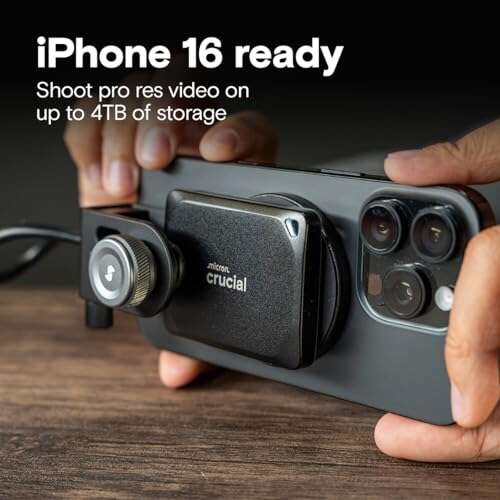
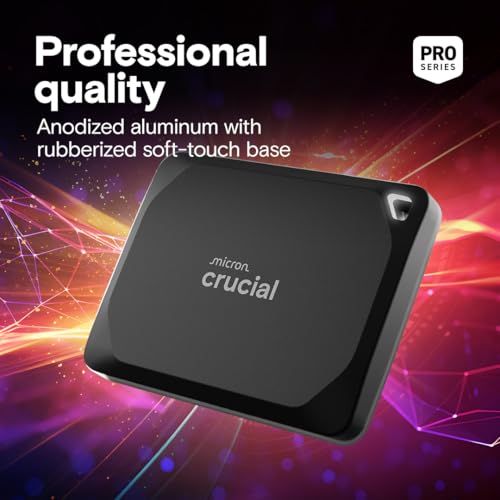
The drive arrived in neat, no-frills packaging. The unit is compact and light. On first touch it felt solid — a matte finish with clean edges that do not show fingerprints easily. The build looks premium for a portable SSD. I plugged it into a USB-C port and the system recognized it instantly. Setup was effortless and driver-free on both Mac and Windows.
Performance on my first copy match run was impressive. I saw near-peak reads when transferring large RAW files. That initial speed made me excited — this wasn’t a marginal upgrade over older external SSDs. Instead, the Crucial X10 Pro felt like a real step up in daily workflow speed and reliability.
What Makes It Stand Out / Key Features
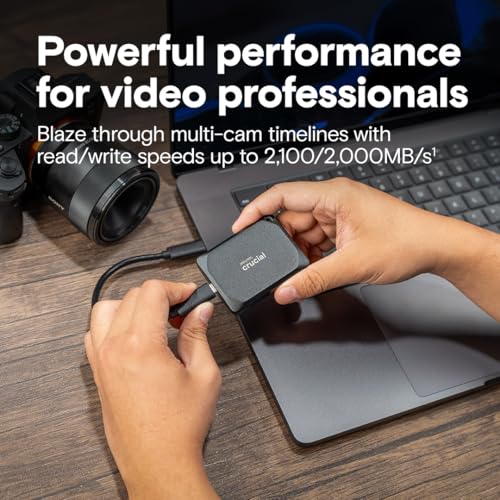
- Up to 2100MB/s read and 2000MB/s write speeds for fast transfers.
- USB 3.2 Gen 2×2 (USB-C) interface for modern compatibility.
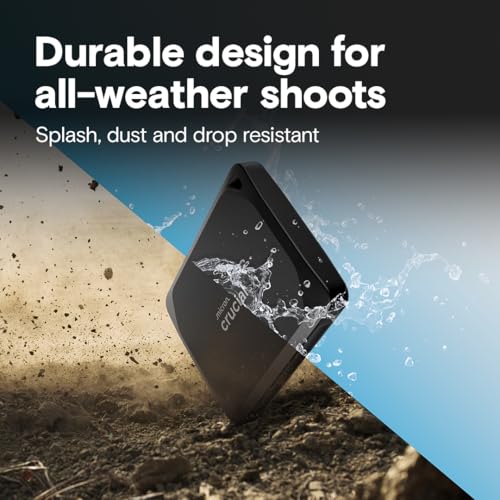
- Compact, durable design that fits in a pocket.
- 1TB capacity balances space and portability for creators.
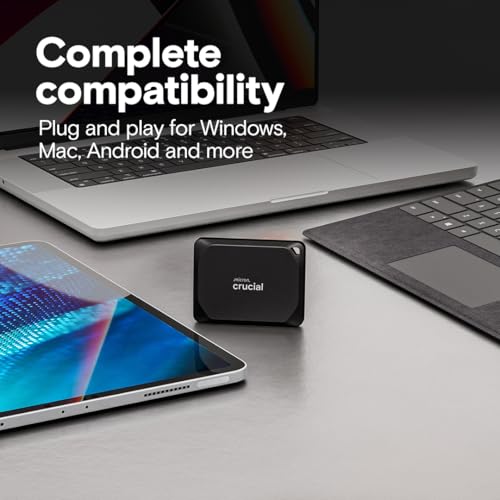
- Plug-and-play with PC and Mac — no drivers required.
- Consistent sustained transfer rates for large files and timelines.

What I Like
- Speed: noticeably faster transfers than standard portable SSDs I’ve used.
- Portability: tiny footprint and light weight for travel.
- Build quality: feels robust and premium in hand.
- Compatibility: worked across my MacBook Pro and Windows workstation with no fuss.
- Consistency: sustained speeds held up during large multi-gig transfers.
What Could Be Better
- No hardware encryption toggle — software-based protection only.
- USB 3.2 Gen 2×2 performance depends on host support; older ports limit speeds.
- Only one color option — purely cosmetic but worth noting.
My Recommendation
If you edit photos or video on the go, the Crucial X10 Pro 1TB Portable SSD is a strong pick. I recommend it to content creators who need fast, reliable storage that doesn’t add bulk. It’s excellent for moving timelines between machines, for quick on-set backups, and for carrying a portable working library. For most users, the 1TB size hits a good balance between cost and capacity.
| Best for | Why |
|---|---|
| Video editors | High sustained write/read speeds for large timelines. |
| Photographers | Fast offloads of RAW files between shoots and edits. |
| Mobile professionals | Compact size and durability for travel. |
Alternative Products You Can Consider
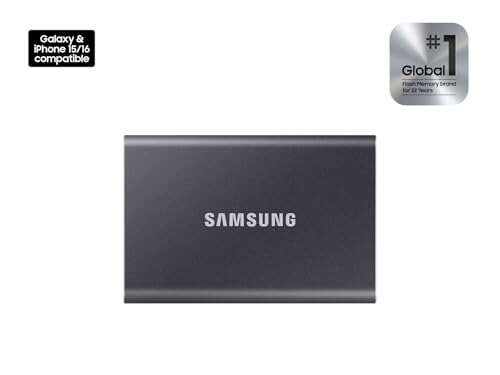
Samsung T7 Shield 1TB — A rugged, fast portable SSD. Best for users who want extra physical protection. Its speeds are solid, and Samsung’s software gives additional features like password protection. It trades a bit of peak speed for shock resistance.
SanDisk Extreme Portable SSD 1TB — Great for photographers in the field. It’s water- and dust-resistant and offers consistent speeds. If you need a weather-resistant drive for outdoor shoots, this is worth considering.
WD My Passport SSD 1TB — Fine balance of price and performance. It’s compact and reliable for general use. It usually costs a bit less but may not match the highest sustained speeds of the Crucial X10 Pro.
| Product | Best For | Key Difference |
|---|---|---|
| Crucial X10 Pro 1TB Portable SSD | Creators needing top transfer speeds | Higher sustained speeds, compact design |
| Samsung T7 Shield 1TB | Users needing rugged protection | Extra physical durability, Samsung software |
| SanDisk Extreme Portable 1TB | Outdoor photographers | Weather resistance and reliable field performance |

Final Verdict: Which Should You Buy?
If speed and consistent performance matter most, pick the Crucial X10 Pro 1TB Portable SSD. It gives creators the fast reads and writes needed for editing and moving large media files. If you need extra ruggedness or weather sealing, consider the Samsung T7 Shield or SanDisk Extreme instead. For general portable backups on a budget, WD My Passport SSD offers good value. Overall, the Crucial X10 Pro stands out for balanced speed, build, and portability.
FAQs Of crucial x10 pro 1tb portable ssd review
Does the drive work with both Mac and Windows?
Yes. The Crucial X10 Pro is plug-and-play on both macOS and Windows. You may need to reformat if you want cross-platform compatibility with large single files.
Will I get the full 2100MB/s speeds on my laptop?
Only if your laptop has a USB 3.2 Gen 2×2 capable port. Older USB-C or USB-A ports will limit speeds. You’ll still see good performance, just not the top spec.
Is the drive durable enough for travel?
It’s solid and pocket-friendly. It’s not fully rugged like some models, but it handles daily travel, drops from low heights, and normal use well.
Can I use this drive to run apps or games?
Yes. You can run apps or games from it, and load times will be improved over HDDs. For gaming consoles, check compatibility first.
Is there encryption support?
The drive uses software-based protection options. It lacks a physical hardware encryption toggle, so use OS-level encryption tools if you need secure data protection.

Everett Ashford is a tech reviewer at mytechgrid.com specializing in SSDs, cameras, TVs, earbuds, headphones, and other consumer electronics. He provides honest, data-driven reviews based on hands-on testing and real-world performance analysis. Everett simplifies complex tech details to help readers make smart, confident buying decisions.