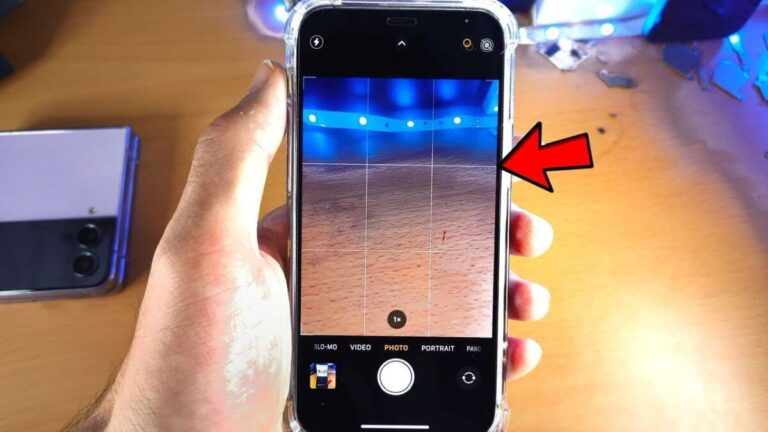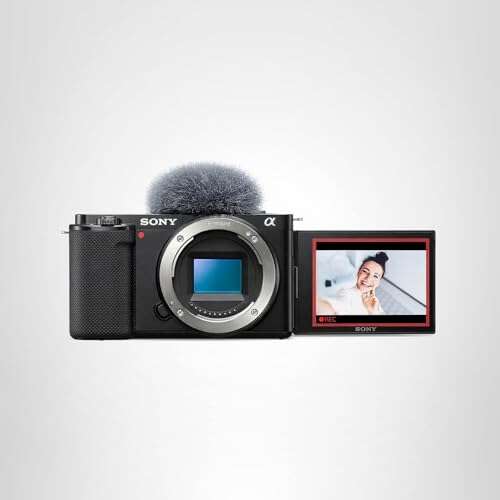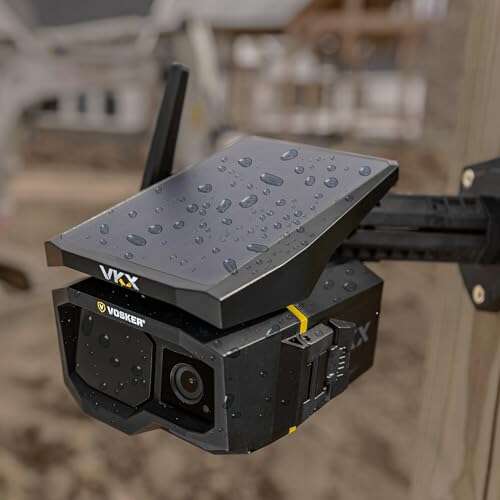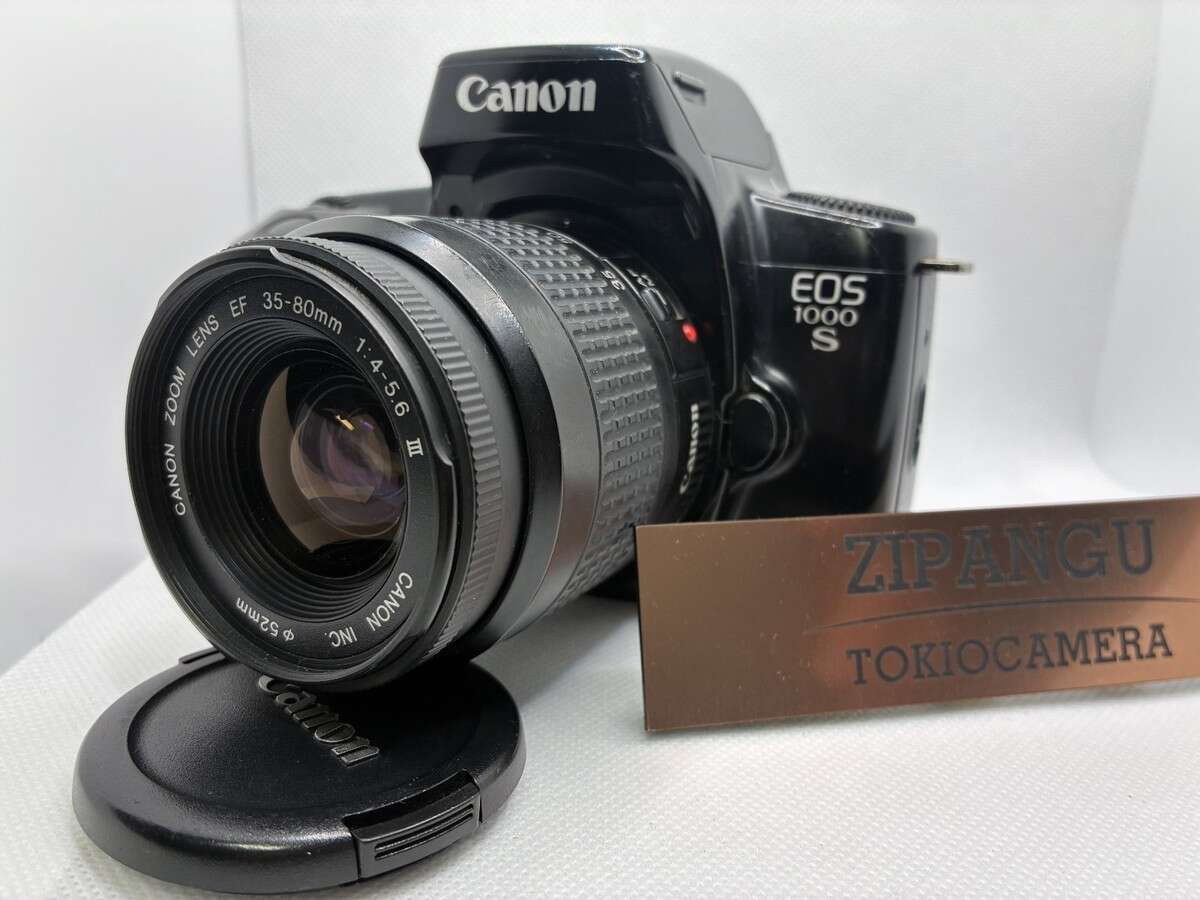
A digital camera captures light with a sensor, turns it into data, and saves it as a photo.
Understanding how does a digital camera work simple can make photography much less confusing. A camera may look complex, but its basic job is easy: control light, record an image, process the information, and store the result. This guide breaks down each step in plain English, with practical tips for taking better photos.
How Does a Digital Camera Work Simple?
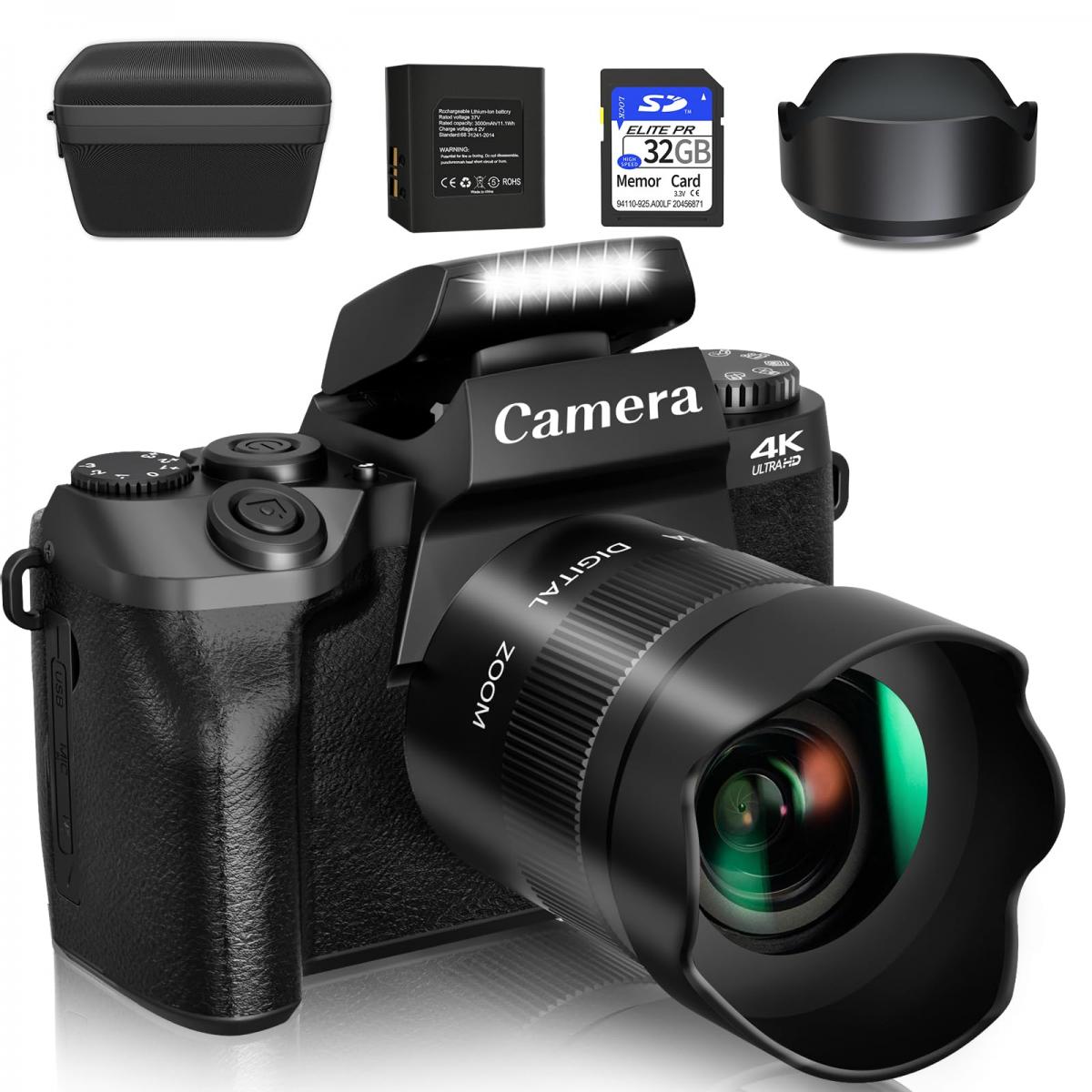
The easiest way to understand how does a digital camera work simple is to compare it with the human eye. Your eye lets in light through the pupil, focuses that light with the lens, and sends signals to your brain. A digital camera does almost the same thing with a lens, an aperture, a shutter, an image sensor, and a processor.
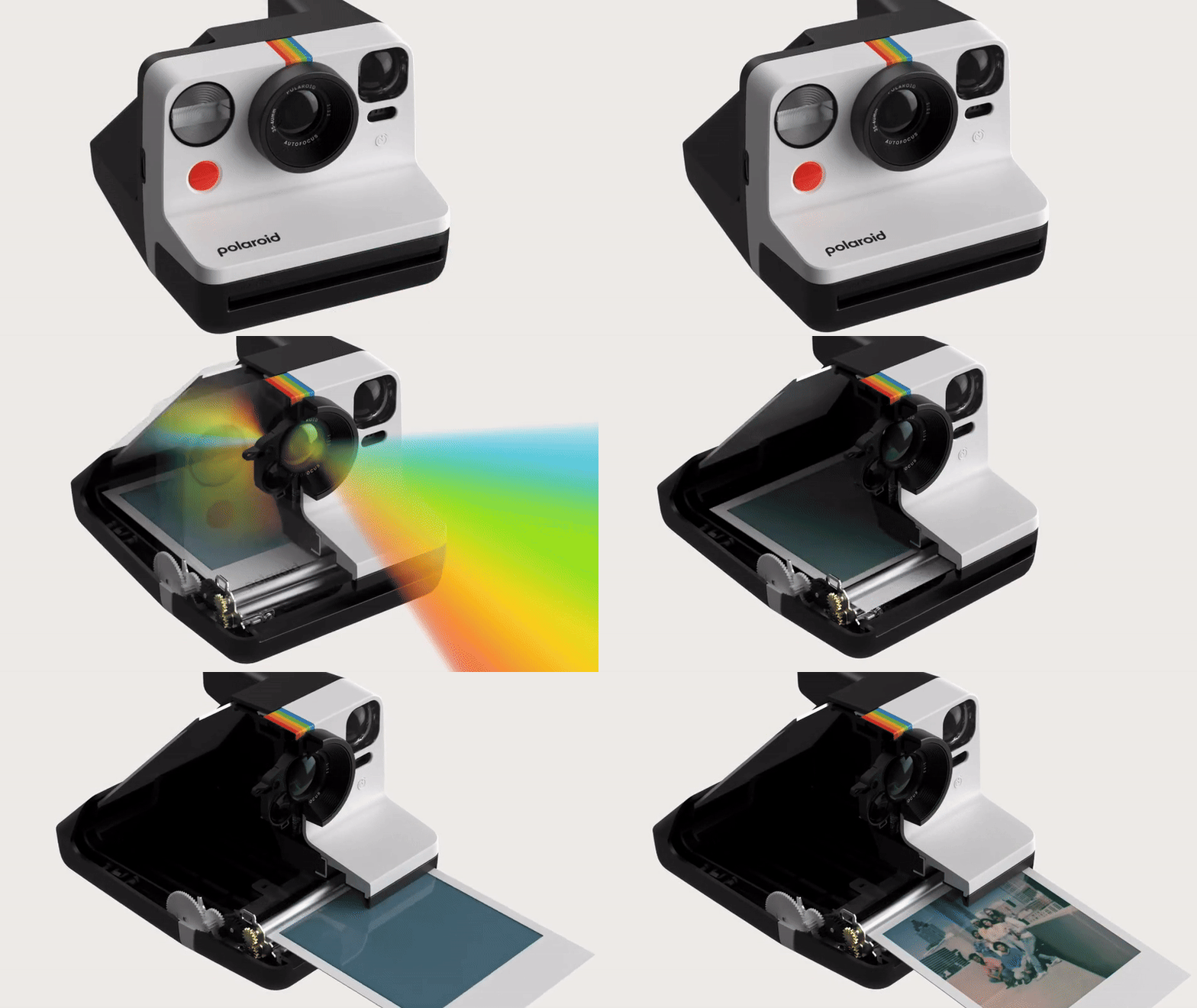
Here is the basic process:
- Light reflects from a scene.
- The camera lens gathers that light.
- The aperture controls how much light enters.
- The shutter controls how long the light enters.
- The image sensor changes light into electrical signals.
- The camera processor turns those signals into image data.
- The camera saves the photo to a memory card or internal storage.
So, how does a digital camera work simple? It measures light and color, then builds a picture from that information. The camera does not store the scene itself. It stores a digital pattern that represents the scene.
Think of the sensor as a grid of tiny cups. Each cup catches light from one small part of the image. More light fills a cup more strongly, while less light creates a weaker signal. The camera reads all the cups together to create the final photo.
The Main Parts of a Digital Camera
Each camera part has a clear job. When these parts work together, they produce a photograph.
The lens
The lens directs light toward the image sensor. It uses curved glass or special optical elements to focus the scene.
A wide angle lens shows more of a scene. It works well for landscapes, rooms, and group photos. A telephoto lens makes far subjects look closer. It helps with sports, wildlife, and stage events.
The lens also affects image quality. A clean, sharp lens can show fine detail, while a poor lens may create blur, glare, or soft edges.
The aperture
The aperture is an opening inside the lens. It controls the amount of light that reaches the sensor.
A wide aperture, such as f/1.8, lets in more light. It also creates a shallow depth of field, which can blur the background behind a person.
A narrow aperture, such as f/11, lets in less light. It keeps more of the scene in focus, which is useful for landscapes and buildings.
The f-number can seem backward at first. A smaller f-number means a larger opening. A larger f-number means a smaller opening.
The shutter
The shutter controls the length of time the sensor receives light. A fast shutter speed, such as 1/1000 of a second, can freeze a moving bird or a soccer player.
A slow shutter speed, such as one second, allows more light to enter. However, movement can create blur. A tripod can help when using a slow shutter speed.
Some cameras use a mechanical shutter. Others use an electronic shutter that starts and stops the sensor’s recording process without moving physical curtains.
The image sensor
The image sensor is the digital camera’s light-sensitive surface. It replaces the film used in older cameras.
The two most common sensor types are:
• CMOS sensors, which are common because they use less power and support fast shooting.
• CCD sensors, which were popular in older cameras and can produce high-quality images but often use more power.
Sensors come in different sizes. Full-frame sensors are large. APS-C and Micro Four Thirds sensors are smaller. A larger sensor can often produce cleaner images in low light, but sensor size is not the only factor that matters.
The image processor
The image processor interprets the signal from the sensor. It adjusts color, brightness, contrast, sharpness, and noise.
It also handles features such as face detection, autofocus tracking, image stabilization, and video recording. In many cameras, the processor can make hundreds of small decisions in a fraction of a second.
The memory card
The camera saves image files to a memory card. Common card types include SD, microSD, CFexpress, and CompactFlash.
A memory card does not improve image quality by itself. It stores the data created by the sensor and processor. A fast card can help when taking many photos in a row or recording high-resolution video.
How a Camera Captures Light
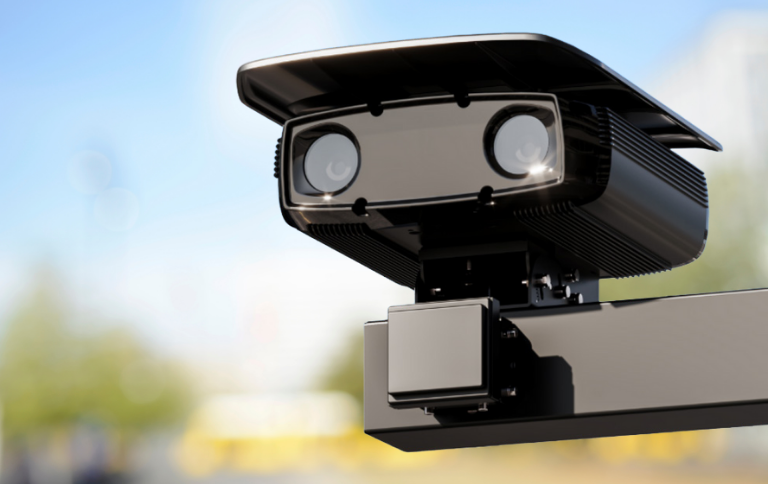
Light is the heart of photography. Without light, the camera has no image to record.
When you press the shutter button, the camera opens a path for light. The lens focuses the light onto the sensor. Each sensor pixel measures the strength of the light that reaches it.
A pixel is a tiny picture element. Millions of pixels work together to form a digital image. A 24-megapixel camera has about 24 million pixels, although the exact design can vary.
The sensor first records light as an electrical signal. It does not naturally understand words such as red, green, or blue. To record color, most sensors use a color filter pattern. This pattern lets different pixels measure different parts of the visible light spectrum.
The camera then estimates the full color for each pixel. This process is called demosaicing. It helps the camera create a complete color image from the separate red, green, and blue measurements.
This explains how does a digital camera work simple at a deeper level. The camera samples light in tiny areas, measures color, and combines the measurements into one image.
What happens in a dark scene?
In low light, each sensor pixel receives fewer photons. The signal becomes weaker, so the camera must increase the signal with a higher ISO setting.
A high ISO can brighten the photo. It can also increase noise, which appears as grain or colored specks. Modern cameras use better sensors and processors to reduce this noise, but no camera can remove every problem.
A wide aperture, slower shutter speed, and higher ISO can all make a photo brighter. The best choice depends on the subject and the amount of movement.
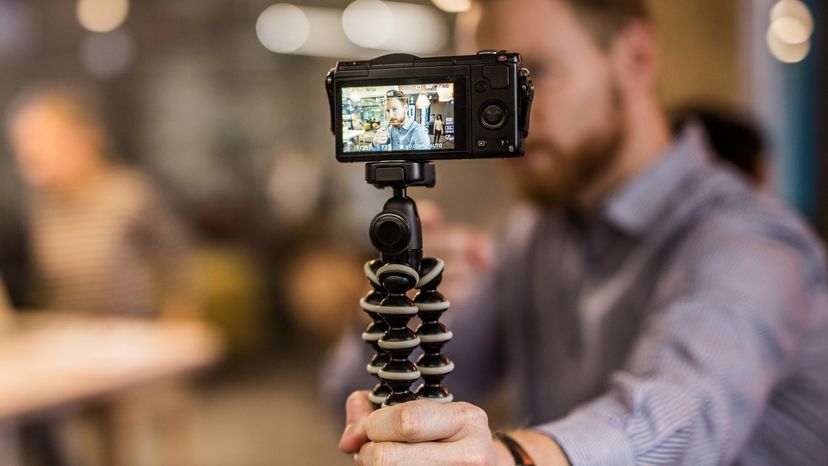
How Exposure Works
Exposure means the amount of light used to make a photo. A photo can be underexposed, correctly exposed, or overexposed.
Three main settings control exposure:
• Aperture controls the size of the lens opening.
• Shutter speed controls how long the sensor receives light.
• ISO controls how strongly the camera amplifies the sensor signal.
Photographers often call these settings the exposure triangle. Changing one setting usually affects another.
For example, imagine photographing a child indoors. You may choose a wide aperture to let in more light. You may also use a fast shutter speed to prevent motion blur. If the photo is still dark, you can raise the ISO.
Automatic modes allow the camera to choose these settings. Manual mode gives you full control. Aperture priority lets you choose the aperture while the camera selects the shutter speed. Shutter priority does the opposite.
A camera’s light meter estimates the brightness of the scene. It is helpful, but it can be fooled by very bright or very dark subjects. Snow may look gray if the camera tries to make the whole scene average in brightness. A very dark room may look too bright for the same reason.
A useful habit is to check the histogram. The histogram is a graph that shows how tones are spread from dark to light. It can reveal clipped highlights or lost shadows that are hard to see on a small screen.
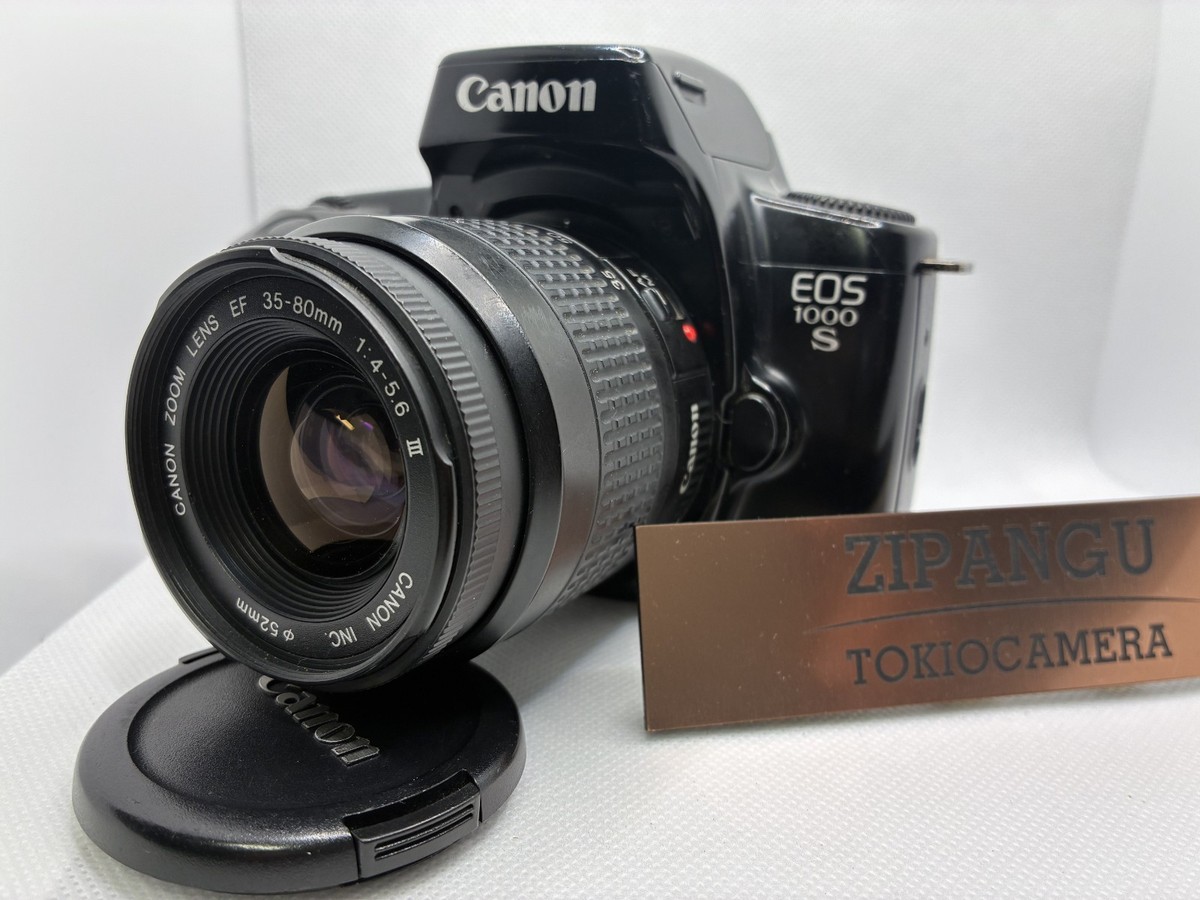
How Autofocus and Image Stabilization Work
Autofocus helps the camera make the subject sharp. The camera studies contrast, phase differences, or both to estimate whether the lens is focused correctly.
Many modern cameras offer several autofocus modes:
• Single autofocus locks focus for a still subject.
• Continuous autofocus keeps adjusting focus as the subject moves.
• Face and eye detection can track people and animals.
• Subject tracking follows a selected object across the frame.
Autofocus works best when the subject has clear detail or contrast. It may struggle with plain walls, heavy fog, low light, or subjects hidden behind glass.
Image stabilization reduces the effect of camera shake. Lens-based stabilization moves elements inside the lens. Sensor-shift stabilization moves the sensor itself. Digital stabilization may crop or adjust video frames to reduce movement.
Stabilization can help you use a slower shutter speed when the camera is held still. It cannot fully stop a moving person, animal, or car. For subject movement, a faster shutter speed is still needed.
A common mistake is to blame autofocus when the real issue is motion blur. The subject may have been in focus, but it moved while the shutter was open.