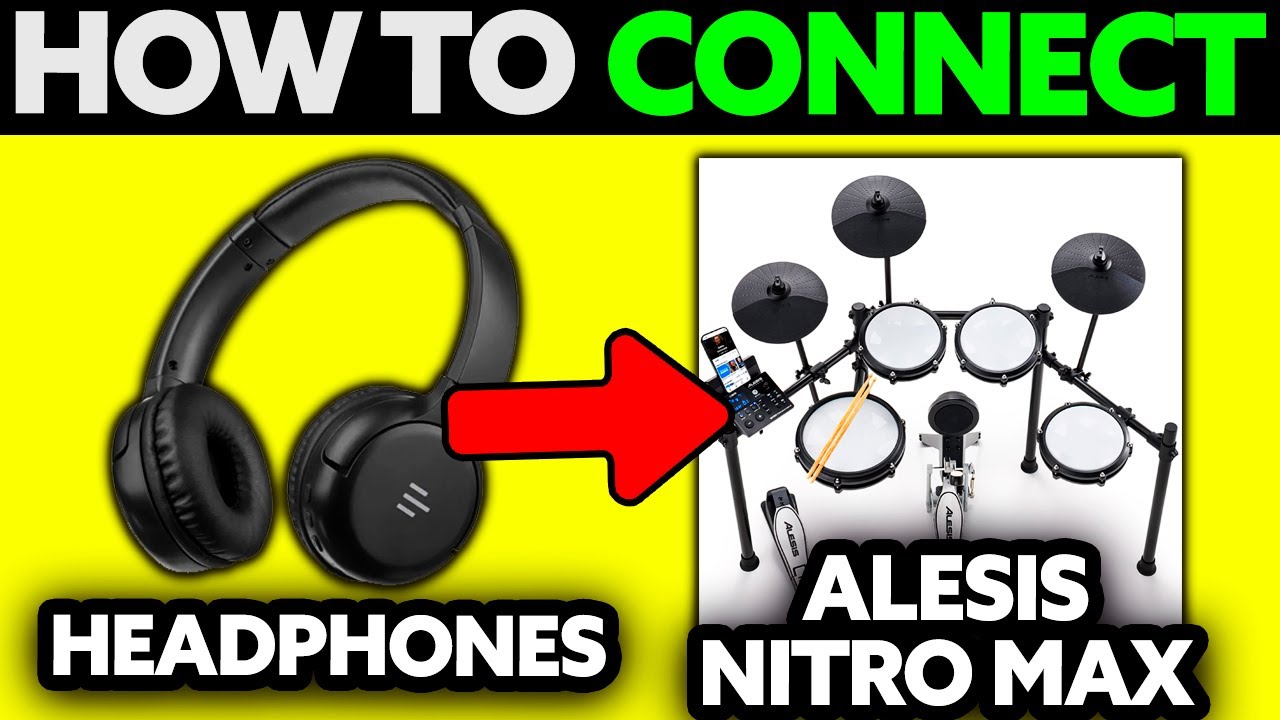
Plug headphones into the Alesis Nitro Max module’s PHONES jack, then raise the volume slowly.
Learning how to connect headphones to Alesis Nitro Max is simple once you know which port to use. The kit is designed for quiet practice, so you can hear the drums without sending sound through an amplifier or speaker.
I have seen many players lose time by using the wrong output, a loose adapter, or a headset with an incompatible plug. This guide explains how to connect headphones to Alesis Nitro Max, set a safe volume, solve common sound problems, and choose the right headphones for practice, recording, and play-along tracks.
What You Need Before Connecting Headphones
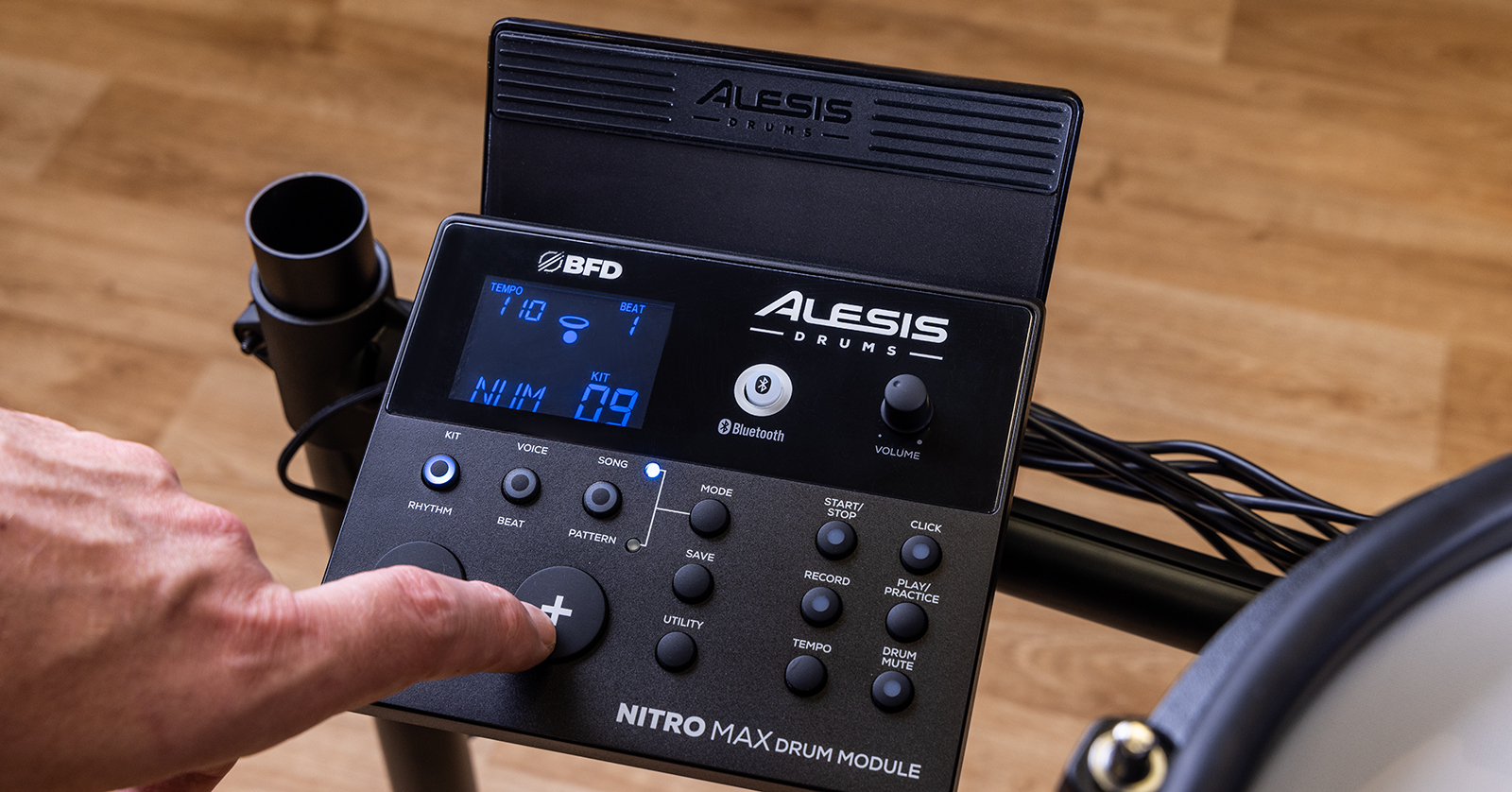
The Alesis Nitro Max drum module sends its sound through a headphone output marked PHONES. This output carries the full stereo kit sound, including drum voices, metronome clicks, songs, and audio from compatible connected devices.
Before you start, gather these items:
• Alesis Nitro Max drum module
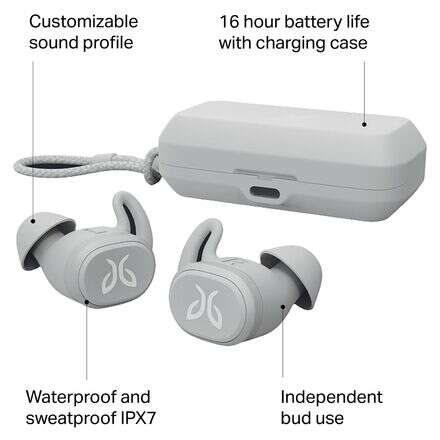
• Wired headphones or wired earbuds
• Headphones with a standard 3.5 mm stereo plug
• A 3.5 mm to 6.35 mm adapter if your headphones use a larger plug
• A working power supply for the drum module
Most consumer headphones use a 3.5 mm plug. This is also called a 1/8-inch plug. Some studio headphones use a larger 6.35 mm, or 1/4-inch, plug. Those headphones can still work with the Alesis Nitro Max when you use a suitable stereo adapter.
Avoid forcing any plug into the module. The connector should slide in smoothly. If it feels too tight, check the plug size and inspect it for damage.

How to Connect Headphones to Alesis Nitro Max
The basic process takes less than a minute. Keep the module volume low before you connect your headphones. This protects your ears and prevents a sudden loud sound.
-
Turn the module volume knob down.
-
Put the headphones on a nearby surface instead of placing them on your ears yet.
-
Find the PHONES jack on the Alesis Nitro Max drum module.
-
Insert the 3.5 mm headphone plug into the PHONES jack.
-
If your headphones have a 6.35 mm plug, connect a stereo 1/4-inch adapter first.
-
Turn on the Nitro Max module.
-
Play a pad and slowly raise the volume.
-
Stop when the sound is clear and comfortable.
This is the correct method for how to connect headphones to Alesis Nitro Max. Use the PHONES jack rather than the main audio outputs. The main outputs are meant for powered speakers, mixers, audio interfaces, or other external gear.
A useful habit is to remove your headphones before changing cables. That small step reduces pops, clicks, and accidental volume spikes. It also helps protect sensitive headphone drivers.
Where Is the Headphone Jack?
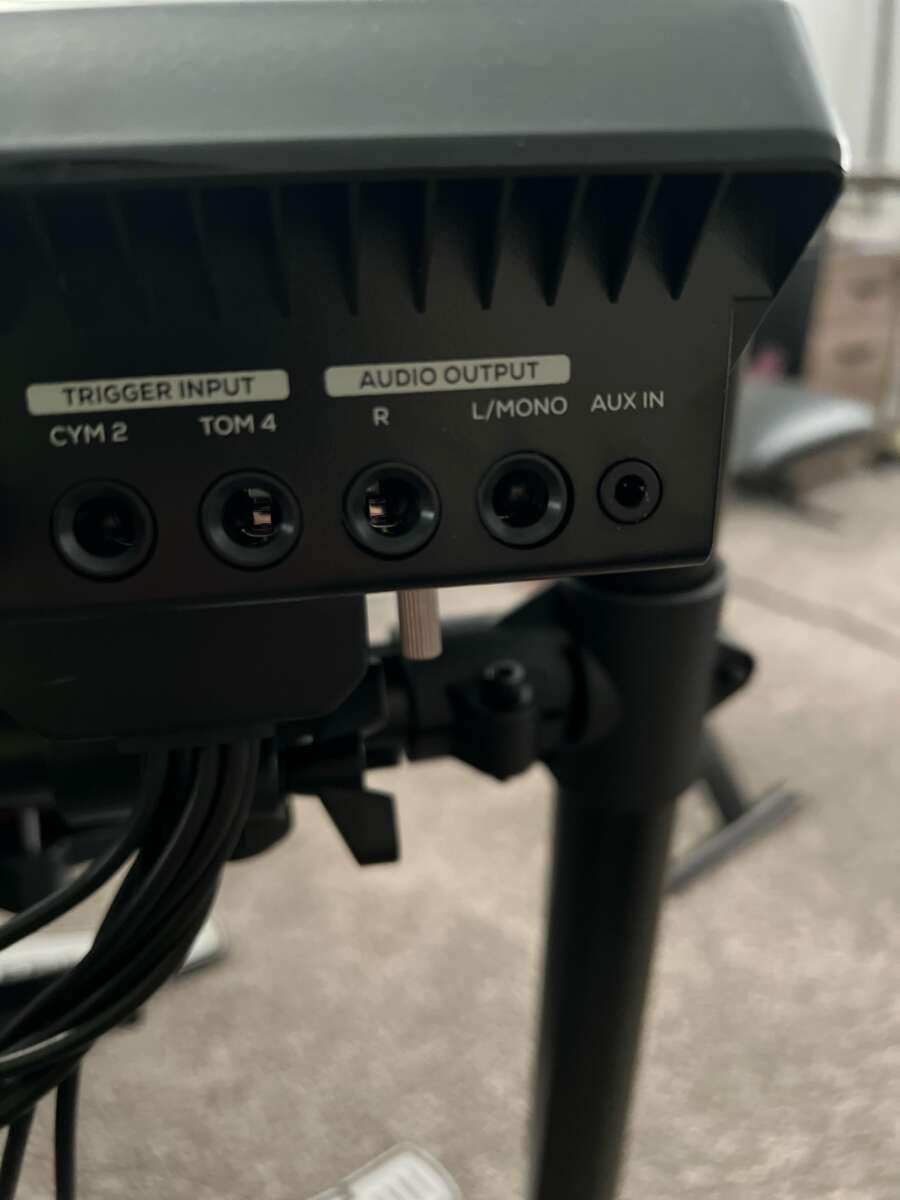
The headphone jack is located on the Nitro Max drum module. Look for the port labeled PHONES on the module’s front panel or connection area. The label is more important than the exact position because layouts can vary slightly by production version or regional packaging.
The PHONES output is usually a small 3.5 mm stereo jack. Do not confuse it with the larger audio output connections on the back of the module. If you are unsure, check the port labels in the Nitro Max user guide.
The correct jack should send sound to both the left and right sides of stereo headphones. If sound only comes from one side, the plug may not be fully inserted, the adapter may be incorrect, or the headphones may have a cable fault.

Choosing the Right Headphones for the Nitro Max
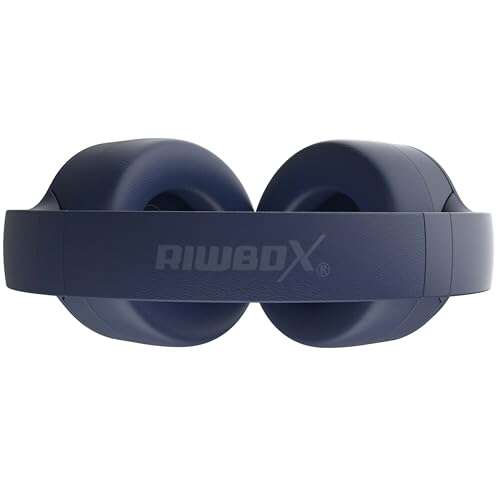
The best headphones for the Alesis Nitro Max are comfortable, wired, and easy to drive. You do not need expensive studio headphones to practice, but a poor fit can make a good drum module feel disappointing.
Consider these points:
• Use wired headphones for the lowest delay.
• Choose closed-back headphones if you want strong isolation from pad noise.
• Choose over-ear headphones for long practice sessions.
• Use in-ear headphones if you want a small and portable setup.
• Select headphones with a 3.5 mm plug or a reliable stereo adapter.
• Avoid headphones with a damaged cable or loose connector.
Impedance matters, but it is not the only factor. Most normal consumer and studio headphones should work. Very high-impedance studio headphones may sound quieter because they need more power. If the volume seems weak even at a high setting, try headphones with lower impedance or greater sensitivity.
Noise isolation can also improve your playing. Mesh heads and rubber pads still make physical tapping sounds. Closed-back headphones help cover some of that noise, while open-back headphones may sound more natural but let more room noise through.
Headphones Versus Earbuds for Electronic Drums
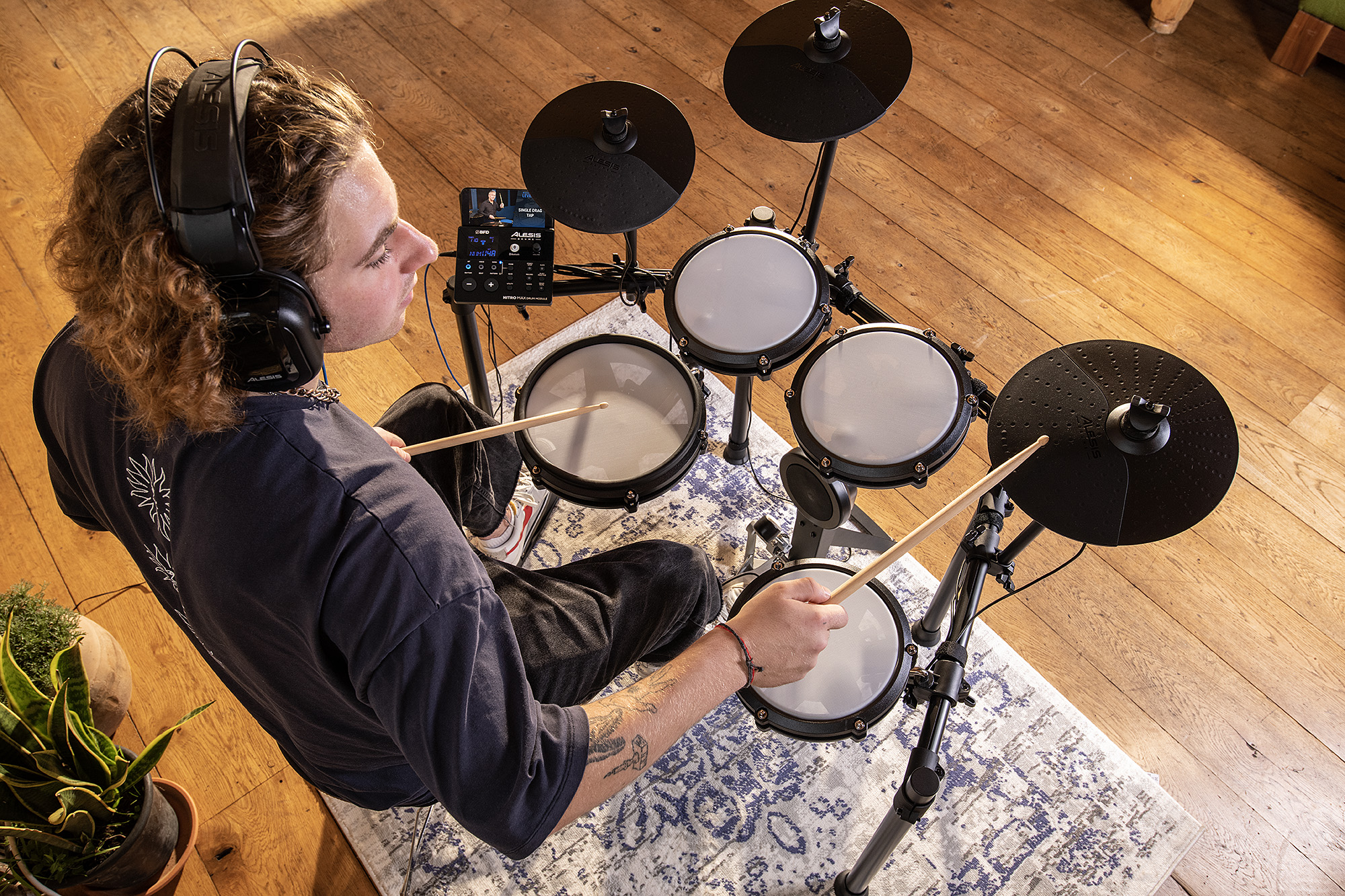
Both headphones and earbuds can work when learning how to connect headphones to Alesis Nitro Max. Your choice depends on comfort, sound, and how much outside noise you want to hear.
Over-ear headphones often provide a fuller sound. They can make kick drums feel deeper and cymbals feel wider. They are also less likely to fall out during an energetic session.
Earbuds are light and easy to store. They may be a good option for short practice sessions, but some people find them less comfortable. Earbuds can also provide less protection from the sound of nearby pads.
Do not turn up the volume simply to overpower loud pad strikes. The World Health Organization recommends keeping personal listening levels safe and taking breaks during extended listening. A moderate level is better for your ears and usually gives you more detail in the mix.

How to Adjust the Headphone Volume Safely
After you connect headphones, start with the module volume at its lowest practical setting. Strike the snare and kick pads while slowly turning the volume up.
Use these steps:
• Start with the volume knob low.
• Play several different pads.
• Raise the level until the quiet sounds are easy to hear.
• Keep the volume below the point where the sound feels sharp or tiring.
• Take short breaks during long practice sessions.
The loudness you need may change with each headphone model. Some headphones are much more sensitive than others. A setting that sounds moderate with one pair may be too loud with another.
The Nitro Max module controls the headphone output level. If you connect external equipment through other outputs, those devices may have their own volume controls. Adjust each device carefully instead of assuming one knob controls everything.
Can You Use Wireless or Bluetooth Headphones?
The safest and simplest choice is a wired pair. Wireless headphones normally need a Bluetooth transmitter or another compatible wireless device between the drum module and the headphones. They do not automatically work just because the drum module supports Bluetooth audio features.
Wireless headphones can also create latency. Latency is the delay between hitting a drum pad and hearing the sound. Even a small delay can make electronic drums feel slow and disconnected.
If you want to try wireless headphones, use a low-latency transmitter connected to the appropriate audio output. Check whether the transmitter and headphones use the same low-latency standard. Results can vary, so test the setup before a performance.
For practice, wired headphones remain the best option. They are direct, dependable, and do not need charging. This is one of the most important practical lessons when deciding how to connect headphones to Alesis Nitro Max.

How to Connect Headphones With a 1/4-Inch Plug
Some studio headphones use a 1/4-inch plug. The Alesis Nitro Max headphone jack uses the smaller 3.5 mm style, so you need a 3.5 mm female to 1/4-inch male adapter, depending on the plug attached to your headphones.
Check the adapter before buying it. You need a stereo adapter, often marked TRS. A stereo plug has separate connections for the left channel, right channel, and ground. A mono adapter may produce unusual sound or send audio to only one side.
Connect the adapter firmly to the headphone plug. Then insert the smaller end into the module’s PHONES jack. If the adapter feels loose, replace it rather than holding it at an angle during play.
A cheap adapter can cause crackling and dropouts. This is a small accessory, but it sits directly in the audio path. A strong, well-fitted adapter is worth the modest cost.
Troubleshooting No Sound
If your headphones produce no sound, work through the chain from the module to your ears. The problem is often a simple connection or volume issue.
Try these checks:
• Confirm that the headphones are plugged into PHONES.
• Make sure the plug is fully inserted.
• Turn up the module volume slowly.
• Test the headphones with a phone or computer.
• Test another pair of headphones with the Nitro Max.
• Check the headphone cable for cuts or bent contacts.
• Restart the drum module.
• Inspect the adapter if you are using one.
If another pair works, the first headphones or adapter may be faulty. If no headphones work, make sure the module is powered on and producing sound through its pads. You can also check the module settings and consult the current Alesis documentation.
Do not insert a microphone plug, charging cable, or random audio connector into the headphone jack. Similar-looking plugs do not always carry the same signal.

Troubleshooting One-Sided or Distorted Sound
One-sided sound usually points to a connection problem. Remove the plug and insert it again with steady pressure. If the sound changes when you move the plug, the cable or adapter may be worn.
Distortion often comes from excessive volume. Lower the module volume first. Then check whether the headphones sound clean with another device.
Other possible causes include:
• A mono adapter used with stereo headphones
• A plug that is not fully inserted
• A damaged headphone cable
• A loose adapter connection
• Headphones that need more power than the module can provide comfortably
A simple test can identify the cause. Try a basic pair of wired earbuds with a standard 3.5 mm plug. If they work correctly, the Nitro Max is likely fine, and the original headphones or adapter need attention.
Using Headphones With Music and Practice Tracks
Headphones let you practice without disturbing other people. They also make it easier to hear the difference between kick, snare, tom, hi-hat, and cymbal sounds.
The Nitro Max may support play-along audio through compatible connections, depending on the setup and module features. When both the drum sound and music enter the same headphone mix, adjust the levels so neither one covers the other.
A good practice mix keeps the backing track slightly lower than the drums. You should still hear your timing, accents, and mistakes. If the music is too loud, it can hide uneven hits and make progress harder to measure.
You can also connect the module to other audio equipment for recording or larger sound. However, when your goal is private practice, the PHONES output is the direct and convenient choice.
Common Mistakes to Avoid
Many problems happen because users treat the drum module like a phone or laptop. The Nitro Max is an electronic instrument with several different audio connections, and each one has a specific purpose.
Avoid these mistakes:
• Plugging headphones into a main output without the correct adapter
• Turning the volume up before putting on headphones
• Using a mono adapter for stereo headphones
• Expecting normal Bluetooth headphones to pair directly
• Using very long or damaged cables
• Ignoring ear fatigue during long practice sessions
• Pulling the cable sideways while it is connected
One mistake I often see in home practice setups is leaving the volume high after switching from earbuds to over-ear headphones. Different headphones can have very different output levels. Reset the volume each time you change headphones.
Keep the headphone cable behind your shoulder or along the side of the kit. This lowers the chance of catching it on a drum pad, pedal, or chair.
Frequently Asked Questions
How do you connect headphones to Alesis Nitro Max?
Plug wired headphones into the PHONES jack on the Nitro Max drum module. Start with a low volume and raise it slowly after striking a pad.
What headphone plug does the Alesis Nitro Max use?
The Nitro Max uses a small 3.5 mm, or 1/8-inch, headphone connection. Headphones with a 1/4-inch plug need a suitable stereo adapter.
Can I use Bluetooth headphones with the Alesis Nitro Max?
Bluetooth headphones may not connect directly to the module as ordinary headphones. A compatible low-latency Bluetooth transmitter may work, but wired headphones usually provide faster and more reliable response.
Why is there no sound in my headphones?
Check that the headphones are connected to the PHONES jack, fully inserted, and compatible with the module. Test another pair and confirm that the module volume is turned up carefully.
Can I use earbuds with the Alesis Nitro Max?
Yes, standard wired earbuds with a 3.5 mm stereo plug should work. Choose earbuds that fit securely and avoid raising the volume to block out loud pad noise.
Do I need an amplifier for my headphones?
No. The PHONES output is designed to drive headphones directly. An amplifier may be useful only if your headphones are unusually difficult to drive or you need a different monitoring setup.
Conclusion
Connecting headphones to Alesis Nitro Max is easy: use the module’s PHONES jack, choose wired stereo headphones, confirm the plug size, and raise the volume slowly. A 3.5 mm pair works directly, while headphones with a 1/4-inch plug need a stereo adapter.
Use the correct output, keep the cable secure, and avoid wireless gear that adds noticeable delay. With a safe volume and comfortable headphones, your Nitro Max can become a quiet, focused practice tool for late-night sessions, daily drills, and play-along work. Try the setup today, then explore the module’s sounds and practice features to get more from your kit.

Everett Ashford is a tech reviewer at mytechgrid.com specializing in SSDs, cameras, TVs, earbuds, headphones, and other consumer electronics. He provides honest, data-driven reviews based on hands-on testing and real-world performance analysis. Everett simplifies complex tech details to help readers make smart, confident buying decisions.