Check Soundcore earbuds via model tags, Anker’s site, serials, retailers, app, and Bluetooth scans.
I’ve spent years testing earbuds and helping people track lost tech, so I know how to find Soundcore earbuds quickly and reliably. This guide walks you through every practical way to locate, identify, and verify Soundcore earbuds—online, in stores, or when one bud goes missing—using clear steps, real tips, and tools I’ve used myself. Read on to get confident, fast results.
Understanding Soundcore and why knowing how to find Soundcore earbuds matters
Soundcore is Anker’s audio brand. It makes earbuds that vary by price, features, and model names. Knowing how to find Soundcore earbuds helps you in three main ways:
- Confirm authenticity before buying.
- Find a lost pair fast.
- Identify model for firmware updates and support.
When you search for how to find Soundcore earbuds, you want steps that work whether you own them, lost one, or plan to buy. I’ll show simple checks anyone can use. These steps save money and time.

Where to search online and offline for Soundcore earbuds
Start broad and narrow down. Use these places in order:
- Official channels: Anker’s Soundcore website lists current models, serial lookup, and support pages.
- Major retailers: Amazon, Best Buy, and Walmart have official listings and verified sellers.
- Local stores: Electronics chains and carriers often stock Soundcore models.
- Secondhand markets: eBay, Facebook Marketplace, and local buy/sell apps can have used Soundcore earbuds.
- Community forums: Reddit, audio forums, and product groups can point to rare models or discontinued stock.
When you look for how to find Soundcore earbuds online, check seller photos and serials. If buying used, ask for the serial number to confirm model and warranty status. A quick image search of the model name can show official product shots for comparison.
How to identify your Soundcore earbuds: model numbers, serials, and markings
Identifying the exact model is key. Use these steps:
- Examine the case: The model name or number is often printed on the charging case inside the lid or on the bottom.
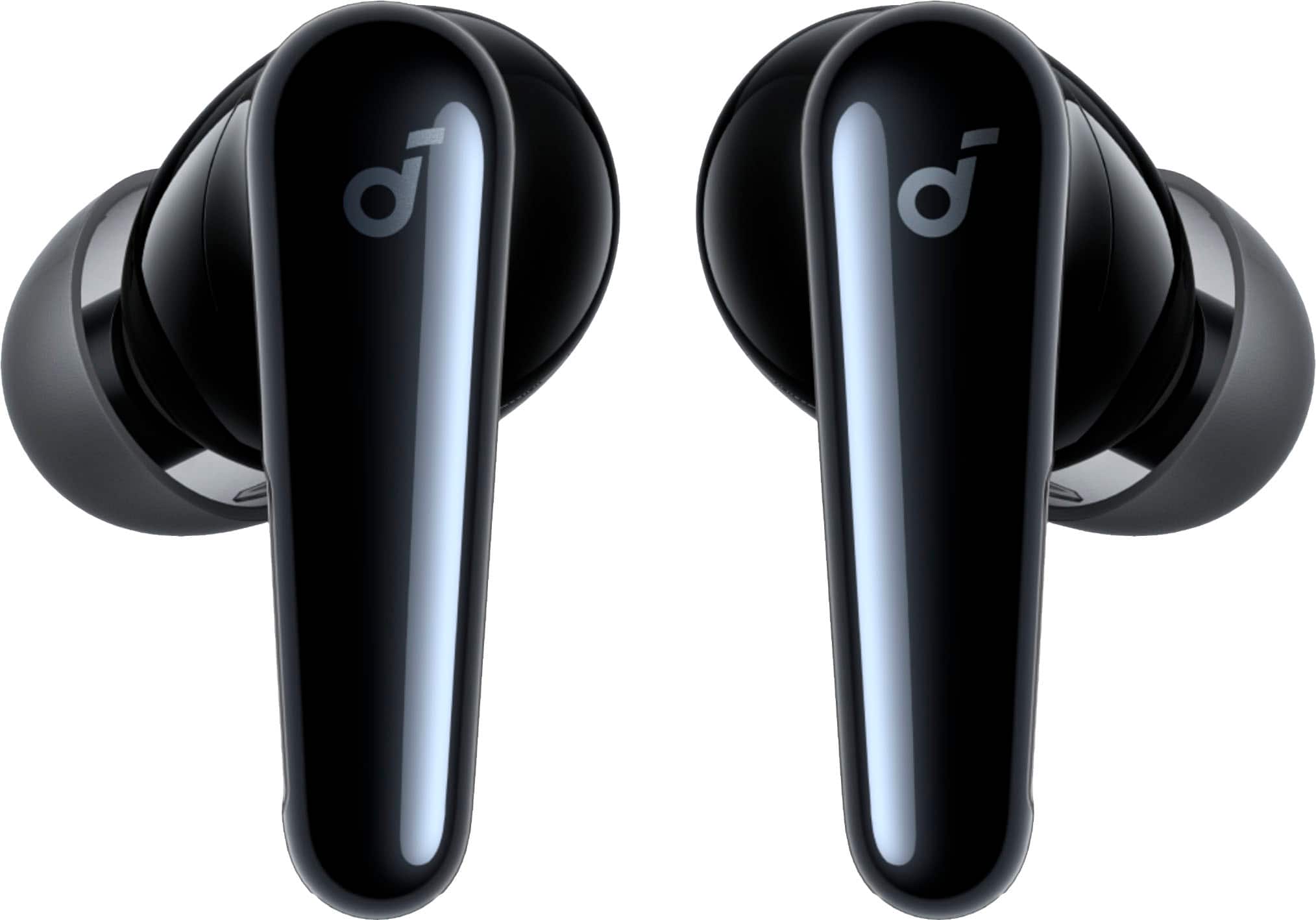
- Check the earbuds: Small etchings or printed codes on the stem or inner side can match model info.
- Look for a serial or FCC ID: These numbers let you confirm manufacturer details on official databases.
- Use the box: Retail packaging has model numbers, barcodes, and manufacturing dates.
If you’re trying to learn how to find Soundcore earbuds by model, take clear photos of markings. Then compare them to images on the official site or retailer listings. I once matched a returned pair to a rare edition just by matching the tiny code inside the case.

Using the Soundcore app, Bluetooth tools, and phone features to find earbuds
Tech tools make locating earbuds much easier. Try these:
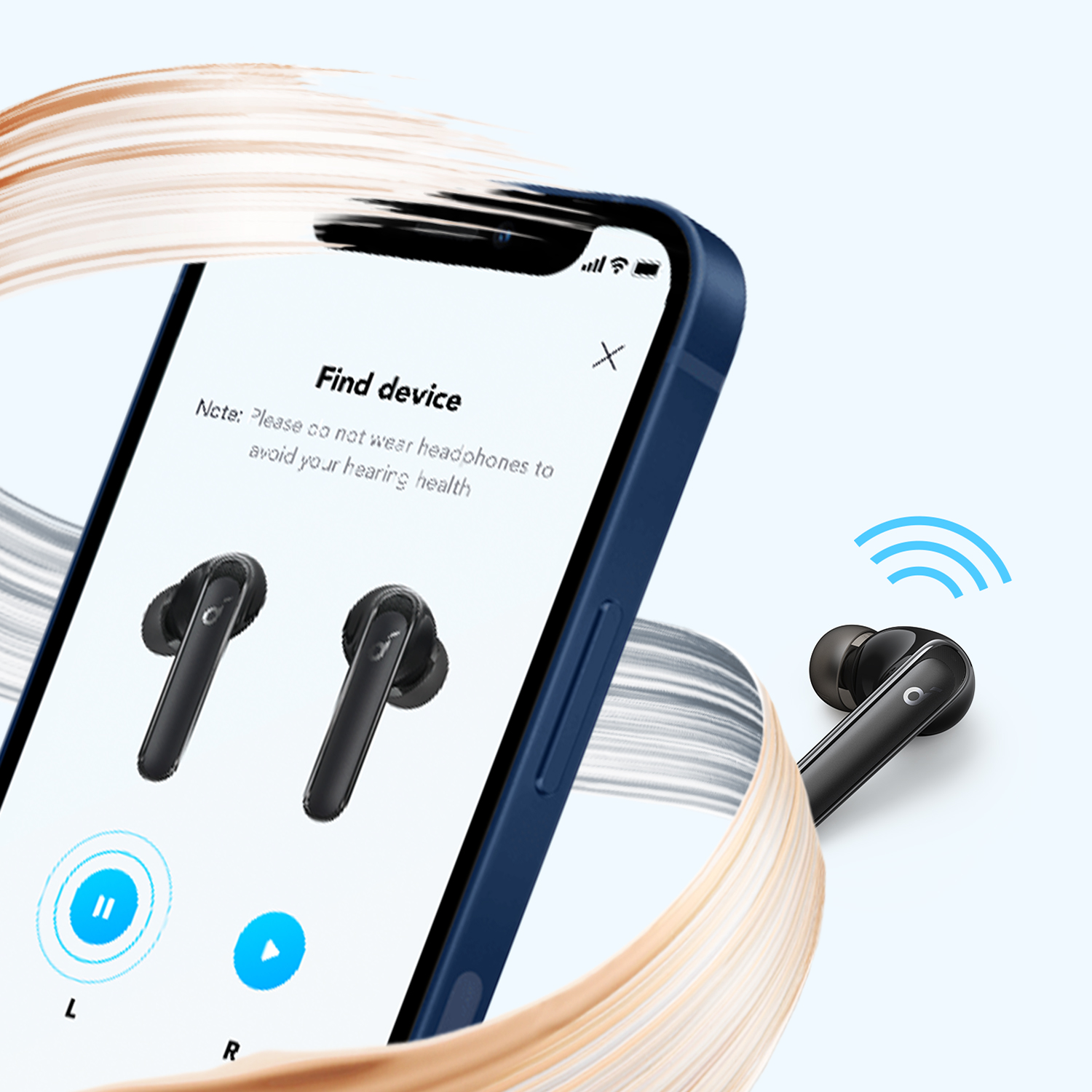
- Soundcore app: It shows connected devices, firmware, and sometimes battery status that verifies model.
- Phone Bluetooth list: The paired device name often includes the model. Tapping info shows MAC or device details.
- Find My Device features: Android’s Find My Device and iOS Bluetooth tracking can show last seen location or signal strength.
- Third-party Bluetooth scanner apps: These show signal strength for nearby earbuds and help you home in on a lost bud.
When you ask how to find Soundcore earbuds with Bluetooth, start by opening the app and checking battery status. If one earbud is missing, the app may show only the earbud that is present, which tells you which bud is lost.
Steps to physically locate a lost Soundcore earbud
If an earbud fell somewhere, follow these steps:
- Retrace recent moves and check pockets, bags, and couch cushions.
- Put the case near and open it; some Soundcore models make a pairing sound when reconnecting.
- Use a Bluetooth scanner app to walk around and watch signal strength rise.
- Play audio through the connected bud at low volume to listen.
- Bright light and a clean surface help spot tiny black or white earbuds.
I once lost an earbud in a couch cushion for two days. A Bluetooth app showed the signal right above the couch seam. A firm press into the seam revealed the bud. Slow, logical searching beats panic.

How to buy and verify genuine Soundcore earbuds
Buying with confidence reduces headaches. Do this:
- Buy from official store pages or authorized resellers whenever possible.
- Check packaging and serial numbers against the manufacturer’s records.
- Read product images carefully for logo placement and color differences.
- Ask for original receipts or warranty registration for used items.
- Avoid deals that are too cheap; extremely low prices often signal knockoffs.
If you need to know how to find Soundcore earbuds that are genuine, always request the serial number. You can sometimes validate the serial or warranty status through support chat or email. I’ve contacted support twice and had them confirm authenticity from serials.

Troubleshooting pairing, firmware, and common problems
Common problems and fixes:
- No pairing: Reset the earbuds by following the model-specific reset steps in the manual.
- One side not working: Reinsert the bud in the case, fully charge, and re-pair. Clean contacts.
- App won’t detect device: Reboot phone, toggle Bluetooth, and ensure app permissions are allowed.
- Firmware errors: Use the Soundcore app to update firmware. If updates fail, contact support.
When you research how to find Soundcore earbuds and face technical issues, check online support pages. They list reset sequences and firmware fixes for each model. I have fixed one-sided audio more than once by cleaning the charging pins and doing a reset.

Practical buying and locating tips from my experience
Real tips I use and teach:
- Photograph serials and model numbers when you first buy. Store images in cloud notes.
- Register your earbuds with the Soundcore app or site to enable faster support.
- Use a key-finder tag on the case if you often misplace it.
- Keep a dedicated pouch in your bag or a small dish at home for earbuds.
- For secondhand purchases, meet in a safe public place and test pairing and sound before paying.
These simple habits cut stress. After losing a pair once, I now always take a photo of the serial. That small step saved me time and proved ownership during a warranty claim.

Quick answers to common short questions
Can I locate a single lost Soundcore earbud with my phone?
Yes. Use a Bluetooth scanner or the Soundcore app. Signal strength will guide you by showing proximity.
How do I verify if Soundcore earbuds are authentic?
Check the serial number and compare packaging to official images. Buy from authorized sellers for the safest route.
Will the Soundcore app show the exact location?
The app shows connection and battery status, but not precise GPS. Use phone location services or Bluetooth signal to find a lost bud.
Frequently Asked Questions of how to find soundcore earbuds
How do I check the model of my Soundcore earbuds?
Look at the charging case, box, or inner earbud stamps. The model number is usually printed on one of these places.
Can I find a lost Soundcore earbud using Bluetooth signal alone?
Yes, a Bluetooth scanner can show signal strength to help you move closer to the lost earbud.
Are counterfeit Soundcore earbuds common?
They exist, especially on third-party marketplaces. Verify serials and buy from authorized sellers to avoid fakes.
What if my earbuds don’t appear in the Soundcore app?
Restart your phone, toggle Bluetooth, and ensure the app has required permissions. Try resetting the earbuds if issues continue.
How can I prove warranty for used Soundcore earbuds?
Request the original receipt or serial number and contact support. Some warranties transfer, depending on region and purchase details.
Is there a way to ring Soundcore earbuds like a phone?
Some models can emit sounds when reconnecting or via the Soundcore app. Not all models have a loud ring feature.
What steps should I take before buying used Soundcore earbuds?
Ask for serials, test pairing, inspect physical condition, and confirm the case charges both earbuds properly.
Conclusion
This guide gives clear, practical steps for how to find Soundcore earbuds, whether you are buying, verifying, or searching for a lost bud. Use model numbers, the Soundcore app, Bluetooth tools, and careful inspections to identify and locate earbuds fast. Start by photographing serials and registering the device—small habits that pay off. Try the steps above now, and leave a comment with your experience or questions so I can help you further.

Everett Ashford is a tech reviewer at mytechgrid.com specializing in SSDs, cameras, TVs, earbuds, headphones, and other consumer electronics. He provides honest, data-driven reviews based on hands-on testing and real-world performance analysis. Everett simplifies complex tech details to help readers make smart, confident buying decisions.