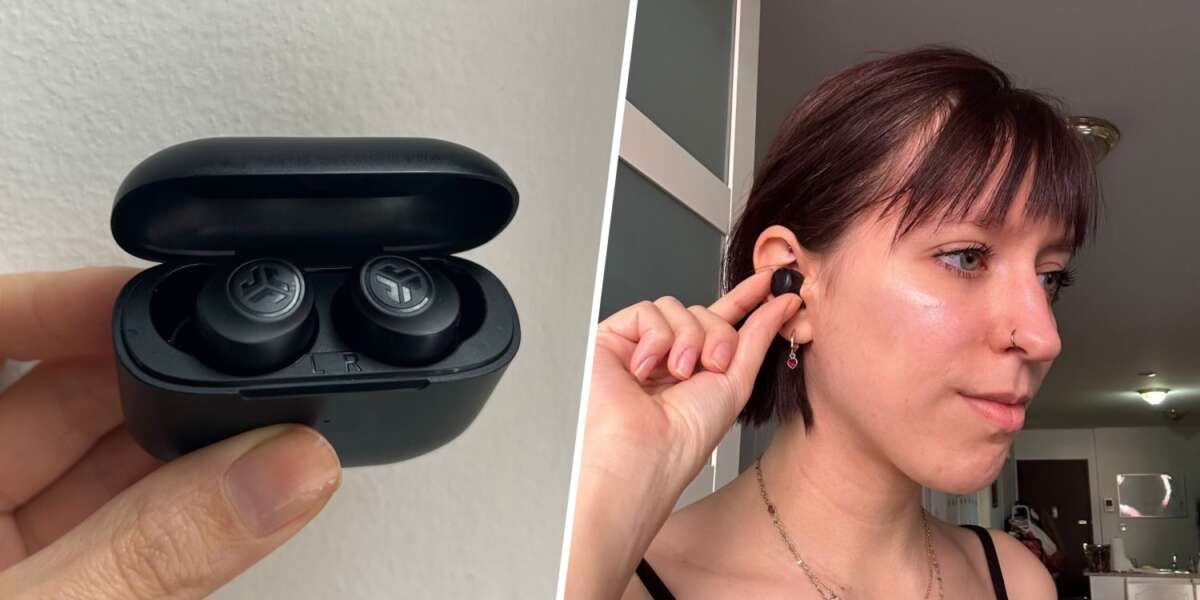
To work JLab earbuds, charge them, pair them through Bluetooth, and use touch controls for music and calls.
Learning how to work JLab earbuds is simple once you understand the charging case, Bluetooth pairing, touch controls, and companion app. While button layouts differ across models such as the JBuds Mini, Go Air Pop, JBuds Air, and Epic Air Sport, the basic setup is much the same. This guide explains each step in plain English, including fixes for pairing, charging, sound, and call problems.
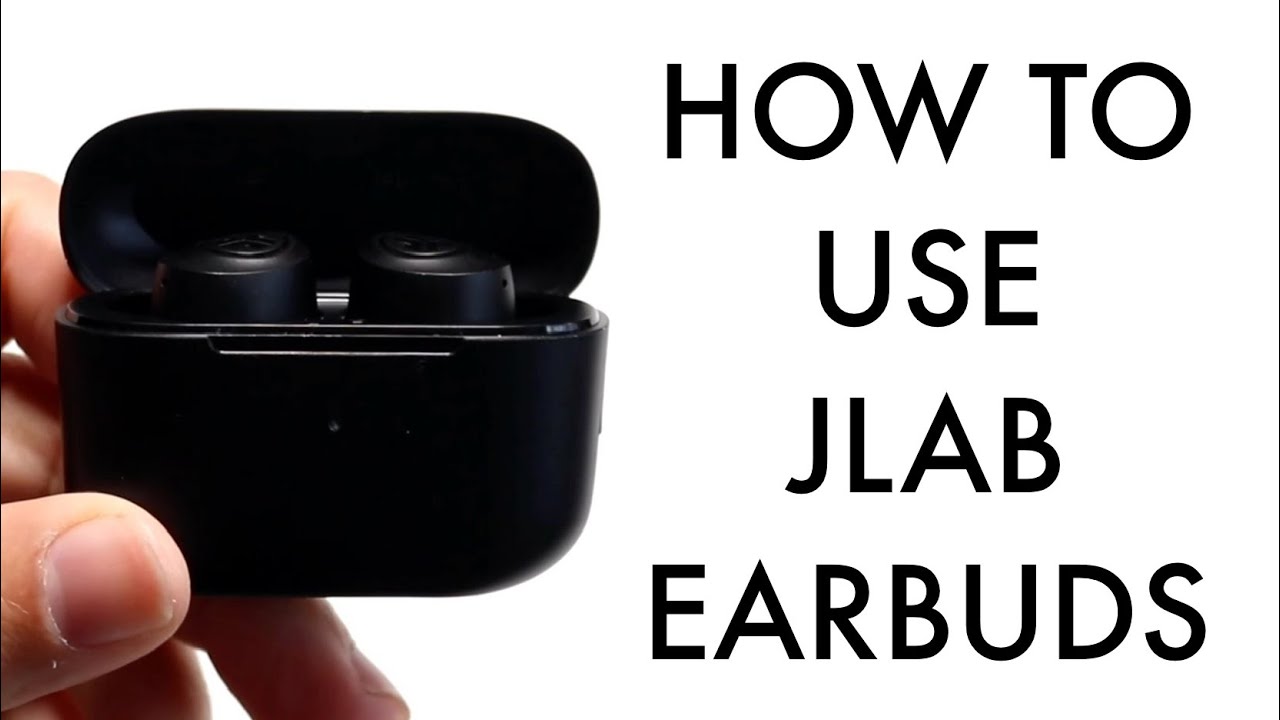
How to work JLab earbuds for the first time
Most JLab earbuds are made to work with phones, tablets, computers, and other Bluetooth devices. Before using them, remove any protective film from the charging contacts and charge both earbuds inside the case.
Follow these steps:
- Place both earbuds in the charging case.
- Charge the case with the included USB cable or charging connector.
- Open the case lid.
- Remove the earbuds.
- Turn on Bluetooth on your device.
- Select the JLab earbuds from the list of available devices.
- Wait for the “connected” message or pairing sound.
The exact device name may include the model, such as “JLab JBuds Mini” or “JLab GO Air Pop.” If you see two separate entries, do not connect to both. Many JLab true wireless models are designed to connect as one pair.
When learning how to work JLab earbuds, remember that the first connection is usually the hardest part. After successful pairing, the earbuds should connect automatically when you remove them from the case, as long as Bluetooth is on and the earbuds are nearby.
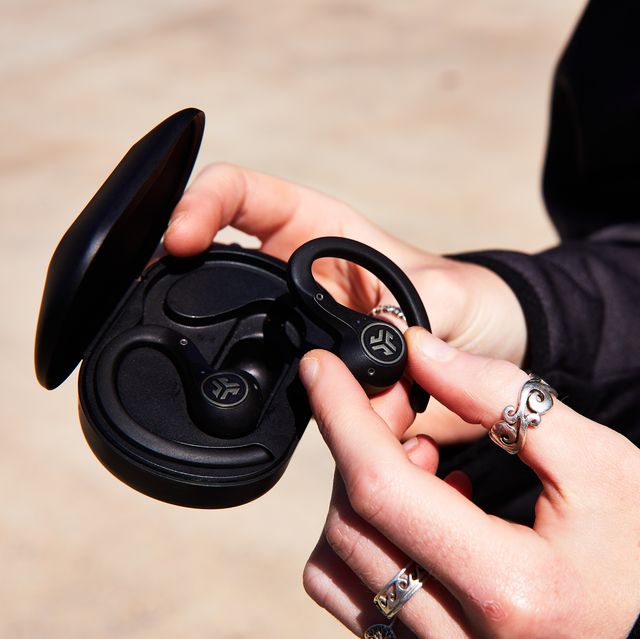
How to pair JLab earbuds with a phone
Pairing JLab earbuds with an iPhone or Android phone takes about a minute. Keep the earbuds and phone close together, ideally within a few feet.
Pairing with an iPhone
- Open the charging case.
- Remove the earbuds.
- Open Settings on your iPhone.
- Tap Bluetooth.
- Turn Bluetooth on.
- Find your JLab model under Other Devices.
- Tap the name to connect.
The JLab earbuds may enter pairing mode automatically when they are new or have no saved connection. If they do not appear, place them back in the case, remove them again, and wait for the LED light to flash.
Pairing with an Android phone
- Open Settings.
- Select Connected devices or Bluetooth.
- Turn Bluetooth on.
- Tap Pair new device if needed.
- Select your JLab earbuds.
- Confirm the connection.
Android menus vary by phone maker. Samsung, Google Pixel, Motorola, and OnePlus devices may use slightly different labels, but the Bluetooth process remains similar.
A common mistake is trying to pair the earbuds while they are still inside the closed case. The case may charge them, but the earbuds usually need to be removed before they can connect.

How to work JLab earbuds with touch controls
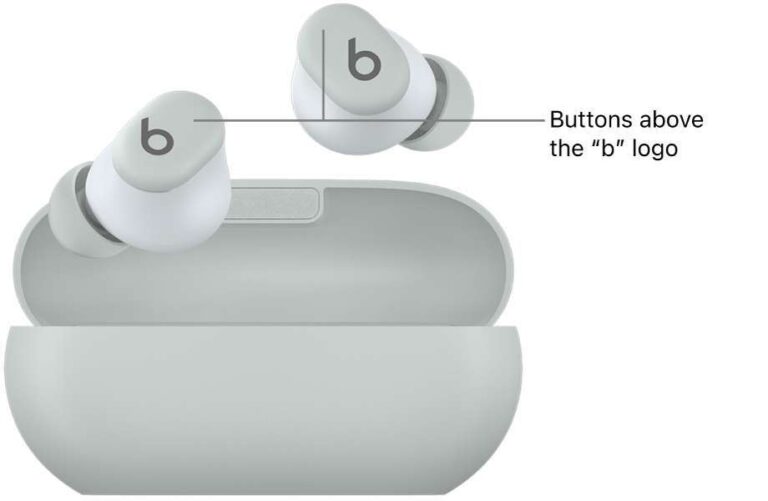
Many JLab earbuds use touch sensors. Others use physical buttons. Both systems let you control music, calls, volume, and voice assistants without reaching for your phone.
The control pattern can vary by model and firmware. Common controls include:
• One tap on the left or right earbud: Play or pause audio.
• Two taps: Answer or end a call, or skip to the next track.
• Press and hold the left earbud: Lower the volume or return to the previous track.
• Press and hold the right earbud: Raise the volume or skip forward.
• Three taps: Change sound mode or activate a voice assistant.
Some models use different actions for the left and right earbud. Always check the manual for your specific product because a triple tap may control equalizer presets on one model and activate a voice assistant on another.
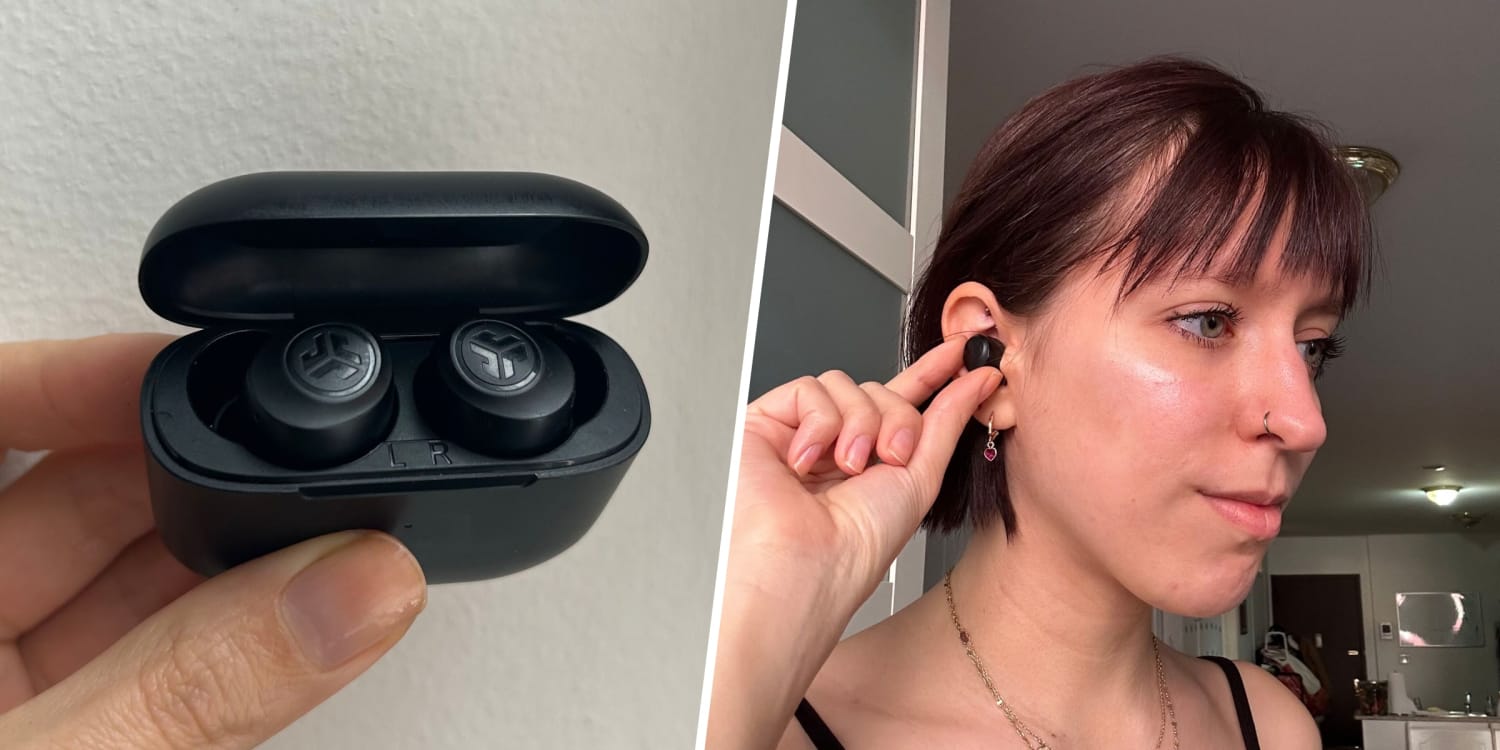
When learning how to work JLab earbuds, tap the center of the touch panel rather than the outer edge. A light, quick tap works better than a hard press. Pressing too firmly can push the earbud deeper into your ear or create an uncomfortable seal.
Using voice assistants
Many JLab models support Siri, Google Assistant, or another phone-based voice assistant. Touch and hold the assigned earbud, then speak after the assistant opens.
Voice assistant support depends on your phone, operating system, and JLab model. If it does not respond, check that the assistant is enabled on your phone and that the earbuds have permission to access it.

How to work JLab earbuds with the JLab app
Some JLab earbuds work with the JLab app. The app can add useful controls, but not every model supports it.
Depending on the earbuds, the app may let you:
• Change the equalizer.
• Adjust touch controls.
• Install firmware updates.
• Find a lost earbud.
• Turn on or change noise control modes.
• Check battery levels.
• Create custom sound settings.
To use the app, download the official JLab app from the Apple App Store or Google Play. Turn on Bluetooth, open the app, and follow the pairing instructions. Keep the earbuds close to the phone during setup.
The app is helpful if you want more control than the default settings provide. For example, you might choose a balanced sound profile for podcasts, a bass setting for music, or a quieter mode for travel.
A key limitation is model support. Older JLab products may not appear in the current app. This does not mean the earbuds are broken. It usually means the model uses built-in controls instead.
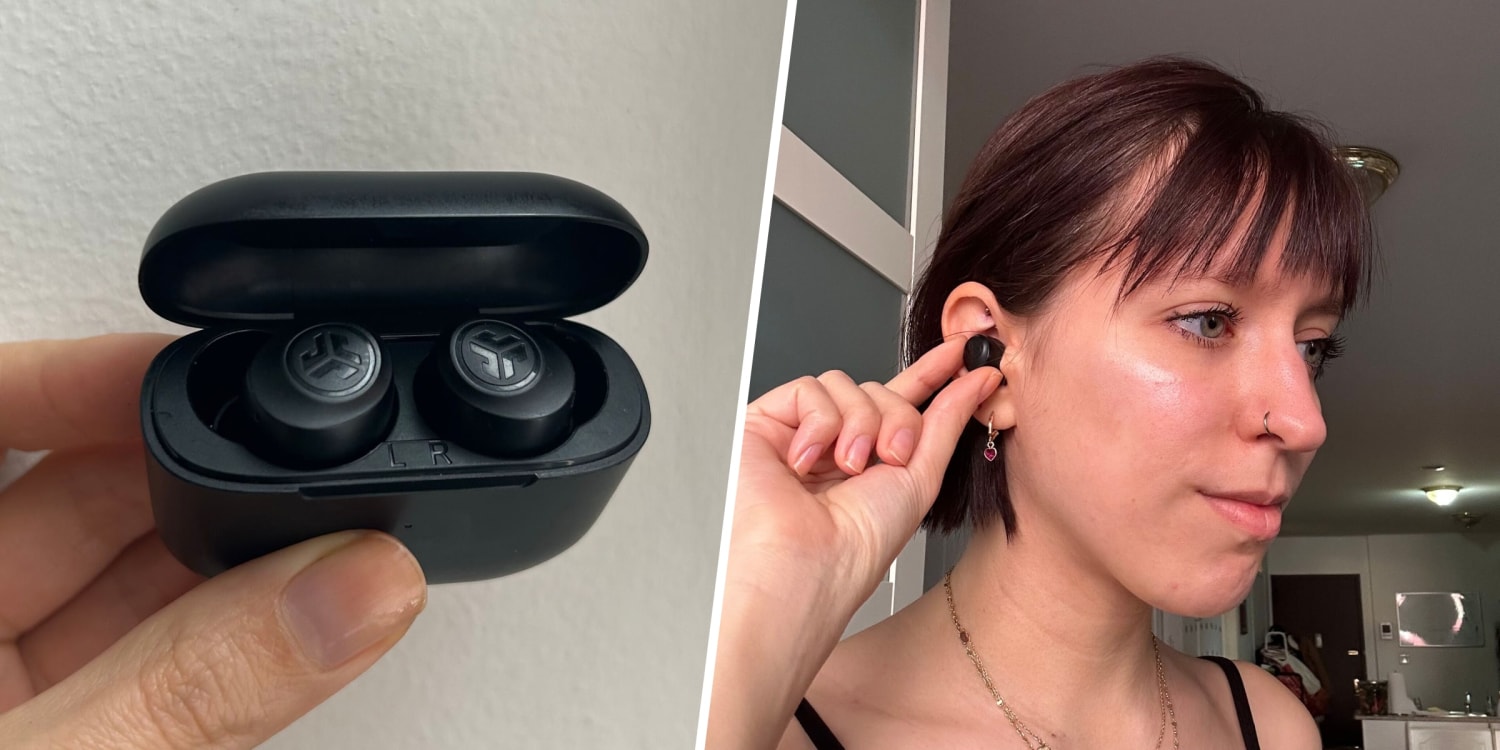
How to use JLab earbuds for calls
JLab earbuds can work as a wireless headset for phone calls, video meetings, and voice messages. The microphones are built into the earbuds, so you do not need to hold your phone close to your mouth.
To answer a call, tap the assigned earbud once or twice, depending on the model. To end the call, use the same control shown in the product guide. You can also answer or end calls from your phone.
For better call quality:
• Speak in a quiet room.
• Keep the phone nearby.
• Make sure the microphone openings are not covered by hair or clothing.
• Clean dust and earwax from the microphone area.
• Avoid standing next to a loud fan or busy road.
During testing and daily use, the biggest call-quality issue is often not the microphone itself. Wind, traffic, and a poor Bluetooth connection can make your voice sound distant. Moving closer to the phone often helps more than changing settings.
Some JLab earbuds include multiple microphones or environmental noise reduction. These features may improve speech, but they cannot remove every sound around you.
How to change sound modes and equalizer settings
Many JLab earbuds offer more than one sound mode. Common options include a standard mode, a bass-focused mode, and a custom or balanced mode.
Sound modes can change the way music, films, and podcasts feel:
• Balanced mode: Useful for speech, podcasts, and mixed music.
• Bass mode: Adds more low-end power for hip-hop, electronic music, and action films.
• Custom mode: Lets you adjust the sound through the JLab app.
• Noise control mode: Available on selected models with active noise cancellation or awareness features.
When learning how to work JLab earbuds, do not assume a louder setting is a better setting. Excessive volume can make music sound harsh and may increase the risk of hearing damage. Health experts generally recommend taking listening breaks and keeping the volume at a safe level.
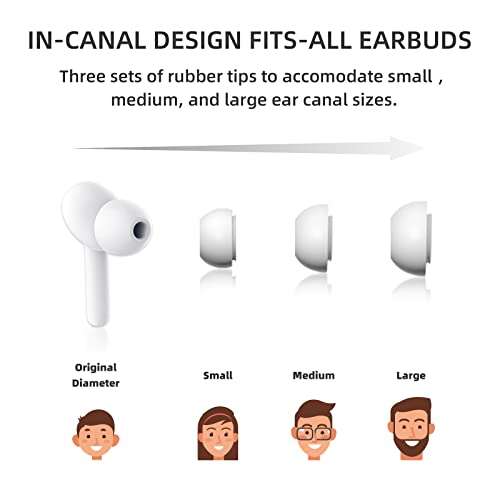
The best fit also affects sound. If the ear tip does not seal your ear canal, bass may sound weak and outside noise may seem louder. Try the included ear tips to find the size that stays secure without causing pressure.
How to charge JLab earbuds and the case
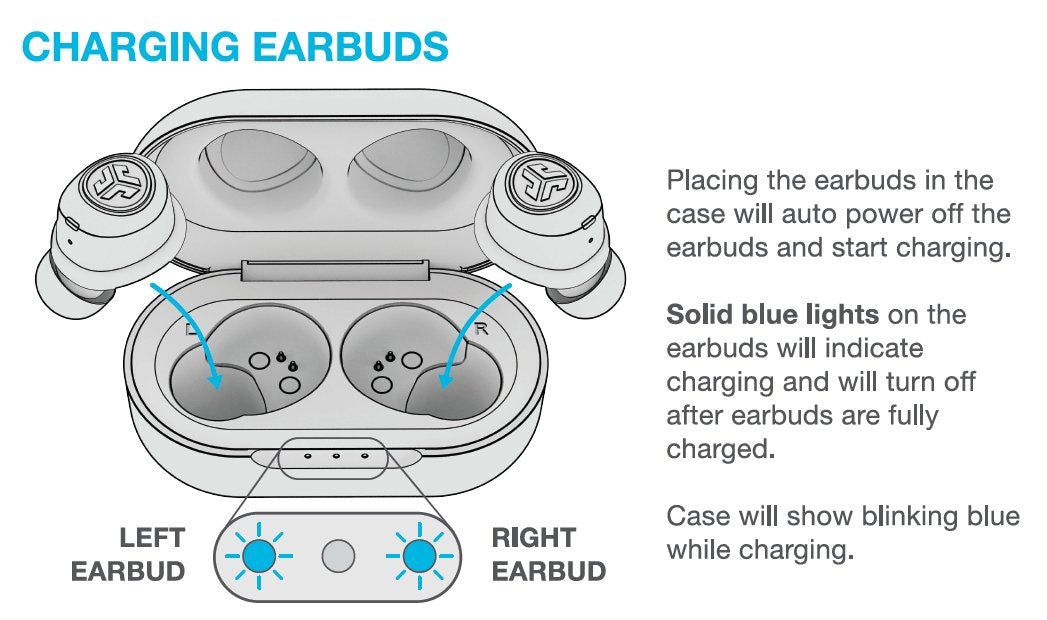
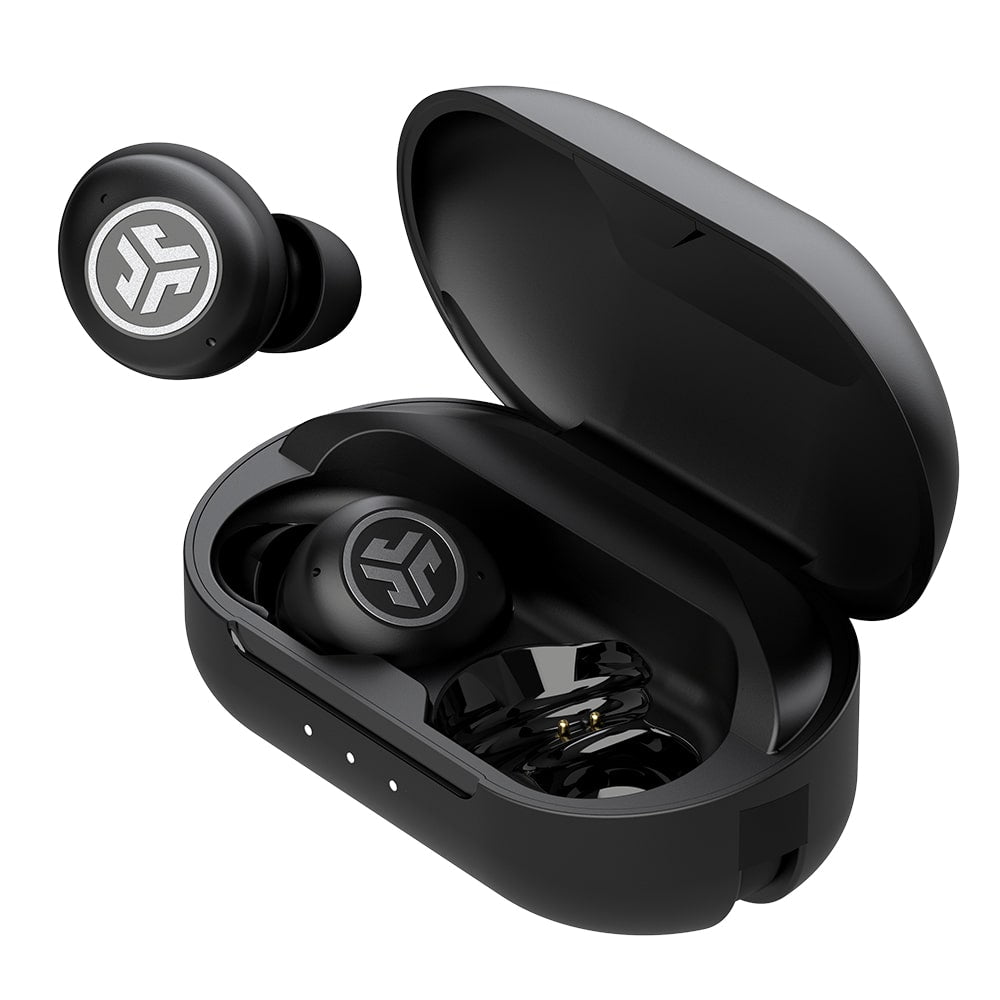
Put the earbuds into the charging case after use. Each earbud should sit firmly against its charging contacts. Small LED lights may turn on to show that charging has started.
Charge the case through its built-in USB cable, USB-C port, or another connection included with your model. Some premium models also support wireless charging.
Use these charging tips:
• Keep the metal contacts clean and dry.
• Do not force an earbud into the wrong side of the case.
• Close the lid while charging when the product instructions recommend it.
• Avoid leaving the case in extreme heat.
• Use a reliable wall adapter or computer USB port.
If one earbud does not charge, remove it and inspect the contact points. A small amount of dirt or earwax can block the connection. Wipe the contacts gently with a dry cotton swab. Do not pour liquid into the case.
Battery life varies by model, volume, codec, noise control, and call use. Active noise cancellation usually uses more power. The battery estimate on the product box is a guide, not a promise for every listening situation.
How to reset JLab earbuds
A reset can fix failed pairing, one-earbud audio, repeated disconnections, or controls that stop responding. The reset process differs by model, so check the manual before starting.
A common reset method is:
- Forget the JLab earbuds in your phone’s Bluetooth settings.
- Turn Bluetooth off.
- Place both earbuds in the charging case.
- Remove the earbuds.
- Tap or press the controls several times as directed for your model.
- Return the earbuds to the case.
- Remove them again and pair them with the phone.
Some JLab products use a longer touch or button press instead. The LED lights often flash to confirm that the reset worked.
Resetting removes the old Bluetooth connection. It does not usually repair physical damage, a worn battery, or a broken charging contact. If the same fault continues after a correct reset, contact JLab support or check the warranty.

How to fix common JLab earbud problems
One JLab earbud is not working
First, place both earbuds in the case and check that each one is charging. Then forget the Bluetooth connection, reset the earbuds, and pair them again.
If only one earbud plays sound, your phone may be connected to a single earbud instead of the stereo pair. A full reset often restores the connection between the left and right sides.
JLab earbuds will not connect
Turn Bluetooth off and on again. Make sure the earbuds are not connected to another nearby phone, tablet, laptop, or television.
If the earbuds still do not appear, remove the old JLab entry from your device’s Bluetooth list. Then reset the earbuds and try pairing again.
Sound keeps cutting out
Bluetooth works best with a clear path between the earbuds and the connected device. Your body, walls, crowded wireless areas, and other Bluetooth devices can sometimes reduce stability.
Keep the phone on the same side as the earbud that cuts out most often. Updating the phone and the JLab firmware may also help.
The earbuds feel uncomfortable
Try a different ear tip size. A smaller tip may reduce pressure, while a larger tip may improve the seal and prevent the earbuds from slipping.
Do not push the earbuds deep into the ear canal. A secure fit should feel stable, not painful.
The case does not charge
Try another charging cable or USB port. Check the port for lint and confirm that the cable is fully inserted.
If the case becomes unusually hot, swells, or smells strange, stop using it. Battery damage requires professional support and should not be repaired at home.
Practical tips for better JLab earbud performance
Good care can extend the useful life of your earbuds. Sweat, dust, earwax, and moisture can affect both sound and charging.
Use these habits:
• Wipe the earbuds with a soft, dry cloth.
• Clean the speaker mesh gently.
• Keep the charging case closed when not in use.
• Do not share earbuds without cleaning them first.
• Keep firmware and phone software updated.
• Store the earbuds away from direct sunlight.
Water resistance is not the same as waterproofing. A model rated for sweat or light rain may still be damaged by swimming, showers, or deep water. Check the protection rating for your exact model before using it during exercise.
Another useful habit is to charge the case before it reaches zero. This reduces the chance of losing power during a trip, work call, or workout. Still, avoid treating battery claims as exact. Volume and features such as noise cancellation can change actual runtime.
What I learned from using JLab earbuds
The most useful lesson is to start with fit and pairing, not advanced settings. Many users open the app first, but a poor ear tip seal or an old Bluetooth connection causes more problems than the equalizer.
I also recommend learning only three controls at first: play and pause, volume, and answer call. Once those feel natural, learn the remaining gestures. This prevents accidental taps, especially when adjusting an earbud during a walk.
Another mistake is cleaning the earbuds with too much liquid. A dry, gentle clean is safer. Moisture inside the speaker or charging case can cause faults that look like Bluetooth problems.
JLab earbuds are practical for many daily tasks, but they have limits. They may not offer the same microphone quality, noise cancellation, or app features as more expensive earbuds. Choosing the right model for your needs matters more than simply choosing the newest one.
Frequently Asked Questions About How to Work JLab Earbuds
How do I turn on JLab earbuds?
Remove the earbuds from the charging case. Most models turn on automatically, although some may require a touch or button press.
How do I put JLab earbuds in pairing mode?
Open the case and remove the earbuds. If they do not appear on your phone, reset them according to the model guide, then look for the JLab name in Bluetooth settings.
Why are my JLab earbuds connected but not playing sound?
Check the phone’s audio output and make sure JLab is selected as the playback device. Also confirm that the volume is raised and that the earbuds are not connected to another device.
Can I use only one JLab earbud?
Many JLab models support single-earbud use. Put the unused earbud in the case and connect the active earbud, but check your model instructions because features can vary.
How do I control volume on JLab earbuds?
Use the touch or button gesture assigned to volume on your model. You can also change volume directly from your phone or connected device.
How do I clean JLab earbuds safely?
Use a dry, soft cloth and gently clean the speaker mesh and charging contacts. Do not soak the earbuds or place liquid inside the case.
Conclusion
JLab earbuds are easy to use once you know the basic routine: charge them, pair them, learn the touch controls, and keep the contacts clean. The best way to work JLab earbuds is to follow the instructions for your exact model, because controls and app features can differ.
Start by pairing the earbuds with your phone and practicing play, pause, volume, and call controls. If a problem appears, forget the Bluetooth connection, reset the earbuds, and check the charging contacts before assuming they are damaged. Explore the official JLab guide for your model, and share your own tips or questions in the comments.

Everett Ashford is a tech reviewer at mytechgrid.com specializing in SSDs, cameras, TVs, earbuds, headphones, and other consumer electronics. He provides honest, data-driven reviews based on hands-on testing and real-world performance analysis. Everett simplifies complex tech details to help readers make smart, confident buying decisions.