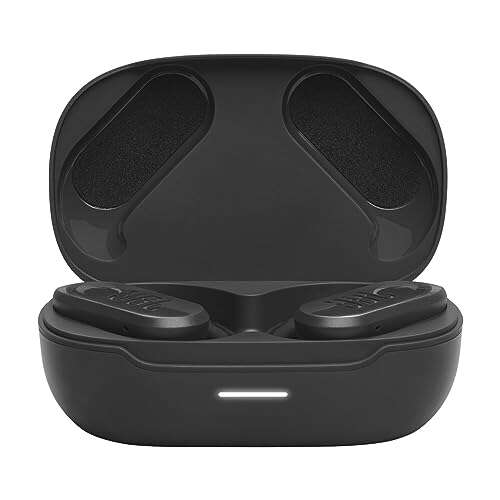
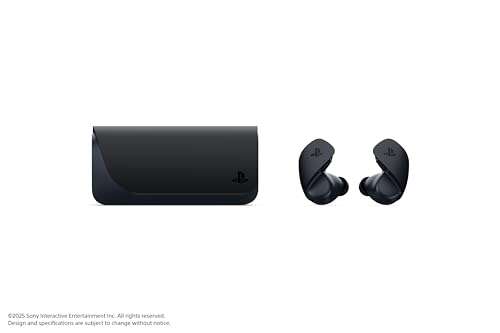
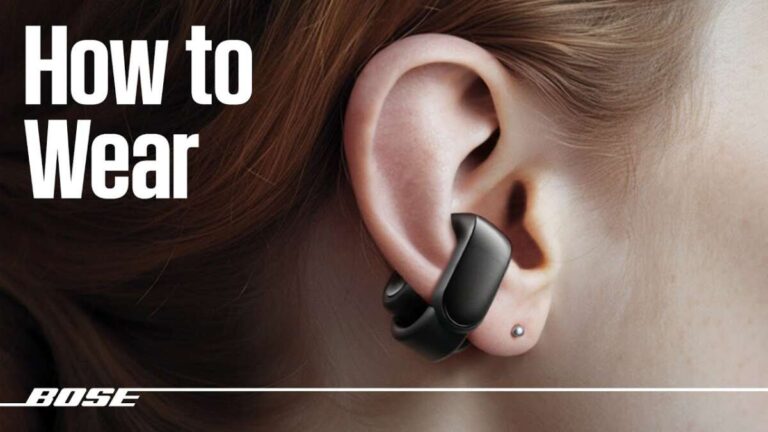
To turn on 2boom earbuds, remove them from the charging case or press and hold each power button.
Learning how to turn on 2boom earbuds is simple, but the exact method can vary by model. Most 2Boom wireless earbuds turn on automatically when removed from the case, while some require a long press on a button or touch panel. This guide explains each method, pairing steps, charging checks, and easy fixes for common power problems.

How to Turn On 2Boom Earbuds
Most 2Boom earbuds use one of two power methods. They either turn on when you remove them from the charging case, or they turn on after you press and hold a button.
Try these steps in order:
- Open the charging case.
- Remove both earbuds.
- Watch for a flashing light on each earbud.
- Listen for a voice prompt, such as “Power on” or “Pairing.”
- If nothing happens, press and hold the button or touch panel for about 3 seconds.
The light may flash blue, white, or red and blue. The color depends on the 2Boom model. A flashing light usually means the earbud is on and ready to connect.
If the earbuds do not turn on after removal, place them back in the case. Make sure each earbud sits firmly on its charging pins. Then remove them again and try the manual power method.
Turn On 2Boom Earbuds With the Charging Case
Many 2Boom true wireless earbuds are designed to power on when you take them out of the case. The case acts like a small charging station and wake-up switch.
Follow this process:
• Charge the case for at least 15 to 30 minutes if it has been unused for a long time.
• Open the lid while the earbuds are inside.
• Remove the left and right earbuds at the same time.
• Check for an LED light or sound prompt.
• Wait a few seconds for the earbuds to sync with each other.
Some earbuds start pairing right away. Others connect to the last phone they used. If the earbuds enter pairing mode, the LED may flash quickly. This means they are ready to appear in your phone’s Bluetooth menu.
A common mistake is removing only one earbud. Some models can work with one earbud, but others need both earbuds to complete the first startup and stereo connection.
Turn On 2Boom Earbuds Manually
If automatic startup does not work, turn on the earbuds by hand. The control may be a physical button or a touch-sensitive area.
Use the following method:
- Remove the earbuds from the charging case.
- Find the button or flat touch area on each earbud.
- Press and hold it for 3 to 5 seconds.
- Release it when the LED turns on or a voice prompt plays.
- Repeat the process on the other earbud if needed.
Do not tap the touch panel many times in a row. Short taps may play music, pause audio, or answer calls. A long press is usually needed for power.
Some 2Boom models use a single button for several actions. A short press may control music, while a longer press may turn the earbud on or off. The user manual for your exact model remains the best guide if the controls behave differently.
Check the Charging Case and Earbuds
Dead batteries are the most common reason 2Boom earbuds will not turn on. An earbud can look clean and undamaged but still have no power.
Check the following items:
• Plug the case into a working USB charger.
• Look for a charging light on the case.
• Leave the case charging for at least 30 minutes.
• Place both earbuds into their slots.
• Confirm that each earbud shows a charging light.
• Clean the metal contacts with a dry, soft cotton swab.
The charging pins must touch the metal contacts on the earbuds. Dust, pocket lint, or a thin protective film can block the connection. This is similar to a lamp with a loose plug: the power source works, but the device still stays off.
Avoid using water, metal tools, or sharp objects near the charging contacts. If the case becomes hot, smells unusual, or shows physical damage, unplug it and stop using it until it has been checked.
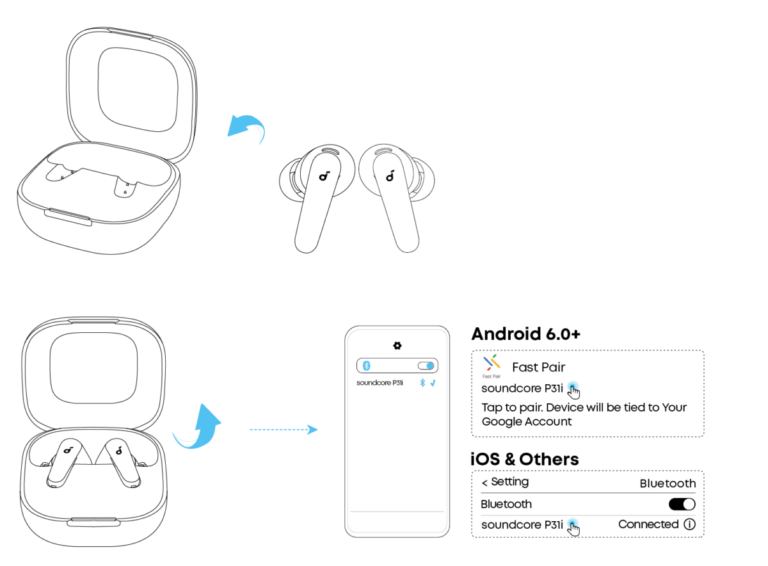
Pair 2Boom Earbuds With an Android Phone or iPhone
Turning on your earbuds and pairing them are two different steps. The earbuds may be powered on but not connected to your phone.
To pair them:
- Turn on both 2Boom earbuds.
- Open Settings on your phone.
- Select Bluetooth.
- Turn Bluetooth on.
- Look for a name such as “2Boom,” “2BOOM TWS,” or a similar model name.
- Tap the name to connect.
- Accept the pairing request if one appears.
Keep the phone and earbuds close together during the first connection. Bluetooth works best when there are no walls, large appliances, or many active wireless devices between them.
If you see two separate 2Boom names, wait a few seconds before tapping. Some models first connect the left and right earbuds to each other. Choosing the wrong entry too soon may cause sound to play in only one earbud.
What to Do When Only One Earbud Turns On
One earbud may remain off because it did not charge, lost its link with the other earbud, or was paired separately with the phone. This issue is common with true wireless earbuds.
Try this reset process:
- Forget or remove the 2Boom earbuds from your phone’s Bluetooth list.
- Turn off Bluetooth on the phone.
- Put both earbuds into the charging case.
- Make sure both earbuds show a charging light.
- Remove both earbuds together.
- Press and hold both controls for several seconds if they do not sync.
- Turn Bluetooth on again.
- Pair with the single 2Boom listing that appears.
The exact reset gesture varies by model. It may involve holding both touch panels, tapping one panel several times, or holding a case button. Check the printed manual for your model if this basic reset does not work.
In practical testing, the small earbud contact is often the real cause. Pressing the earbud gently into its slot for a moment can reveal whether the charging light comes on. If it does, clean the contact area and check that the earbud sits correctly.
Fix 2Boom Earbuds That Will Not Turn On
If you still cannot turn on 2Boom earbuds, work through these solutions from simple to advanced.
Charge everything
Charge the case and earbuds together. A fully drained lithium-ion battery may need several minutes before an LED appears.
Clean the contacts
Use a dry cotton swab to remove dirt from the earbud contacts and case pins. Clean gently to avoid bending the pins.
Try another cable and charger
A damaged USB cable or weak power source may prevent the case from charging. Try a different cable and a standard, reliable USB power adapter.
Remove the Bluetooth connection
Delete the old 2Boom connection from your phone. Then restart Bluetooth and pair the earbuds again.
Reset the earbuds
Use the reset instructions for the exact model. A reset can clear a failed connection, but it may also remove saved pairing details.
Check for physical damage
Look for cracks, loose parts, water exposure, or a case lid that does not close. These signs may point to a hardware fault rather than a pairing problem.
Do not keep pressing the controls if the earbuds become hot. Battery damage needs professional attention. Manufacturer support is the safest choice for a swollen battery, burning smell, or liquid damage.
How to Turn Off 2Boom Earbuds
The power-off process is usually the reverse of startup. Place both earbuds into the charging case and close the lid. Many models turn off and begin charging automatically.
You can also try pressing and holding each earbud’s button or touch panel for 3 to 5 seconds. A voice prompt or red LED may confirm that the earbuds are off.
If the earbuds remain connected after you place them in the case, check whether the case has power. The earbuds may not shut down if the case battery is empty or the charging contacts are dirty.
Turning off 2Boom earbuds after use helps preserve battery life. It also prevents a phone from connecting to earbuds that are sitting in a bag or on a desk.
Tips for Better 2Boom Earbud Performance
Small habits can prevent many startup and pairing problems.
• Keep the charging case above zero battery.
• Store the earbuds in the case when you are not using them.
• Keep sweat and moisture away from the charging contacts.
• Do not leave the case in direct sun or a hot car.
• Keep the earbuds updated if the model supports firmware updates.
• Avoid pairing them with many phones at the same time.
• Turn off Bluetooth on an old phone if the earbuds keep reconnecting to it.
Bluetooth devices can remember past connections, but this memory can sometimes create confusion. A clean reset and fresh pairing often work better than repeated tapping.
Battery life also changes with age, volume, temperature, and use. Industry battery guidance shows that rechargeable batteries gradually lose capacity over time. If your 2Boom earbuds turn off soon after charging, the battery may be worn rather than incorrectly powered on.
Frequently Asked Questions About How to Turn On 2Boom Earbuds
How do I turn on 2Boom earbuds for the first time?
Open the charging case and remove both earbuds. If they do not start automatically, press and hold each button or touch panel for 3 to 5 seconds.
Why are my 2Boom earbuds not turning on?
The earbuds may have a drained battery, dirty charging contacts, or a poor connection inside the case. Charge the case, clean the contacts, and try holding the controls manually.
How do I put 2Boom earbuds in pairing mode?
Remove both earbuds from the case and wait for the LED to flash. Then open your phone’s Bluetooth settings and select the available 2Boom device.
Can I turn on only one 2Boom earbud?
Some 2Boom models support single-earbud use. Remove the earbud you want to use and press its control if it does not start automatically.
How long should I hold the 2Boom earbud button?
Start with a 3-second press. If the earbud does not respond, try holding the button or touch panel for up to 5 seconds.
How do I reset 2Boom wireless earbuds?
Forget the earbuds in your phone’s Bluetooth settings, place both earbuds in the case, and follow the reset gesture in the model’s manual. The reset method can differ between 2Boom models.
Why does only one 2Boom earbud connect?
The earbuds may have lost their stereo link or one side may not be charging. Charge both earbuds, forget the old Bluetooth connection, and pair them again as one device.
Conclusion
Knowing how to turn on 2Boom earbuds usually comes down to two steps: remove them from the charging case or hold each control for a few seconds. If they stay off, check the case battery, charging contacts, Bluetooth settings, and model-specific reset steps.
Start with the simple checks before assuming the earbuds are broken. Keep the case charged, store the earbuds correctly, and use the manual for controls unique to your model. If this guide helped, explore more wireless audio tips or share your 2Boom model and experience in the comments.

Everett Ashford is a tech reviewer at mytechgrid.com specializing in SSDs, cameras, TVs, earbuds, headphones, and other consumer electronics. He provides honest, data-driven reviews based on hands-on testing and real-world performance analysis. Everett simplifies complex tech details to help readers make smart, confident buying decisions.