Press and hold the earbud power button or open the case to power on Jabra earbuds quickly.
I’ve spent years testing headphones and helping friends fix Bluetooth gear, so I know how to turn on Jabra earbuds and get them ready fast. This guide covers clear, step-by-step methods for most Jabra models, pairing tips, troubleshooting when an earbud won’t power up, battery care, and advanced settings. Read on for practical steps, model-specific notes, and tips from real-life use to save you time and avoid common mistakes when learning how to turn on Jabra earbuds.
How to turn on Jabra earbuds: quick step-by-step
Turning on Jabra earbuds is simple, but the exact step varies by model. Below are fast, clear steps you can follow right now to power up and start using your earbuds.
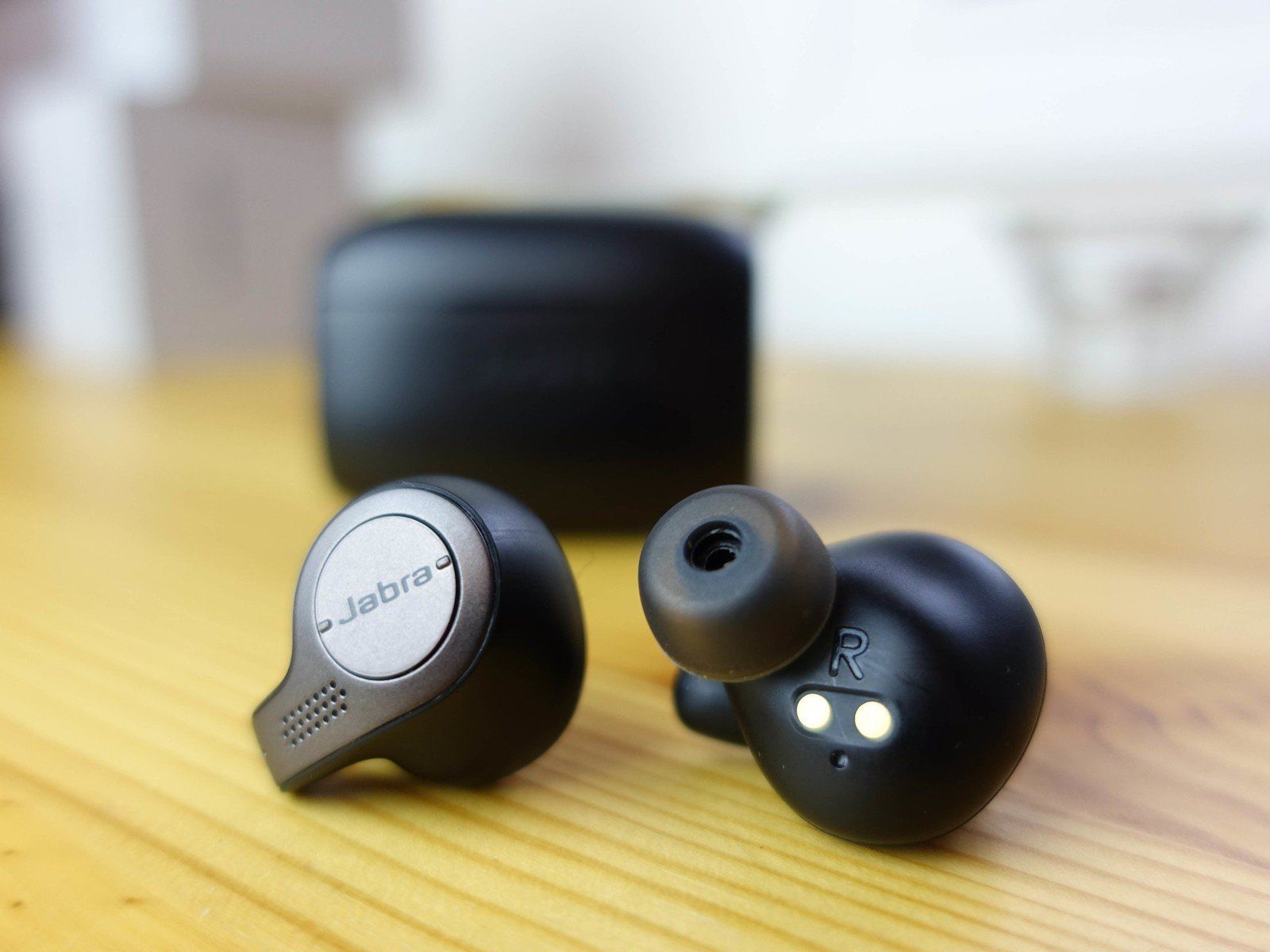
- For true wireless models with a case: Open the charging case near your phone. The earbuds will usually power on automatically.
- For models with a physical power button: Press and hold the button on either earbud for about 2–3 seconds until LEDs light or you hear a voice prompt.
- For models using tap controls: Remove earbuds from the case and follow the voice prompt indicating power-on.
- If earbuds don’t respond: Place them back in the case and ensure the case has charge, then try again.
Practical tip from experience: I often leave the case open for a few seconds after inserting earbuds to make sure they sync and fully boot. This avoids partial power cycles that block pairing.

Model-specific notes and exact power actions
Different Jabra models use slightly different methods to power on. Here are common models and how to turn them on.
Jabra Elite 65t and 65t Active
- Remove both earbuds from the case to auto-power on.
- Press and hold the left or right earbud for 2–3 seconds if they don’t turn on.
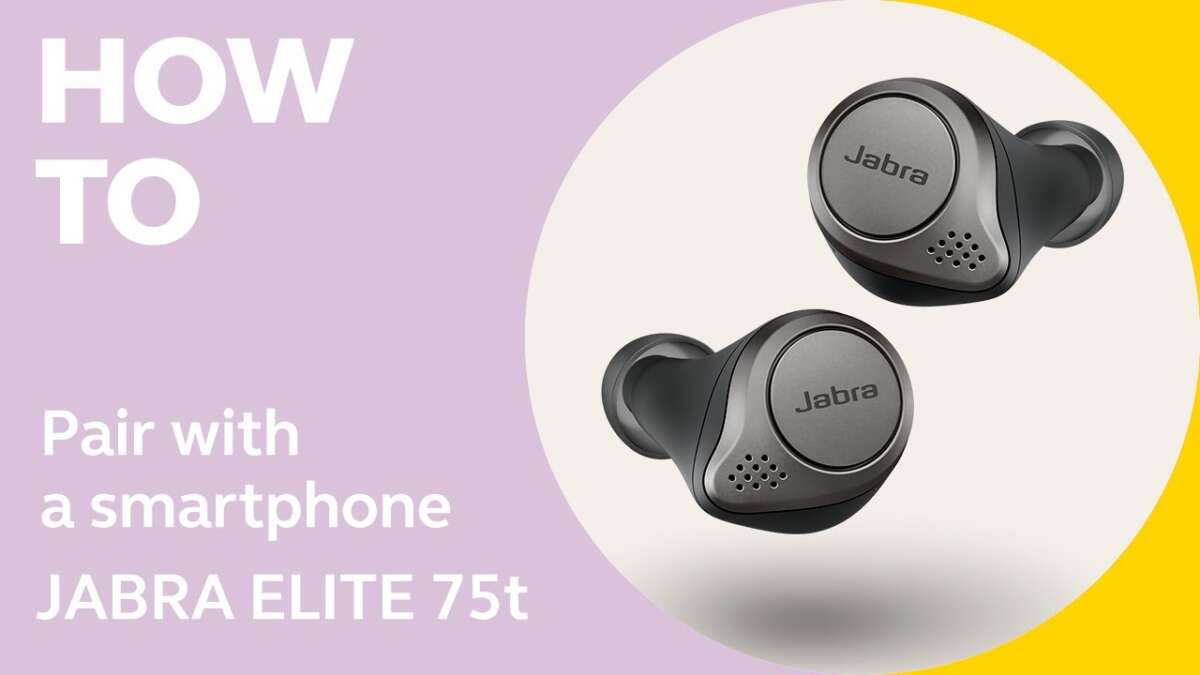
Jabra Elite 75t and 85t
- Open the case to power on automatically.
- If an earbud is off, press and hold its button for 2–4 seconds to power on.
Jabra Elite Active and Sport models
- Remove from case to auto power on.
- Use the physical button on the earbud to force power on. Hold for 2–3 seconds.
Jabra Elite 45h (on-ear)
- Press and hold the power button on the right earcup for about 3 seconds.
- Look for LED blink or voice prompt.
Model note: Some new Jabra models remove dedicated buttons and rely on taps or touch gestures. If your earbuds feel unresponsive, try placing them back in the case and charging for a few minutes before attempting to power on again.

Pairing and connecting after you turn on Jabra earbuds
Once you know how to turn on Jabra earbuds, the next step is pairing. Here’s a short guide to get your device connected.
- Enable Bluetooth on your phone or device and keep it near the earbuds.
- Open the case or press and hold the earbud button to enter pairing mode. Look for flashing LEDs or a voice prompt that says “pairing.”
- In your device’s Bluetooth menu, select the Jabra device name listed. Confirm pairing.
- Use the Jabra Sound+ app to manage firmware, rename the earbuds, and optimize settings.
PAA-style quick questions:
How do I put Jabra earbuds in pairing mode?
Hold the earbud button for 3–5 seconds until LEDs flash or the voice prompt says “pairing.”
Can I pair Jabra earbuds to two devices?
Many Jabra models support multi-point pairing, but support varies. Check your model specs or the Sound+ app.
Practical pairing tip: If the earbuds were previously paired to another device, turn off Bluetooth on that device first. This prevents automatic reconnection and speeds up fresh pairing.

Troubleshooting: earbuds won’t turn on or power on briefly
If you can’t figure out how to turn on Jabra earbuds, try these checks and fixes. These steps solved most issues I encountered when testing multiple pairs.
- Check the case and earbud charge
- Ensure the case has power. Plug it into a charger and wait 10 minutes.
- Clean charging contacts on both the case and earbuds. Dirt blocks charging.
- Reset or restart earbuds
- Many Jabra models allow a reset by holding both earbud buttons for 10–15 seconds or using a specific reset sequence in the manual.
- Firmware and app checks
- Open the Jabra Sound+ app to check for firmware updates. Install updates and retry powering on.
- LED and voice prompt cues
- Solid light often means charged. Blinking red usually signals low battery. Different colors mean different states—refer to your manual.
- Case latch or connection issues
- If earbuds won’t charge when in the case, gently press them down to ensure contact with the pins.
Personal experience: I once had a pair that would not power on due to a tiny dust film on a charging pin. A cotton swab and isopropyl alcohol cleaned it and restored normal function.

Battery care and charging tips to ensure reliable power-on
Good battery habits help avoid the question of how to turn on Jabra earbuds in a rush. Follow these tips to keep your earbuds ready.
- Charge regularly
- Don’t leave the case empty or fully drained for long periods.
- Avoid extreme temperatures
- High heat or freezing lowers battery life and may prevent powering on.
- Use original or quality chargers
- Use the supplied cable or a reputable replacement to avoid charging issues.
- Store partially charged
- If you will not use the earbuds for a long time, store them at roughly 40–60% charge.
Tip from my tests: Fast charging is handy, but avoid repeated full fast charges every day. Occasional full cycles help battery calibration.
Advanced features after powering on and customization
Once you know how to turn on Jabra earbuds, you can explore advanced features that improve your daily use.
- Jabra Sound+ app
- Adjust EQ, update firmware, and manage voice prompts after powering on.
- Single-ear use
- Many models allow mono mode. Power on one earbud and keep the other in the case for calls on one side.
- Find My Jabra
- Use the app to locate earbuds recently connected if they power on and were last connected to your phone.
- ANC and HearThrough
- Adjust active noise cancellation or ambient sound when earbuds are powered on and connected.
Real-world tip: I keep HearThrough on when walking in crowded areas. It powers on with the earbuds and keeps me aware of traffic while listening.
Common causes and limitations you may face
Understanding why earbuds fail to power on helps you avoid repeat problems.
- Causes
- Drained batteries in either the case or earbuds.
- Dirty or misaligned charging contacts.
- Firmware bugs causing boot failures.
- Hardware damage from drops or moisture.
- Limitations
- Some older models do not support multi-point.
- Touch-only models can be hard to use with gloves.
- Full resets can remove saved pairings, requiring re-pairing.
Be transparent: If hardware is damaged, no amount of troubleshooting will fully restore the earbuds. Contact support or consider warranty options.
Short PAA-style questions (additional quick answers)
Why won’t my Jabra earbuds power on after charging?
A likely cause is poor contact between the earbuds and case pins or a faulty cable. Clean the contacts and try a different charger.
How long should I hold the button to turn on Jabra earbuds?
Hold the earbud button for about 2–4 seconds on most models. If it doesn’t power on, try 10–15 seconds for a reset.
Can software updates fix power-on problems?
Yes. Firmware updates often fix stability and startup bugs. Check the Jabra Sound+ app for updates.
Frequently Asked Questions of how to turn on jabra earbuds
How do I turn on Jabra Elite earbuds?
Remove the earbuds from the charging case or press and hold the earbud button for 2–4 seconds until you hear a voice prompt or see LEDs.
My earbud blinks red and won’t turn on. What should I do?
Blinking red usually means low battery. Place the earbuds in the charged case for at least 10 minutes, then try powering on again.
Can I turn on only one Jabra earbud?
Yes. Many Jabra models support single-ear mode. Remove one earbud from the case and leave the other inside to use mono mode.
What if my earbuds don’t enter pairing mode when powered on?
Turn off Bluetooth on nearby devices, then reset the earbuds by holding both buttons as specified in the manual. Try pairing again with Bluetooth enabled.
How long do I press the button to reset Jabra earbuds?
Reset sequences vary, but commonly you press and hold both earbud buttons for about 10–15 seconds. Check your model’s manual for exact steps.
Do Jabra earbuds power on automatically when I open the case?
Most true wireless Jabra earbuds power on automatically when you open the case. If they don’t, verify the case has charge and that the earbuds are seated correctly.
Why does one Jabra earbud not power on while the other does?
This often points to a charging contact issue, a dead battery in one earbud, or a sync problem. Clean contacts and perform a reset to fix the issue.
Conclusion
You now have clear, practical steps on how to turn on Jabra earbuds, model-specific tips, pairing guidance, troubleshooting fixes, and battery care practices. Use the step-by-step checks first—confirm case charge, clean contacts, and try a reset—before seeking service. Try the tips in this guide the next time your earbuds won’t power on, and you’ll likely fix the issue yourself. If this helped you, leave a comment about your model or subscribe for more device how-tos and troubleshooting tips.

Everett Ashford is a tech reviewer at mytechgrid.com specializing in SSDs, cameras, TVs, earbuds, headphones, and other consumer electronics. He provides honest, data-driven reviews based on hands-on testing and real-world performance analysis. Everett simplifies complex tech details to help readers make smart, confident buying decisions.