A portable SSD is a small, rugged external drive that stores data very fast and reliably.
I’ve worked with storage tech for years, testing and recommending gear to pros and everyday users. This guide explains what a portable SSD is, how it works, why it often beats hard drives, and how to pick the right one for your needs. If you want clear, practical advice and real-world tips on portable SSDs, you’re in the right place.

What is a portable SSD?
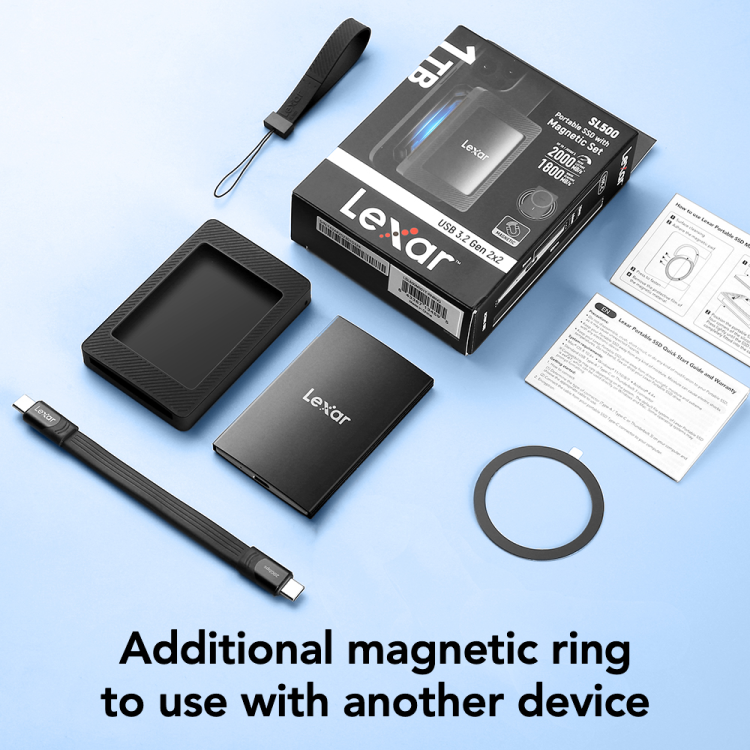
A portable SSD is an external solid-state drive you can carry and connect to laptops, phones, or tablets. It uses flash memory instead of spinning disks. That makes a portable SSD fast, quiet, and more durable than an external hard drive. Portable SSDs come in compact shells, often with USB-C or Thunderbolt connectors, and range from a few hundred gigabytes to multiple terabytes.
A portable SSD is ideal for moving big files, editing video on the go, backing up photos, and speeding up older computers. It gives the speed of internal SSDs with the convenience of plug-and-play portability.
How portable SSDs work
Portable SSDs store data on NAND flash chips. A controller inside the drive manages reads and writes. Modern portable SSDs often use NVMe protocol over USB-C or Thunderbolt to reach higher speeds. Common interfaces include USB 3.2 Gen 2, USB 3.2 Gen 2×2, and Thunderbolt 3/4.
Key tech points:
- NAND flash stores data without moving parts, so it resists shock and vibration.
- The controller handles wear leveling, error correction, and trim to keep drives healthy.
- NVMe over USB or Thunderbolt reduces latency and boosts throughput compared with older USB-A connections.
- Speed depends on the SSD type, controller, interface, and the host device’s support.
Because portable SSDs have no spinning parts, they start instantly and run silently. They also use less power than external hard drives, which helps battery life on laptops.
Types and form factors
Portable SSDs come in several types and sizes. Pick the one that fits your workflow and budget.
Common types:
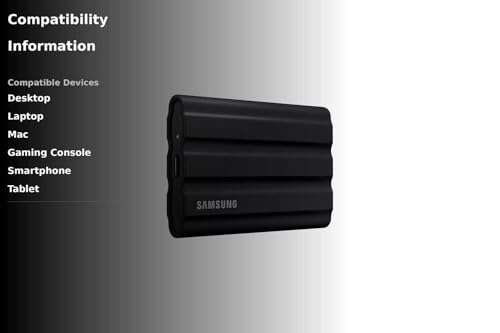
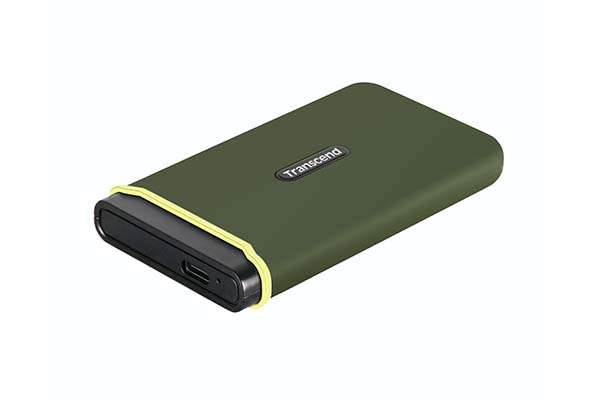
- Rugged pocket drives — small, durable cases for travel and fieldwork.
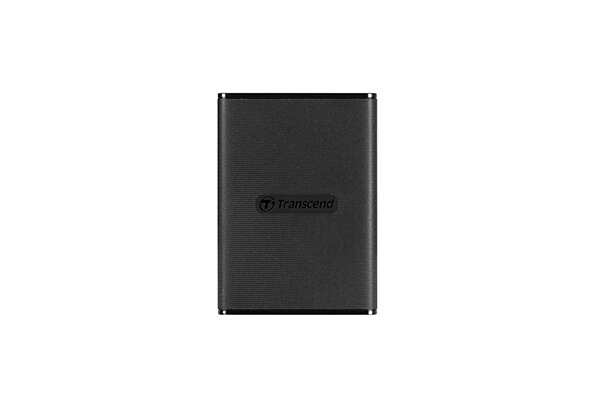
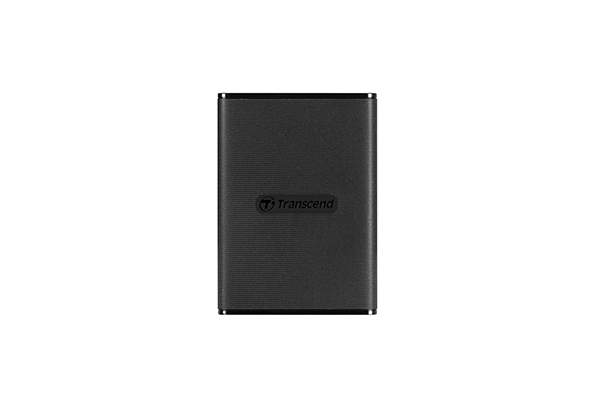
- Slim aluminum drives — thin and stylish for office use.
- High-performance drives — use NVMe and Thunderbolt for pro video editing.
- Enclosed SATA-based drives — offer good value but lower speeds than NVMe.
Form factor notes:
- Bus-powered compact drives plug directly into USB-C ports.
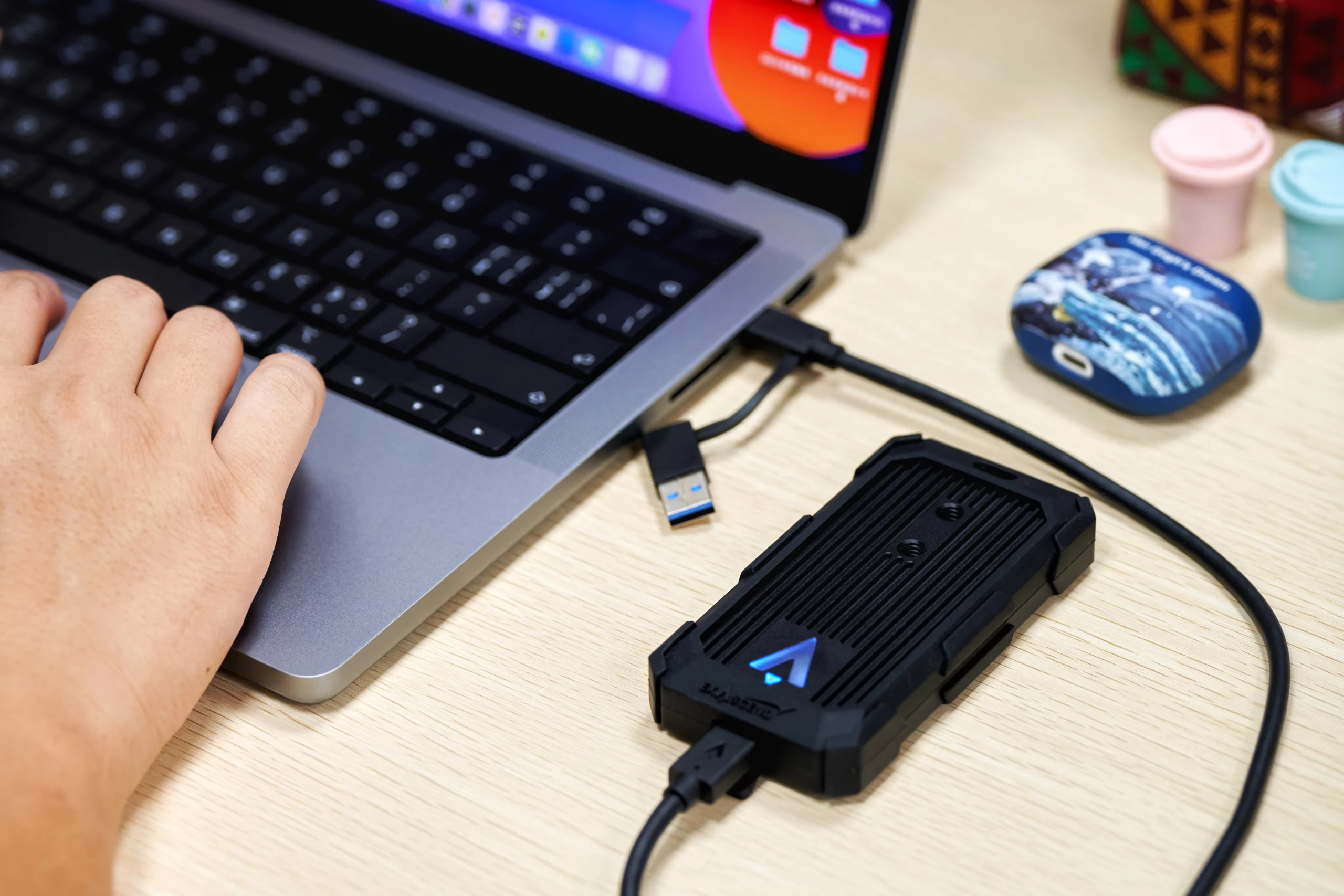
- Some models include cables with both USB-C and USB-A ends for broader compatibility.
- Rugged models add rubber bumpers and IP-rated water/dust resistance.
Choosing the right type depends on whether you need speed, toughness, or value.

Benefits of using a portable SSD
Portable SSDs offer several clear advantages over older external drives. These benefits explain why many professionals and everyday users switch to portable SSDs.
Primary benefits:
- Speed — Faster read/write lets you transfer large files quickly.
- Durability — No moving parts means less risk of mechanical failure from drops.
- Portability — Small size and light weight make them easy to carry.
- Low power draw — Good for laptops and devices with limited battery life.
- Quiet operation — No spinning noise like HDDs.
For photographers, videographers, and remote workers, a portable SSD speeds up workflows and reduces downtime. It also makes backups and file sharing faster and less frustrating.

Limitations and drawbacks
A portable SSD is great, but it has some downsides. It’s important to know limits before buying.
Common drawbacks:
- Cost per gigabyte is higher than HDDs, especially for large capacities.
- Some high-speed models can run warm under heavy load.
- Not all devices support the fastest interfaces, which can bottleneck speed.
- Data recovery can be harder and more costly if the drive fails.
Be aware that shared cables, mismatched ports, or old drivers can slow a portable SSD. Also, budget models may trade speed or endurance for lower price.
How to choose the right portable SSD
Pick a portable SSD by balancing speed, capacity, durability, and budget. Follow these steps.
Steps to choose:
- Decide capacity based on use: 500 GB for basic files, 1–2 TB for photo/video, 4 TB+ for heavy archives.
- Match performance to tasks: NVMe + Thunderbolt for editing, USB 3.2 Gen 2 for general work.
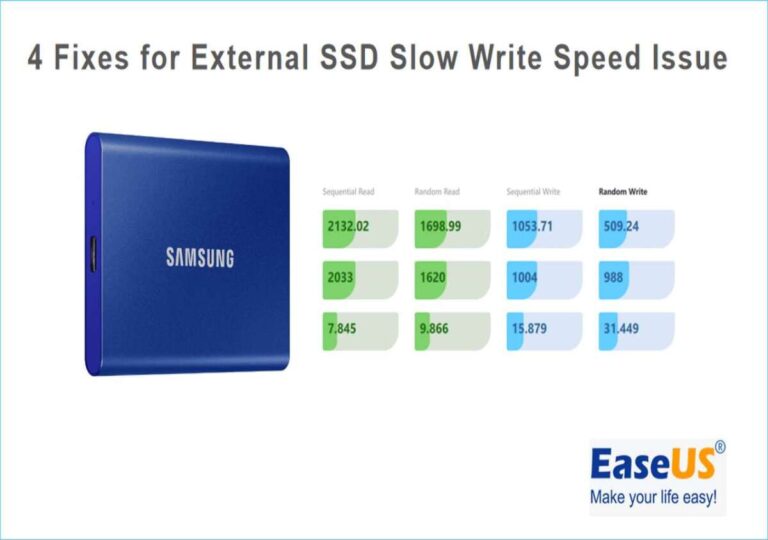
- Check real-world speeds in reviews, not just advertised specs.
- Look for rugged features if you travel or work outside.
- Verify compatibility with your devices and operating systems.
Also consider brand warranty and software extras like encryption or backup tools. A good warranty and reliable support matter for long-term trust.
Real-world use cases and examples
Portable SSDs shine in many real scenarios. Here are practical ways people use them.
Common use cases:
- Photo shoots — Store and offload RAW files on location.
- Video editing — Edit directly from the portable SSD to avoid lag.
- Backup — Fast nightly or weekly backups for important work.
- Gaming — Run games from a portable SSD for faster load times.
- Travel — Carry a compact library of media and documents.
Example: I edited a 4K short film on a laptop using a portable SSD. Exports were faster and I avoided carrying large, fragile drives. The drive survived several airport trips with no issues.
Personal experience and practical tips
I’ve tested many portable SSDs over several years. Here are honest lessons I learned.
Lessons and tips:
- Always format the drive for the OS you use most to get best performance.
- Use high-quality cables. Cheap cables can throttle speed or fail.
- Leave a small free space on the drive to maintain performance.
- For irreplaceable files, keep two backups: one on a portable SSD and one in cloud or a second drive.
- Avoid dropping the drive while it’s writing. Even though it’s solid state, sudden power loss can corrupt files.
A simple mistake I made once: I used an old USB-A adapter and blamed the drive for slow speed. The real issue was the adapter. Match your cables and ports from the start.
Maintenance, safety, and data protection
Caring for a portable SSD is simple. A few habits keep it fast and secure.
Maintenance tips:
- Keep firmware updated through the manufacturer’s tool.
- Eject before unplugging to avoid data corruption.
- Encrypt sensitive data with built-in or third-party tools.
- Store in a dry, cool place. Avoid direct sun and prolonged heat.
- Run occasional checks for errors and health metrics.
For critical files, use versioned backups and cloud sync alongside your portable SSD. This reduces the risk of losing important work.
Portable SSD vs external HDD vs internal SSD
Compare the main storage options to see where portable SSDs fit.
Quick comparisons:
- Portable SSD vs external HDD — SSDs are faster, quieter, and more durable; HDDs are cheaper per GB.
- Portable SSD vs internal SSD — Internal SSDs can be faster when connected via native PCIe, but portable SSDs add mobility.
- When cost matters — choose HDD for archival storage.
- When speed and reliability matter — choose portable SSD for daily work and travel.
A portable SSD is often the best middle ground for people who need speed and mobility without sacrificing reliability.
Frequently Asked Questions of what is a portable ssd
What makes a portable SSD different from an external hard drive?
A portable SSD uses flash memory with no moving parts, so it is faster and more shock-resistant than an external hard drive. Hard drives use spinning disks and are typically slower and heavier.
Is a portable SSD worth the extra cost?
For speed, durability, and portability, yes. If you move large files often or need reliable mobile storage, a portable SSD pays off in time saved and fewer headaches.
Can I use a portable SSD with my phone or tablet?
Many modern phones and tablets support portable SSDs over USB-C with OTG or native file access. Check your device specs and use a compatible cable or adapter.
How long do portable SSDs last?
Lifespan depends on NAND type and usage, but many drives last several years with normal consumer use. Manufacturer warranties usually range from 3 to 5 years as a guide.
Do portable SSDs need antivirus or special software?
They don’t need special antivirus just because they’re SSDs. Use the same security practices as with any drive: scan files when needed and enable encryption for sensitive data.
Can I boot an operating system from a portable SSD?
Yes. Many systems can boot from an external portable SSD if the BIOS/UEFI supports it. This is useful for testing OS builds or creating a portable workstation.
Are portable SSDs prone to overheating?
Some high-speed portable SSDs can get warm during heavy transfers. Good enclosures and short bursts of transfers reduce heat buildup, and occasional cool-downs help performance.
Conclusion
Portable SSDs give fast, reliable, and compact storage that fits modern workflows. They speed up transfers, survive travel, and make editing and backups easier. Choose one that matches your speed needs, capacity, and budget, and pair it with good cables and backup habits. Try a mid-range portable SSD if you want a balance of price and performance, and always keep at least one backup for important files. If this guide helped, consider subscribing for more gear guides or leave a comment about your portable SSD needs.

Everett Ashford is a tech reviewer at mytechgrid.com specializing in SSDs, cameras, TVs, earbuds, headphones, and other consumer electronics. He provides honest, data-driven reviews based on hands-on testing and real-world performance analysis. Everett simplifies complex tech details to help readers make smart, confident buying decisions.