To use TWS earbuds, charge them, pair them with Bluetooth, fit them securely, and learn their touch controls.
TWS means “true wireless stereo,” so each earbud works without a cable between the left and right sides. Learning how to use TWS earbuds takes only a few minutes, but the right setup improves sound, comfort, battery life, calls, and safety. This guide explains the full process in simple steps, including pairing, controls, charging, troubleshooting, and care.
What Are TWS Earbuds?
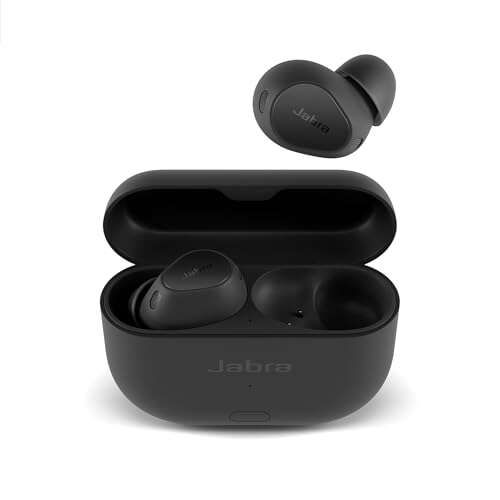
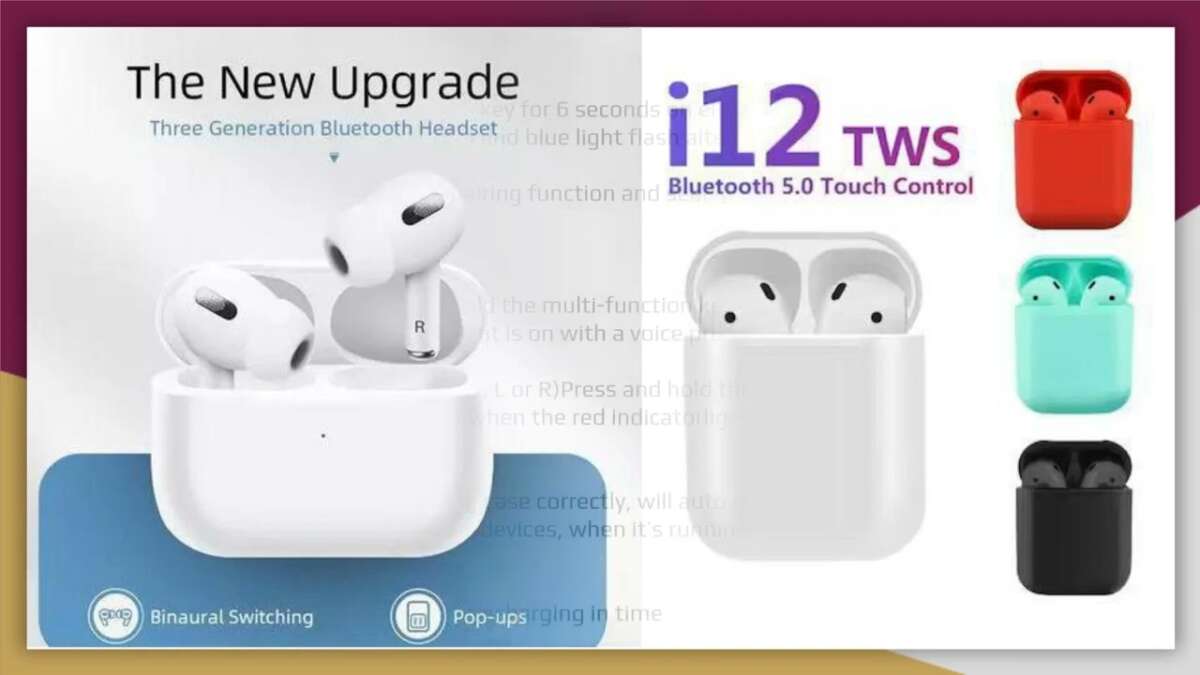
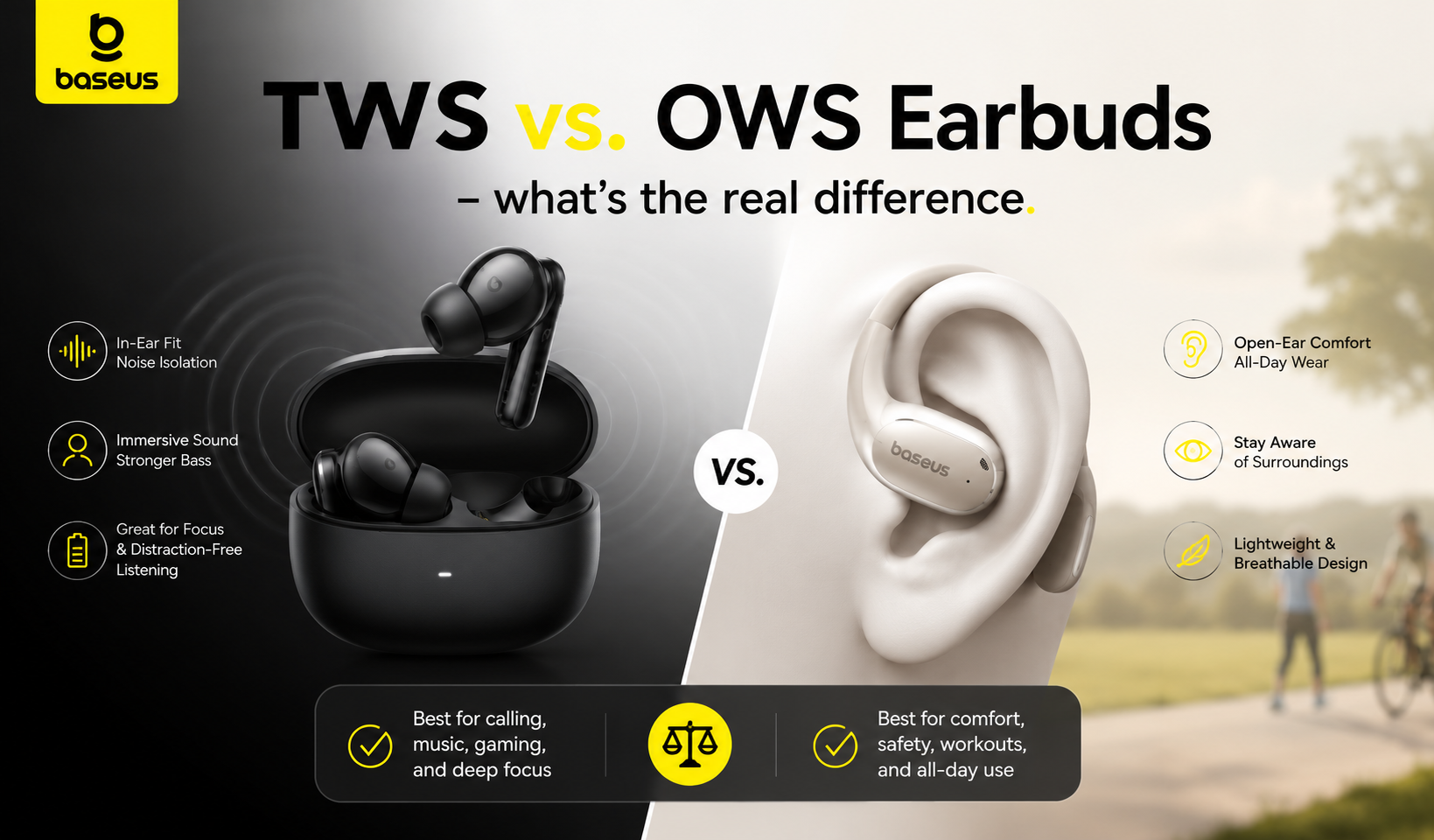
TWS earbuds are small wireless earphones that connect to your phone, tablet, computer, or other Bluetooth device. Unlike traditional wireless earbuds, they have no wire joining the two sides. Each earbud receives audio through a wireless connection.
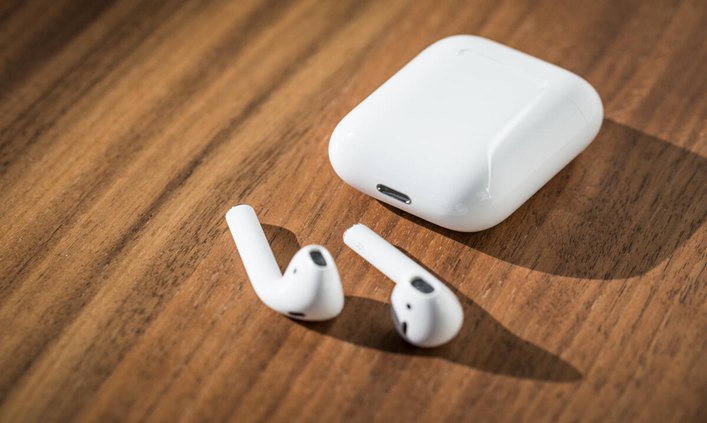
Most TWS earbuds come with three main parts:
• Left and right earbuds for stereo sound
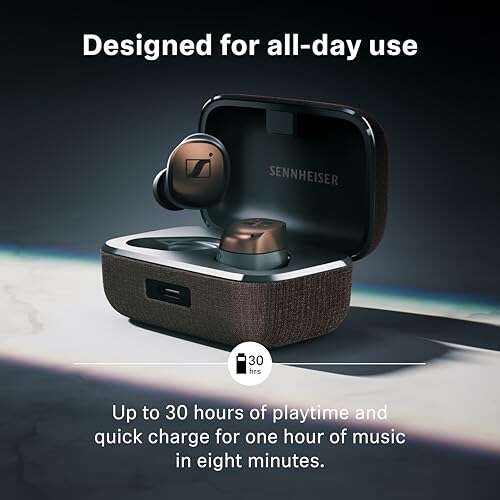
• A charging case that stores and recharges the earbuds
• Silicone ear tips in different sizes for fit and comfort
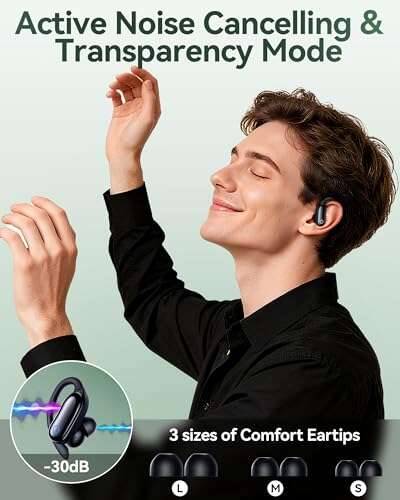
Some models also include active noise cancellation, transparency mode, wireless charging, water resistance, and an app for custom controls.
The earbuds usually connect to each other automatically. Your phone then connects to the main Bluetooth connection. Newer models often use Bluetooth multipoint, which lets them switch between two devices, such as a phone and a laptop.
How to Use TWS Earbuds for the First Time
The first setup is easy when you follow the correct order. Before pairing, remove any plastic film from the charging contacts and make sure both earbuds have power.
1. Charge the Earbuds and Case
Place both earbuds inside the charging case. Close the lid and connect the case to power with the supplied USB cable. Many cases show battery status with LED lights.
Charge the case until its indicator shows a full battery. You do not always need to wait for a complete charge before pairing, but a low battery can interrupt setup.
2. Turn on Bluetooth
On an iPhone, open Settings, select Bluetooth, and turn it on. On an Android phone, open Settings, choose Connected devices or Bluetooth, and enable Bluetooth.
Keep the earbuds close to your phone during setup. A distance of less than three feet usually works best.
3. Open the Charging Case
Take both earbuds out of the case. Most models turn on and enter pairing mode automatically. Flashing white, blue, or red-and-blue lights often indicate pairing mode.
If the earbuds do not enter pairing mode, press and hold the touch area or physical button for several seconds. The exact action depends on the brand, so check the quick-start guide if needed.
4. Select the Earbuds
Look for the earbud name in your phone’s Bluetooth menu. It may appear as a brand name, model number, or a simple name such as “TWS Earbuds.”
Tap the name and wait for the status to show Connected. You may hear a voice prompt or see the earbuds’ lights stop flashing.
5. Test Both Sides
Play a song or video and check both earbuds. If sound comes from only one side, place both earbuds back in the case, close the lid, and remove them again.
If that does not work, forget the Bluetooth connection and pair the earbuds again. This simple reset fixes many first-use problems.
How to Pair TWS Earbuds With Different Devices
You can use TWS earbuds with most devices that support Bluetooth audio. The steps are similar, but the menus may look different.
Pair With an iPhone or iPad
Follow these steps:
- Place the earbuds in pairing mode.
- Open Settings.
- Tap Bluetooth.
- Select the earbud name under Other Devices.
- Wait until the status changes to Connected.
- Play audio to test the connection.
Some Apple-compatible earbuds show extra features, such as battery status or automatic pairing. These features vary by model.
Pair With an Android Phone
To pair TWS earbuds with Android:
- Open Settings.
- Tap Connected devices or Bluetooth.
- Select Pair new device if needed.
- Choose the earbuds from the list.
- Confirm the pairing request.
- Test music and call audio.
Some Android phones support Fast Pair. When available, a pop-up appears near the earbuds and guides you through setup.
Pair With a Windows Computer
On Windows 11, open Settings, select Bluetooth & devices, and turn Bluetooth on. Choose Add device, select Bluetooth, and click the name of your earbuds.
After pairing, select the earbuds as the output device. During a video call, also check that the correct microphone is selected. A computer may connect to the earbuds for music but still use its built-in microphone for calls.
Pair With a Mac
Open System Settings and choose Bluetooth. Put the earbuds in pairing mode, select them from the list, and click Connect.
You can choose the earbuds for sound output in the Sound settings. If the microphone sounds poor during a call, check the input setting and move away from sources of wireless interference.
Switch Between Devices
Many TWS earbuds remember several devices but connect to only one at a time. Turn off Bluetooth on the first device or disconnect the earbuds before selecting them on another device.
Models with multipoint Bluetooth can stay connected to two devices. For example, you can listen to music on a laptop and answer a phone call without manually reconnecting.
How to Wear TWS Earbuds Correctly
Good fit affects sound quality, comfort, and stability. Insert each earbud gently, then twist it slightly until it sits securely.
If the earbuds have silicone tips, try the different sizes included in the box. The best tip creates a light seal without causing pressure. A poor seal can make music sound thin and can reduce bass.
A secure fit should meet these conditions:
• The earbuds should not hurt after several minutes
• They should stay in place when you walk
• Outside noise should reduce naturally
• Music should sound balanced in both ears
• You should not need to push them deep into your ear canal
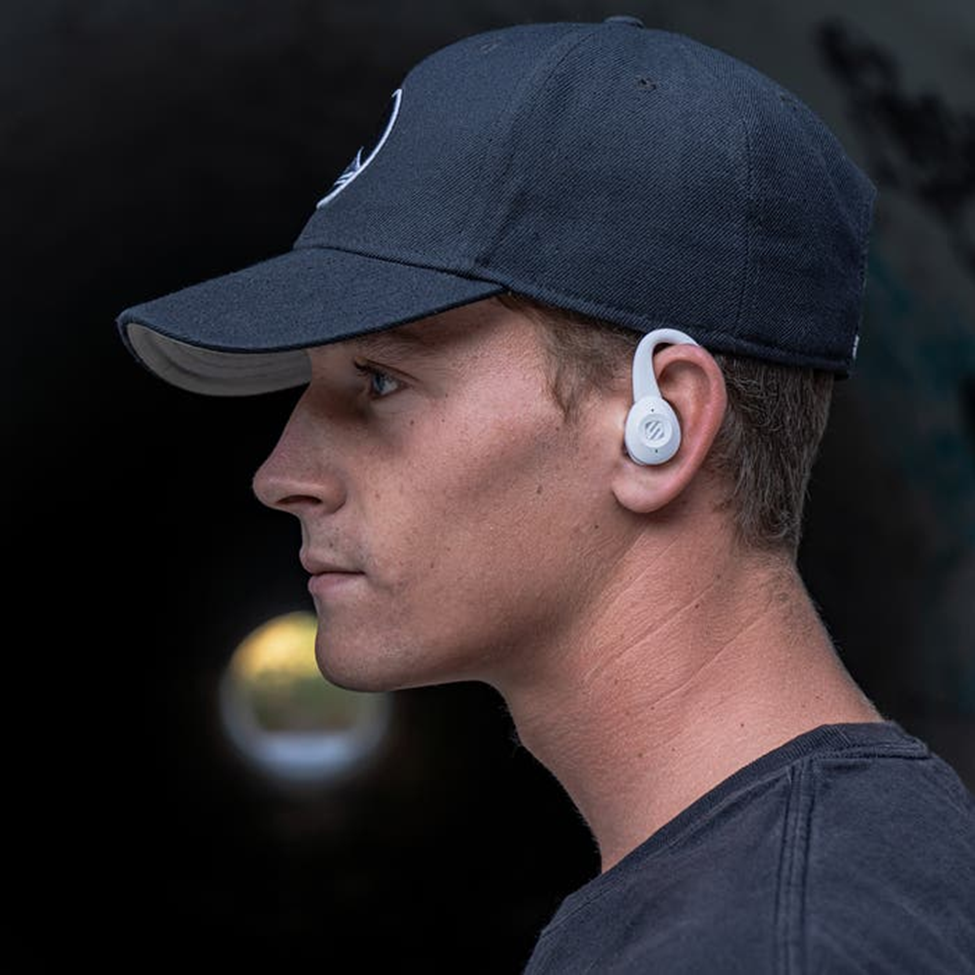
If an earbud feels loose, try a larger tip. If it feels tight or uncomfortable, try a smaller tip. Some sports earbuds also include hooks or fins for extra support.
Avoid wearing TWS earbuds while sleeping unless the manufacturer specifically designs them for that use. Pressure from a pillow can irritate the ear and may damage the earbuds.
How to Use TWS Earbud Touch Controls
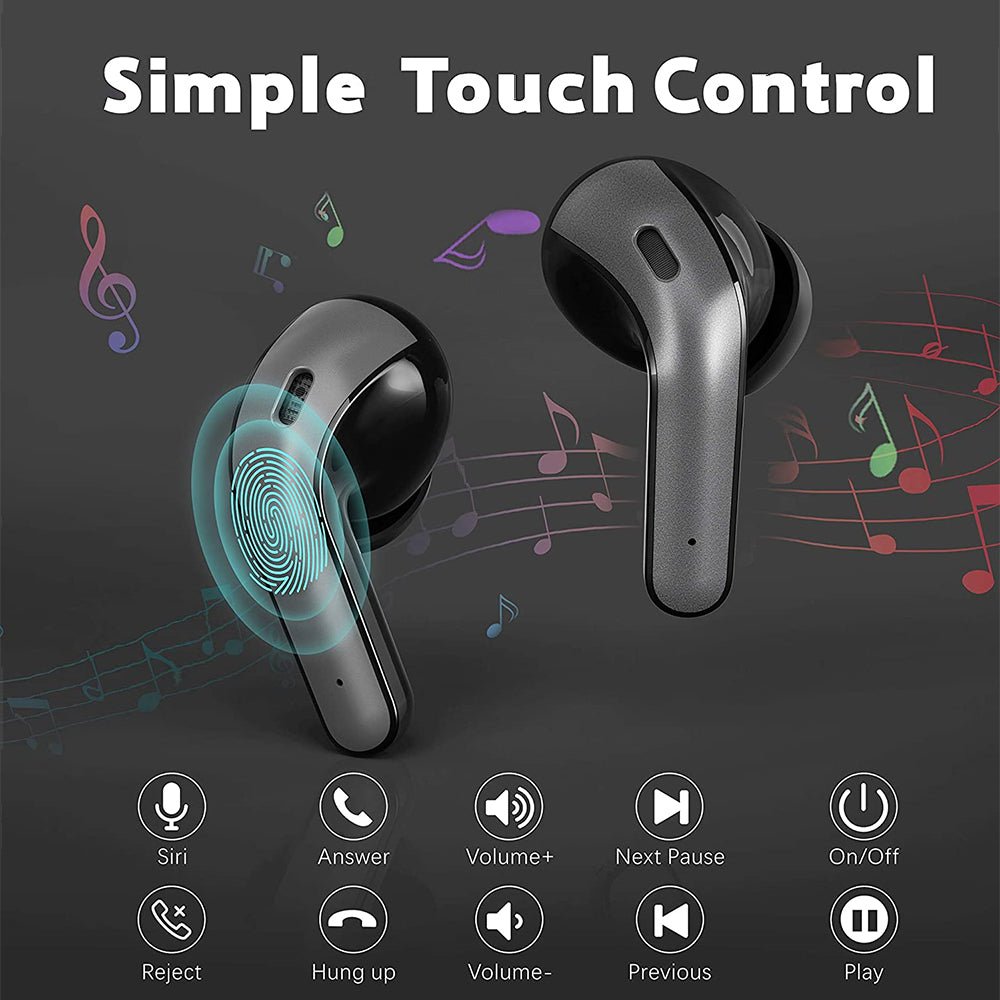
Most TWS earbuds use taps, presses, or swipes. Controls differ by brand, but common commands include:
• Single tap to play or pause
• Double tap to skip to the next track
• Triple tap to return to the previous track
• Press and hold to activate a voice assistant
• Press and hold to switch between noise cancellation and transparency mode
• Tap to answer or end a call
Some models use a physical button instead of a touch panel. Physical buttons can be easier to use with gloves, while touch controls may feel more comfortable.
Open the manufacturer’s app if one is available. The app may let you change the commands, adjust equalizer settings, update firmware, and check battery levels.
Touch controls can respond to accidental taps when you adjust the fit. Pause the music before repositioning an earbud. Sweat or water can also cause unwanted touches on some models.

How to Charge TWS Earbuds and the Case
Put each earbud into the matching slot in the case. The charging contacts must touch the metal points on the earbuds. Small indicator lights often show that charging has started.
Charge the case through its USB-C or Micro-USB port, depending on the model. Some cases also support wireless charging. Place the case on a compatible charging pad with the correct side facing down.
Follow these charging habits:
• Keep the charging contacts clean and dry
• Use a reliable charging cable and power adapter
• Avoid extreme heat while charging
• Do not force an earbud into the wrong slot
• Charge the case before the battery reaches zero when possible
TWS earbuds use lithium-ion batteries. Battery capacity decreases over time, so it is normal for older earbuds to last less than they did when new. Avoid leaving the case in a hot car, as high heat can shorten battery life.

How to Control Music, Calls, and Voice Assistants
TWS earbuds can handle music playback, phone calls, video audio, and voice assistants. The phone or app controls the exact functions available.
For music, use the earbud controls to pause, play, skip, or return to a track. You can still adjust volume from your phone unless the earbuds support volume gestures.
For calls, tap the control area to answer. Tap again to end the call, or press and hold to reject it if your model supports that command.
During a call, speak toward the earbud microphones. Wind, traffic, and crowded rooms can reduce voice quality. Noise cancellation may reduce background sound for you, but it does not always remove noise from the microphone signal heard by the other person.
To use a voice assistant, press and hold the assigned control. You can then ask for directions, send a message, check the weather, or control music without touching your phone.

How to Use Noise Cancellation and Transparency Mode
Some TWS earbuds include active noise cancellation, often called ANC. ANC uses microphones to detect outside sound and creates an opposing signal to reduce steady noise, such as airplane engines or air conditioners.
Transparency mode does the opposite. It uses microphones to bring outside sounds into the earbuds. This helps you hear announcements, talk with someone, or stay aware of nearby traffic.
Use ANC when:
• You want to focus on music or a podcast
• You are traveling on a plane or train
• You are working near steady background noise
Use transparency mode when:
• You need to hear people around you
• You are waiting for an announcement
• You are walking in a place where awareness matters
Neither mode blocks every sound. Sudden sounds, voices, and high-pitched noise may still be audible. For safety, keep the volume low and avoid using full noise cancellation near traffic or other hazards.
How to Improve Sound Quality
The right fit is usually the biggest factor in sound quality. Before changing equalizer settings, try different ear tips and check that both earbuds sit evenly.
You can also improve listening quality with these steps:
• Clean wax and dust from the speaker mesh
• Keep the earbuds updated through the companion app
• Use a high-quality audio setting when your streaming service offers one
• Adjust the equalizer with small changes
• Keep your phone within the normal Bluetooth range
• Turn off sound effects that make music harsh or distorted
Very high volume can cause hearing damage. Health experts commonly recommend keeping personal audio at a moderate level and taking regular listening breaks. If you need to raise the volume to block outside noise, improve the ear tip seal or use ANC instead.

How to Clean and Maintain TWS Earbuds
Earwax, skin oil, dust, and sweat can collect on the ear tips and speaker mesh. Regular cleaning helps maintain sound quality and hygiene.
Use a dry microfiber cloth for the outer surface. Remove silicone tips and wash them with mild soap and water if the manufacturer allows it. Let them dry fully before putting them back on the earbuds.
For the speaker mesh, use a clean, dry, soft brush. Do not push dirt deeper into the mesh. Avoid pouring water, alcohol, or cleaning liquid directly onto the earbuds.
Good maintenance includes:
• Wiping the earbuds after exercise
• Keeping the case free from dust
• Drying the earbuds before charging
• Storing them in the case when not in use
• Checking the charging contacts when one side stops charging
Water resistance does not mean waterproof protection. An IP rating describes tested resistance under specific conditions. Sweat resistance may not cover swimming, showering, or salt water.
Common TWS Earbud Problems and Fixes
Even good TWS earbuds can lose connection or behave oddly. Most problems have simple causes.
One Earbud Has No Sound
First, check the phone’s left and right audio balance. Then place both earbuds in the case and make sure they charge.
Clean the silent earbud’s charging contacts and speaker mesh. If the issue continues, forget the Bluetooth connection and complete the pairing process again.
The Earbuds Keep Disconnecting
Keep the phone close to the earbuds and remove possible sources of interference. Wi-Fi routers, crowded Bluetooth areas, and physical barriers can sometimes affect the connection.
Restart Bluetooth on your phone. If needed, reset the earbuds using the method listed in the manual.
The Earbuds Do Not Appear in Bluetooth
Make sure they are not already connected to another device. Turn off Bluetooth on nearby phones, tablets, or computers, then return the earbuds to pairing mode.
A full reset may be required if the earbuds still do not appear. Resetting removes saved connections, so you must pair them again.
The Case Does Not Charge the Earbuds
Check that each earbud sits correctly in its slot. Clean the metal contacts and confirm that the case itself has battery power.
If the case light does not turn on with a known working cable, the case, cable, or charging port may be damaged.
The Sound Is Delayed
Bluetooth audio delay is most noticeable during gaming or video calls. Use a low-latency mode if the earbuds support it, and update both the earbuds and the device.
Some apps correct video delay automatically, but not every game or streaming service can remove it completely.
Battery, Privacy, and Safety Tips
TWS earbuds are convenient, but responsible use matters. Keep the volume at a comfortable level and take breaks during long listening sessions.
Do not use both earbuds in busy traffic areas if you cannot hear what is happening around you. Transparency mode can help, but it should not replace attention to your surroundings.
Bluetooth pairing also deserves basic privacy care. Pair your earbuds in a private place, avoid accepting unknown pairing requests, and remove old devices from the Bluetooth list when you no longer use them.
Never use damaged earbuds or a swollen charging case. Stop charging immediately if the case becomes unusually hot, smells strange, or shows physical damage. Contact the manufacturer or a qualified service provider for help.
Practical Tips I Learned From Testing TWS Earbuds
One common mistake is pairing the earbuds before removing the thin protective film from the charging contacts. The earbuds appear to be in the case, but they do not charge. Checking the contacts first saves time.
Another lesson is that the largest ear tip is not always the best one. A medium or small tip can create a better seal and remain more comfortable during a long walk.
I also recommend testing each earbud separately. Remove one earbud, play audio, and check the microphone. Then repeat with the other side. This quickly reveals charging, fit, or connection problems before an important call.
For travel, charge the case before leaving home and keep the earbuds inside it when not in use. The case works like a small garage: it protects the earbuds and gives them power whenever they return.
Frequently Asked Questions About How to Use TWS Earbuds
How do I connect TWS earbuds to my phone?
Charge the earbuds, open the case, and place them in pairing mode. Turn on Bluetooth on your phone, select the earbud name, and wait for the Connected message.
Why is only one TWS earbud working?
One earbud may be out of power, dirty, or out of sync with the other side. Charge both earbuds, clean the contacts, and reset or re-pair them if the problem continues.
How do I reset TWS earbuds?
Many models reset when you place both earbuds in the case and hold their touch controls for several seconds. The exact method varies, so use the instructions for your model.
Can I use only one TWS earbud?
Yes, many TWS earbuds support single-earbud use. Put the unused earbud in the case and connect the remaining one to your phone.
How long do TWS earbuds take to charge?
Most TWS earbuds need about one to two hours for a full charge, while the case may take longer. Charging time depends on battery size, cable, power source, and model.
Are TWS earbuds safe to use while exercising?
Many models are suitable for exercise when they have an appropriate water or sweat resistance rating. They should not be used for swimming unless the manufacturer clearly states that they are designed for it.
How do I make TWS earbuds louder?
Raise the device volume, check the earbud volume controls, and clean the speaker mesh. If the sound is still quiet, test the earbuds with another device to find out whether the issue comes from the phone or the earbuds.
Conclusion
Using TWS earbuds is simple once you understand the basic routine: charge the case, pair the earbuds, choose the right ear tips, learn the controls, and keep the speaker mesh clean. Good fit and moderate volume often make a bigger difference than advanced settings.
Take a few minutes today to test pairing, single-earbud use, call quality, and noise modes. With these habits, your TWS earbuds can deliver better sound and fewer connection problems. Share your favorite setup tips or explore your manufacturer’s app for more features.

Everett Ashford is a tech reviewer at mytechgrid.com specializing in SSDs, cameras, TVs, earbuds, headphones, and other consumer electronics. He provides honest, data-driven reviews based on hands-on testing and real-world performance analysis. Everett simplifies complex tech details to help readers make smart, confident buying decisions.